Struggling with stock discrepancies, overordering, or lost profits due to messy inventory records? Poorly arranged account books can lead to costly mistakes in small businesses or warehouses, where inaccurate tracking causes up to 20% inventory loss annually. This guide solves that by teaching you a proven system for physical ledger setup.
You'll learn to divide your account book into clear sections, set up columns for precise entries, and maintain ongoing records that make reconciliation a breeze. Perfect for intermediate users familiar with basic bookkeeping but needing structure for inventory.
Expect an initial setup in 1-2 hours, with daily maintenance taking just 10-15 minutes. No software required—just paper power for reliable, tamper-proof tracking.
▸What You'll Need
- •Durable hardcover ledger book with at least 100 pages and columnar sheets (12 columns ideal)
- •Archival ink pens (black or blue, fine-tip for legibility)
- •Calculator for totals
- •Current inventory list (from spreadsheet or prior count)
- •Optional: Page dividers or colored tabs, ruler for straight lines, archival storage sleeves
Estimated Time: 1-2 hours for initial setup; 10-15 minutes daily
Difficulty: intermediate
▸Step-by-Step Instructions
Step 1: Choose and Prepare Your Account Book
Select a high-quality ledger book with pre-ruled columns (at least 8-12) to handle item descriptions, quantities, dates, and balances. Avoid spiral-bound books that tear easily—opt for hardcover for longevity.
Open the book and inspect pages for quality. Number all pages sequentially in the top corner using a pencil first, then ink over. Reserve the first 2-4 pages for an index and table of contents. Success looks like: A clean, numbered book ready for customization, with no loose pages.
This foundation prevents lost data and makes referencing easy.
💡 Tips:
- •Choose acid-free paper to prevent fading over time.
- •Laminating the cover adds durability for heavy use.
⚠️ Warnings:
- •Don't use cheap notebooks—ink bleeds and pages rip during audits.
Step 2: Create Section Dividers
Divide the book into logical sections using tabs or bold headers: Opening Inventory (10 pages), Purchases/Receipts (30%), Issues/Sales (30%), Stock Takes (monthly pages), and Summary/Reconciliations (remaining). Write headers in large, bold letters at the top of each section's first page.
Why it matters: Clear sections reduce errors by 50%—no more hunting for entries. Expect: A book segmented like a professional ledger, easy to navigate.
Use a ruler to draw dividing lines across pages for visual separation.
💡 Tips:
- •Color-code sections with highlighters for quick scanning.
Step 3: Set Up Column Headers
In each section, create consistent headers across the top row: Date, Item Code/Name, Supplier/Customer, Quantity In/Out, Unit Price, Total Value, Balance, Notes. Use all caps and underline twice for permanence.
Customize slightly per section—e.g., Purchases add 'Invoice #' column. Success: Headers aligned perfectly, fitting 10-12 columns without crowding.
This standardization ensures every entry contributes to accurate tracking and year-end reports.
⚠️ Warnings:
- •Avoid abbreviating headers inconsistently—it confuses during reviews.
Step 4: Record Opening Inventory
Conduct a full physical count of current stock. List each item in the Opening section with today's date, description, quantity, unit cost (from receipts), and total value. Calculate running balance.
Why: Establishes your baseline—errors here compound. Expect: A complete snapshot matching your warehouse.
Total the section at the bottom for grand opening value.
💡 Tips:
- •Group similar items (e.g., all electronics together) for faster counting.
Step 5: Log Daily Purchases and Receipts
For each incoming shipment, enter date, supplier, items, quantities/prices from invoice. Add to balance column (prior balance + qty in). Attach invoice stub if possible.
Success: Balance updates match physical stock. Do this immediately post-delivery to catch discrepancies.
Consistency here prevents overpaying for duplicates.
Step 6: Track Issues and Sales
Record outgoing stock: date, customer/item, qty out, price sold, new balance (prior - qty out). Note returns separately.
Why it matters: Tracks COGS accurately for profit calcs. Expect: Daily balance reflects shelf stock.
Cross-reference with sales receipts.
💡 Tips:
- •Use negative numbers for qty out to simplify math.
⚠️ Warnings:
- •Never erase—line through mistakes and initial.
Step 7: Conduct Monthly Stock Takes
End of month, physically recount key items. Compare to book balance in Stock Take section, noting variances.
Success: Variances under 1% indicate solid tracking.
Investigate causes immediately.
Step 8: Reconcile and Summarize
In Summary section, tally monthly ins/outs/net change. Reconcile bank statements if valued. Carry forward balance.
Why: Spots theft/loss early. Expect: Clean monthly closeout.
Sign and date each summary.
💡 Tips:
- •Use calculator totals—double-check with adding machine tape.
Step 9: Backup and Secure the Book
Photocopy or scan key pages monthly. Store book in a locked cabinet. Update index with page refs.
Success: Duplicate records for audits.
Review quarterly for trends.
▸Pro Tips
- •Always enter in chronological order to spot delays.
- •Use item codes (e.g., SKU) for speed over long descriptions.
- •Batch entries weekly if low-volume, but daily for high-turnover.
- •Highlight low-stock items in red for reorder alerts.
- •Train staff on your system with a laminated cheat sheet.
- •Pair with a digital backup app for hybrid tracking.
- •Annual review: Archive completed books chronologically.
▸Common Mistakes to Avoid
- •Inconsistent units (e.g., mixing dozens and singles)—standardize to one unit per item.
- •Skipping dates or notes—leads to untraceable errors; always include.
- •Poor handwriting—use printed letters or caps; practice legibility.
- •Not reconciling monthly—small errors snowball; schedule it.
- •Overcrowded pages—start new page per major supplier/customer.
▸Troubleshooting
Problem: Book balance doesn't match physical count
Solution: Recheck recent entries for math errors; recount high-value items first. Adjust with 'variance' note and investigate (theft/damage?).
Problem: Running out of pages mid-year
Solution: Start a new book and cross-reference; use summaries to condense.
Problem: Ink smudges or fades
Solution: Switch to archival pens; store away from sunlight/humidity.
Problem: Forgotten entries pile up
Solution: Set daily reminders; use a 'pending' column temporarily.
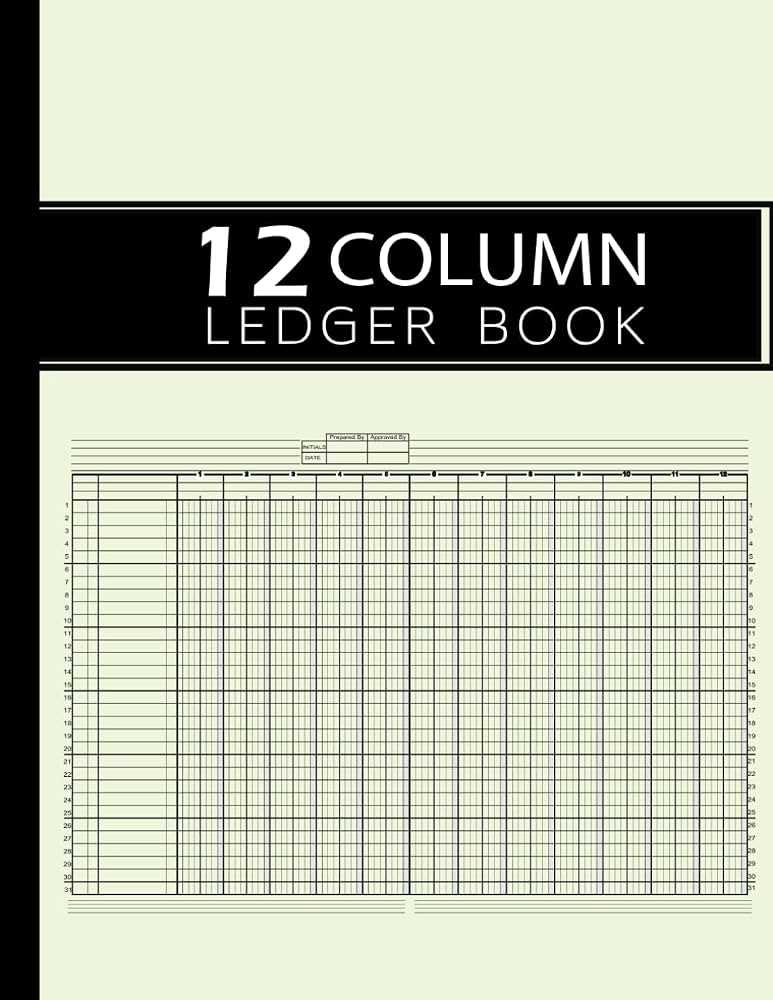
Better Office Products 12 Column Ledger Notebook
Pre-ruled 12 columns perfect for detailed inventory headers; durable hardcover lasts years.
Best for: Ideal for daily purchases/sales tracking in small businesses.
Price Range: $9.99
Bookkeeping Record and Account Ledger Book by LedgerPlus
108 pages with green cover for easy sectioning; acid-free paper prevents fading.
Best for: Great for monthly reconciliations and archiving.
Price Range: $12.99
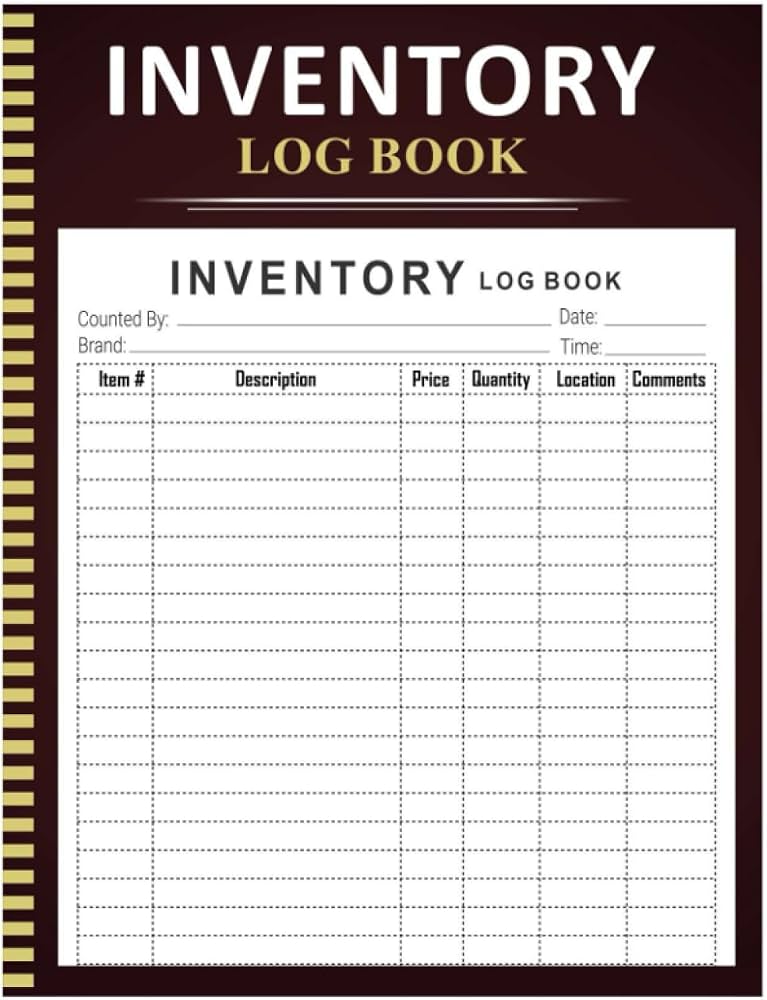
TOPS Inventory Control Log Book
Carbonless duplicate pages for backups; compact size for on-the-go warehouse use.
Best for: Best for high-volume stock takes needing instant copies.
Price Range: $15-20
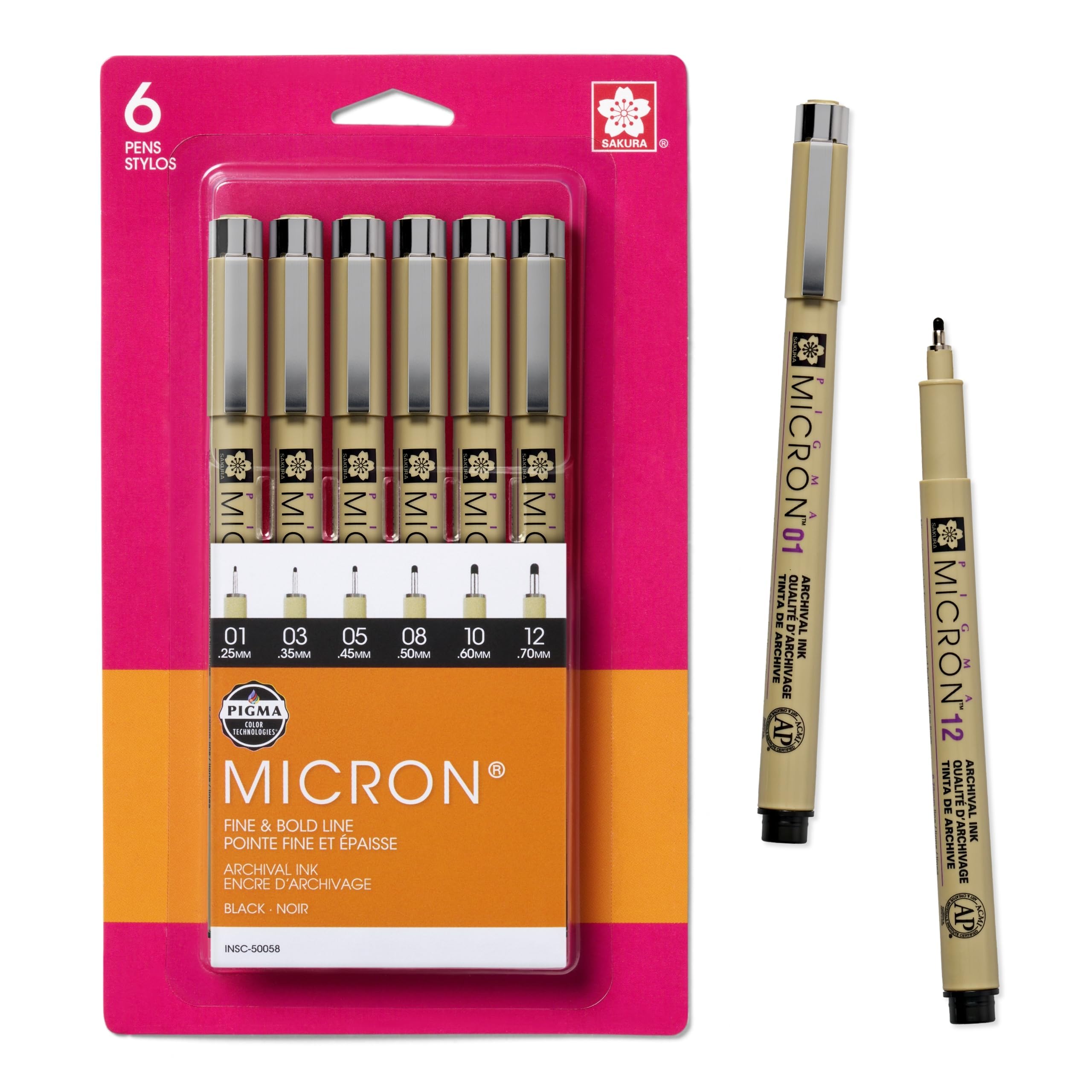
Sakura Pigma Micron Archival Ink Pens (Set of 6)
Fade-proof, waterproof ink ensures entries last decades; fine tips for precise writing.
Best for: Essential for all ledger entries to meet audit standards.
Price Range: $14.99
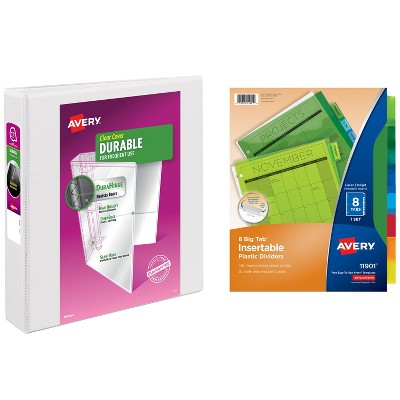
Avery Durable View Binder with Dividers
Holds ledger securely with inserts for tabs; clear pockets for invoices.
Best for: Protects book during transport and organizes attachments.
Price Range: $10-15