
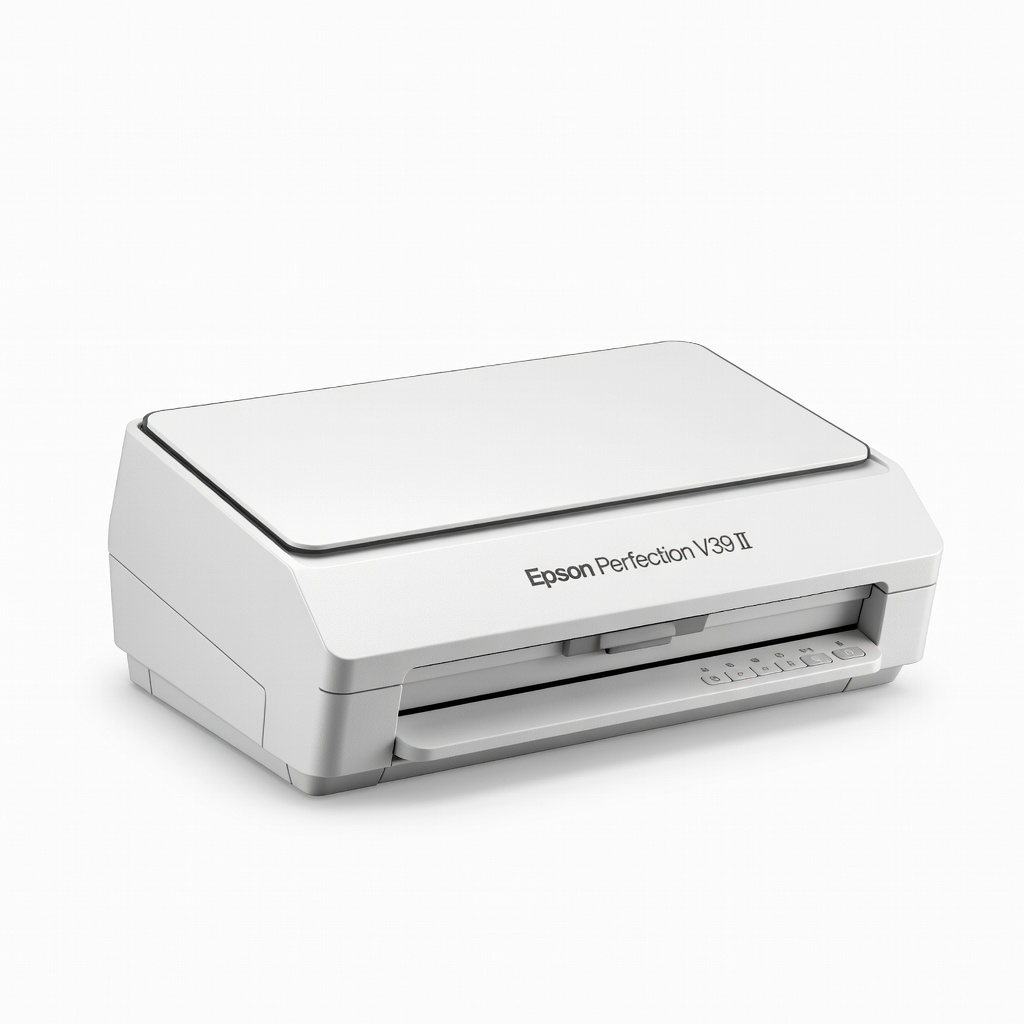
Epson Perfection V39 II Scanner
Home/office archiving of delicate account books.
$99.99
Epson Perfection V39 II Scanner Affordable flatbed ideal for books—handles bound pages without damage, 4800 DPI for sharp ledgers.
Get the App
Better experience on mobile
Transform fragile paper ledgers into searchable digital files for secure, space-saving preservation and quick access anytime.
Old account books and journals piling up in your attic or office? They're taking up space, deteriorating over time, and hard to reference when tax season hits or audits loom. Digitally archiving them solves these pain points by converting physical records into organized, searchable PDFs that last forever.
In this guide, you'll learn a step-by-step process to scan, OCR-enable, organize, and store your account books digitally. Expect professional results: compact files, keyword searchability, and multi-device access. It's intermediate-level work requiring basic tech skills—no advanced IT knowledge needed.
The full process takes 2-4 hours per book (depending on page count), spread over a day or two for larger collections. By the end, your archives will be backed up, secure, and future-proof.
Estimated Time: 2-4 hours per average 200-page book; 1-2 days for collections Difficulty: intermediate
Start by gathering all old account books and sorting them chronologically or by account type (e.g., ledgers, journals, receipts). Inventory each: note title, date range, page count, and condition. This prevents missing volumes and sets up logical digital folders.
Why it matters: Proper organization upfront saves hours later during filing and searching. Expect a clean workspace with labeled stacks—success looks like a numbered list of books ready for scanning.
Pro tip: Use sticky notes for quick IDs if covers are faded.
💡 Tips:
⚠️ Warnings:
Gently dust covers and pages with a soft brush. Use a microfiber cloth for smudges—avoid liquids. Open books flat as possible without forcing spines; use weights or book cradles for support.
This step protects originals and ensures high-quality scans. You'll see crisp pages without artifacts, ready for capture.
For bound books, scan in sections if too thick.
💡 Tips:
⚠️ Warnings:
Connect your flatbed scanner to your computer and install drivers/software. Set resolution to 300 DPI (grayscale for ledgers, color if receipts included), file format to PDF or TIFF.
Test scan one page: preview, adjust brightness/contrast for legible text. Success: A sharp, undistorted test image.
Markdown table for settings:
| Setting | Recommended |
|---|---|
| DPI | 300 |
| Mode | Grayscale |
| Format |
💡 Tips:
⚠️ Warnings:
Place book face-down, scan 2 pages at a time (left/right spreads). Use batch mode for multi-page PDFs. Flip carefully, maintaining order. Progress: A growing PDF file matching physical pages.
Why: Sequential scanning preserves context like page numbers. Expect 1-2 minutes per spread.
💡 Tips:
⚠️ Warnings:
Open scans in OCR software (e.g., Adobe Acrobat). Run 'Recognize Text' tool—process in batches. Verify by searching keywords like 'invoice #123'.
This converts images to editable/searchable text. Success: Highlightable, copy-pasteable content without errors >5%.
💡 Tips:
⚠️ Warnings:
Rename files: e.g., 'Ledger_1950-1960.pdf'. Create folders like /Year/AccountType/BookName/. Add metadata (author, dates) in file properties.
Organizes for easy retrieval. Expect a folder structure mirroring physical stacks.
💡 Tips:
⚠️ Warnings:
Compress PDFs (tools like Adobe or SmallPDF reduce size 50-80%). Copy to external drive and cloud (e.g., Google Drive). Encrypt sensitive files.
Ensures longevity and access. Success: Files under 50MB/book, duplicated in 2+ locations.
💡 Tips:
⚠️ Warnings:
Spot-check files for completeness/searchability. Create second backup. Shred/store originals safely if digital is primary.
Final validation. You're done when archives pass a full test search and are triplicated.
💡 Tips:
⚠️ Warnings:
Problem: Blurry or shadowed scans
Solution: Increase lighting, use book cradle, adjust exposure in software.
Problem: Huge file sizes
Solution: Compress PDFs, scan grayscale at 300 DPI, delete TIFF intermediates.
Problem: OCR errors on handwriting
Solution: Manual correction or skip OCR for non-printed pages.
Problem: Scanner jams or misalignment
Solution: Clean glass, use flatbed only for books; seek manufacturer support if persistent.
Affordable flatbed ideal for books—handles bound pages without damage, 4800 DPI for sharp ledgers.
Best for: Home/office archiving of delicate account books.
Price Range: $99.99
Wireless, high-speed with duplex scanning; great for larger collections, auto-OCR integration.
Best for: Business users digitizing multiple journals quickly.
Price Range: $400-$450
Reliable offline backup with ample space for thousands of PDFs; plug-and-play.
Best for: Secure local storage complementing cloud archives.
Price Range: $110-$130
Best-in-class OCR, compression, and organization tools tailored for document archiving.
Best for: Post-scanning enhancement for professional results.
Price Range: $19.99/month
Overhead design curves pages automatically—no flattening needed, foot pedal for speed.
Best for: Fragile antique books where flatbed risks damage.
Price Range: $250-$300
Home/office archiving of delicate account books.
Epson Perfection V39 II Scanner Affordable flatbed ideal for books—handles bound pages without damage, 4800 DPI for sharp ledgers.
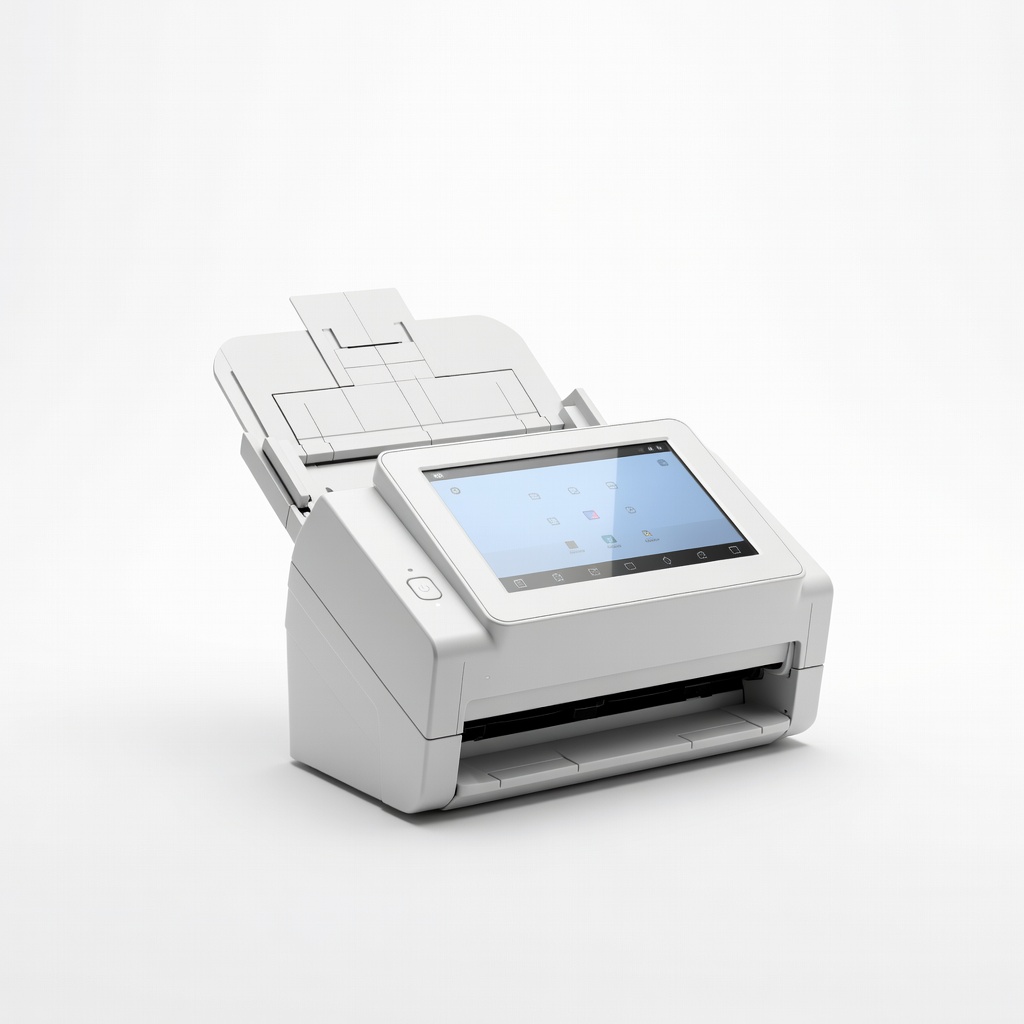
Business users digitizing multiple journals quickly.
Fujitsu ScanSnap iX1600 Document Scanner Wireless, high-speed with duplex scanning; great for larger collections, auto-OCR integration.
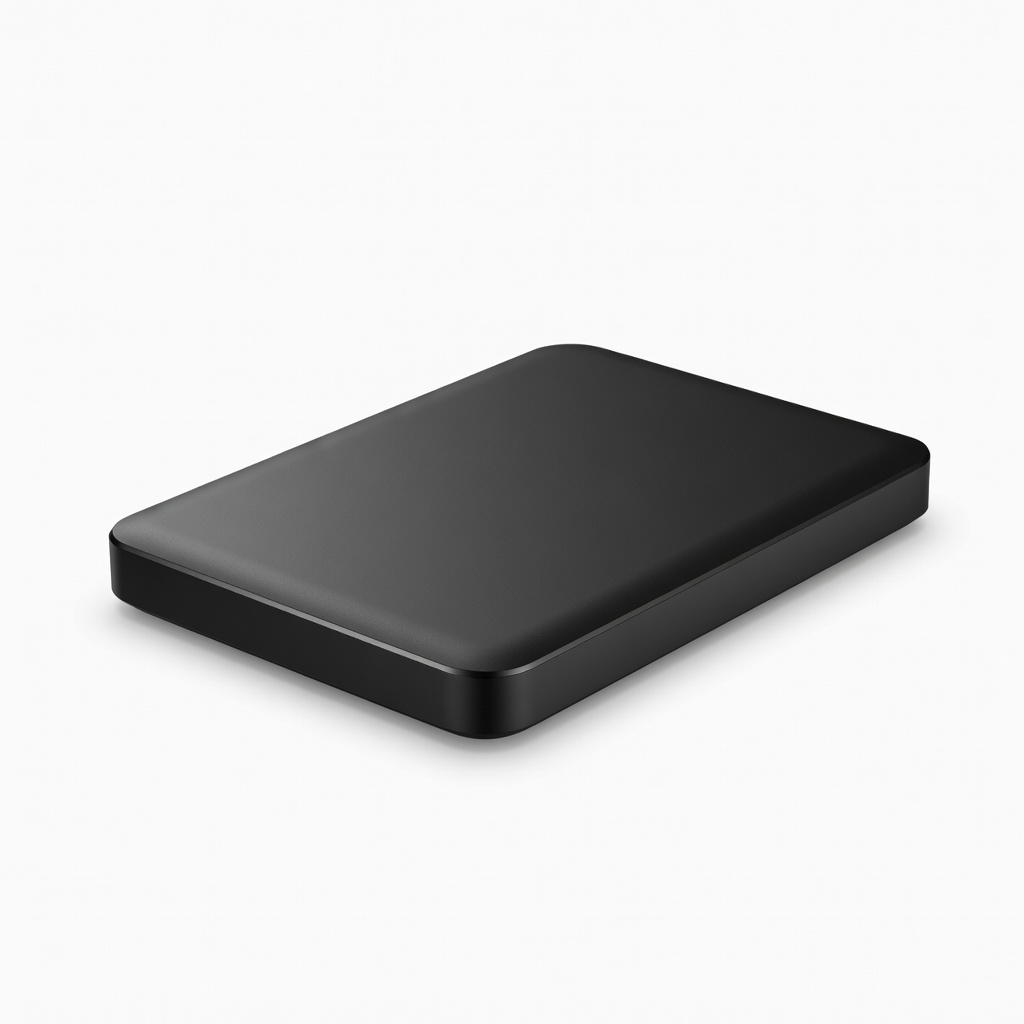
Secure local storage complementing cloud archives.
WD 5TB Elements Portable External Hard Drive Reliable offline backup with ample space for thousands of PDFs; plug-and-play.
Post-scanning enhancement for professional results.
Adobe Acrobat Pro DC (Subscription) Best-in-class OCR, compression, and organization tools tailored for document archiving.
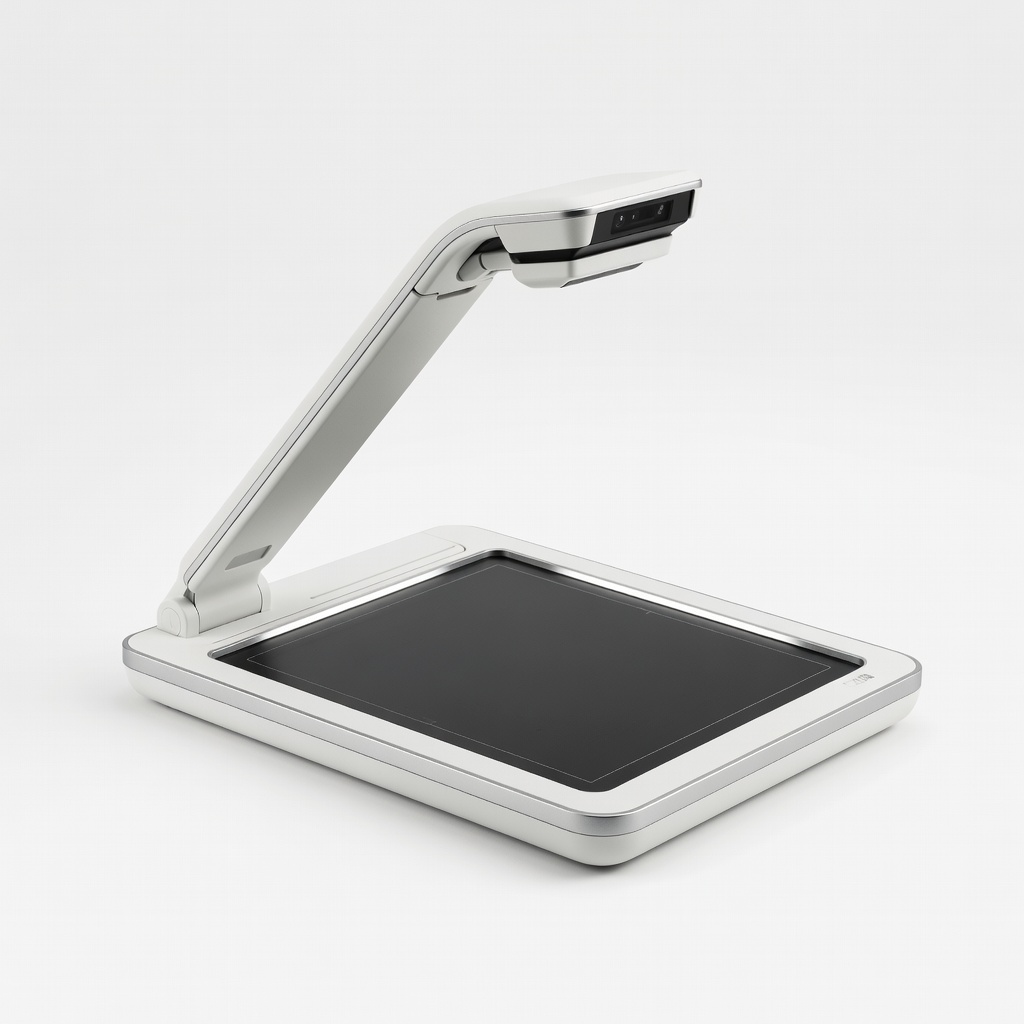
Fragile antique books where flatbed risks damage.
CZUR ET16 Plus Book Scanner Overhead design curves pages automatically—no flattening needed, foot pedal for speed.