
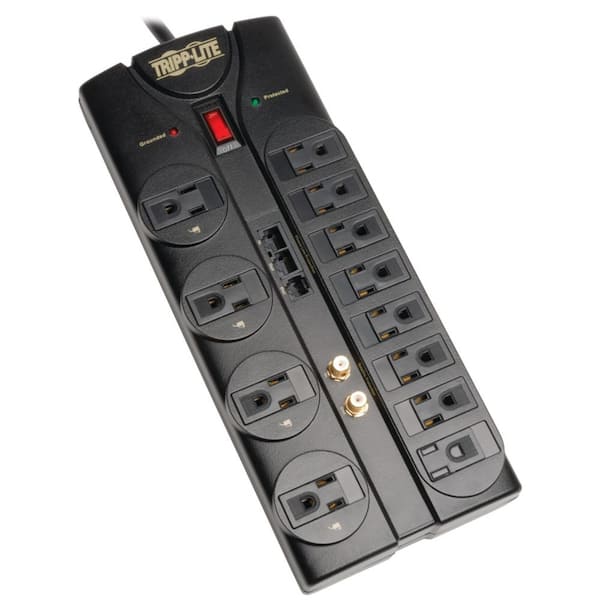
Tripp Lite TLP1208SAT 12-Outlet Surge Protector
General office desks with multiple PCs/printers.
$29.99
Tripp Lite TLP1208SAT 12-Outlet Surge Protector High 2880 joules, metal housing, 8ft cord—durable for office abuse with individual switches.
Get the App
Better experience on mobile
Discover top power strips for offices with expert criteria to choose surge-protected multi-outlets that handle high loads safely.
In busy offices, outlets are always in short supply—printers, chargers, monitors, and coffee makers compete for limited wall sockets, leading to daisy-chained dangers and frequent outages. Poor-quality adapters can spark fires or damage equipment, costing time and money. This guide helps you pick the best multi-outlet adapters (aka power strips or surge protectors) tailored for office use.
You'll learn how to evaluate key features like surge protection, outlet count, and durability through a step-by-step selection process. By the end, you'll confidently choose a reliable model to power your workspace. Expect 20-30 minutes to assess your needs and review recommendations—no technical expertise required, just intermediate awareness of office setups.
We'll break down concepts with examples, analogies (like comparing joules to a car's crumple zone), and real-world office scenarios for clear understanding.
Estimated Time: 20-30 minutes Difficulty: intermediate
Start by inventorying all devices you'll plug in. Note their wattage (e.g., monitor: 50W, printer: 500W peak). Sum the total wattage—aim for under 80% of your circuit's 1800W max (15A circuit) to avoid overloads.
Why it matters: Offices often exceed limits with clustered devices, tripping breakers. Example: 5 laptops (300W total) + printer (500W) + lamps (100W) = 900W safe load.
Expect a simple list; use online wattage charts if labels are missing.
💡 Tips:
⚠️ Warnings:
Count AC outlets needed (aim 10-12 for offices) plus USB ports for charging phones/laptops. Modern offices favor hybrids: 8-12 AC + 4 USB-A/C.
Analogy: Like a Swiss Army knife vs. basic tool—USB saves desk clutter. Expect shared spaces needing 12+ outlets for teams.
💡 Tips:
Look for 2000+ joules (energy absorbed before failure). Higher = better, like a thicker car bumper.
Why crucial for offices: Lightning or power spikes fry servers/monitors (costly). Clamping voltage under 400V ensures quick response. Test: Real-world office storm damaged unprotected gear—surge-rated saved neighbors.
⚠️ Warnings:
Seek 2.4A+ per USB port, with USB-C PD (Power Delivery) for laptops. Total USB output: 30W+.
Office example: Charge 4 phones + tablet without adapters. Why? Reduces cable spaghetti.
💡 Tips:
Prefer metal housing over plastic (fire-resistant, lasts 5+ years). 14-16 AWG cord for heavy loads.
Office wear: Foot traffic, spills. Analogy: Metal = tank; plastic = toy car.
⚠️ Warnings:
6-10ft cord for wall-to-desk reach. Office perks: Under-desk mountable, rack-compatible, or right-angle plug.
Why? Prevents yanking, saves space. Expect adhesive mounts for clean installs.
💡 Tips:
Require UL/ETL listed, with auto-shutoff on surge/fail. EMI/RFI filtering cuts noise for clean power.
Office safety: Prevents liability. Example: UL-tested strips survive 100k surges.
⚠️ Warnings:
Cross-check Amazon/Walmart ratings (4.5+ stars, 10k+ reviews). Balance features vs. cost.
Final step: Match to your assessment. Expect top picks in recommendations below.
💡 Tips:
Problem: Breaker trips frequently
Solution: Reduce load under 12A; upgrade to 20A circuit if needed. Redistribute devices.
Problem: Devices not charging fast via USB
Solution: Confirm PD support; avoid charging high-draw laptops via USB.
Problem: Surge light off after storm
Solution: Replace immediately—it's sacrificed itself. Seek pro electrician if recurring.
Problem: Overheating strip
Solution: Unplug, check for damage. Ensure ventilation; replace if cord frays.
High 2880 joules, metal housing, 8ft cord—durable for office abuse with individual switches.
Best for: General office desks with multiple PCs/printers.
Price Range: $29.99
3030 joules, 8 USB ports, rack-mountable—pro-grade filtering for clean power.
Best for: Server rooms or IT-heavy offices.
Price Range: $39.99
4320 joules max, $75K equipment warranty, slim design—reliable brand trust.
Best for: Executive desks needing premium protection.
Price Range: $34.99
1800 joules, 15ft cord, metal—budget beast for large open offices.
Best for: Conference rooms with long reaches.
Price Range: $32.99
1200 joules, 6ft cord, wall-mount—compact with USB for small teams.
Best for: Shared workspaces on a budget.
Price Range: $24.99
General office desks with multiple PCs/printers.
Tripp Lite TLP1208SAT 12-Outlet Surge Protector High 2880 joules, metal housing, 8ft cord—durable for office abuse with individual switches.
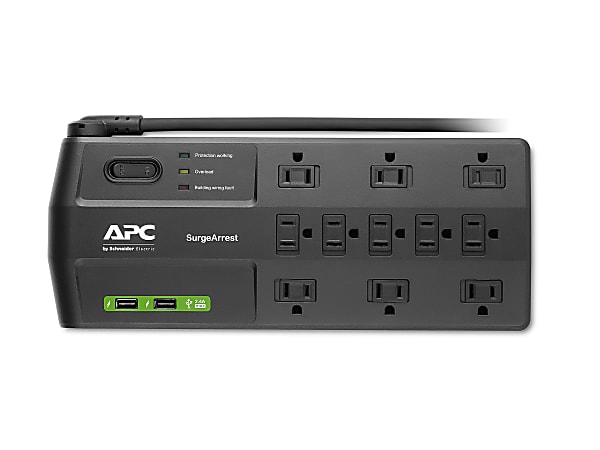
Server rooms or IT-heavy offices.
APC SurgeArrest Performance P11U2 11-Outlet 3030 joules, 8 USB ports, rack-mountable—pro-grade filtering for clean power.
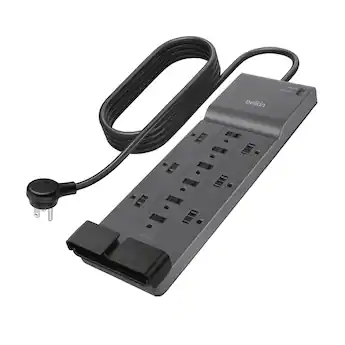
Executive desks needing premium protection.
Belkin Surge Protector Power Strip 12-Outlets 4320 joules max, $75K equipment warranty, slim design—reliable brand trust.
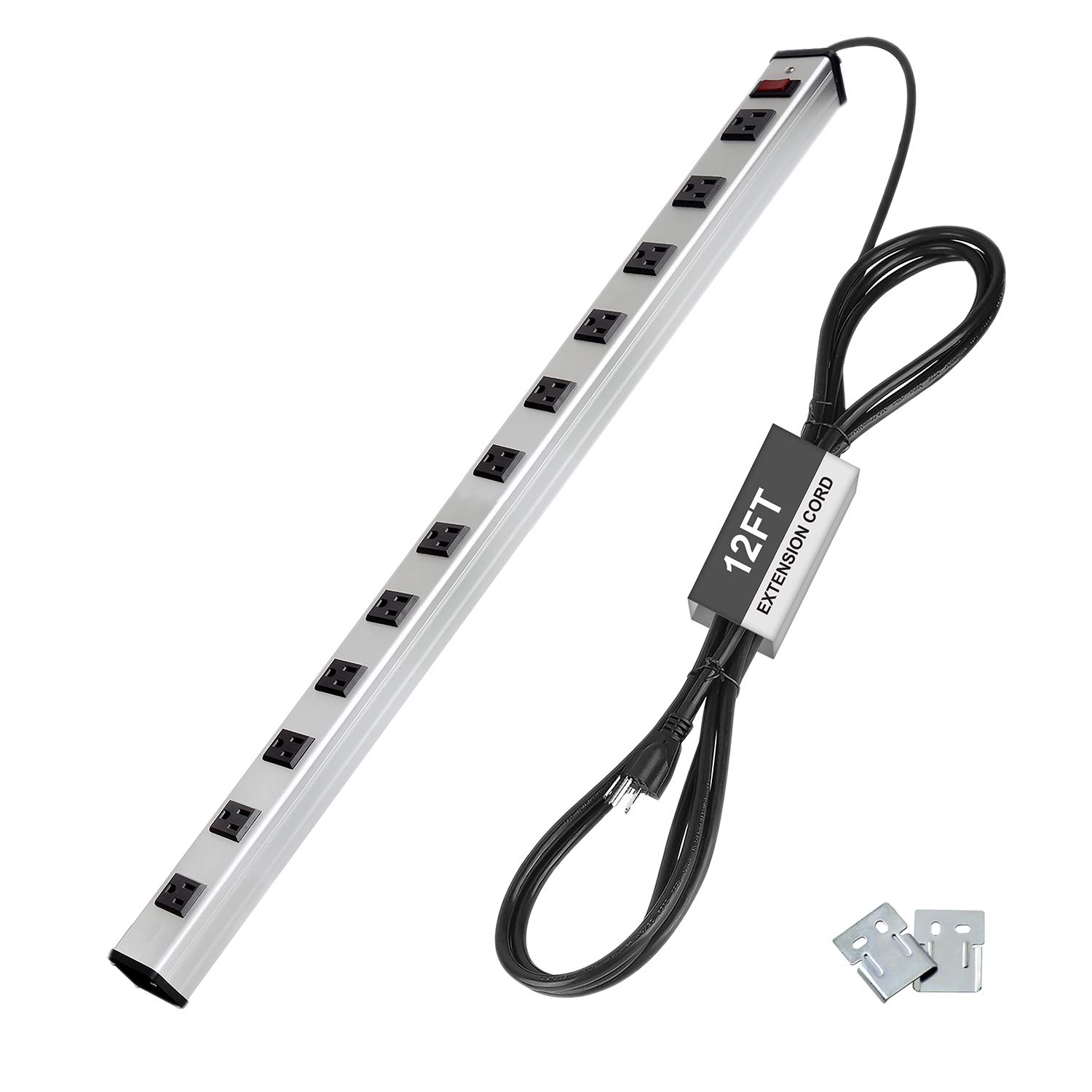
Conference rooms with long reaches.
BESTTEN 12 Outlet Heavy Duty Power Strip 1800 joules, 15ft cord, metal—budget beast for large open offices.
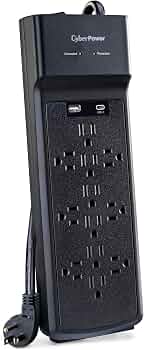
Shared workspaces on a budget.
CyberPower CSP600WSURC 12-Outlet Surge Protector 1200 joules, 6ft cord, wall-mount—compact with USB for small teams.