As a freelancer, juggling client work while tracking invoices, expenses, and taxes can feel overwhelming—especially with spreadsheets that lead to errors and lost deductions. In 2025, free accounting software changes that by automating the grunt work, helping you stay compliant and profitable without spending a dime.
In this guide, you'll learn the best free options tailored for beginners, how to evaluate them based on your needs, and step-by-step setup for quick wins. We'll cover key features, comparisons, and real-world tips to pick the perfect tool.
Expect a beginner-friendly process taking 1-2 hours total—no prior accounting knowledge needed, just your freelance basics like bank logins and expense lists.
▸What You'll Need
- •Reliable internet connection (required)
- •Active email address for sign-up (required)
- •Bank and payment account details (read-only access optional for auto-imports)
- •List of recent expenses and invoices (required for setup)
- •Computer or smartphone (required)
Estimated Time: 1-2 hours to evaluate options and set up your chosen software
Difficulty: beginner
▸Step-by-Step Instructions
Step 1: Assess Your Freelance Accounting Needs
Start by listing what you handle: invoicing clients, tracking expenses (receipts, subscriptions), income from platforms like Upwork, tax estimates, or basic reports. Freelancers often need simple tools for 1099 forms, not complex enterprise features.
Why it matters: Free software has limits (e.g., no payroll in basics), so matching needs prevents switching later. Expect a 10-minute brainstorm yielding 3-5 must-haves like 'mobile app' or 'unlimited invoices'.
Image Description: Infographic showing a freelancer's checklist: invoices, expenses, taxes, with icons for each.
💡 Tips:
- •Prioritize mobile access if you're on-the-go.
- •Note volume: 10 clients/month vs. 100 affects choice.
⚠️ Warnings:
- •Don't overlook taxes—pick tools with year-end reports.
Step 2: Key Features to Look for in Free Software
Focus on essentials: unlimited invoicing, expense categorization, bank sync, basic reports (P&L, tax summary), and mobile apps. Free tiers shine here but skip advanced payroll or inventory.
Analogy: Like a basic smartphone vs. pro—enough for calls/texts (your freelance basics) without camera gimmicks. All top picks offer these in 2025.
Image Description: Comparison table graphic of features: invoicing (check), bank sync (check), etc.
💡 Tips:
- •Check integrations with PayPal/Stripe for auto-payments.
Step 3: Explore Wave: Best Overall for Beginners
Wave offers free unlimited invoicing, accounting, and receipts scanning via app. Auto-categorizes expenses, generates P&L reports, and preps Schedule C taxes. No ads, scales to $100K+ revenue.
Ideal for solopreneurs: Sign up at waveapps.com, link bank, snap receipt photos. Users save 5+ hours/month per reviews.
Image Description: Screenshot of Wave dashboard with invoice and expense charts.
💡 Tips:
- •Use receipt upload for IRS-proof records.
Step 4: Explore ZipBooks: Great for Invoicing + Time Tracking
ZipBooks' free starter plan includes unlimited invoices, time tracking, basic expenses, and pretty reports. Bank sync and client portals impress beginners.
Why choose it: Time logs bill hours accurately—perfect for consultants. Limits: 5 clients max on free, but ample for starters.
Image Description: ZipBooks invoice template example.
⚠️ Warnings:
- •Upgrade if over 5 clients ($17/mo).
Step 5: Explore GnuCash: For Offline Double-Entry Power Users
Open-source GnuCash is 100% free, desktop-based with double-entry accounting (debits/credits balance automatically). Handles investments, reports, no limits.
Analogy: Like Excel on steroids—customizable but steeper learning. Download from gnucash.org; great if you distrust clouds.
Image Description: GnuCash ledger view screenshot.
💡 Tips:
Step 6: Compare the Top Options Side-by-Side
Chart it: Wave (cloud, easiest, mobile-first), ZipBooks (invoicing/time focus), GnuCash (offline, advanced). Score on ease (Wave 10/10), limits (Wave none), support (Wave email/chat).
Pick based on needs: Wave for most, ZipBooks for time billing, GnuCash for privacy.
💡 Tips:
- •Test 2-week trials simultaneously.
Step 7: Sign Up and Set Up Your Chosen Software
Create account (email verify), add business details (name, EIN if US), connect bank via Plaid (secure read-only). Input opening balances from last statements.
Expect 15-30 mins; first invoice ready instantly.
⚠️ Warnings:
- •Never share full bank logins.
Step 8: Import Data and Customize
Upload CSV expenses or snap receipts. Set categories (e.g., 'software subs'), recurring invoices. Run first report to verify.
Why: Clean start prevents errors.
💡 Tips:
- •Tag clients for easy filtering.
Step 9: Test with Real Data and Monitor
Log a week's activity, generate tax report. Review monthly. Switch if needed—data exports easy.
Pro: Automates 80% of bookkeeping.
▸Pro Tips
- •Link payment gateways early for auto-reconciliation.
- •Scan receipts weekly to avoid backlog.
- •Use templates for consistent invoices.
- •Set email reminders for unpaid invoices.
- •Export quarterly reports for accountant handoff.
- •Combine with Google Sheets for custom dashboards.
- •Enable 2FA for security.
▸Common Mistakes to Avoid
- •Ignoring bank sync—leads to manual entry errors (avoid: connect day 1).
- •Overlooking free tier limits (e.g., ZipBooks clients)—scale check first.
- •Not categorizing expenses—messes tax deductions (use auto-tags).
- •Skipping backups—data loss nightmare (export monthly).
- •Using multiple tools—duplication waste (pick one master).
▸Troubleshooting
Problem: Bank sync fails
Solution: Check Plaid support in app; manual CSV upload as backup. Contact support.
Problem: Receipts not OCR-scanning accurately
Solution: Improve lighting/handwriting; edit manually. Use phone camera straight-on.
Problem: Slow performance
Solution: Clear cache/browser; for desktop apps, update software.
Problem: Tax reports wrong
Solution: Verify categories match IRS (e.g., Schedule C); consult CPA for tweaks.
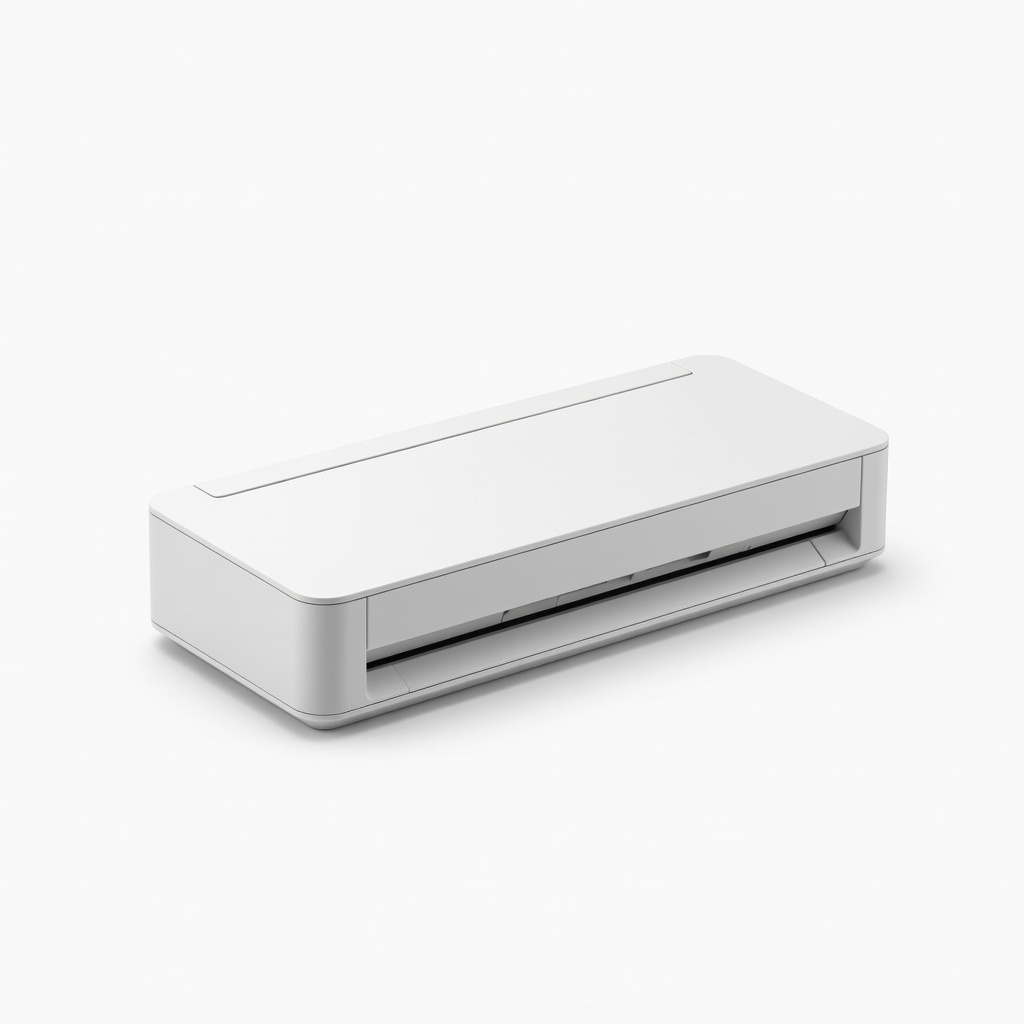
Brother DS-640 Compact Mobile Document Scanner
Digitizes receipts instantly for upload to any software, reducing manual entry errors.
Best for: Freelancers with paper receipts—scan on-the-go to Wave or ZipBooks.
Price Range: $100-$120
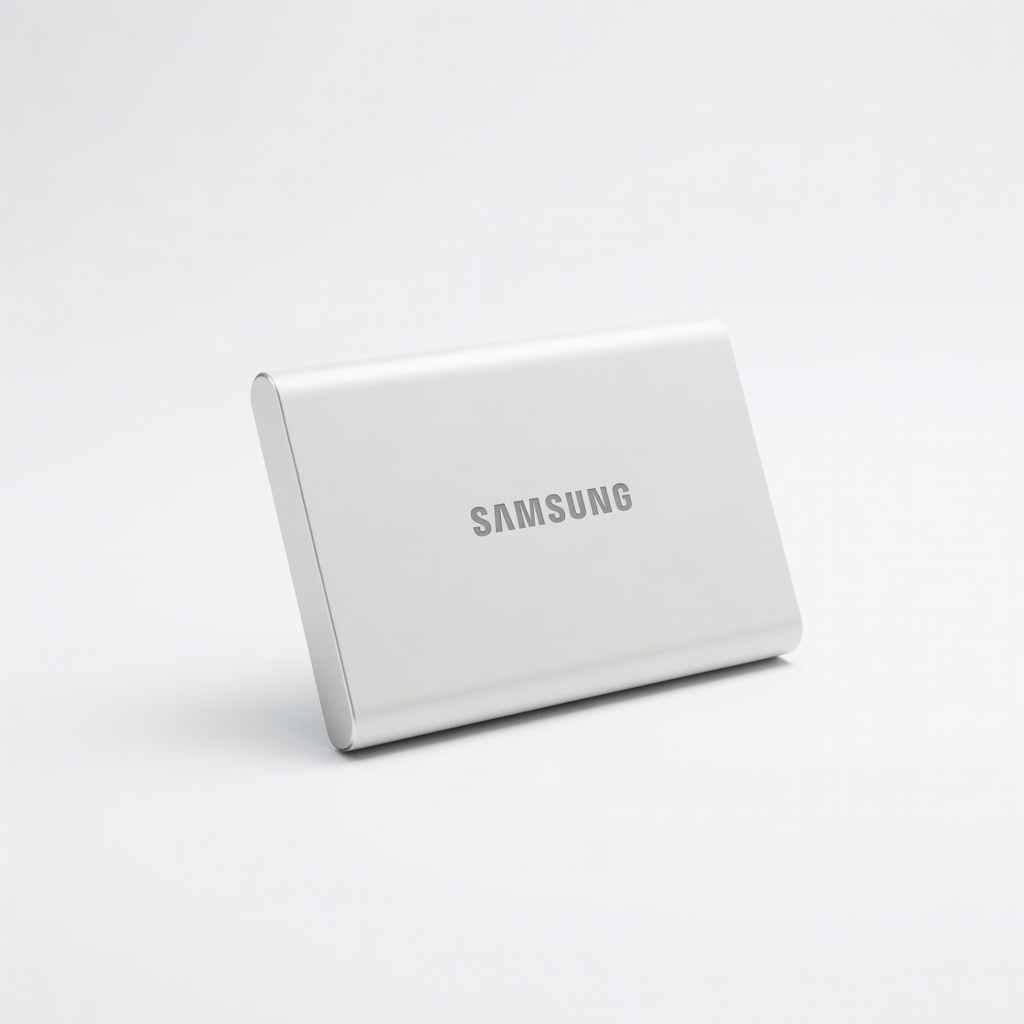
Samsung T7 Portable SSD 500GB
Secure, fast backups for GnuCash files or exported CSVs, protecting against data loss.
Best for: Offline users or monthly exports from cloud tools.
Price Range: $70-$90
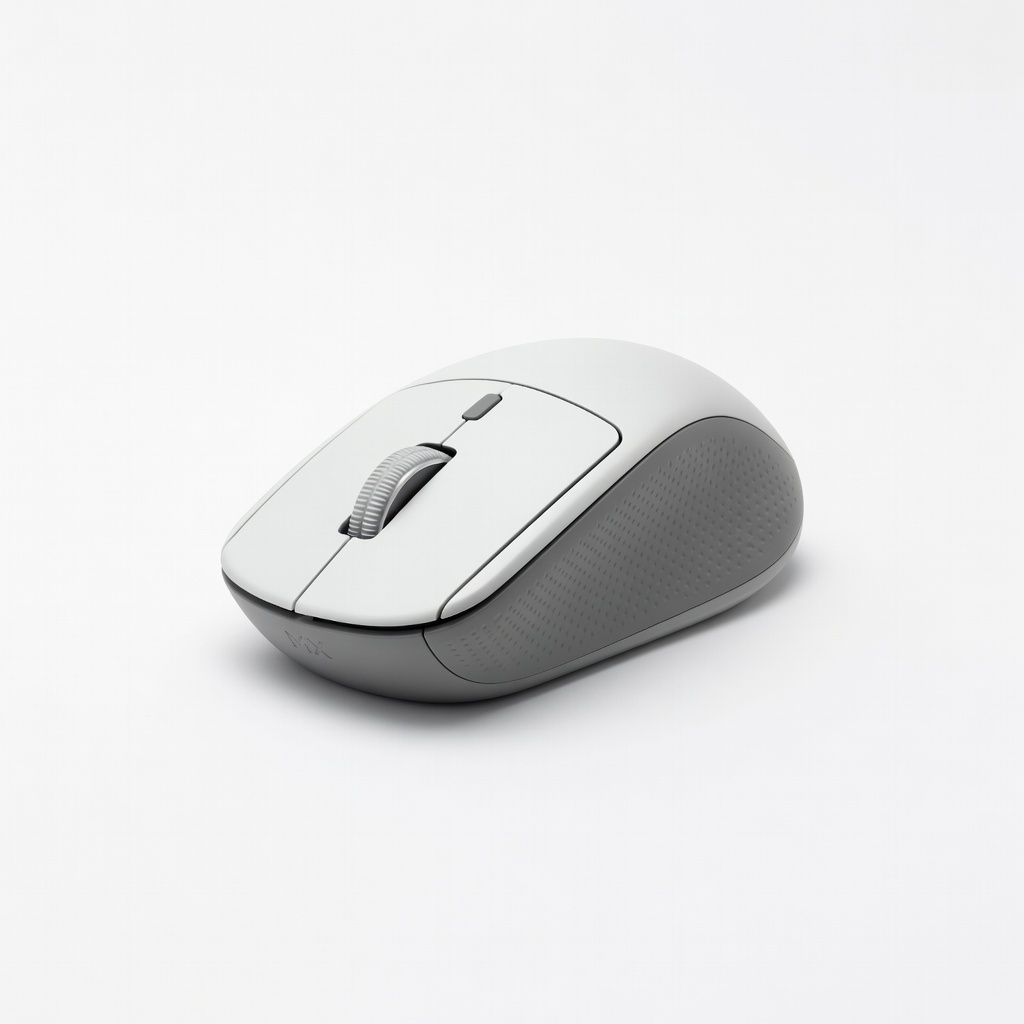
Logitech MX Anywhere 3 Wireless Mouse
Boosts productivity during long data entry sessions with smooth navigation.
Best for: Daily bookkeeping on desktop/laptop setups.
Price Range: $70-$80
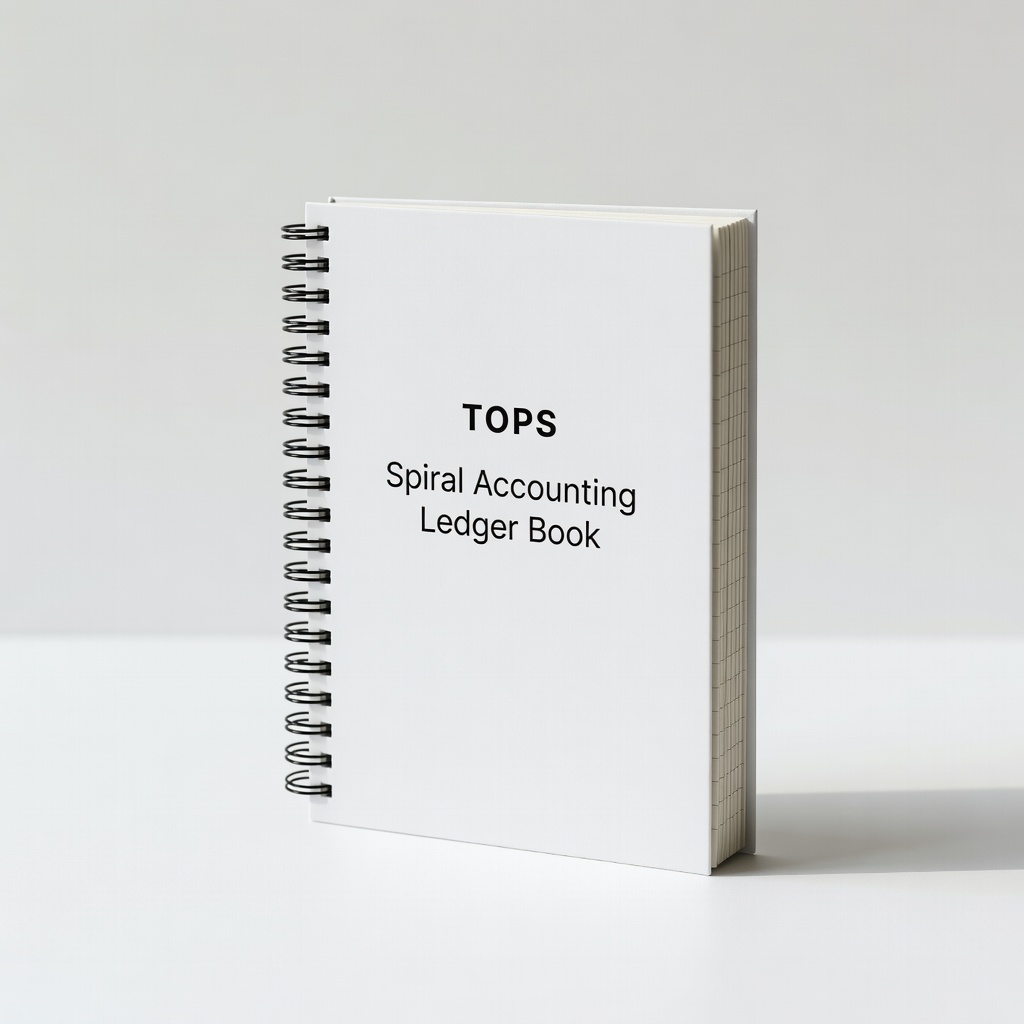
TOPS Spiral Accounting Ledger Book
Backup manual tracking or notes alongside software for double-checks.
Best for: Beginners transitioning from paper to digital.
Price Range: $10-$15