
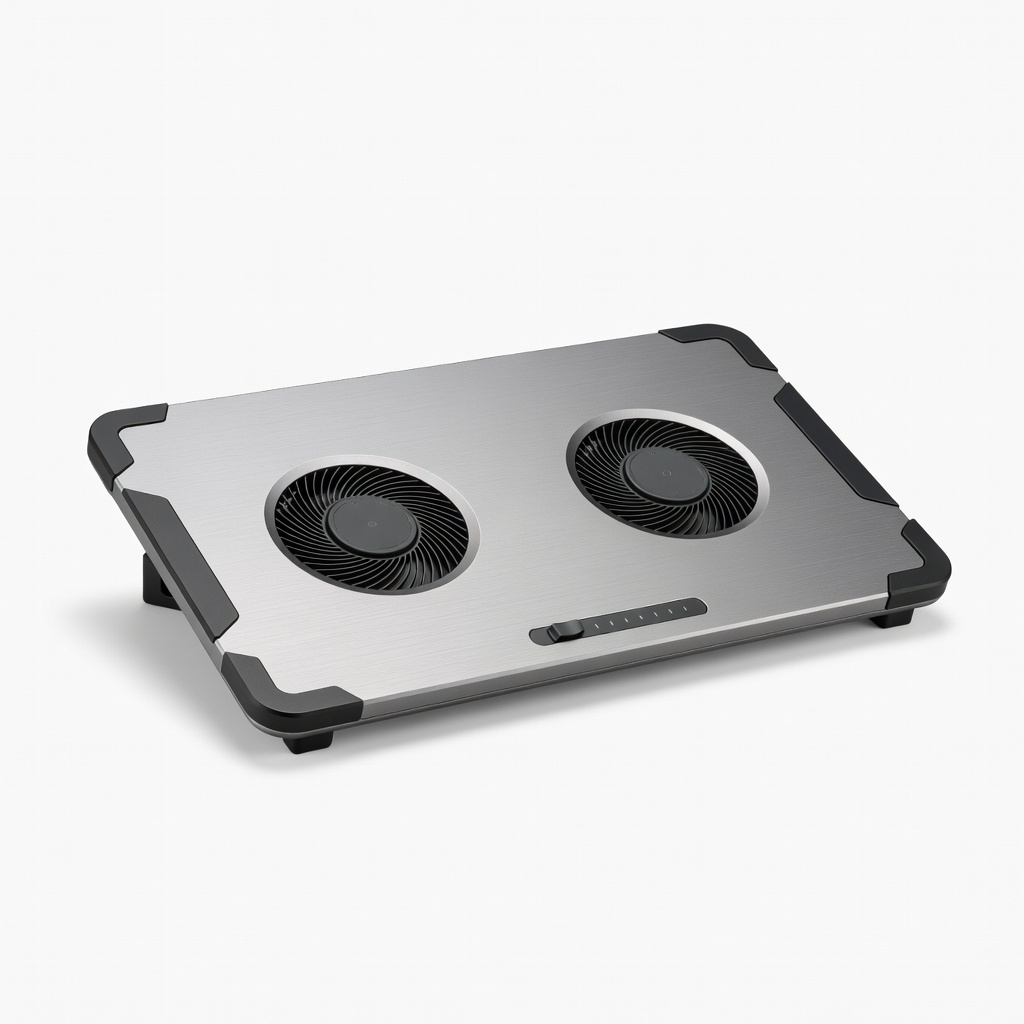
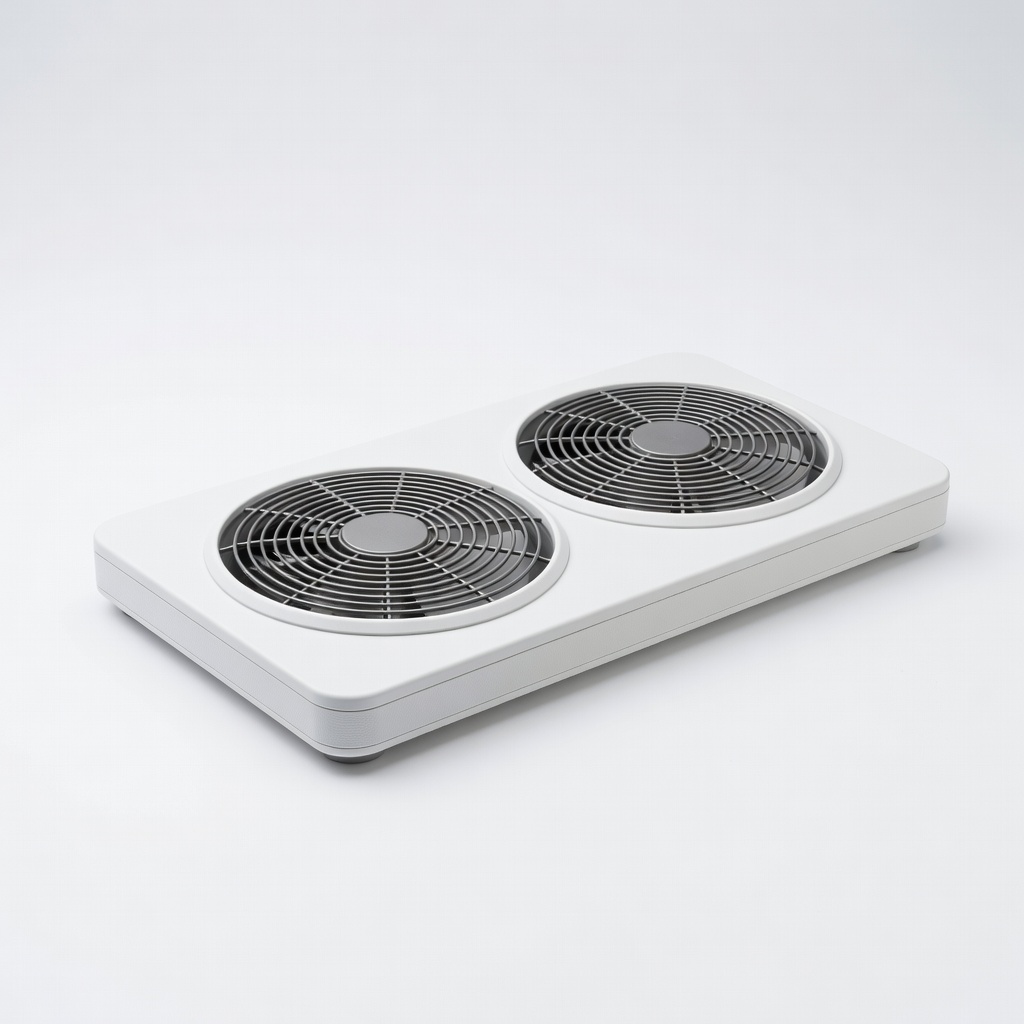
Havit HV-F2056 Laptop Cooling Pad
Everyday browsing/Netflix on 13-15" convertibles like Yoga 9i.
$22.99
Havit HV-F2056 Laptop Cooling Pad Slim 3-fan design fits under 2-in-1s in tablet mode; quiet (21dB) with adjustable height for tent use.
Get the App
Better experience on mobile
Discover top cooling pads that keep your convertible laptop cool during tablet use without bulk or noise—pick the perfect one in minutes.
Using your 2-in-1 laptop in tablet mode for streaming, drawing, or browsing often leads to frustrating overheating, throttling performance, and reduced battery life. The flipped design blocks vents or exposes hot surfaces directly to your lap or table, making standard cooling tricky.
In this guide, you'll learn why cooling pads are essential for tablet mode, key features to prioritize, and the best models tailored for slim 2-in-1s like Surface Pro, Lenovo Yoga, or HP Spectre x360. We'll break down compatibility, usage tips, and real-world picks to help you stay cool.
Expect a straightforward read—no tech jargon overload—with actionable advice for intermediate users. You'll be equipped to choose and use a cooling pad effectively in 15 minutes.
Estimated Time: 15-20 minutes Difficulty: intermediate
Tablet mode flips your 2-in-1's keyboard under the screen, turning the vented bottom upward or against a surface. This traps heat, especially during intensive tasks like 4K video or light gaming. Analogy: It's like cooking with the oven door closed—heat builds fast.
Expect temps to hit 90°C+ on models like Intel Core i7 or Snapdragon chips, causing fan noise, slowdowns, and shutdowns. Cooling pads blow air across vents or act as stands to improve airflow.
💡 Tips:
⚠️ Warnings:
Inspect your 2-in-1 in tablet mode: vents are typically on the bottom edges, rear, or sides. For Surface-style kickstands, bottom vents face down; Yoga flips expose sides.
Measure laptop thickness (aim for pads <1 inch tall) and size. Why it matters: Mismatched pads block vents worse than no pad. Expect most 13-15" 2-in-1s to fit 14-17" pads.
💡 Tips:
Look for slim profiles (<0.8 inches), adjustable angles (for tent mode), quiet fans (<25dB), and USB-powered designs. Multiple fans (4+) ensure even cooling; RGB is optional flair.
Portability matters for tablet use—lightweight (<2lbs) and foldable. Analogy: Like a phone case with vents, not a bulky backpack.
💡 Tips:
⚠️ Warnings:
Passive: Aluminum stands dissipate heat (cheap, silent). Active: Fans suck/push air (powerful for CPU loads). Hybrid: Fans + stand for tablet tenting.
For tablet mode, hybrids shine—elevate the device for under-vent airflow. Expect 10-20°C temp drops per reviews.
Place pad on a flat surface, position laptop/tablet so vents align with fans. In tablet mode, use landscape orientation; angle 15-30° for optimal flow.
Why: Direct fan-to-vent alignment maximizes efficiency. Monitor temps pre/post with free tools like Open Hardware Monitor.
💡 Tips:
Run stress tests (Prime95 or Cinebench) in tablet mode with/without pad. Track CPU temps, fan speeds.
Expect quieter operation and sustained performance. Real-world: Drops gaming FPS throttling by 15-30%.
⚠️ Warnings:
Clean fans monthly with compressed air; check USB cable integrity. Update laptop BIOS/firmware for better thermals.
Longevity: Pads last 2+ years with care.
💡 Tips:
Problem: Pad doesn't cool effectively
Solution: Realign vents to fans; clean dust; ensure USB power is sufficient. Test fan speeds.
Problem: Laptop unstable in tablet mode
Solution: Choose pads with anti-slip surfaces or add rubber feet. Use tent mode cautiously.
Problem: Excessive noise or vibration
Solution: Lower fan speed via software if available; place on soft mat. Replace if defective.
Problem: No USB ports free
Solution: Use pass-through USB hubs or battery-powered pads.
Slim 3-fan design fits under 2-in-1s in tablet mode; quiet (21dB) with adjustable height for tent use.
Best for: Everyday browsing/Netflix on 13-15" convertibles like Yoga 9i.
Price Range: $22.99
Powerful single large fan with metal mesh; portable and effective for mid-range thermals without bulk.
Best for: Creative work or light gaming on Surface Pro or HP Envy x360.
Price Range: $39.99
Adjustable 5 fans + stand elevate tablet mode perfectly; RGB optional for style.
Best for: Intensive tasks on larger 14-17" 2-in-1s like Lenovo ThinkPad X1.
Price Range: $35.99
Ultra-slim, 3 high-CFM fans; honeycomb design maximizes airflow for flipped vents.
Best for: Portable use on the go with Dell Inspiron 2-in-1.
Price Range: $29.99
Dual turbo fans for aggressive cooling; vacuum-style pulls heat directly—best for hot chips.
Best for: Gaming or video editing on premium 2-in-1s like ASUS ROG Flow.
Price Range: $49.99
Everyday browsing/Netflix on 13-15" convertibles like Yoga 9i.
Havit HV-F2056 Laptop Cooling Pad Slim 3-fan design fits under 2-in-1s in tablet mode; quiet (21dB) with adjustable height for tent use.
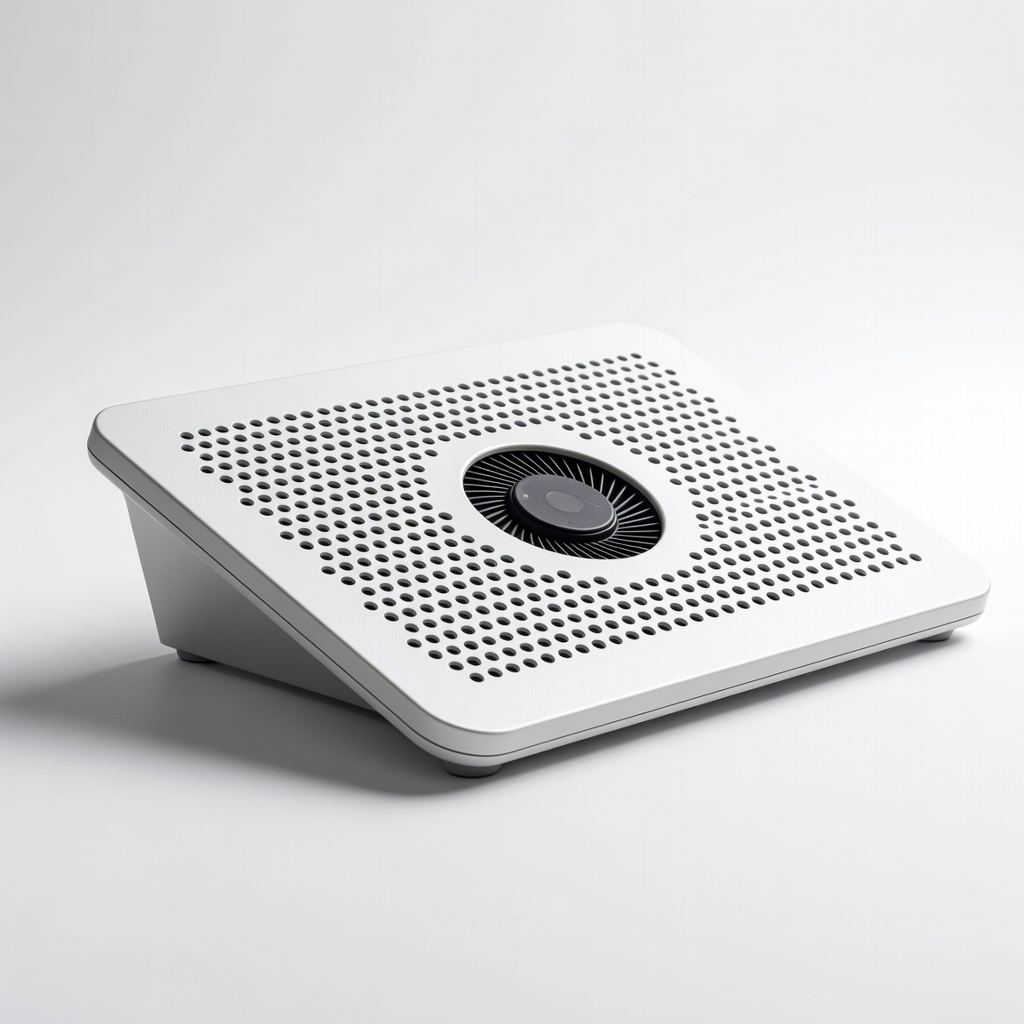
Creative work or light gaming on Surface Pro or HP Envy x360.
KLIM Wind Laptop Cooling Pad Powerful single large fan with metal mesh; portable and effective for mid-range thermals without bulk.
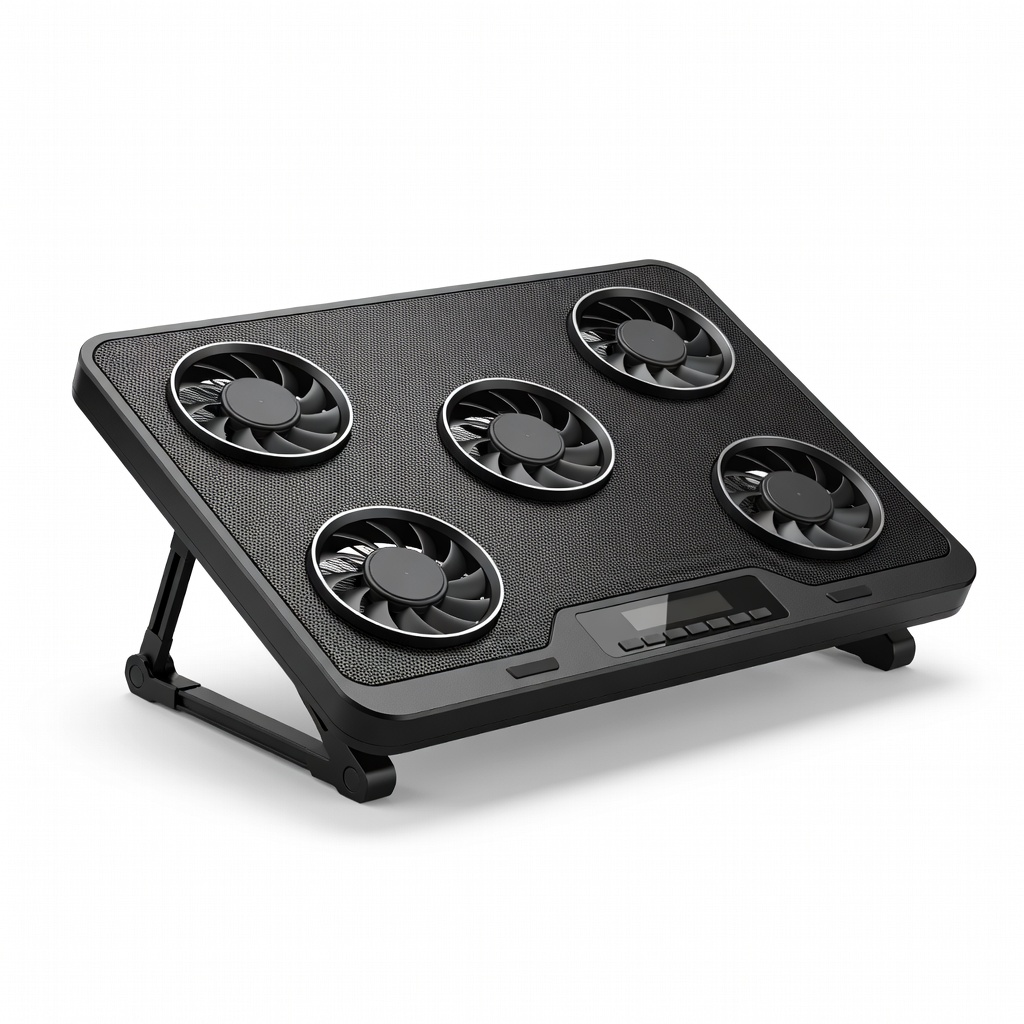
Intensive tasks on larger 14-17" 2-in-1s like Lenovo ThinkPad X1.
Kootek 5 Fans Laptop Cooling Pad Adjustable 5 fans + stand elevate tablet mode perfectly; RGB optional for style.
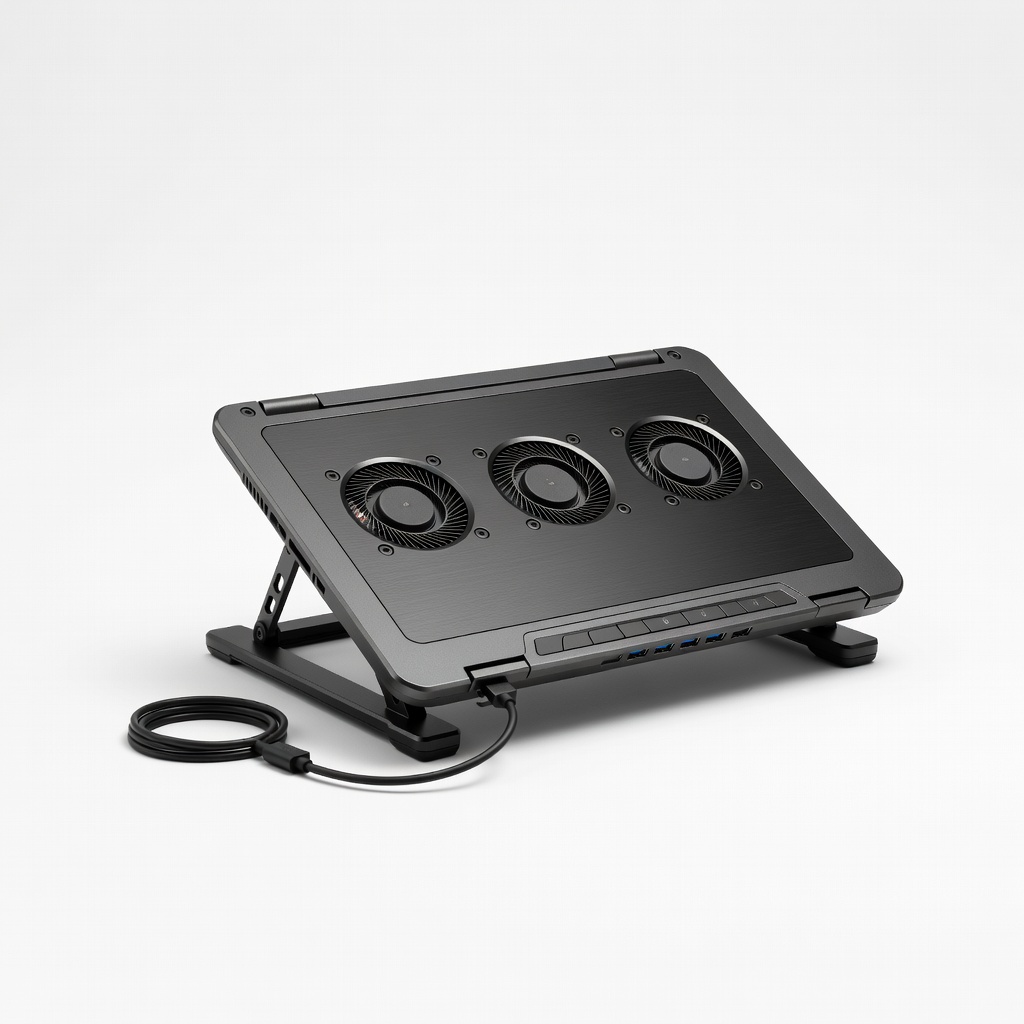
Portable use on the go with Dell Inspiron 2-in-1.
Cooler Master NotePal U3 Plus Ultra-slim, 3 high-CFM fans; honeycomb design maximizes airflow for flipped vents.
Gaming or video editing on premium 2-in-1s like ASUS ROG Flow.
IETS GT300 Double Blower Cooling Pad Dual turbo fans for aggressive cooling; vacuum-style pulls heat directly—best for hot chips.