
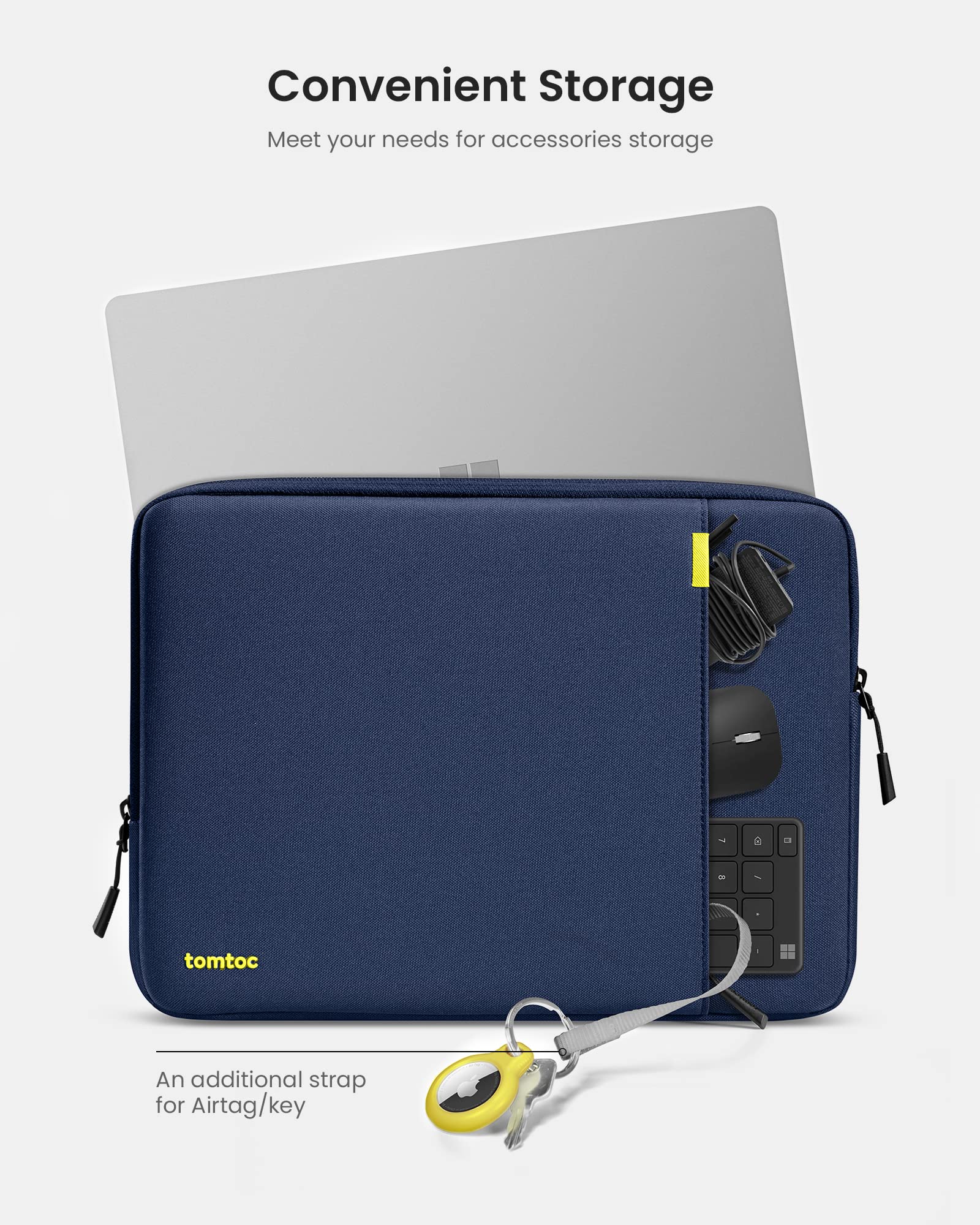
tomtoc 360 Protective Laptop Sleeve
Daily travel and protection from drops/scratches.
$25-$35
tomtoc 360 Protective Laptop Sleeve Shockproof with corner armor, perfect fit for most 13-15" 2-in-1s, water-resistant.
Get the App
Better experience on mobile
Unlock your convertible laptop's full potential with top-rated accessories for protection, productivity, and portability tailored for beginners.
2-in-1 laptops like the Lenovo Yoga, HP Spectre x360, or Microsoft Surface Pro offer unbeatable versatility—flipping from laptop to tablet mode effortlessly. However, their touchscreen hinges and slim designs make them prone to scratches, overheating, or limited connectivity, leaving many users frustrated without the right add-ons. That's where accessories come in to protect, enhance, and extend functionality.
In this guide, you'll learn the best accessories categorized by need, with clear explanations, why they matter for 2-in-1s, and beginner-friendly picks. Whether you're traveling, drawing, or working from home, we'll break it down simply—no tech jargon overload. Expect to spend 20-30 minutes reading and picking your first accessory.
By the end, you'll know exactly what to buy to make your 2-in-1 shine, avoiding common pitfalls like incompatible gear.
Estimated Time: 20-30 minutes Difficulty: beginner
Before buying, evaluate how you use your 2-in-1. Do you travel often (need sleeves)? Draw or take notes (stylus)? Work in tablet mode (stand)? This prevents wasting money on unused items.
Think of your laptop like a Swiss Army knife—versatile but needs sharpening tools for specific jobs. List top 2-3 pain points: fragile screen? Few ports? Overheating in lap mode?
Expect: A personalized shopping list in 5 minutes.
💡 Tips:
2-in-1 screens and hinges are delicate—drops or dust can crack them. A slim sleeve or folio case adds padding without bulk, like a cozy jacket for your device.
Choose water-resistant neoprene or felt for travel; hard-shell folios for desk use. Ensure exact fit to avoid wobble in tablet mode.
Why it matters: Prevents 80% of accidental damage per user reports.
💡 Tips:
⚠️ Warnings:
Using a 2-in-1 flat on your lap causes overheating and neck strain. A foldable stand elevates the keyboard to eye level, improving airflow like propping a book for reading.
Look for adjustable angles and lightweight aluminum for tablet/laptop modes. Magnetic or clip-on for quick setup.
Expect: Better posture and cooler operation instantly.
💡 Tips:
2-in-1s excel at drawing/handwriting, but fingers smudge screens. A pressure-sensitive stylus mimics a real pen, with palm rejection to ignore your hand.
USI (Universal Stylus Initiative) works across brands like Lenovo/HP; proprietary for Surface. Tilt support for shading.
Why: Turns your laptop into a digital sketchpad or note-taker.
💡 Tips:
⚠️ Warnings:
Slim 2-in-1s have few ports—add HDMI, SD, Ethernet via USB-C hub. It's like expanding a tiny desk into a workstation.
7-in-1 hubs support 4K video, 100W charging passthrough. Thunderbolt for speedier transfers.
Expect: Connect monitor, mouse, drives seamlessly.
💡 Tips:
Battery drains fast in tablet mode. A slim USB-C power bank with 100W output keeps you going, like a portable gas station.
65Wh airline-safe size; fast-charge capable.
Why: All-day unplugged use for nomads.
💡 Tips:
Public Wi-Fi? Privacy filters block side views. Add mouse/keyboard for precision.
Micro-LED filters easy-apply; Bluetooth peripherals wireless.
Pro move: Secure sensitive work.
💡 Tips:
Problem: Hub not detected
Solution: Try different USB-C port; update firmware/drivers; test on another device.
Problem: Stylus lag or no response
Solution: Pair via Bluetooth; calibrate in Windows Settings > Devices; charge fully.
Problem: Stand wobbles on lap
Solution: Add non-slip mat; choose heavier base model.
Problem: Accessory overheats laptop
Solution: Ensure airflow; avoid soft surfaces.
Shockproof with corner armor, perfect fit for most 13-15" 2-in-1s, water-resistant.
Best for: Daily travel and protection from drops/scratches.
Price Range: $25-$35
Ultra-slim, magnetic, 3-angle adjustable; vegan leather won't scratch.
Best for: Ergonomic laptop/tablet mode on desk or lap.
Price Range: $40-$60
Reliable 4K HDMI, 100W PD, compact; trusted brand with 18-month warranty.
Best for: Expand ports for monitors/external drives.
Price Range: $30-$40
Universal for Yoga/ThinkPad 2-in-1s; 4096 pressure levels, long battery.
Best for: Precise drawing, note-taking in apps like OneNote.
Price Range: $40-$50
Pocket-sized, charges 2-in-1 fully; built-in USB-C cable.
Best for: On-the-go power without bulk.
Price Range: $30-$40
Daily travel and protection from drops/scratches.
tomtoc 360 Protective Laptop Sleeve Shockproof with corner armor, perfect fit for most 13-15" 2-in-1s, water-resistant.
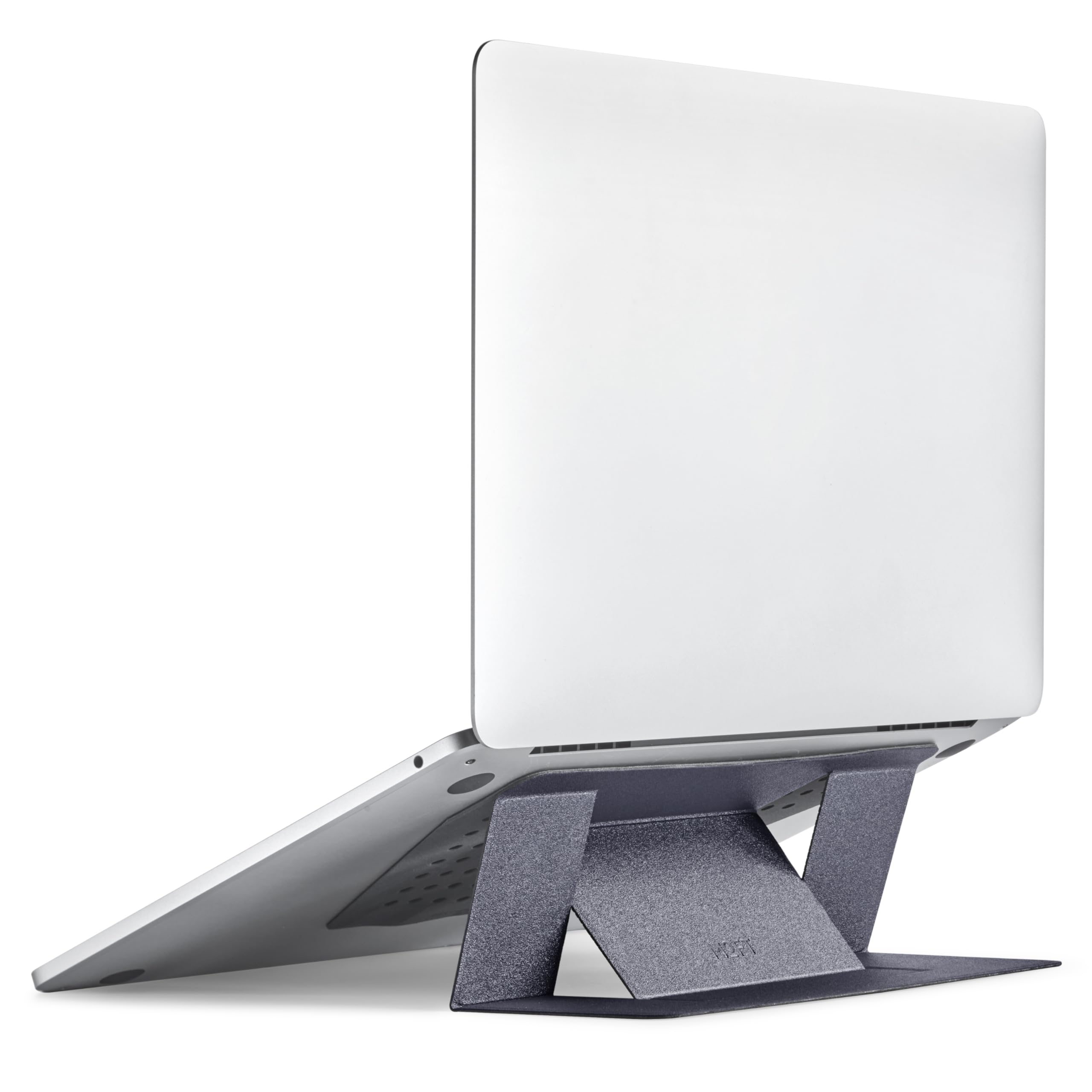
Ergonomic laptop/tablet mode on desk or lap.
MOFT Laptop Stand (Invisible) Ultra-slim, magnetic, 3-angle adjustable; vegan leather won't scratch.
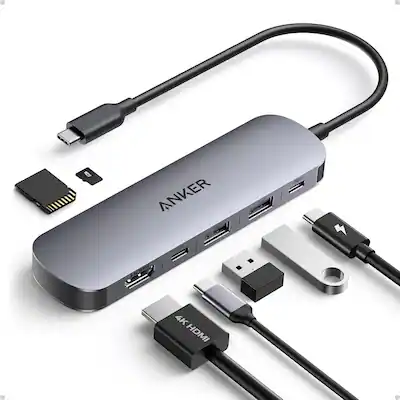
Expand ports for monitors/external drives.
Anker 341 USB-C Hub (7-in-1) Reliable 4K HDMI, 100W PD, compact; trusted brand with 18-month warranty.
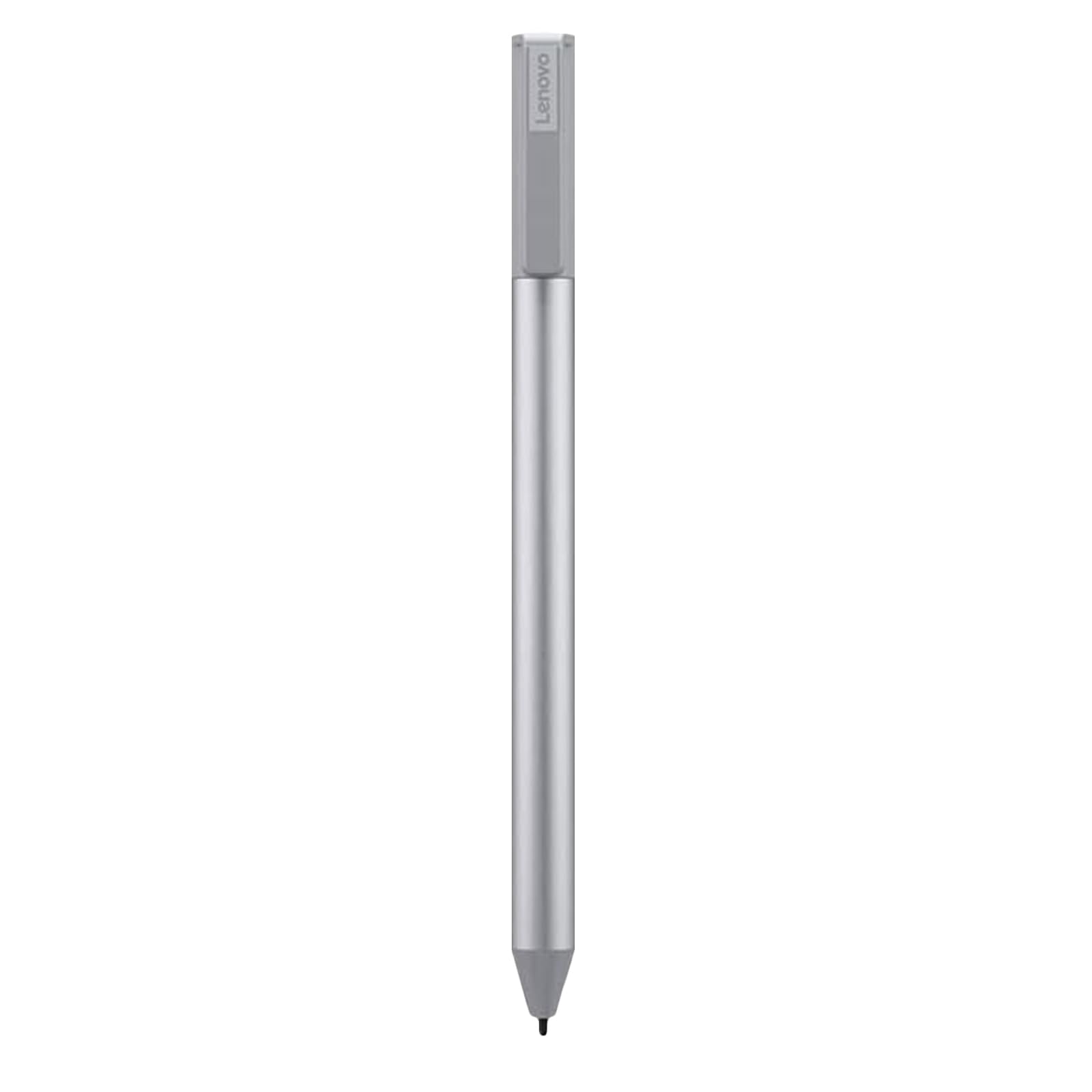
Precise drawing, note-taking in apps like OneNote.
Lenovo USI Pen 2 Universal for Yoga/ThinkPad 2-in-1s; 4096 pressure levels, long battery.
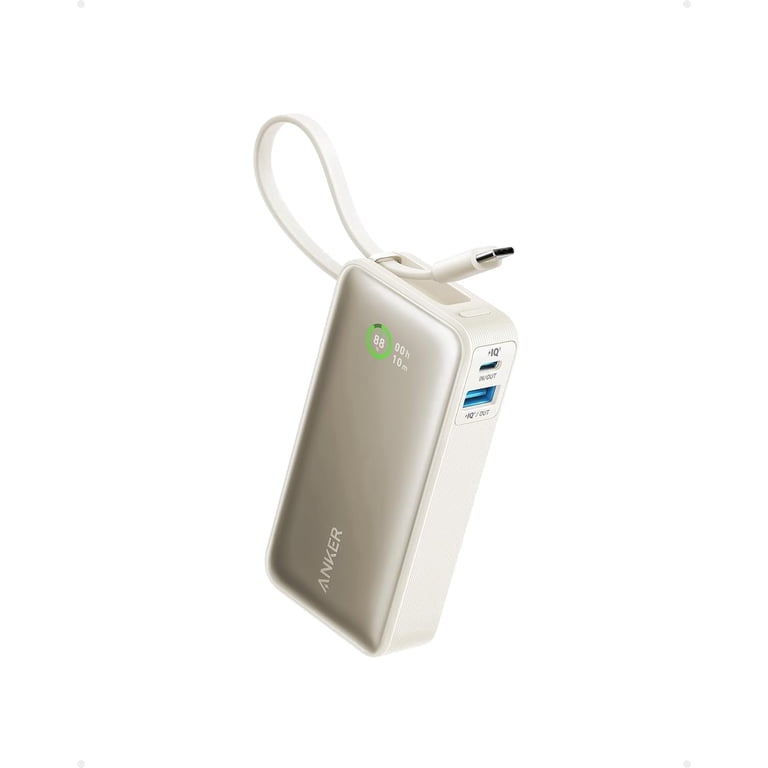
On-the-go power without bulk.
Anker Nano Power Bank (30W) Pocket-sized, charges 2-in-1 fully; built-in USB-C cable.