Nothing disrupts productivity like a wireless mouse dying mid-task, leaving you fumbling for replacements. With countless AAA battery options, choosing the right one for low-drain devices like mice can extend usage by weeks and avoid frustrating leaks that damage internals.
In this guide, you'll learn key factors like chemistry types, capacity ratings, and real-world performance to pick the best AAA batteries. We'll break down comparisons with examples and analogies, helping intermediate users evaluate options confidently. Expect to spend 15 minutes reading and applying the advice—no tools required beyond basic math.
▸What You'll Need
- •Wireless mouse that uses AAA batteries
- •Access to battery specs (packaging or online)
- •Calculator or spreadsheet for cost analysis (optional but recommended)
- •Battery tester or multimeter (optional for hands-on testing)
Estimated Time: 15-20 minutes
Difficulty: intermediate
▸Step-by-Step Instructions
Step 1: Assess Your Mouse's Power Needs
Wireless mice are low-drain devices, typically using 10-50mA. Unlike high-drain gadgets (e.g., cameras), they prioritize steady voltage over peak power. Check your mouse manual for mAh consumption or test runtime with current batteries.
Why it matters: Matching batteries to low-drain ensures longevity; mismatched ones underperform. Expect 3-6 months per set for daily use (8 hours/day).
Analogy: Like fuel-efficient cars needing steady diesel, not racing gas.
💡 Tips:
- •Log current battery life to baseline new ones.
Step 2: Compare Battery Chemistries
AAA batteries come in alkaline (disposable, cheap), lithium (premium disposable, longest life), and NiMH (rechargeable). Alkaline: 1,000-1,200mAh, good value. Lithium: 1,200mAh+ at 1.5V steady, 2-3x runtime. NiMH: 800-1,000mAh, reusable 1,000x.
Why: Chemistry dictates voltage stability—mice stutter on dropping voltage from cheap alkalines. Lithium shines for infrequent swaps; rechargeables for eco-conscious users.
💡 Tips:
- •Lithium for travel; NiMH for desk setups.
⚠️ Warnings:
- •Avoid zinc-carbon; they're for clocks only.
Step 3: Prioritize Capacity and Voltage Stability
Look for 1,200mAh+ rated capacity. Test real-world: High-capacity holds 1.5V longer, preventing cursor lag. Example: 1,200mAh lithium lasts 200+ hours vs. 100 hours for standard alkaline.
What to expect: Steady performance—no 'low battery' warnings soon. Use manufacturer discharge graphs for proof.
Step 4: Check Leak Resistance
Leaks from cheap batteries corrode mouse contacts, killing it permanently. Top brands use anti-leak tech (e.g., Energizer's PowerSeal). Store extras properly; test by leaving in device 6 months.
Why it matters: One leak ruins a $50 mouse. Analogy: Like rust-proofing a car in humid areas.
⚠️ Warnings:
- •Never mix old/new batteries.
Step 5: Evaluate Brand Reliability
Stick to proven brands: Energizer, Duracell, Panasonic. Review sites like Amazon (4.7+ stars, 10k+ reviews) and tests from Consumer Reports. Avoid no-names; they fail 20-30% sooner.
Real-world: Independent tests (Battery University) show lithium outperforming by 50%.
💡 Tips:
- •Cross-check RTINGS or Wirecutter reviews.
Step 6: Calculate Cost Per Hour
Formula: (Pack cost / batteries per pack) / runtime hours = cost/hour. Example: $10/8 lithium ($1.25 each) at 250 hours = $0.005/hr vs. $0.01/hr for alkaline.
Rechargeables amortize over cycles. Expect: Lithium wins short-term; NiMH long-term (500+ charges).
Step 7: Test and Rotate Batteries
Install, track days until low. Rotate spares every 3 months. For rechargeables, use smart charger to avoid memory effect.
Why: Validates choice; prevents waste.
▸Pro Tips
- •Buy in bulk (24+ packs) for 20-30% savings.
- •Label install date on batteries.
- •Use rechargeable for multi-device homes—swap via universal charger.
- •Store at room temp; cold boosts lithium life 20%.
- •Pair with mouse power-saving mode for 10-20% extra runtime.
- •Recycle used ones at stores like Best Buy.
- •Monitor via mouse software (e.g., Logitech Options).
▸Common Mistakes to Avoid
- •Buying cheapest batteries: They leak and die 2x faster, costing more long-term.
- •Ignoring rechargeables: Upfront cost higher, but pay off in 5-10 uses.
- •Not checking expiration: Old stock loses 20% capacity/year.
- •Overlooking mouse-specific needs: High-drain batteries wasteful here.
- •Mixing types: Causes imbalance, halving life.
▸Troubleshooting
Problem: Mouse skips after new batteries
Solution: Check polarity; clean contacts with isopropyl alcohol. Test voltage >1.4V.
Problem: Short runtime despite premium batteries
Solution: Enable sleep mode; replace if mouse faulty. Retest with multimeter.
Problem: Leak damage
Solution: Disassemble, clean with vinegar; dry 48hrs. Replace mouse if severe.
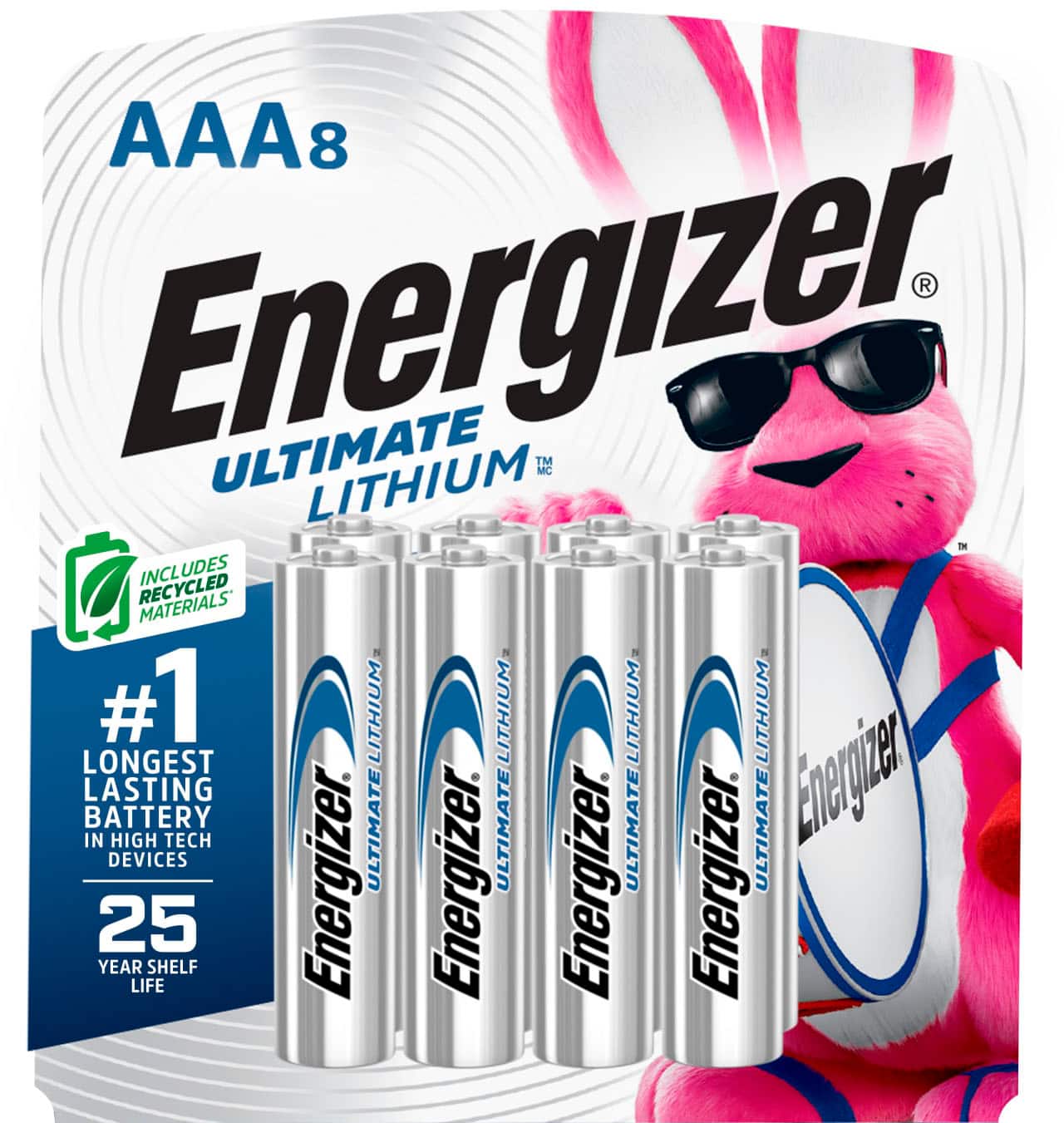
Energizer Ultimate Lithium AAA Batteries, 8 Count
Top runtime (up to 3x alkalines) with leak-proof seal; ideal for low-drain mice per independent tests.
Best for: Infrequent users wanting max life without recharging.
Price Range: $14.99-$16.99
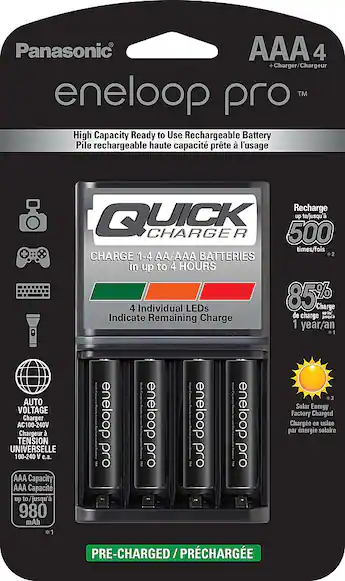
Panasonic Eneloop AAA Rechargeable Batteries, 4 Pack
Retains 85% charge after 1 year; 1,000+ cycles, low self-discharge for always-ready mice.
Best for: Daily desk warriors with charger access.
Price Range: $12.99-$15.99
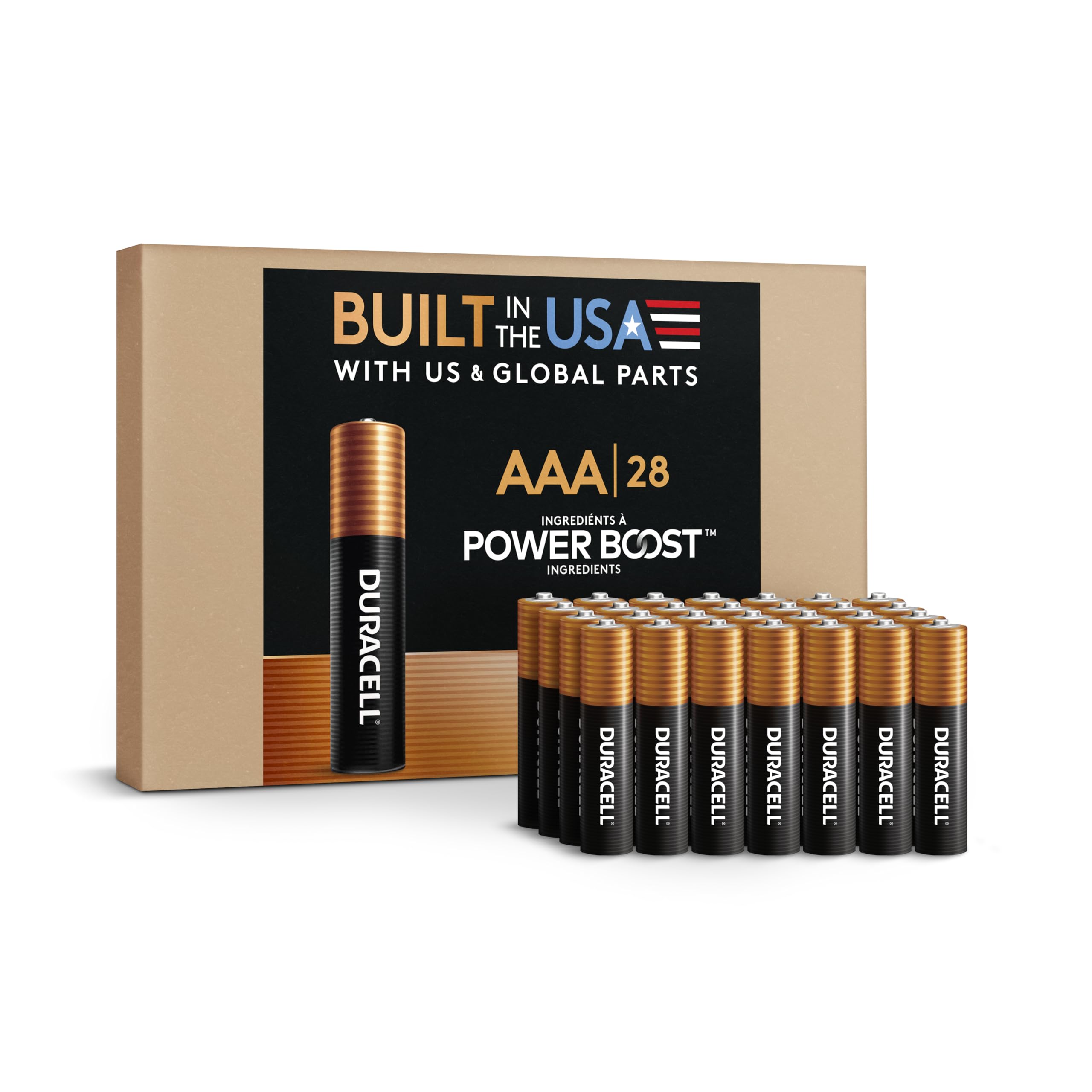
Duracell Optimum AAA Batteries, 24 Count
Hi-rate alkaline with 4x life vs. basic; anti-leak and reliable voltage for smooth tracking.
Best for: Budget bulk buy for moderate use.
Price Range: $14.99-$18.99
Amazon Basics AAA Rechargeable Batteries, 8 Pack
Affordable NiMH (800mAh) with solid 1,000-cycle life; great value for multi-mouse setups.
Best for: Cost-conscious recharge option.
Price Range: $11.99-$13.99