
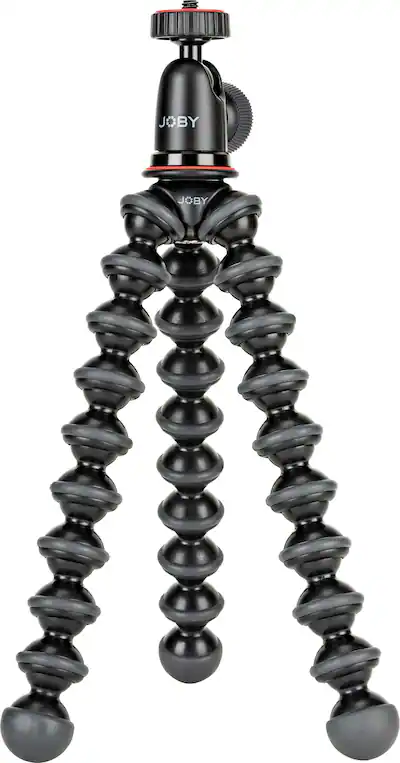
Joby GorillaPod 1K Kit
All apps—essential for steady circles.
$39.95
Joby GorillaPod 1K Kit Flexible tripod grips anywhere for shake-free scanning.
Get the App
Better experience on mobile
Turn your smartphone into a 3D scanning powerhouse with our top app picks, comparisons, and beginner tips for stunning models.
Ever wished you could capture a real-world object as a detailed 3D model using just your phone? With 3D scanner apps, that's now possible without dropping thousands on pro hardware. These apps leverage your phone's camera and sensors (like LiDAR on iPhones) to create printable 3D models for hobbies, prototyping, or AR fun.
In this guide, you'll learn how phone-based 3D scanning works, compare the best apps for iPhone and Android, and get step-by-step advice to start scanning today. Whether you're a hobbyist or curious beginner, expect pro-level results in minutes—no expertise required. It's easy, mostly free, and perfect for scanning figurines, rooms, or products.
Estimated Time: 20-30 minutes to read, choose, and test your first scan Difficulty: beginner
Phone 3D scanning uses two main techs: photogrammetry (takes 50-200 photos from all angles, software stitches into 3D) or LiDAR (laser sensor on newer iPhones measures depth directly for faster scans).
Photogrammetry works on any phone but needs more photos and processing time (5-15 mins). LiDAR is quicker (under 1 min) but iPhone-only. Why it matters: Pick apps matching your phone for best results. Expect mesh models you can export as OBJ/STL for 3D printing.
Analogy: Like taking a panorama photo, but for depth.
💡 Tips:
Go to Settings > General (iOS) or Camera app (Android) to confirm LiDAR or AR support. iPhones with LiDAR (12 Pro+) excel; Androids rely on photogrammetry via ARCore.
Download a test app like Measure (iOS) or ARCore apps. Why? Mismatched apps waste time—LiDAR apps crash on non-LiDAR phones. Expect 80-90% accuracy on good phones.
⚠️ Warnings:
Polycam (free tier, pro $99/yr) tops charts for cross-platform power. iPhone LiDAR mode scans rooms in seconds; photogrammetry for Android.
Pros: Export to Sketchfab/Blender, AI cleanup. Cons: Watermark on free. Install from App Store/Play, grant camera/LiDAR perms. Scan by circling object slowly.
💡 Tips:
Scaniverse (fully free by Niantic) is iPhone-focused but Android beta available. LiDAR-first, exports clean STL files.
Why choose? No limits, AR previews. Hold phone steady, follow on-screen guides. Processes in-app or cloud. Great for beginners—scans vases perfectly in 30 secs.
KIRI Engine (free with pro $10/mo) shines on Android via photogrammetry. Auto-captures photos, cloud processing.
Pros: Handles large objects, multi-edit. Cons: Needs internet. Why it matters: Fills Android gap where LiDAR lacks. Expect 1-2mm accuracy on small items.
💡 Tips:
| App | Platform | Free Tier | Best For |
|---|---|---|---|
| Polycam | Both | Limited | Pros/AR |
| Scaniverse | iOS mainly | Full | Quick LiDAR |
| KIRI | Android | Good | Photogram |
Test each on same object. Choose by export needs (e.g., STL for printing).
Place object on turntable, light evenly. Open app, select mode, circle slowly (30-60 secs). Preview, edit holes/texture. Export/share.
Why? Builds confidence. Expect imperfections first—practice fixes them.
Problem: Blurry or incomplete model
Solution: More photos, better light, slower scan. Retry with AR mode.
Problem: App crashes on Android
Solution: Update ARCore, free up 2GB storage, restart phone.
Problem: Low detail on large objects
Solution: Break into parts or use pro cloud processing.
Problem: Export fails
Solution: Check file format compatibility; use STL for printers.
Flexible tripod grips anywhere for shake-free scanning.
Best for: All apps—essential for steady circles.
Price Range: $39.95
Extendable stand with remote for hands-free scans.
Best for: Large objects or room scanning.
Price Range: $29.99
Adds texture to shiny/glass objects for better capture.
Best for: Problematic items like cars or jewelry.
Price Range: $14.99
Even lighting reduces shadows for accurate meshes.
Best for: Indoor low-light scanning.
Price Range: $24.99
Auto-rotates object for perfect 360° coverage.
Best for: Consistent small object scans.
Price Range: $39.99
All apps—essential for steady circles.
Joby GorillaPod 1K Kit Flexible tripod grips anywhere for shake-free scanning.
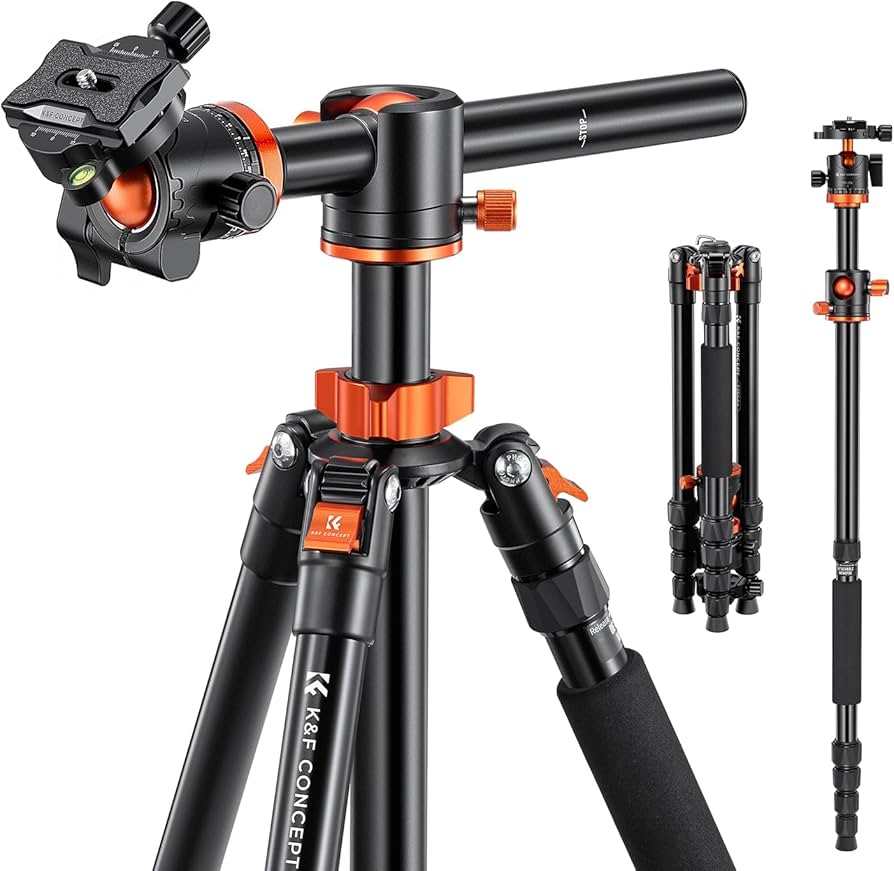
Large objects or room scanning.
K&F Concept 67" Phone Tripod Extendable stand with remote for hands-free scans.
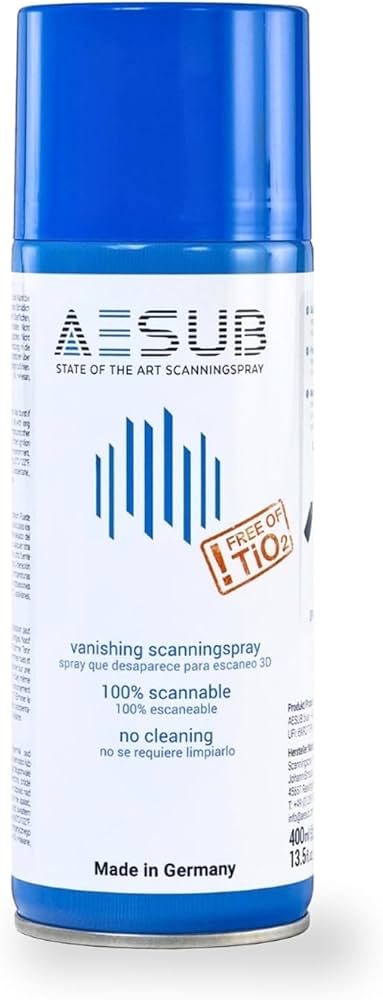
Problematic items like cars or jewelry.
AESIR 3D Scanner Matte Spray Adds texture to shiny/glass objects for better capture.
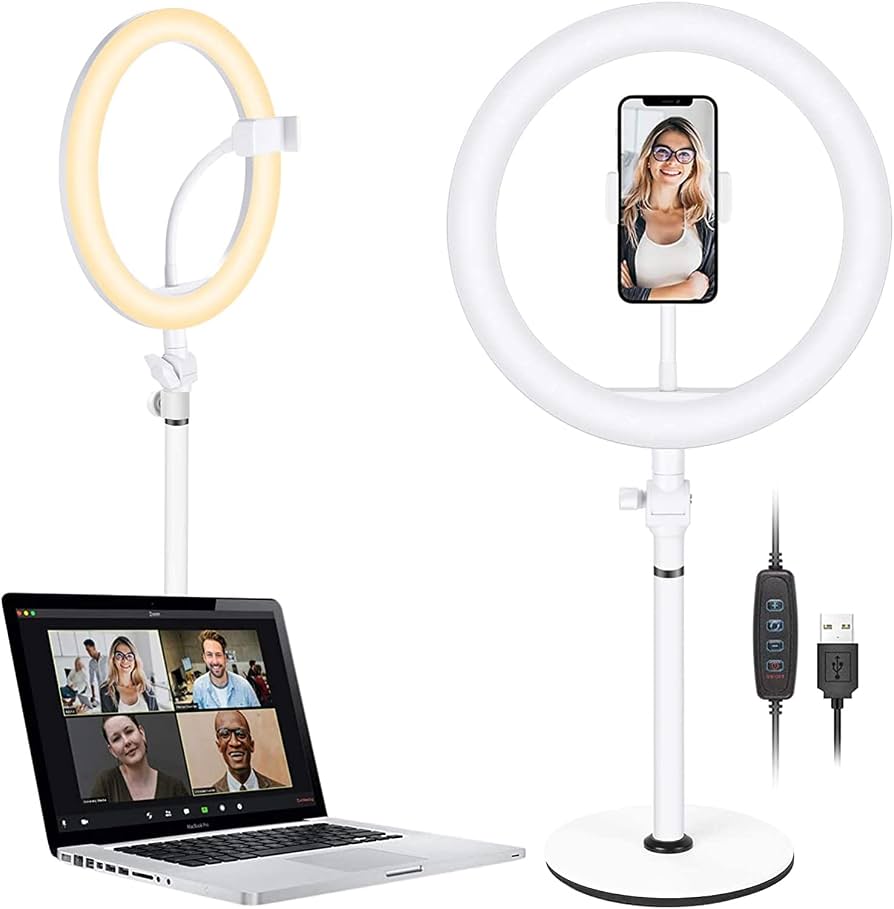
Indoor low-light scanning.
Neewer 10" LED Ring Light Even lighting reduces shadows for accurate meshes.
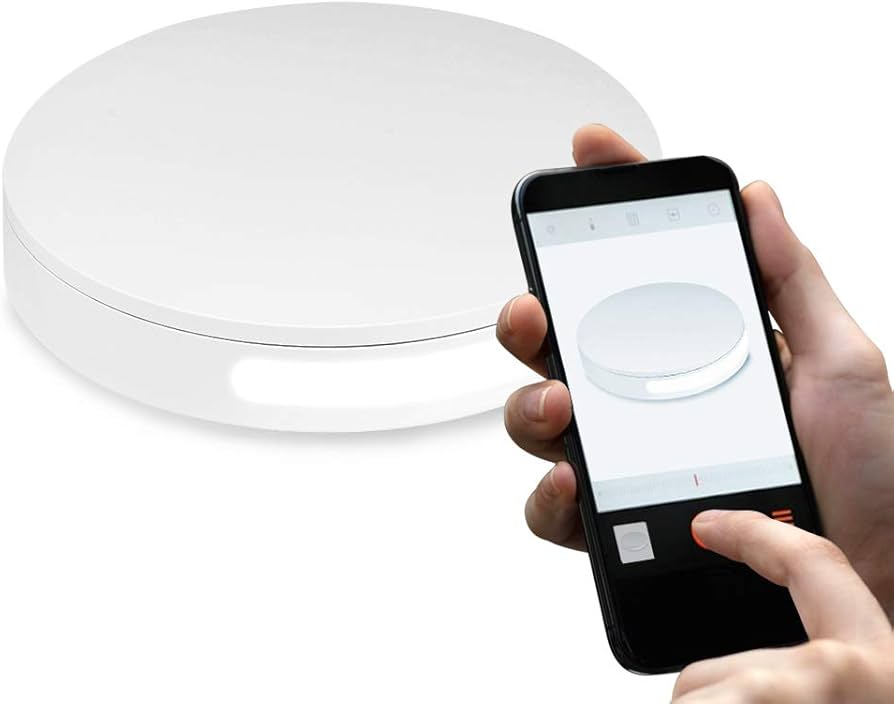
Consistent small object scans.
FluStudio 360 Turntable Auto-rotates object for perfect 360° coverage.