
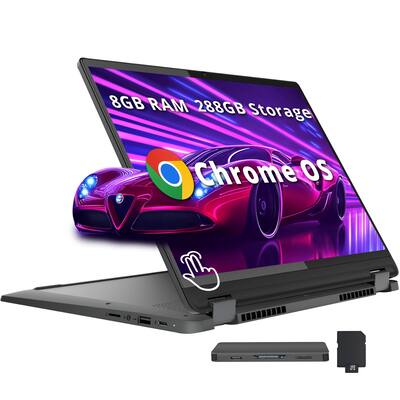
Lenovo IdeaPad Flex 5i 14" 2-in-1
Daily classes, notes, light editing on $500 budget.
$499-$599
Lenovo IdeaPad Flex 5i 14" 2-in-1 Best budget pick with 12-14 hour battery, Intel Core i5, 16GB RAM—handles student multitasking without breaking bank.
Get the App
Better experience on mobile
Discover top 2-in-1 laptops with 12+ hour battery life perfect for students, with step-by-step buying guide to pick the ideal one for classes, notes, and streaming.
As a student, juggling classes, assignments, and study sessions on the go means your laptop needs to be versatile, lightweight, and—most importantly—last all day without hunting for outlets. Poor battery life can derail your productivity, leaving you tethered to cafes or dorm plugs. This guide solves that by focusing on 2-in-1 laptops (convertible to tablet mode) with exceptional battery endurance.
You'll learn what makes a 2-in-1 ideal for students, key specs like battery life to prioritize, and our top recommendations tested for real-world student use. By the end, you'll confidently choose a laptop that handles note-taking, research, video calls, and Netflix binges on a single charge.
Expect a beginner-friendly read—no tech jargon overload. We'll break it down simply, with actionable steps to evaluate options in under 30 minutes.
Estimated Time: 20-30 minutes Difficulty: beginner
A 2-in-1 laptop combines a traditional laptop with a tablet. It flips 360 degrees via a hinge, letting you use it as a laptop for typing essays or a tablet for sketching diagrams with a stylus. Think of it like a Swiss Army knife for computing—versatile for students switching between lectures and group annotations.
Why it matters for students: Portability without sacrificing power. Expect models weighing 3-4 lbs, perfect for campus treks. Battery life is key here, as screen flips don't drain extra power if optimized.
💡 Tips:
Students average 8-12 hour days with classes, libraries, and commutes. A laptop lasting 10-15 hours means no mid-lecture shutdowns. Real-world tests (e.g., video playback, browsing) reveal true endurance beyond manufacturer claims.
Analogy: It's like a car's gas tank—bigger capacity (mAh rating) and efficient engine (processor) = longer trips. Prioritize 50Wh+ batteries with efficient chips like Intel Core Ultra or AMD Ryzen.
⚠️ Warnings:
List priorities: Light use (browsing, Google Docs)? Aim $400-600. Heavy (Photoshop, coding)? $800+. Battery target: 12+ hours. Portability: Under 4 lbs, 14-inch screen.
Why? Matches laptop to lifestyle, avoiding overkill. Example: Budget student picks ChromeOS for speed; others need Windows for software.
💡 Tips:
Focus on: Battery (12+ hrs tested), Processor (Intel U-series or AMD U for efficiency), RAM (8GB min, 16GB ideal), Storage (256GB SSD), Screen (IPS OLED for vibrancy, 300+ nits brightness).
Why these? Efficient CPUs sip power during all-day use. Expect 1080p+ resolution for crisp notes.
Seek touchscreens with stylus support for handwritten notes. Aluminum chassis for durability (drops happen). Ports: USB-C (charging), HDMI, headphone jack.
Student win: Convertible for tablet math apps. Avoid glossy screens in sunny libraries.
💡 Tips:
Scan Laptop Mag, CNET for student-focused tests. YouTube: 'Model name battery test'. Look for 10+ hours mixed use.
What to expect: Real battery varies by brightness/settings—dim screen saves 2-3 hours.
⚠️ Warnings:
Cross-reference with our recs below. Shop Amazon/Best Buy for deals, warranties. Check student discounts (e.g., Lenovo/HP education stores).
Final check: Return policy (30 days). You're set for semesters of reliable power.
Problem: Battery drains faster than expected
Solution: Close background apps, update drivers, calibrate battery (full charge/discharge). Check for bloatware.
Problem: Hinge feels loose after flips
Solution: Normal wear; avoid forcing. If defective, use warranty return.
Problem: Short runtime on heavy tasks
Solution: Switch to power-saver mode or upgrade RAM if possible.
Problem: No stylus included
Solution: Buy compatible one like Lenovo Active Pen (~$30). Seek professional if hardware issue.
Best budget pick with 12-14 hour battery, Intel Core i5, 16GB RAM—handles student multitasking without breaking bank.
Best for: Daily classes, notes, light editing on $500 budget.
Price Range: $499-$599
Excellent 13+ hour battery, OLED touch screen, AMD Ryzen 7—vibrant for videos/docs, durable aluminum build.
Best for: Mid-range for design students or heavy Zoom users.
Price Range: $799-$999
Premium efficiency with Intel Core Ultra, 15+ hour battery, stylus included—top for all-day power and precision.
Best for: Intensive study: coding, presentations, sketching.
Price Range: $999-$1,199
Ultra-affordable entry with 11-13 hour battery, good for basics—lightweight starter for freshmen.
Best for: Budget-conscious high school/early college browsing.
Price Range: $349-$449
Daily classes, notes, light editing on $500 budget.
Lenovo IdeaPad Flex 5i 14" 2-in-1 Best budget pick with 12-14 hour battery, Intel Core i5, 16GB RAM—handles student multitasking without breaking bank.
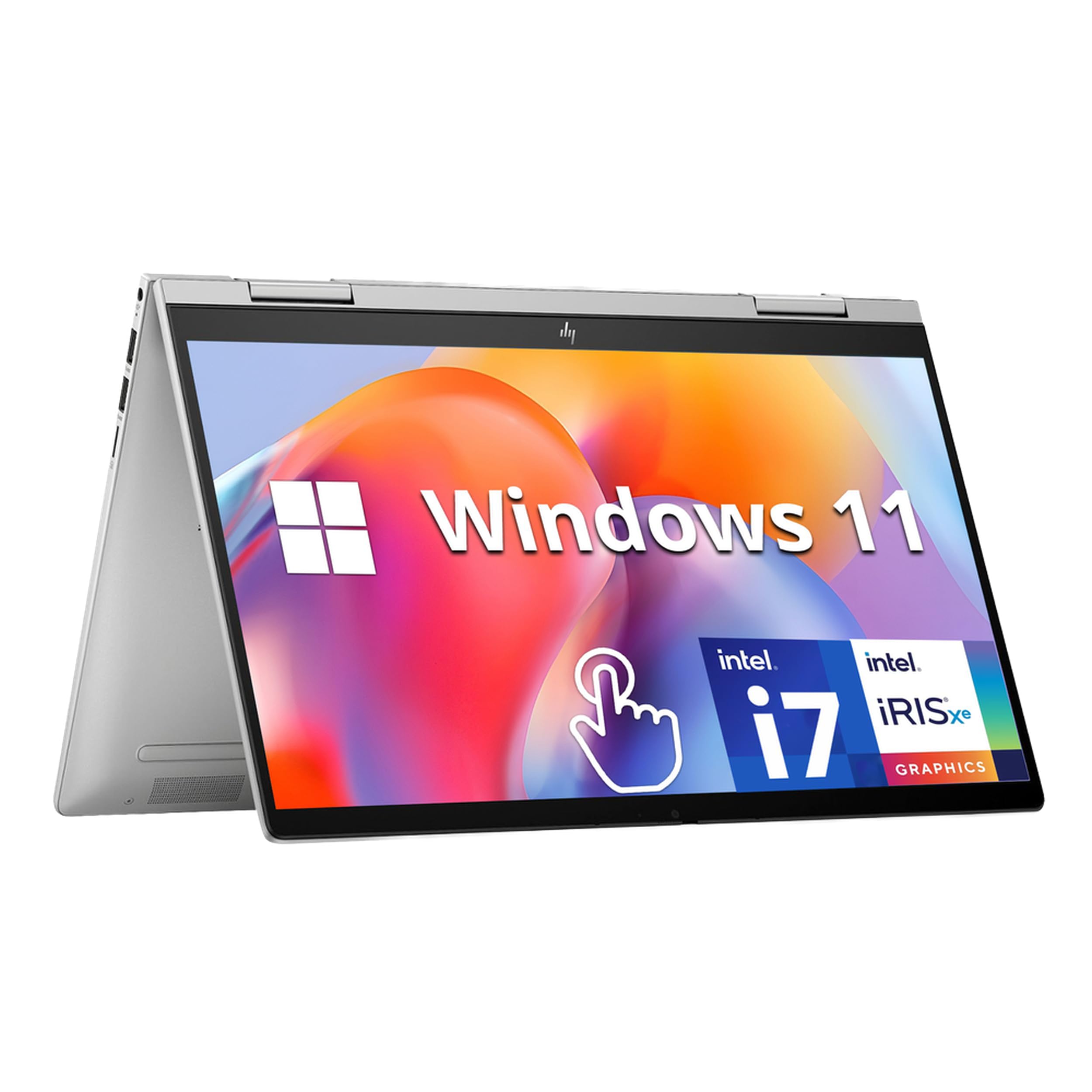
Mid-range for design students or heavy Zoom users.
HP Envy x360 14" 2-in-1 Excellent 13+ hour battery, OLED touch screen, AMD Ryzen 7—vibrant for videos/docs, durable aluminum build.
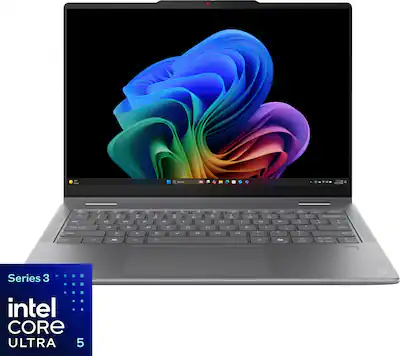
Intensive study: coding, presentations, sketching.
Lenovo Yoga 7i 14" 2-in-1 Premium efficiency with Intel Core Ultra, 15+ hour battery, stylus included—top for all-day power and precision.
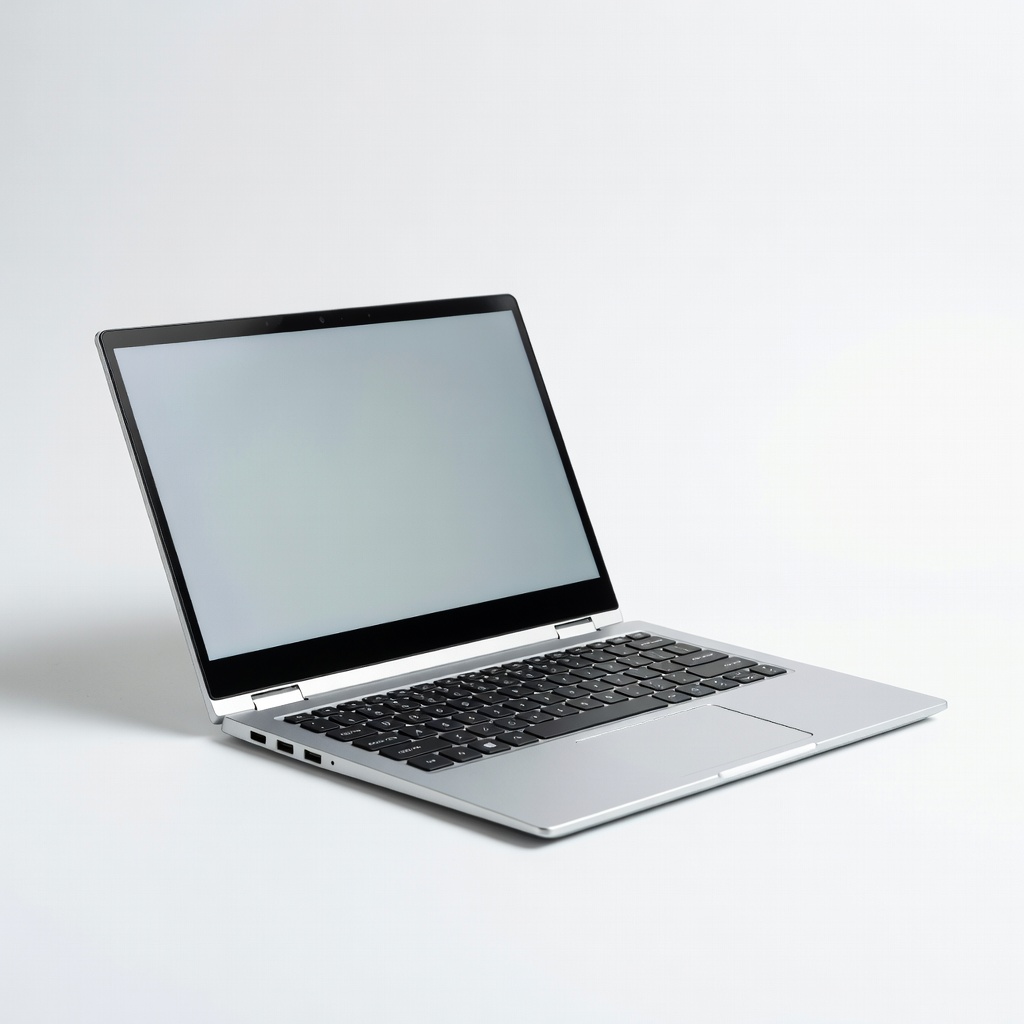
Budget-conscious high school/early college browsing.
Acer Aspire 3 Spin 14 2-in-1 Ultra-affordable entry with 11-13 hour battery, good for basics—lightweight starter for freshmen.