
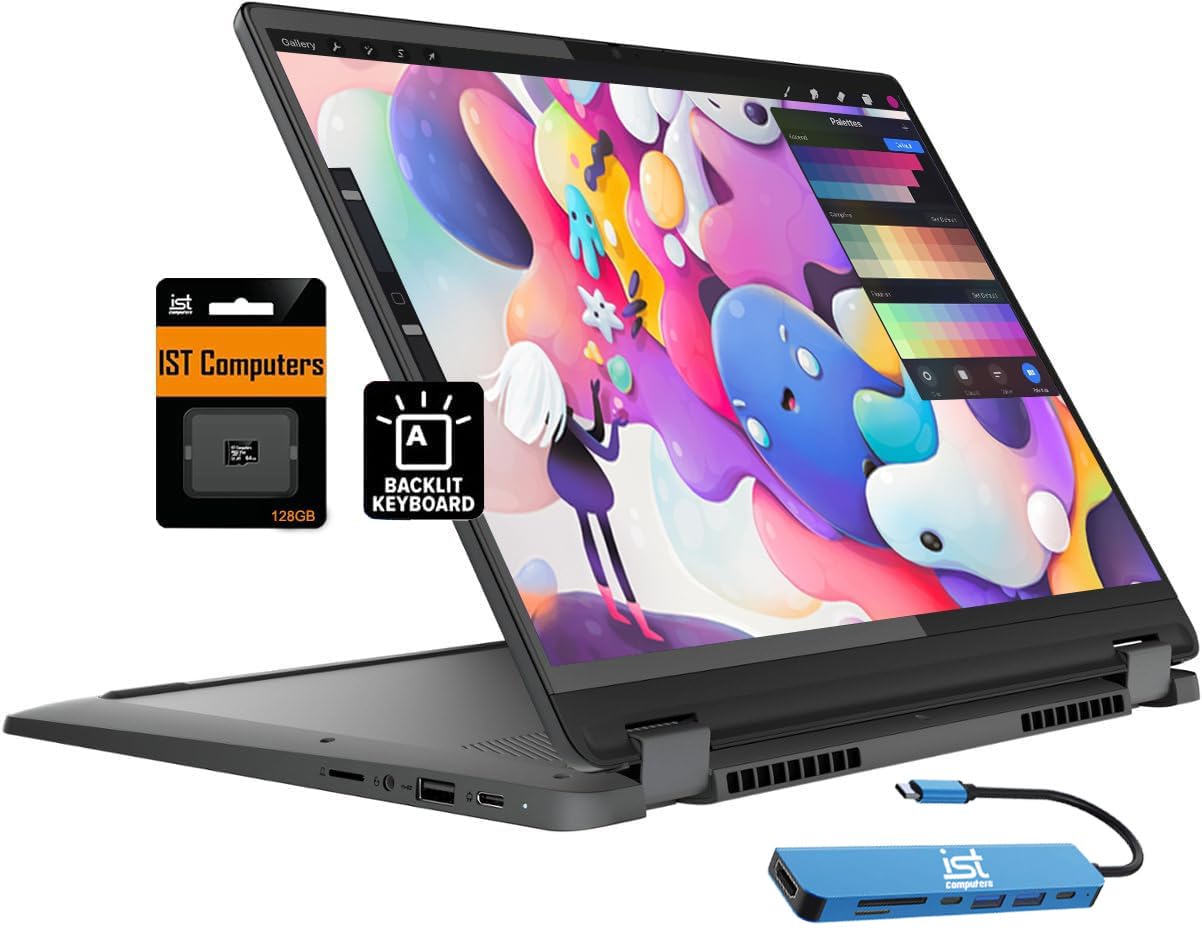
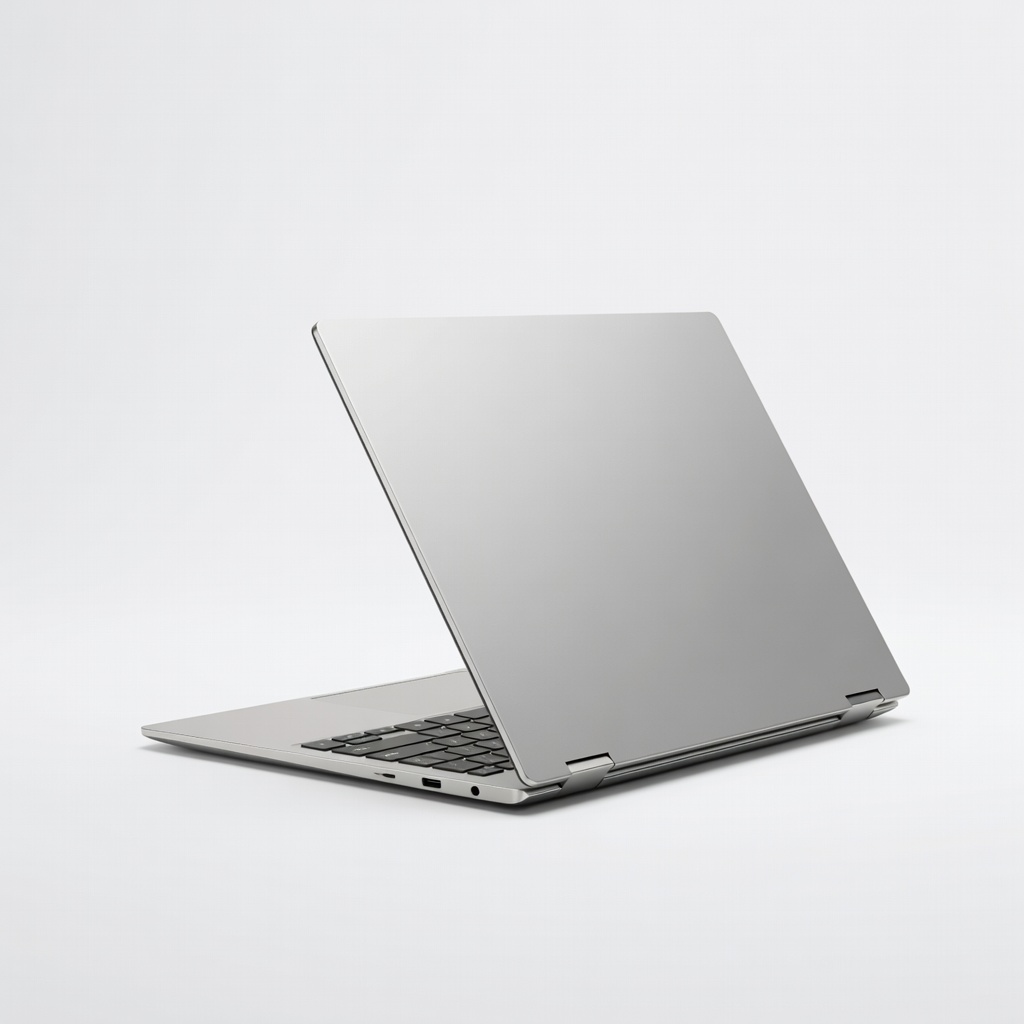
Lenovo IdeaPad Flex 5i Chromebook
Budget students doing web apps, notes, Zoom—under $500.
$450-$550
Lenovo IdeaPad Flex 5i Chromebook Affordable, 10+ hour battery, lightweight for daily carry; ChromeOS perfect for Google-heavy student workflows.
Get the App
Better experience on mobile
Discover top 2-in-1 laptops that flip from laptop to tablet, perfect for note-taking, studying, and portability on a student budget.
As a student, you're juggling classes, assignments, group projects, and maybe a part-time job—all while needing a device that's lightweight, versatile, and won't break the bank. Traditional laptops can feel clunky for sketching notes or reading textbooks in tablet mode, but 2-in-1 laptops solve that by converting seamlessly between laptop, tent, stand, and tablet modes.
In this guide, you'll learn what makes a 2-in-1 ideal for students, key features to prioritize like battery life and performance, and our top recommendations for 2024. Whether you're in high school or college, we'll walk you through choosing one that fits your needs—no tech expertise required. Expect to spend 20-30 minutes reading and narrowing down options to make a smart buy.
Estimated Time: 20-30 minutes Difficulty: beginner
A 2-in-1 laptop, also called a convertible or hybrid, has a screen that flips 360 degrees around the keyboard or detaches completely. Think of it like a Swiss Army knife for computing: use it as a full laptop for typing essays, flip to tablet mode for reading PDFs or drawing diagrams with a stylus, or prop it in tent mode for watching lectures.
This versatility matters for students because classes often mix typing, touching, and portability. Most run Windows 11, ChromeOS, or Android, with touchscreens and optional stylus support. Expect models from 11-16 inches, weighing 2-4 lbs—light enough for your backpack.
💡 Tips:
List what you'll use it for: Google Docs and Zoom for basics? Light photo editing or coding? Gaming? Students typically need good webcams for classes, long battery for all-day use, and stylus support for handwritten notes in apps like OneNote.
Prioritize portability (under 3.5 lbs), durability (metal chassis over plastic), and student discounts via education stores. Why? A mismatched laptop leads to frustration mid-semester.
💡 Tips:
⚠️ Warnings:
Focus on these: Battery life: 10+ hours for full days. Processor: Intel Core i5/Ryzen 5 or equivalent for smooth multitasking. RAM/Storage: 8-16GB/256-512GB SSD. Display: 14-inch FHD+ touchscreen, 300+ nits brightness. Ports: USB-C, headphone jack.
ChromeOS options are cheaper and secure for web-based schoolwork; Windows for full apps like Adobe. Analogy: Specs are like a car's engine—don't skimp on battery (fuel tank) or processor (engine).
Students: Aim $400-$1000. Under $500: Chromebooks for basics. $500-$800: Solid Windows all-rounders. $800+: Premium with OLED screens. Factor in warranties (2-year student plans) and extras like styluses ($50-100).
Why budget first? Prevents overspending on unused features like 4K displays.
💡 Tips:
Use sites like Amazon or PCMag to compare. Look at reviews for real-student feedback on heat, fan noise, and hinge durability. Test in-store if possible: Flip modes, touch responsiveness.
Expect trade-offs—budget models have average build; premiums excel in screens/battery.
Read 100+ Amazon reviews, filter for 'students.' Sites like Laptop Mag or CNET have 2024 roundups. Verify 2024 models (e.g., Intel Core Ultra or Snapdragon X).
Hunt Black Friday/Back-to-School sales for 20% off.
⚠️ Warnings:
Buy from Amazon/Best Buy for easy returns. Upon arrival: Update OS, install student apps (Office 365 free), customize stylus settings. Test all modes immediately.
Congrats—you now have a versatile study machine!
Problem: Short battery life
Solution: Update BIOS/drivers, close background apps, use power saver mode. Calibrate battery monthly.
Problem: Hinge feels loose
Solution: Normal for frequent flipping; if wobbly day 1, return it. Avoid forcing.
Problem: Touchscreen lag
Solution: Clean screen, restart, update touch drivers. Test with stylus.
Problem: Can't decide between models
Solution: Prioritize your top 2 needs (e.g., battery + price) and pick the best match.
Affordable, 10+ hour battery, lightweight for daily carry; ChromeOS perfect for Google-heavy student workflows.
Best for: Budget students doing web apps, notes, Zoom—under $500.
Price Range: $450-$550
Balanced performance with Intel i5, stylus included, durable aluminum build; great for multitasking essays and light editing.
Best for: Mid-range for college students needing Windows apps.
Price Range: $600-$750
Premium OLED screen, 16GB RAM, excellent battery; flips smoothly with precise stylus for digital art/notes.
Best for: Creative or engineering students wanting vibrant display.
Price Range: $850-$1000
MIL-STD durable, 15-hour battery, fast Intel processor; ideal for rough student life.
Best for: High school/commuter students prioritizing toughness.
Price Range: $500-$650
Sleek design, AMOLED screen, long battery; ARM processor efficient for all-day use.
Best for: Design students loving vivid colors and portability.
Price Range: $900-$1100
Budget students doing web apps, notes, Zoom—under $500.
Lenovo IdeaPad Flex 5i Chromebook Affordable, 10+ hour battery, lightweight for daily carry; ChromeOS perfect for Google-heavy student workflows.
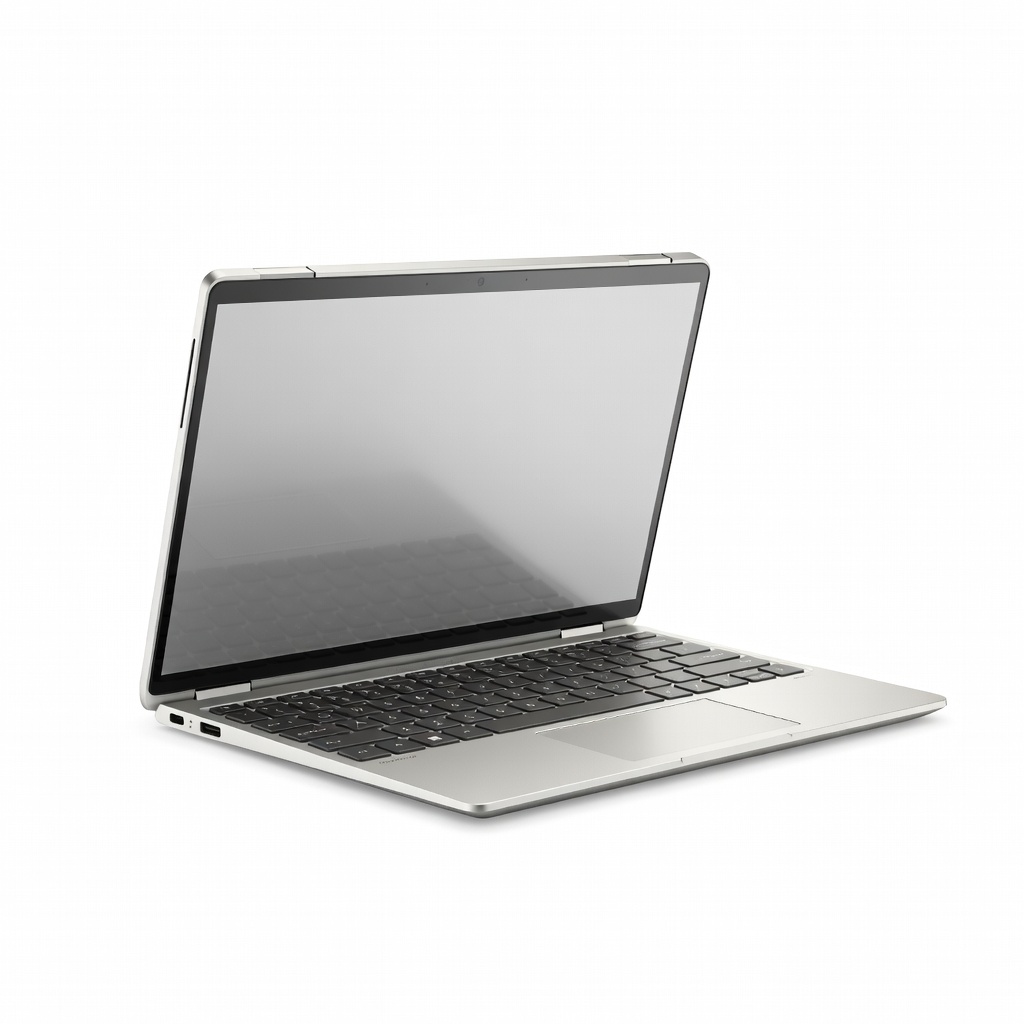
Mid-range for college students needing Windows apps.
HP Pavilion x360 14-inch Balanced performance with Intel i5, stylus included, durable aluminum build; great for multitasking essays and light editing.
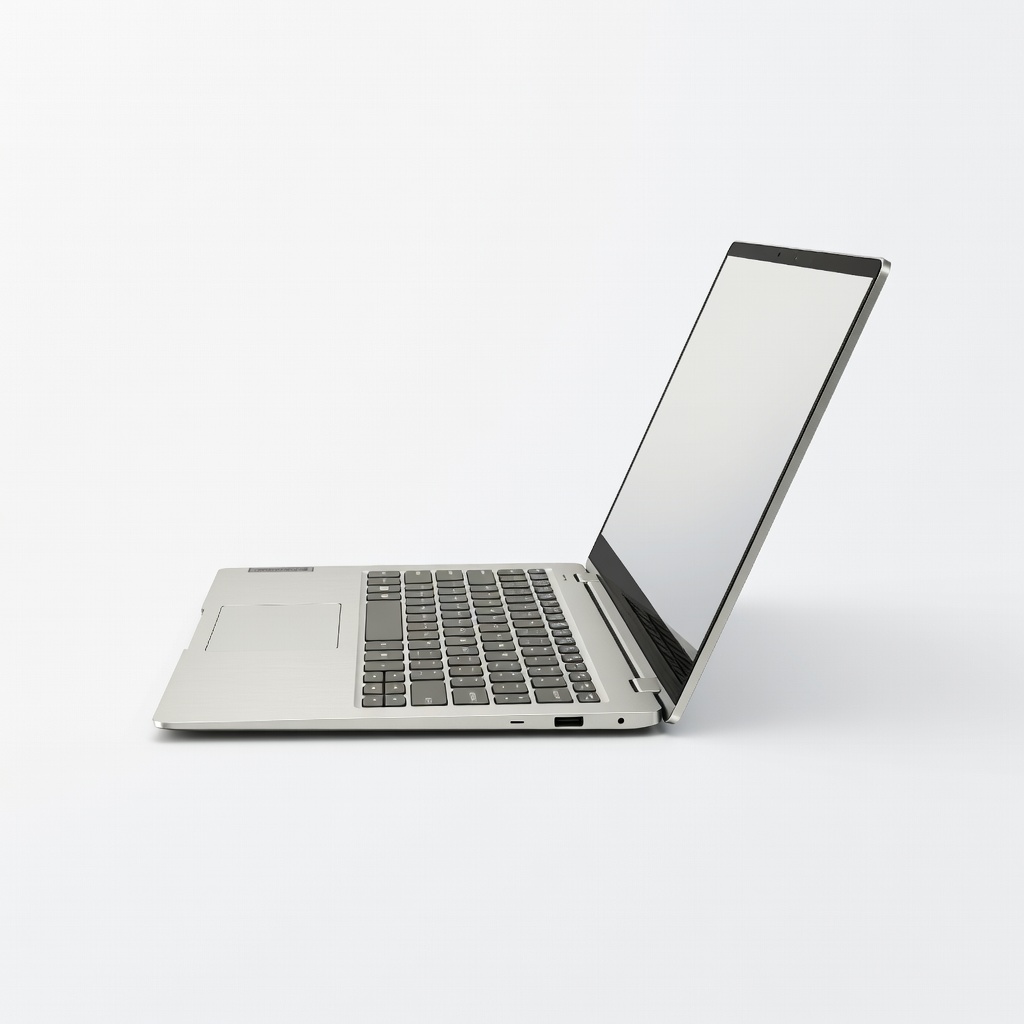
Creative or engineering students wanting vibrant display.
Lenovo Yoga 7i 2-in-1 14-inch Premium OLED screen, 16GB RAM, excellent battery; flips smoothly with precise stylus for digital art/notes.
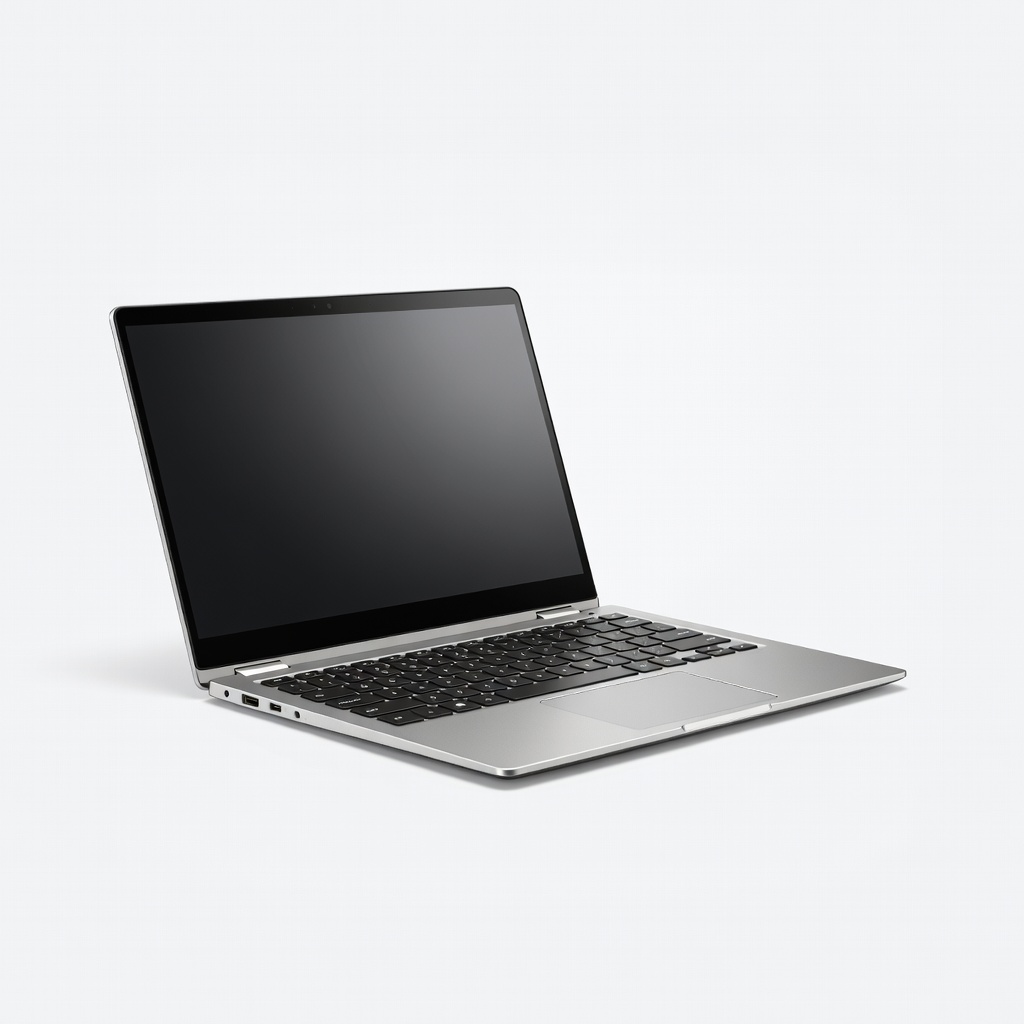
High school/commuter students prioritizing toughness.
Acer Chromebook Spin 714 MIL-STD durable, 15-hour battery, fast Intel processor; ideal for rough student life.
Design students loving vivid colors and portability.
ASIN for Samsung Galaxy Book4 360 Sleek design, AMOLED screen, long battery; ARM processor efficient for all-day use.