
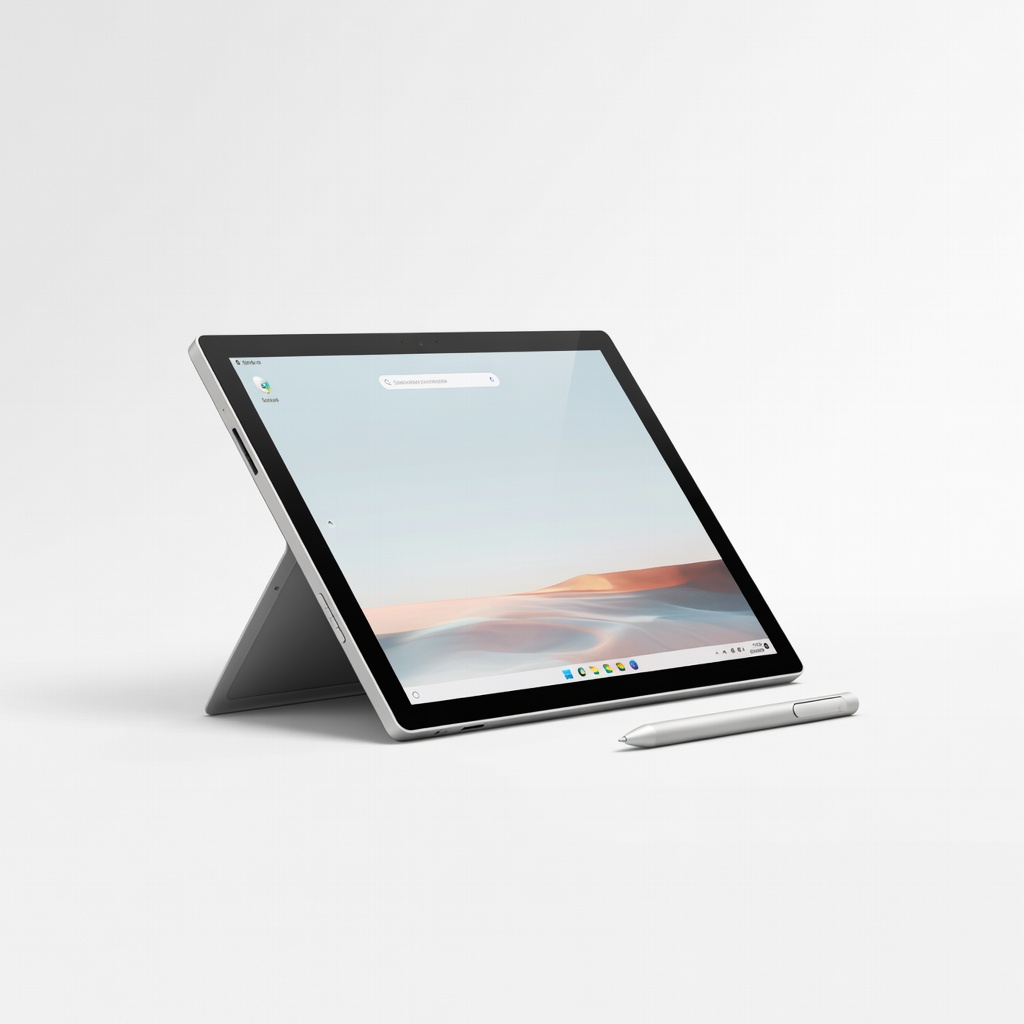
Microsoft Surface Pro 11
Mobile designers needing tablet-first workflow with Windows apps.
$1200-$2000
Microsoft Surface Pro 11 Detachable design with Snapdragon X Elite, 13" OLED touchscreen, excellent stylus integration for precise sketching.
Get the App
Better experience on mobile
Learn key specs to choose top 2-in-1 laptops that handle Adobe Suite, stylus precision, and portability for graphic designers.
Graphic designers juggle sketches, edits, and presentations on the go, but traditional laptops lack the touchscreen flexibility for natural drawing. 2-in-1 laptops solve this by flipping into tablet mode, offering stylus support for precise work in Photoshop or Illustrator.
In this guide, you'll learn essential features like display quality, GPU power, and battery life tailored for graphic design. We'll break down criteria step-by-step, recommend top models, and help you pick the perfect one without buyer's remorse. Expect 15 minutes to read and decide.
No prior hardware expertise needed—just intermediate design knowledge to match specs to your workflow.
Estimated Time: 15-20 minutes Difficulty: intermediate
2-in-1 laptops come in detachable (screen pops off like Surface Pro) or convertible (360-degree hinge like Yoga series). For graphic design, convertibles offer stable laptop mode for keyboard-heavy tasks, while detachables excel in tablet sketching.
Why it matters: Versatility prevents hunching over a mouse—draw directly with a stylus. Expect a premium build but added weight from hinges.
Analogy: Like a sketchbook that turns into a desk setup instantly.
💡 Tips:
Seek OLED or IPS touchscreens with 2.8K+ resolution, 100% DCI-P3 color gamut, and 120Hz refresh. Anti-glare matters for outdoor edits.
Why: Accurate colors and high PPI prevent washed-out designs in Premiere or Lightroom. Expect vibrant previews matching your external monitor.
Example: A 14-inch 3K OLED renders gradients flawlessly, unlike budget TN panels.
⚠️ Warnings:
Aim for Intel Core Ultra 7/9, AMD Ryzen AI 300, or Snapdragon X Elite with integrated Arc or Adreno GPU. Discrete GPUs like NVIDIA RTX 4050 boost ray tracing in Blender.
Why: Graphic design apps like After Effects demand multi-core speed for rendering. Integrated GPUs suffice for 2D but struggle with 3D.
Expect: Smooth 4K timelines without lag.
💡 Tips:
Minimum 16GB LPDDR5X RAM (32GB ideal), 512GB+ NVMe SSD (upgradable preferred).
Why: Multitasking Photoshop layers + browser tabs eats RAM; fast SSDs speed file saves. Soldered RAM is common—plan ahead.
Analogy: RAM is your canvas size; low RAM crashes mid-brush stroke.
⚠️ Warnings:
Look for Wacom EMR or USI 2.0 pens with 4096 pressure levels, tilt support, low latency (<10ms).
Why: Pressure sensitivity mimics real brushes for Illustrator paths. Includes often, but check compatibility.
Expect: Natural drawing like on an iPad Pro.
💡 Tips:
Target 10+ hours real-world use, under 3.5 lbs, aluminum chassis.
Why: Design sessions away from outlets; thin profiles fit bags. Thunderbolt 4 ports for external drives/monitors.
Example: Copilot+ PCs hit 15 hours on light edits.
⚠️ Warnings:
Budget ($800-1200): Entry-level. Mid ($1200-1800): Balanced. Premium ($1800+): Pro-grade.
Why: Balance specs vs value. Read user reviews on Reddit r/GraphicDesign for workflow pain points.
Final tip: Use tools like NotebookCheck for side-by-side specs.
💡 Tips:
Problem: Stylus lag or inaccuracy
Solution: Update drivers from manufacturer site; disable palm rejection conflicts in apps.
Problem: Overheating during renders
Solution: Use cooling pad; limit GPU power in settings or undervolt via ThrottleStop.
Problem: Poor battery on GPU tasks
Solution: Switch to integrated graphics in NVIDIA Control Panel for light edits.
Problem: Color mismatch with external monitor
Solution: Match profiles in DisplayCal; use USB-C with DisplayPort alt mode.
Detachable design with Snapdragon X Elite, 13" OLED touchscreen, excellent stylus integration for precise sketching.
Best for: Mobile designers needing tablet-first workflow with Windows apps.
Price Range: $1200-$2000
360-hinge OLED 2.8K display, Intel Core Ultra 7, 32GB RAM option—powers heavy Adobe multitasking.
Best for: Studio pros wanting laptop stability with flip-to-draw.
Price Range: $1300-$1700
Stunning 2.8K OLED, Core Ultra 7, poly cameras for client calls, long battery.
Best for: Freelancers balancing design, video edits, and portability.
Price Range: $1250-$1600
AMOLED 3K display, Intel Core Ultra, S Pen included—vibrant colors for UI/UX design.
Best for: Budget-conscious users wanting premium screen on mid-price.
Price Range: $1100-$1500
Lightweight with Ryzen AI 9, 3K 120Hz OLED, great value for entry pro work.
Best for: Traveling designers prioritizing battery over raw power.
Price Range: $900-$1300
Mobile designers needing tablet-first workflow with Windows apps.
Microsoft Surface Pro 11 Detachable design with Snapdragon X Elite, 13" OLED touchscreen, excellent stylus integration for precise sketching.
Studio pros wanting laptop stability with flip-to-draw.
Lenovo Yoga 9i (2024) 360-hinge OLED 2.8K display, Intel Core Ultra 7, 32GB RAM option—powers heavy Adobe multitasking.
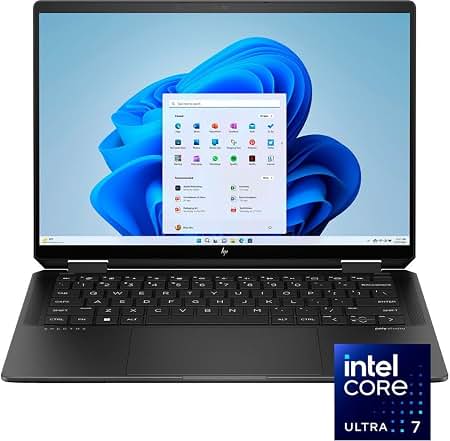
Freelancers balancing design, video edits, and portability.
HP Spectre x360 14 (2024) Stunning 2.8K OLED, Core Ultra 7, poly cameras for client calls, long battery.
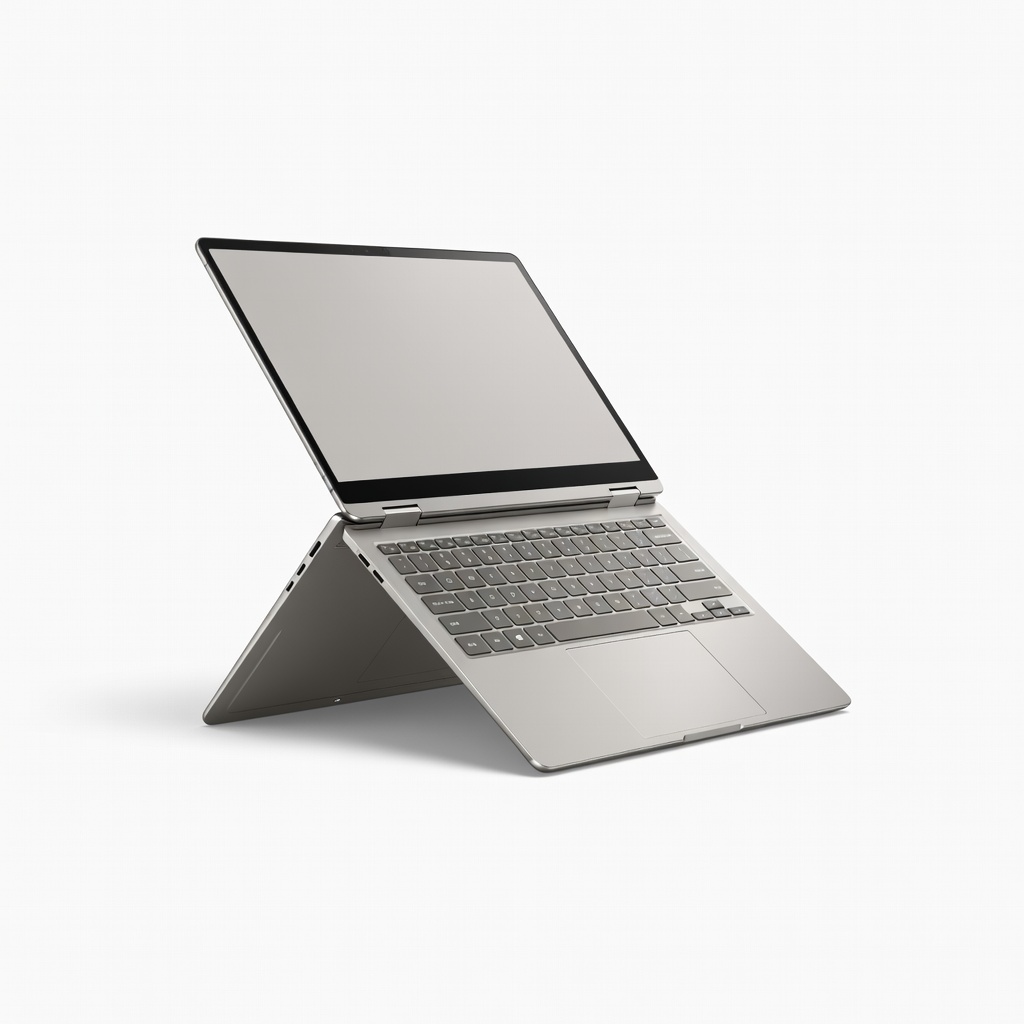
Budget-conscious users wanting premium screen on mid-price.
Samsung Galaxy Book4 Pro 360 AMOLED 3K display, Intel Core Ultra, S Pen included—vibrant colors for UI/UX design.
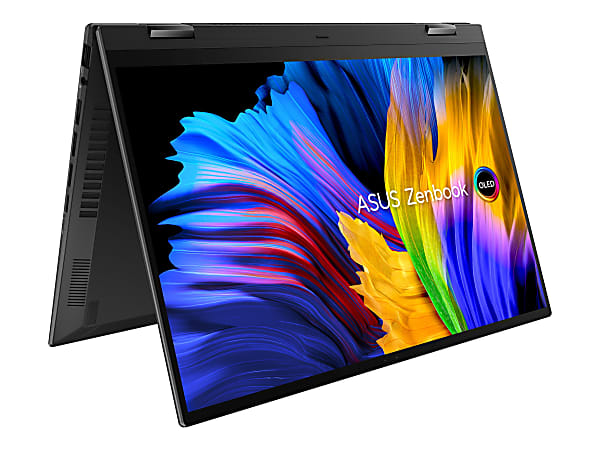
Traveling designers prioritizing battery over raw power.
ASUS Zenbook 14 Flip OLED Lightweight with Ryzen AI 9, 3K 120Hz OLED, great value for entry pro work.