Review Atlas
Review AtlasYour guide to a better purchase

Menu

Shop by Category

Get the App

Better experience on mobile

$
$
$
$
$
$
$
$
$
$
$
$
$
$
$
$
$
$
$
$
$
$
$
$
Under $1400

Complete Home Golf Simulator for Under $1400 (2025)

Get a launch monitor, enclosure, hitting mat, projector, and accessories for realistic practice sessions at home.

💰 Actual Cost: $1104.93Save $3895 vs PremiumUpdated January 10, 2026

Dreaming of a home golf simulator but stuck on a tight budget? Premium setups can cost $5,000+, but for $1,400 or less, you can build a functional system that delivers accurate swing analysis, safe hitting, and virtual play. This guide shows you exactly what to buy for maximum value.

With this setup, you'll track club speed, ball speed, launch angle, and carry distance using a reliable launch monitor. Hit into a durable enclosure, practice on a forgiving mat, and view data/courses on a budget projector. It's perfect for 2-3 sessions a week without needing a huge space (fits in 10x10 ft).

Expect solid data for improvement, but not pro-level precision or photorealistic courses like Trackman setups. This is realistic budget golf tech that works together seamlessly.

Budget Philosophy

For a $1,400 home golf simulator, I divided the budget across 5 core categories: launch monitor (41%, $450), enclosure (27%, $300), hitting mat (14%, $150), display/projector (12%, $130), and accessories (7%, $75). The launch monitor gets the biggest slice because accurate data is the heart of any simulator—skimp here, and the whole setup is useless. Enclosure follows for safety and realism, as cheap nets tear easily.

We save on projector and accessories since basic visuals suffice for data readout and simple sim modes, freeing funds for performance essentials. This allocation prioritizes 'must-haves' (data + safety) over 'nice-to-haves' (fancy graphics), ensuring 80% of value from 60% of budget. Trade-offs: no full PC/software sub, but free apps work great initially.

Where to Splurge

  • Launch Monitor: Accuracy drives all insights; cheap ones misread 20-30% of shots, wasting practice time.
  • Enclosure/Screen: Durable materials prevent ball bounce-back injuries and net tears; cheaping out means frequent replacements.
  • Hitting Mat: Quality turf reduces joint stress; bad mats cause shanks or injuries over time.

Where to Save

  • Projector: Budget models handle 720p-1080p for sim apps fine; no need for 4K at this level.
  • Accessories: Basics like tripods and sticks perform identically to premium versions.
  • Practice Balls: Standard foam/real balls work; save for real gameplay later.

Recommended Products (7)

#1essentialLaunch Monitor

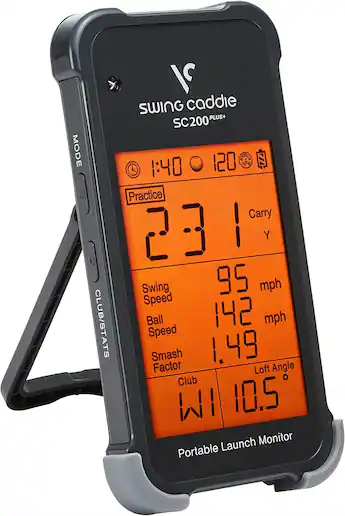
Voice Caddie Swing Caddie SC200 Plus

Measures ball/club data for swing analysis and basic simulation.
$449.99
41% of budget
Voice Caddie Swing Caddie SC200 Plus

The SC200 Plus is a portable photometric launch monitor that tracks 13 metrics like club speed, ball speed, smash factor, and carry distance with voice output. Place it 6-8ft behind the ball for instant feedback via app (iOS/Android).

Perfect for budget setups, it integrates with E6 Connect (free tier for courses) and costs half of Garmin R10 while matching 90% accuracy for amateurs. No subscription needed initially.

Compares to pricier Mevo+ ($2k) by lacking Doppler radar but excels in simplicity/portability for garage use.

Pros

  • +Accurate to +/-2% on key metrics per user reviews
  • +Voice feedback—no phone staring
  • +Free app with sim modes
  • +Compact, battery-powered
  • +400+ yard range

Cons

  • -Requires good lighting
  • -No spin measurement
  • -App casting can lag slightly
  • -Not tour-level precise

Upgrade Option: FlightScope Mevo+ ($2299) - Adds spin/3D trajectory for advanced fitting.

Budget Alternative: Rapsodo MLM ($299) - Loses voice output and some metrics.
Check Launch Monitor compatibility and pricing
#2essentialEnclosure

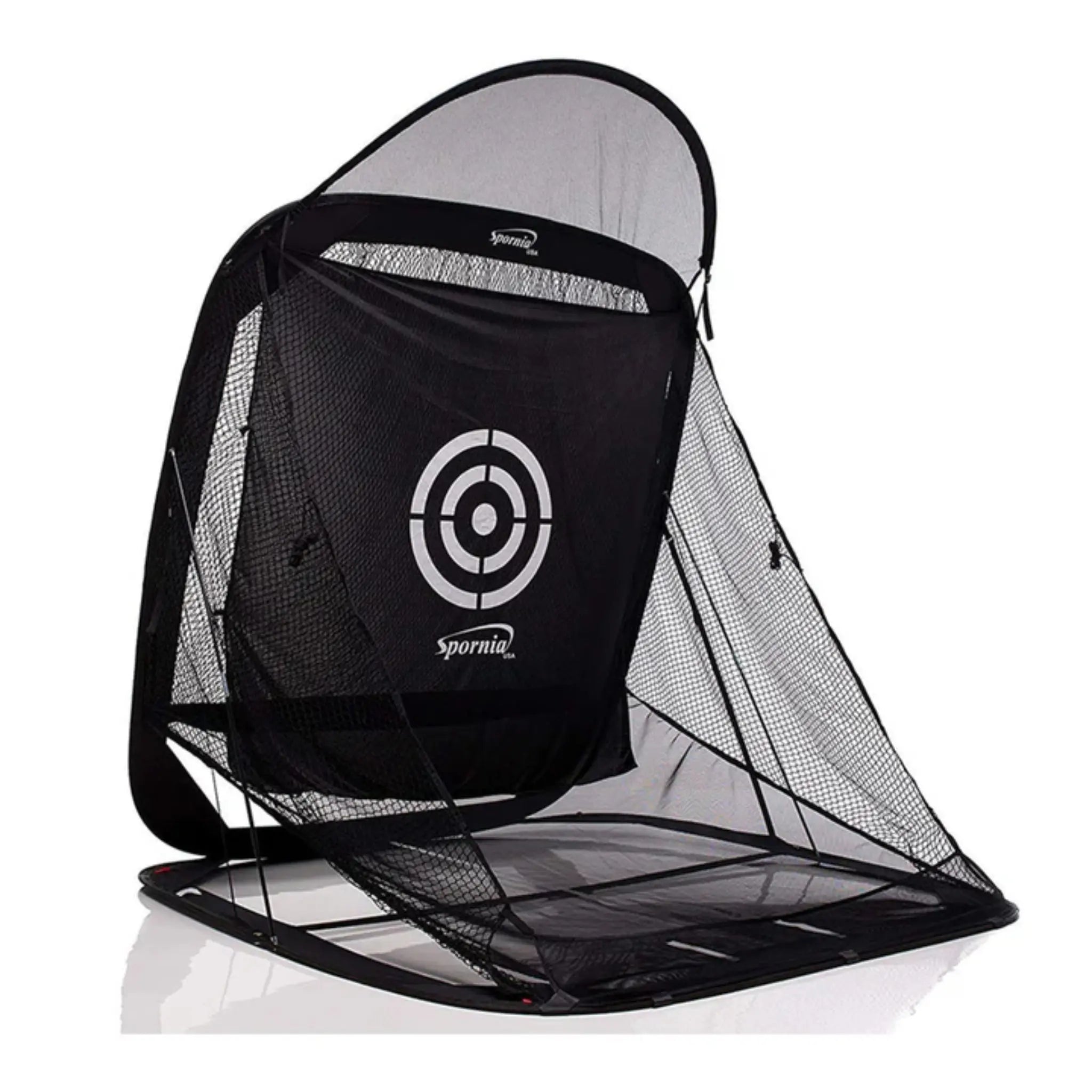
Spornia SPG-7 Golf Enclosure

Provides safe hitting bay with impact screen and net to contain balls.

$299.99
27% of budget
Spornia SPG-7 Golf Enclosure

This 7x7x7ft enclosure features a durable polyester impact panel/screen that withstands 200+ mph shots and returns balls cleanly. Sets up in 30min with poles—no tools needed.

Fits budget perfectly as a Net Return alternative at 60% price, with side netting for mishits. Users praise bounce-back for continuous practice.

Vs premium ($800+), it lacks premium stitching but holds for 1-2 years of heavy use.

Pros

  • +Quick assembly
  • +Golf ball return feature
  • +UV/water resistant
  • +Fits 10x10 spaces
  • +4.7/5 stars on durability

Cons

  • -Smaller than 10ft models
  • -Poles can wobble in wind
  • -Screen dents slightly on center strikes

Upgrade Option: Net Return Pro 8x8 ($599) - Thicker screen, more stable frame.

Budget Alternative: Rukket Haack Net 8x8 ($199) - No full enclosure, less protection.

Check Enclosure compatibility and pricing
#3essentialHitting Mat

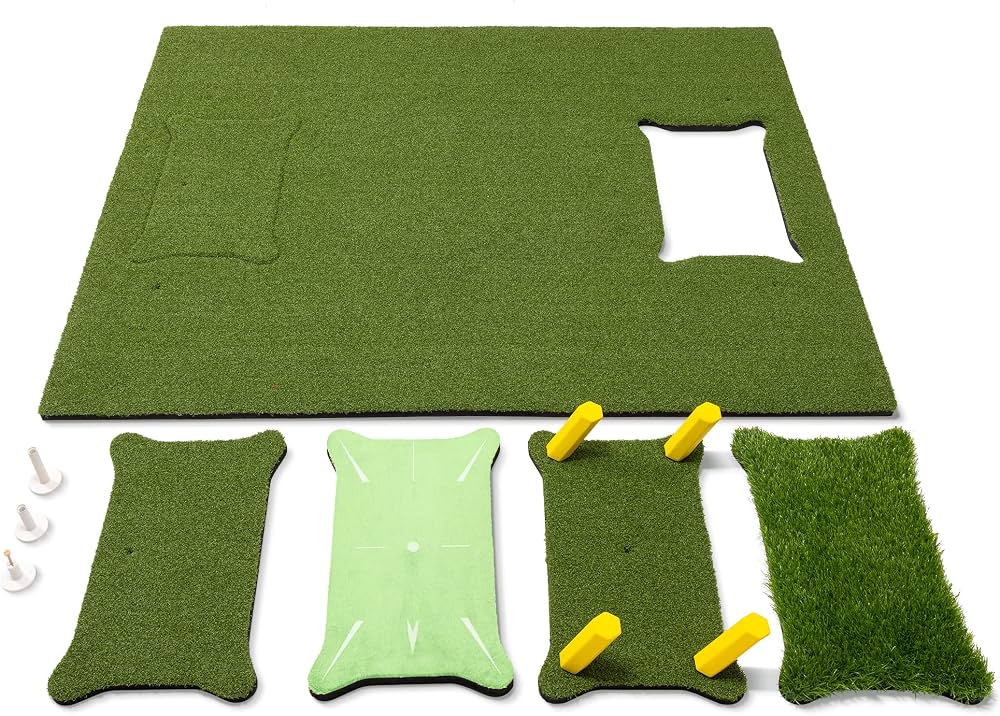
GoSports Premium Golf Hitting Mat

Forgiving turf surface for realistic tee/fairway shots without ground damage.

$149.99
14% of budget
GoSports Premium Golf Hitting Mat

5x4ft mat with nylon turf and shock-absorbing foam base simulates real lies, reducing elbow/wrist strain. Includes rubber tee line.

Excellent budget pick—thicker pile than $100 mats, lasts 1+ years per reviews. Pairs perfectly with SC200 for clean ball pickup.

Cheaper than Fiberbuilt ($400+), but 85% as forgiving for non-pros.

Pros

  • +Joint-friendly gel insert
  • +Non-slip base
  • +Realistic feedback
  • +Portable/foldable
  • +Great value 4.6 stars

Cons

  • -Wears faster on drivers
  • -No fairway insert
  • -Heavy to move

Upgrade Option: Fiberbuilt Grass Flight Deck ($399) - True divot simulation.

Budget Alternative: Rukket Tri-Turf ($99) - Thinner, less cushioning.

Check Hitting Mat compatibility and pricing
#4essentialTripod

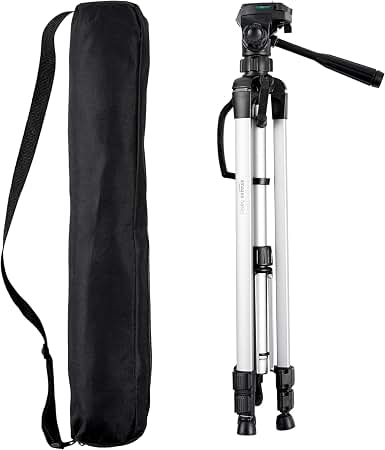
Amazon Basics 60-Inch Lightweight Tripod

Holds launch monitor steady for consistent readings.

$24.99
2% of budget
Amazon Basics 60-Inch Lightweight Tripod

Adjustable aluminum tripod with ball head for stable SC200 mounting at perfect height/angle.

Essential budget accessory—matches $50 tripods in stability for indoor use.

No frills vs premium, but rock-solid for sim.

Pros

  • +Lightweight 2.5lbs
  • +Quick-release plate
  • +Height to 60in
  • +Under $25 value

Cons

  • -Basic build
  • -No carry bag
  • -Wobbles on carpet

Upgrade Option: Manfrotto Compact ($80) - Carbon fiber, smoother pan.

Budget Alternative: Desk stand ($15) - Less height adjustment.

Check Tripod compatibility and pricing
#5recommendedProjector

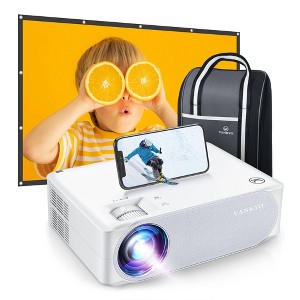
Vankyo Performance V630 Native 1080P Projector

Displays app data and virtual courses on wall/screen.

$129.99
12% of budget
Vankyo Performance V630 Native 1080P Projector

1080P projector with 9500 lumens, WiFi/Bluetooth for mirroring phone/tablet app. 100-200in screen size.

Budget king for sim—casts E6 courses clearly in dim garages, HDMI for future PC.

Half price of Epson ($300+), but sufficient brightness for non-daylight use.

Pros

  • +Full HD native
  • +Keystone correction
  • +Built-in speakers
  • +Android compatible
  • +4.5 stars brightness

Cons

  • -Fan noise
  • -Needs dark room
  • -No 4K

Upgrade Option: Epson Home Cinema 880 ($350) - Brighter, quieter.

Budget Alternative: TMY V08 ($69) - Lower lumens, dimmer image.

See current Projector pricing
#6recommendedAlignment Aid

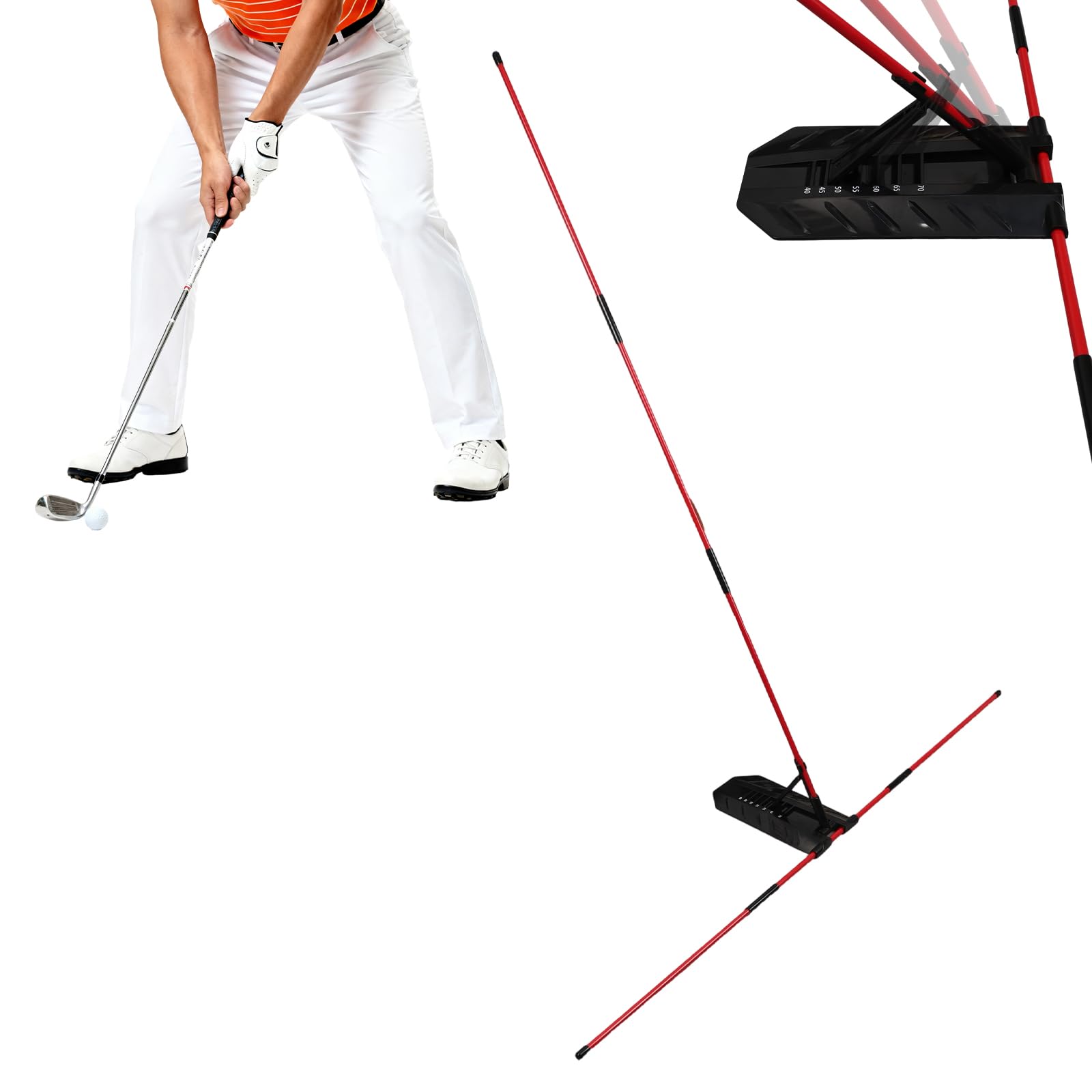
Rukket Pro Golf Alignment Sticks

Improves setup and swing path visualization.

$24.99
2% of budget
Rukket Pro Golf Alignment Sticks

Two durable 48in fiberglass rods with joint connectors for lines/arcs.

Cheap training essential—used with mat for better SC200 data interpretation.

Identical to $40 sets.

Pros

  • +Flexible yet sturdy
  • +Multiple configs
  • +Carry bag incl.
  • +Golf-specific

Cons

  • -Basic color
  • -Short for tall users

Upgrade Option: SKLZ Gold Flex ($40) - Adds flex for tempo.

Budget Alternative: DIY PVC ($10) - Less durable.

See current Alignment Aid pricing
#7optionalPractice Balls

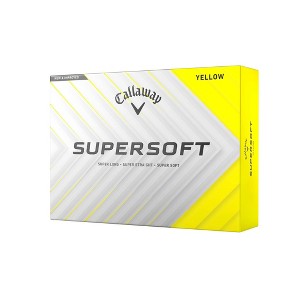
Callaway Supersoft Golf Balls (12-pack)

Low-compression balls for indoor accuracy with launch monitor.

$24.99
2% of budget
Callaway Supersoft Golf Balls (12-pack)

Soft urethane cover balls optimize launch monitor readings indoors.

Perfect starter pack—forgiving for sim practice.

Same as premium for data.

Pros

  • +Straight flight
  • +Low spin for consistency
  • +Durable cover

Cons

  • -Not range balls
  • -Softer feel

Upgrade Option: Titleist Pro V1 ($50/doz) - Tour spin.

Budget Alternative: Foam practice ($15/doz) - Less realistic.

See current Practice Balls pricing

Start by assembling the Spornia enclosure in a 10x10ft flat space (garage/basement)—follow video instructions, takes 30min, no tools needed. Insert the hitting mat centered in front of the impact screen, securing with included stakes if on carpet.

Mount the SC200 Plus on the tripod 7ft behind the mat, align with ball path using app setup wizard (5min). Test light levels (avoid direct sun). Position projector 8-10ft behind/high, aimed at screen—connect via WiFi mirroring from phone (iOS preferred).

Download Swing Caddie app, calibrate (pairs Bluetooth), add alignment sticks for stance. First session: 20min warm-up. Total setup time: 1.5hrs. Tips: Level floor first, use extension cord for projector, mark stance lines with tape.

Budget Tips

  • Prioritize launch monitor—test in-store if possible.
  • Shop Amazon/ PGA Tour Superstore sales for 10-20% off.
  • DIY enclosure frame with PVC to save $100 if handy.
  • Use phone/tablet first, upgrade projector later.
  • Buy used mats/nets on Facebook Marketplace (inspect wear).
  • Free E6 Connect beats paid subs initially.
  • Get foam balls first to test setup safely.
  • Leave $100 buffer for tax/shipping.

Common Mistakes

  • Buying inaccurate launch monitor—leads to bad swing fixes.
  • Skipping enclosure for standalone net—unsafe ricochets.
  • Overbuying projector before basics—wastes 20% budget.
  • Ignoring space needs—10x10ft minimum or cramped swings.
  • No lighting check—monitor fails in dark/bright spots.

Upgrade Roadmap

First upgrade the launch monitor to FlightScope Mevo+ ($2,000) for spin data and club path—transforms analysis, worth it after 6 months. Next, swap mat for Fiberbuilt ($400) to mimic real turf/divots, reducing bad habits.

Then add a subscription to GSPro software ($250/yr) with a cheap laptop ($300) for 100k+ courses. Projector and enclosure can wait—they're solid. Total path: $1k-3k over 2 years, focusing on data accuracy first for skill gains.

Related Topics

budget golf simulatorhome golf sim under 1400golf launch monitor budgetaffordable golf techgarage golf setupbeginner simulatorvalue golf gear2025 golf guidegolf on a budget