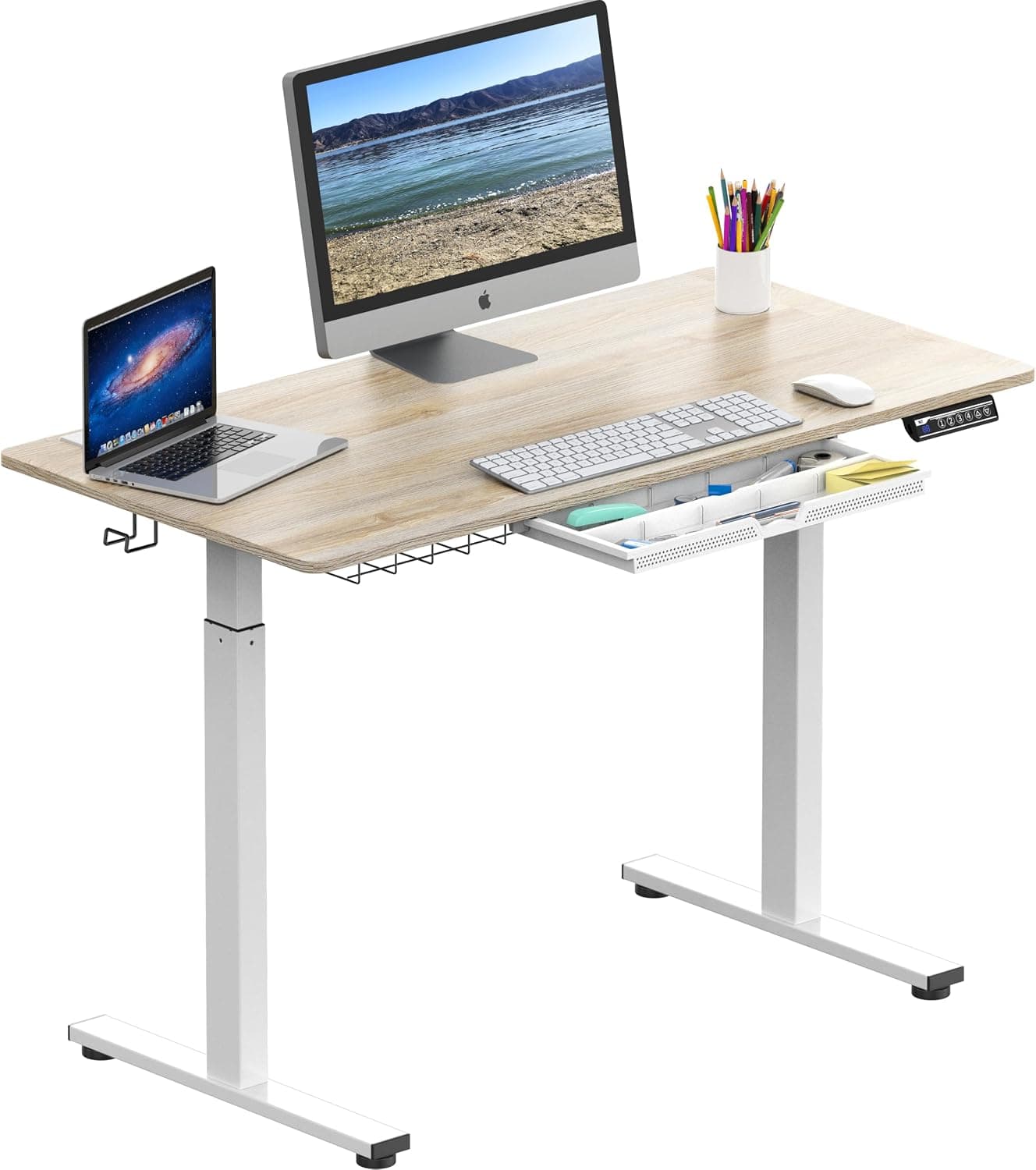
Prioritize motor stability, height range (armpit height when standing), and weight capacity. Dual motors are quieter and more stable than single motors.
Prioritize motor stability, height range (your standing desk should reach armpit height when standing), and weight capacity. Dual motors are quieter and more stable than single motors.
The Short Answer
Focus on three pillars: motor quality (dual motors over single), height range (low enough for seated use, high enough to reach armpit level when standing), and weight capacity (at least 20 lbs more than your total setup). These determine long-term reliability and ergonomic benefit.
The Full Picture
The Problem with Budget Standing Desks
Many standing desks under $400 advertise smooth height adjustment but wobble at full extension or break down within a year. Single-motor desks often struggle lifting heavy monitors, and limited height ranges force either typing on tiptoes or slouching at a desk that's too low.
The Solution: Focus on These Key Factors
To avoid wasted money and back pain, evaluate each factor before buying.
1. Motor Type: Single vs. Dual
Dual motors distribute lifting load evenly, providing smoother transitions, less noise, and higher weight capacity. Single motors are cheaper but prone to uneven lifting and failure under load.
2. Height Range
A proper standing desk should adjust from about 25 inches (seated) to at least 50 inches (standing). When standing, your elbows should form a 90-degree angle with the desk surface at armpit height. Test this by standing straight and measuring from the floor to your armpit—that should be the max height.
3. Weight Capacity
Calculate the combined weight of your monitor(s), laptop, peripherals, and any accessories. Add a 20-pound buffer. A desk rated for 200 lbs is usually sufficient for a single monitor setup; dual monitors or heavy equipment may need 300+ lbs.
Comparison: Single vs. Dual Motor Standing Desks
| Feature | Single Motor | Dual Motor |
|---|---|---|
| Stability | Moderate wobble at higher heights | Very stable, minimal wobble |
| Noise | Audible humming | Quieter operation |
| Lifting Speed | Slower (~1.3 in/sec) | Faster (~1.8 in/sec) |
| Weight Capacity | 100-200 lbs | 200-350 lbs |
| Durability | Shorter lifespan (motor strain) | Longer lifespan |
| Cost | $200-$400 | $400-$800 |
Common Mistakes to Avoid
- Ignoring cable management: A desk with built-in cable trays or grommets saves hours of clutter.
- Forgetting about monitor arms: Standing desks pair best with monitor arms to maintain ergonomic screen height.
- Overlooking assembly difficulty: Some desks take 2+ hours to assemble. Look for pre-installed components.
- Skipping warranty: A 5+ year warranty indicates manufacturer confidence. Avoid desks with only 1-year coverage.
Why It All Matters
Choices you make today affect your daily comfort and long-term health. A poorly chosen standing desk can cause shoulder strain, carpal tunnel, or hip pain. Investing in solid motor stability and correct height range pays off in productivity and reduced medical bills.
The Best Time to Buy
Looking to save money? Check our guides on the best time to buy desks and office chairs to time your purchase. Pairing a standing desk with an ergonomic office chair completes your workstation.
Our Recommendation
For most people, a dual-motor standing desk with a height range of 25–50 inches and a weight capacity of 250+ lbs is the sweet spot. Brands like Uplift V2, Fully Jarvis, and Vari offer reliable options. If you're on a tight budget, look for a single-motor desk from reputable brands like IKEA (Bekant or Trotten) but be aware of the trade-offs. Always test the height range against your own body measurements before buying.
Frequently Asked Questions
What is the best standing desk for heavy monitors?
For heavy monitors, choose a dual-motor standing desk with a weight capacity of 300+ lbs. Dual motors provide smoother lifting and better stability. Brands like Uplift V2 and Fully Jarvis offer models with robust frames and programmable height presets. Always add a 20-lb buffer to your total setup weight for safety.
How do I measure the correct standing desk height for my height?
Stand straight with arms at your sides. Measure from the floor to your elbow—that's your seated desk height. For standing, measure from floor to armpit; the desk should reach that height. When typing, elbows should be at 90 degrees with wrists straight. Adjustable desks should cover both measurements.
Why do standing desks wobble and how to fix it?
Wobble is often due to a single-motor system, insufficient weight capacity, or a poorly constructed frame. High-end dual-motor desks with crossbars and steel frames minimize wobble. To fix, ensure the desk is on even flooring, tighten all bolts, and consider a desk with a wider base or lower height range.
What is the difference between a standing desk converter and a full standing desk?
A standing desk converter sits on an existing desk and lifts your monitor and keyboard, but doesn't change desk height. Full standing desks replace your entire desk, offering adjustable height for both sitting and standing. Converters are cheaper and easier to install, but full desks provide better ergonomics and more workspace.
Products Mentioned