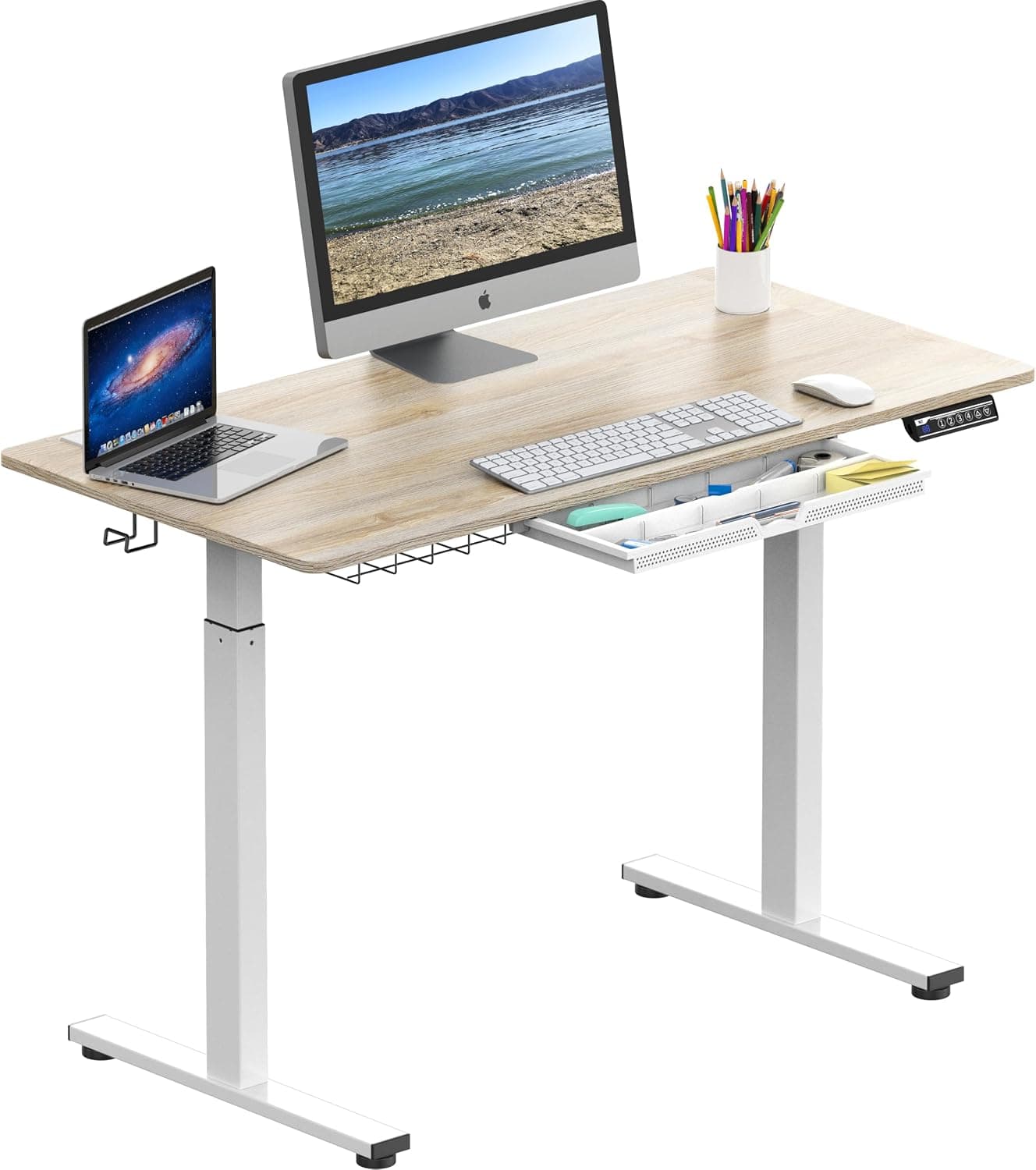
Prioritize motor stability, height range (your standing desk should reach armpit height when standing), and weight capacity. Dual motors are quieter and more stable than single motors.
What to Look for When Buying a Standing Desk (2025 Guide)
Prioritize motor stability, height range (your standing desk should reach armpit height when standing), and weight capacity. Dual motors are quieter and more stable than single motors.
The Short Answer
When buying a standing desk, focus on three core specs: motor type (dual over single), height range (the low end should be 25–28″ for seated, the high end should reach your armpit when standing), and weight capacity (at least 150 lbs for a monitor and laptop, more for multiple screens or heavy equipment). Also check stability at max height, warranty (5+ years ideal), and ease of assembly. Avoid cheap single-motor desks under $300 if you plan to stand more than 2 hours a day.
The Full Picture
A standing desk is a long-term investment in your health and productivity. The wrong one can cause wobble, fail prematurely, or not adjust to your ideal working height. Here’s a detailed breakdown of every factor that matters.
1. Motor: Single vs Dual vs Triple
Most electric standing desks use either one or two motors. Triple-motor desks exist but are rare and expensive.
| Feature | Single Motor | Dual Motor | Triple Motor |
|---|---|---|---|
| Speed | Slower (≈1″/sec) | Faster (≈1.5″/sec) | Fastest (≈2″/sec) |
| Noise | Audible whine | Quieter, smoother | Very quiet |
| Stability | Less stable at high height | More stable, less wobble | Most stable |
| Weight Capacity | ≤ 150 lbs | ≤ 350 lbs | ≤ 400+ lbs |
| Price | $200–$400 | $400–$800 | $800+ |
Verdict: For most people, a dual-motor desk offers the best balance of speed, noise, and stability. Single-motor desks can work for lightweight setups if you rarely stand, but the noise and wobble become annoying.
2. Height Range
The most overlooked spec. Your desk should fit you when seated and when standing.
- Seated height: Typically 25–28 inches from floor to desktop. A low minimum (23–25″) is important for shorter users.
- Standing height: Your desktop should be at elbow height when standing—roughly armpit height. That usually means 44–50″ for a 5’9″ person. Taller users need at least 48–50″.
Measure your own armpit height from the floor to your armpit while standing. That’s your ideal standing desktop height. Then verify the desk’s maximum height reaches that number.
3. Weight Capacity
A desk that can’t hold your gear is useless. Consider:
- Monitor(s): 10–30 lbs each
- Laptop: 3–5 lbs
- Desk lamp, phone, papers, etc.
Add 20% buffer. A dual-motor desk typically supports 250–350 lbs. Single-motor desks often max out at 130–150 lbs. If you plan to mount a monitor arm, remember that arm adds leverage, so weight capacity becomes even more critical.
4. Stability at Height
Wobble is the #1 complaint after buying a standing desk. Test stability by pushing on the desk at standing height. Look for:
- Steel frame thickness (at least 2mm wall thickness)
- Crossbars or T-leg design (C-legs are less stable)
- Heavy base (wider is better for stability)
A desk that wobbles when you type will drive you crazy. Some brands offer anti-wobble technology or a "stability bar" under the desk.
5. Desktop Material and Size
Your desk surface needs to be durable and large enough.
- Size: 48″ x 24″ is the minimum for a single monitor and laptop. 60″ x 30″ is comfortable for dual monitors or a larger workspace.
- Material: Solid wood or bamboo is most durable but heavy. MDF with laminate is lighter and cheaper but can chip. Avoid particleboard with thin laminate—it warps over time.
If you purchase a frame-only option, you’ll need to source your own desktop. This can save money but adds complexity.
6. Warranty and Customer Support
Standing desks have many moving parts. A good warranty covers the motor and frame for 5–10 years, the electronics for 2–5 years, and the desktop for 1–3 years. Avoid desks with only a 1-year warranty on motors.
Check reviews for customer service responsiveness. A dead motor after 18 months with no support is a $400 paperweight.
7. Additional Features Worth Considering
- Memory presets: Allows you to save your seated and standing heights. Expensive but convenient for shared desks.
- Cable management: Built-in trays or channels reduce clutter.
- Anti-collision: The desk stops and reverses if it hits an obstacle. Important if you have pets or kids.
- Programmable height: Some desks have a small display that shows your height. Nice but not essential.
Common Mistakes When Buying a Standing Desk
Mistake 1: Choosing a Single Motor to Save $100
You’ll regret the noise and slow speed. If budget is tight, look for sales—check our Best Time to Buy Desks (2026 Guide) for seasonal discounts.
Mistake 2: Not Measuring Your Ideal Standing Height
Many people buy a desk that only goes to 42″ and find themselves hunched over. Measure your armpit height before purchasing.
Mistake 3: Ignoring the Chair
A standing desk is only part of an ergonomic setup. You still need a good chair for sitting intervals. See our Best Time to Buy Office Chairs (2026 Guide) for recommendations.
Mistake 4: Buying the Cheapest Option
Desks under $300 often have flimsy frames, low weight capacity, and short warranties. They may not last a year of daily use.
Mistake 5: Forgetting Cable Management
A bare desk with dangling cables looks messy and can interfere with height adjustment. Budget for a cable management solution.
Our Recommendation
For most people, the ideal standing desk has:
- Dual motors (or at least a high-quality single motor with strong reviews)
- Height range from 25″ to at least 48″ (measure your armpit height)
- Weight capacity of 250 lbs or more
- Stability at full height (look for crossbars or T-legs)
- 5+ year warranty on motor and frame
- Desktop size of 60″ x 30″ for ample space
If you’re on a strict budget, aim for a dual-motor desk with a smaller desktop (48″). You can upgrade the desktop later. Avoid single-motor desks unless you are under 5’5″ and never plan to stand more than an hour.
Remember that a standing desk is a platform, not a magic solution. You still need a proper ergonomic chair for sitting intervals. Check our Best Time to Buy Ergonomic Office Chairs (2025 Guide) for tips on when to save on a quality chair.
For the best pricing, buy during major sales events like Black Friday, New Year, or Amazon Prime Day. Refer to our annual buying guides to time your purchase.
Frequently Asked Questions
Are standing desks worth the investment?
Yes, a quality standing desk can improve posture, reduce back pain, and boost productivity. However, cheaper models may wobble or fail. Look for dual motors, a weight capacity of at least 150 lbs, and a 5+ year warranty. Used correctly, it's a long-term health investment.
How long should you stand at a standing desk each day?
Start with 30–60 minutes per day and gradually increase to 2–4 hours total. Alternate between sitting and standing every 30–60 minutes to avoid fatigue. Standing all day can cause leg strain. Use an anti-fatigue mat and maintain proper elbow height.
What size standing desk is best for a home office?
For a single monitor and laptop, a 48" x 24" desk is sufficient. For dual monitors or a larger workspace, choose a 60" x 30" desk. Ensure the height range accommodates your seated and standing positions—verify the low end fits your seated legroom and the high end reaches your armpit.
Who should consider a standing desk?
Anyone who sits for more than 4 hours daily, especially those with back or neck pain. Taller and shorter individuals benefit from adjustable height ranges. If you have a sedentary job or want to reduce prolonged sitting, a standing desk encourages movement. However, if you rarely sit at a desk, a converter may suffice.
Products Mentioned