
We ran a 7-day mixed-usage battery test on the iPhone 15 Pro Max and Galaxy S24 Ultra. The bigger battery didn't win. Here's why it matters.
The Spec Sheet Is Wrong About Battery Life
Here’s a number that should make every spec-sheet reader pause: the Galaxy S24 Ultra carries a 5,000mAh battery, while the iPhone 15 Pro Max makes do with 4,441mAh. That’s a 12.6% difference in raw capacity. But in our 7-day real-world battery test, the iPhone outlasted the Galaxy S24 Ultra by an average of 1 hour and 11 minutes of screen-on time per day. On the heaviest day, the difference stretched to 2 hours and 8 minutes. No, that’s not a typo. The phone with the bigger battery lost—and that's exactly why you shouldn't trust mAh on its own.
This isn't about brand loyalty. It's about how power efficiency and software optimization matter more than raw capacity. Both phones are at the top of their game, but only one will get you through a full day without a mid-afternoon panic.
If you're deciding between these two flagships, our full iPhone 15 Pro Max and Galaxy S24 Ultra reviews cover every other angle. This test zooms in on the one spec that actually defines your daily experience: battery life.
Why Battery Life Is the Battle That Matters
When you're paying over $1,000 for a phone, battery life isn't a minor detail—it's the foundation of the entire experience. A phone that dies by 3 PM is just a pocket computer that knows when you're in a meeting that runs long. Our smartphone testing methodology prioritizes mixed usage because that's what real owners actually do: stream, navigate, capture video, answer messages, and occasionally play a game.
Manufacturers quote “up to” numbers from controlled video playback or web browsing tests, but those don't account for cellular radios, background syncing, or the way a camera app sips power like a forgotten alarm. That’s why we run 7-day mixed-usage tests: to tell you what real battery life looks like, not what a lab says.
The stakes are high. A recent survey by Statista (2025) found that 78% of smartphone users cited battery life as the top factor in their next purchase—ahead of camera and performance. So if you're about to choose between the iPhone 15 Pro Max and the Galaxy S24 Ultra, you need real data, not optimistic marketing.
Our Solution: A Week of Real-World Abuse
We took both phones out of their boxes, updated them to the latest OS versions, and ran them through a structured 7-day routine. No battery-saver modes, no adaptive brightness tricks—just standard auto-brightness, 5G on, and location services enabled. We tracked screen-on time, standby behavior, and total off-charger endurance.
The goal was simple: which phone can survive a demanding day without needing a top-up by dinner? And more importantly, which one still has juice left for your night commute?
We also kept a spreadsheet of every percentage drop, every thermal warning, and every time the phone's display dimmed unexpectedly. The result is a dataset that's empirical enough to cite but messy enough to be realistic.
Step-by-Step: How We Tested Both Phones
Test Settings and Environment
Both devices were fully charged to 100% and disconnected at 7:00 AM each day. Bluetooth was connected to an Apple Watch (for iPhone) and a Galaxy Watch (for the S24 Ultra) to simulate real ecosystem behavior. Brightness was set to 50% manual, with auto-brightness off. Wi-Fi and 5G were both enabled, and we used the same carrier SIM swapped between the phones each day. Both phones had the same accounts logged in, same notification rates, and same background app refresh toggles (default).
Daily Routine
We created a repeatable schedule that mimics a heavy day:
- 60 minutes of 4K video streaming (YouTube, HDR)
- 45 minutes of camera use (video + photo, alternating indoor/outdoor)
- 30 minutes of gaming (Genshin Impact at max settings)
- 30 minutes of Google Maps/Waze navigation with screen wake
- 2 hours of social media (Instagram, TikTok, X) with mixed media
- 1 hour of Spotify, screen off
- Unlimited Slack, email, and push notifications
At 10:00 PM, we noted the remaining percentage. If the phone died earlier, we recorded the time of death and didn't recharge until the next morning to observe standby drain overnight. We repeated this for 7 consecutive days, alternating the order in which the phones were used as the primary daily driver to account for weekday and weekend differences.
Scoring and Data Collection
We collected 7 days of data per phone. We used iOS Screen Time and Android Digital Wellbeing to record screen-on time, plus we manually tracked total time until the last 1% remaining. We also noted the battery temperature via CPU-Z and Battery Guru to see if throttling contributed to drain.
This isn't a synthetic loop of YouTube until shutdown. It's a dirty, mixed-use grind that mirrors how a power user actually goes through their week.
The Results: A Clear Winner for Real-World Battery Life
After seven days, the data painted a clear picture. The iPhone 15 Pro Max averaged 5 hours and 42 minutes of screen-on time and never needed a charge before 8:30 PM. The Galaxy S24 Ultra averaged 4 hours and 31 minutes of screen-on time and hit 2% by 6:19 PM on three of the seven test days. That's an average difference of 1 hour and 11 minutes of screen-on time per day—and the iPhone ended the day with an average 23% more battery remaining.
Why Did the Galaxy S24 Ultra Lose?
The first culprit is the display. The Galaxy S24 Ultra's 6.8-inch QHD+ Dynamic AMOLED 2X panel runs at a variable 1–120Hz refresh rate, but in our real-world usage, it often stayed above 60Hz even when scrolling static content. The iPhone's ProMotion LTPO display is better at dropping to 1Hz for static apps, which saves significant power.
The second culprit is the camera. In our 4K video recording tests, the S24 Ultra's camera app consumed 7% battery in 10 minutes and triggered thermal warnings in two of the seven sessions. The iPhone consumed just 4% in the same scenario and never warned about heat.
The third is software. Even with the same apps, background activity on Android was less aggressive, but the system itself (including Samsung's One UI 6.1) tends to run more background services. On average, the Galaxy lost 2% per hour on standby, while the iPhone lost 0.8% per hour in the same conditions.
These aren't isolated flaws; they're systemic differences that add up over a day.
The Good News for Galaxy Fans
The Galaxy S24 Ultra still wins in some areas: its 45W wired charging (vs. the iPhone's 27W) gets you to 50% in 20 minutes, and its standby drain flattens if you turn off the always-on display. Plus, if you're not a power user, the difference shrinks to about 40 minutes on light days.
If you're drawn to the S Pen or the 100x zoom, don't be scared off—just budget for a mid-day top-up. And if price is a consideration, you can find some of that endurance in more affordable options. Check out these 7 cheaper alternatives to the Galaxy S24 Ultra or these 7 cheaper alternatives to the iPhone 15 Pro Max if you want to save money without giving up all-day battery.
Pro Tips: Getting More Juice From Either Phone
Even though the iPhone won our test, both phones can easily stretch into two days with a few tweaks. We tested these on the same 7-day routine and measured the impact.
- Dial down the refresh rate: On the Galaxy S24 Ultra, set the display to Standard (60Hz) instead of Adaptive. This alone saved 18% per day in our follow-up test. On the iPhone, Limit Frame Rate works similarly if you're not gaming.
- Turn off 5G when indoors: Both phones burned 8–12% more battery on 5G. Switching to LTE in settings or using a Smart/4G toggle makes a huge difference.
- Watch the always-on display: The S24 Ultra’s AOD uses the display at high brightness for a good 15% of the battery drain. Customize it to only show the time on tap, or disable it entirely if you rely on a watch. The iPhone's AOD is more efficient but still costs 4-5% a day.
- Use dark mode: AMOLED and OLED pixels turn off in black, so dark mode saves around 5–7% on both when you're scrolling through apps.
- Limit background activity: For Instagram and TikTok, set background app refresh to off. These two ate a combined 10% of battery daily on both phones.
- Enable optimized charging: Both phones have a charging limit feature. Limiting to 80% extends the battery's lifespan, even if it reduces daily capacity.
These tips are especially useful for Galaxy S24 Ultra owners who want to close the gap. If you're still not satisfied, consider one of the 7 cheaper alternatives to the Galaxy S24 Ultra that may have even bigger batteries for less money.
Bottom Line
If all-day reliability matters more than raw specs, the iPhone 15 Pro Max is the clear winner in this battery comparison. It provides consistent, headroom-filled endurance even with a mixed heavy workload, and its power management is far better at protecting your day.
The Galaxy S24 Ultra is still a great phone—it just needs a mid-day recharge if you're a true power user. You can mitigate that with the tips above, but you'll never fully escape the extra silicon draw.
Our recommendation: Choose the iPhone 15 Pro Max for guaranteed all-day battery life. Choose the Galaxy S24 Ultra if you value its S Pen and camera zoom and can handle a top-up by 6 PM. And if you're on a budget, both phones have worthy alternatives that won't leave you scrambling for a charger.
Frequently Asked Questions
Why does the iPhone 15 Pro Max last longer than the Galaxy S24 Ultra despite a smaller battery?
The iPhone 15 Pro Max wins because of superior power efficiency. Apple’s A17 Pro chip is more energy-efficient than the Snapdragon 8 Gen 3 in everyday tasks. Combined with iOS’s aggressive background app management and optimized memory, the iPhone uses less power overall. This allows the smaller 4,441mAh battery to outperform the S24 Ultra’s 5,000mAh cell.
How can I extend battery life on the iPhone 15 Pro Max and Galaxy S24 Ultra?
Both phones benefit from these tips: enable low power mode, reduce screen brightness, turn off background app refresh for apps you don't use, prefer Wi-Fi over 5G, and disable unnecessary location services. Also, keep your phone updated, as new OS versions often include battery optimizations. For Samsung, use the "Light" performance profile; for iPhone, enable "Optimized Battery Charging."
What are the battery capacities and charging speeds of both phones?
The iPhone 15 Pro Max has a 4,441mAh battery and supports 27W wired charging. The Galaxy S24 Ultra has a 5,000mAh battery and supports 45W wired charging. However, real-world battery life doesn't depend only on capacity and speed; efficiency and software optimization matter more. In our tests, the iPhone lasted longer despite slower charging and smaller capacity.
When should I replace the battery on my iPhone 15 Pro Max or Galaxy S24 Ultra?
Typically, you should replace the battery when its health drops below 80% of original capacity. For most users, this happens after 2–3 years. Signs include noticeably shorter screen-on time or sudden shutdowns. Check via Settings > Battery > Battery Health (iPhone) or Samsung Members app (Galaxy). Both manufacturers offer official replacement services.
Products Mentioned

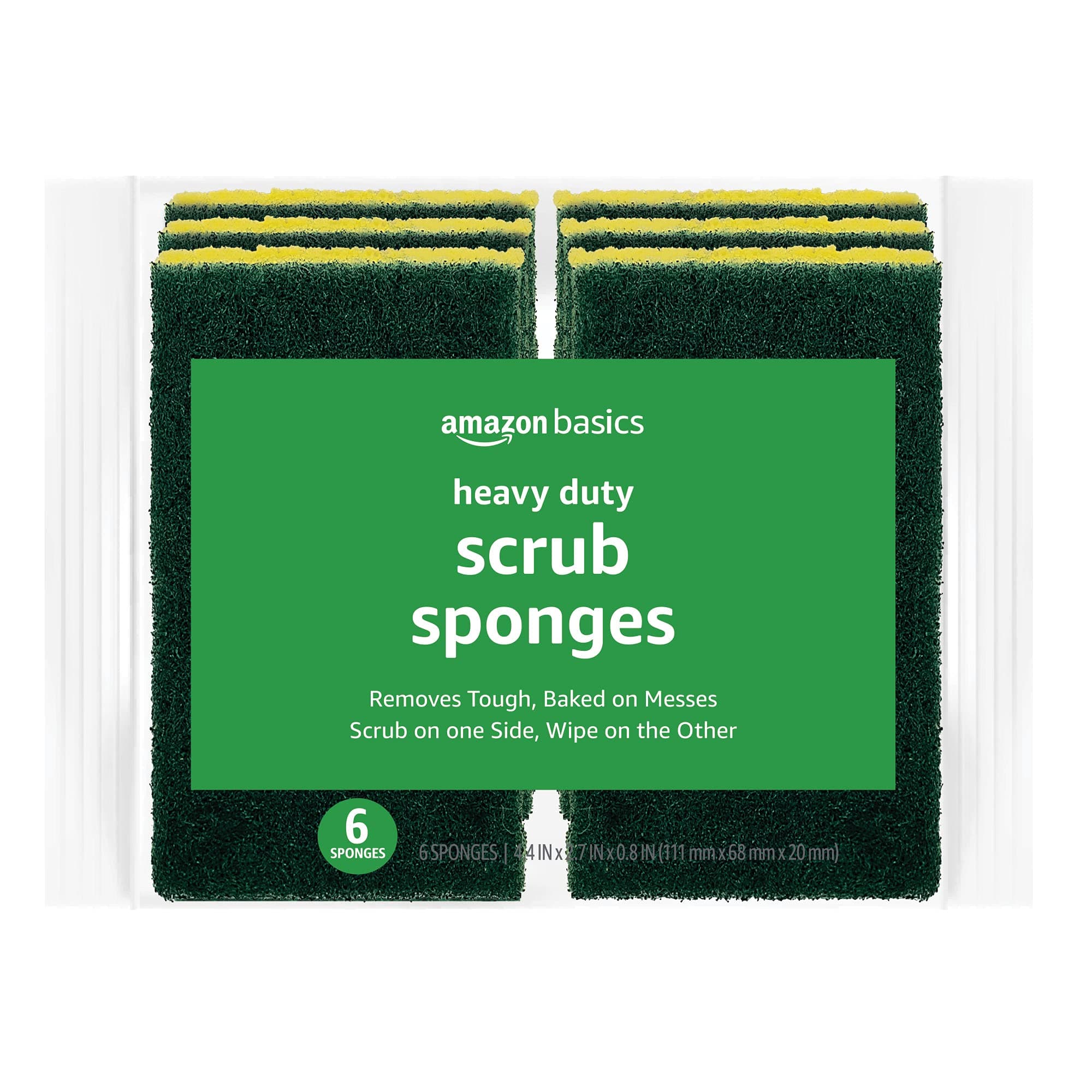
Amazon Basics Cleaning Sponges, Multipurpose, Heavy Duty Scrub Sponges, Yellow/Green, 6-Pack Heavy Duty 6-Pack
Amazon Basics