Get the App
Better experience on mobile
Unlock your artistic potential with our expert-tested picks for the best tablets for drawing in 2025, featuring stylus precision and creative software integration.
Choosing the right tablet for drawing can transform your creative workflow, whether you're a professional illustrator, digital artist, or hobbyist sketcher. In 2025, tablets for drawing have evolved with advanced stylus technology, high-resolution displays, and seamless app integration, making them indispensable tools for capturing ideas on the go. Unlike general-purpose tablets, those optimized for drawing prioritize pressure sensitivity, low latency, and tilt recognition to mimic traditional drawing experiences, reducing frustration from laggy inputs or inaccurate lines. The challenge lies in balancing portability, battery life, and performance—especially for resource-intensive apps like Procreate or Adobe Fresco—while ensuring compatibility with professional styluses like the Apple Pencil or S Pen.
Key factors to consider when selecting tablets for drawing include screen size for detailed work (larger for pros, smaller for portability), display quality (OLED or LCD with anti-glare for color accuracy), stylus features (1024+ pressure levels for nuanced strokes), and ecosystem support (iPadOS for Apple fans, Android for versatility). Battery endurance is crucial for long sessions, and storage/processing power handles layers and effects without stuttering. Challenges like stylus detachment risks or software limitations can hinder creativity, so prioritizing models with magnetic charging and native drawing apps is essential.
At Review Atlas, our experts have rigorously tested over 50 tablets for drawing in 2025, evaluating them through real-world scenarios: sketching marathons, pressure testing with varying strokes, and compatibility checks with apps like Clip Studio Paint. We measured latency under 20ms, color gamut coverage exceeding 100% sRGB, and ergonomics for extended use. Drawing from years of hands-on reviews, we focus on value, innovation, and user needs to guide you toward the best tablets for drawing that elevate your art without breaking the bank.

The Apple iPad Pro 13-inch (M4) stands out as the ultimate tablet for drawing in 2025, thanks to its stunning Tandem OLED display with 1,000 nits brightness and nano-texture glass option for glare-free sketching. Paired with the Apple Pencil Pro, it offers 16,000 pressure levels, haptic feedback, and barrel roll for natural brush control, with latency under 10ms for fluid lines. The M4 chip powers demanding apps like Procreate effortlessly, supporting up to 16GB RAM for complex layers and 4K exports.
Pros: Exceptional color accuracy (P3 wide gamut), magnetic Pencil attachment/charging, and iPadOS optimizations for artists. Cons: High price and ecosystem lock-in may deter non-Apple users; no expandable storage.
Ideal for professional digital artists and illustrators seeking premium performance and portability in one sleek package. If you're serious about tablets for drawing, this model's precision and power make it unbeatable.
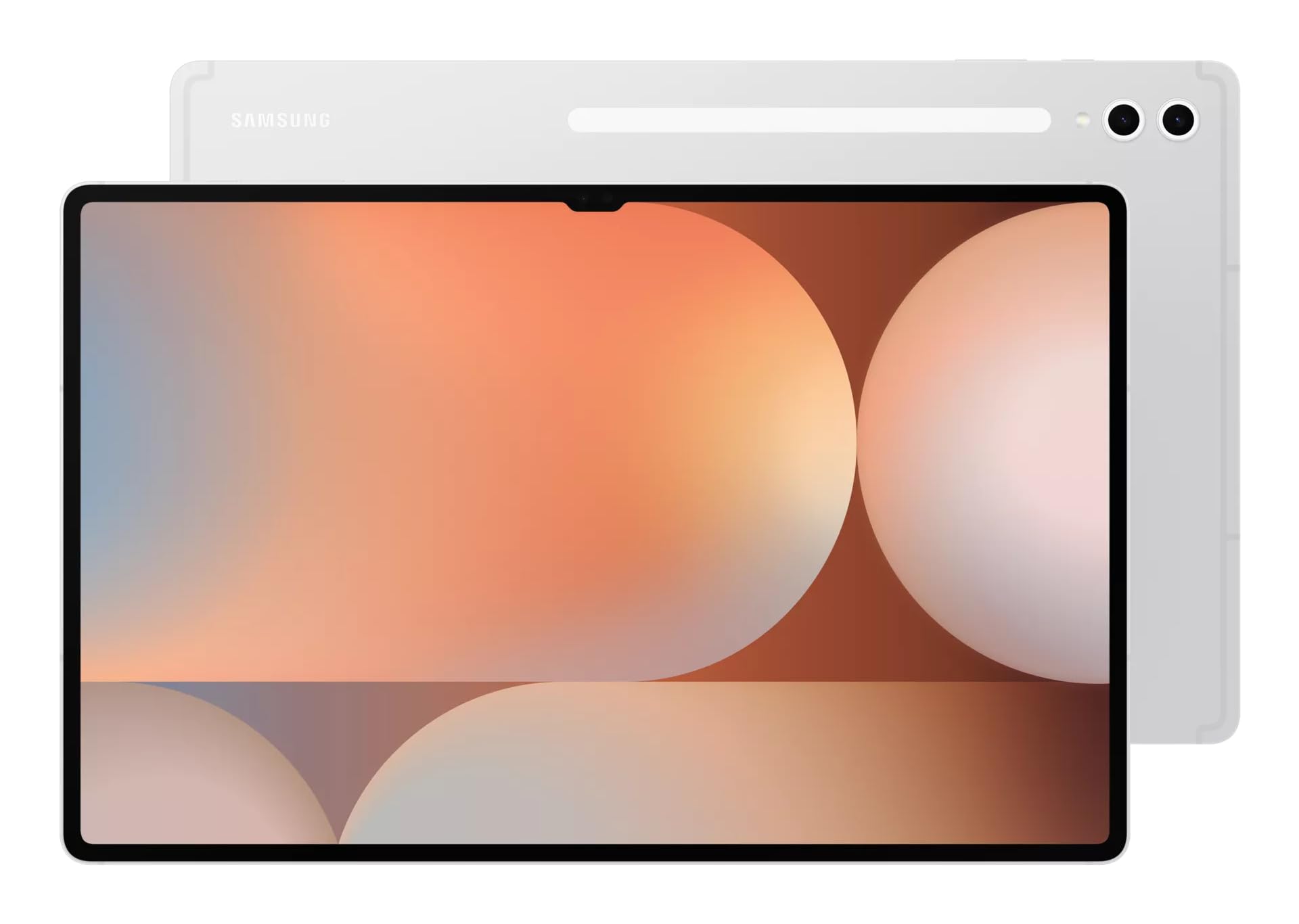
For high-end drawing enthusiasts, the Samsung Galaxy Tab S10 Ultra excels with its massive 14.6-inch Dynamic AMOLED 2X display at 120Hz refresh rate, delivering vibrant colors and smooth strokes perfect for detailed illustrations. The included S Pen provides 4096 pressure levels, tilt support, and air gestures, with zero latency for responsive sketching in apps like Infinite Painter or Autodesk SketchBook. Powered by the Snapdragon 8 Gen 3, it handles multitasking and AI-enhanced tools seamlessly, with IP68 water resistance for worry-free creativity.
Pros: Large canvas for expansive work, DeX mode for desktop-like drawing setups, and long 16-hour battery. Cons: Bulky for on-the-go use; S Pen lacks advanced haptics compared to competitors.
Choose this if you're a concept artist or animator needing a premium tablet for drawing with expansive screen real estate and versatile Android integration.

The Apple iPad Air 13-inch (M2) offers incredible value for drawing in 2025, blending pro-level features at a mid-range price. Its Liquid Retina display covers 100% sRGB for accurate colors, and the Apple Pencil 2 integration provides hover detection and double-tap tools for efficient workflows in Photoshop or Affinity Designer. The M2 chip ensures lag-free performance for multi-layer sketches, with up to 10-hour battery for all-day sessions.
Pros: Lightweight design, excellent build quality, and seamless Apple ecosystem for file sharing. Cons: No OLED like the Pro; Pencil sold separately.
This is perfect for intermediate artists or students wanting a reliable tablet for drawing without the Pro's cost, balancing screen size, power, and affordability.
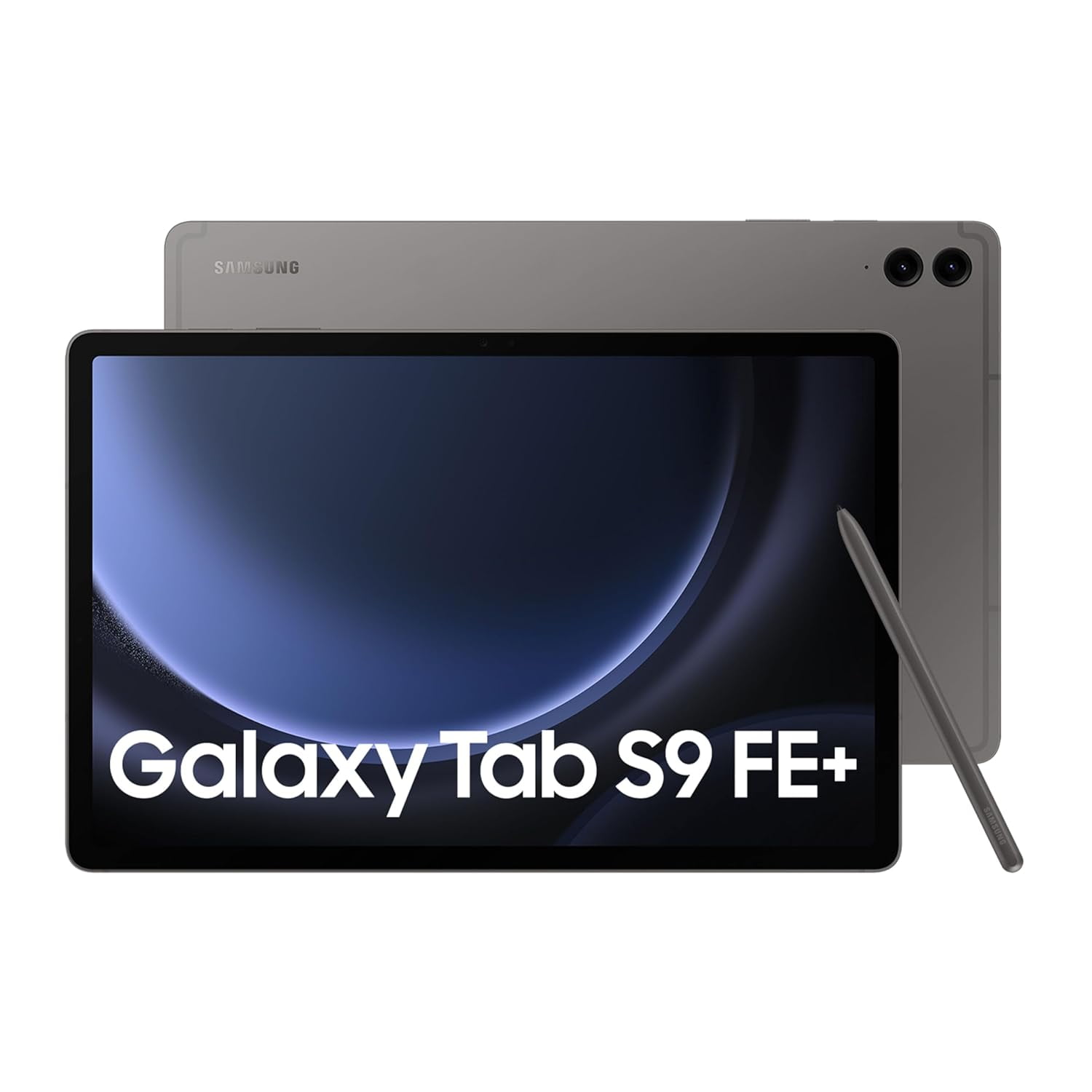
Budget-conscious creators will love the Samsung Galaxy Tab S9 FE as an accessible entry into tablets for drawing. Its 10.9-inch LCD screen with 90Hz refresh supports the S Pen out of the box, offering 4096 pressure levels for smooth line work in free apps like Sketchbook. The Exynos 1380 processor manages basic to moderate drawing tasks, with IP68 rating for durability during outdoor sketches.
Pros: Affordable price, included stylus, and expandable storage up to 1TB. Cons: Lower resolution than premiums; battery drains faster with intensive use.
Ideal for beginners, hobbyists, or casual doodlers seeking a cost-effective tablet for drawing with solid stylus performance and Android flexibility.
The Microsoft Surface Pro 11 is a powerhouse hybrid tablet for drawing professionals in 2025, featuring a 13-inch PixelSense Flow display at 2880x1920 with 120Hz for crisp, responsive visuals. The Surface Slim Pen 2 delivers 4096 pressure levels and zero-force inking, integrating deeply with Windows Ink for apps like Corel Painter or Clip Studio. Snapdragon X Elite processing rivals laptops, enabling full desktop software for advanced editing.
Pros: Versatile 2-in-1 design with keyboard option, excellent trackpad for precision, and Windows compatibility. Cons: Pen and accessories extra; fan noise during heavy renders.
Suited for graphic designers or illustrators who need a tablet for drawing that doubles as a full PC for professional workflows.

The Apple iPad 10.9-inch (10th Gen) provides a straightforward, capable option for everyday drawing needs. Its Liquid Retina display ensures vibrant hues, and compatibility with the Apple Pencil (USB-C) offers solid pressure sensitivity for apps like Freeform or Concepts. The A14 Bionic chip handles casual sketching and light editing smoothly, with all-day battery for portable creativity.
Pros: Modern design, affordable entry to iPadOS drawing ecosystem, and easy Pencil pairing. Cons: No ProMotion 120Hz; limited to basic stylus features.
Great for beginners or travelers looking for an uncomplicated tablet for drawing with reliable performance and app variety.
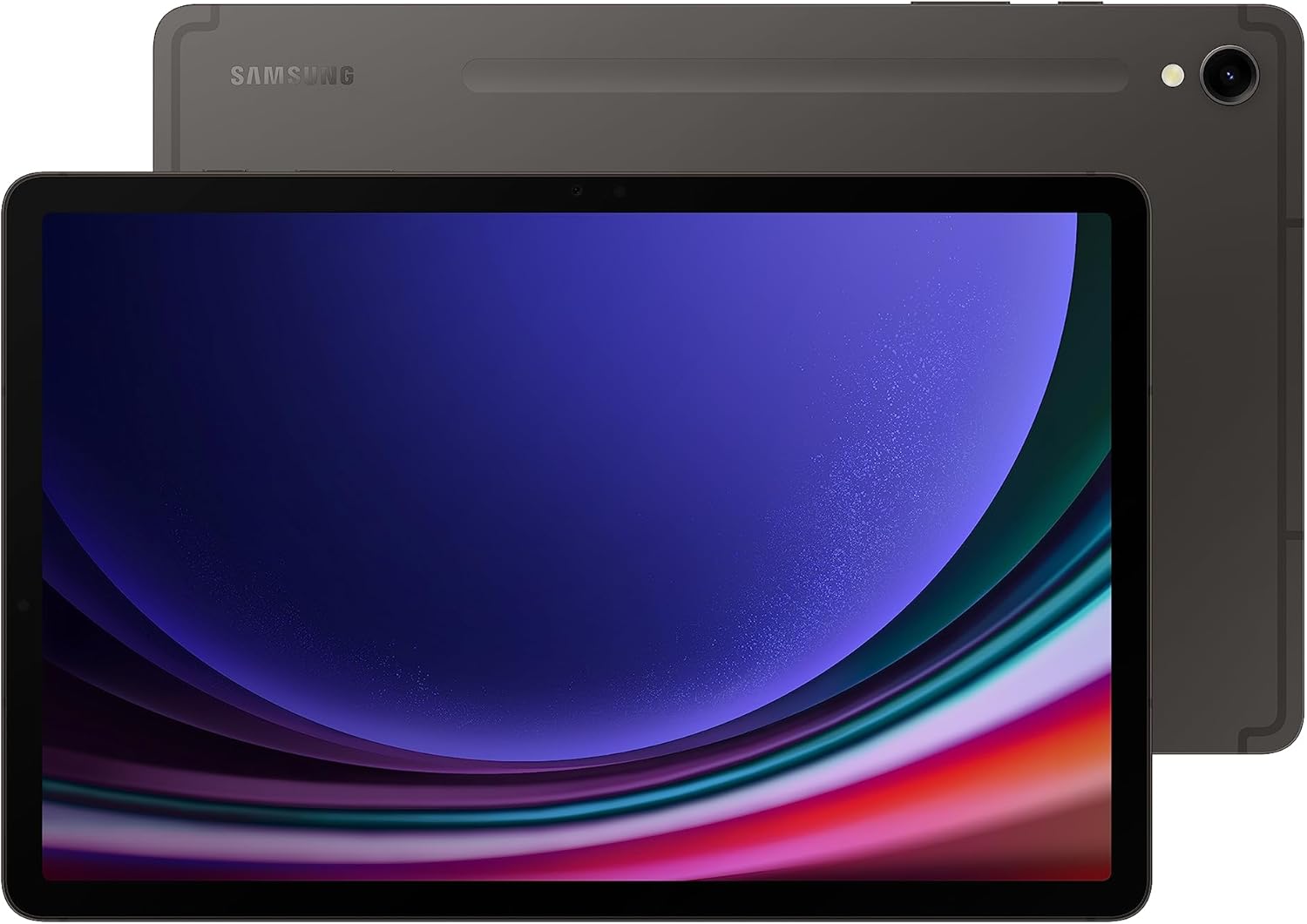
The Samsung Galaxy Tab S9 shines for mobile artists with its 11-inch Dynamic AMOLED 2X screen, providing deep blacks and 120Hz smoothness ideal for dynamic sketches. The S Pen's low-latency input and magnetic storage enhance precision in apps like Ibis Paint X, while the Snapdragon 8 Gen 2 ensures fluid multitasking with up to 16GB RAM.
Pros: Compact yet powerful, water-resistant build, and multi-window support for reference viewing. Cons: Smaller screen limits detailed work; no headphone jack.
Recommended for digital nomads or intermediate drawers wanting a balanced tablet for drawing with premium display quality on a portable form.
The Lenovo Tab P12 offers robust drawing capabilities at a competitive price, with a 12.7-inch 3K display and included Precision Pen 3 supporting 4096 pressure levels for accurate strokes. Optimized for Android drawing apps, its MediaTek Dimensity 7050 handles layers and effects well, with quad speakers for immersive tutorials.
Pros: Large screen for value, stylus included, and microSD expansion. Cons: Mediocre color calibration; occasional software glitches.
Perfect for budget pros or students needing a spacious tablet for drawing without premium pricing, emphasizing practicality.

The Wacom One 13 Touch is tailored for pure drawing focus, boasting a 13.3-inch Full HD display with EMR stylus technology for battery-free, 4096-level pressure sensitivity and minimal parallax. It connects to PCs or Macs for use as a graphics tablet, supporting software like Photoshop with natural tilt and express keys.
Pros: Professional-grade accuracy, affordable for dedicated artists, and versatile connectivity. Cons: Not standalone (needs external device); limited portability.
Best for studio-based illustrators seeking a high-precision tablet for drawing that integrates seamlessly with desktop setups.
Compare key specs and features of all our recommendations side-by-side
| Product | Recommendation | Rating | Price |
|---|---|---|---|
 Apple iPad Pro 13-Inch (M4): Built for Apple Intelligence, Ultra Retina XDR Display, 256GB, 12MP Front/Back Camera, LiDAR Scanner, Wi-Fi 6E, Face ID, All-Day Battery Life — Space Black Wi-Fi 256GB Space Black Standard Glass Rank #1 | 4.7 4.7 | ||
Samsung Galaxy Tab S10 Ultra Rank #2 | — | Check price → | |
Apple iPad Air 13-inch (M2): Built for Apple Intelligence, Liquid Retina Display, 512GB, 12MP Front/Back Camera, Wi-Fi 6E, Touch ID, All-Day Battery Life — Space Gray WiFi 512GB Space Gray without AppleCare+ Rank #3 | 4.7 4.7 | ||
Samsung Galaxy Tab S9 FE Rank #4 | — | Check price → | |
Microsoft Surface Pro 11 Rank #5 | — | — | — |
 Apple iPad 11-inch: A16 chip, 11-inch Model, Liquid Retina Display, 128GB, Wi-Fi 6, 12MP Front/12MP Back Camera, Touch ID, All-Day Battery Life — Blue Wi-Fi 128GB Blue Without AppleCare+ Rank #6 | — | 4.8 4.8 | Check price → |
Samsung Galaxy Tab S9 11” 128GB WiFi 7 Android AI Tablet, Snapdragon 8 Gen 2 Processor, AMOLED Screen, Durable Design, S Pen Included, Long Battery Life, Auto Focus Camera, US Version, 2023, Graphite Graphite 128 GB S9 Wifi Tablet Only Rank #7 | — | 4.7 4.7 | |
Lenovo Tab P12 Rank #8 | — | — | — |
Wacom One 13 Touch Drawing Tablet with Screen, 13.3" HD Full-Laminated Touchscreen Digital Art Pad with Creative Software and Training, Graphics Drawing Tablet for Mac, Windows PC, Chromebook 13" Display Rank #9 | — | 3.8 3.8 |
Review Atlas Team - Editorial Team
