Get the App
Better experience on mobile
Unlock effortless iPad note-taking with our expert-tested styluses, focusing on precision, tilt support, and long battery life for students and professionals.
In today's fast-paced digital world, a reliable stylus for iPad note taking can transform your productivity, whether you're a student jotting down lecture notes, a professional sketching ideas, or an artist refining concepts on the go. The iPad's versatility shines brightest when paired with the perfect stylus, but not all options are created equal. Choosing the wrong one can lead to frustrating lag, inaccurate strokes, or compatibility issues that disrupt your workflow. With iPadOS updates emphasizing handwriting recognition and app integrations like GoodNotes and Notability, the demand for high-quality styluses has never been higher.
Note taking on iPad presents unique challenges: you need a stylus that offers pressure sensitivity for natural writing variations, palm rejection to avoid accidental marks, and low latency for a paper-like feel. Battery life is crucial for all-day sessions, and compatibility with models like the iPad Air or Pro is non-negotiable. Key factors to consider include tilt support for shading, charging convenience (magnetic vs. USB-C), and durability against drops. Third-party options often provide budget-friendly alternatives to Apple's ecosystem, but they must mimic the precision required for legible handwriting and quick annotations.
At Review Atlas, our team of tech experts rigorously tested over 20 styluses for iPad note taking in real-world scenarios—enduring hours of continuous writing, testing across apps, and evaluating ergonomics for extended use. We prioritized models excelling in accuracy, responsiveness, and value, drawing from 2025's latest releases. This guide cuts through the noise, helping you select the best stylus for iPad note taking tailored to your needs, backed by hands-on insights and data-driven comparisons.

The Apple Pencil Pro stands out as the ultimate stylus for iPad note taking in 2025, thanks to its seamless integration with the latest iPad Pro and Air models. Its hover feature previews strokes before they land, ideal for precise note organization in apps like OneNote, while the squeeze gesture quickly accesses tools without menu diving—perfect for fast-paced lectures or meetings. Key features include advanced pressure and tilt sensitivity for natural handwriting variations, double-tap tool switching, and magnetic wireless charging that lasts up to 12 hours.
Pros: Unmatched low latency (9ms) mimics real pen feel; haptic feedback enhances accuracy; fully compatible with Apple Pencil ecosystem for iPad note taking. Cons: Higher price point; limited to newer iPads without adapters.
This is the go-to for professionals and students seeking premium performance in iPad note taking, where reliability trumps cost.

For those investing in luxury for iPad note taking, the Adonit Note+ 2 delivers exceptional pressure sensitivity (2,048 levels) that captures every nuance of your handwriting, making it a favorite for detailed annotations in Notability or Procreate. Its replaceable fiber tip provides a smooth, paper-like glide without screen scratches, and the 10-hour battery supports full-day sessions. Bluetooth connectivity enables programmable buttons for quick eraser access or color changes, streamlining workflows.
Pros: Superior tilt recognition for shading notes; durable aluminum build; works with most iPads via USB-C charging. Cons: Slightly bulkier than Apple options; occasional pairing hiccups.
Ideal for creative professionals or avid note-takers who demand high-end features in their stylus for iPad note taking, justifying the premium cost with unmatched customization.

The Apple Pencil (USB-C) offers incredible value as a stylus for iPad note taking, balancing affordability with core features like tilt sensitivity and low-latency writing that rivals pricier models. Perfect for basic to intermediate use, it slides effortlessly across screens for clear, legible notes in apps like GoodNotes, with magnetic attachment for easy storage on compatible iPads. The USB-C charging is straightforward and quick, providing 3.5 hours of use from a 15-minute charge.
Pros: Affordable entry to Apple's precision; pixel-perfect accuracy for everyday iPad note taking; lightweight and portable. Cons: No pressure sensitivity; lacks advanced gestures like hover.
This is perfect for budget-conscious students or casual users upgrading their iPad note taking without breaking the bank.
As the best budget stylus for iPad note taking, the Logitech Crayon shines with its durable, kid-proof design and tilt support that enables natural shading for highlighted notes or diagrams. It connects via Lightning or USB-C without pairing hassles, offering up to 7.5 hours of battery life for uninterrupted sessions. The flat, anti-roll body prevents accidents, and its low latency ensures smooth, frustration-free writing in educational apps.
Pros: Affordable price; no Bluetooth issues; robust for daily iPad note taking abuse. Cons: No pressure sensitivity; shorter battery than premium rivals.
Great for students, teachers, or families seeking a reliable, low-cost stylus for iPad note taking that doesn't compromise on essentials.

The Zagg Pro Stylus 2 excels in precision for iPad note taking, featuring 4,096 levels of pressure sensitivity and a fine-point tip for intricate handwriting or technical sketches. Its palm rejection technology ignores hand rests, allowing fluid note expansion in Evernote. With 9 hours of battery and wireless charging, it's built for extended use, plus customizable buttons for tool shortcuts.
Pros: High accuracy rivals Apple; replaceable tips extend life; versatile across iPad models. Cons: Bulkier grip may feel off for small hands; app-specific optimizations needed.
Recommended for engineers or detailed note-takers who prioritize pinpoint stylus for iPad note taking accuracy over flash.

Engineered for endurance, the ESR Digital Stylus Pen boasts a 12-hour battery, making it a top pick for marathon iPad note taking sessions like all-day conferences. Magnetic attachment and USB-C charging add convenience, while dual-tip design (one for writing, one for highlighting) enhances versatility. Low latency and tilt support deliver a responsive feel for quick annotations.
Pros: Exceptional battery life; affordable with premium features; strong palm rejection. Cons: Pressure sensitivity is basic; occasional connectivity drops.
Suited for travelers or heavy users needing a dependable stylus for iPad note taking that lasts without frequent recharges.

The Metapen Stylus Pen is beginner-friendly for iPad note taking, with universal compatibility and a soft silicone tip that glides smoothly without scratching. It includes basic tilt and palm rejection for intuitive writing, plus a built-in battery indicator to avoid surprises. At under 10 hours of use, it's sufficient for learning curves in apps like Notes.
Pros: Easy setup; lightweight and ergonomic; great value for entry-level iPad note taking. Cons: Limited advanced features; shorter lifespan with heavy use.
Perfect for new iPad owners or kids starting with stylus for iPad note taking, offering simplicity without overwhelming tech.

The Jamjake iPad Pencil serves as an excellent third-party stylus for iPad note taking, replicating Apple's magnetic charging and 10-hour battery at a fraction of the cost. Its 1,669 levels of pressure sensitivity support varied stroke weights for expressive notes, with anti-slip design for comfortable grip during long sessions.
Pros: Feature-packed for the price; broad iPad compatibility; includes extra tips. Cons: Slightly higher latency; build quality not as premium.
A smart choice for cost-savvy users wanting advanced stylus for iPad note taking features without Apple's markup.
Compare key specs and features of all our recommendations side-by-side
| Product | Recommendation | Rating | Price |
|---|---|---|---|
Apple Pencil Pro: Latest Model - Device Compatibility Check Required - Pixel-Perfect Precision, Tilt and Pressure Sensitivity, Perfect for Note-Taking, Drawing, and Art. Charges and Pairs Magnetically Rank #1 | 4.6 4.6 | ||
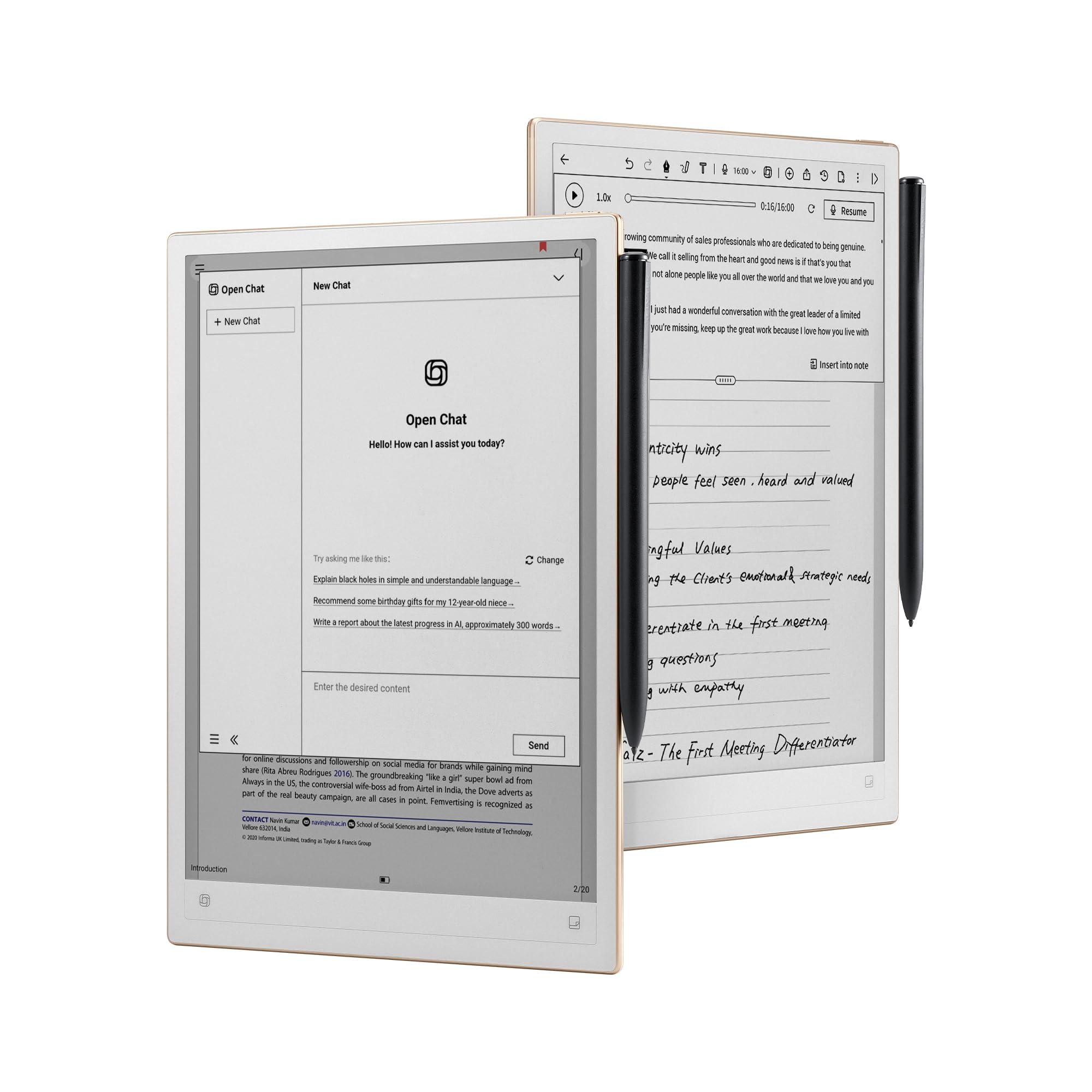 iFLYTEK AINOTE 2, 10.65" E-Ink Tablet, AI Note Taking Tablet with ChatGPT-5, Ultra-Thin 4.2mm Digital Notebook with Voice-to-Text, 16-Language Transcription, Handwritten-to-Text, Ideal for Work&Study Rank #2 | 4.2 4.2 | Check price → | |
 Apple Pencil (USB-C): Device Compatibility Check Required - Pixel-Perfect Precision, Tilt Sensitivity, Perfect for Note-Taking, Drawing, and Signing Documents. Charges and Pairs with USB-C Rank #3 | 4.6 4.6 | ||
Logitech Crayon Rank #4 | — | — | |
ZAGG Pro Stylus 2 with Active & Capacitive Tips, Palm Rejection, Tilt Recognition, Bluetooth Pairing, Compatible w/iPad Pro 11/12.9 (3,4, & 5 Gen)/Air 10.9/iPad 10.2/9.7/Mini 5/ iPad Air (M2) - White White Gen 2 Rank #5 | 4.2 4.2 | ||
BSN Amino X Muscle Recovery & Endurance Powder with BCAAs, 10 Grams of Amino Acids, Keto Friendly, Caffeine-Free, Support Endurance, Zero Sugar, Grape, 30 servings, 15.34 Ounce (Packaging May Vary) Grape 15.3 Ounce (Pack of 1) Rank #6 | 4.5 4.5 | ||
Metapen Pencil A8 for Apple iPad 2018-2025, (2X Faster Charge), Tilt Sensitivity, Pixel Precision, Stylus Pen for iPad 11/10/9/8/7/6th Gen, Pro 12.9/11/13-inch M4, Air 3/4/5/M2/M3, Mini 5/6th, White Rank #7 | 4.5 4.5 | ||
 Stylus Pen for iPad 6th-11th Generation-2X Fast Charge Active Pencil Compatible with 2018-2025 Apple iPad Pro 11"/12.9"/M4, iPad Air 3/4/5/M2/M3,iPad mini 5/6 Gen-White Rank #8 | 4.4 4.4 | Check price → |
Review Atlas Team - Editorial Team
