Get the App
Better experience on mobile
A step-by-step guide to diagnose and fix your Shark vacuum brush issues, with upgrade options if repairs aren't worth it.
Dealing with a Shark vacuum brush that won’t spin can be incredibly frustrating. You’re trying to keep your home clean, and suddenly your vacuum just isn’t doing its job. This is a common issue among Shark vacuum users, often reported on forums and review sites. Whether it’s pet hair buildup or a mechanical glitch, a non-spinning brush can leave dirt and debris behind, making your cleaning efforts feel futile.
This problem often stems from simple issues like clogs or belt wear, but it can also signal deeper motor or component failure. Based on user experiences and expert repair advice, we’ve found this issue affects many models, especially after heavy use or improper maintenance. In this guide, you’ll learn the most common causes of a non-spinning brush, follow actionable troubleshooting steps to get it working again, and know when it’s time to consider a replacement.
We’ve outlined 7 practical fixes, starting with quick checks and progressing to more involved solutions. By the end, you’ll either have a working vacuum or a clear idea of whether it’s worth repairing or upgrading to a more reliable model.
Difficulty: easy | Time: 5 minutes
Unplug the vacuum for safety, then remove the brush roll cover (refer to your manual for model-specific instructions). Inspect the brush for hair, string, or debris wrapped around it, as this is a leading cause of spin failure. Use scissors or a seam ripper to carefully cut away any buildup. Why this works: Debris restricts movement, preventing the brush from spinning. What you should see: After clearing, manually spin the brush with your hand—it should move freely. Warning signs: If it’s still stuck or feels rough, there may be deeper damage.
Tools needed: Scissors, Seam ripper (optional)
Difficulty: easy | Time: 2 minutes
Locate the brush roll switch or setting on your Shark vacuum (often near the handle or power button). Make sure it’s set to ‘On’ or the appropriate mode for your floor type (e.g., carpet mode). Why this works: Many Shark models disable the brush roll on hard floors to prevent scratching, and users often forget to toggle it back. What you should see: Turn on the vacuum—if the brush spins, you’re good. Warning signs: If the switch is on but nothing happens, move to the next step.
Difficulty: easy | Time: 10 minutes
Unplug the vacuum and detach the hose and filters as per your manual. Check for blockages in the hose by looking through it or running a broom handle through to dislodge debris. Rinse or replace filters if they’re dirty. Why this works: Clogs reduce suction, which can prevent the brush from spinning due to lack of airflow. What you should see: After clearing, test the vacuum—suction should improve, and the brush may spin. Warning signs: Persistent issues mean the problem isn’t airflow-related.
Tools needed: Broom handle (optional)
Difficulty: medium | Time: 15 minutes
Unplug the vacuum and access the brush roll compartment (check your manual for access). Look for a small rubber belt connecting the brush to the motor. Ensure it’s intact and properly seated; if it’s loose or broken, it needs replacement (search for your model’s belt on Amazon). Why this works: The belt transfers power to spin the brush—damage stops it cold. What you should see: A tight, undamaged belt should allow the brush to spin when powered on. Warning signs: A snapped belt or inability to source a replacement points to bigger issues.
Tools needed: Screwdriver (model-dependent)
Difficulty: easy | Time: 30 minutes
Unplug the vacuum and let it sit for 30 minutes to cool down. Some Shark models have a thermal cutoff that stops the brush if the motor overheats. After cooling, plug it back in and test. Why this works: Overheating from prolonged use or clogs can trigger a safety shutdown. What you should see: The brush should spin if overheating was the issue. Warning signs: If it still doesn’t work, the motor or electronics may be failing.
Difficulty: medium | Time: 20 minutes
Unplug the vacuum and remove the brush roll completely. Spin it by hand to check if the bearings (ends of the roll) are seized or damaged. Apply a small amount of lubricant like WD-40 if it’s stiff, but avoid overdoing it. Why this works: Worn or jammed bearings prevent smooth rotation. What you should see: The brush should spin easily by hand after lubrication. Warning signs: If it’s still stuck or the bearings are visibly broken, replacement parts or professional help may be needed.
Tools needed: WD-40 or similar lubricant, Screwdriver
Difficulty: hard | Time: 10 minutes
Unplug the vacuum and listen for unusual sounds when powered on (after ensuring no clogs or belt issues). If the motor hums but the brush doesn’t spin, or if there’s no sound at all, the motor or wiring may be faulty. This is beyond most DIY fixes—contact Shark support or a repair professional. Why this works: Identifies if the issue is a major internal failure. What you should see: A working motor should produce consistent sound and power the brush. Warning signs: No sound or burning smells indicate serious damage—stop using immediately for safety.
If you’ve gone through all the troubleshooting steps and your Shark vacuum brush still won’t spin, it might be time to consider an upgrade. Persistent issues, especially with no motor sound, burning smells, or visible damage to internal components, are red flags that the vacuum is beyond economical repair. If your vacuum is over 5 years old, wear and tear on critical parts like the motor or bearings often makes replacement more cost-effective than repair, especially if professional service costs exceed $100 (a common threshold based on user reports).
Check your warranty status before proceeding—Shark often offers 1-5 year warranties depending on the model, which may cover motor or brush roll failures. Contact Shark support to see if a free repair or replacement is an option. However, if the warranty has expired and you’re facing recurring issues (e.g., belts snapping repeatedly), the hassle and safety risks of continued use outweigh the benefits of fixing an aging unit. Safety note: Never use a vacuum with electrical issues or burning smells, as it poses a fire risk.
Upgrading makes sense if repair costs approach 50% or more of a new vacuum’s price. Newer models often have improved brush roll designs and stronger motors to prevent these issues. Below, we’ve recommended reliable alternatives at different price points to help you decide.
🛒 Buy Shark NV356E S2 Navigator Lift-Away Professional Upright Vacuum on Amazon
🛒 Buy Dyson V8 Absolute Cordless Stick Vacuum Cleaner on Amazon
🛒 Buy BISSELL CleanView Swivel Pet Upright Vacuum Cleaner on Amazon
🛒 Buy Shark AZ1002 Apex Powered Lift-Away Upright Vacuum on Amazon
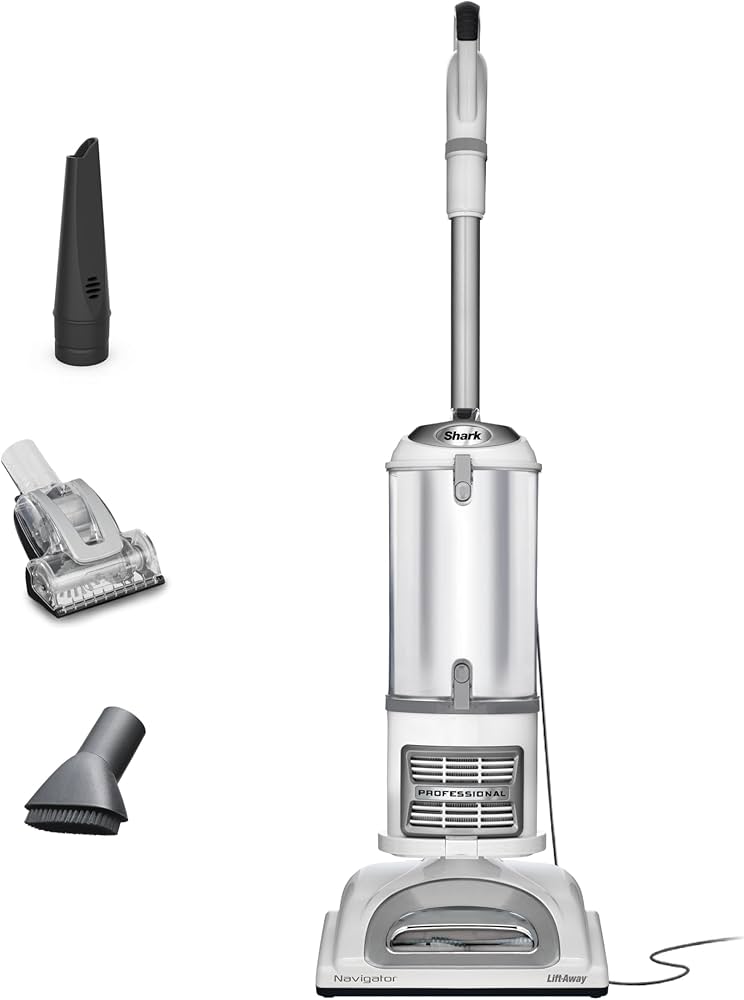
A reliable mid-range Shark model with powerful suction and an improved brush roll design to resist clogs.
Price Range: $150-$200
Key Benefits:
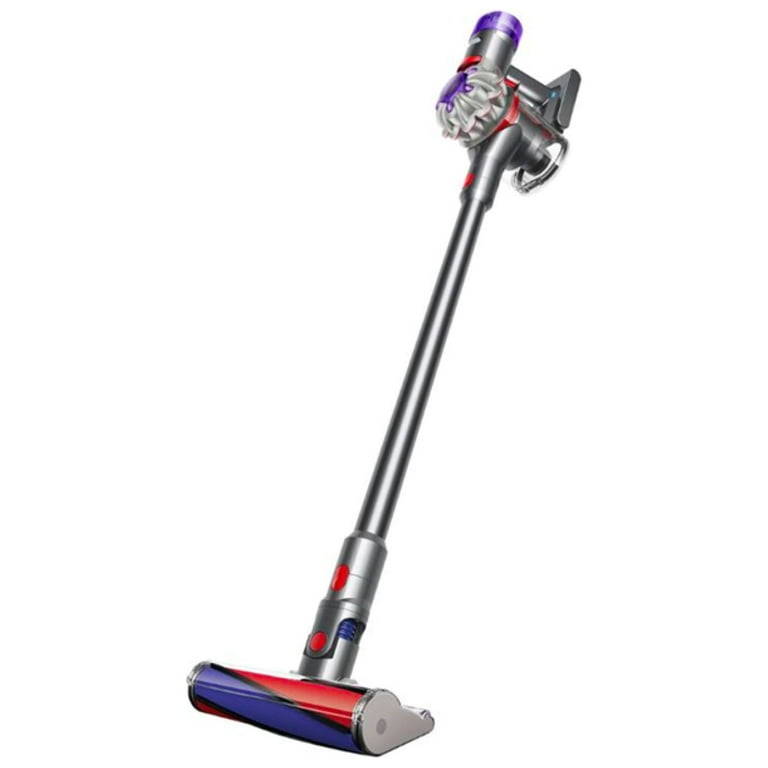
A premium cordless option with a tangle-free brush head, ideal for pet owners prone to brush clogs.
Price Range: $350-$450
Key Benefits:

A budget-friendly alternative with a specialized pet hair tool and strong brush roll performance.
Price Range: $100-$120
Key Benefits:

A high-end Shark model with self-cleaning brush roll technology to prevent hair buildup.
Price Range: $300-$400
Key Benefits:
Compare key specs and features of all our recommendations side-by-side
| Product | Recommendation | Rating | Price |
|---|---|---|---|
Shark NV356E S2 Navigator Lift-Away Professional Upright Vacuum Rank #1 | 🏆 Top Pick | — | Check price → |
Dyson V8 Absolute Cordless Stick Vacuum Cleaner Rank #2 | 💰 Budget Pick | — | Check price → |
Self Cleaning Shedding Brush - Skin Friendly Grooming Tool for Dogs, Cats, and Puppies, Deshedding and Hair Removal for Long and Short Haired Pets, Black Rank #3 | — | 4.6 4.6 | |
Shark UR2360S Ultra Robot Vacuum, with Matrix Clean, Precision Mapping, 30-Day Capacity HEPA Bagless Self Empty Base, Self-Cleaning Brushroll Perfect for Pet Hair, WiFi, Black (Renewed) Rank #4 | — | 4.2 4.2 |
