Get the App
Better experience on mobile
A step-by-step guide to diagnose and fix charging issues with your Roomba robot vacuum.
Having trouble with your Roomba not charging? We understand how frustrating it can be to rely on your robot vacuum for a clean home, only to find it sitting idle on the dock with no power. You're not alone—this is a common issue reported by many Roomba users, often leaving them puzzled and annoyed.
Charging problems can stem from a variety of causes, including dirty contacts, a faulty battery, or even a malfunctioning charging dock. Based on user experiences shared on forums like Reddit and iRobot support pages, this issue often arises after months or years of use, especially if proper maintenance is overlooked. In this guide, you'll learn the most common reasons behind this problem and follow detailed troubleshooting steps to get your Roomba back to work. We'll walk you through 8 potential fixes—from quick checks to more involved solutions—and help you decide if it's time for an upgrade.
Whether it's a simple fix like cleaning the contacts or a deeper issue with the battery, we've got you covered with actionable advice to revive your device or guide you toward a better replacement.
Difficulty: easy | Time: 2 minutes
What to do: Ensure the charging dock is plugged into a working outlet. Look for any visible damage to the power cord or adapter, and try plugging it into a different outlet to rule out electrical issues.
Why this works: A simple power interruption or loose connection can prevent charging. This is the easiest thing to check before diving deeper.
What you should see: If the dock powers on (look for indicator lights if your model has them), place the Roomba on it. A charging light or beep should indicate it’s starting to charge within a minute.
Warning signs: If there’s no power to the dock or the cord is frayed, you may need to replace the charging unit—don’t use damaged cords due to safety risks.
Difficulty: easy | Time: 5 minutes
What to do: Inspect the metal charging contacts on both the Roomba (underside) and the docking station. Use a dry microfiber cloth or a cotton swab with rubbing alcohol (90% or higher) to gently clean off dirt, dust, or corrosion.
Why this works: Debris or oxidation on the contacts can block the electrical connection needed for charging, a common issue noted in iRobot forums.
What you should see: After cleaning, place the Roomba on the dock. A charging indicator (light or sound) should appear if the connection is restored.
Warning signs: If the contacts are heavily corroded or damaged, cleaning might not help, and you may need replacement parts.
Tools needed: Microfiber cloth, Rubbing alcohol, Cotton swab
Difficulty: easy | Time: 3 minutes
What to do: Manually place the Roomba on the charging dock, ensuring it aligns perfectly with the contacts. Check for obstructions like debris or pet hair under the Roomba or around the dock that might prevent a snug fit.
Why this works: Misalignment can stop the Roomba from connecting with the dock, a frequent user complaint on support pages.
What you should see: The Roomba should indicate charging (via light or app notification) once properly seated.
Warning signs: If it still doesn’t charge despite alignment, the issue may lie elsewhere.
Difficulty: easy | Time: 5 minutes
What to do: For most Roomba models, press and hold the 'Clean' button (or 'Dock' and 'Spot' buttons on older models) for 10-20 seconds until the lights flash or reset. Refer to your model’s manual or iRobot’s website for specific instructions.
Why this works: A software glitch can prevent charging, and a reset often clears minor bugs as reported by users.
What you should see: After resetting, place it on the dock. Charging should start if this was the issue.
Warning signs: If the reset doesn’t work or the Roomba behaves erratically, deeper hardware issues may be at play.
Difficulty: medium | Time: 10 minutes
What to do: If possible, borrow or test with another compatible Roomba charging dock to see if the issue is with the dock rather than the robot.
Why this works: A faulty dock is a common failure point, as noted in user reviews on Amazon and iRobot support.
What you should see: If the Roomba charges on a different dock, replace your original dock (contact iRobot if under warranty).
Warning signs: If it still doesn’t charge, the problem is likely with the Roomba itself.
Difficulty: medium | Time: 15 minutes
What to do: Remove the battery (check your model’s manual for access—usually under a panel with screws) and inspect for swelling, leaks, or damage. If it’s over 2-3 years old or shows issues, order a replacement from iRobot or a trusted third party like Amazon.
Why this works: Roomba batteries degrade over time, especially after 300-500 charge cycles, a frequent cause of charging failure per user reports.
What you should see: After installing a new battery, the Roomba should charge normally on the dock.
Warning signs: If a new battery doesn’t solve it, the internal charging circuit may be faulty. Note: Replacing the battery may void warranty if not done through iRobot—check terms first.
Tools needed: Screwdriver (model-dependent)
Difficulty: medium | Time: 2 hours (including cooling)
What to do: Feel the Roomba and dock for excessive heat after attempting to charge for 10-15 minutes. If hot, unplug everything and let it cool for 1-2 hours in a well-ventilated area before retrying.
Why this works: Overheating can trigger safety mechanisms to stop charging, often due to blocked vents or prolonged use, as seen in user complaints.
What you should see: After cooling, charging should resume if overheating was the issue.
Warning signs: Persistent overheating indicates a potential internal fault—avoid using the device and consider professional repair due to fire risk.
Difficulty: hard | Time: 30 minutes (plus wait time)
What to do: If none of the above work, visit iRobot’s support website or call their customer service (1-800-727-9077 in the US) to run diagnostics or schedule a repair. Have your model number and serial number ready.
Why this works: Internal circuit failures or complex issues often require professional tools or replacement parts beyond DIY scope.
What you should see: iRobot may confirm if it’s repairable or covered under warranty.
Warning signs: If out of warranty, repair costs can be high—compare against replacement cost. Be aware of shipping fees or delays.
If you’ve gone through all the troubleshooting steps and your Roomba still won’t charge, it might be time to consider an upgrade. Persistent charging issues, especially in models over 3-5 years old, often indicate a failing battery or internal circuitry that’s no longer cost-effective to repair. For instance, replacing a battery ($50-$100) or dock ($60+) on an older model may approach half the cost of a new unit, with no guarantee of long-term reliability. User feedback on forums like Reddit often highlights frustration with recurring issues in aging Roombas.
Check your warranty status on iRobot’s website—most models come with a 1-2 year warranty, and if still covered, you might get a free repair or replacement. However, if out of warranty, or if you notice other red flags like frequent breakdowns, overheating, or diminished cleaning performance, replacing the unit makes more sense. Safety is also a concern; a malfunctioning charging system could pose a fire risk if there’s internal damage. At this point, investing in a newer model with improved battery life and smarter features can save you time and hassle.
Ultimately, if the repair quote from iRobot exceeds $150 or if you’re tired of constant maintenance, upgrading to a reliable alternative is the smarter choice. Newer robot vacuums often address common charging issues with better design and technology, offering peace of mind for years to come.

A mid-range option with improved battery life and self-emptying dock, reducing maintenance and charging issues.
Price Range: $400-$500
Key Benefits:
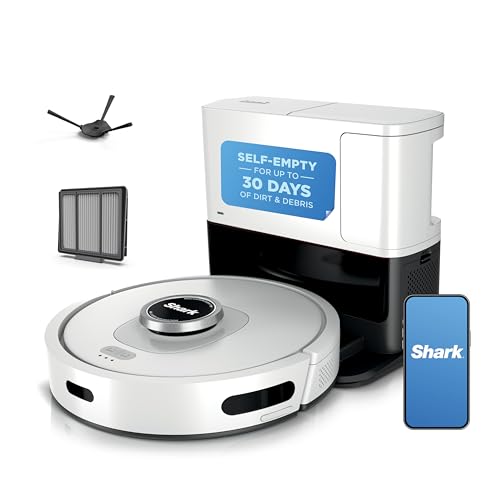
A budget-friendly alternative to Roomba with strong reviews for charging reliability and powerful suction.
Price Range: $300-$400
Key Benefits:
A premium option with advanced charging tech, mopping, and self-cleaning features for a hassle-free experience.
Price Range: $1,000-$1,400
Key Benefits:

A budget pick with solid charging reliability and no-frills performance for small spaces.
Price Range: $150-$200
Key Benefits:
Compare key specs and features of all our recommendations side-by-side
| Product | Recommendation | Rating | Price |
|---|---|---|---|
Dometic B57915.XX1C0 Brisk II Polar White Air Conditioner (13,500 BTU 410A) Rank #1 | 🏆 Top Pick | 4.3 4.3 | |
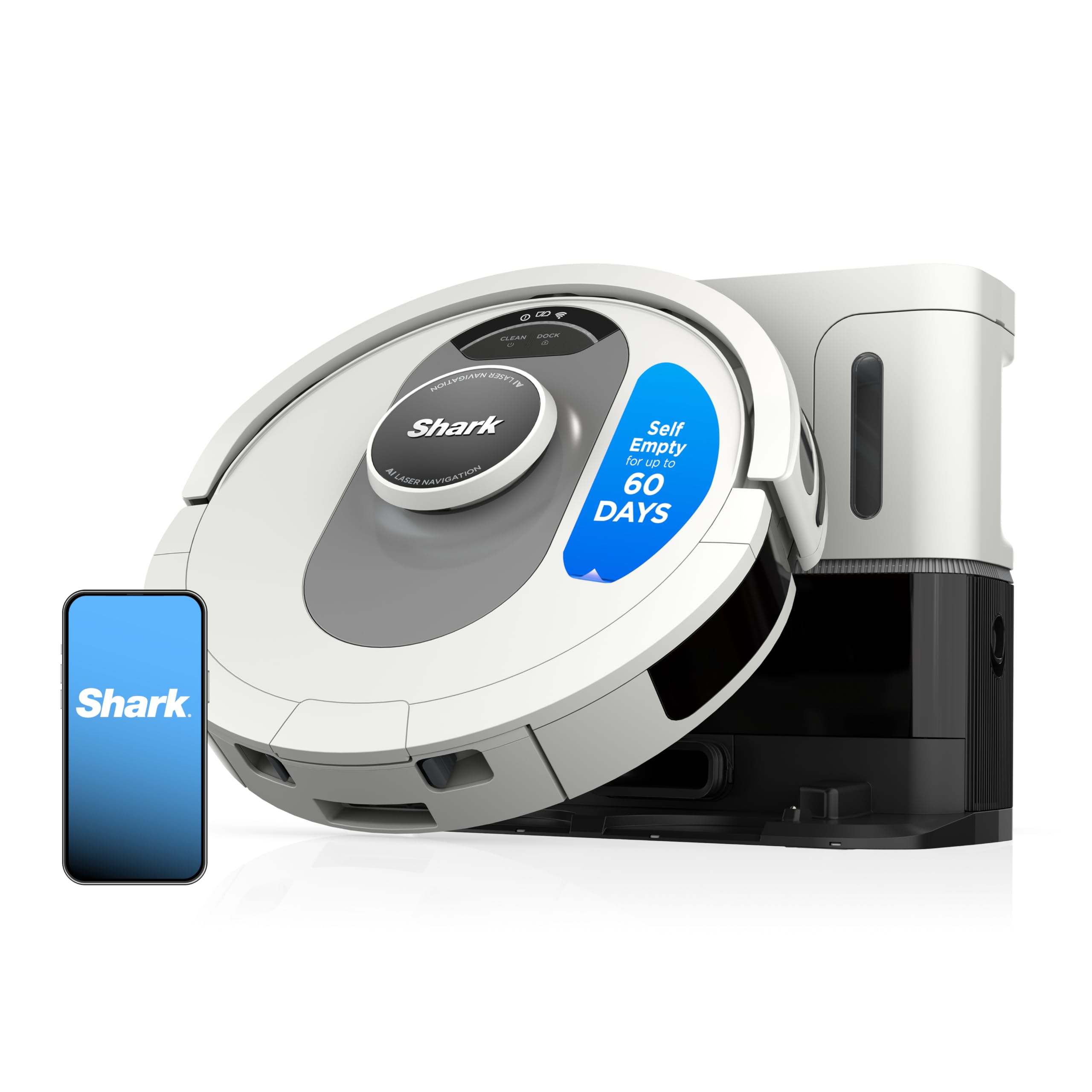 Shark AI Ultra Voice Control Robot Vacuum with Matrix Clean Navigation, Home Mapping, 60-Day Capacity, XL Self-Empty Base for Homes with Pets, Carpet & Hard Floors, Cool Grey Matrix Clean Auto Empty (60 Days) Rank #2 | 💰 Budget Pick | 4.1 4.1 | |
Elebase for Apple Watch 11 USB C Charger,Magnetic USBC Apple Watch Charging Adapter,Wireless iWatch Charger Dock with Type C & iPhone Power Port for iWatch Series 10 9 8 7 6 Ultra SE 3 2,42/46/44mm Black Rank #3 | — | 4.6 4.6 | |
DS18 MP4TP.4A 4" 600W Bluetooth Marine Tower Speakers with Amplifier and Remote Rank #4 | — | 3.8 3.8 |
