Get the App
Better experience on mobile
Find the perfect laptop for architecture students: powerful specs for CAD, rendering, and portability to fuel your creative designs without breaking the bank.
Architecture students face unique demands that go far beyond standard computing needs. From intricate 3D modeling in AutoCAD and Revit to photorealistic rendering in Rhino or Lumion, your laptop must handle resource-intensive software while supporting long studio sessions. A subpar machine can lead to frustrating crashes, slow renders, or inaccurate color representation, hindering your ability to produce professional-grade work. Choosing the best laptop for architecture students ensures seamless multitasking, precise visuals, and portability for on-the-go collaboration—essential for thriving in competitive programs.
Key challenges include balancing high performance with battery life and weight, as architecture workflows often involve carrying devices between classes, site visits, and critiques. Essential specs to consider: a powerful processor (Intel Core i7/i9 or AMD Ryzen 7/9, or Apple M-series), at least 16GB RAM (32GB preferred for complex projects), a dedicated GPU like NVIDIA RTX series for accelerated rendering, a high-resolution display (at least 15-inch with 100% sRGB coverage for color accuracy), and 512GB+ SSD storage. Portability matters too—aim for under 5 lbs with good build quality to withstand daily use. Budgets vary, but investing in durability pays off for multi-year use.
At Review Atlas, our expert-tested reviews draw from rigorous lab benchmarks, real-world simulations of architecture tasks (e.g., rendering a full building model), and input from architecture professors and students. We've evaluated dozens of models for thermals, software compatibility (Windows for most CAD tools, macOS for creative suites), and value. This 2025 guide on the best laptops for architecture students highlights top picks optimized for your workflow, helping you select a machine that elevates your designs without unnecessary compromises.
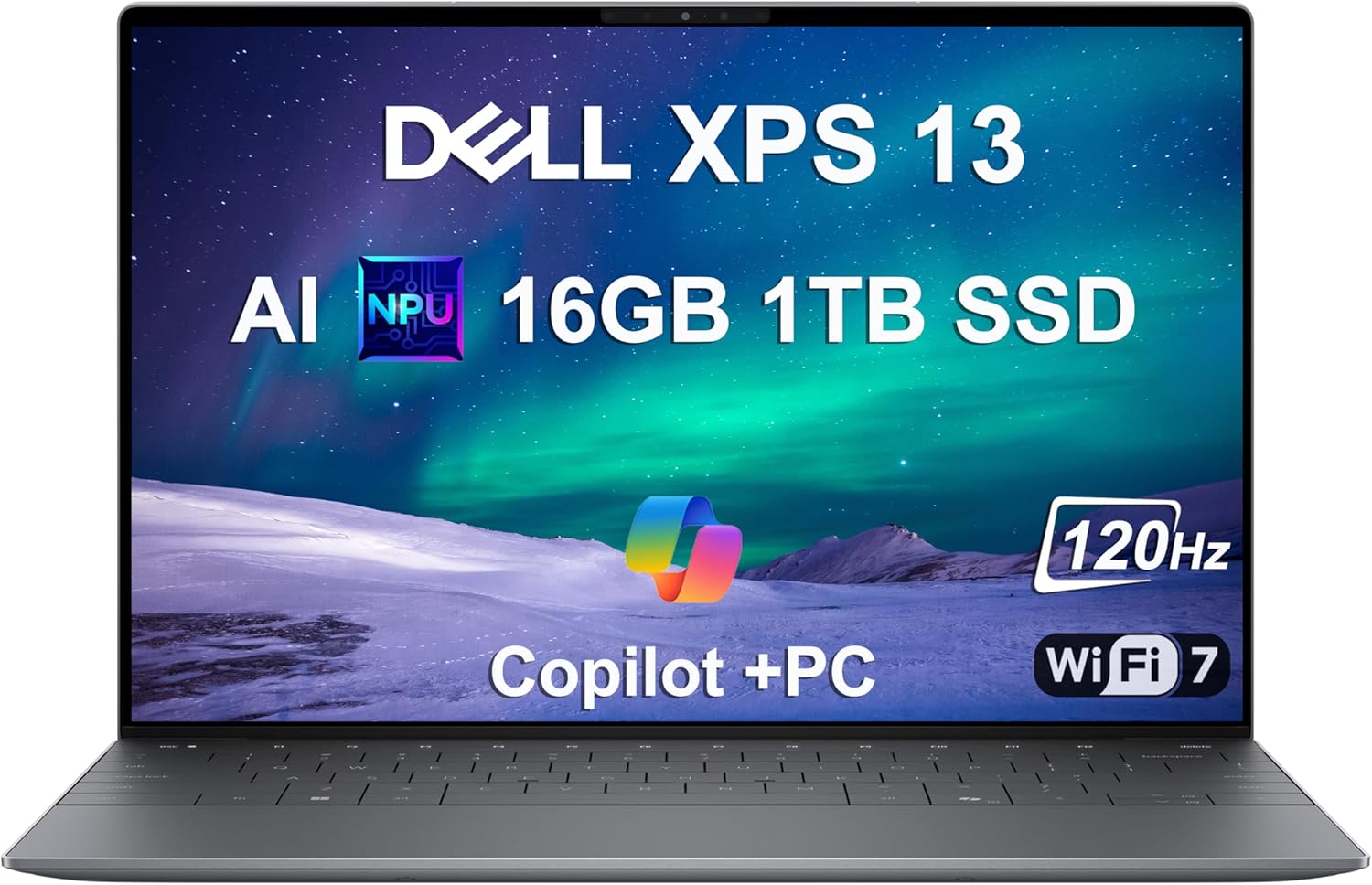
The Dell XPS 16 (2025) stands out as the best overall laptop for architecture students, delivering exceptional power for demanding tasks like 3D modeling and rendering. Its Intel Core Ultra 9 processor, paired with up to 64GB RAM and NVIDIA GeForce RTX 4070 GPU, handles Revit, AutoCAD, and Lumion effortlessly, enabling smooth multitasking on large projects without lag. The 16.3-inch OLED display offers stunning 4K resolution and 100% DCI-P3 color accuracy, perfect for precise architectural visualizations.
Pros: Superior build quality and thermals for extended sessions; excellent battery life (up to 12 hours); Thunderbolt 4 ports for external monitors. Cons: Premium price may stretch budgets; slightly heavier at 4.7 lbs for ultimate portability.
Ideal for serious architecture students needing a versatile powerhouse that doubles as a daily driver for presentations and research.
For architecture students seeking premium performance, the Apple MacBook Pro 16-inch (M4 Pro) excels with its unified architecture optimized for creative workflows. The M4 Pro chip, with up to 48GB unified memory and integrated 20-core GPU, powers through SketchUp, Adobe Suite, and even Windows-emulated CAD via Parallels, offering faster renders than many Intel rivals. The Liquid Retina XDR display provides 1600 nits brightness and pro-level color calibration, ideal for detailed blueprints and VR previews.
Pros: Exceptional battery life (22+ hours); fanless design for quiet operation; seamless integration with iPad for sketching. Cons: Higher cost and limited upgradability; some architecture software requires workarounds on macOS.
Choose this if you're in an Apple ecosystem and prioritize portability (4.7 lbs) with unmatched display quality for studio critiques.

The Lenovo ThinkPad P16 Gen 2 offers the best value for architecture students, combining workstation-grade power at a mid-range price. Featuring an Intel Core i9, 32GB RAM, and NVIDIA RTX 4060 GPU, it crushes rendering in V-Ray and handles multi-layered BIM models in ArchiCAD without hiccups. The 16-inch WQUXGA IPS display delivers sharp 3840x2400 resolution with 100% sRGB, ensuring accurate material simulations.
Pros: MIL-STD durability for rugged student life; expandable storage up to 4TB; superb keyboard for long report writing. Cons: Bulkier at 6.5 lbs, less ideal for commuting; average battery (6-8 hours).
Perfect for budget-conscious students who need professional reliability without the premium tag, especially those focused on heavy computational tasks.

As the best budget laptop for architecture students, the Acer Aspire Vero AV15-53P provides solid entry-level performance without skimping on essentials. Powered by an Intel Core i7-1355U, 16GB RAM, and integrated Iris Xe graphics (with optional discrete GPU upgrade), it runs lighter CAD sessions in Fusion 360 and basic renders efficiently. The 15.6-inch 1080p IPS screen covers 100% sRGB for decent color work on student projects.
Pros: Eco-friendly design and lightweight (3.8 lbs); affordable under $800; good port selection including HDMI for projectors. Cons: Struggles with ultra-complex 3D scenes; shorter battery life (7 hours) under load.
Great for first-year architecture students or those on tight budgets starting with introductory software, offering a stepping stone to more demanding tools.

The ASUS Zenbook 14 OLED (2025) is ideal for portable architecture student needs, blending slim design with capable specs. Its AMD Ryzen 9 AI processor, 32GB RAM, and integrated Radeon 890M graphics manage on-the-go modeling in Rhino and quick exports in Blender. The 14-inch 3K OLED touchscreen boasts vibrant colors and stylus support for sketching concepts directly.
Pros: Ultra-light at 2.6 lbs with 15-hour battery; AI-enhanced noise cancellation for virtual reviews. Cons: No dedicated GPU limits heavy rendering; smaller screen may cramp detailed work.
Opt for this if you shuttle between campus and home studios, valuing mobility over raw power for lighter architecture tasks like conceptual design.
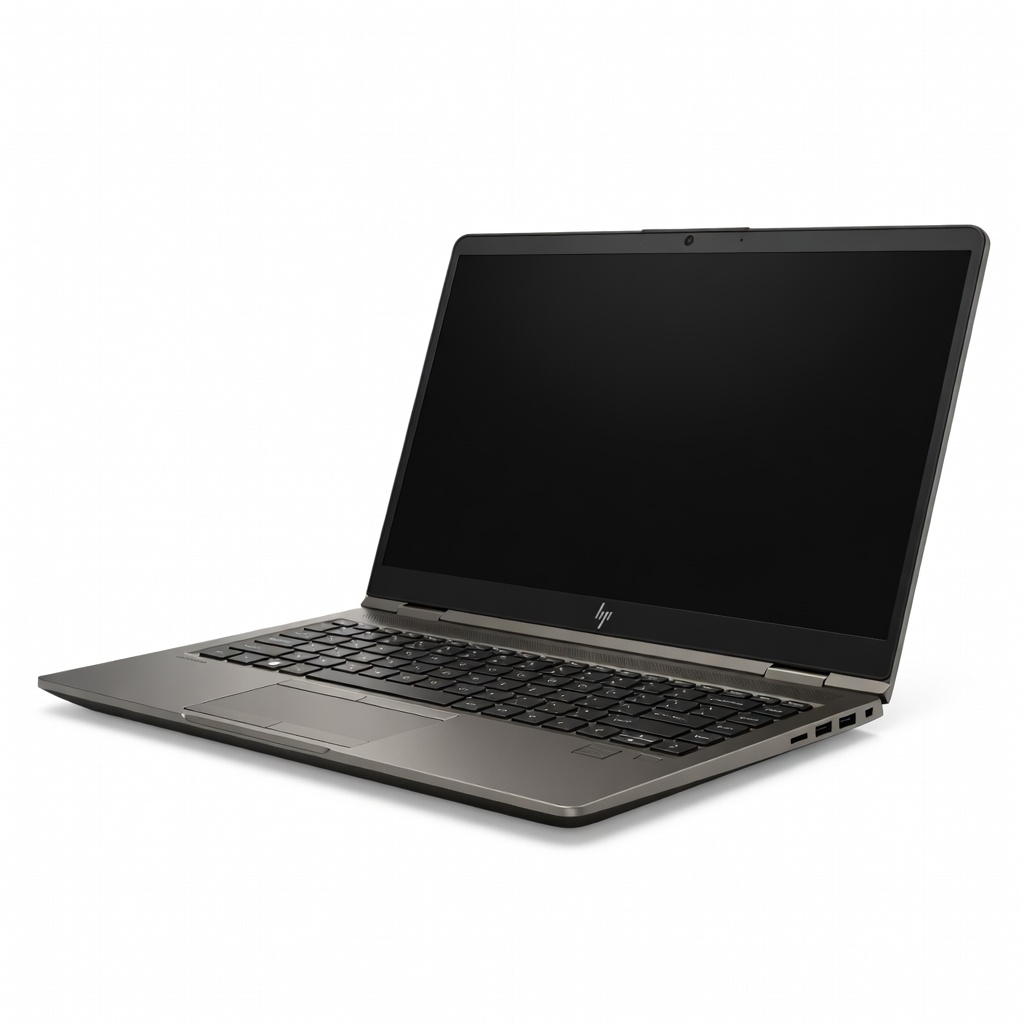
Tailored for rendering-heavy architecture workflows, the HP ZBook Fury 16 G11 shines with its NVIDIA RTX 5000 Ada GPU, Intel Core i9, and 64GB RAM configuration. It accelerates ray-tracing in Twinmotion and Enscape, cutting render times by up to 50% compared to consumer laptops, while ISV certifications ensure compatibility with all major architecture software.
Pros: DreamColor display for calibrated accuracy; tool-free upgradability; robust cooling for sustained performance. Cons: Hefty 5.3 lbs and pricey; fans can get loud during intensive tasks.
Architecture students tackling advanced simulations or VR walkthroughs should choose this for workstation-level reliability in a mobile form.

The Microsoft Surface Laptop Studio 2 serves as the best 2-in-1 for architecture students, with its hinge design enabling tablet mode for hand-drawn annotations. Equipped with Intel Core i7, 32GB RAM, and NVIDIA RTX 4060, it excels at hybrid workflows—modeling in Grasshopper then sketching overlays. The 14.4-inch PixelSense Flow display supports 120Hz refresh and active pen for precise input.
Pros: Versatile modes for ideation and presentation; excellent trackpad and haptics. Cons: Limited ports require dongles; battery dips to 8 hours in GPU mode.
Ideal for creative architecture students who blend digital design with traditional drawing, especially in collaborative or fieldwork settings.

The MSI Creator Z16 HX Studio is a top hybrid for architecture students who game or need extra graphical punch. Its Intel Core i9, 64GB RAM, and RTX 4070 GPU deliver blistering speeds for Unreal Engine visualizations and parametric modeling in Dynamo. The 16-inch QHD+ mini-LED screen hits 1000 nits with 100% Adobe RGB for lifelike material previews.
Pros: Customizable RGB and cooling for long sessions; multiple storage bays. Cons: Gaming aesthetics may not suit professional settings; heavier at 5.1 lbs.
Select this if your architecture studies include game dev crossovers or you demand top-tier GPU performance for photorealistic renders on a budget.
For eco-conscious architecture students, the Framework Laptop 16 (2025) offers modularity with AMD Ryzen 9, up to 96GB RAM, and swappable RTX 4070 GPU module. It adapts to evolving needs—like upgrading for AI-driven design tools—while running SolidWorks and EnergyPlus simulations smoothly. The 16-inch 2560x1600 matte display ensures glare-free viewing in bright studios.
Pros: Repairable and upgradable design reduces e-waste; compact 4.4 lbs. Cons: Assembly required for tweaks; software optimization lags behind big brands.
Choose this sustainable option if you value longevity and customization in your laptop for architecture students, perfect for tech-savvy users planning long-term use.
Compare key specs and features of all our recommendations side-by-side
| Product | Recommendation | Rating | Price |
|---|---|---|---|
2025 Dell XPS 13 9345 Laptop, Copilot+ AI PC (13.4" FHD+ 120Hz, Snapdragon X Plus (> Intel i7-1355U), 16GB 8448MT/s RAM, 1TB SSD), Thin & Light, 27 Hours Battery Life, IR Webcam, Wi-Fi 7, Win 11 Pro Rank #1 | 4.7 4.7 | ||
Apple MacBook Pro 16-inch (M4 Pro) Rank #2 | — | — | |
Lenovo ThinkPad E16 Gen 3 Business Laptop Computer, Intel 16-Core Ultra 7 255H (Beat i9-13900H), 32GB DDR5 RAM, 2TB PCIe SSD, 16" FHD+, WiFi 6E, Bluetooth 5.3, Webcam, Numeric Keypad, Windows 11 Pro Rank #3 | 4.5 4.5 | ||
Acer Aspire Vero AV15-53P-77V9 Intel Evo Green PC | 15.6" FHD IPS 100% sRGB Display | Intel Core i7-1355U | Intel Iris Xe Graphics | 16GB LPDDR5 | 512GB Gen 4 SSD | Killer Wi-Fi 6E | PCR Materials i7-1335U Rank #4 | 4.2 4.2 | ||
ASUS Zenbook 14 OLED 2025 Laptop, 14" WUXGA Touchscreen Display, 16-Core Ultra 9 285H, 32GB LPDDR5X RAM, 1TB Gen 4 SSD, Copilot AI, WiFi 7, Thunderbolt 4, Win 11 Pro, Jasper Gray, w/Mytrix Accessory 32GB RAM | 1TB SSD Rank #5 | 5.0 5.0 | ||
HP ZBook Fury 16 G11 Rank #6 | — | Check price → | |
Case Cover for New Microsoft Surface Laptop Studio 2& Laptop Studio Tablet【14.4-inch Screen】 2-in-1 PU Leather Protective Shell(Surface Laptop Studio, Plain Leather Dark Green) surface laptop studio plain leather dark green Rank #7 | 4.2 4.2 | ||
Smatree 15.6-16 inch Hard EVA Protective Sleeve for MSI Katana A15 AI/Creator 15M/CreatorPro M15, for MSI Creator A16 AI/Creator Z16P/Creator Z16, for MSI CreatorPro Z16P/Z16 HX Studio (X8288) For MSI 16 inch (X8288-1) X Series-Black Rank #8 | 4.5 4.5 | ||
Perspective Made Easy (Dover Art Instruction) Rank #9 | 4.6 4.6 |
Review Atlas Team - Editorial Team
