Get the App
Better experience on mobile
A step-by-step guide to troubleshoot and fix syncing issues with your Fitbit fitness tracker.
Having trouble with your Fitbit not syncing? You're not alone. This frustrating issue can leave you without access to your fitness data, disrupting your daily tracking routine. Whether it's failing to connect to your phone, app, or computer, a syncing problem can make your device feel useless. The good news? Most syncing issues are fixable with simple steps.
This is a common problem among Fitbit users, often caused by connectivity issues, software glitches, or outdated settings. Based on user forums and expert advice, we've compiled a comprehensive guide to help you diagnose and resolve the issue. In this guide, you'll learn the root causes of syncing failures, follow actionable troubleshooting steps, and know when it's time to consider an upgrade. We'll cover 8 practical fixes, from quick checks to more advanced solutions, to get your Fitbit back on track.
Let's dive into the causes and solutions to restore your device's functionality and keep your fitness goals in sight.
Difficulty: easy | Time: 2 minutes
Turn Bluetooth off and on again on your phone or computer. Syncing issues often stem from a shaky Bluetooth connection. Go to your device's Bluetooth settings, toggle it off for 10 seconds, then turn it back on. Ensure your Fitbit is within 30 feet of the device. If it works, you should see your Fitbit listed as a connected device, and syncing should start automatically or when prompted in the app. If it doesn’t work, move to the next step as there might be app or device interference.
Difficulty: easy | Time: 3 minutes
Restart your Fitbit to refresh its system. A simple reboot can resolve minor glitches. For most models (like Charge or Versa), press and hold the button for 8-10 seconds until the Fitbit logo appears. For others, check Fitbit’s official support page for model-specific instructions. If it works, your device will restart and attempt to sync with the app. If it doesn’t work, the issue might be deeper, like a software problem.
Difficulty: easy | Time: 15 minutes
Ensure your Fitbit has enough charge to sync. A low battery can prevent syncing. Plug your device into its charger and let it charge for at least 15-30 minutes. Check the battery icon on the device or app. If it works, syncing should resume once the battery is above 20%. If it doesn’t work or the device won’t charge, there could be hardware issues.
Difficulty: easy | Time: 5 minutes
Make sure your Fitbit app is up to date. Outdated apps can cause compatibility issues. Go to the App Store (iOS) or Google Play (Android), search for 'Fitbit,' and install any available updates. If it works, the app should prompt a sync after updating. If it doesn’t work, the issue might be with the device firmware or server connectivity.
Difficulty: easy | Time: 3 minutes
Manually trigger a sync from the Fitbit app. Open the app, go to the 'Today' tab, and pull down to refresh. Alternatively, go to 'Account' > 'Set Up a Device' and ensure your Fitbit is selected. If it works, you’ll see updated stats like steps or heart rate in the app. If it doesn’t work, there might be a deeper software or account issue.
Difficulty: medium | Time: 10 minutes
Check for a firmware update for your Fitbit device. Outdated firmware can disrupt syncing. In the Fitbit app, go to 'Account' > select your device > 'Check for Device Update.' Follow the on-screen instructions if an update is available. If it works, syncing should resume after the update completes. If it doesn’t work or the update fails, consider resetting the device.
Difficulty: medium | Time: 10 minutes
Remove your Fitbit from the app and re-pair it. In the app, go to 'Account,' select your device, and choose 'Remove This Fitbit.' Then, set it up as a new device. This clears old connection data. If it works, the app will detect your Fitbit and sync data. If it doesn’t work, there might be a persistent hardware or account issue.
Difficulty: hard | Time: 15 minutes
Perform a factory reset as a last resort. This wipes all data, so back up any unsynced info if possible. Instructions vary by model—check Fitbit’s support site (e.g., for Versa, go to Settings > About > Factory Reset). After resetting, set up the device again in the app. If it works, syncing should start fresh. If it doesn’t work, the hardware or internal components might be faulty. Warning: This erases personal data; proceed with caution.
If none of the above steps resolve your Fitbit syncing issue, it might be time to consider an upgrade. Persistent syncing failures, especially after a factory reset, often indicate hardware degradation or internal component failure, particularly if your device is over 2-3 years old. Fitbit devices, like many wearables, have a typical lifespan of 2-4 years with regular use, after which battery life and connectivity issues become more frequent. If your device is still under warranty (usually 1 year from purchase), contact Fitbit support for a replacement or repair before spending money.
Repairing a Fitbit is rarely cost-effective. Official repairs can cost $50-$100, often close to the price of a new entry-level model. Third-party repairs are risky and may void any remaining warranty. If your device shows other signs of failure—such as a dead battery, cracked screen, or inconsistent tracking—it’s a red flag that replacement is the better option. Safety note: If you notice swelling of the device (a sign of battery failure), stop using it immediately and replace it to avoid potential hazards.
Upgrading makes sense if the cost of repair exceeds 50% of a new device’s price or if you’re missing out on modern features like improved syncing, better battery life, or advanced health tracking. Let’s explore some reliable alternatives that address syncing issues and offer enhanced performance.
🛒 Buy Fitbit Charge 5 on Amazon
🛒 Buy Garmin Vivosmart 4 on Amazon
🛒 Buy Apple Watch Series 8 on Amazon
🛒 Buy Samsung Galaxy Watch 5 on Amazon
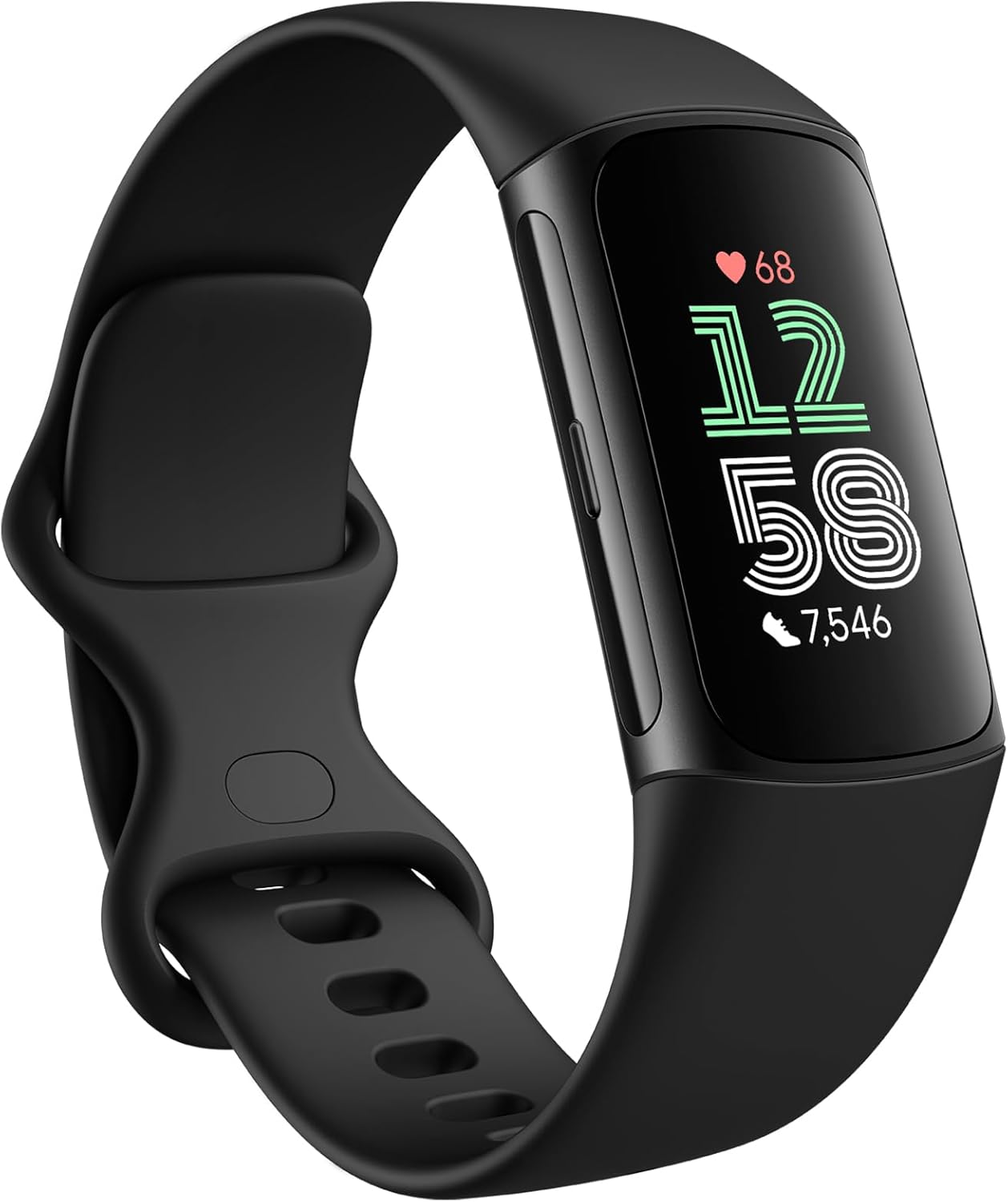
The latest in Fitbit’s Charge lineup with improved Bluetooth connectivity and syncing reliability.
Price Range: $120-$150
Key Benefits:
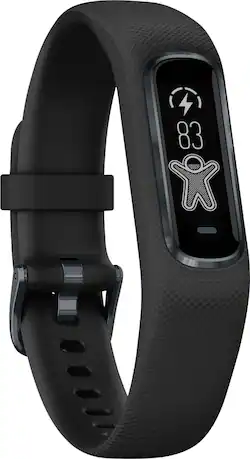
A budget-friendly alternative to Fitbit with reliable syncing and excellent app integration.
Price Range: $90-$110
Key Benefits:
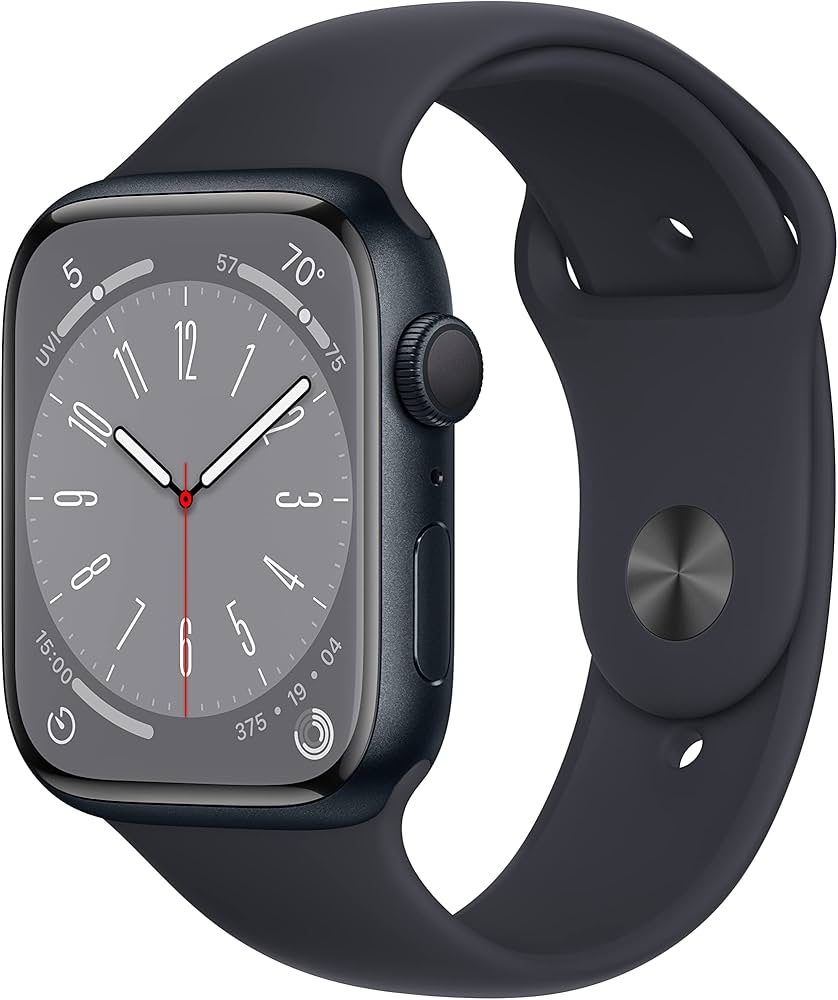
A premium option with seamless syncing for iPhone users and advanced health features.
Price Range: $350-$400
Key Benefits:
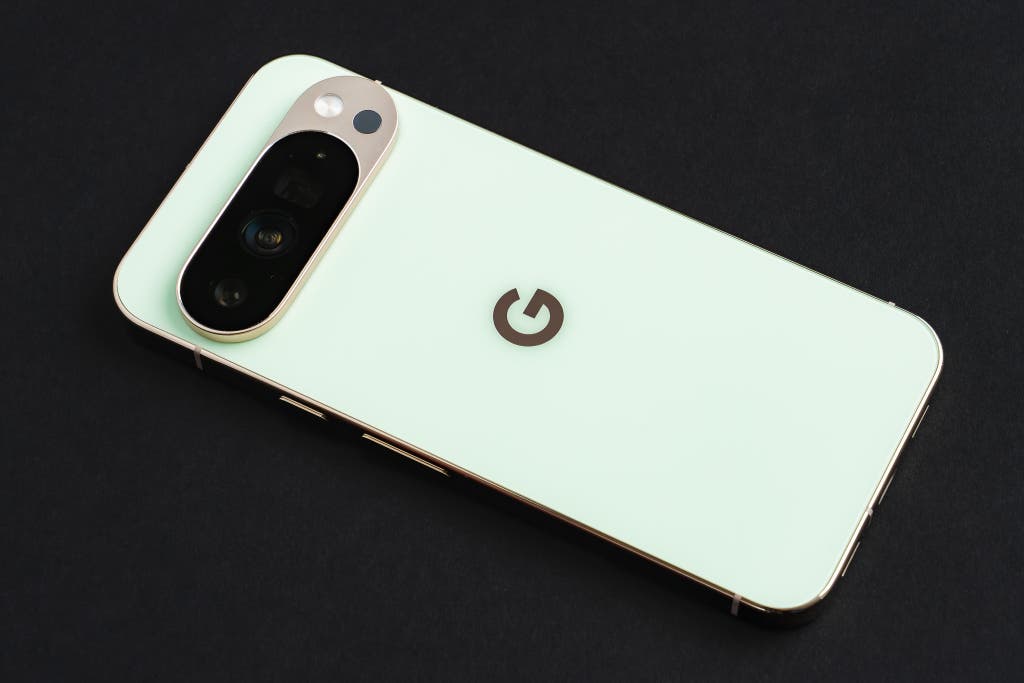
Great for Android users with excellent syncing and a modern design.
Price Range: $250-$300
Key Benefits:
Compare key specs and features of all our recommendations side-by-side
| Product | Recommendation | Rating | Price |
|---|---|---|---|
 Fitbit Charge 6 Fitness Tracker with Google apps, Heart Rate on Exercise Equipment, 6-Months Premium Membership Included, GPS, Health Tools and More, Obsidian/Black, One Size (S & L Bands Included) Black Case w/ Black Band Tracker Rank #1 | 🏆 Top Pick | 4.1 4.1 | |
Garmin Vivosmart 4 Rank #2 | 💰 Budget Pick | — | Check price → |
Apple Watch Series 8 Rank #3 | — | — | Check price → |
Great for Android users with excellent Rank #4 | — | — | Check price → |
