Get the App
Better experience on mobile
From budget workhorses to premium ultrabooks, these are the Windows laptops worth buying in 2026.
The Windows laptop market in 2026 is no longer a simple choice between Intel and AMD. With the rise of AI-ready chips, the battle now extends to integrated neural processing units (NPUs) that promise on-device AI features, from real-time background blur to quick photo editing. This shift makes it more important than ever to understand what your laptop's processor can actually do beyond raw benchmarks.
At the same time, battery life expectations have soared, fueled by energy-efficient ARM-based processors like Snapdragon X Elite and the latest Intel and AMD architectural advances. A laptop that can't last a full workday away from an outlet is now the exception, not the norm. That's good news for anyone who has ever had to hunt for a charging port in a coffee shop.
For this guide, we sifted through the latest models across every major manufacturer, focusing on what real-world users care about: everyday performance, display quality, portability, keyboard comfort, and warranty support. We also considered price-to-performance ratios, ensuring options from $500 budget laptops to $3,000 flagship workstations.
Whether you're a student looking for an affordable companion, a professional needing a durable business machine, or a creator demanding workstation-class performance, these are the Windows laptops we recommend after analyzing expert reviews and owner feedback.
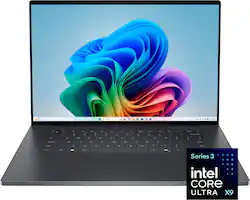
The Dell XPS 16 nails the essentials: a stunning 16-inch OLED display, a fast Intel Core Ultra 7 processor, and a premium aluminum chassis that feels as good as it looks. It's versatile enough for both productivity and creative work. The main trade-off is the high price and the lack of legacy ports.
Main limitation: The absence of USB-A and HDMI ports means you'll rely on dongles for peripherals.
Skip if: If you need heavy gaming performance or a full suite of ports, this isn't the laptop for you.
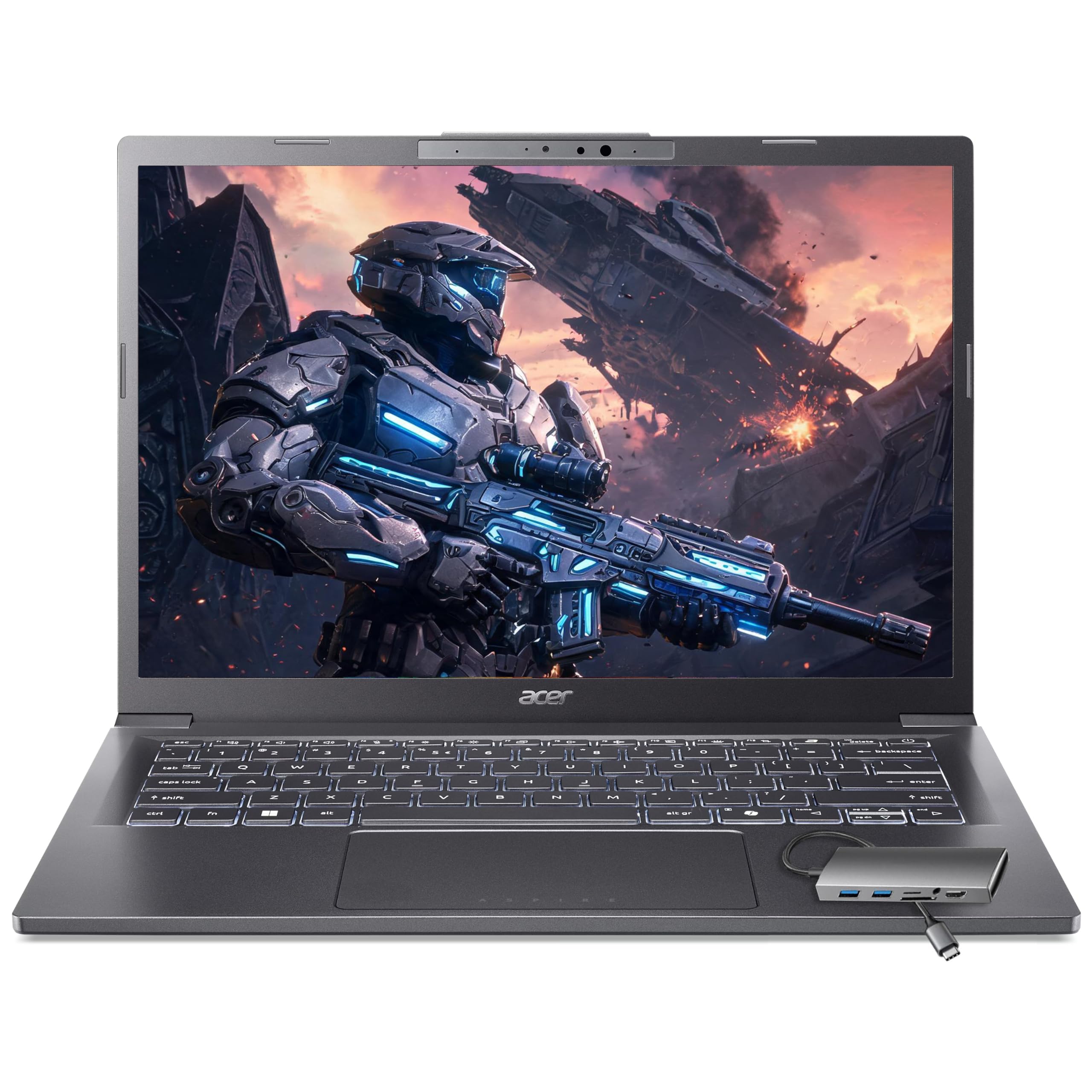
For under $600, the Acer Aspire 5 delivers solid everyday performance with an AMD Ryzen 5 processor, a 15.6-inch FHD display, and a comfortable keyboard. It's not flashy, but it's dependable for web browsing, office work, and streaming. The main downside is the plastic build and dim display.
Main limitation: The screen isn't very bright, and the chassis feels less premium than pricier options.
Skip if: If you need a premium build or a high-resolution display, you'll want to spend more.
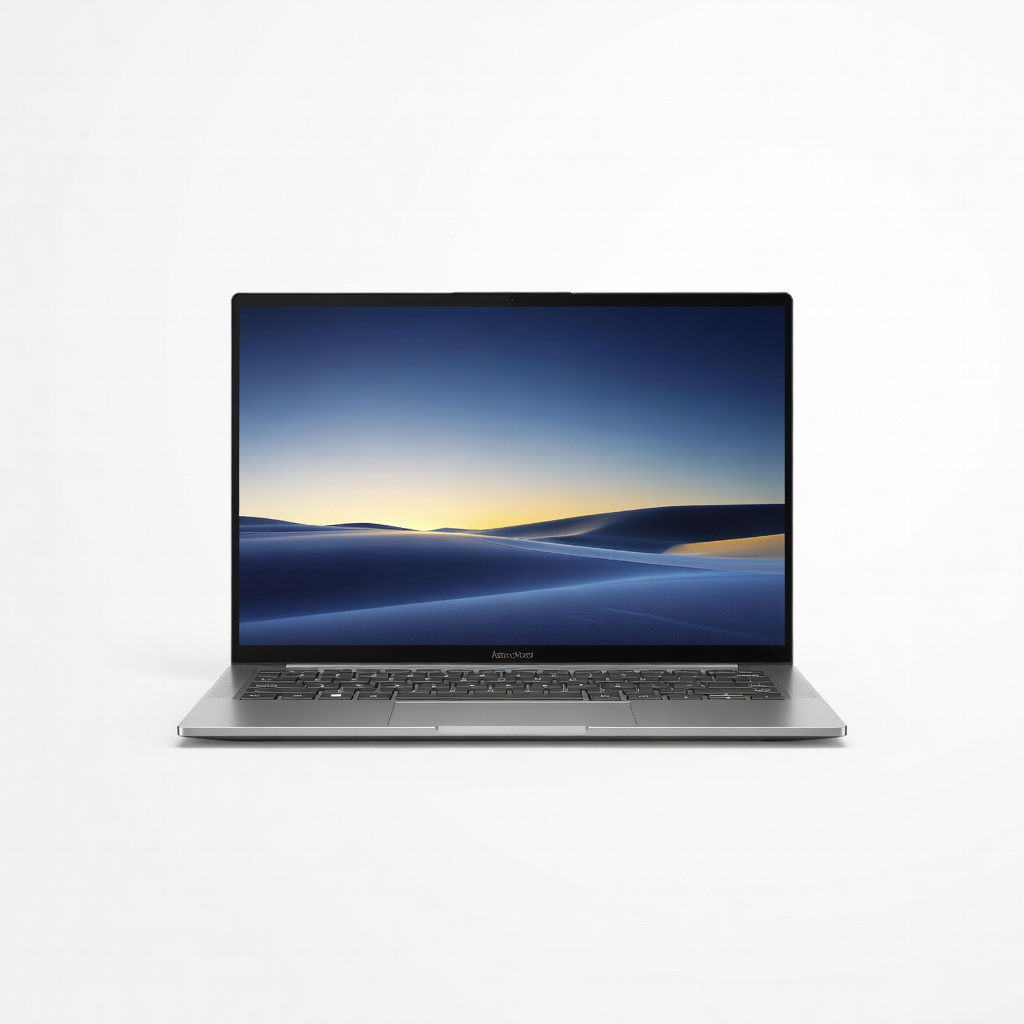
Weighing just 2.6 pounds and offering a gorgeous 14-inch OLED panel, the Zenbook 14 is designed to be your go-anywhere companion. Its long battery life and robust metal build make it ideal for frequent flyers. The trade-off is that it's not a performance powerhouse.
Main limitation: The integrated graphics are fine for basic tasks but will struggle with heavy video editing or 3D work.
Skip if: If you need dedicated graphics or a larger screen, consider a different pick.
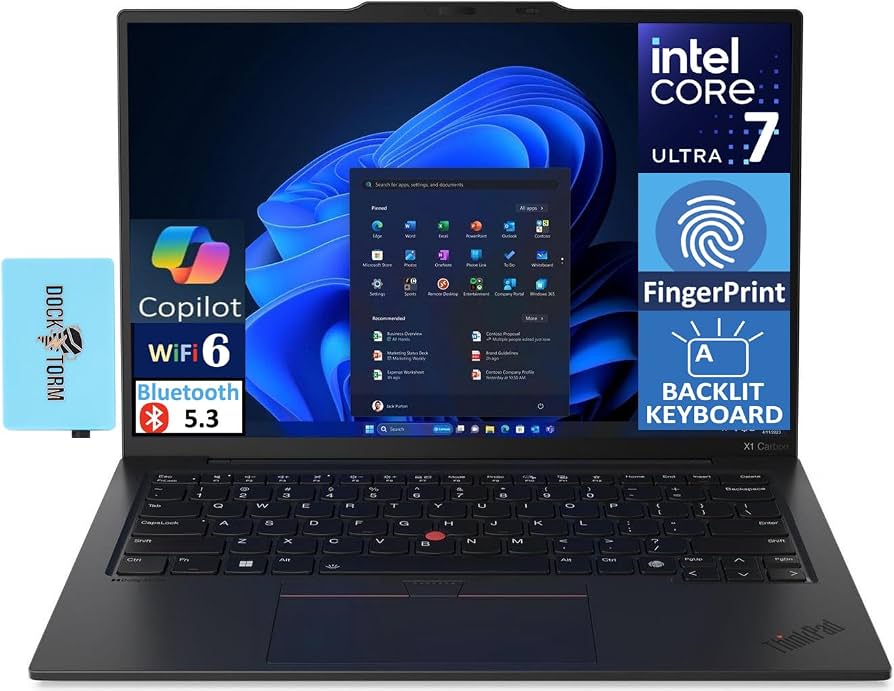
The ThinkPad X1 Carbon continues to be the gold standard for business laptops, with the best keyboard in the business, a durable carbon-fiber chassis, and enterprise-grade security features. It's also surprisingly light for a 14-inch laptop. The downside is the premium price and modest speaker quality.
Main limitation: The speakers are underwhelming, and the display options can get pricey when fully configured.
Skip if: If you're on a strict budget or need a GPU for creative work, look elsewhere.
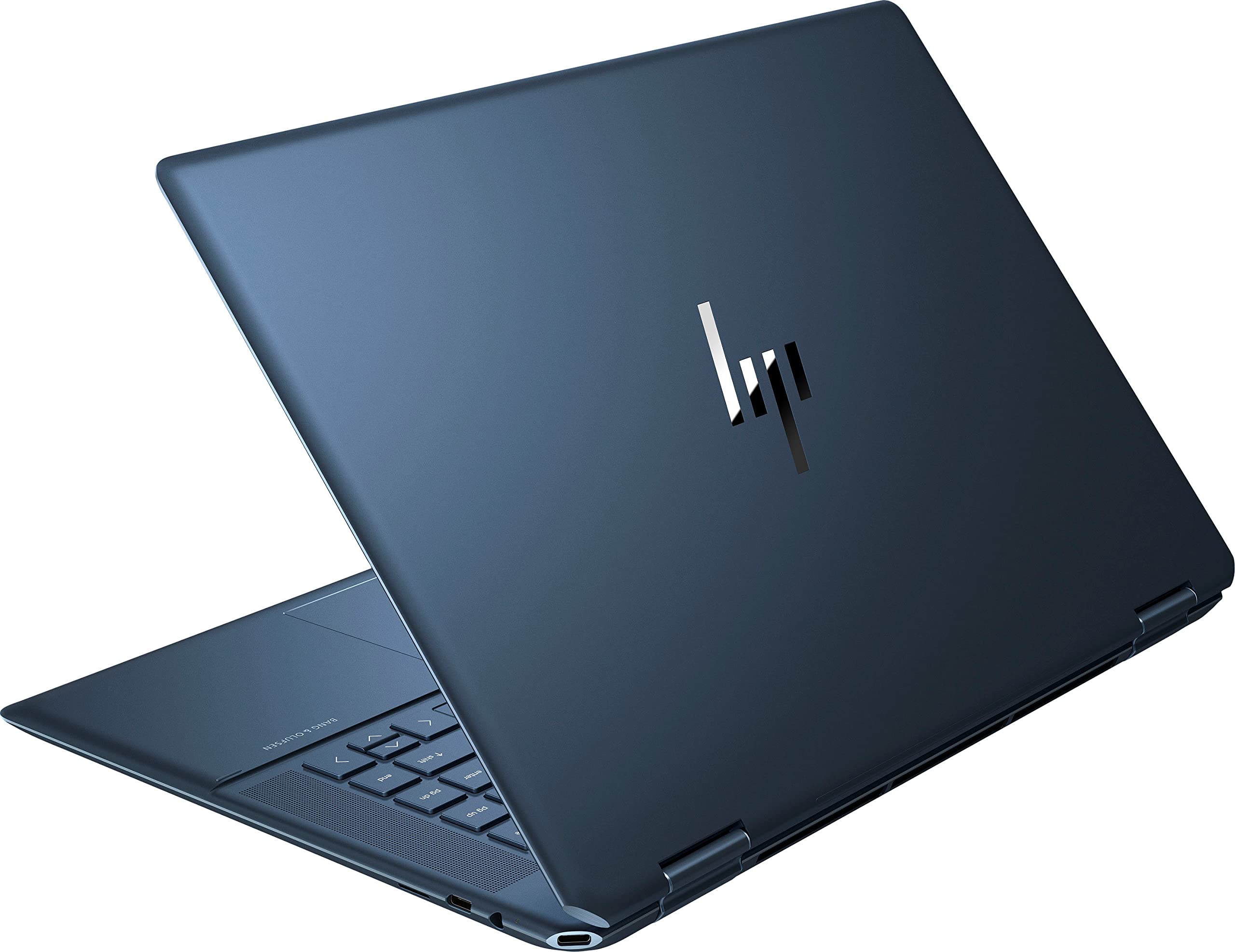
The HP Spectre x360 16 combines a flexible 360-degree hinge with a gorgeous 16-inch OLED display and strong performance from Intel's latest processors. It's one of the best Windows convertibles for those who want a laptop that works as a tablet too. The trade-off is its heavier weight and shorter battery life than some non-convertible laptops.
Main limitation: Battery life is only average, and the trackpad can be finicky.
Skip if: If you never plan to use tablet mode, you're paying extra for a feature you won't need.
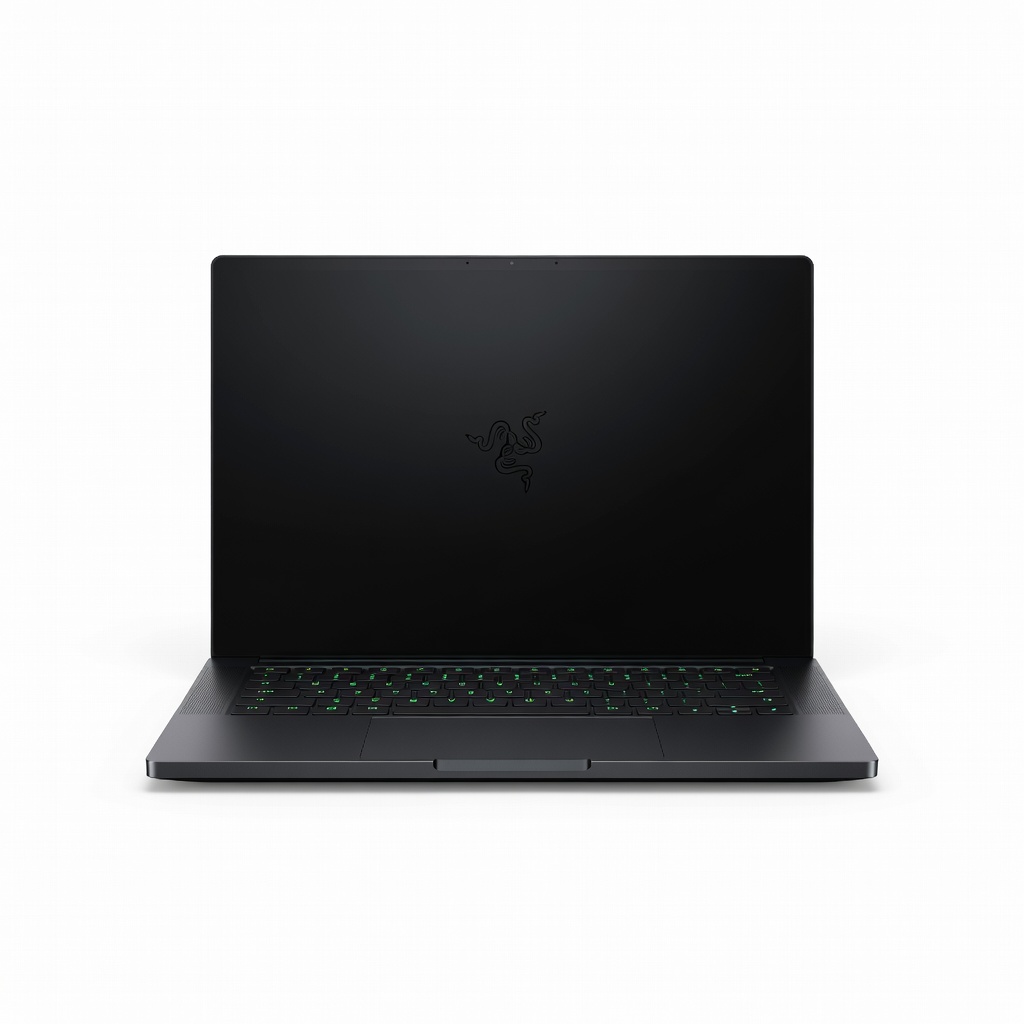
With a 16-inch QHD+ 240Hz display and an NVIDIA GeForce RTX 50-series GPU, the Razer Blade 16 is a beast for gaming and content creation. Its metal chassis and per-key RGB lighting add a premium feel. The downsides are the steep price, loud fans under load, and below-average battery life.
Main limitation: The fans get noisy during intense gaming sessions, and battery life is short when unplugged.
Skip if: If you only need a laptop for basic productivity, you're paying for power you'll never use.
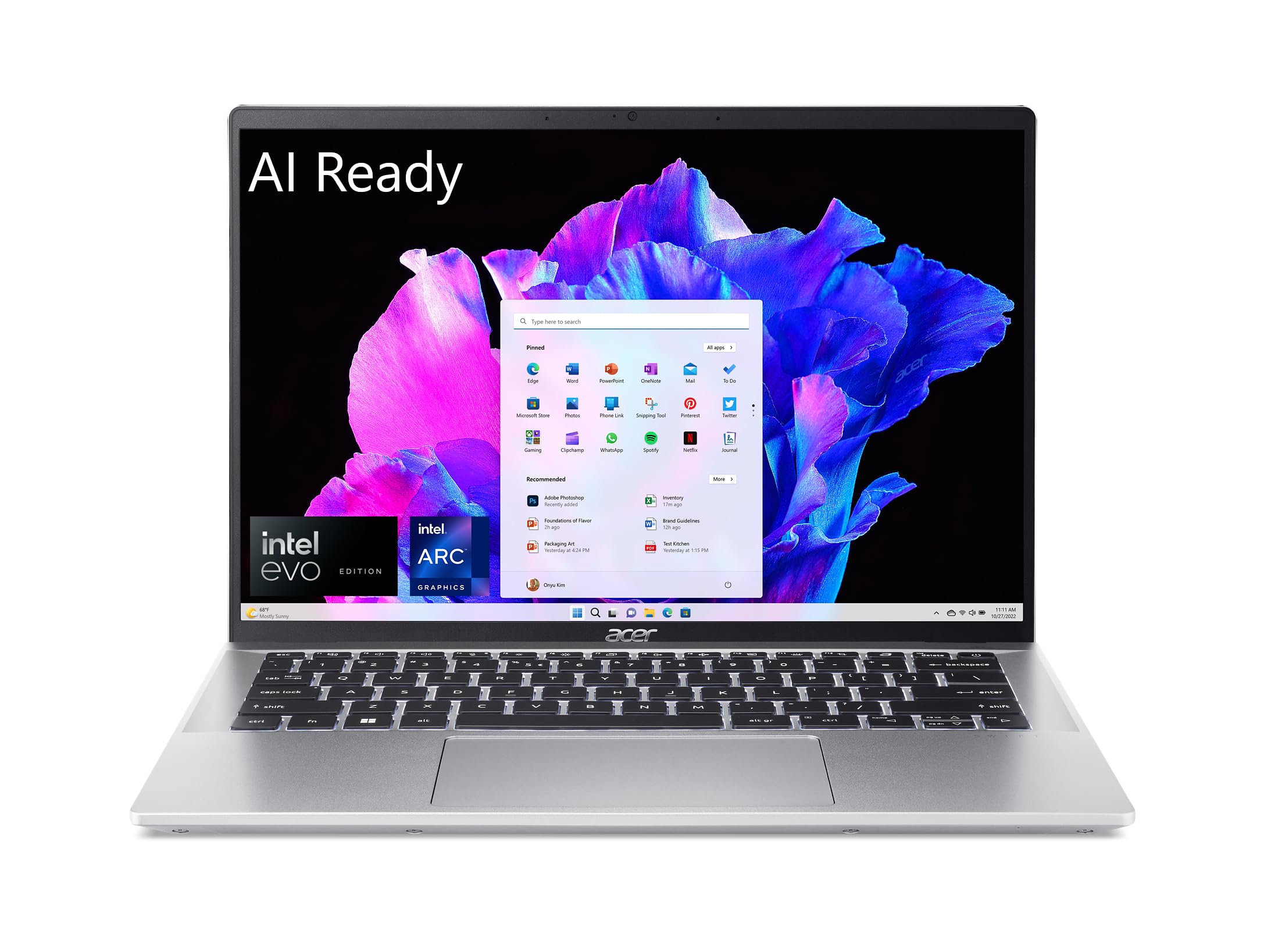
The Acer Swift Go 14 is a well-rounded, affordable ultraportable that balances price, performance, and battery life. It's light enough to toss in a backpack and fast enough for day-to-day schoolwork. The main trade-off is the budget display, which is a standard 1080p panel.
Main limitation: The screen isn't as vibrant as OLED options, and the touchpad is a bit small.
Skip if: If you prioritize a stunning display or premium build quality, you'll want to look at the Zenbook or Spectre.
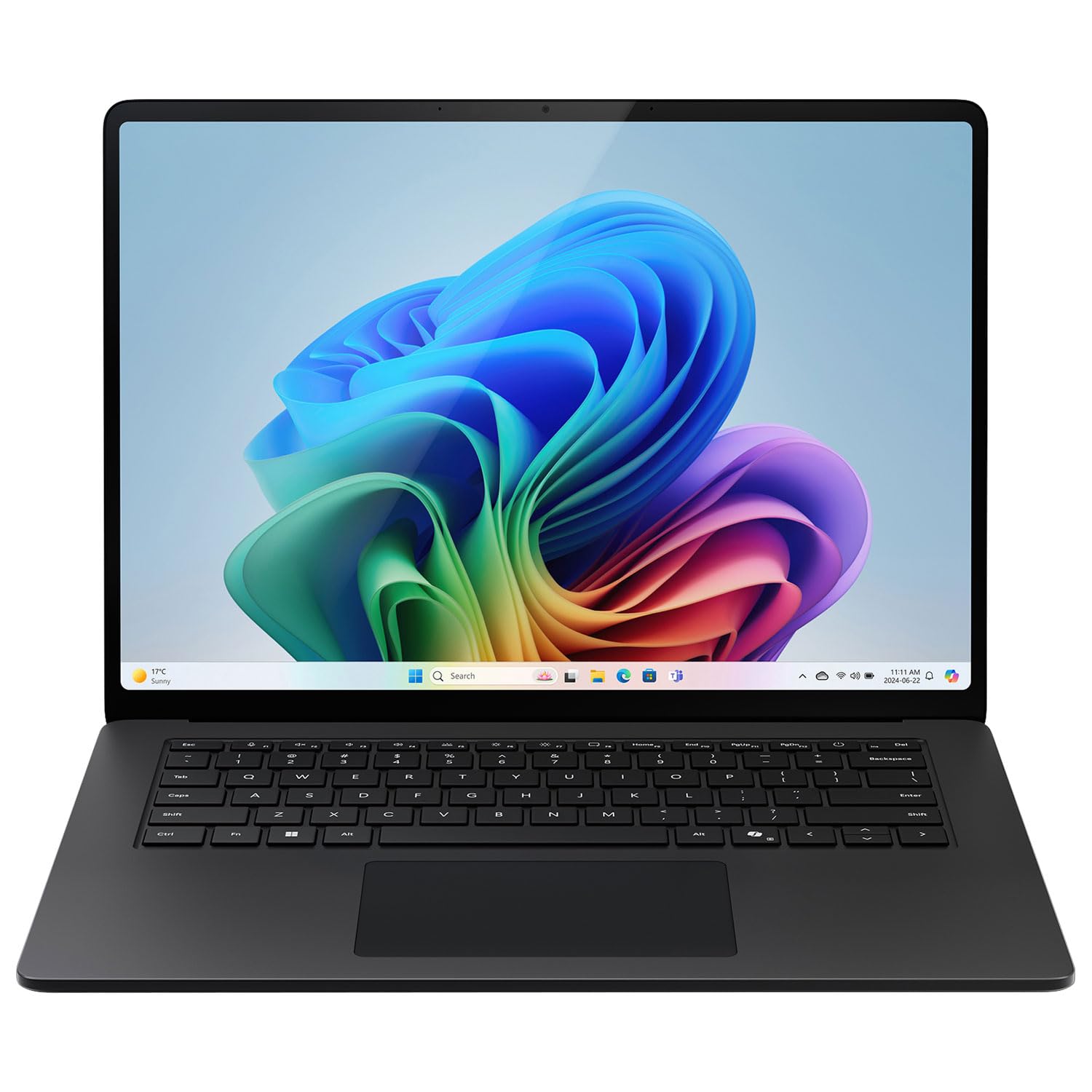
Powered by a Snapdragon X Elite processor, the Surface Laptop 7 offers exceptional battery life that can last through a full day of work and then some. Its sleek design and touchscreen make it a stylish choice for productivity. The trade-off is that some apps may still have x86 emulation hiccups, and the port selection is limited.
Main limitation: You'll need dongles for HDMI and USB-A, and ARM compatibility isn't perfect for every legacy app.
Skip if: If you rely on niche software that hasn't been ported to ARM, you might be safer with an Intel or AMD machine.
Compare key specs and features of all our recommendations side-by-side
| Product | Recommendation | Rating | Price |
|---|---|---|---|
Dell XPS 16 (2026) Rank #1 | 🏆 Top Pick | 9.2/10 | $1,499–$1,899 Check current price → |
Acer Aspire 5 2026 Rank #2 | 💰 Budget Pick | 8.0/10 | $499–$649 Check current price → |
ASUS Zenbook 14 OLED (2026) Rank #3 | ⭐ Editor's Choice | 8.7/10 | $899–$1,099 Check current price → |
Lenovo ThinkPad X1 Carbon Gen 12 (2026) Rank #4 | — | 8.8/10 | $1,599–$2,199 Check current price → |
HP Spectre x360 16 (2026) Rank #5 | — | 8.3/10 | $1,299–$1,599 Check current price → |
Razer Blade 16 (2026) Rank #6 | — | 8.4/10 | $2,499–$2,999 Check current price → |
Acer Swift Go 14 (2026) Rank #7 | — | 7.9/10 | $699–$899 Check current price → |
Microsoft Surface Laptop 7 (2026) Rank #8 | — | 8.5/10 | $999–$1,299 Check current price → |
Common questions buyers have about this category.
For most users, 16GB is the sweet spot—it handles multitasking, Chrome tabs, and productivity apps without slowdowns. Power users who run virtual machines or edit large video files should consider 32GB. Avoid 8GB unless you're strictly browsing the web and checking email.
ARM laptops, powered by Snapdragon X Elite, offer incredible battery life and are efficient for everyday tasks. However, compatibility with some x86 apps is still patchy, so check whether your specific software runs natively. For most mainstream productivity, ARM is a solid choice, but if you rely on legacy apps, stick with Intel or AMD.
OLED displays deliver richer colors, deeper blacks, and better contrast than standard IPS panels, making them excellent for media consumption and creative work. The trade-offs are higher power consumption and potential burn-in risk, though modern panels are more resistant. If you value visuals and aren't on a tight budget, it's worth the upgrade.
Intel and AMD are the established players, with strong performance and broad compatibility. AMD's Ryzen chips often offer better integrated graphics, while Intel's Core Ultra includes a more mature NPU for AI tasks. Snapdragon X Elite is ARM-based and focuses on battery efficiency, but software compatibility can be limiting. Choose based on your priorities: compatibility (Intel/AMD) vs battery life (Snapdragon).
With proper care, a well-built Windows laptop from 2026 should last 4 to 6 years, especially if you choose a model with upgradeable RAM and storage. However, battery degradation and software demands will eventually slow things down. Look for laptops with easy-to-open bottom panels if you plan to make upgrades yourself.
An NPU (Neural Processing Unit) accelerates on-device AI tasks like background blur, noise reduction, and real-time translation, making them faster and more power-efficient than using the CPU alone. While not essential for every user, it future-proofs your laptop for upcoming AI-powered features in Windows and apps. If you value AI features or want to be ready for future software, choose a chip with a capable NPU.
Products we evaluated but did not recommend — and why.
