Get the App
Better experience on mobile
We've evaluated the current Windows laptop market to help you find the right balance of performance, portability, and price.
Windows laptops in 2026 are less about raw specs and more about how those specs translate into daily usability. The latest Intel Core Ultra and AMD Ryzen AI chips have closed the gap in both performance and efficiency, making battery life and screen quality the new battlegrounds. For most buyers, the ideal laptop isn't the one with the fastest CPU, but the one that gets the display, keyboard, and endurance right.
Choosing from the dozens of models available can be overwhelming. That's why we've analyzed the current market, digging through independent reviews, manufacturer specifications, and user feedback to identify the laptops that genuinely stand out. We've considered build quality, performance across everyday tasks, screen accuracy, portability, and long-term reliability.
Our picks range from budget-friendly 14-inch models under $700 to powerful workstation-class machines that cost over $2,000. Whether you're a student on a tight budget, a business traveler who types all day, or a gamer seeking high-refresh rates, there's a Windows laptop here for you. We're focusing on models that deliver real-world value, and we also highlight their trade-offs so you can decide what matters most.
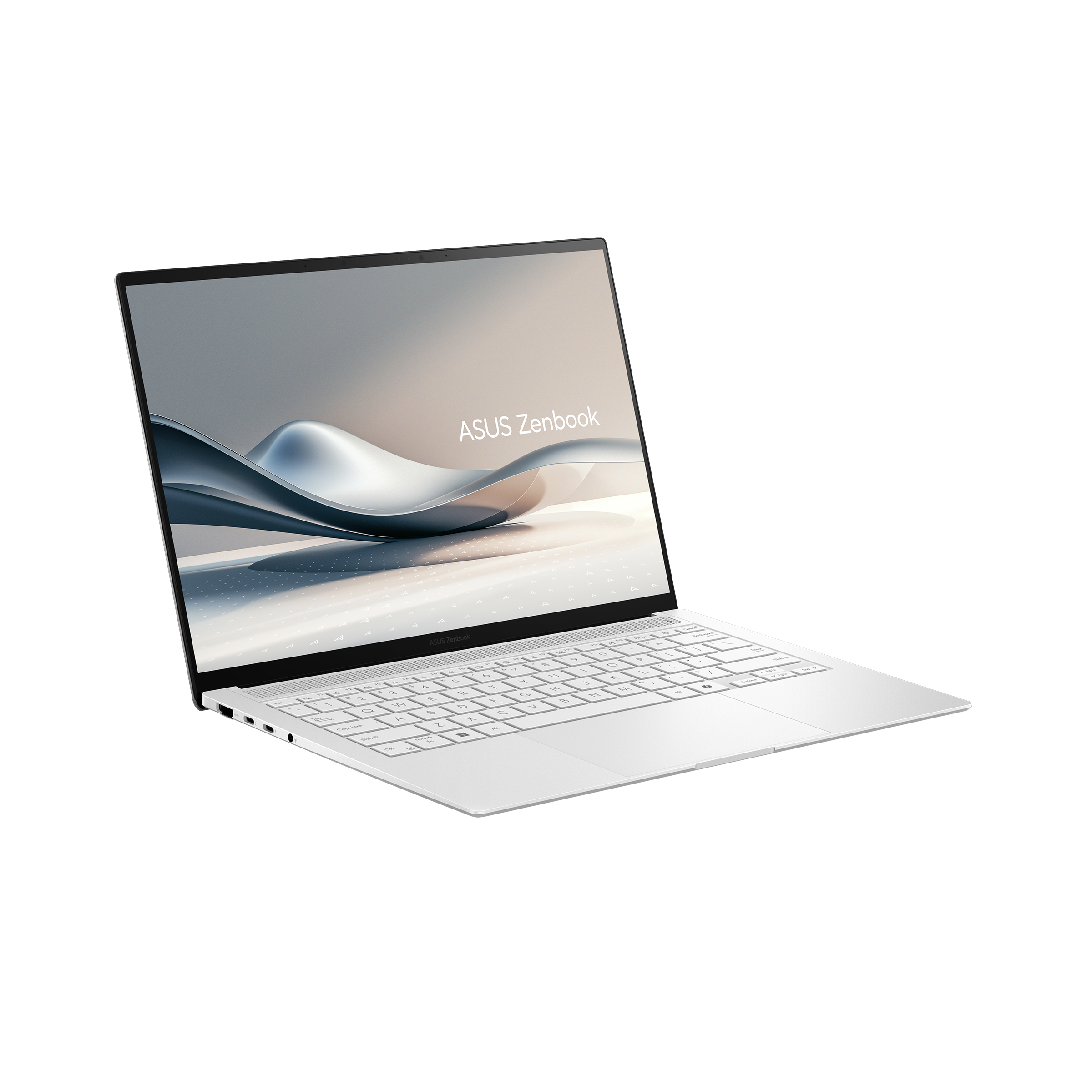
The Zenbook S 14 sets the benchmark for a modern ultraportable in 2026. Its 3K OLED display is vibrant, and the Intel Core Ultra 7 processor delivers excellent performance for everyday tasks while remaining whisper-quiet. The main trade-off is the minimal port selection, so you'll need adapters for legacy devices.
Main limitation: Only two Thunderbolt 4 ports, which limits connectivity without a dongle.
Skip if: Skip it if you rely on USB-A ports or need dedicated graphics.
For around $600, the IdeaPad Slim 5 offers a comfortable keyboard, decent AMD Ryzen performance, and true portability. It's a laptop that gets the fundamentals right without breaking the bank. The trade-off is the basic IPS panel with modest brightness and color coverage, so adjust your expectations for media consumption.
Main limitation: The display is the weakest link, with limited color accuracy and brightness.
Skip if: Creative professionals or anyone who needs a vivid, color-accurate screen.
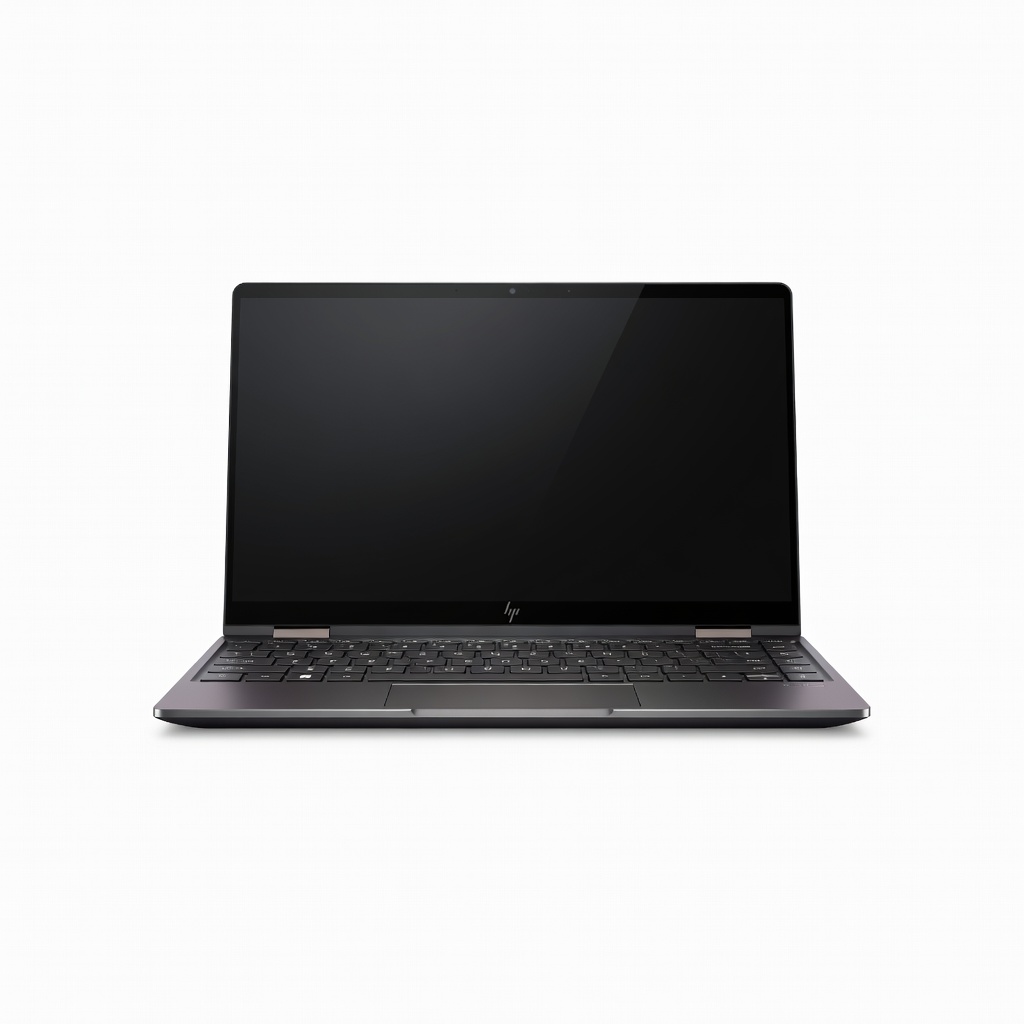
The Spectre x360 14 is the most polished 2-in-1 of the year, with a gorgeous OLED touchscreen, a well-built hinge, and included stylus support. It's a versatile laptop that adapts to your workflow, but that versatility comes at a cost in battery life and thermals. Expect to reach for the charger earlier than with more conventional clamshells.
Main limitation: Under sustained load, the fans become noticeable and the bottom can warm up.
Skip if: If you need class-leading battery life or discrete GPU performance.
Gamers on the go will appreciate the Strix G16's high-refresh 16-inch display and latest Nvidia RTX 50-series graphics, which handle demanding titles at high settings. It's a hefty machine with powerful cooling, but that bulk and its short battery life make it a poor daily driver for anything other than gaming. Buy it primarily for your desk, and save your legs the strain.
Main limitation: The 90Wh battery drains quickly during non-gaming tasks.
Skip if: If you need a portable laptop for work or school, this is not it.
The Swift Go 14 delivers a large, responsive trackpad and an impressive 14-inch screen for its price. It's a reliable everyday laptop for students and budget-minded users, with enough RAM and storage for multitasking. The trade-off is a mostly plastic chassis that detracts from the premium feel, but the value proposition is strong.
Main limitation: The build uses a lot of plastic, which can flex and feel less durable.
Skip if: If you value a metal, premium build over raw specs.
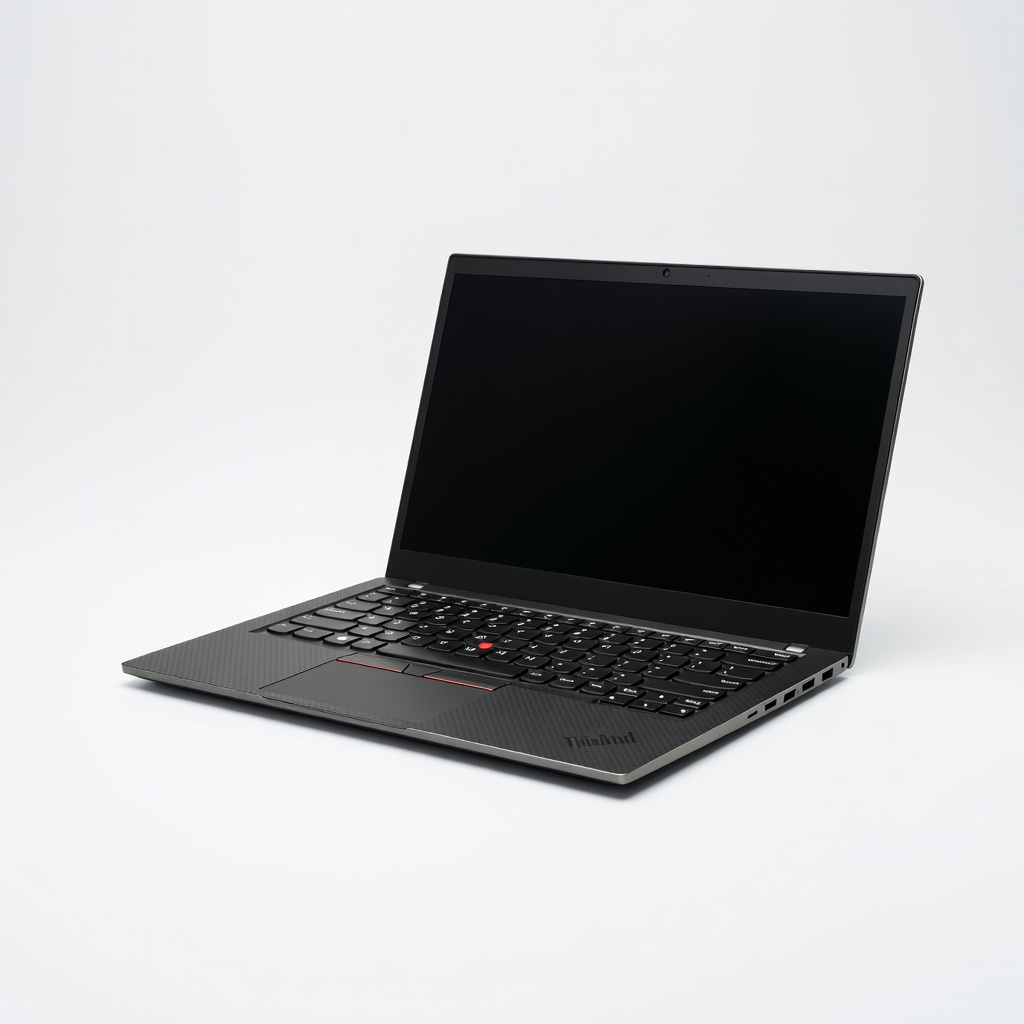
The X1 Carbon remains the gold standard for business laptops, offering an unrivaled keyboard, exceptional build quality, and security features that IT departments love. It's light, has excellent battery life, and looks professional in any meeting. The downside is a steep price and the absence of a discrete GPU, which limits graphics-heavy workloads.
Main limitation: Integrated graphics limits gaming or heavy video editing capabilities.
Skip if: If you're a creative professional needing strong GPU acceleration, look elsewhere.
With a stunning 4K OLED screen and a powerful Core Ultra 9 processor paired with RTX 50-series graphics, the XPS 16 is a true desktop replacement. It handles demanding workloads and creative apps with ease, and the design is sleek and modern. However, it's heavy, expensive, and battery life takes a hit under load, so it's best left plugged in.
Main limitation: Portability suffers because of its size and weight, and fans can get loud.
Skip if: If you prioritize a lightweight, long-lasting laptop for everyday use, avoid this.
The gram SuperSlim is the lightest 15-inch laptop we've seen, at just 1.2 kilograms. It's a road warrior's dream, with an OLED display and surprising battery endurance for its thin build. The trade-off is a less rigid chassis and modest performance, so it's best for light workloads and travel.
Main limitation: The flexible keyboard deck and modest multi-core performance are compromises for portability.
Skip if: If you need a machine for heavy video editing or frequent gaming, this is not your choice.
Compare key specs and features of all our recommendations side-by-side
| Product | Recommendation | Rating | Price |
|---|---|---|---|
ASUS Zenbook S 14 (UX5406) Rank #1 | 🏆 Top Pick | 9.0/10 | $1,300–$1,500 Check current price → |
Lenovo IdeaPad Slim 5 (14" AMD) Rank #2 | 💰 Budget Pick | 8.0/10 | $550–$700 Check current price → |
HP Spectre x360 14 (2026) Rank #3 | ⭐ Editor's Choice | 8.3/10 | $1,200–$1,400 Check current price → |
ASUS ROG Strix G16 (2026) Rank #4 | — | 8.5/10 | $1,400–$1,700 Check current price → |
Acer Swift Go 14 Rank #5 | — | 7.8/10 | $650–$800 Check current price → |
Lenovo ThinkPad X1 Carbon Gen 13 Rank #6 | — | 8.8/10 | $1,500–$1,800 Check current price → |
Dell XPS 16 (2026) Rank #7 | — | 8.2/10 | $1,900–$2,300 Check current price → |
LG Gram SuperSlim (2026) Rank #8 | — | 7.5/10 | $1,300–$1,500 Check current price → |
Common questions buyers have about this category.
For most users, 16GB is the sweet spot; it handles multitasking and modern apps without slowdowns. If you're editing large files or running virtual machines, 32GB offers more headroom. Avoid 8GB unless you only do light web browsing and are on a strict budget.
Both Intel Core Ultra and AMD Ryzen AI chips are excellent in 2026, with comparable performance and efficiency. Intel's chips often excel in single-threaded tasks and offer strong Thunderbolt support, while AMD's integrated Radeon graphics are a step ahead for light gaming. Choose based on price and availability.
For casual editing or 1080p timelines, Intel and AMD integrated graphics can handle the job fine. However, if you regularly work with 4K footage, motion graphics, or 3D rendering, a laptop with an Nvidia RTX or AMD Radeon discrete GPU will dramatically reduce render times.
OLED panels provide perfect black levels, infinite contrast, and vibrant colors, making them ideal for HDR content and creative work. IPS panels are typically brighter and more affordable, with less risk of burn-in. For most users, a good IPS is fine, but if you care about media consumption, OLED is a treat.
A modern ultraportable should last between 10 and 15 hours of mixed use, depending on the processor and display. Gaming laptops struggle to exceed 5 hours, so adjust your expectations based on the laptop's category. Look for a battery capacity of at least 60Wh for all-day reliability.
There's always a new processor on the horizon, but current-generation chips already offer excellent performance for most needs. If your laptop is more than five years old, upgrading now will bring a significant boost in responsiveness and battery life. Waiting rarely results in a price drop for the previous generation, so buy when you need it.
Products we evaluated but did not recommend — and why.
