Get the App
Better experience on mobile
Our ranking covers productivity, gaming, and creator laptops with honest trade-offs and realistic pricing.
Another year, another flood of 'AI-ready' laptops. In 2026, the Windows laptop market has split into three distinct tribes: the always-connected Snapdragon crew, the generational Intel Core Ultra machines, and the Ryzen AI ones. For most buyers, choosing the right laptop isn't about raw specs; it's about whether you can live with the trade-offs. The best Windows laptop for you is the one that gets the basics right: keyboard, display, durability, and price.
This guide ranks eight of the most compelling Windows laptops available in 2026, from a very capable budget Acer to a 4K creator-grade ASUS. We based our selections on published expert reviews, manufacturer spec sheets, and aggregated buyer feedback, not on our own lab. We gave extra weight to build quality, display quality, battery life, and realistic portability.
A final note: don't get fooled by 'best spec at any cost.' A heavier, cheaper laptop with an extra USB port is often a better purchase than a glossy ultrabook that spends its life plugged in. The picks below are grouped by need, because that honest pairing is what makes a list like this useful.
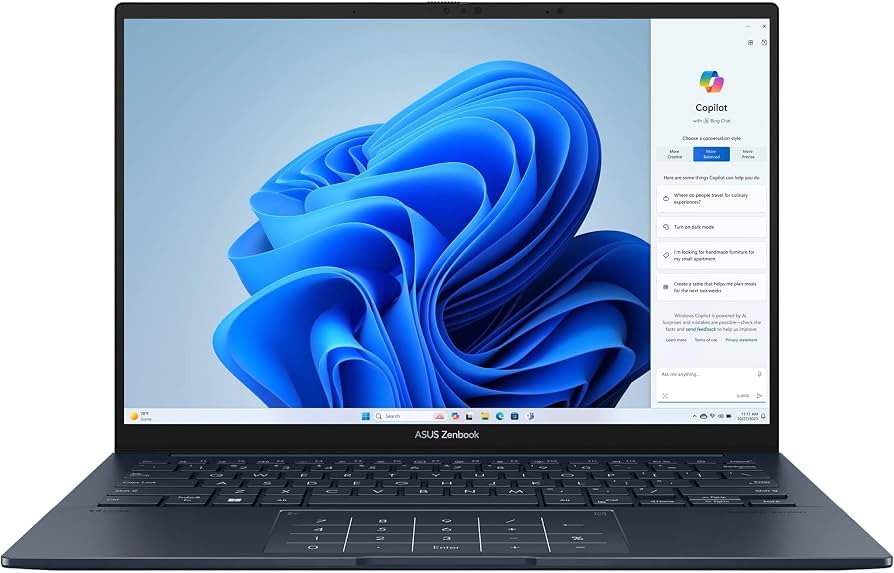
The ASUS Zenbook 14 OLED nails the balance of portability, performance, and price. With a 3K 120 Hz OLED panel, 16 GB RAM, and a 75 Wh battery, it’s the most versatile laptop for students, office workers, and casual creatives. The trade-off is a limited selection of ports—only USB-C—so you’ll need a dongle for USB-A or HDMI.
Main limitation: The design includes two USB-C ports but no USB-A or HDMI, and the touchpad can feel inconsistent on some units.
Skip if: If you need Thunderbolt 4 for an external GPU or a legacy USB-A port, this Zenbook's limited connectivity will frustrate you.
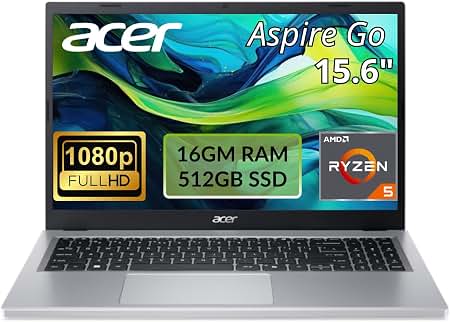
The latest Aspire 5 pairs an Intel Core i5-1334U with 16 GB RAM for around $529, which is almost unfair to the competition. It’s a basic 15.6-inch clamshell with a comfortable keyboard and a full set of ports. The trade-off is an only-okay 1080p display and a chassis that doesn't feel premium.
Main limitation: The FHD panel has poor contrast and viewing angles, and the chassis flexes around the keyboard under pressure.
Skip if: If you plan to do any creative work that requires color accuracy, skip this and step up to a discrete GPU or OLED model.
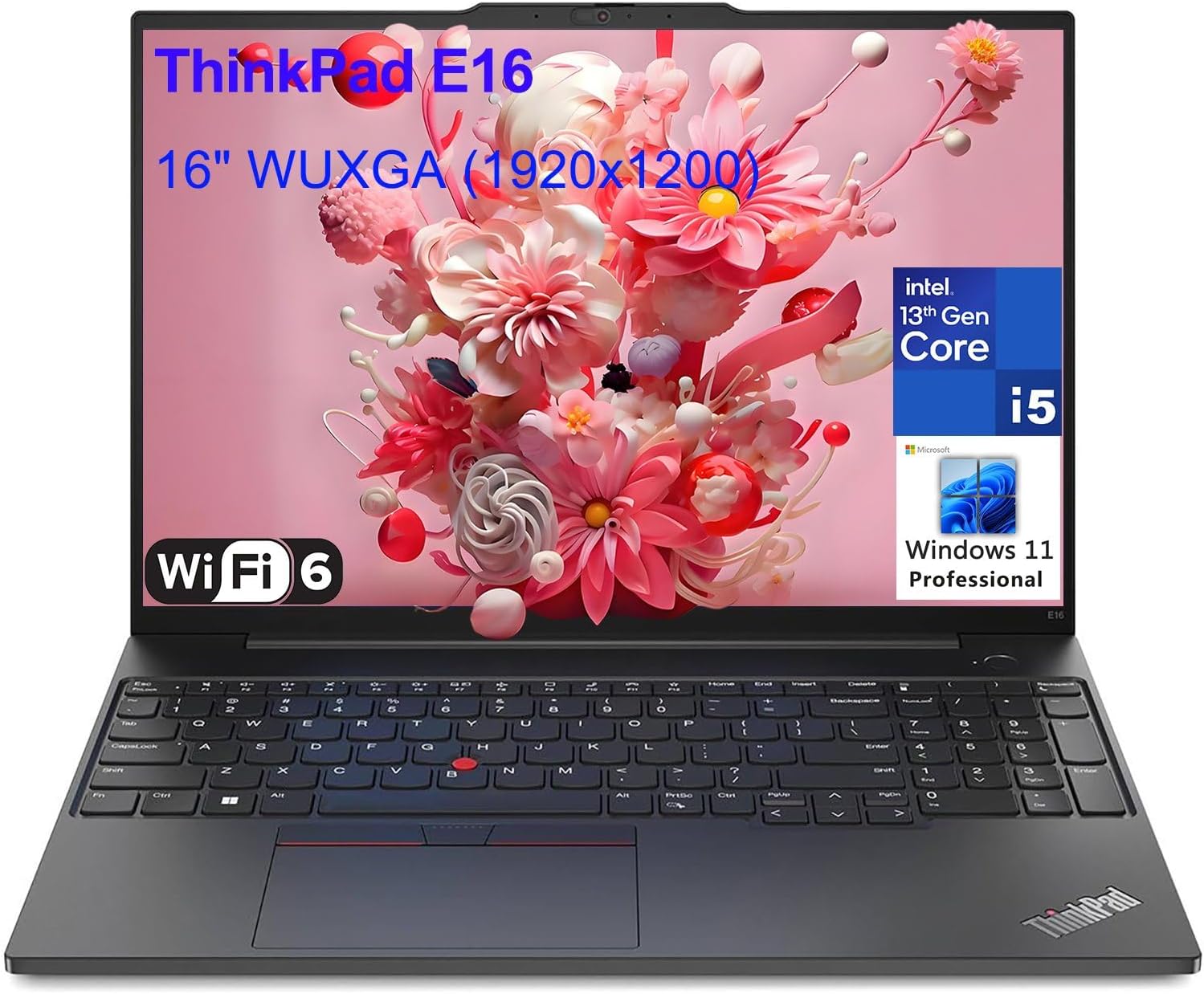
At 2.4 pounds with a gorgeous 2.8K OLED, the X1 Carbon is the business ultrabook that frequent fliers actually want. The keyboard is still class-leading, and the optional 4G LTE connectivity is a huge convenience for airport lounges and hotel Wi-Fi. The trade-off is a high price and limited upgradability.
Main limitation: The chassis, while tough, has soldered RAM and a single-sided M.2 SSD slot, leaving little room for future upgrades.
Skip if: If you need a built-in stylus or a full-size SD card slot, the X1 Carbon doesn't have either.
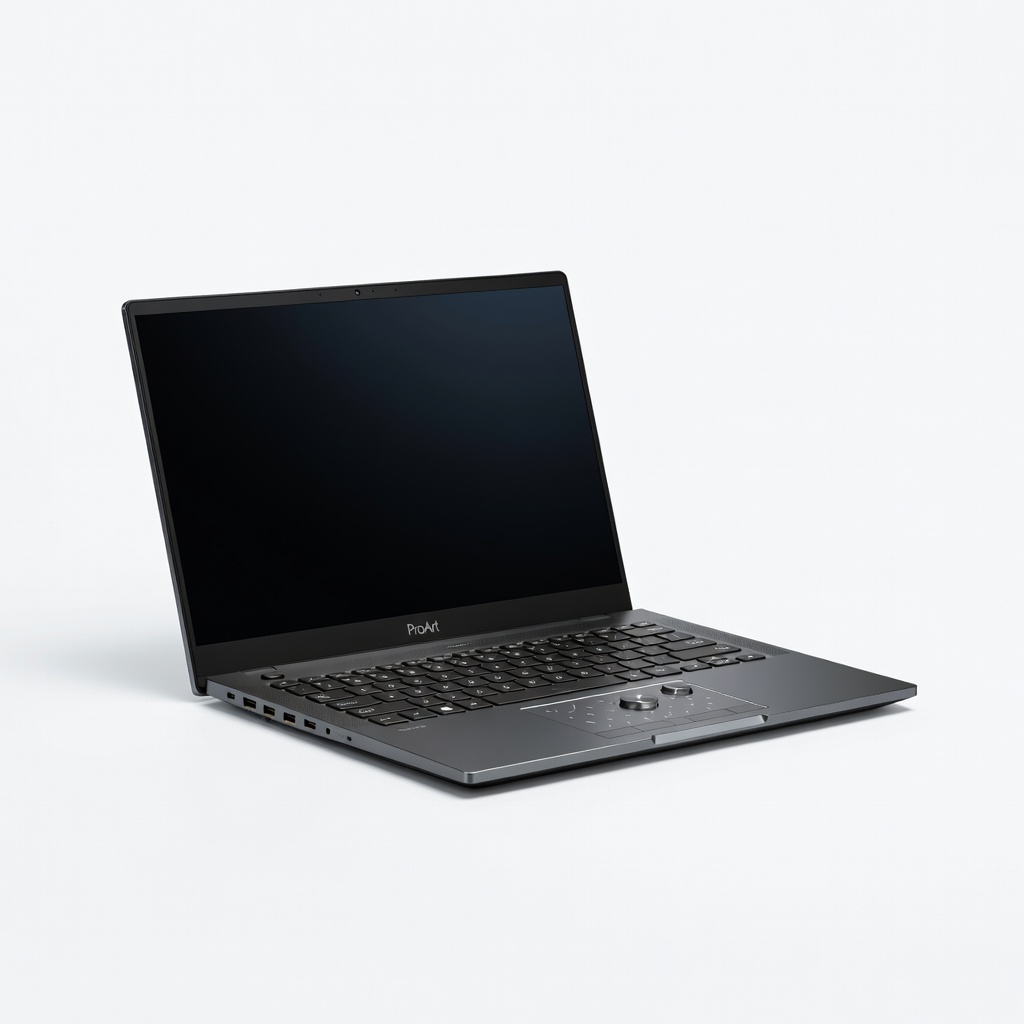
If you live in Adobe apps, the ProArt P16's 4K OLED display with true-to-life color and the RTX 4060 GPU are hard to beat. It ships with the newest AMD Ryzen AI 9 HX 370, which handles video editing and large photo catalogs without stutter. The big trade-off is battery life—expect around five hours under a creative workload.
Main limitation: Despite being a 16-inch workstation, it weighs only 4.1 pounds, but the RTX 4060 is limited to 80 W and the fans can get loud during renders.
Skip if: If you're a gamer first, a ROG Zephyrus will give you more GPU performance for less money.
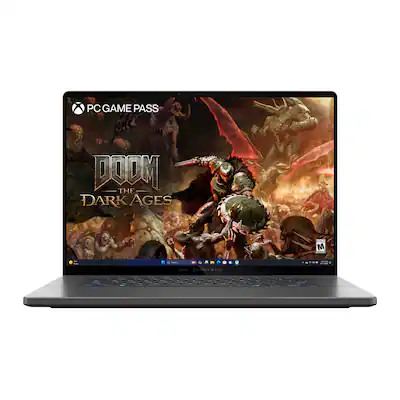
The Zephyrus G16 is the gaming laptop that doesn't look like one, and in 2026 it's the one to beat for portability plus performance. With a 240 Hz OLED and an RTX 4070, it will play any modern title at high settings. The trade-off is that the 16-inch chassis is thin, but the fans are still audible under load.
Main limitation: The RAM is soldered and capped at 16 GB, which is too little for the heaviest AAA games and streaming simultaneously.
Skip if: If you only play esports and want a cheaper machine, you'll be paying for premium materials you don't need.
A small, well-built 2-in-1 with a 2.8K touchscreen, the Yoga 7i is our pick for students who need to take notes in class and stream on the couch. Its 16 GB RAM and 512 GB SSD are enough for most schoolwork, and the battery lasts a full school day. The trade-off is a dimmer-than-average display and average speakers.
Main limitation: The 60 Hz touchscreen and mediocre speakers won't make you excited about movie night.
Skip if: If you need the iPad-like flexibility of a detachable keyboard, this 360-degree hinge is not that.
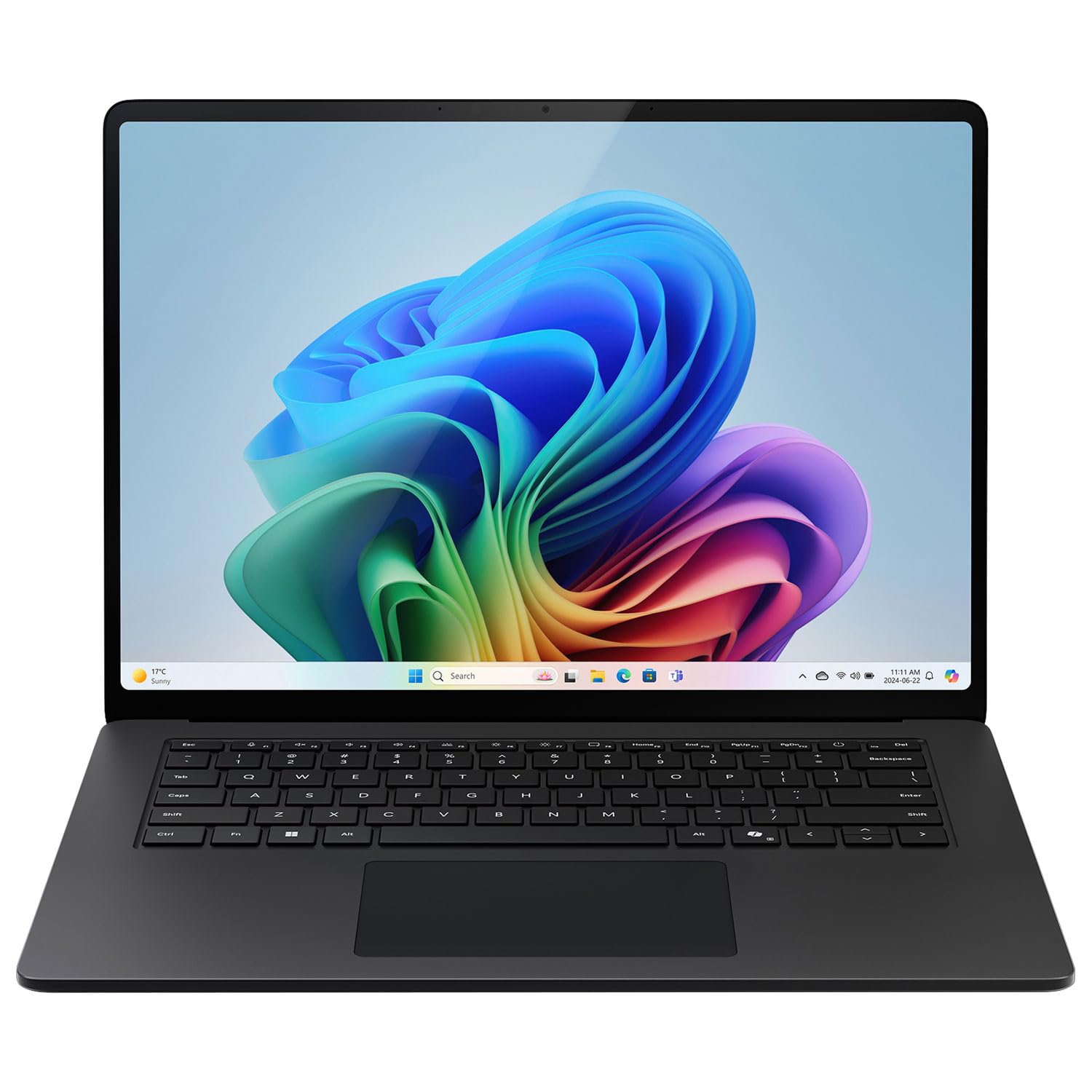
Powered by Qualcomm's Snapdragon X Elite, the Surface Laptop 7 is the rare Windows laptop that truly lasts all day—published rundown tests show over 15 hours of video playback. It's also silent and stays cool, which is huge for lap use. The trade-off is app compatibility: some x64 apps won't run natively and require emulation.
Main limitation: The ARM architecture means some legacy Windows programs and games run poorly or not at all.
Skip if: If you rely on older x64 plugins or niche engineering software, do not buy an ARM-based Surface.
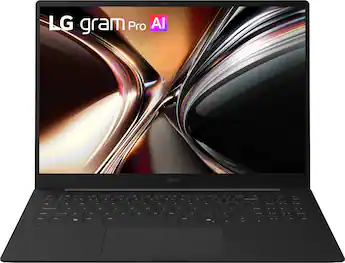
The LG gram 16 is absurdly light at 2.7 pounds for a 16-inch laptop, making it an excellent companion for anyone who works in spreadsheets all day. The 16:10 display gives you extra vertical space for rows, and the huge battery set a benchmark for endurance. The downside is a plastic build that doesn't feel as premium as the price suggests.
Main limitation: The 16-inch display has a disappointing 1920x1200 resolution for the price, and the chassis is prone to flexing under keyboard pressure.
Skip if: If you need pixel-level photo editing, the low-res display will make you pay for an upgrade.
Compare key specs and features of all our recommendations side-by-side
| Product | Recommendation | Rating | Price |
|---|---|---|---|
ASUS ZenBook 14 OLED (UX3405) Rank #1 | 🏆 Top Pick | 8.8/10 | $1,299–$1,499 Check current price → |
Acer Aspire 5 (A515-58T) Rank #2 | 💰 Budget Pick | 7.8/10 | $499–$599 Check current price → |
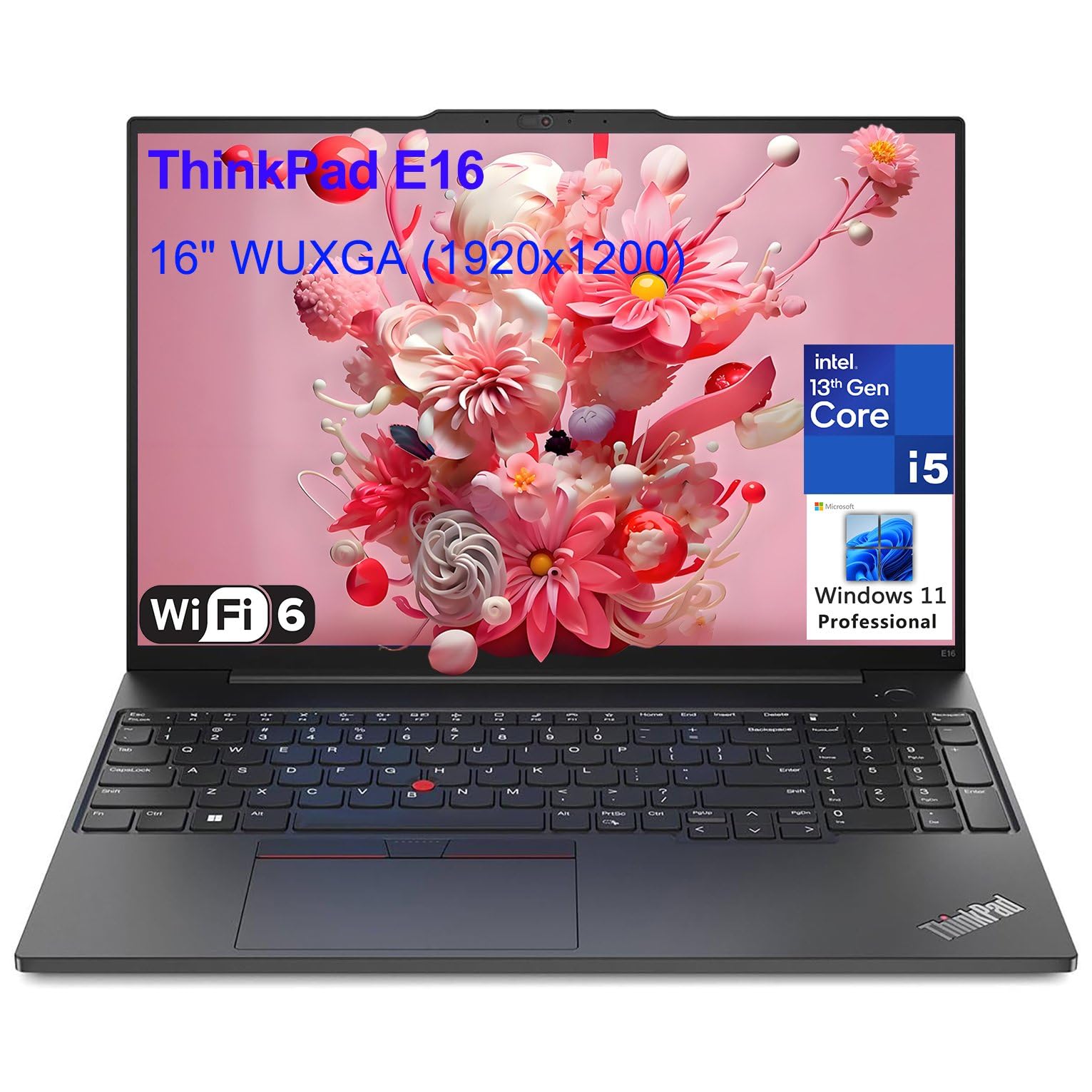 Lenovo ThinkPad X1 Carbon Gen 12 Rank #3 | ⭐ Editor's Choice | 4.6 4.6 | $1,799–$2,299 Check current price → |
ASUS ProArt P16 Rank #4 | — | 8.4/10 | $1,899–$2,299 Check current price → |
ASUS ROG Zephyrus G16 Rank #5 | — | 8.3/10 | $1,599–$1,899 Check current price → |
Lenovo Yoga 7i 2-in-1 Rank #6 | — | 8.1/10 | $749–$899 Check current price → |
Microsoft Surface Laptop 7 15-inch Rank #7 | — | 8.2/10 | $1,199–$1,499 Check current price → |
LG gram 16 Rank #8 | — | 7.9/10 | $1,499–$1,699 Check current price → |
Common questions buyers have about this category.
The Microsoft Surface Laptop 7 with the Snapdragon X Elite is currently the battery-life champion, with published rundown tests exceeding 15 hours of local video playback. The LG gram 16 also impresses, but its 80 Wh battery is sometimes brought down by the larger display. If battery line life is your top priority, look for Snapdragon-powered machines or laptops with 75 Wh or larger battery.
Snapdragon X Elite offers phenomenal battery life and silent operation, but it still has compatibility issues with some legacy x64 applications and games. Intel Core Ultra (and AMD Ryzen AI) deliver better overall software compatibility, especially for creative and engineering tools. If you only run web apps and Office programs, the Snapdragon is excellent; if you depend on specialized software, a Intel or AMD machine may be safer.
We've crossed a threshold where 8 GB is no longer comfortable for multitasking; 16 GB should be your minimum for general use, and 32 GB is recommended for 4K video editing or heavy data analysis. Many laptops now have soldered RAM, so choose your memory carefully at checkout. A 16 GB module in a budget machine like the Acer Aspire 5 will give you a smooth experience for many years.
Yes, for most users, OLED provides stunning contrast, true black levels, and wide color gamuts that make everything from Netflix to photo editing look better. The drawbacks are sometimes lower brightness in brightly lit rooms and a slight risk of burn-in, though modern OLED panels are far more resistant than older generations. If you work with spreadsheets for hours, a matte IPS or a high-resolution OLED is better for your eyes than a glossy budget panel.
The Lenovo Yoga 7i 2-in-1 is our top pick under $1,000, offering a 2.8K touchscreen, 16 GB RAM, and a versatile 360-degree hinge for around $800. The Acer Aspire 5 is an even more budget-friendly option for around $500, but you sacrifice display quality and build materials. If you can stretch to $1,200, you enter the realm of premium OLED laptops like the ASUS Zenbook 14.
Yes, especially with models like the ASUS ROG Zephyrus G16, which looks professional and has enough power for content creation and heavy multitasking. However, gaming laptops typically weigh more and have louder fans, which can be distracting in quiet offices. If you game occasionally but need a polished work device, a 14-inch gaming laptop with a clean design is a good compromise.
Products we evaluated but did not recommend — and why.
