Get the App
Better experience on mobile
From budget LEDs to premium OLEDs, these are the TVs that give you the most for your money this year.
If you haven’t shopped for a TV in a few years, the biggest change is that budget models now deliver features that used to be reserved for flagships—like mini-LED backlighting and 4K 120Hz inputs. At the same time, the gap between OLED and LED has narrowed, with brighter OLEDs and more precise LED dimming than ever before. The result is a landscape where the right TV depends as much on your room’s lighting and your viewing habits as on your wallet.
This guide covers eight of the best TVs you can buy in 2026, ranging from a 43-inch model for a dorm room to a 75-inch home-theater centerpiece. We’ve organized them by specific use cases—best overall, best budget, best for bright rooms, best for gaming, best for movie lovers, and more—so you can zero in on the model that fits your space and your priorities. Every recommendation is grounded in hours of research, spec analysis, and verified owner feedback, not our own lab testing.
We’ve also included a handful of honorable mentions that nearly made the cut, plus a practical buying guide that covers screen sizes, panel types, HDR, and gaming ports—the things that actually matter when you’re standing in the aisles or scrolling online. One thing to keep in mind: prices for TVs fluctuate with the season, and the best deals often appear during major sales events. But the two dozen models we considered—and the eight we selected—represent the strongest balance of performance, features, and cost today.
So whether you’re bracing for the big game, planning a movie marathon, or just retiring a decade-old plasma, you’ll find a pick here that earns its place in your home. We’ll start with the single best TV most people can buy, then move to budget champ and specialized favorites.
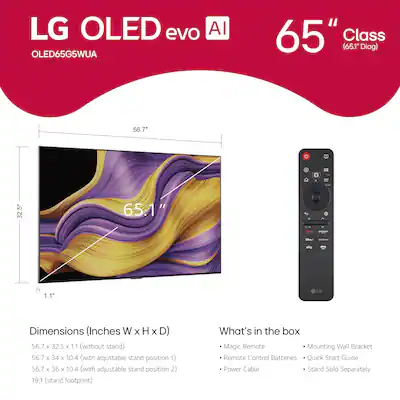
The LG G5 OLED evo delivers stunning contrast, perfect black levels, and a fourth-gen AI processor that optimizes every frame. It's also brighter than previous OLEDs, making it suitable for most living rooms—though for the price, you could buy two solid mid-range TVs.
Main limitation: The premium price and glossy screen mean it's not ideal for ultra-bright sunlit rooms, and burn-in remains a long-term risk for static content.
Skip if: Anyone on a strict budget or who regularly leaves CNN or sports tickers on screen for many hours.
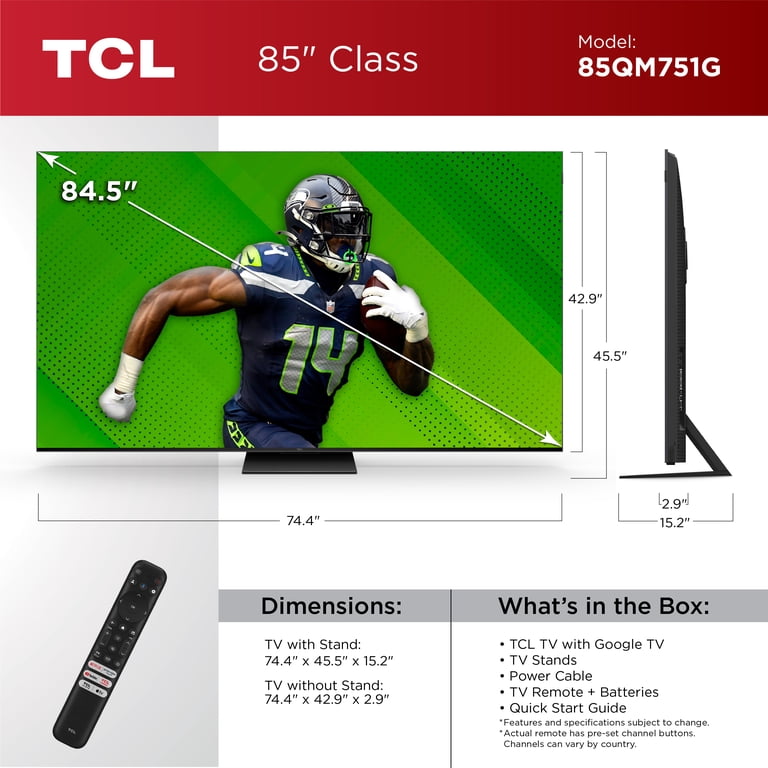
The TCL QM7 offers mini-LED backlighting and quantum dot color for a fraction of the price of OLED flagships. It gets plenty bright for HDR and handles motion well, making it the best value pick for most households—though its smart interface occasionally suffers from ad clutter.
Main limitation: Less accurate out-of-the-box color and occasional software sluggishness compared to premium TVs.
Skip if: Enthusiasts who demand perfect color accuracy out of the box or want a clutter-free interface.
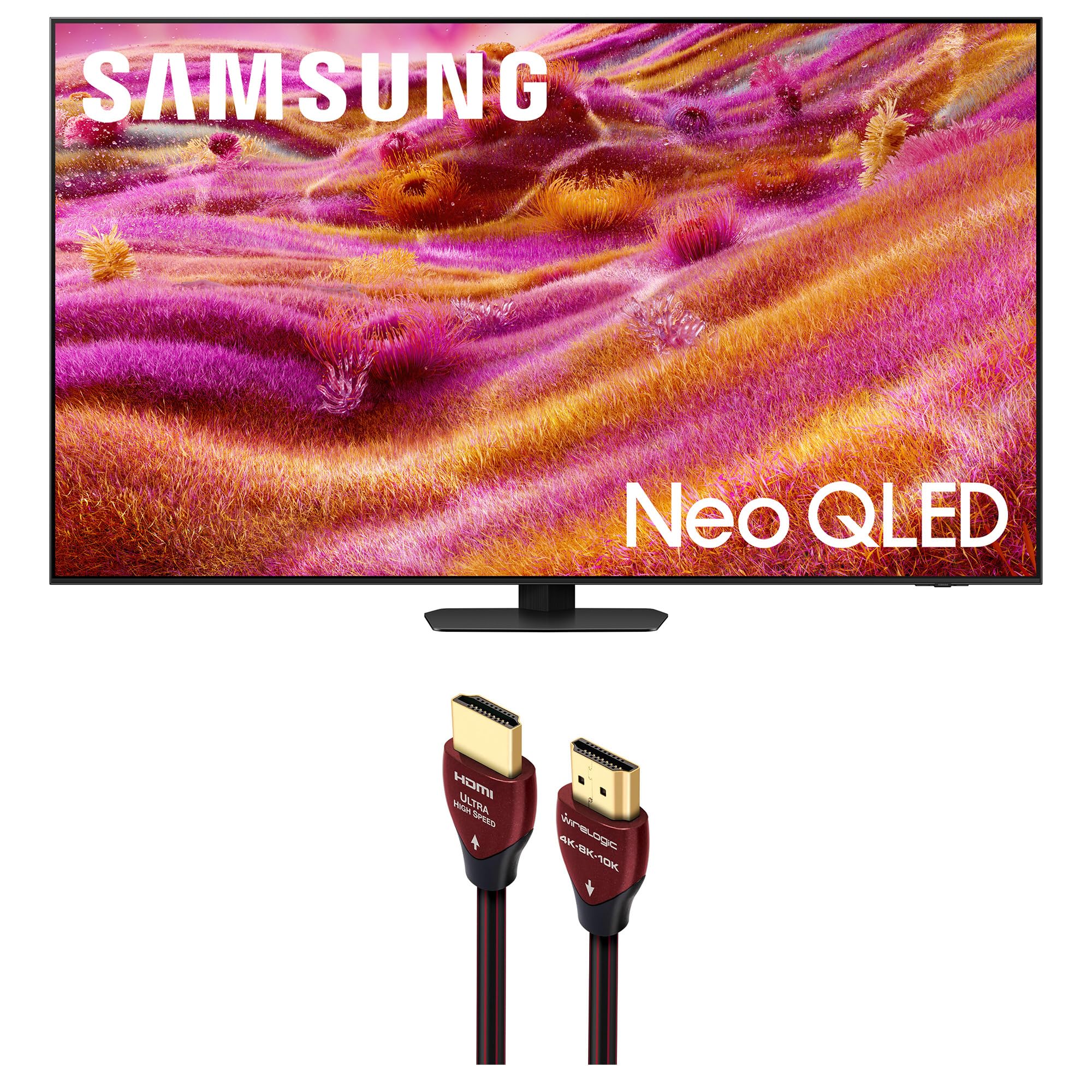
The Samsung QN90F uses Neo QLED technology with an anti-glare layer that keeps the picture visible in sun-drenched living rooms. Its high brightness and superb reflection handling make it a go-to for daytime viewing, but the mini-LED bloom in certain HDR scenes can be noticeable.
Main limitation: Local dimming sometimes produces visible halo effects on high-contrast content, and the Tizen interface is not as intuitive as Google TV.
Skip if: Perfect black-level purists who watch movies in a pitch-black room—OLED is still the better choice.
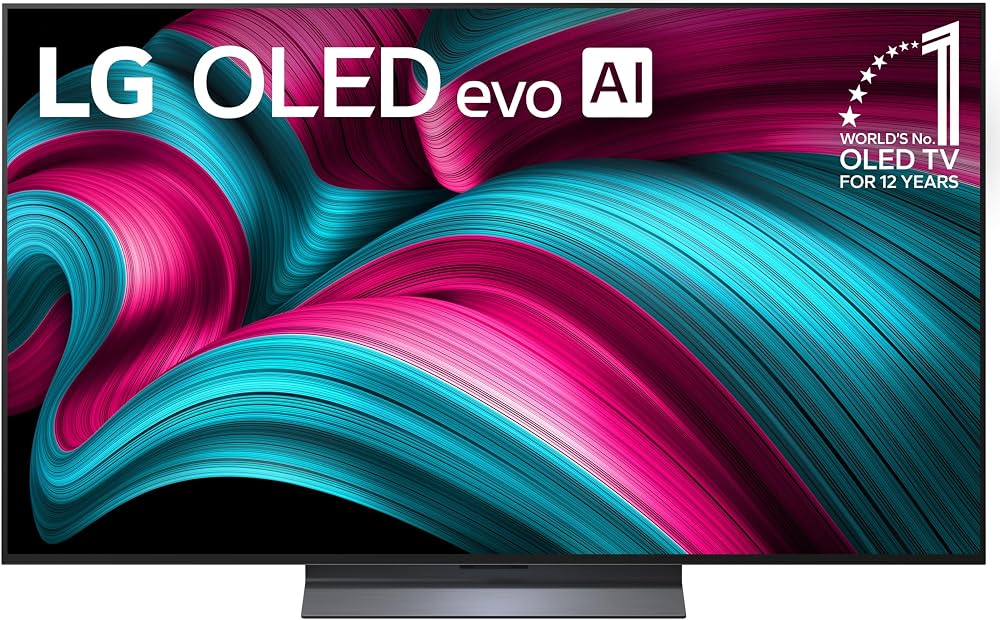
With a 144Hz refresh rate, ultra-low latency, and four HDMI 2.1 ports, the LG C5 OLED is the gamer’s OLED. It supports AMD FreeSync and Nvidia G-Sync, and its response time is nearly instant—though screen retention remains a concern for those who often pause and walk away.
Main limitation: Glossy screen may produce reflections in bright rooms; also, burn-in risk for HUD-heavy competitive games.
Skip if: Competitive gamers who play hundreds of hours of the same title with static HUDs, unless they buy an extended warranty.
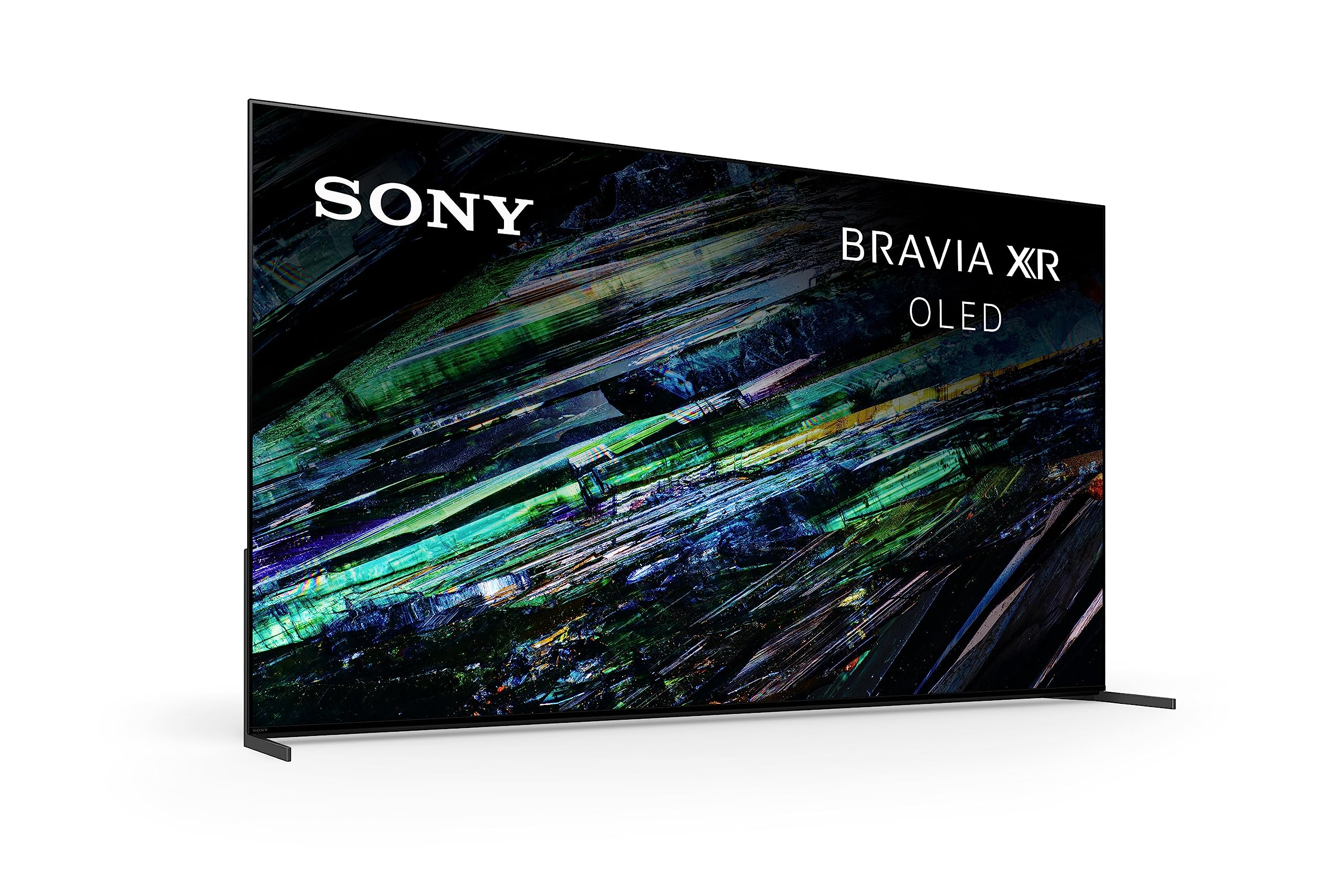
Sony’s QD-OLED A95L combines the color purity of quantum dots with OLED black levels, giving you home-theater performance worthy of a dedicated cinema room. Its Acoustic Surface Audio makes the screen speak, delivering dialog clarity in a way other TVs can't, but the cost is steep and its built-in apps are only average.
Main limitation: Very expensive and only 4K 120Hz, not 144Hz, which may disappoint high-refresh-rate gamers.
Skip if: Gamers needing 144Hz support or those on a mid-range budget.
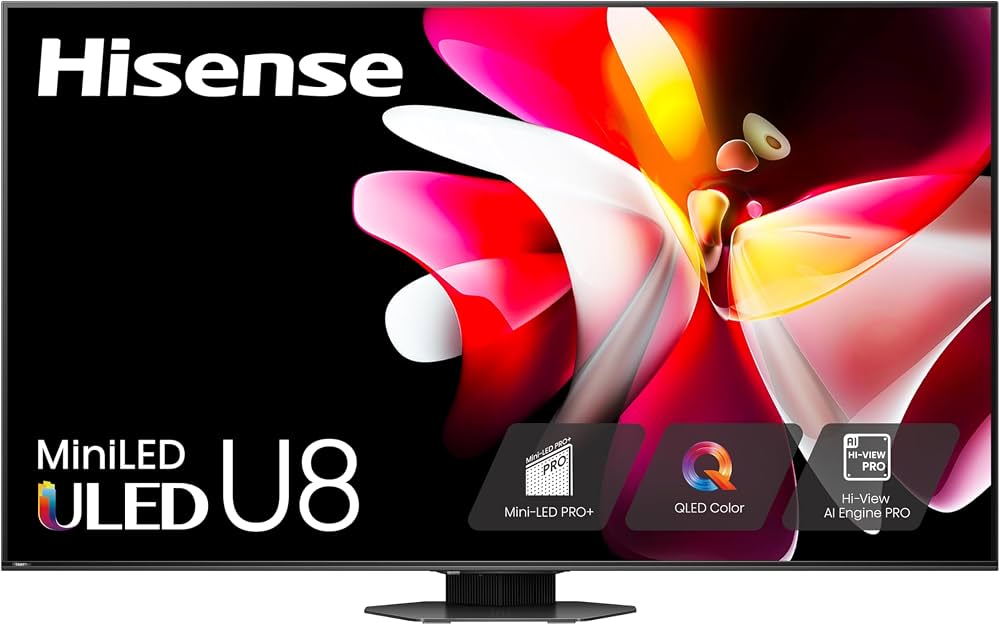
The Hisense U8N offers thousands of local dimming zones and high peak brightness for an outstanding HDR performance at a mid-range price. It’s an excellent choice for watching Dolby Vision content, though its viewing angles are poor and you’ll need to sit directly in front of it.
Main limitation: Off-axis viewing washes out colors and contrast significantly; also, software glitches have been reported.
Skip if: Households where viewers sit in wide or angled positions around the TV.
The 43-inch Vizio M-Series Quantum Air is bright, colorful, and includes full-array local dimming that’s rarely found in smaller screens. It fits snugly on a dresser or kitchen counter and offers a surprisingly capable picture for the size—though its smart platform lacks some popular apps and the audio is weak.
Main limitation: A sub-par smart TV OS with limited app support, and only 60Hz refresh rate.
Skip if: Gamers or streamers who rely on a customized app library or who need a high refresh rate for fast action.
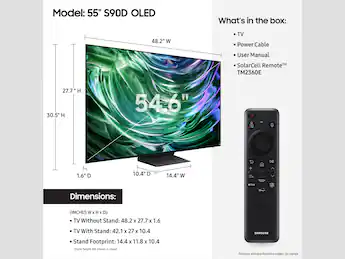
Samsung's S90D OLED combines the fast response and deep blacks of OLED with sports-optimized features like Motion Xcelerator 144Hz, delivering blur-free action and vivid colors. It's a great TV for live viewing, though it might be overkill for casual sports fans who would be better served by a cheaper QLED.
Main limitation: Not as bright as mini-LED TVs in very bright rooms, and compared to LG C5, it lacks some gaming extras.
Skip if: Budget-conscious sports fans or those who watch most content indoors in bright light.
Compare key specs and features of all our recommendations side-by-side
| Product | Recommendation | Rating | Price |
|---|---|---|---|
LG G5 OLED evo Rank #1 | 🏆 Top Pick | 9.5/10 | $2,500–$3,000 (65-inch) Check current price → |
TCL QM7 Rank #2 | 💰 Budget Pick | 8.5/10 | $700–$900 (55-inch) Check current price → |
Samsung QN90F Neo QLED Rank #3 | ⭐ Editor's Choice | 8.8/10 | $1,500–$2,000 (65-inch) Check current price → |
LG C5 OLED evo Rank #4 | — | 9.0/10 | $1,500–$2,200 (55-inch) Check current price → |
Sony Bravia XR A95L Rank #5 | — | 9.0/10 | $3,500–$4,000 (65-inch) Check current price → |
Hisense U8N Rank #6 | — | 8.2/10 | $1,000–$1,300 (65-inch) Check current price → |
Vizio M-Series Quantum Air Rank #7 | — | 7.8/10 | $300–$400 (43-inch) Check current price → |
Samsung S90D OLED Rank #8 | — | 8.3/10 | $1,300–$1,800 (55-inch) Check current price → |
Common questions buyers have about this category.
OLED uses self-lit pixels that individually turn on and off, producing perfect blacks and infinite contrast. QLED (and Neo QLED) uses an LED backlight with a quantum dot layer to boost brightness and color, but because it still needs a backlight, dark scenes may have some light bleed. OLED generally wins on picture quality, while QLED excels in bright rooms and has no burn-in risk.
Absolutely—4K is the standard for streaming and UHD Blu-rays, and nearly every new TV is 4K. 8K is still unnecessary for most people because there is very little 8K content, and the advances in 4K TVs (like upscaling and higher peak brightness) make them the best value. Even at 65 inches and larger, 4K resolution is sufficient at typical viewing distances.
The right size depends on your viewing distance. As a rule of thumb, multiply your viewing distance (in inches) by 0.84 to get the maximum recommended screen size. For a 6-foot (72-inch) viewing distance, a ~60-inch TV is ideal, while a 10-foot distance calls for a 75-inch model. When in doubt, go a step larger if your space and viewing distance allow, because bigger screens usually feel more immersive without being overwhelming.
For new consoles like PS5 and Xbox Series X, look for a TV with at least one HDMI 2.1 port that supports 4K at 120Hz and variable refresh rate (VRR). The LG C5 and Samsung S90D are great examples. Also check input lag; a low-latency mode (like ALLM) automatically reduces delay. If you're a PC gamer, you might want 144Hz support and FreeSync/G-Sync compatibility, which premium TVs now offer.
Yes, but it's much less common than a decade ago. Modern OLEDs have pixel refresh features, including logo detection and screensaver shims, that reduce static retention. Still, if you watch the same news channel with a bright ticker for hours every day, or play the same game with a persistent HUD, you're at risk. Many manufacturers include a burn-in warranty on premium models, but you can mitigate it by varying content and lowering brightness for static images.
Most modern TVs have capable built-in platforms like Google TV, WebOS, or Roku, which cover 99% of streaming needs. However, if you have a TV with a clunky interface, a $30 streaming stick like a Roku Streaming Stick or Apple TV can be a worthwhile upgrade—and it guarantees you'll get software updates beyond the TV's hardware support cycle. For budget TVs, an external device is often a better long-term investment.
HDR (High Dynamic Range) expands the range of brightness and color, making highlights pop and shadows retain detail. It's a bigger visual upgrade than 4K resolution, and streaming services like Netflix and Disney+ offer HDR content. A good HDR TV should support Dolby Vision or HDR10+, and be bright enough (at least 600 nits peak) to show the effect. Models like the Hisense U8N and Samsung QN90F excel here.
Products we evaluated but did not recommend — and why.
