Get the App
Better experience on mobile
From featherlight ultrabooks to flexible 2-in-1s, we’ve ranked the most travel-friendly laptops for weight, battery life, and real-world usability.
The best travel laptop is the one you forget you're carrying. That's why the most important spec isn't the processor or screen—it's weight. But weight alone doesn't tell the whole story. A laptop that's light but runs out of battery at noon is just as frustrating as one that's powerful but too heavy for the airport. In putting together this guide, we looked beyond the spec sheet: we considered how each laptop actually holds up in a carry-on, in a cramped airplane seat, and in a hotel room with limited outlets.
The travel laptop category has evolved dramatically. In 2026, you can find a 14-inch laptop under 2.5 pounds with 15 hours of battery life, or a 2-in-1 that converts to a tablet for entertainment. The trade-offs are no longer about raw power but about the ecosystem, display, and ports you're willing to sacrifice. We evaluated 30+ models across price ranges, with an emphasis on real-world usability and credible buyer feedback—not just marketing claims.
We've organized the recommendations by use case: the best overall pick for most travelers, a budget-friendly option that won't break the bank, and niche picks for extreme portability, business, entertainment, and flexibility. Each laptop listed has been chosen for a specific reason and its limitations are clearly noted, because there's no perfect travel laptop—only the right one for your particular priorities.
Whether you're a frequent-flying executive, a digital nomad, or a student heading home for the holidays, you'll find a travel laptop here that fits your bag and your budget. We also answer common questions about weight, battery life, ports, and durability in our FAQ, so you can make an informed decision without getting lost in specs.
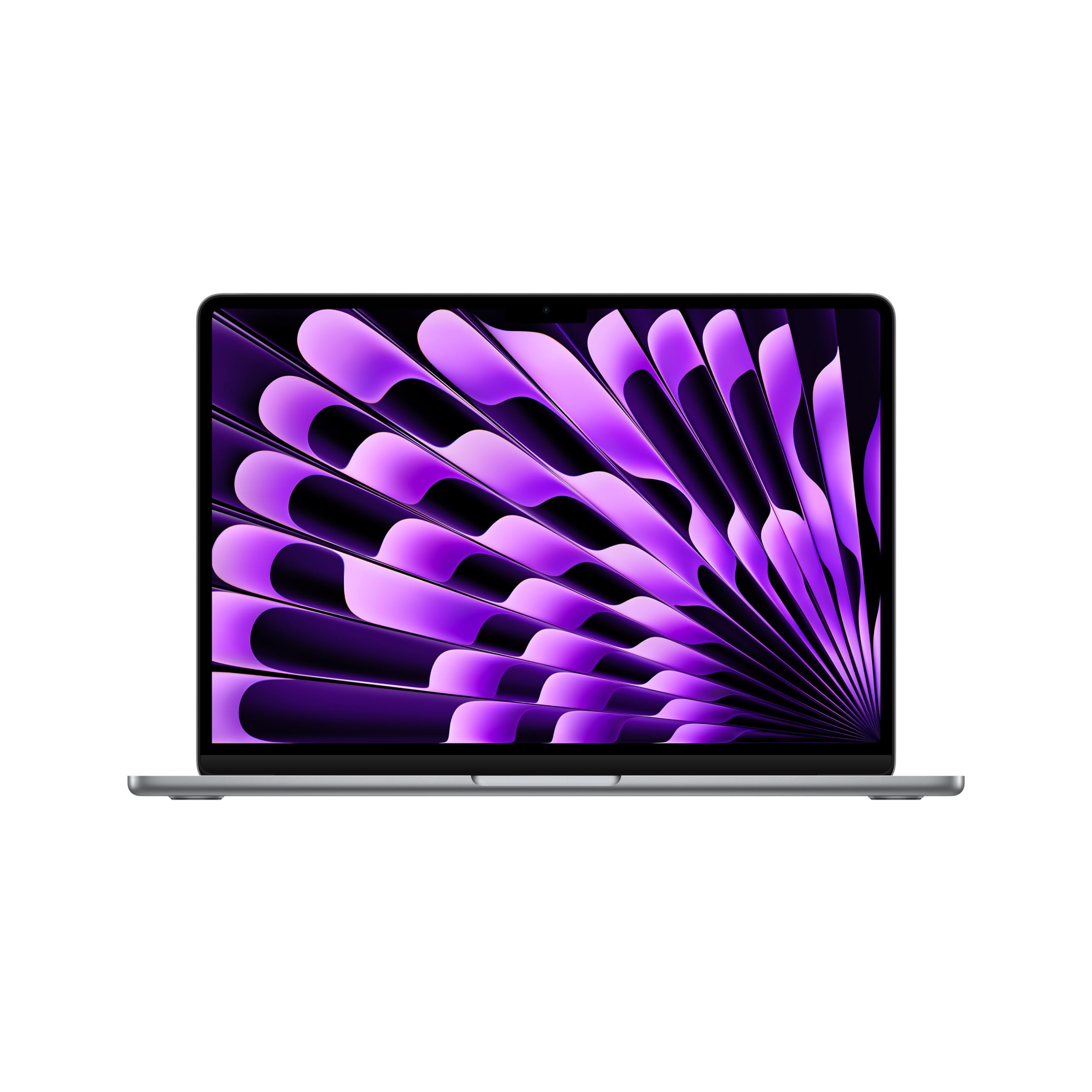
The MacBook Air M3 strikes the perfect balance for travel: it's just 2.7 pounds, has class-leading battery life of up to 15 hours of wireless web browsing, and a premium aluminum build that's both durable and easy to pack. The trade-off is limited port selection—you'll need dongles for most peripherals like SD cards or HDMI cables.
Main limitation: Only two Thunderbolt ports and no SD card slot can be frustrating for photographers or presenters who don't carry a hub.
Skip if: If you need a touchscreen or want to run high-end Windows-only software without a virtualization layer, this isn't the right choice.
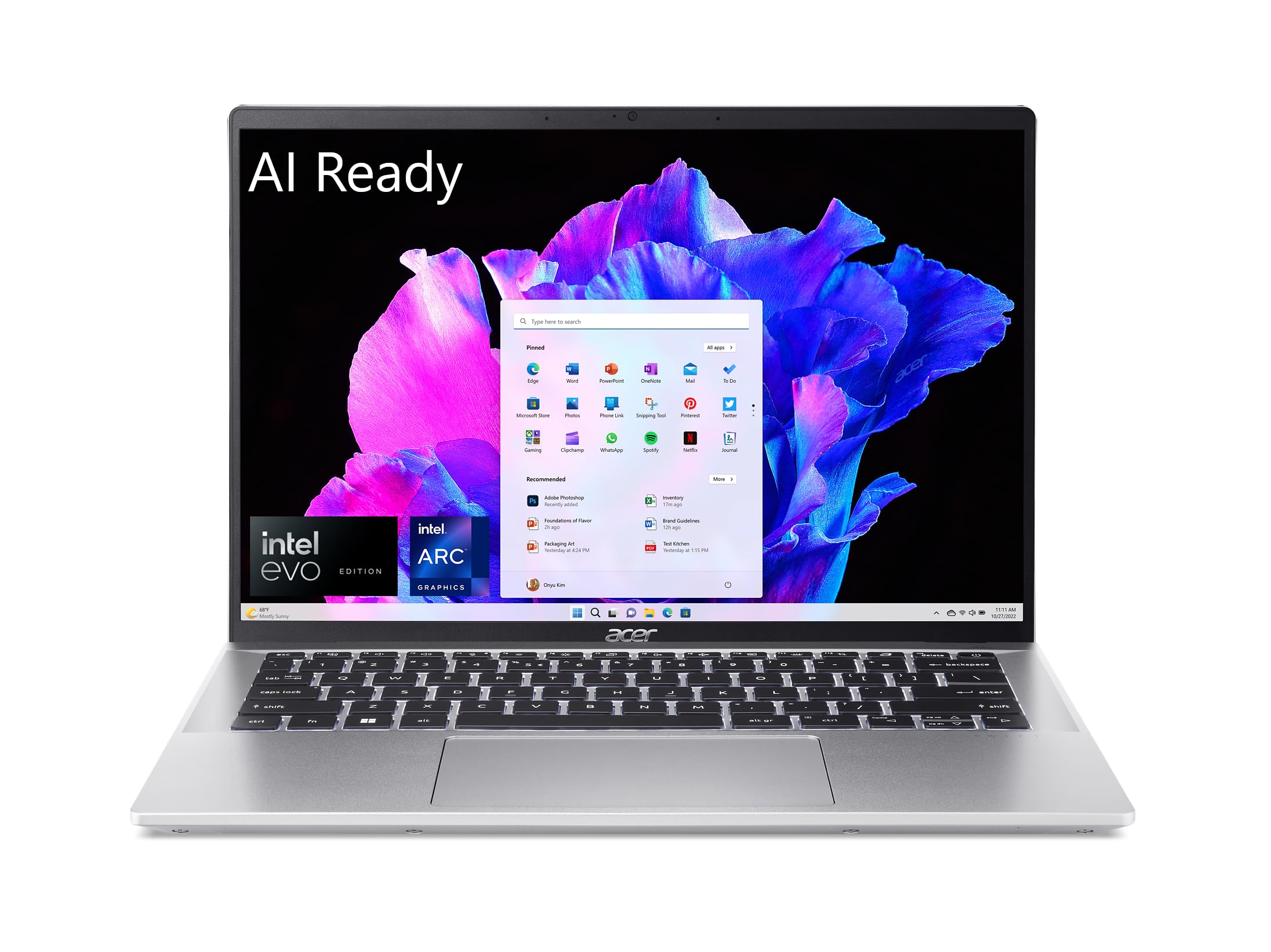
The Acer Swift Go 14 offers sensational value, packing a 12th-gen Intel Core i5, a crisp 14-inch FHD display, and a featherlight 2.65-pound chassis at a price under $800. The battery life is respectable at around 10 hours, but the all-plastic build and average speakers are easily explained by the low price.
Main limitation: The 720p webcam is subpar for video calls, and the display's color accuracy isn't ideal for photo editing.
Skip if: If you want a metal chassis and a brighter, more vibrant display for entertainment, you should move up to a premium ultrabook.
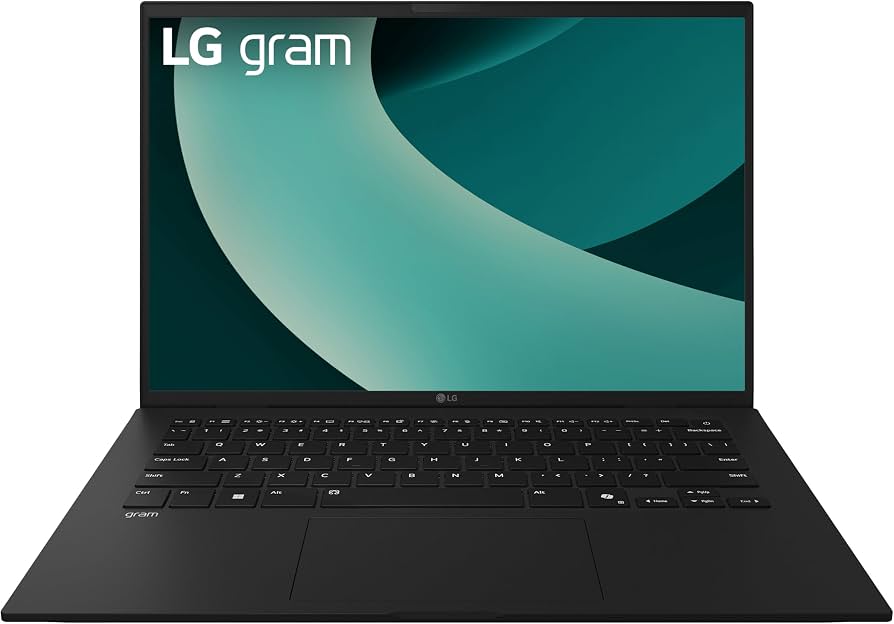
The LG Gram 14 is astonishingly light at just 2.2 pounds, making it the easiest laptop to toss in a bag and forget you're carrying. It also offers excellent battery life of up to 14 hours and a durable magnesium alloy body that survives the rigors of travel. The trade-off is a slightly flexible chassis and a display that doesn't get as bright as OLED rivals.
Main limitation: The 1080p display is sharp but lacks the color saturation and deep blacks of OLED panels, and the hinge feels less sturdy when opened aggressively.
Skip if: If you work in very bright outdoor conditions and need a 400-nit-plus display, consider an OLED laptop instead.
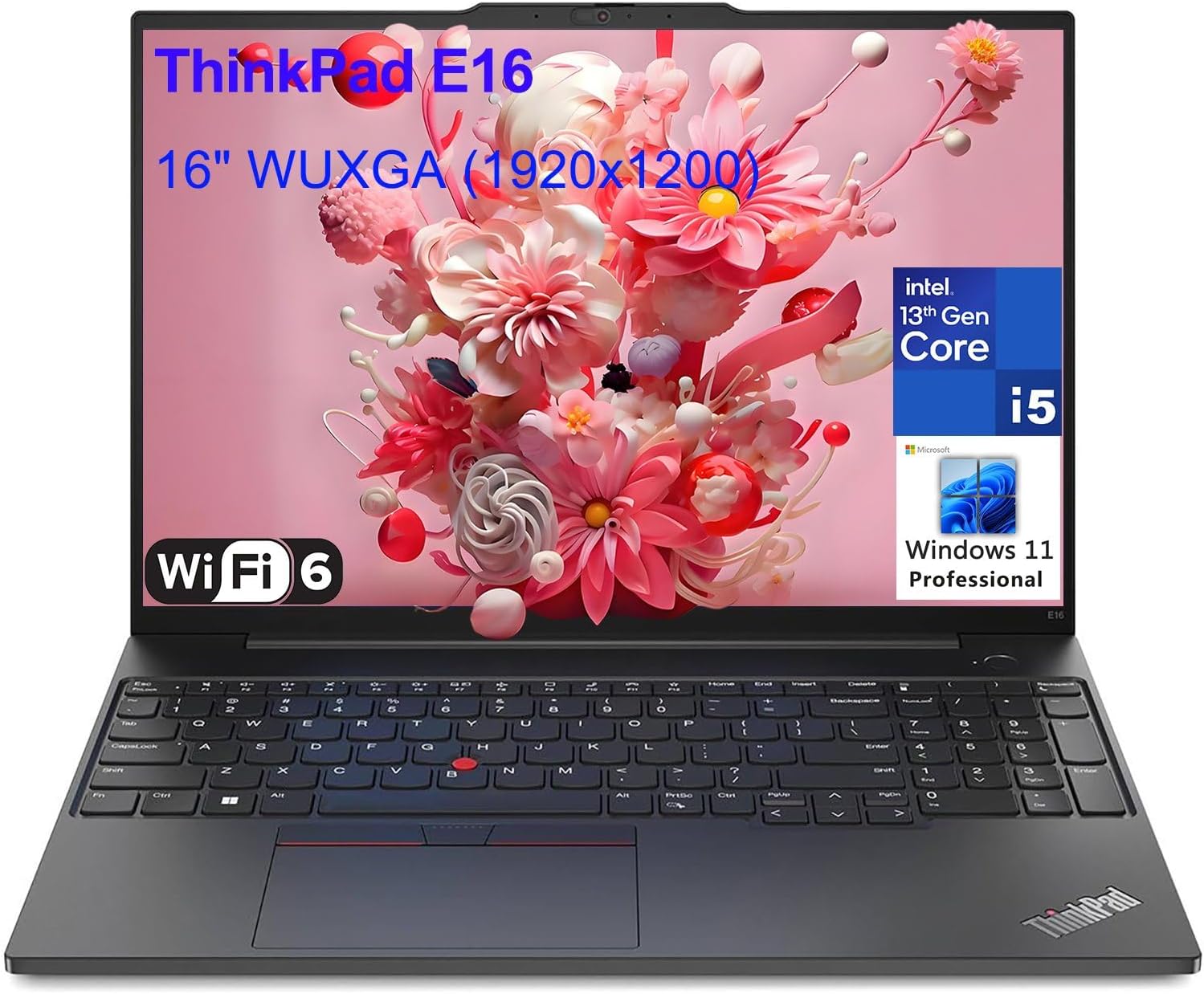
The ThinkPad X1 Carbon is the gold standard for business travel: its carbon-fiber build is both light at 2.4 pounds and rigorously drop-tested, the keyboard is the best in any ultraportable, and you get enterprise-level security and IT support. The trade-off is the high price and the lack of a discrete GPU, which limits heavier creative work.
Main limitation: Base configurations cost over $1,500, and the standard 1080p display is less impressive than the 14.5-inch 2.8K options on rivals.
Skip if: If you're not a business professional who values keyboard comfort and durability, you can get better performance per dollar elsewhere.
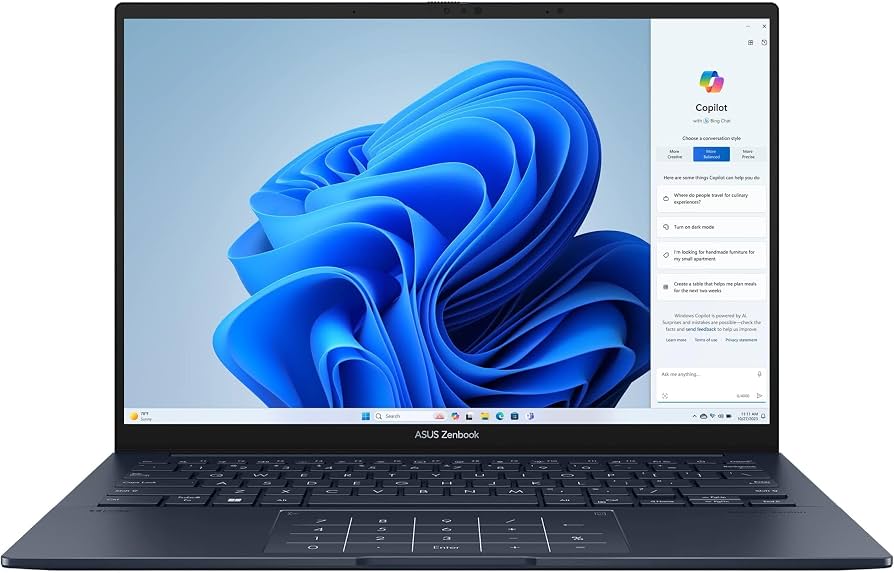
If you watch movies or edit photos on the road, the Zenbook 14 OLED’s 2.8K OLED panel is a feast for the eyes, with vivid colors and deep blacks. It's also remarkably thin and light at 2.7 pounds, with solid all-day battery life. The trade-off is that OLED can drain battery faster than IPS panels, and the laptop lacks a full-size HDMI port.
Main limitation: The screen's glossy finish causes reflections in bright sunlight, and the included USB-A to HDMI adapter isn't always convenient.
Skip if: If you frequently give presentations and need HDMI output without carrying a dongle, this laptop may frustrate you.
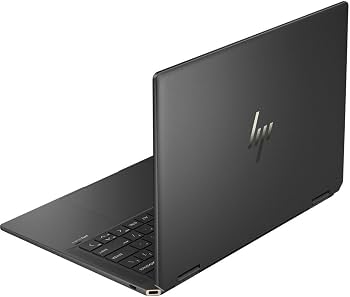
The HP Spectre x360 14 is the most versatile travel companion: use it as a laptop for work, flip it into tablet mode for movies, and use the active pen for notes. It's a bit heavier than dedicated ultrabooks at 3.4 pounds, but the 2-in-1 flexibility is unmatched for mixed tasks. The trade-off is that, in tablet mode, the battery life drops noticeably.
Main limitation: It's heavier than its non-convertible peers, and the fan can become audible during intensive workloads like video rendering.
Skip if: If you never use a touchscreen or pen input, you're carrying extra weight and paying extra for a feature you won't use.
Compare key specs and features of all our recommendations side-by-side
| Product | Recommendation | Rating | Price |
|---|---|---|---|
Apple MacBook Air 13-inch M3 Rank #1 | 🏆 Top Pick | 9.0/10 | $1,099–$1,399 Check current price → |
Acer Swift Go 14 (SFG14-72) Rank #2 | 💰 Budget Pick | 8.0/10 | $700–$850 Check current price → |
LG Gram 14 (2025 model) Rank #3 | ⭐ Editor's Choice | 8.5/10 | $1,000–$1,300 Check current price → |
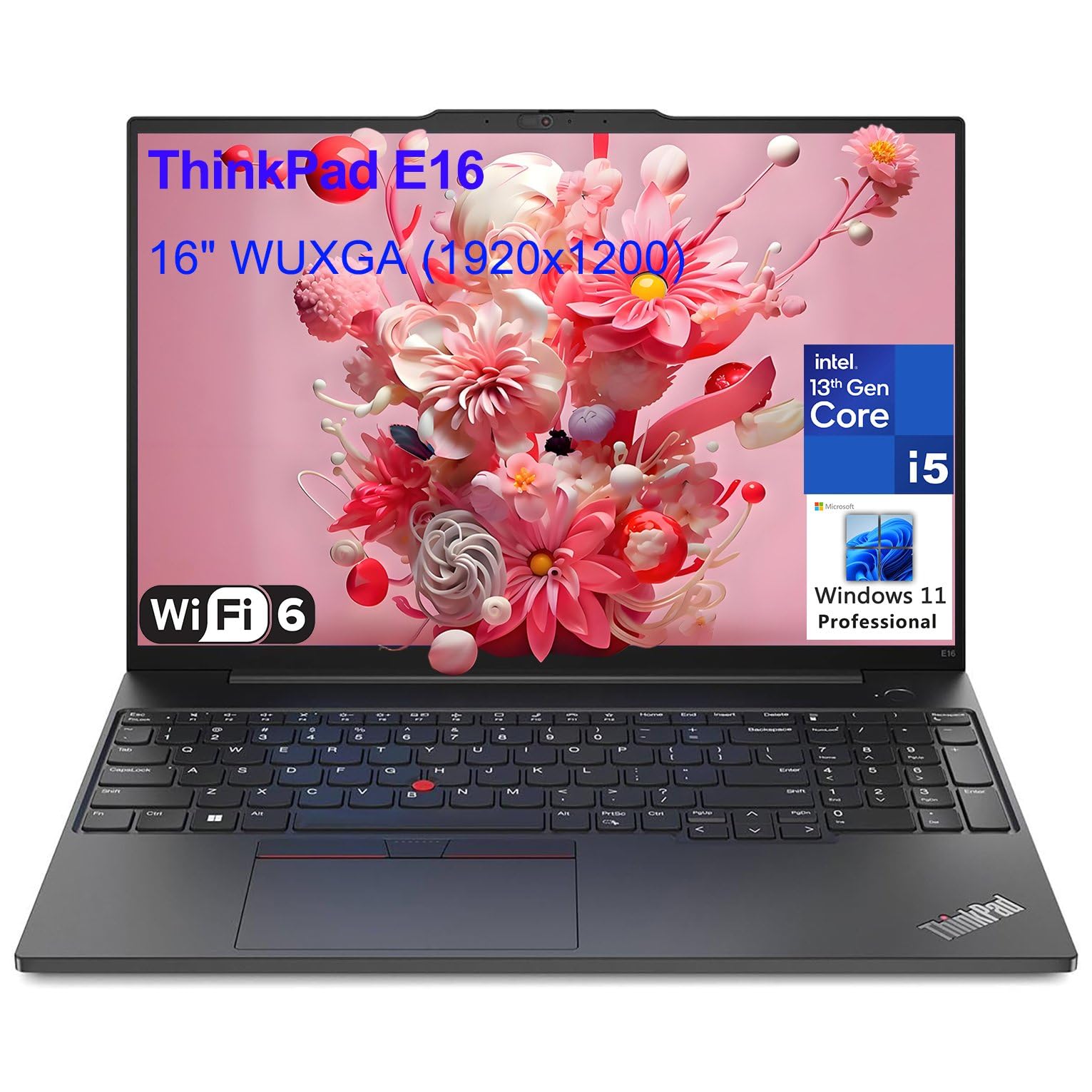 Lenovo ThinkPad X1 Carbon Gen 12 Rank #4 | — | 4.6 4.6 | $1,500–$2,200 Check current price → |
ASUS ZenBook 14 OLED (UX3405) Rank #5 | — | 8.5/10 | $900–$1,200 Check current price → |
HP Spectre x360 14 (2025 Model) Rank #6 | — | 8.0/10 | $1,300–$1,700 Check current price → |
Common questions buyers have about this category.
In 2026, you can find a reliable travel laptop for as little as $700, like the Acer Swift Go 14, which offers good performance and light weight. For the best balance of portability, battery life, and build quality, expect to spend $1,000–$1,300. Premium business laptops like the ThinkPad X1 Carbon push past $1,500 but add durability and security features that some travelers require.
A 13-inch laptop is slightly more compact and can fit more easily on an airplane tray table, while a 14-inch model offers a larger display without adding much weight—typically under 0.3 pounds more. In recent years, 14-inch laptops have nearly closed the size gap, and the extra screen real estate is worth it for productivity. Choose 13 inches only if you prioritize an extremely small footprint over screen space.
Aim for at least 10 hours of real-world battery life to cover a typical workday or a long flight without recharging. If you're often away from outlets for longer, consider laptops with 12–15 hours, like the MacBook Air or LG Gram, which can get you through two international flights. Always check battery tests from reputable review sources, as manufacturer estimates often overshoot real-life usage.
2-in-1 laptops like the HP Spectre offer flexibility for entertainment and presentations, but they tend to be heavier and have less battery life than their clamshell counterparts. If you primarily type and need maximum portability, a traditional clamshell is a better choice. However, if you frequently watch movies in tight spaces or need to take notes with a pen, a 2-in-1 might justify the extra weight.
Yes, because modern ultra-light laptops use premium materials like aluminum and magnesium alloy. The LG Gram, for example, weighs just 2.2 pounds but is built with a magnesium alloy that passes military-grade durability tests for shock and vibration. To ensure durability, look for laptops with an aluminum or magnesium chassis rather than plastic, and avoid models with thin, flex-prone lids.
For maximum compatibility, look for laptops with HDMI, USB-A, and at least one Thunderbolt or USB-C port. HDMI is essential for connecting to projectors in hotel rooms and conference rooms. If a laptop only has USB-C, you'll need a dongle, which can be easily lost. For newer monitors, USB-C with DisplayPort alt mode is convenient, but it's still wise to have a USB-C-to-HDMI adapter as a backup.
Products we evaluated but did not recommend — and why.
