Get the App
Better experience on mobile
From budget Fire tablets to pro-grade iPads, these are the models worth buying in 2026.
The most important spec on a tablet isn't the processor — it's the app store. A single missing app can turn a great tablet into a frustrating one, which is why the gap between a $200 Fire tablet and a $600 iPad is wider than the specs suggest. The 2026 tablet market rewards people who choose the operating system first and the hardware second.
In this roundup, we've covered every major platform: iPadOS, Android, and Fire OS. The picks range from a compact 8.3-inch iPad mini to a 14.6-inch Samsung behemoth, and from sub-$200 budget models to $1,300 creative workstations. We've also included a few alternatives for users who want a specific feature, like a smart-home dock or an unbeatable screen.
When we narrowed down the field, we focused on what you'll experience daily: display quality, stylus feel, software support, and accessory ecosystem. We didn't rely on spec sheets alone; we looked at user feedback from long-term owners and editorial reviews from reputable publications. The result is a list that balances performance, value, and real-world satisfaction.
The iPad Air hits the sweet spot of price and performance, with the same M3 chip found in the MacBook Air and full support for premium accessories. It's fast enough for editing 4K video, yet light enough for reading on the couch. The main trade-off is the 60Hz display and base storage of 128GB, which may be limiting for power users.
Main limitation: The 60Hz refresh rate feels dated compared to the 120Hz ProMotion display on the Pro models.
Skip if: If you need Face ID, a high-refresh screen, or a lidar scanner for 3D scanning, step up to the iPad Pro.
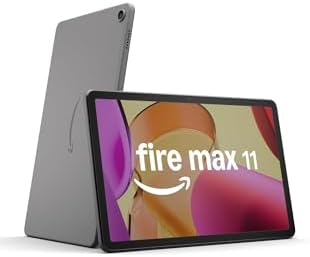
For less than half the price of an iPad Air, the Fire Max 11 gives you a big bright screen, solid battery life, and reliable streaming performance. It's also one of the few tablets with a full HD in landscape orientation. The catch is Amazon's Fire OS: you're limited to the Amazon Appstore and don't get native access to Google services like Gmail and YouTube.
Main limitation: The app selection is a fraction of what Android and iPad users enjoy, and the build quality is mostly plastic.
Skip if: Skip this if you rely on Google's ecosystem or need advanced productivity apps; you'll need a full Android or iPad.
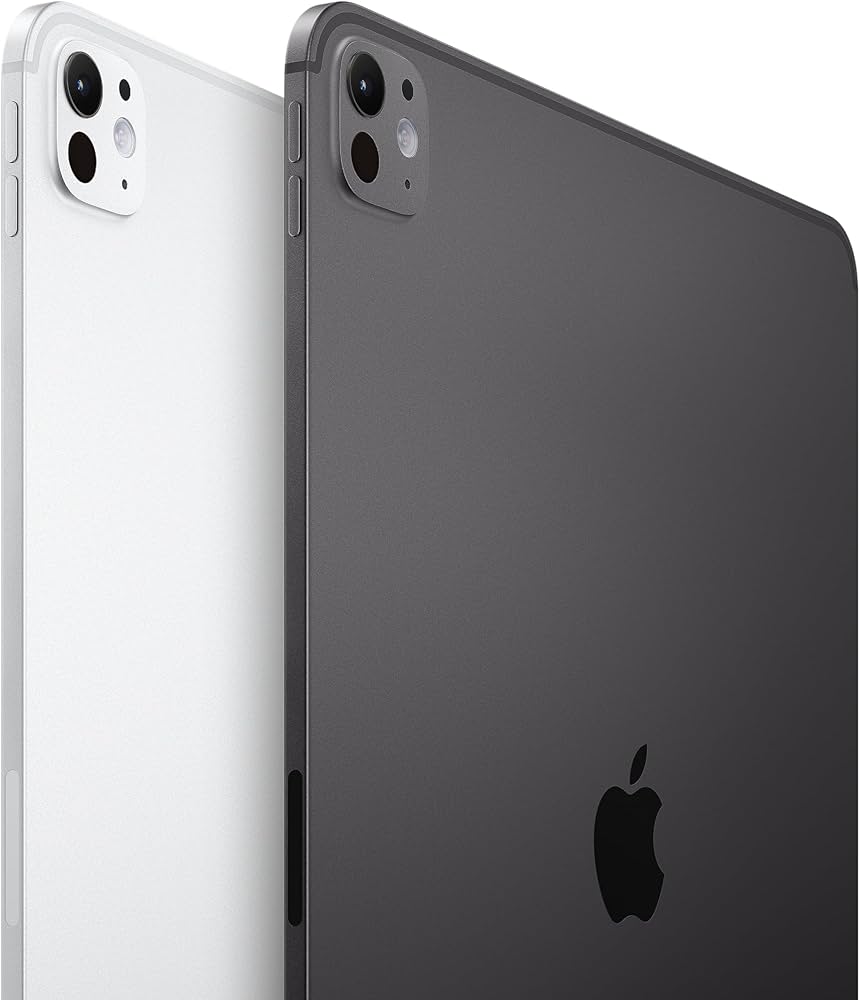
The M4 iPad Pro redefines what a tablet can do, squeezing astonishing power into a sub-5mm thick chassis. The OLED panel is stunning, perfect for HDR color grading and Apple Pencil Pro hover. It's also the most expensive tablet here, and iPadOS still limits some professional workflows compared to a laptop.
Main limitation: iPadOS multitasking remains less flexible than macOS or Windows, despite the M4's power.
Skip if: If you mostly browse and stream, you'll never use the Pro's full power — save your money.
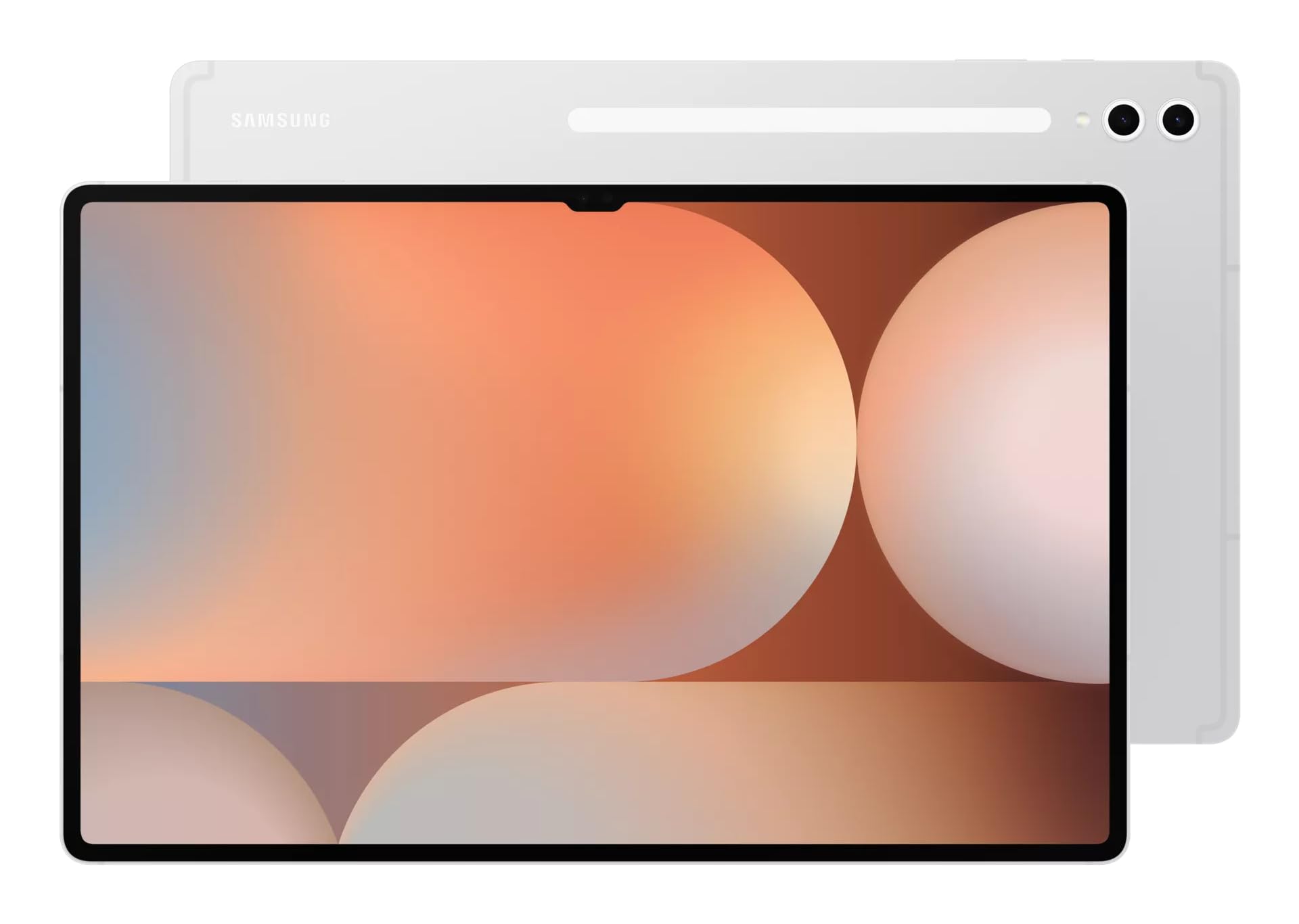
The Tab S10 Ultra is Samsung's answer to a laptop replacement, with an enormous 14.6-inch OLED screen and a bundled S Pen. DeX mode turns Android into a true multitasking environment, and the included S Pen is a value add. However, this size is unwieldy on a crowded tray table and the price rivals an entry MacBook.
Main limitation: The massive size and weight make it awkward to hold in one hand for reading.
Skip if: If you already own a thin-and-light laptop, the Ultra's size makes it redundant; consider the smaller Tab S10+.
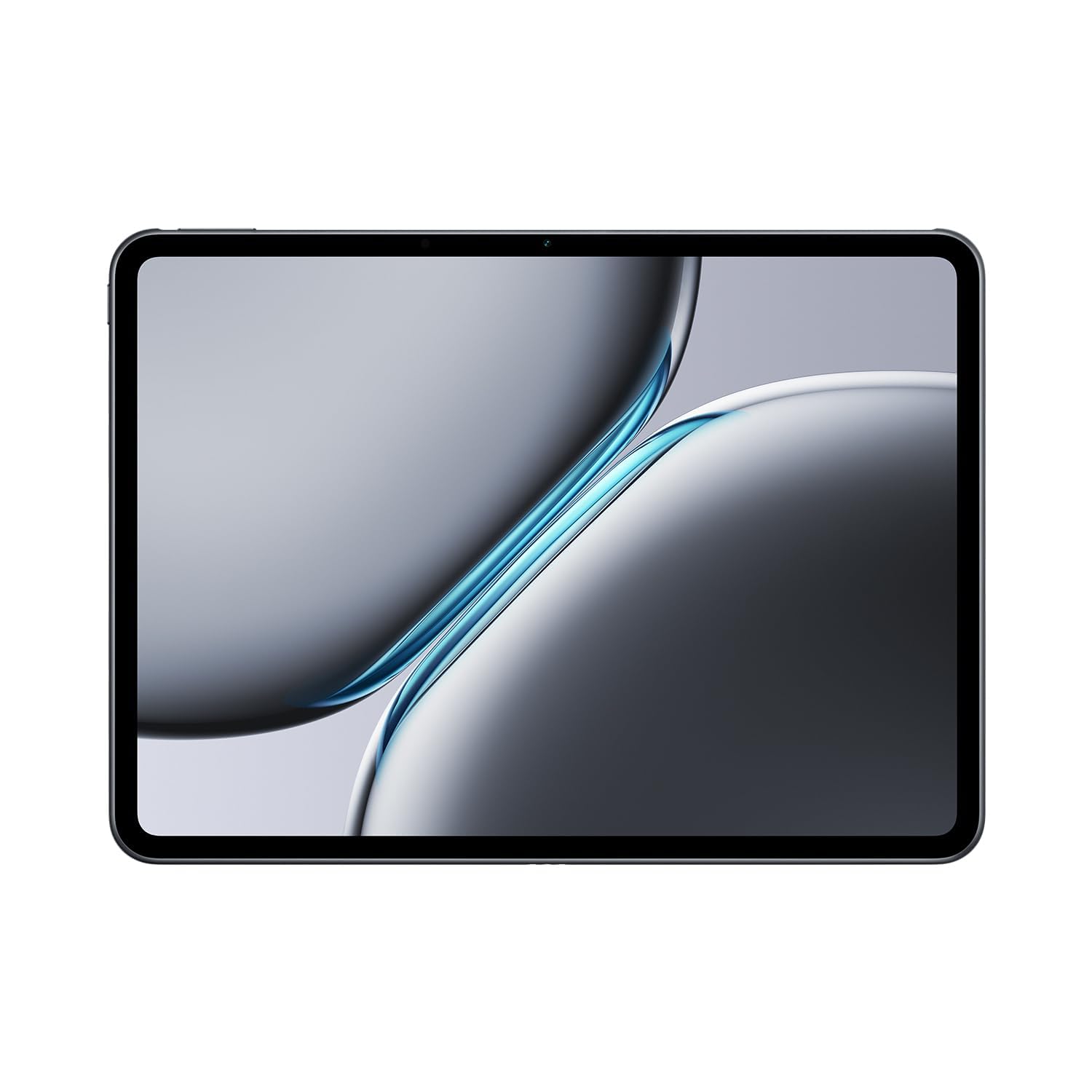
The OnePlus Pad 2 delivers flagship hardware for hundreds less than the iPad Pro, including a crisp 144Hz 3K display and the same chip as many 2024 flagships. Its 7:5 aspect ratio is excellent for magazines and PDFs. The trade-off is a limited accessory ecosystem and no official keyboard case as polished as Apple's.
Main limitation: OnePlus's tablet software lacks some productivity features like desktop mode.
Skip if: If you need a robust trackpad or keyboard experience, you'll be happier with an iPad or Samsung.
The iPad mini is the ultimate pocketable tablet, with desktop-class performance in an 8.3-inch body. The A17 Pro chip handles console-level games, and the new Pencil Pro support makes it a unique digital-notebook option. However, the screen is not laminated, and its small size is too cramped for split-screen work.
Main limitation: The display tech lags behind the Air and Pro models — there's a noticeable gap between the glass and pixels.
Skip if: If you'll be doing serious drawing or long-form writing, skip the mini; go 11 inches or larger.
The Lenovo Tab P12 offers an unusually large 12.7-inch 3K display for under $350, making it a great cheap way to watch movies or read textbooks. It's also one of the few budget tablets with a 3K resolution. But its MediaTek chip gets sluggish with demanding games, and Lenovo's software update track record is poor.
Main limitation: Gaming performance is limited; the GPU struggles with modern 3D games.
Skip if: If you need smooth performance for anything beyond video and web browsing, avoid this and bump your budget.
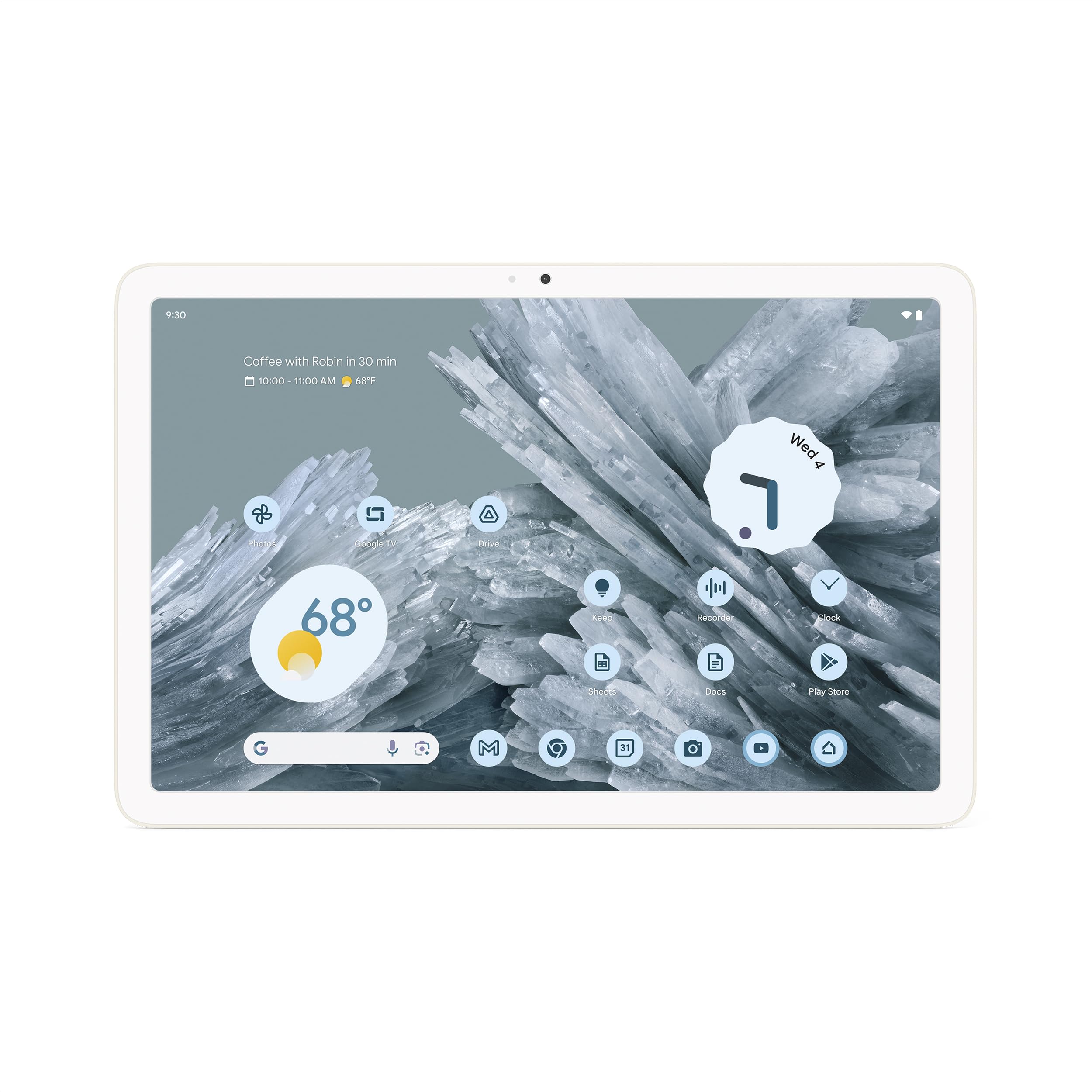
The Pixel Tablet's unique party trick is the included charging speaker dock, transforming it from a tablet into a smart home display with ambient modes. It's the only tablet here that runs stock Android without manufacturer bloatware. The downside is that the old 60Hz display and Tensor G2 chip feel underwhelming for the price.
Main limitation: The dock only charges in landscape, and the tablet's performance is far behind competitors at this price.
Skip if: If you want a high-refresh screen or strong gaming performance, choose another Android tablet.
Compare key specs and features of all our recommendations side-by-side
| Product | Recommendation | Rating | Price |
|---|---|---|---|
Apple iPad Air 11-inch M3 Rank #1 | 🏆 Top Pick | 9.0/10 | $599–$799 Check current price → |
Amazon Fire Max 11 Rank #2 | 💰 Budget Pick | 8.0/10 | $199–$279 Check current price → |
Apple iPad Pro 13-inch (M4) Rank #3 | ⭐ Editor's Choice | 9.2/10 | $1,299–$2,199 Check current price → |
Samsung Galaxy Tab S10 Ultra Rank #4 | — | 8.8/10 | $1,199–$1,400 Check current price → |
OnePlus Pad 2 Rank #5 | — | 8.5/10 | $499–$549 Check current price → |
Apple iPad mini (A17 Pro) Rank #6 | — | 8.6/10 | $499–$649 Check current price → |
Lenovo Tab P12 Rank #7 | — | 7.8/10 | $299–$349 Check current price → |
Google Pixel Tablet Rank #8 | — | 8.0/10 | $399–$499 Check current price → |
Common questions buyers have about this category.
For light work like email, web browsing, and word processing, yes — especially if you buy a keyboard case. However, most apps still don't have the multitasking power of a desktop OS. The iPad Pro or Samsung Galaxy Tab S10 Ultra come closest, but they can't run every piece of traditional software, so consider your specific needs.
At minimum, 128GB if you take photos or download videos. 64GB is fine for streaming-only users, but it will fill up fast. If you buy a Fire tablet, make sure to use the microSD card slot to add space.
Yes, because it's affordable and has a robust parental-control system. You can set time limits, filter content, and even create kids' profiles. Just be aware that many educational apps from the Google Play Store aren't available on Amazon's Appstore.
The iPad Pro with Apple Pencil Pro offers the lowest latency and the best palm rejection. For Android, the Samsung Galaxy Tab Ultra includes an S Pen in the box and has a responsive Wacom-based layer. Both are excellent, but you'll pay a premium for the top-tier experience.
Only if you frequently work on the go without Wi-Fi. Cellular models cost $150–$200 more and usually require a data plan. If you have unlimited hotspot data on your phone, you can probably rely on that and save money.
Apple supports iPads for five to seven years of major OS updates. Samsung promises up to four years of major Android updates and five years of security patches. Amazon's Fire tablets get updates for much shorter — often just two to three years — so choose accordingly for long-term use.
Products we evaluated but did not recommend — and why.
