Get the App
Better experience on mobile
From premium 2-in-1s to budget-friendly media machines, these are the tablets worth your money in 2026.
The tablet market has quietly split into two distinct camps: devices that replace your laptop, and devices that replace your TV. Understanding which camp you fall into is the single most important decision you'll make before buying. A $1,000 iPad Pro is wasted on someone who just wants to stream Netflix in bed, while a $150 Fire tablet will frustrate anyone trying to edit spreadsheets on the go.
In 2026, the gap between budget and premium tablets has never been wider. Budget models now offer surprisingly good screens and battery life, but they still cut corners on performance and software updates. Premium tablets, meanwhile, have become genuine laptop replacements, with powerful chips, gorgeous displays, and accessories that cost as much as a budget tablet itself.
To help you navigate this landscape, we researched the current market, analyzing specs, expert reviews, and thousands of verified buyer ratings. We looked for tablets that excel in their specific niche—whether that's raw performance, portability, smart home integration, or sheer value. We also considered long-term software support, because a tablet that stops getting updates after a year is a false economy.
Below you'll find our top eight picks for 2026, spanning from a $140 budget champ to a $2,000+ productivity powerhouse. Each pick includes an honest assessment of its trade-offs, so you can choose the tablet that truly fits your life.
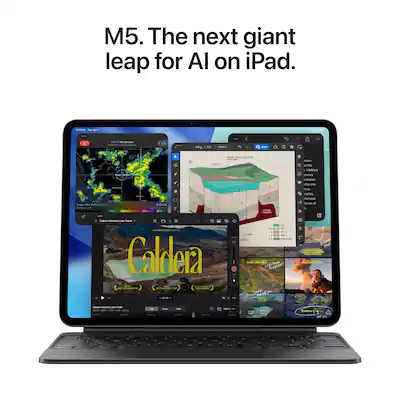
The iPad Pro remains the undisputed king of tablets, offering a stunning OLED display, desktop-class performance, and the best app ecosystem. The 2026 model refines the formula with an even faster M5 chip and improved battery life. The trade-off is the high price, especially once you add a keyboard and Pencil.
Main limitation: Extremely expensive, and the Magic Keyboard accessory costs an additional $300+.
Skip if: If you mainly stream video and browse the web, you'll be paying for power you'll never use.

For under $150, the Fire HD 10 delivers a sharp 1080p display, decent performance for media consumption, and hands-free Alexa. It's the best tablet for casual streaming and reading. The main compromise is the Amazon Appstore, which lacks Google Play and many popular apps.
Main limitation: Limited app selection and lock-screen ads unless you pay extra.
Skip if: Anyone who needs Google apps like Gmail, YouTube, or the full Play Store.
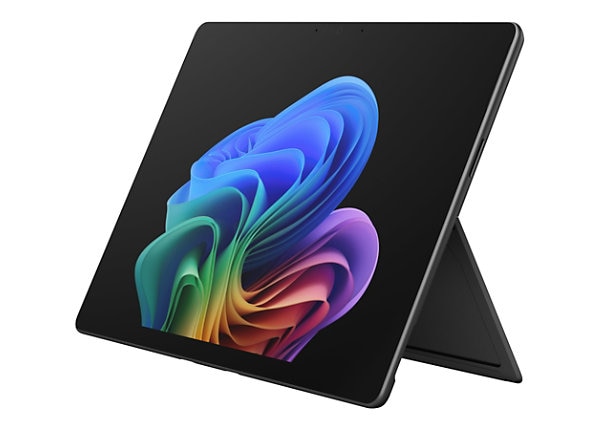
The Surface Pro 11 runs full Windows 11, making it a true laptop replacement. With a powerful Snapdragon X Elite chip, excellent build quality, and a brilliant 13-inch display, it handles productivity tasks with ease. The catch: the Type Cover keyboard and stylus are sold separately, adding significantly to the cost.
Main limitation: Keyboard and pen are not included, and the base model has limited RAM.
Skip if: If you prefer a dedicated laptop with a sturdier hinge and more ports, look elsewhere.
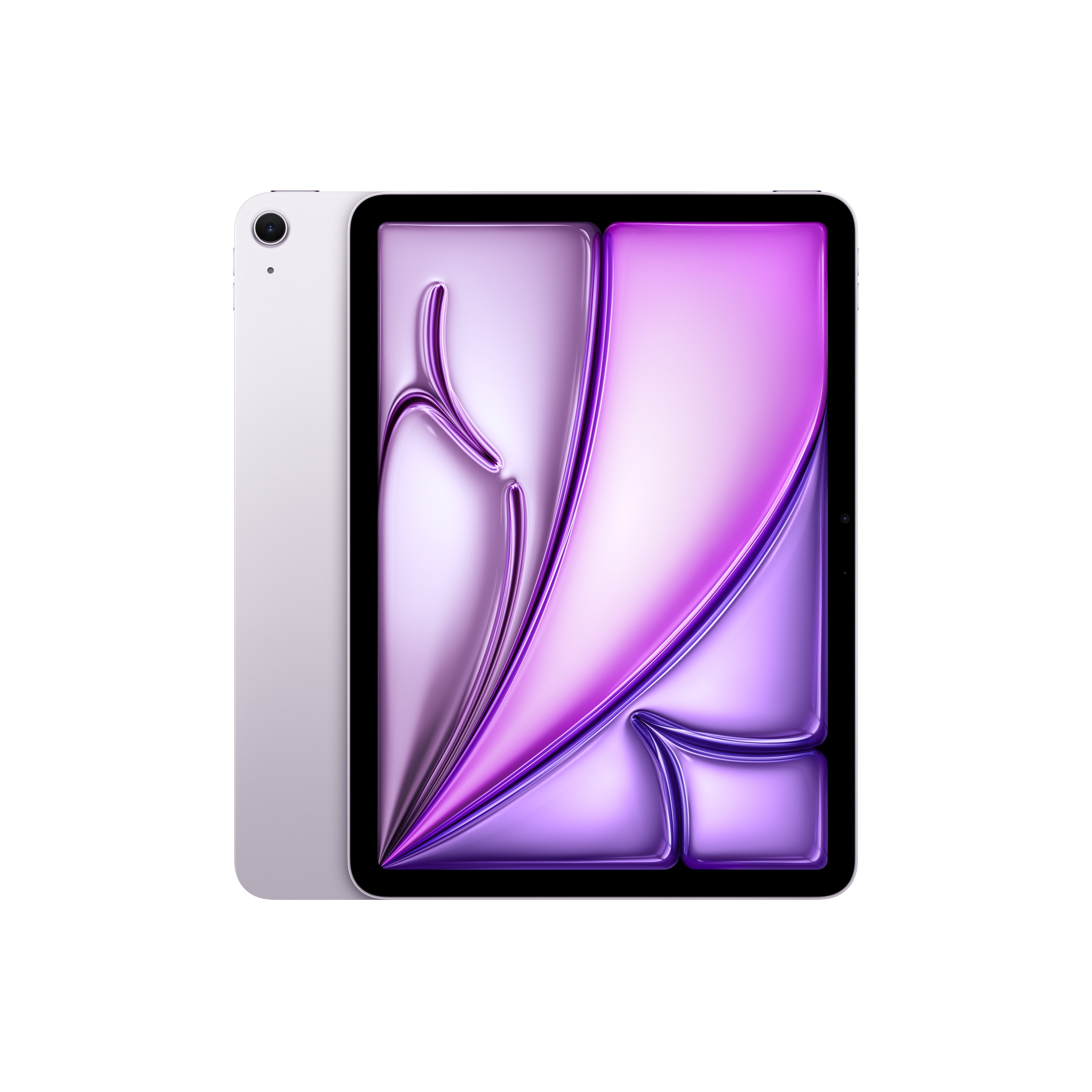
The iPad Air hits the sweet spot for students: it has the same M3 chip as the previous iPad Pro, supports the Apple Pencil Pro, and works with the Magic Keyboard, all for hundreds less. It's light, fast, and perfect for note-taking and research. The display is LCD, not OLED, so it's not as vibrant as the Pro.
Main limitation: No Face ID and the 60Hz refresh rate feels dated compared to ProMotion displays.
Skip if: If you need the absolute best display for color-critical work, spring for the iPad Pro.
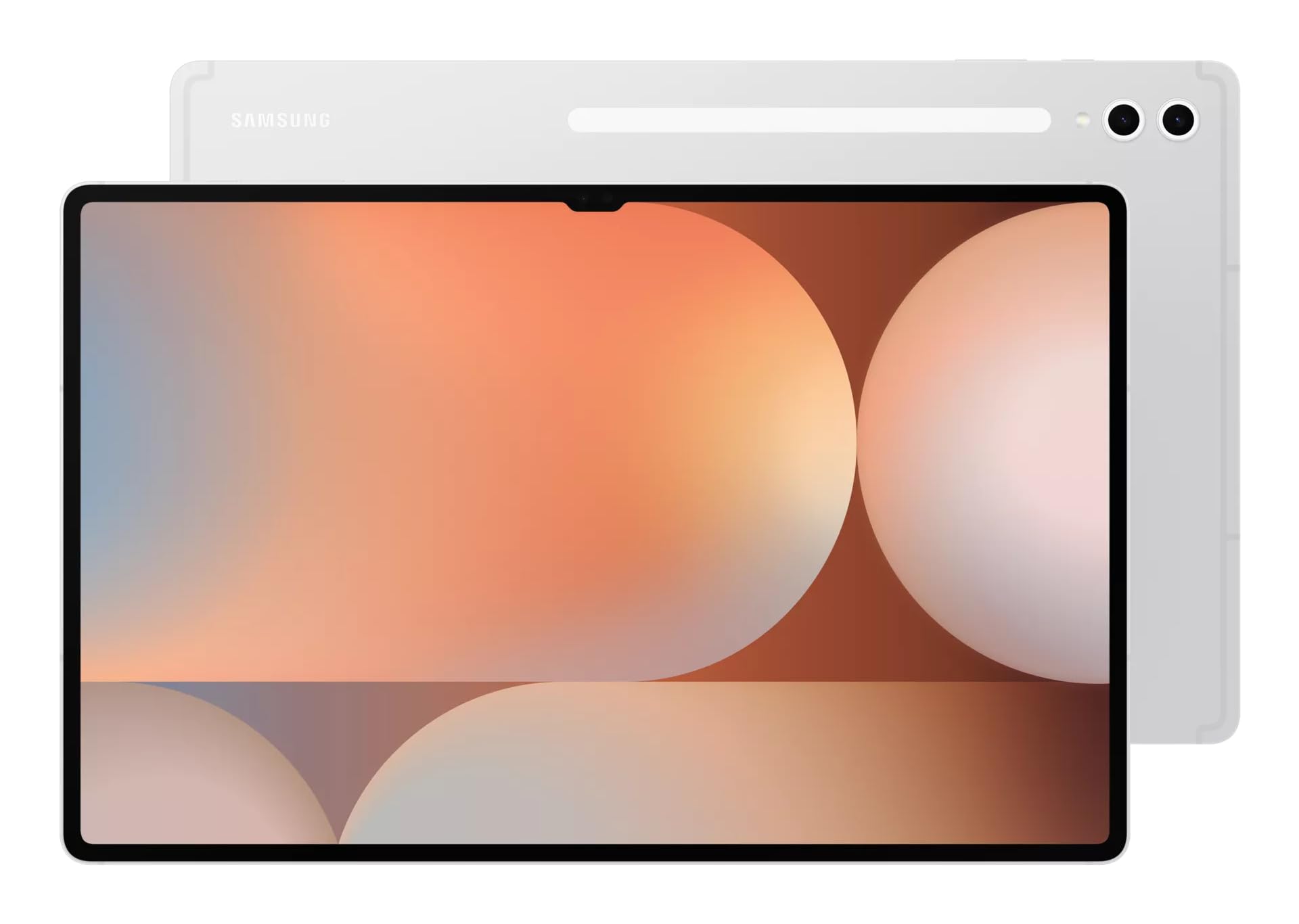
With a massive 14.6-inch AMOLED display and quad speakers tuned by AKG, the Tab S10 Ultra is a portable cinema. It also includes the S Pen in the box, making it great for sketching. The downside is its sheer size—it's awkward to hold for long periods.
Main limitation: Very large and heavy; not ideal for one-handed use.
Skip if: If you want a tablet for reading in bed or carrying in a small bag, this is too big.
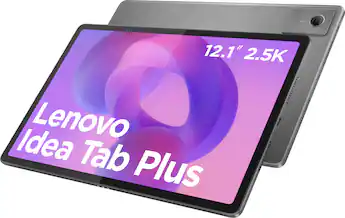
The Lenovo Tab Plus is a media consumption specialist, featuring eight JBL speakers with Dolby Atmos that sound incredible for the price. It also has a built-in kickstand and a sharp 11.5-inch 2K display. Performance is modest, so it's not for gaming or heavy multitasking.
Main limitation: Sluggish processor for anything beyond streaming and browsing.
Skip if: If you need a tablet for productivity or gaming, this will frustrate you.
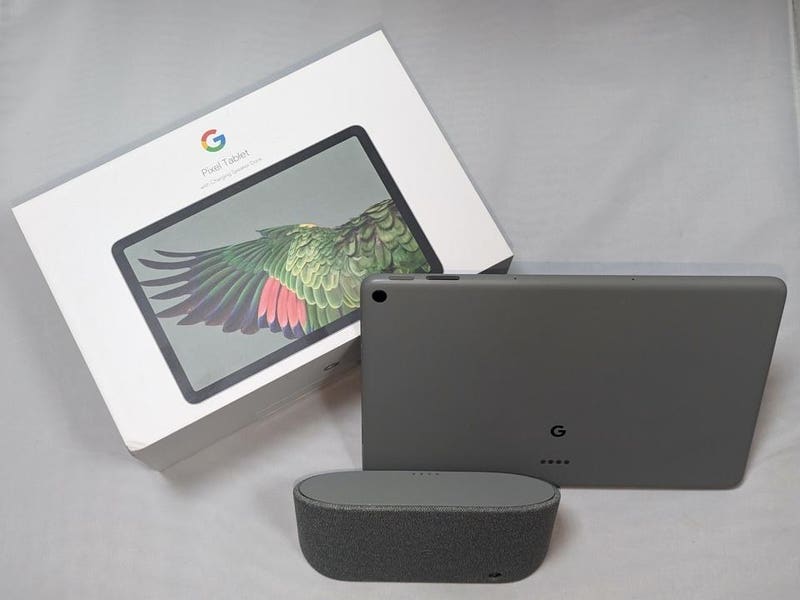
The Pixel Tablet 2 comes with a charging speaker dock that turns it into a smart display for Google Home. It runs clean Android, gets timely updates, and works seamlessly with Nest devices. The tablet itself is mid-range, so it's not a performance powerhouse.
Main limitation: The dock is essential to the experience, but it's bulky and ties you to a wall outlet.
Skip if: If you want a high-performance tablet for gaming or creative work, look at the iPad or Galaxy Tab.
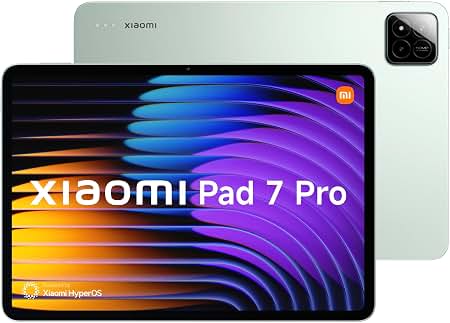
The Xiaomi Pad 7 Pro offers flagship-level specs—a 144Hz display, Snapdragon 8s Gen 3, and quad speakers—at a mid-range price. It's fantastic for gaming and media, and the keyboard accessory is affordable. The main caveat is limited availability in the US and a less optimized app ecosystem for tablets.
Main limitation: Official US availability is limited, and some apps aren't optimized for its aspect ratio.
Skip if: If you need widespread carrier support or a vast tablet-optimized app library, choose an iPad or Galaxy Tab.
Compare key specs and features of all our recommendations side-by-side
| Product | Recommendation | Rating | Price |
|---|---|---|---|
Apple iPad Pro 13-inch (2026) M5 Rank #1 | 🏆 Top Pick | 9.5/10 | $1,299–$1,899 Check current price → |
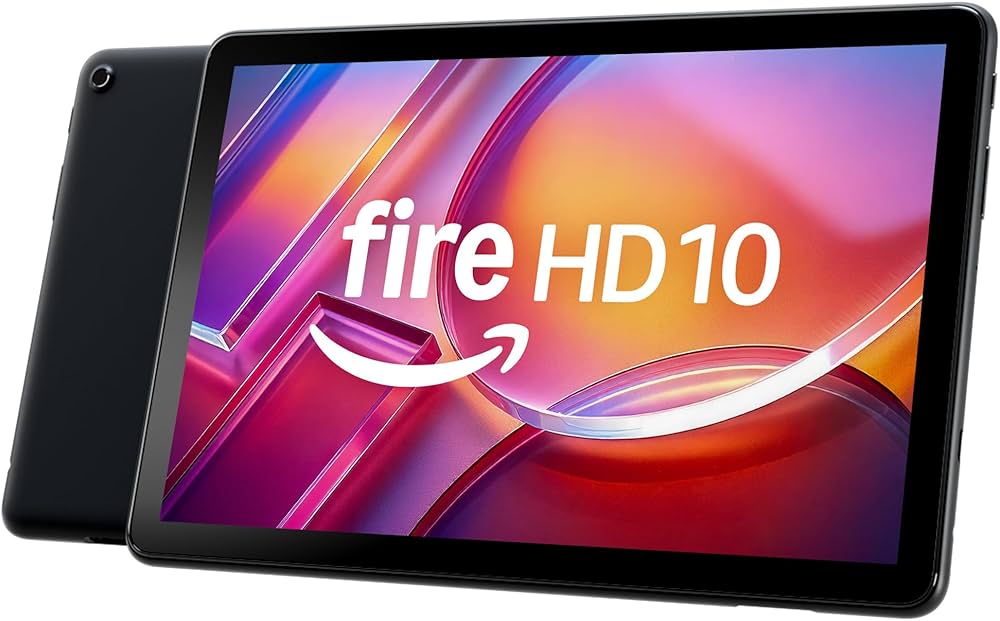 Amazon Fire HD 10 (2025) Rank #2 | 💰 Budget Pick | 4.5 4.5 | Around $140 Check current price → |
Microsoft Surface Pro 11 (2026) Rank #3 | ⭐ Editor's Choice | 8.8/10 | $999–$1,499 (tablet only) Check current price → |
Apple iPad Air 11-inch (2026 M3) Rank #4 | — | 8.7/10 | $599–$749 Check current price → |
Samsung Galaxy Tab S10 Ultra Rank #5 | — | 8.6/10 | $1,199–$1,399 Check current price → |
Lenovo Tab Plus (2025) Rank #6 | — | 7.8/10 | Around $300 Check current price → |
Google Pixel Tablet 2 (2026) Rank #7 | — | 8.0/10 | $499–$599 (with dock) Check current price → |
Xiaomi Pad 7 Pro (2026) Rank #8 | — | 8.5/10 | $500–$700 Check current price → |
Common questions buyers have about this category.
It depends on your use case. A tablet excels at media consumption, reading, and note-taking in ways that phones and laptops don't. But if you're happy with your current devices, you may not need one.
The Amazon Fire HD 10 Kids or Fire HD 10 are great for kids due to parental controls, durability, and low price. iPads are also good but more expensive.
For most people, 128GB is a good starting point. If you plan to download many movies or games, consider 256GB or more. Cloud storage can offset local storage needs.
Yes, especially with a keyboard and mouse. The iPad Pro and Surface Pro are capable of replacing a laptop for many tasks. However, some desktop software isn't available on tablets, so check compatibility.
Only if you frequently need internet on the go and don't want to tether to your phone. 5G adds cost and often requires a separate data plan. Wi-Fi is sufficient for most users.
With proper care, a tablet can last 4-6 years. Software support is key: iPads typically get 5-7 years of updates, while Android tablets vary widely. Samsung and Google offer up to 4-5 years on premium models.
It depends on your needs. iPads have a stronger app ecosystem, better performance, and longer software support. Android tablets offer more customization, expandable storage, and often better value. The best choice is the one that fits your workflow.
Products we evaluated but did not recommend — and why.
