Get the App
Better experience on mobile
Our top picks for 2026, from budget Amazon Fire tablets to premium iPad Pro and Surface Pro models.
The tablet market in 2026 is less about raw specs and more about which ecosystem you're willing to live in. iPads still dominate app quality, resale value, and long-term updates. Android tablets have caught up on hardware, with OLED screens, included styluses, and expandable storage at lower prices. Windows tablets remain the only true option for people who need desktop software in a tablet shape.
That split matters because the wrong choice can strand you with an expensive device that can't run the apps you need. A creative professional may need an iPad Pro and Apple Pencil Pro; a student may be better served by a Galaxy Tab S10 FE with an included S Pen; a family may only need a durable Fire tablet with parental controls. The best tablet is the one that matches your primary use, not the one with the highest benchmark score.
We evaluated more than 30 current and recent tablets based on manufacturer specifications, published expert reviews, verified buyer feedback, software-update commitments, and total cost with accessories. We prioritized display quality, performance-per-dollar, app ecosystem, battery life, and long-term value for general consumers. The list below spans budget Amazon Fire tablets to premium iPad Pro and Surface Pro models, with honest trade-offs for each.
The iPad Air M3 hits the sweet spot for most people: fast M3 performance, a bright 11-inch display, USB-C, and full access to the iPadOS app library. It costs more than budget Android tablets and still uses a 60Hz screen, but it's the most balanced tablet for work, streaming, and note-taking.
Main limitation: The 60Hz display feels dated next to 120Hz Android and iPad Pro models, and accessories like the Apple Pencil Pro and Magic Keyboard are sold separately.
Skip if: Skip it if you need a 120Hz OLED screen, desktop-class apps, or the lowest possible price.
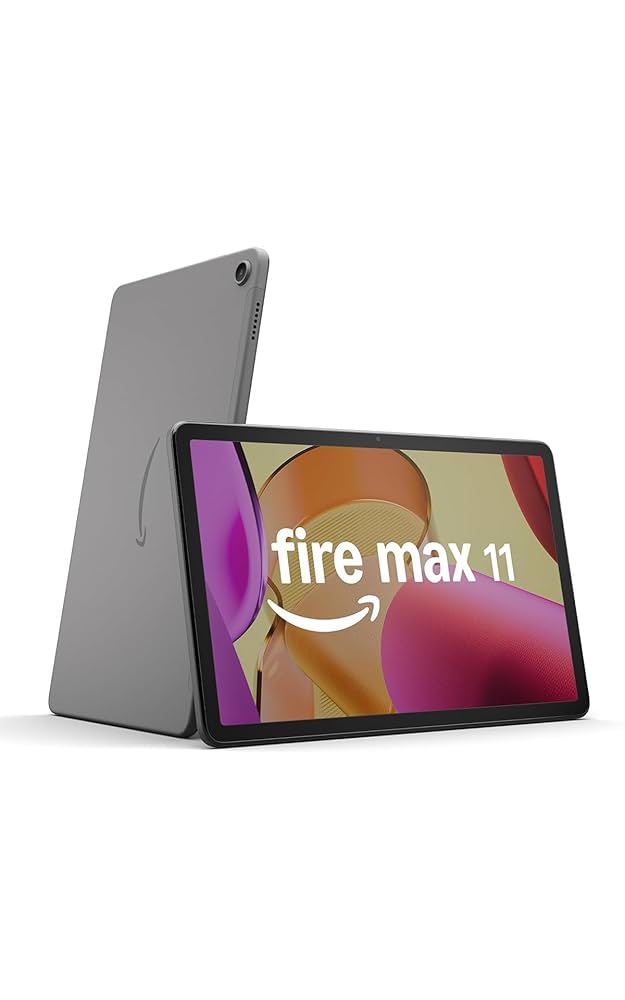
The Fire Max 11 is the best sub-$250 tablet for streaming, browsing, and light reading, with an 11-inch screen and decent aluminum build. It's held back by Amazon's Appstore, which lacks Google Play and many native iPad/Android apps unless you sideload.
Main limitation: Amazon's Fire OS limits app choice, and the lock-screen ads require an extra fee to remove.
Skip if: Skip it if you rely on Google Play, Microsoft Office, or high-end creative apps.
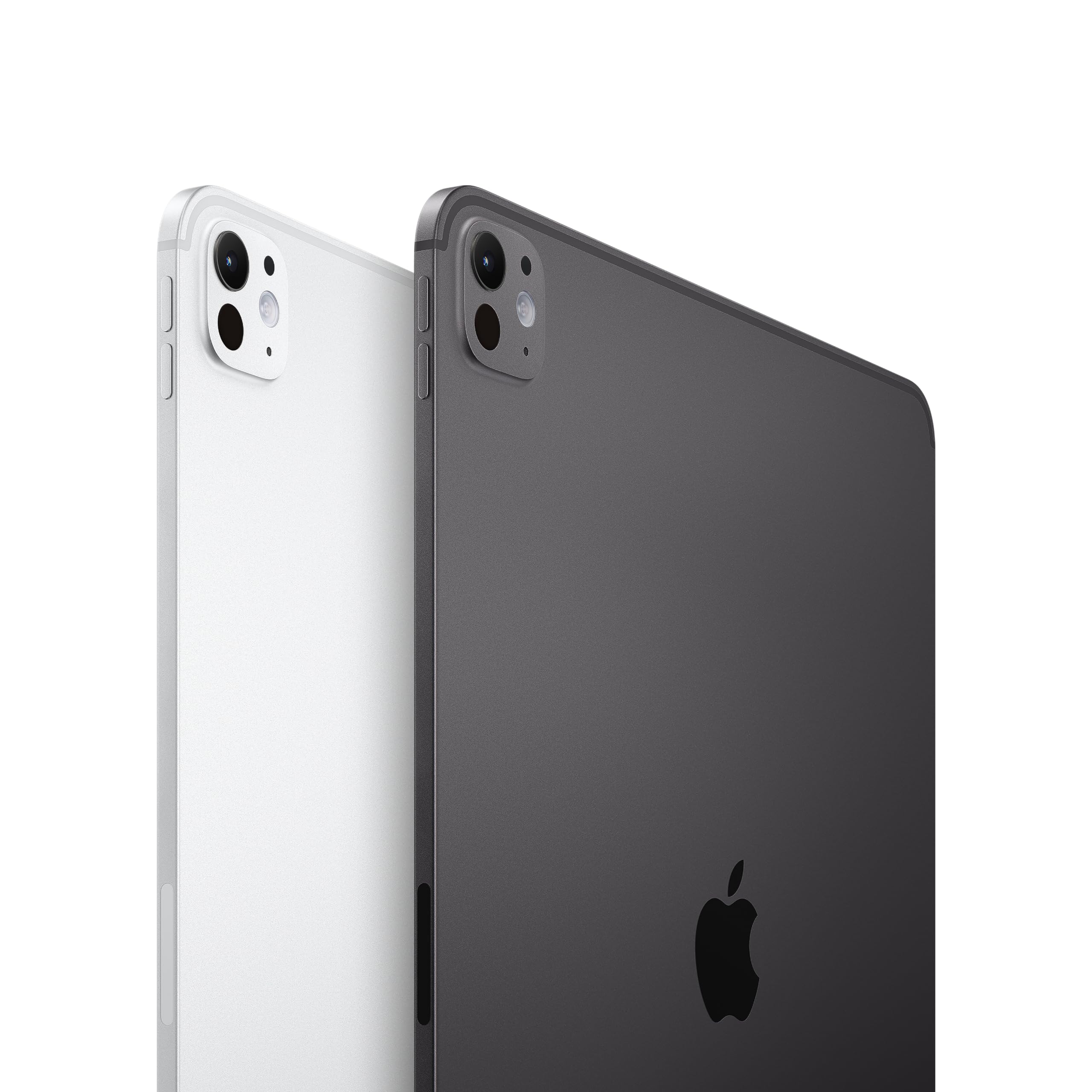
The iPad Pro M4 pairs a stunning tandem OLED display with desktop-class M4 performance and Apple Pencil Pro support, making it the best tablet for digital art, photo editing, and design work. The high price and separate keyboard/stylus costs keep it from being a sensible pick for casual users.
Main limitation: It's extremely expensive once you add the Magic Keyboard and Apple Pencil Pro, and iPadOS still can't run all macOS creative software.
Skip if: Skip it if you mainly stream video, browse, or need a laptop replacement on a budget.
The Galaxy Tab S10 Ultra is a 14.6-inch AMOLED entertainment machine with S Pen included, DeX desktop mode, and expandable storage. Its enormous size and Android tablet app gaps make it less ideal for one-handed use or niche professional software.
Main limitation: It's heavy and awkward to hold for long periods, and some Android apps still aren't optimized for its large screen.
Skip if: Skip it if you want a compact tablet, prefer iPadOS, or need Windows-only applications.
The Surface Pro 11 is the best tablet for people who need full Windows apps, a kickstand, and optional keyboard cover in a portable design. It runs desktop Office, Adobe, and specialized business software, but the keyboard and stylus cost extra and battery life trails iPads.
Main limitation: The Type Cover and Surface Slim Pen are sold separately, which pushes the real price well above the tablet's starting cost.
Skip if: Skip it if you want a pure tablet experience, long battery life, or don't need Windows software.
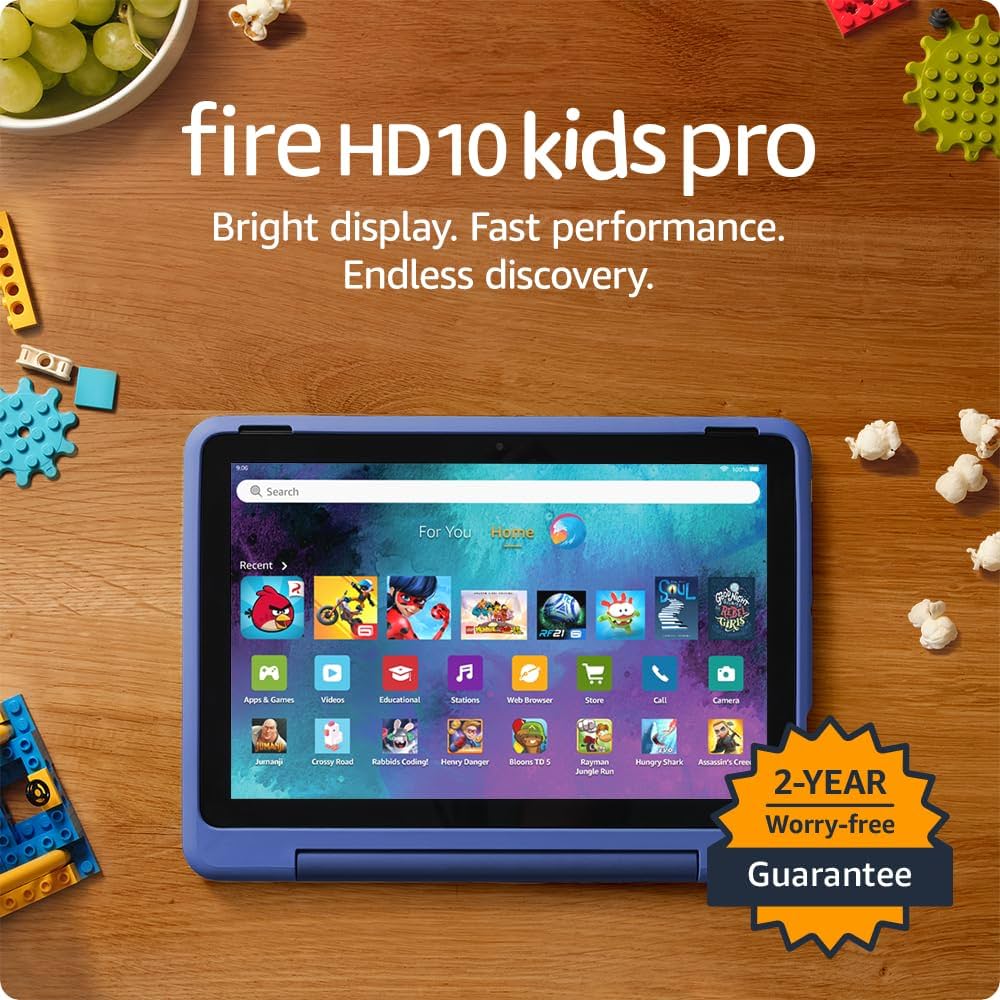
The Fire HD 10 Kids Pro is built for families: a durable case, two-year worry-free guarantee, parental controls, and a curated content library. It's not a productivity tablet, and kids will eventually outgrow Amazon's app selection.
Main limitation: Performance is modest for games and schoolwork, and the Amazon Appstore lacks many mainstream apps.
Skip if: Skip it if your child needs Google Classroom, Minecraft Java, or full Android apps.
The iPad mini is the most portable serious tablet, with an 8.3-inch screen, A17 Pro performance, and Apple Pencil Pro support for notes and sketches. Its small screen makes split-screen productivity cramped, and the display is still 60Hz.
Main limitation: The 8.3-inch screen is too small for comfortable long-form productivity, and the 60Hz refresh rate feels behind similarly priced Android tablets.
Skip if: Skip it if you plan to use a keyboard heavily or watch lots of video on a larger screen.
The Galaxy Tab S10 FE brings S Pen support, a 10.9-inch 90Hz display, and IP68 water resistance at a midrange price, making it a strong note-taking tablet for students. It uses an LCD panel and mid-tier chip, so it's not ideal for heavy gaming or professional creative work.
Main limitation: The LCD display lacks the contrast of OLED, and the Exynos processor is only adequate for moderate multitasking.
Skip if: Skip it if you need top-tier performance, OLED colors, or long-term iPadOS app support.
Compare key specs and features of all our recommendations side-by-side
| Product | Recommendation | Rating | Price |
|---|---|---|---|
Apple iPad Air M3 11-inch (2025) Rank #1 | 🏆 Top Pick | 9.2/10 | $599–$949 Check current price → |
Amazon Fire Max 11 (2023) Rank #2 | 💰 Budget Pick | 8.0/10 | $140–$230 Check current price → |
Apple iPad Pro 13-inch (M4, 2024) Rank #3 | ⭐ Editor's Choice | 9.3/10 | $1,299–$2,299 Check current price → |
Samsung Galaxy Tab S10 Ultra (2024) Rank #4 | — | 8.7/10 | $1,099–$1,499 Check current price → |
Microsoft Surface Pro 11 (2024) Rank #5 | — | 8.4/10 | $999–$1,699 Check current price → |
Amazon Fire HD 10 Kids Pro (2023) Rank #6 | — | 8.0/10 | $189–$219 Check current price → |
Apple iPad mini (A17 Pro, 2024) Rank #7 | — | 8.7/10 | $499–$799 Check current price → |
Samsung Galaxy Tab S10 FE (2025) Rank #8 | — | 8.1/10 | $449–$599 Check current price → |
Common questions buyers have about this category.
For app quality, resale value, and long software support, iPads remain the safest pick for most people. Android tablets like the Galaxy Tab S10 FE and Tab S10 Ultra offer better hardware value, expandable storage, and S Pen inclusion, but some apps still aren't optimized for large screens.
For streaming, browsing, and cloud storage, 128GB is usually enough. If you download movies, play large games, or edit photos and videos, 256GB or more is worth the extra cost because most tablets don't support microSD expansion.
Wi-Fi is enough for most people because you can tether to a phone or use public hotspots. Cellular is worth it if you travel frequently, use the tablet for work away from Wi-Fi, or need constant connectivity for maps and messaging.
A tablet can replace a laptop for web browsing, email, note-taking, and streaming, especially with a keyboard case. For heavy spreadsheets, specialized desktop software, or serious multitasking, a Windows Surface Pro or a traditional laptop remains more capable.
A keyboard case and stylus can add $100–$400 to the total cost, so factor them in before buying. If you mainly watch video, a stand or folio case may be enough; if you take notes or draw, a pressure-sensitive stylus is the priority.
Apple typically supports iPads with iPadOS updates for five to seven years, Samsung promises up to four generations of Android updates on many Galaxy Tabs, and Amazon Fire tablets receive fewer feature updates. Check the manufacturer's update policy if you plan to keep the tablet for several years.
Yes, if you choose one with parental controls, a durable case, and access to kid-friendly content. The Amazon Fire HD 10 Kids Pro is purpose-built for this, but it limits app choice; a base iPad or Galaxy Tab A9+ may be better if your child needs Google Classroom or mainstream apps.
Products we evaluated but did not recommend — and why.
