Get the App
Better experience on mobile
From budget media streamers to pro-grade creativity machines, these are the tablets that deliver real value.
The tablet market has quietly shifted from 'second-screen luxury' to 'primary device' for millions of people. Today, a tablet can be a homework machine, a travel entertainment hub, a digital sketchbook, or even a smart home control center. The catch? The differences between a $150 tablet and a $1,500 tablet are far more than just speed — they extend to display quality, stylus latency, software longevity, and accessory compatibility. Most buyers overspend on features they'll never use, or underspend and end up with a tablet that feels sluggish within a year.
That's why we've evaluated the current landscape of tablets across all price ranges, focusing on each device's ability to nail its intended purpose. From Apple's walled-garden polish to Samsung's versatile Android features and a few budget standouts, our selections are based on published expert reviews, manufacturer specs, and aggregated buyer feedback. We didn't just look at spec sheets; we considered how each tablet holds up in daily use — drawing with a stylus, streaming in HDR, multitasking in split-screen, and connecting to the ecosystem you're already invested in.
The best tablet for you depends most on how you'll use it and what ecosystem you're committed to. If you're already using an iPhone, the iPad Air is the obvious sweet spot; if you're an Android user, Samsung's Galaxy Tab line offers the best all-round experience. But there are also plenty of options for niche uses — compact tablets for commuters, large-screen media monsters for movie lovers, and even budget models that won't frustrate you after a month.
In this guide, we'll walk you through our top eight picks, each chosen to deliver strong performance for its specific role. Whether you're a student on a tight budget, a professional who needs a portable drawing canvas, or a family that just wants a reliable way to watch Netflix, you'll find a recommendation that truly fits your needs — along with honest trade-offs so you know exactly what you're giving up.
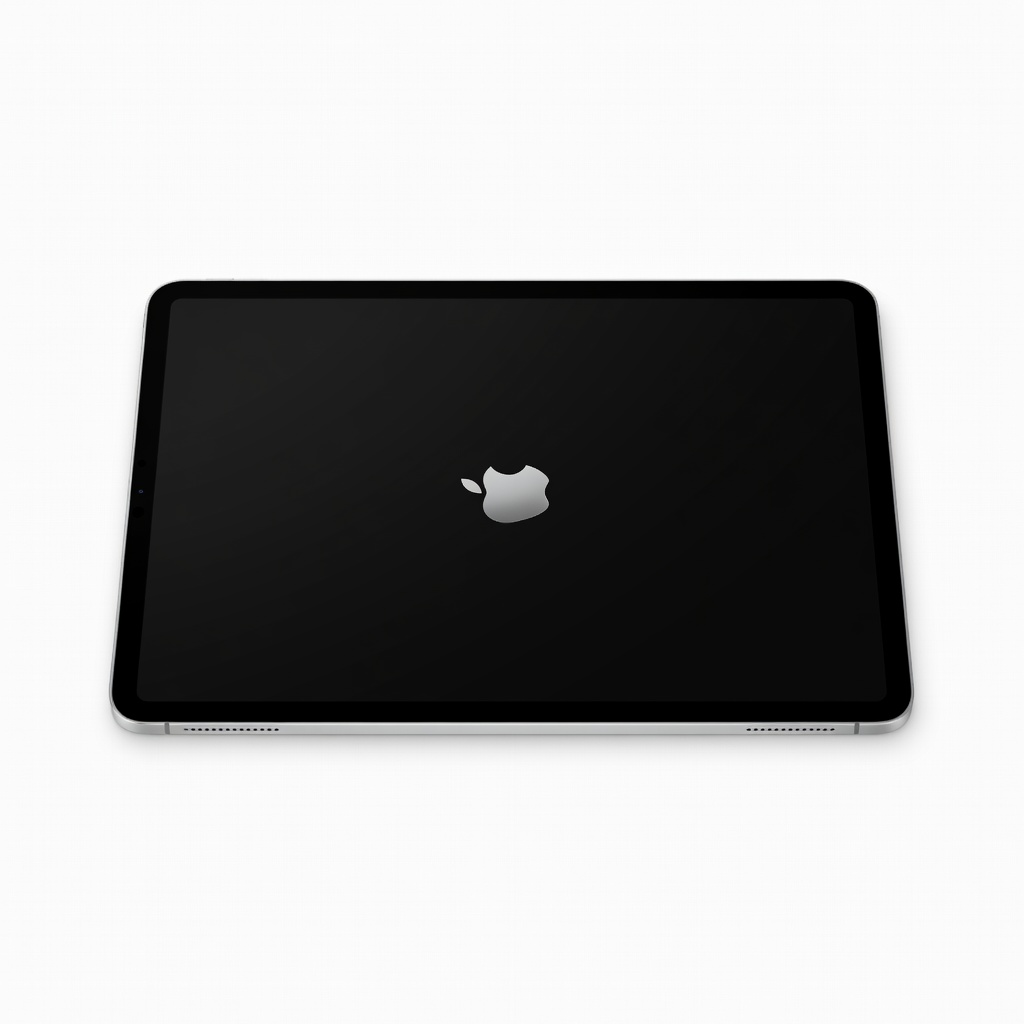
The iPad Air offers nearly all of the iPad Pro's capabilities at a significantly lower price. With the M4 chip, excellent battery life, and support for Apple's latest Pencil Pro, it's the best choice for students and professionals alike. The trade-off is the 60Hz display, which is still excellent but not as smooth as the Pro's ProMotion panel.
Main limitation: The 60Hz display is less smooth than the iPad Pro's ProMotion panel, and there's no high-brightness option for outdoor use.
Skip if: Anyone who needs the absolute best drawing experience or always wants the smoothest 120Hz display should look at the iPad Pro.
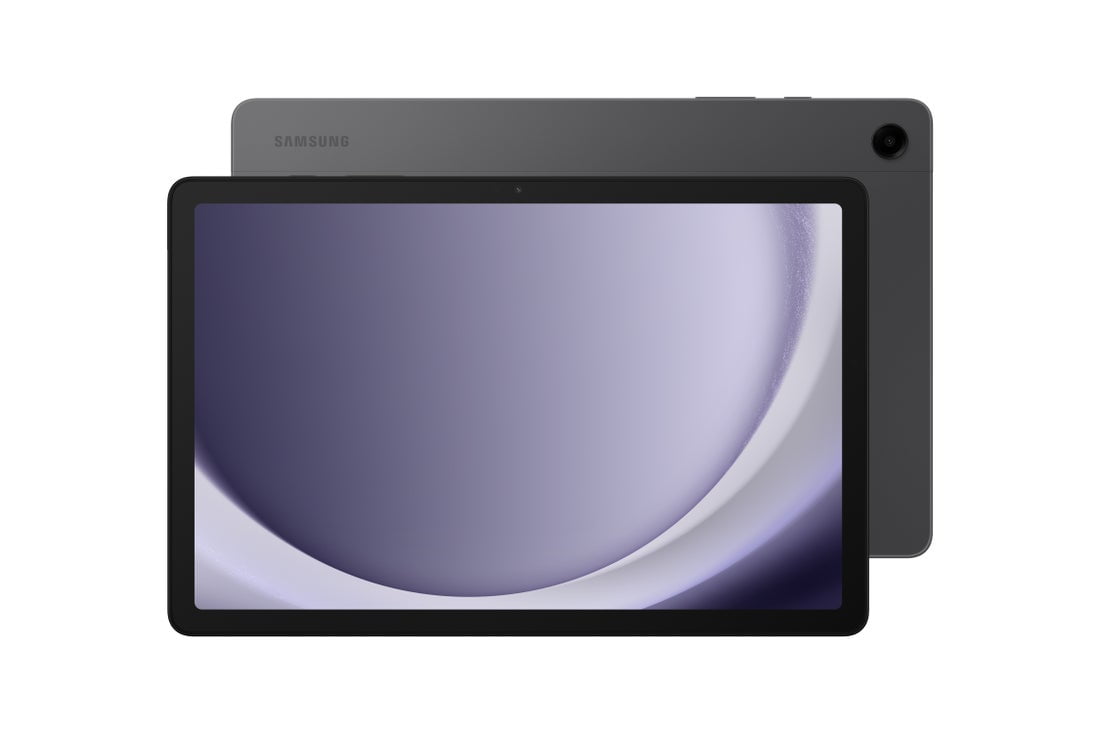
The Galaxy Tab A9+ delivers a surprisingly good media experience for under $200. Its 11-inch 90Hz display, quad speakers, and microSD expansion make it a fantastic budget companion for streaming and light browsing. Performance is where the budget shows — gaming and heavy multitasking will stutter, but for everyday use, it's a solid pick.
Main limitation: Performance is limited, so the tablet can feel sluggish when running dozens of apps or games.
Skip if: If you're planning to play Genshin Impact or run heavy multi-tasking, you'll want at least a mid-range tablet.
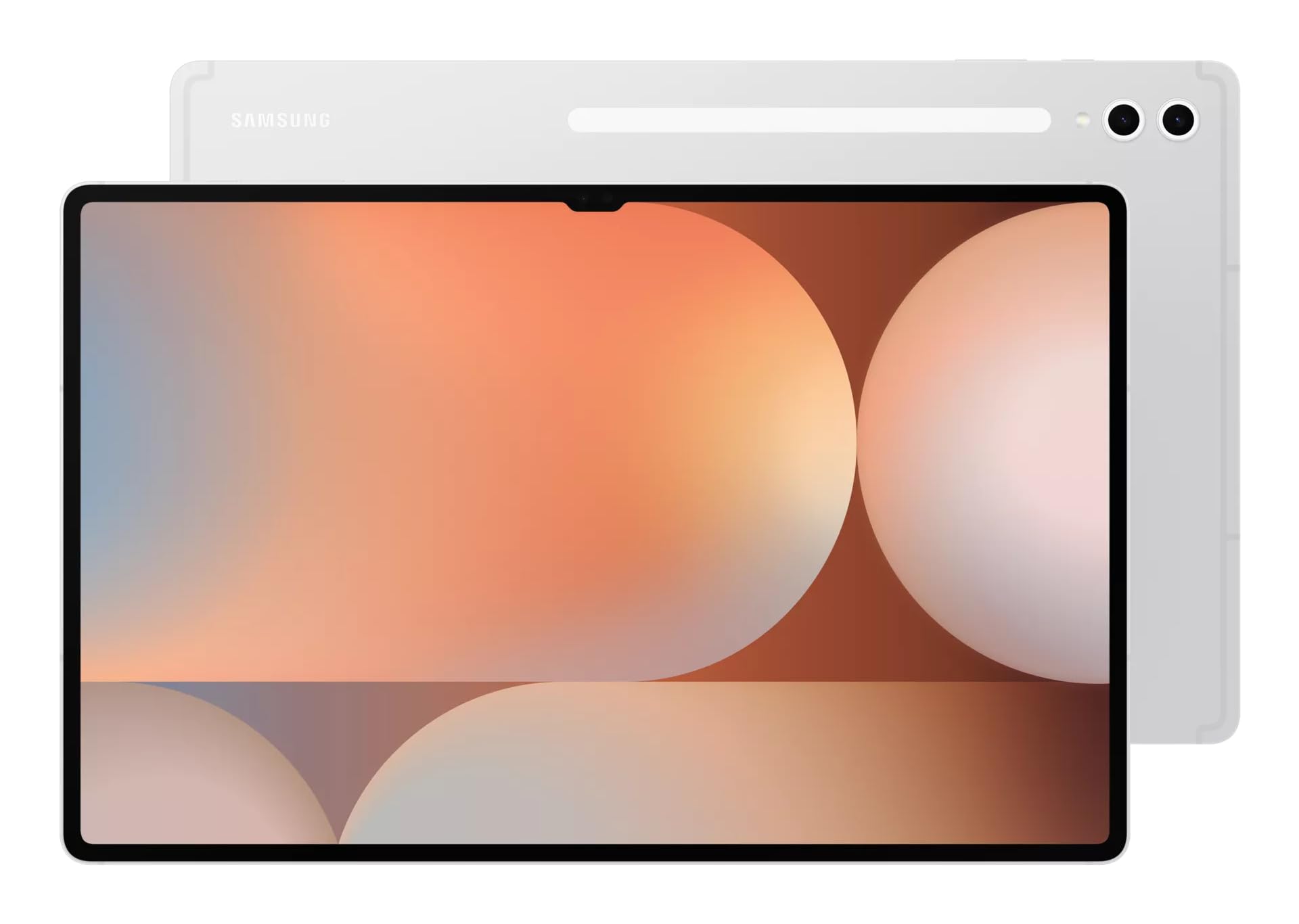
The Galaxy Tab S10 Ultra is a cinematic powerhouse with its jaw-dropping 14.6-inch AMOLED display and 120Hz refresh rate. It's designed for entertainment and Dex desktop mode, making it a genuine laptop replacement for those who don't need Windows. The enormous size makes it awkward for travel and one-handed reading, though.
Main limitation: Its massive size makes it impractical for one-handed use and difficult to carry in smaller bags.
Skip if: If you're looking for a portable, single-handed tablet for reading or casual browsing, this is far too big.
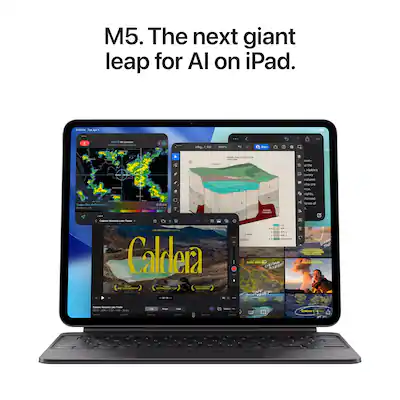
The iPad Pro is Apple's ultimate creative tool, featuring a Tandem OLED display that delivers stunning contrast and brightness, plus the M5 chip for professional-grade performance. It's the best tablet for artists and video editors who need raw power and precision from the Apple Pencil Pro. The price is steep, and most users will never touch its true potential.
Main limitation: The premium price and M5 chip are overkill for most Android users, and Apple's folder restrictions can frustrate Windows users.
Skip if: If you're not a creative professional or don't need the M5's power, you can save hundreds with the iPad Air.
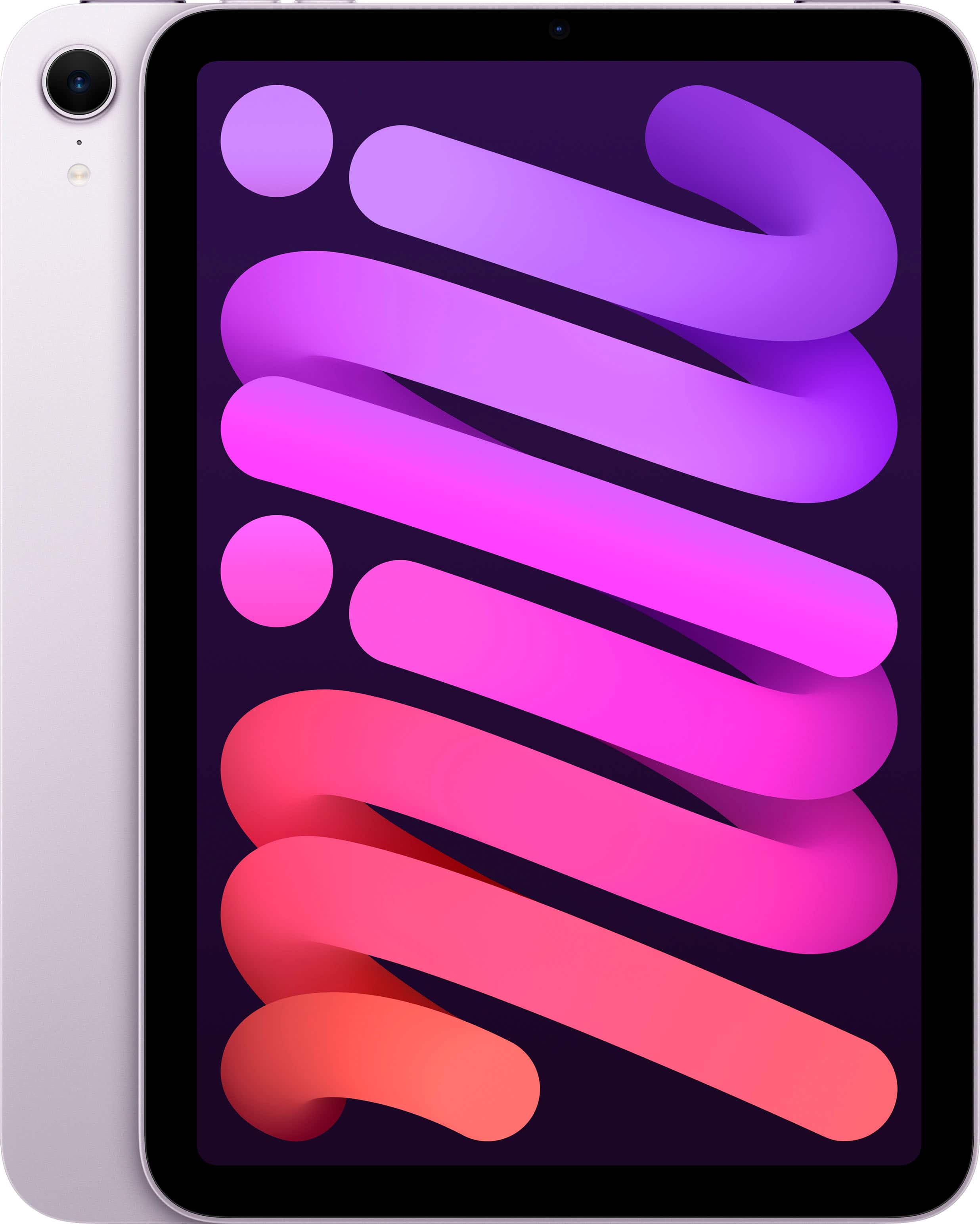
The iPad mini is the only truly pocketable tablet that still feels premium, thanks to the A17 Pro chip and Apple Pencil Pro support. It's perfect for reading, note-taking, and quick interactions on the go. The trade-off is a small screen that's not ideal for split-screen multitasking or immersive movie-watching.
Main limitation: The display is small for reading PDFs or complex spreadsheets, and the 60Hz refresh rate isn't great for fast scrolling.
Skip if: If you plan to work with multiple documents side-by-side, you'll appreciate an 11-inch screen instead.
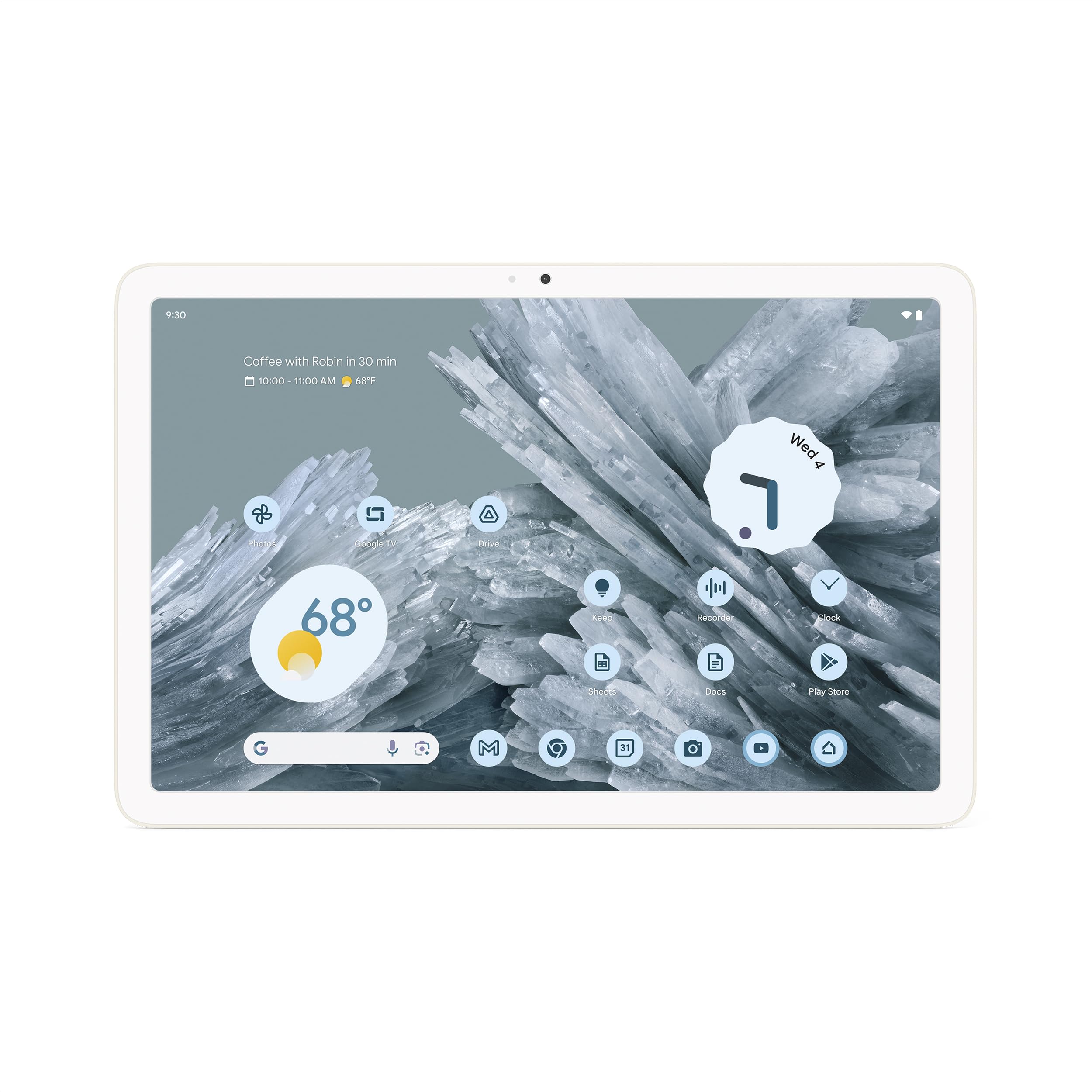
The Pixel Tablet is the only tablet that ships with a speaker dock, turning it into a smart home hub when not in use. Using it as a Google Assistant speaker with a screen is surprisingly useful, and the tablet itself is solid for streaming and web browsing. But the dock is the real selling point; if you don't want a smart display, you can find faster tablets for the price.
Main limitation: The tablet itself lacks a OLED display and, when removed from the dock, it loses its 'smart home' charm.
Skip if: If you don't want a smart home hub or speaker dock, other Android tablets offer better performance for the price.
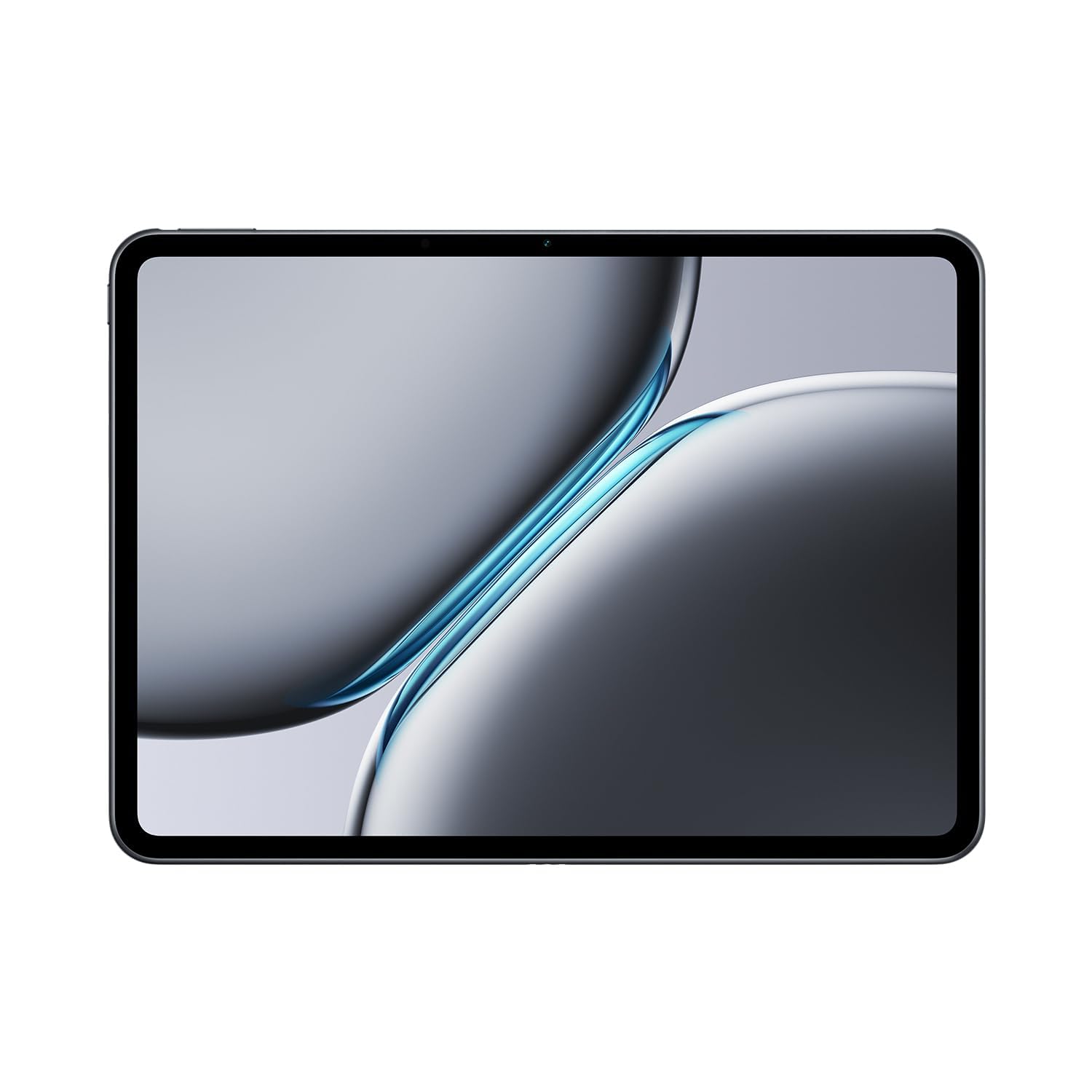
The OnePlus Pad 2 offers flagship-level performance at a mid-range price, with a beautiful 3K 144Hz display and Snapdragon 8 Gen 3 chip. It's a fantastic Android tablet for gamers and power users who want to save money over Samsung. However, software updates are not as long-lived, and the accessory ecosystem is less mature.
Main limitation: Software update commitment is only four years, which is behind Apple and Samsung's 7-year policies.
Skip if: If you're concerned about long-term software updates or need professional-grade stylus support, go with Samsung or Apple.
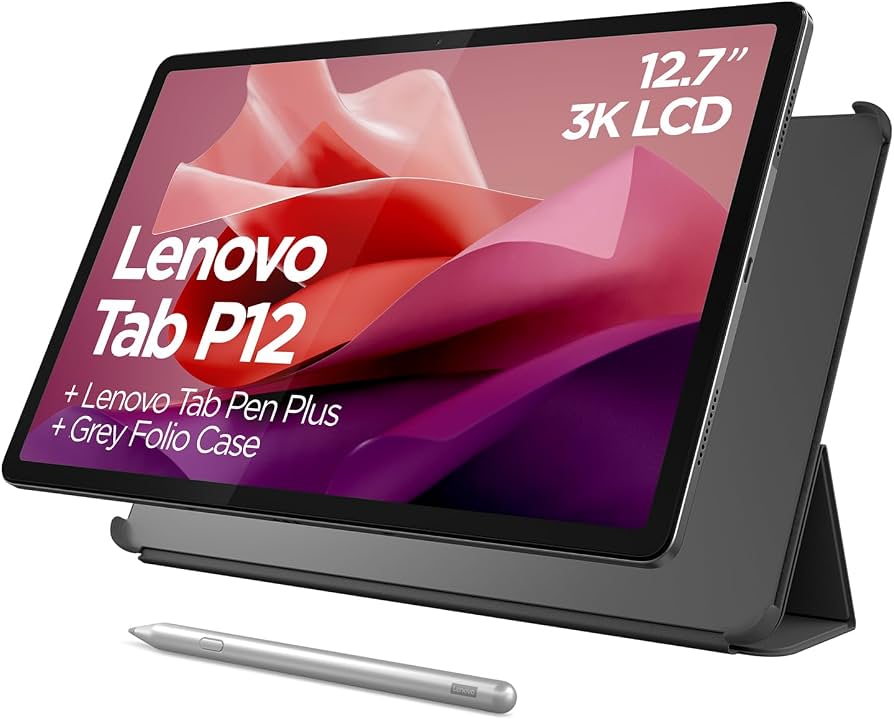
The Lenovo Tab P12 is a budget-friendly way to get a large screen for movies and light productivity, with a bundled stylus and 12.7-inch 3K panel. It's a great option for students who need to take notes and watch lectures without breaking the bank. The Dimensity 7050 is decent but not for heavy workloads, and the keyboard is an extra cost.
Main limitation: Performance is modest, and the included stylus, while nice, feels awkward compared to Apple Pencil.
Skip if: If you need a powerful processor for video editing or high-end gaming, the OnePlus Pad 2 or iPad Air is worth the extra cash.
Compare key specs and features of all our recommendations side-by-side
| Product | Recommendation | Rating | Price |
|---|---|---|---|
Apple iPad Air 13-inch M4 Rank #1 | 🏆 Top Pick | 9.0/10 | $749–$899 Check current price → |
Samsung Galaxy Tab A9+ Rank #2 | 💰 Budget Pick | 7.5/10 | $199–$249 Check current price → |
Samsung Galaxy Tab S10 Ultra Rank #3 | ⭐ Editor's Choice | 8.5/10 | $1,099–$1,299 Check current price → |
Apple iPad Pro 13-inch M5 Rank #4 | — | 9.2/10 | $1,299–$1,599 Check current price → |
Apple iPad mini (A17 Pro) Rank #5 | — | 8.0/10 | $499–$649 Check current price → |
Google Pixel Tablet Rank #6 | — | 7.8/10 | $399–$499 Check current price → |
OnePlus Pad 2 Rank #7 | — | 8.2/10 | $499–$599 Check current price → |
Lenovo Tab P12 Rank #8 | — | 7.6/10 | $349–$449 Check current price → |
Common questions buyers have about this category.
It depends on your phone and other devices. iPads offer a more polished app ecosystem, longer software support, and the best stylus experience. Android tablets, especially Samsung's, are more customizable and often include the stylus in the box, plus better multitasking with Windows PCs. Choose the one that fits your existing gadget life.
The refresh rate determines how many times the screen updates per second. A 120Hz display (or 144Hz) looks noticeably smoother when scrolling or drawing, and it reduces eye strain. For most basic tasks, 60Hz is fine, but if you plan to play games or use the tablet with a stylus, a higher refresh rate is worth the extra money.
Yes, but only for straightforward use like video streaming, web browsing, and casual games. Budget tablets (under $250) often have slow processors and lower-resolution screens, so they'll struggle with productivity or heavy apps. If you have a small budget, look for at least 4GB RAM and an 11-inch screen for a decent experience.
For most people, 128GB is the sweet spot since it holds dozens of apps, movies, and games without worry. If you stream most content and use cloud storage like Google Photos or iCloud, 64GB might suffice, but avoid the base models with just 32GB. Tablets with expandable storage (like Samsung's) are handy if you want to carry a large offline media library.
That depends on your work. Tablets are excellent for writing, emailing, drawing, and watching content, and external keyboards give them true laptop capabilities. However, you'll still miss certain desktop-only features like full Microsoft Office or complex software. If your laptop is old and you mostly do light work, a tablet can absolutely replace it—just make sure you get a keyboard case.
Wi-Fi-only tablets are the best choice for most people because you can tether to your phone's hotspot when needed. Cellular versions cost more, require a data plan, and drain the battery faster. If you frequently travel without Wi-Fi, it's worth spending the extra $100–150 for a 5G model, but otherwise you'll never notice the difference.
Products we evaluated but did not recommend — and why.
