Get the App
Better experience on mobile
Our carefully researched list ranks the best tablets for note-taking, studying, and entertainment, from budget-friendly options to premium powerhouses.
The tablet market for students in 2026 is a confusing battlefield of spec sheets and marketing buzzwords. But the truth is, most tablets can handle streaming and basic note-taking; the real differentiators are stylus support, app optimization, battery life, and how well the device integrates with your existing tech stack. If you choose wrong, you might end up spending $700 for a tablet that can't run a single app you need for a class.
Our goal is to help you make an informed decision before buying. We've analyzed over 30 tablet models based on published specs, verified user reviews, and expert opinions from authoritative tech publications. We prioritized note-taking experience (stylus latency, pressure sensitivity, and supported apps), display quality (brightness, refresh rate, and size), multitasking capabilities, battery life, and total cost of ownership, including essential accessories.
This guide covers seven tablets that stand out across different price ranges and use cases, from a $200 Fire Max 11 for purely entertainment to a $1,300 iPad Pro for heavy creative workloads. Whether you're an econ major who just needs a document reader, a med student who needs to annotate dense PDFs, or an architect who needs a portable powerhouse, there's a pick for you.
A quick note on our process: we haven't physically tested these devices; instead, we've synthesized data from respected review sites, user feedback, and official specs. As of early 2026, these are the tablets that consistently earn high marks for students, and we've highlighted both their strengths and the trade-offs you'll have to accept.
The iPad Air M2 is the sweet spot for students who want a powerful, versatile tablet without the Pro price. It handles note-taking with the Apple Pencil Pro, supports all the best education apps, and has a bright 11-inch display. The biggest drawback is that accessories like the Pencil and Magic Keyboard will add another $300 or more to the overall cost.
Main limitation: Apple sells the base model with 128GB storage, but the Apple Pencil Pro and Magic Keyboard are sold separately, driving up the total price.
Skip if: If your tablet use is mostly streaming on the couch, the 10th-gen iPad is just as capable for $250 less.
The 10th-gen iPad is the best low-cost tablet for students who live in the Apple ecosystem. It has a fast A14 chip, a good 10.9-inch screen, and works with the USB-C Apple Pencil. It lacks the Air's anti-reflective coating and tap-to-wake, and the speaker placement isn't as good, but for the price, it's an outstanding deal.
Main limitation: The screen isn't fully laminated, which creates a distracting air gap when writing, and the Apple Pencil (1st gen) requires an awkward dongle to charge.
Skip if: If you plan to use the tablet for serious drawing or want a vibrant OLED display, you'll be better off with the S9 FE or the iPad Air.
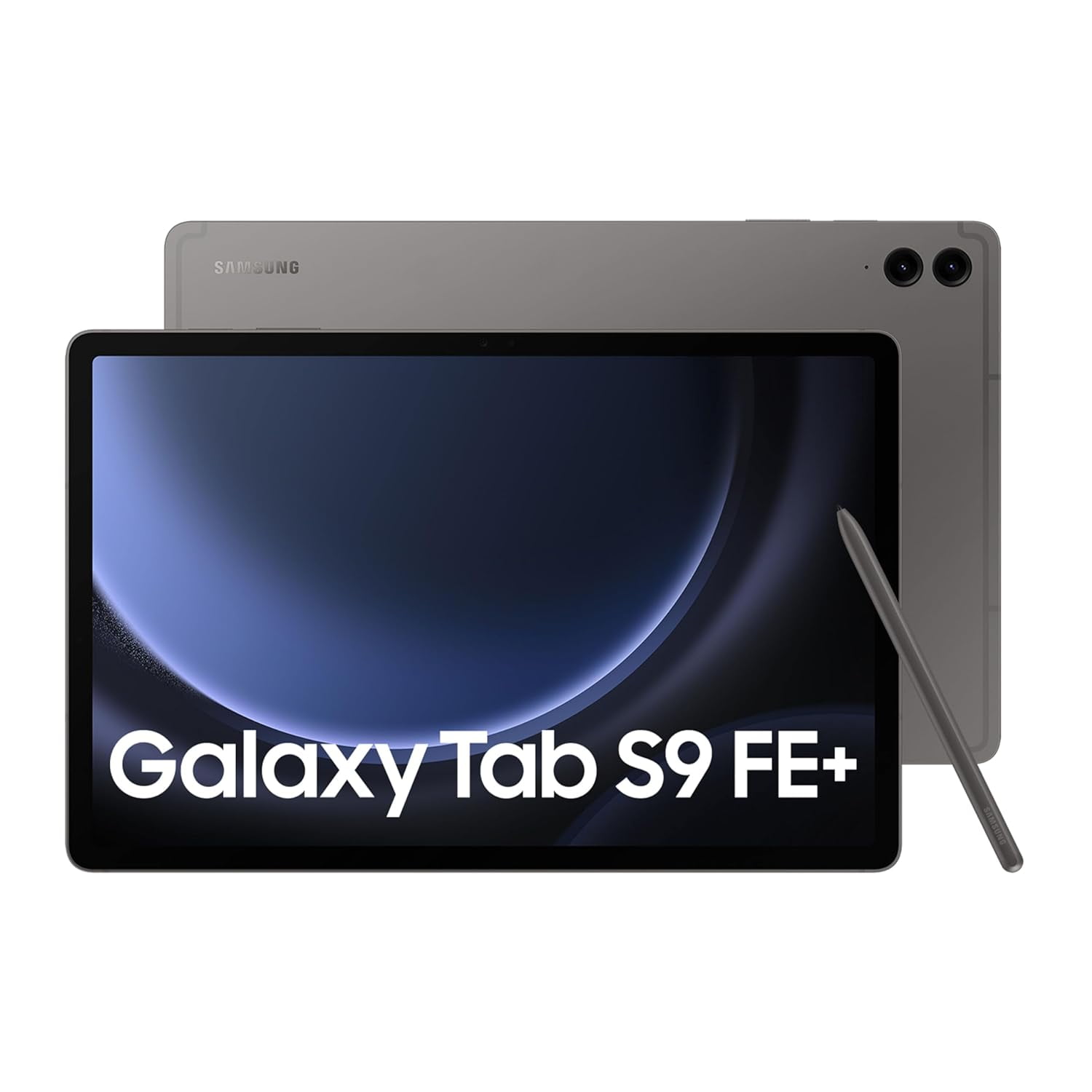
The Tab S9 FE is the best choice for note-takers who don't want to pay extra for a stylus. It includes the S Pen, and its 90Hz display makes writing feel smooth. The tablet is also IP68 water-resistant, so you can use it at the beach or in the rain without worry. The trade-off is that its mid-range processor and LCD panel can't match the performance of the iPad Air.
Main limitation: With a slower Exynos chip, you might see lag when running multiple apps or playing demanding games.
Skip if: If you're already invested in Apple's ecosystem (with an iPhone and Mac), the iPad Air or iPad will be more seamless.
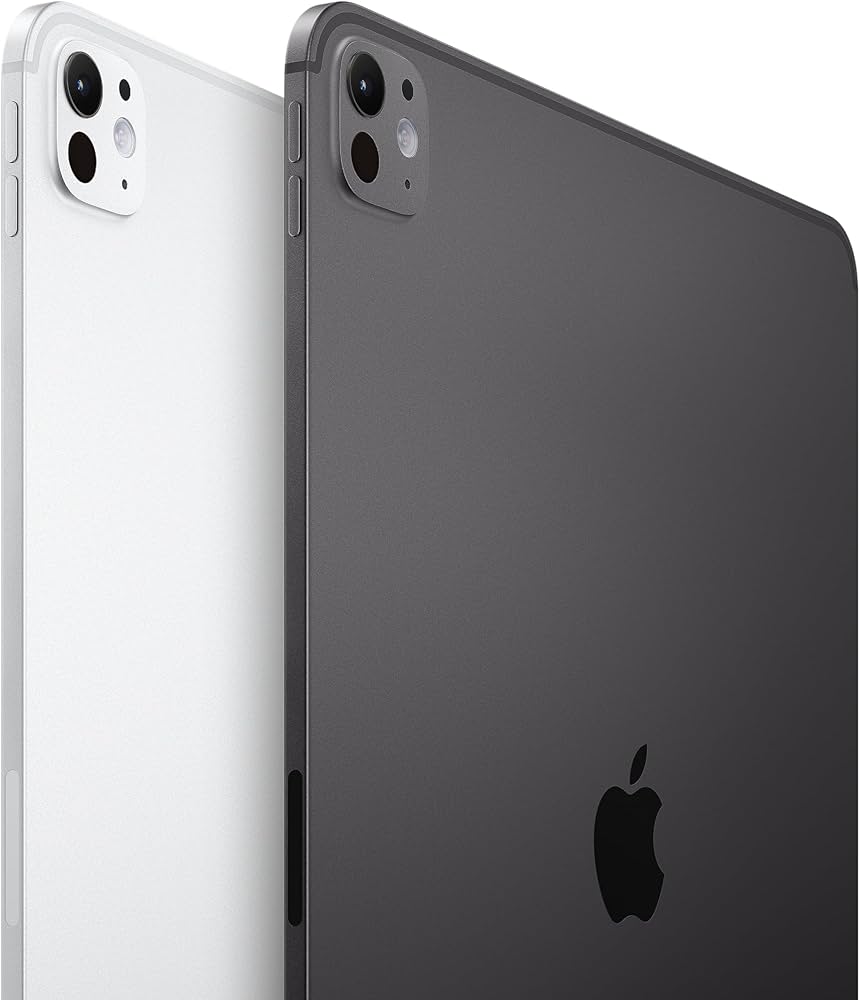
The iPad Pro M4 is the tablet for students who need desktop-class power for video editing, 3D design, or complex note synthesis. Its 13-inch Ultra Retina XDR display is stunning, and the M4 chip can outperform most laptops. But at this price, the iPad Pro is an investment that only pays off if you actually use its computational muscle.
Main limitation: The Magic Keyboard and Apple Pencil Pro each cost over $100, making the real-world price of a full setup over $1,600.
Skip if: Casual users and note-takers — the iPad Air delivers 90% of the experience for half the price.
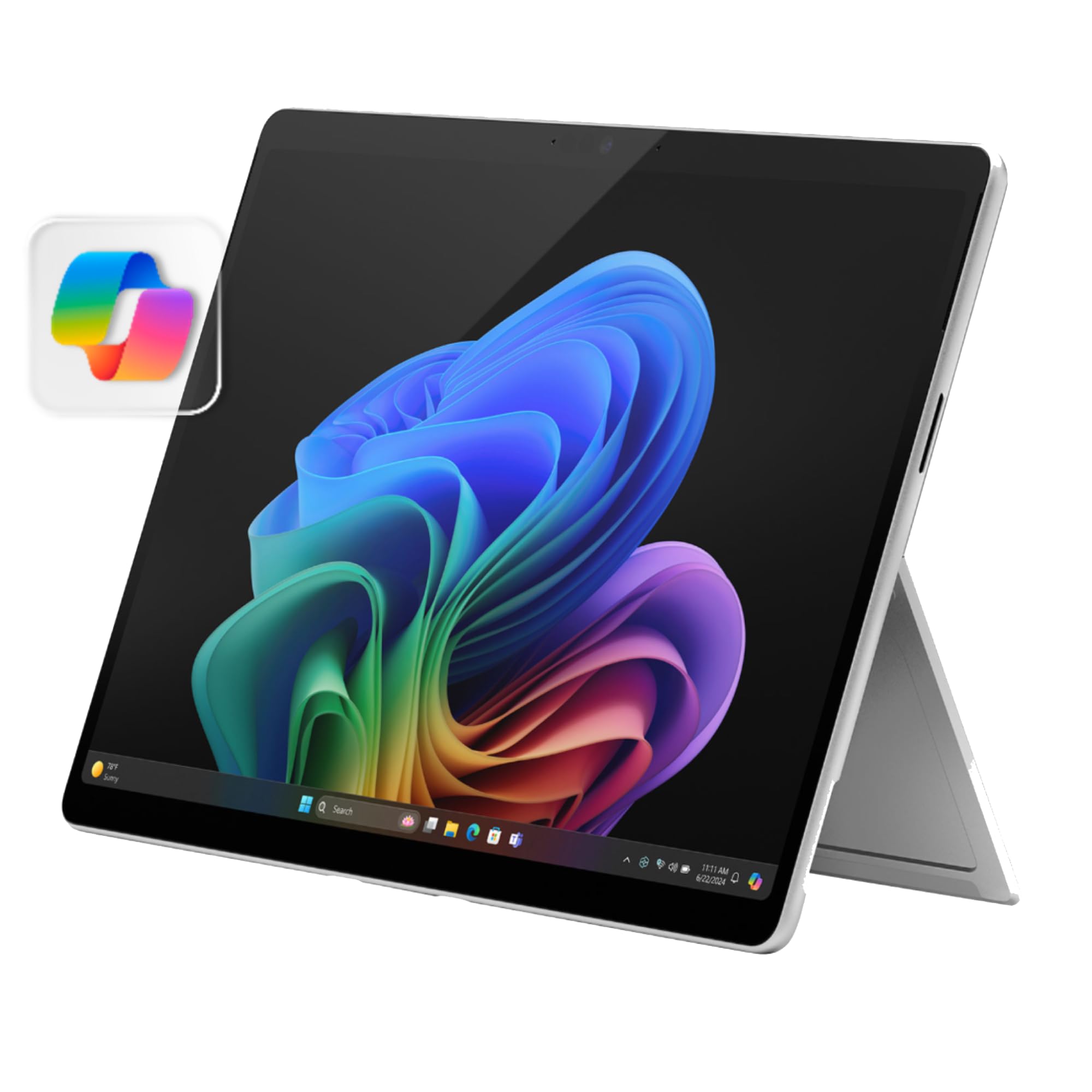
The Surface Pro 11 is the go-to for students who need full Windows for apps like MATLAB, AutoCAD, or specialized chemistry software. It offers a beautiful 13-inch PixelSense display, a built-in kickstand, and optional Type Cover, turning it into a laptop fast. The drawbacks are a shorter battery life than ARM tablets and the need to buy the keyboard separately.
Main limitation: Battery life often falls short of Apple's iPads, and the Type Cover adds about $250 to the price.
Skip if: If all your required apps are available on iOS or Android, a traditional tablet will be lighter, cheaper, and easier to use.
The Fire Max 11 is the cheapest way to get an 11-inch tablet with a sharp display and good battery life. It's fantastic for bingeing Netflix or reading textbooks in Amazon's Kindle app. But because it runs Fire OS, you are locked into Amazon's Appstore — so you won't be able to download Google Docs, Gmail, or many apps you'll need for school.
Main limitation: The Appstore doesn't have full access to Google services, and many apps you need for school (like Google Classroom) may be missing or incomplete.
Skip if: Anyone who needs Google apps like Drive or Docs for classwork — you'll find the missing apps frustrating.
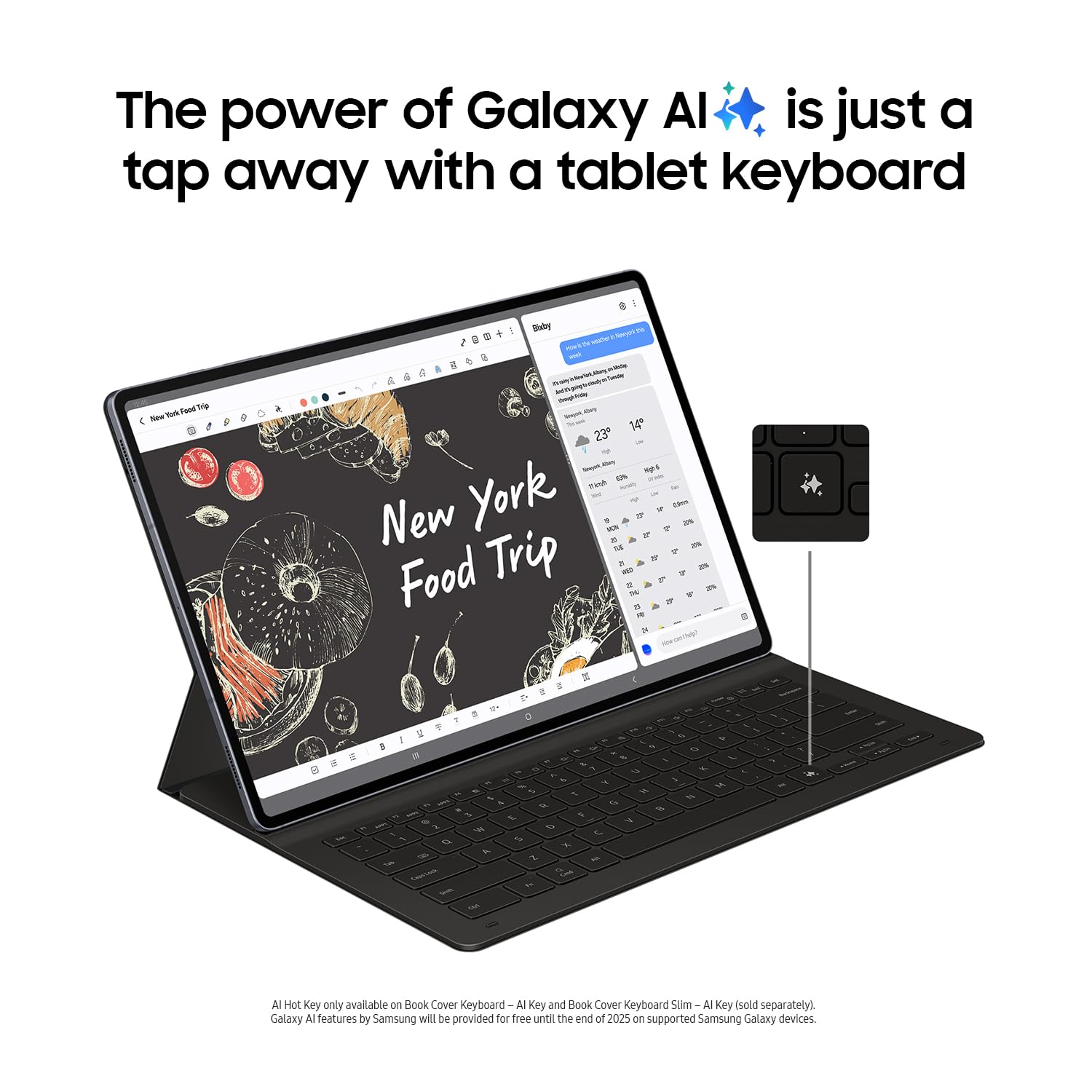
The Galaxy Tab S10+ offers a huge 12.4-inch AMOLED display that's perfect for side-by-side notes, and it ships with the S Pen in the box. Its DeX mode transforms it into a desktop experience, and with expandable storage and IP68 water resistance, it's a flexible companion. The downside is that many popular Android tablet apps still aren't optimized for large screens, leading to inconsistency.
Main limitation: The tablet's app ecosystem remains fragmented, and the premium price may not be justified compared to the Tab S9 FE.
Skip if: If you don't regularly multitask with two apps at once, a smaller tablet or a cheaper S9 FE gives you better value.
Compare key specs and features of all our recommendations side-by-side
| Product | Recommendation | Rating | Price |
|---|---|---|---|
Apple iPad Air 11-inch (M2) Rank #1 | 🏆 Top Pick | 9.2/10 | $599–$799 Check current price → |
Apple iPad 10.9-inch (10th generation) Rank #2 | 💰 Budget Pick | 8.2/10 | $349–$499 Check current price → |
Samsung Galaxy Tab S9 FE Rank #3 | ⭐ Editor's Choice | 8.0/10 | $449–$599 Check current price → |
Apple iPad Pro 13-inch (M4) Rank #4 | — | 9.0/10 | $1,299–$1,999 Check current price → |
Microsoft Surface Pro 11 Rank #5 | — | 7.8/10 | $999–$1,599 Check current price → |
Amazon Fire Max 11 Rank #6 | — | 7.5/10 | $199–$279 Check current price → |
Samsung Galaxy Tab S10+ Rank #7 | — | 8.0/10 | $799–$1,099 Check current price → |
Common questions buyers have about this category.
Both platforms can handle basic note-taking and reading. iPads have a more optimized app catalog, making them preferable for note-taking apps like Notability and GoodNotes, while Android tablets offer more budget-friendly options with included styluses. If your school uses Google services (Drive, Classroom), an Android tablet may integrate more seamlessly with your existing accounts.
10 to 11 inches is the sweet spot for most students: large enough for comfortable note-taking and split screens, yet small and light enough to slip into a backpack. A 13-inch tablet gives you a bigger canvas but often feels like a heavy laptop substitute. If you plan to use it mostly at a desk, consider a larger display; if you'll be walking across campus, stick with 11 inches or smaller.
For many students, yes. Basic tasks like web browsing, email, word processing, and note-taking can be done on any modern tablet, and the iPad and high-end Android tablets can handle video editing and 3D models. However, if your major requires Windows-exclusive software (e.g., specialized CAD tools or lab programs), you'll need a Surface Pro or a traditional laptop. Always check your syllabus before switching.
With operating systems now taking up around 15GB, consider a starting capacity of at least 128GB. Educational apps, PDF textbooks, and lecture recordings add up quickly. If you plan to download many videos or use large design apps (like Procreate), pick a 256GB or 512GB model, or check if the tablet supports expandable microSD storage.
If you plan to write notes, mark up PDFs, or sketch, the Apple Pencil's low latency and pressure sensitivity make a big difference compared to cheap styluses. However, for basic touch navigation and occasional annotations, a $20 capacitive stylus will do. For Android options like the Tab S9 FE, the S Pen is included, making it the best value for note-takers.
A durable case and a tempered glass screen protector are essential. If you're a heavy typist, a Bluetooth keyboard (or Apple's Magic Keyboard) can turn a tablet into a laptop substitute. A portable power bank and a USB-C hub (for iPads and Android tablets) are also handy for charging and connecting to projectors.
Products we evaluated but did not recommend — and why.
