Get the App
Better experience on mobile
Durable, parent-friendly tablets with robust controls and content that kids actually want to use.
Buying a tablet for a child is a balancing act between keeping them entertained, supporting their learning, and maintaining parental sanity. The wrong choice can mean constant screen battles or a broken device within weeks. The best kids' tablets combine rugged hardware, built-in time limits, and curated content libraries that grow with your child. In 2026, options range from budget-friendly Amazon Fire Kids editions to premium iPads with robust parental controls. We've narrowed the field to six picks that deliver on safety, durability, and engagement.
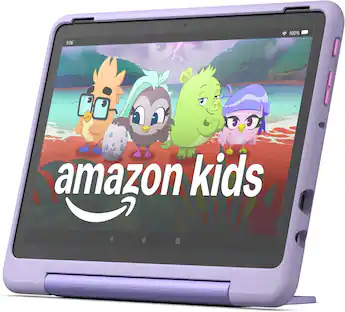
The Fire HD 10 Kids Pro offers the best balance of performance, parental controls, and value. It comes with a kid-proof case, a 2-year worry-free guarantee (replace if broken), and a one-year subscription to Amazon Kids+. The trade-off is that the Fire OS ecosystem limits app choices compared to iPadOS or Android.
Main limitation: Lacks access to Google Play Store, so some popular educational apps are missing unless they are available on Amazon Appstore.
Skip if: Families who want unrestricted access to Google or Apple app stores should consider an iPad or Android tablet instead.
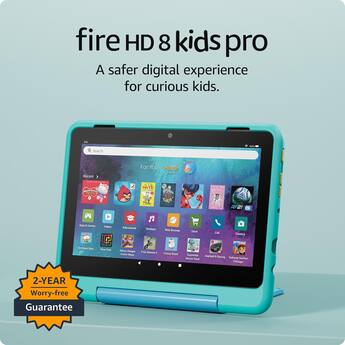
The Fire HD 8 Kids Pro delivers nearly all the parental control features of its bigger sibling at a lower price. It includes the same kid-proof case, worry-free guarantee, and Kids+ subscription. The 8-inch screen is easier for small hands to hold, but less immersive for videos.
Main limitation: Lower resolution (1280x800) and slower processor make it less suitable for graphics-heavy games or streaming in 1080p.
Skip if: Families with older kids (10+) who want a sharper display or faster performance for gaming should upgrade to the 10-inch model or an iPad.

With Apple Pencil support and a vast educational app library, the iPad is the best tablet for kids who love drawing, note-taking, or creative projects. Parental controls via Screen Time are robust, and the A14 Bionic chip handles demanding apps smoothly. The trade-off is a higher price and no included case or warranty for accidental damage.
Main limitation: Requires a separate case (not included) and AppleCare+ for similar protection; no bundled subscription for kid-friendly content.
Skip if: Families on a tight budget or those who want an all-in-one solution with content and protection out of the box.
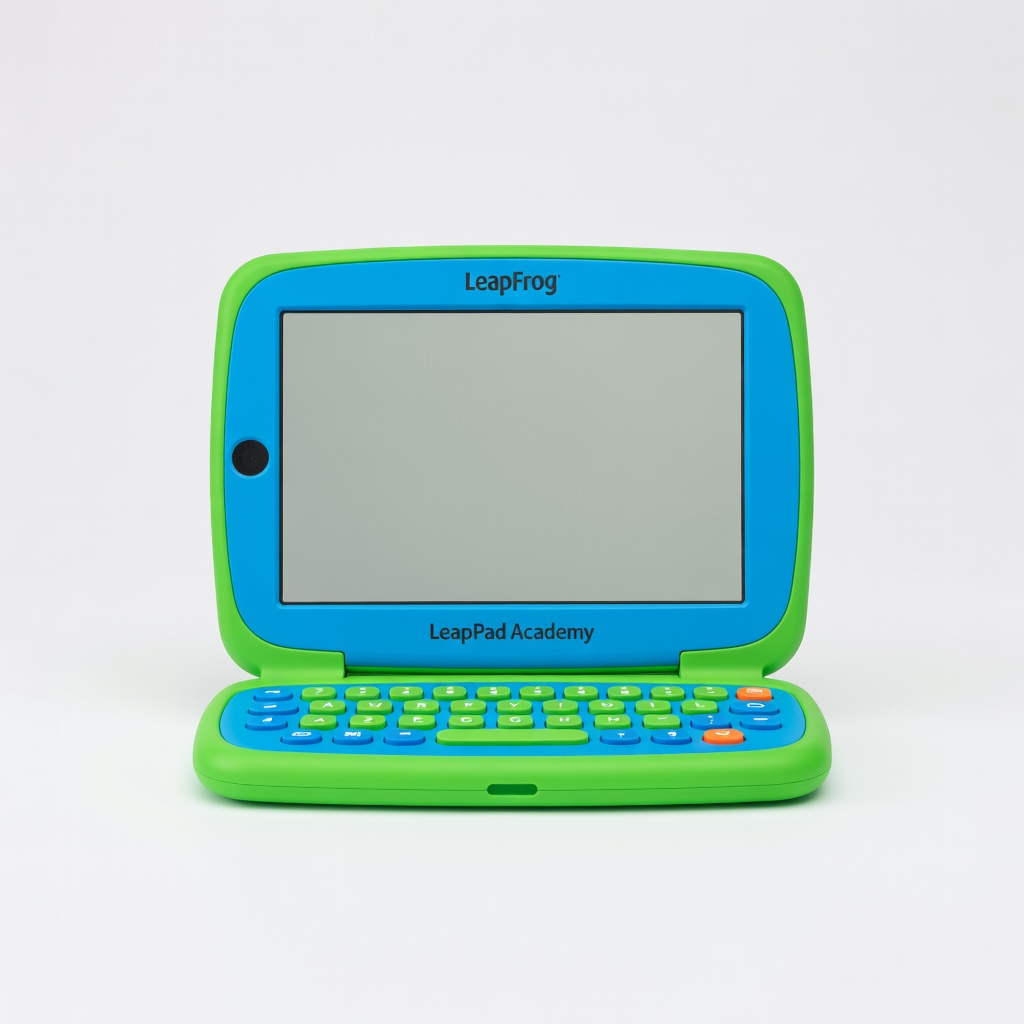
Designed specifically for preschoolers, the LeapPad Academy features a durable bumper case and pre-loaded educational games focused on ABCs, numbers, and problem-solving. It has no access to the open internet or app stores, making it the safest choice for toddlers. The trade-off is a small screen (7-inch) and limited expansion options.
Main limitation: Underpowered for older kids (4+ soon outgrow the content) and lacks video streaming apps like Netflix or YouTube Kids.
Skip if: Parents of school-age children who need a device for homework, streaming, or general apps.
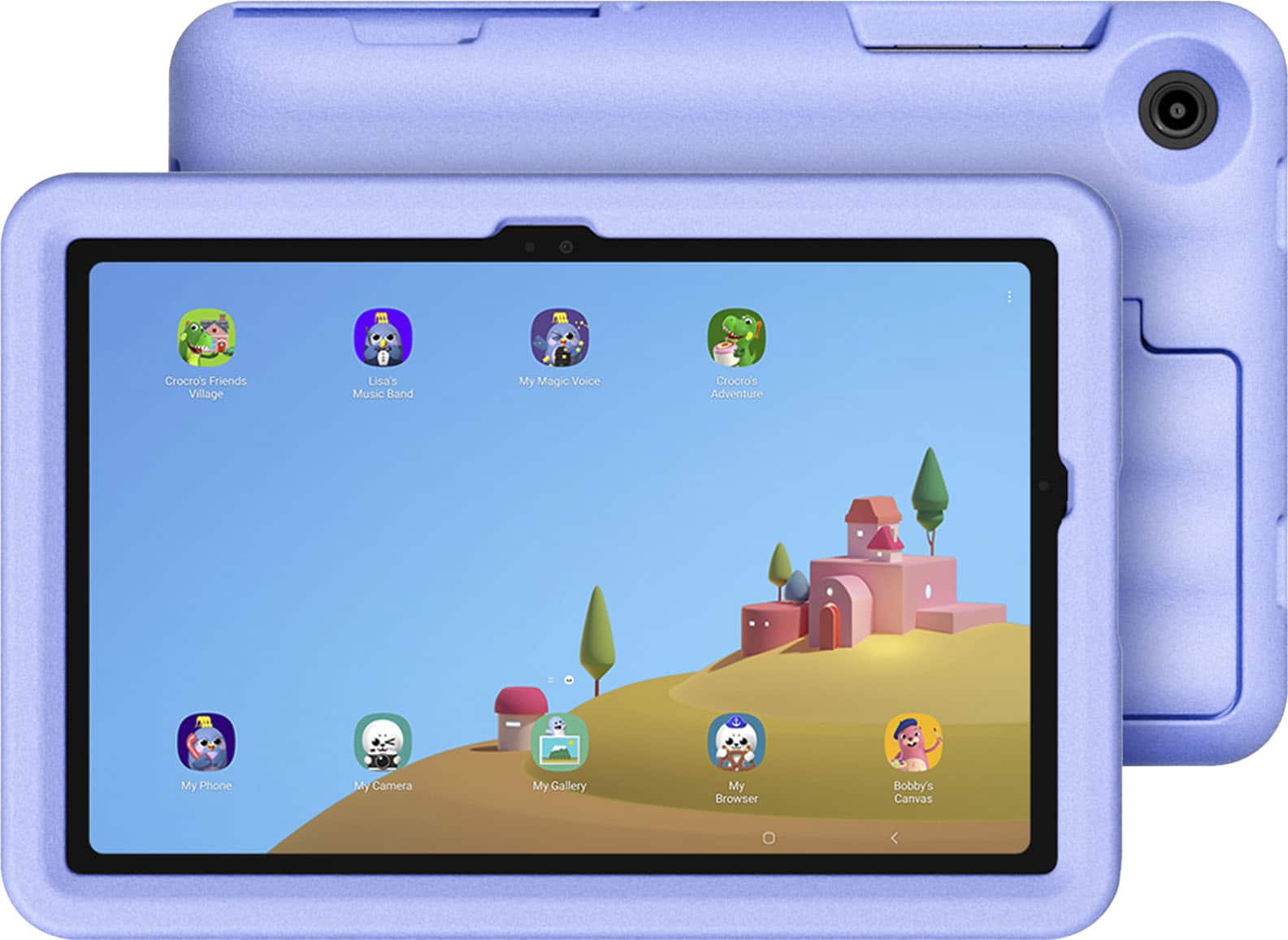
Samsung's Kids mode offers excellent parental controls with a dedicated kids' home screen, time limits, and app approval. The Tab A9+ benefits from Google Play Store access, opening up a massive library of educational apps (Khan Academy, ABCmouse, etc.). The trade-off is that the included bumper case is less rugged than Amazon's offering, and there's no accidental-damage warranty.
Main limitation: No built-in accidental damage coverage and the bundled case only provides basic drop protection.
Skip if: Families who want a comprehensive warranty (like Amazon's worry-free guarantee) or prefer a walled-garden content experience.
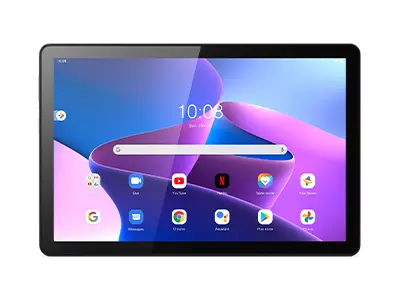
The Lenovo Tab M10 HD Gen 3 comes with a military-grade drop-resistant case and a Google Kids Space app launcher. It's designed to survive tumbles and spills, and the 10.1-inch display offers a good viewing experience. The trade-off is a mid-range processor that may lag on intensive games, and the included case is bulkier than competitors.
Main limitation: Performance is not as snappy as the iPad or Fire HD 10 for multitasking or advanced gaming.
Skip if: Families prioritizing high performance for gaming or needing access to Amazon Kids+ content.
Compare key specs and features of all our recommendations side-by-side
| Product | Recommendation | Rating | Price |
|---|---|---|---|
Amazon Fire HD 10 Kids Pro (2025 model) Rank #1 | 🏆 Top Pick | 9.0/10 | $189.99 Check current price → |
Amazon Fire HD 8 Kids Pro (2025 model) Rank #2 | 💰 Budget Pick | 8.5/10 | $139.99 Check current price → |
Apple iPad 10.9-inch (10th generation) Rank #3 | ⭐ Editor's Choice | 8.8/10 | $349.00 Check current price → |
LeapFrog LeapPad Academy Rank #4 | — | 7.5/10 | $99.99 Check current price → |
Samsung Galaxy Tab A9+ Kids Edition Rank #5 | — | 8.2/10 | $269.99 Check current price → |
Lenovo Tab M10 HD Gen 3 with Kids Mode Rank #6 | — | 7.8/10 | $179.99 Check current price → |
Common questions buyers have about this category.
Most experts recommend waiting until at least age 2 before introducing any screen time. For toddlers (2–4), a dedicated kids tablet like the LeapPad Academy with no internet access is ideal. For ages 5 and up, tablets with robust parental controls (like Amazon's Fire Kids or Samsung Kids) give you the ability to set time limits and approve apps. Always combine screen time with active play and supervision.
Many kids' tablets come with a free trial or one-year subscription to a curated content service. For example, Amazon Fire Kids tablets include a one-year Amazon Kids+ subscription (about $5/month after). Samsung Kids and Google Kids Space are free but rely on the Play Store for apps. iPads do not include a bundled content subscription; you'd need to purchase apps separately or subscribe to services like Apple Arcade.
Yes, all tablets recommended here have built-in parental controls to manage screen time. Amazon Fire tablets offer a dedicated 'For You' dashboard where parents set daily time limits and bedtime curfews. iPads use Screen Time, Samsung uses Digital Wellbeing, and Google Family Link works on Android tablets. You can usually lock the tablet after a set period and require a password to extend usage.
Kids' tablets are designed with durability in mind. Models like the Fire HD Kids Pro come with a thick, shock-absorbing case and a 2-year worry-free guarantee that covers accidental damage (you get a replacement if it breaks). Regular tablets like iPads or Samsung Tabs lack such cases and warranties; you'd need to buy a separate rugged case and possibly extended warranty, which adds cost and hassle.
It depends on the tablet. Amazon Fire Kids tablets have Amazon Appstore, which includes a limited selection of mainstream apps (Netflix, YouTube via Amazon Silk browser). You cannot natively install Google Play apps. iPads and Samsung tablets give you full access to their respective app stores, so you can install YouTube Kids, Netflix, etc., but you'll need to manage what's allowed via parental controls.
For schoolwork, a regular tablet like the Apple iPad (10th gen) or Samsung Galaxy Tab A9+ Kids Edition offers better performance, multitasking, and access to productivity apps (Google Docs, Microsoft Office). Look for features like keyboard support, a stylus for note-taking, and enough storage for files. Parental controls should allow you to set study vs. play times.
Yes, when used appropriately. Curated content services like Amazon Kids+ and Google Kids Space include thousands of age-appropriate educational apps, e-books, and videos focusing on math, reading, science, and creativity. Many apps adapt to the child's skill level. However, tablets should supplement real-world interactions, not replace them. Set boundaries and choose apps that encourage active rather than passive consumption.
Products we evaluated but did not recommend — and why.
