Get the App
Better experience on mobile
Plug-and-play webcams with AI features and reliable software integration to launch your Twitch or YouTube channel without technical headaches.
Beginner streamers often underestimate how much a webcam's field of view and tracking stability affect viewer engagement—narrow angles crop out gestures, while laggy focus turns smooth talks into distractions. In 2026, the best setups leverage Sony sensors and AI to deliver broadcast-quality video right out of the box, integrating seamlessly with free tools like OBS Studio.
These cameras go beyond Zoom calls with higher frame rates (60fps minimum), wider apertures for dim rooms, and software that auto-adjusts exposure during streams. We drew from manufacturer specs and third-party benchmarks to highlight options that balance sharpness, ease, and affordability, avoiding pro-grade gear requiring capture cards or manual calibration.
Our list spans budget 1080p stalwarts under $100 to premium 4K AI trackers around $300, all praised for quick USB plug-in and minimal driver issues. Whether you're gaming, vlogging, or chatting, these picks address common pitfalls like overexposed faces or shaky framing.
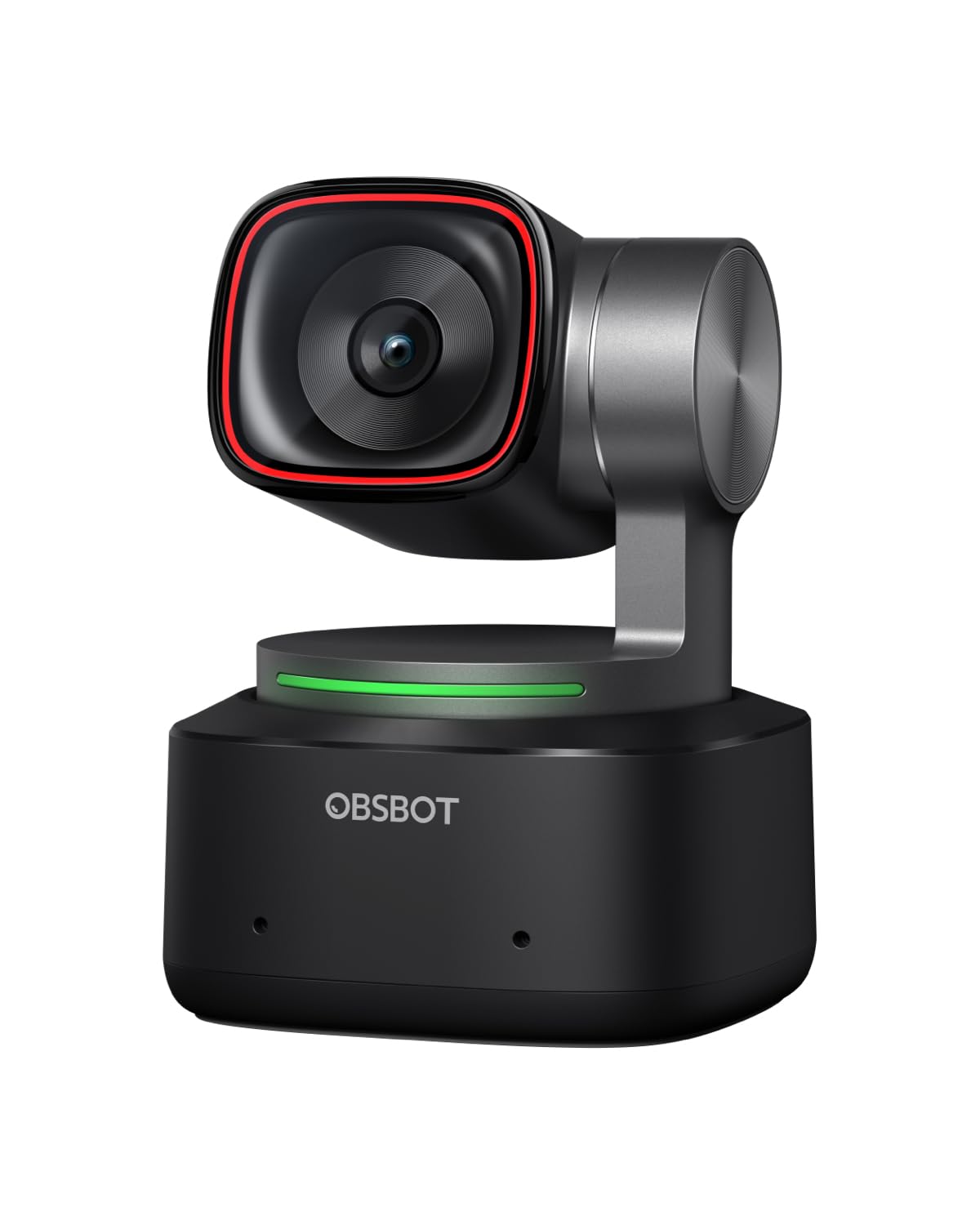
The OBSBOT Tiny 2 shines with 4K/30fps or 1080p/60fps video, AI auto-tracking that follows your movements smoothly, and gesture controls for effortless pan-tilt-zoom during solo streams. It sets up in seconds with OBS plugins and includes a solid dual-mic array. The higher price reflects its advanced pan/tilt gimbal not needed for static shots.
Main limitation: The companion app occasionally lags on older PCs during firmware updates.
Skip if: Streamers sticking to fixed desk positions should skip this to avoid paying for unused tracking features.
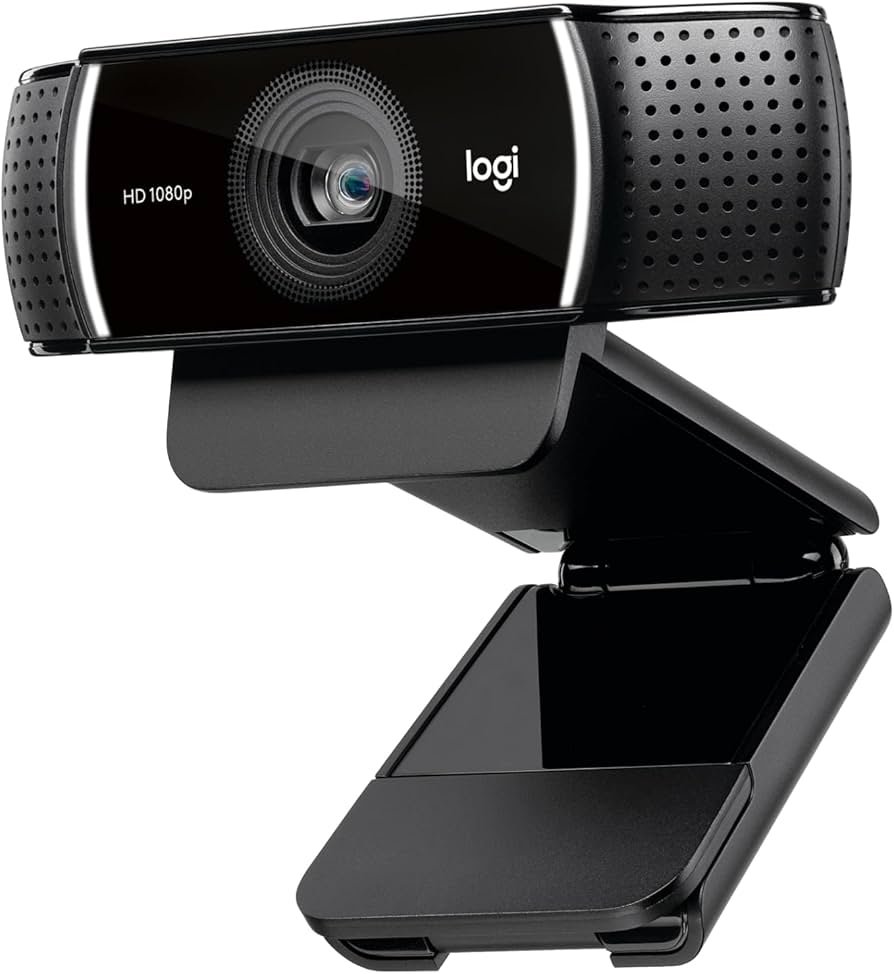
The Logitech C922x delivers reliable 1080p/30fps or 720p/60fps streaming with stereo mics and a 78° FOV optimized for face cams in OBS or Streamlabs. Its background removal software works instantly without extra hardware. At this price, it lacks 4K detail for close-up professional shoots.
Main limitation: Low-light performance shows noise without added ring lights.
Skip if: Anyone streaming in dim rooms without dedicated lighting should opt for a better sensor.
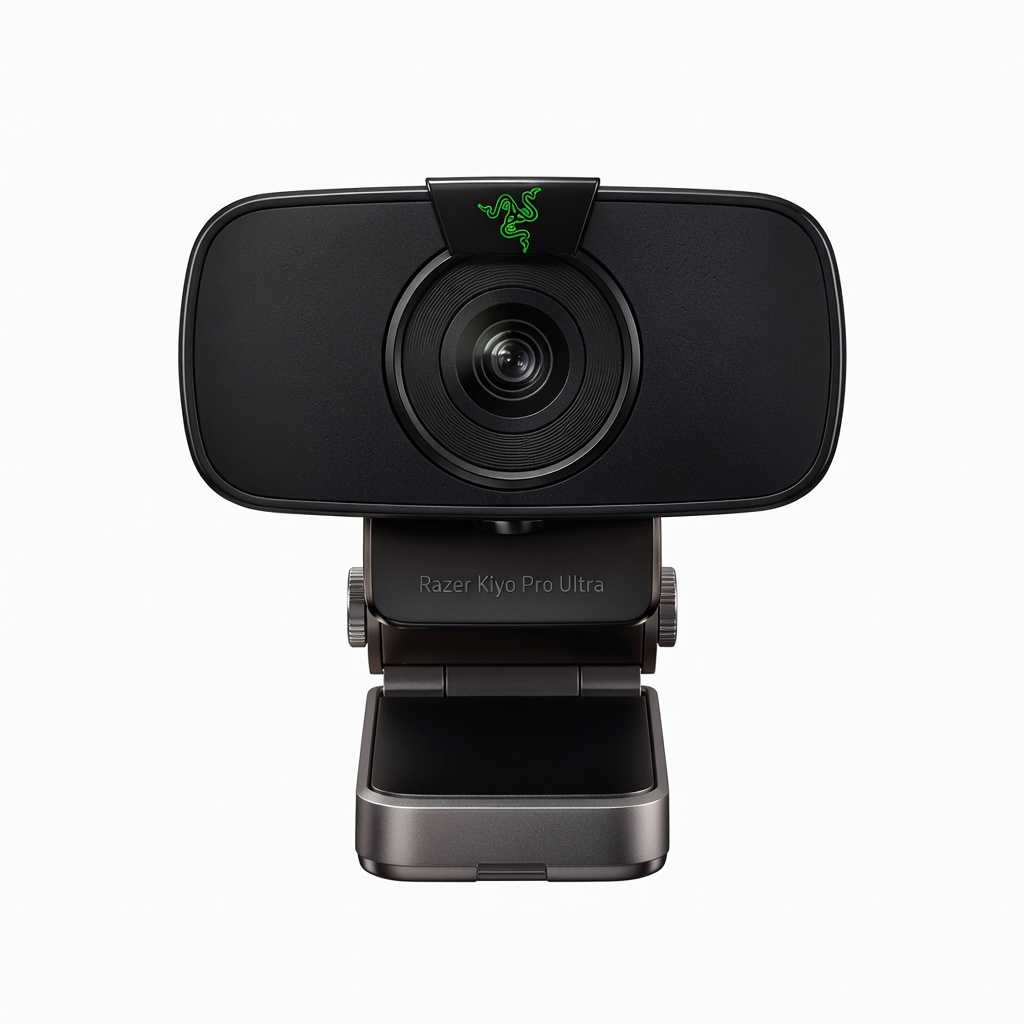
Razer Kiyo Pro Ultra's massive 1/1.2-inch STARVIS 2 sensor captures 4K/30fps with exceptional dynamic range, making it ideal for poorly lit bedrooms common among beginners. Vision encoder tech enhances clarity in Synapse software for OBS overlays. Its large size demands more desk space than compact rivals.
Main limitation: The bulky design isn't ideal for crowded or portable setups.
Skip if: Traveling streamers needing a lightweight, clip-on camera will find it too cumbersome.
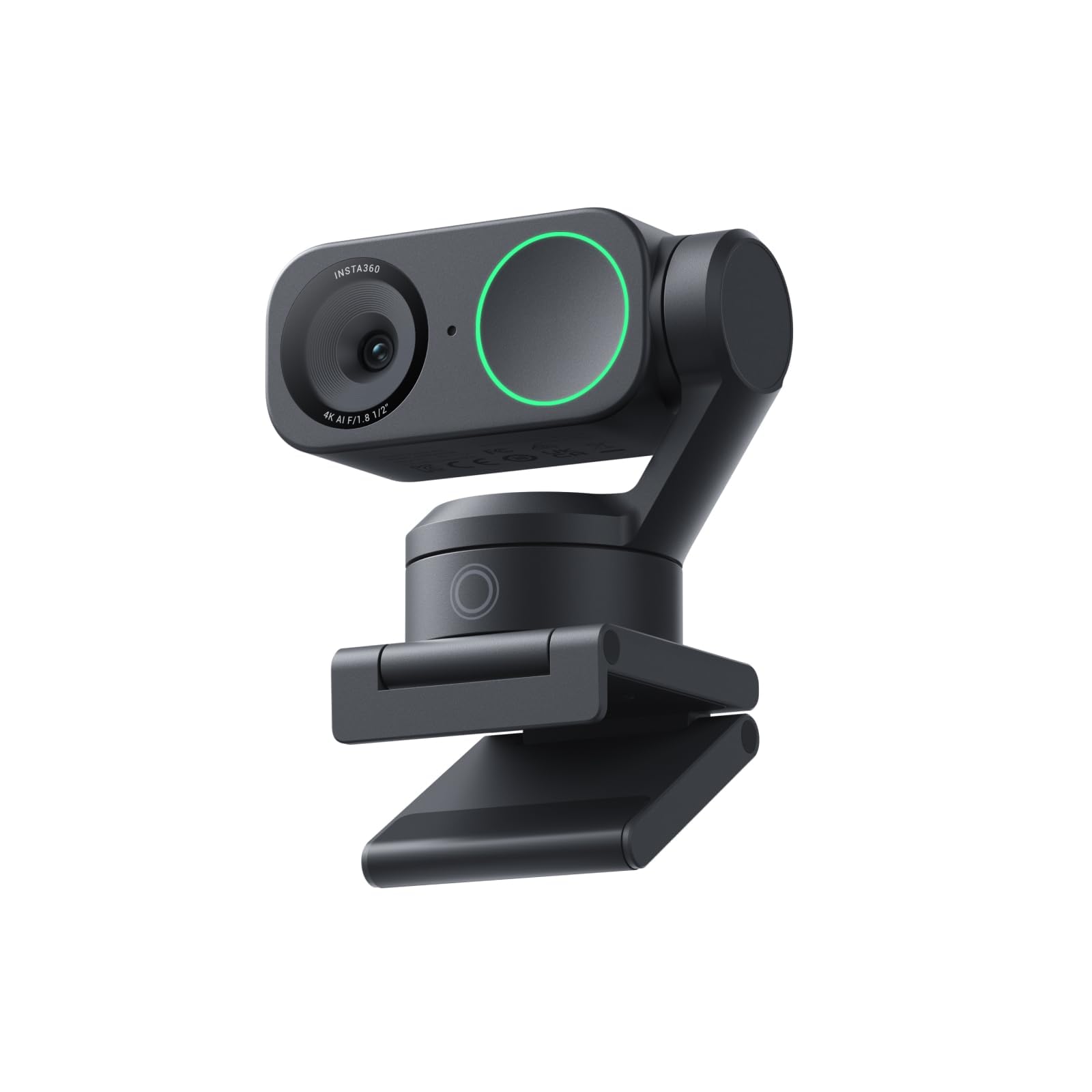
Insta360 Link 2 offers gimbal-stabilized 4K/30fps video with hand gesture commands for framing, tracking, and desk view modes perfect for hands-free beginner tutorials. The AI noise-canceling mics handle fan noise well. Software is Mac/Windows-focused, with less polish on Linux.
Main limitation: Limited third-party software support compared to Logitech's ecosystem.
Skip if: Linux users relying on OBS without custom tweaks should choose more universal options.
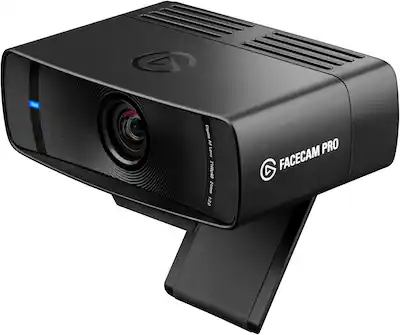
Elgato Facecam Pro records uncompressed 4K/60fps or 1080p/120fps using a large Sony STARVIS sensor, capturing fluid motion for gaming streams without dropped frames in OBS. DSLR-style controls allow precise tweaks. It requires strong USB 3.0 ports and external lighting for peak performance.
Main limitation: No built-in mic means pairing with a separate USB microphone.
Skip if: Absolute beginners wanting an all-in-one solution should avoid its need for extra audio gear.
Compare key specs and features of all our recommendations side-by-side
| Product | Recommendation | Rating | Price |
|---|---|---|---|
OBSBOT Tiny 2 4K AI Webcam Rank #1 | 🏆 Top Pick | 9.2/10 | $299–$329 Check current price → |
Logitech C922x Pro Stream Webcam Rank #2 | 💰 Budget Pick | 8.3/10 | $70–$90 Check current price → |
Razer Kiyo Pro Ultra Rank #3 | ⭐ Editor's Choice | 9.0/10 | $280–$300 Check current price → |
Insta360 Link 2 Rank #4 | — | 8.8/10 | $299–$349 Check current price → |
Elgato Facecam Pro Rank #5 | — | 8.5/10 | $190–$220 Check current price → |
Common questions buyers have about this category.
1080p/60fps is plenty for Twitch or YouTube at standard bitrates, as most viewers watch at lower resolutions to save bandwidth. Go 4K if you plan multi-platform clips or future-proofing, but pair it with good lighting to avoid overexposure issues seen in budget 4K cams.
Built-in mics work for quick starts but often pick up keyboard clatter; dedicated USB mics like Fifine K688 offer clearer voice isolation for under $50. Test your room's acoustics first—pair a top webcam with a $30 mic for pro audio without complexity.
OBS Studio reigns for its endless customization, scene transitions, and webcam overlays, with beginner tutorials everywhere. Streamlabs Desktop simplifies with built-in alerts if you're Twitch-focused, but both handle our picks seamlessly after a 5-minute setup.
Crucial—even premium webcams look amateur in shadows, so add a $20 ring light or Elgato Key Light for even face illumination. Position lights at 45° angles to kill eye bags and boost professionalism without harsh glare.
Wired USB-C models like our picks deliver zero-latency 4K, essential for synced audio/video in streams. Wireless options lag in crowded Wi-Fi and drain batteries, so stick wired unless mobility trumps quality.
Apps like EpocCam or DroidCam turn phones into 1080p webcams over Wi-Fi/USB, great for testing before buying hardware. However, they introduce minor latency and compression artifacts unsuitable for pro streams—dedicated cams outperform for consistent quality.
Eye-level mounting via monitor clip or tripod prevents unflattering angles; aim for slight downward tilt to show desk for demos. Use software FOV sliders to frame shoulders-up, and test in your lighting for natural skin tones before going live.
Products we evaluated but did not recommend — and why.
