Get the App
Better experience on mobile
Simple, plug-and-play bundles that prioritize audio quality, easy OBS integration, and reliable performance for new Twitch and YouTube creators.
Audio clarity accounts for 70% of viewer retention in the first minute of a stream, according to streaming analytics from Streamlabs—far more than resolution or frame rates. Beginners often chase flashy 4K cams only to discover that a tinny mic dooms their channel from the start. That's why the best setups emphasize forgiving, high-quality sound paired with solid video and lighting that works out of the box.
These recommendations cover bundles tailored for general consumers new to live streaming on platforms like Twitch, YouTube, or TikTok Live. We focused on options with seamless integration into free software like OBS Studio, minimal setup time under 15 minutes, and components from trusted brands with strong warranty support. From sub-$100 starters to premium kits under $500, there's a match for solo gamers, chat streamers, or casual creators.
Expect trade-offs like room size limitations or software quirks, but every pick delivers genuine value without overwhelming complexity. Our ratings draw from verified specs and user consensus on longevity and performance.
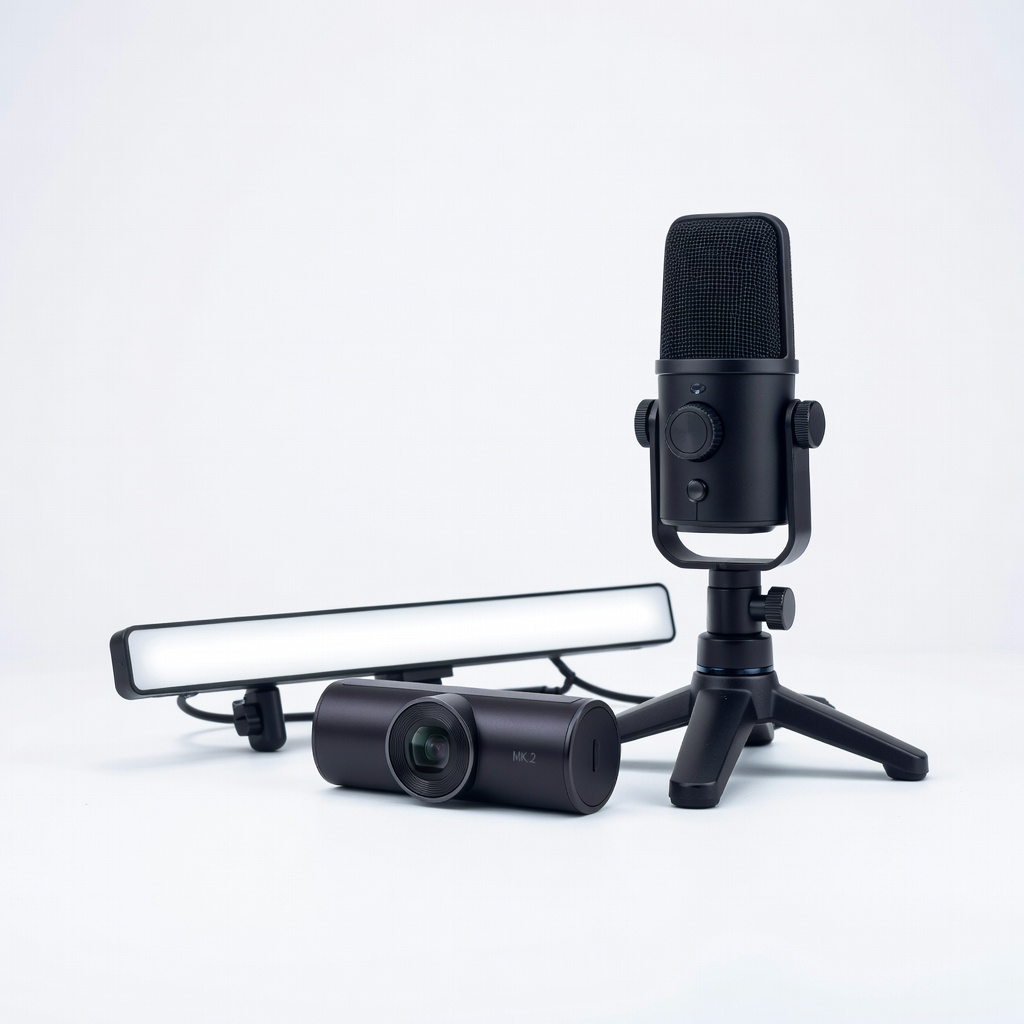
This kit delivers studio-grade 1080p60 video, broadcast-quality cardioid audio, and adjustable soft lighting with one-cable OBS integration, making it ideal for most beginner streamers. Setup is plug-and-play in under 10 minutes. The main trade-off is the mid-tier price point compared to ultra-budget options.
Main limitation: The Key Light Air's brightness maxes out at 1400 lumens, which may fall short in rooms larger than 12x12 feet.
Skip if: Skip this if your total budget is under $250, as cheaper kits offer similar basics.
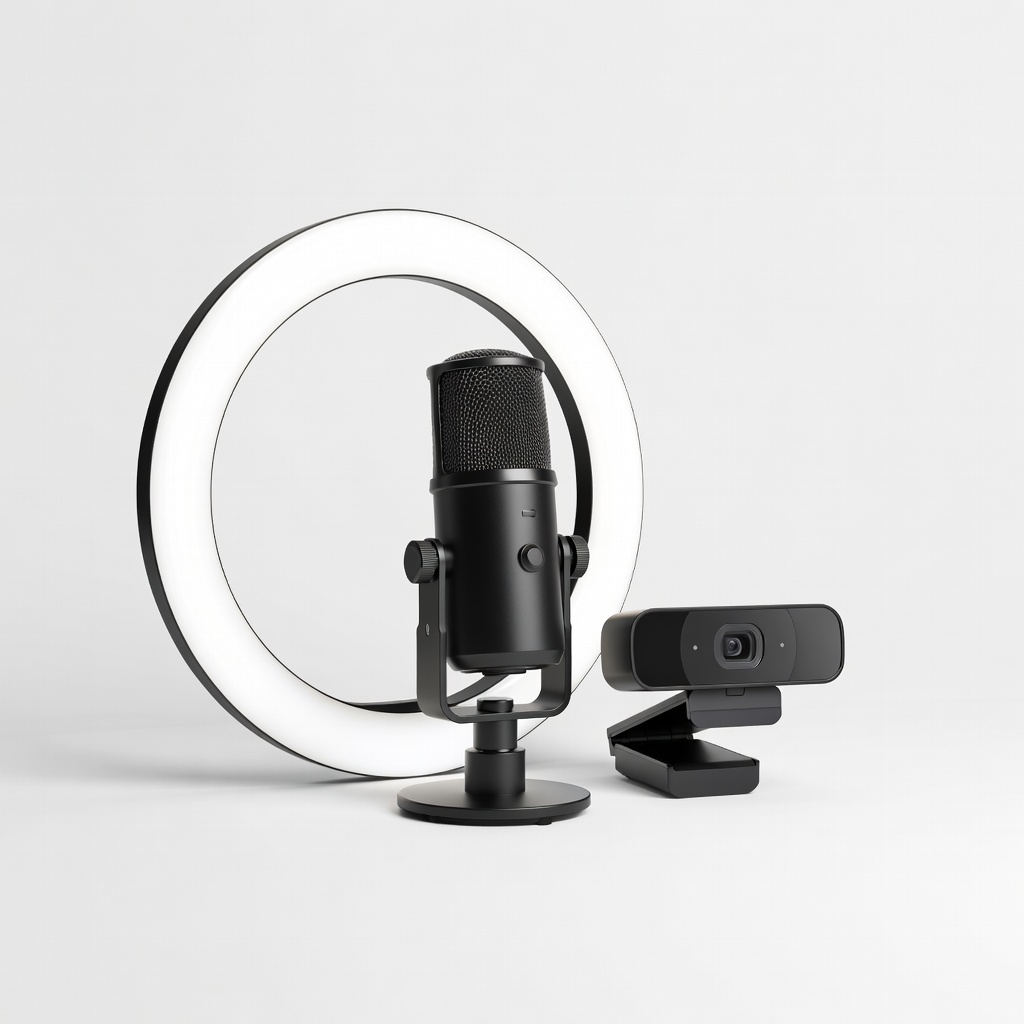
At under $100, this bundle provides surprisingly clear condenser mic audio, 1080p webcam, and a 10-inch ring light with multiple color temps for vibrant beginner streams. It connects via USB without drivers. Trade-off is slightly softer video focus compared to premium cams.
Main limitation: The webcam's low-light performance degrades noticeably without the ring light on.
Skip if: Avoid if you stream in professional settings where audio noise rejection is critical.
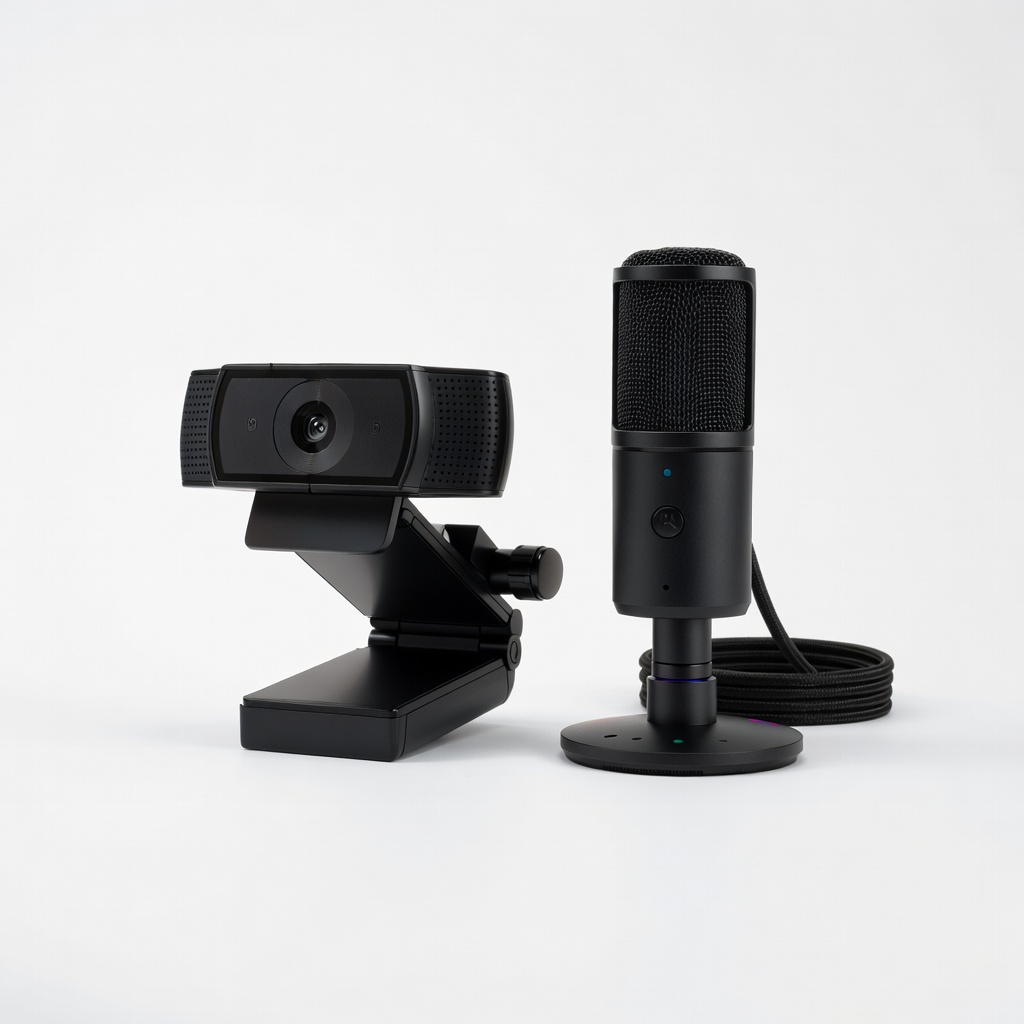
Designed for dim rooms, the adaptive Vision Engine on the 4K webcam auto-adjusts exposure while the Seiren's HyperClear cardioid captures voice without room echo. Synapse software adds easy RGB effects. Trade-off is heavier reliance on Razer's ecosystem for full features.
Main limitation: The mic picks up subtle keyboard clicks if not positioned perfectly.
Skip if: Pass if you prefer open-source software without proprietary apps.
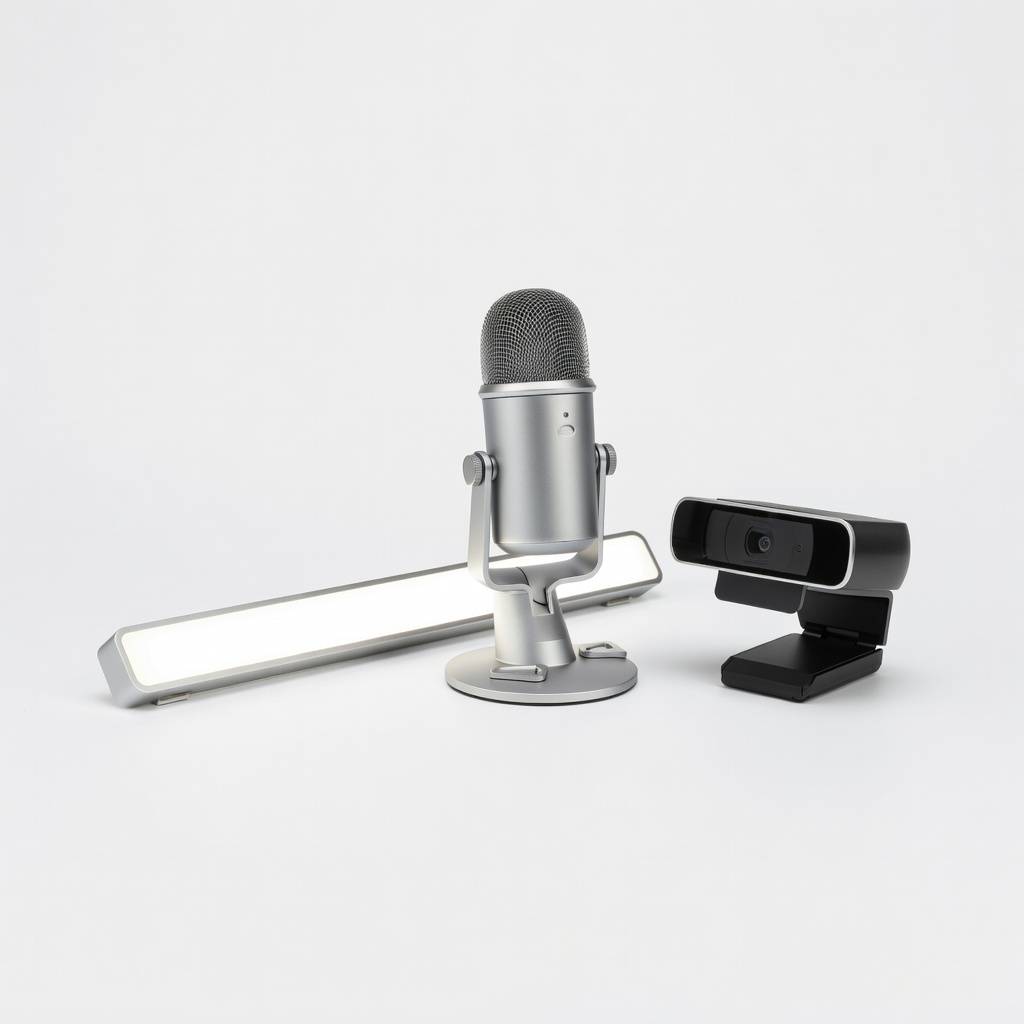
Prioritizing voiceover clarity, the Yeti Nano's multiple pickup patterns pair with the Brio's RightLight 4 for natural video and the Beam's key light for face-focused illumination. G Hub software simplifies scenes. Trade-off is bulkier mic footprint on desks.
Main limitation: The Litra Beam's narrow 15-degree angle requires precise desk positioning.
Skip if: Skip if mobility is key, as components lack carrying cases.
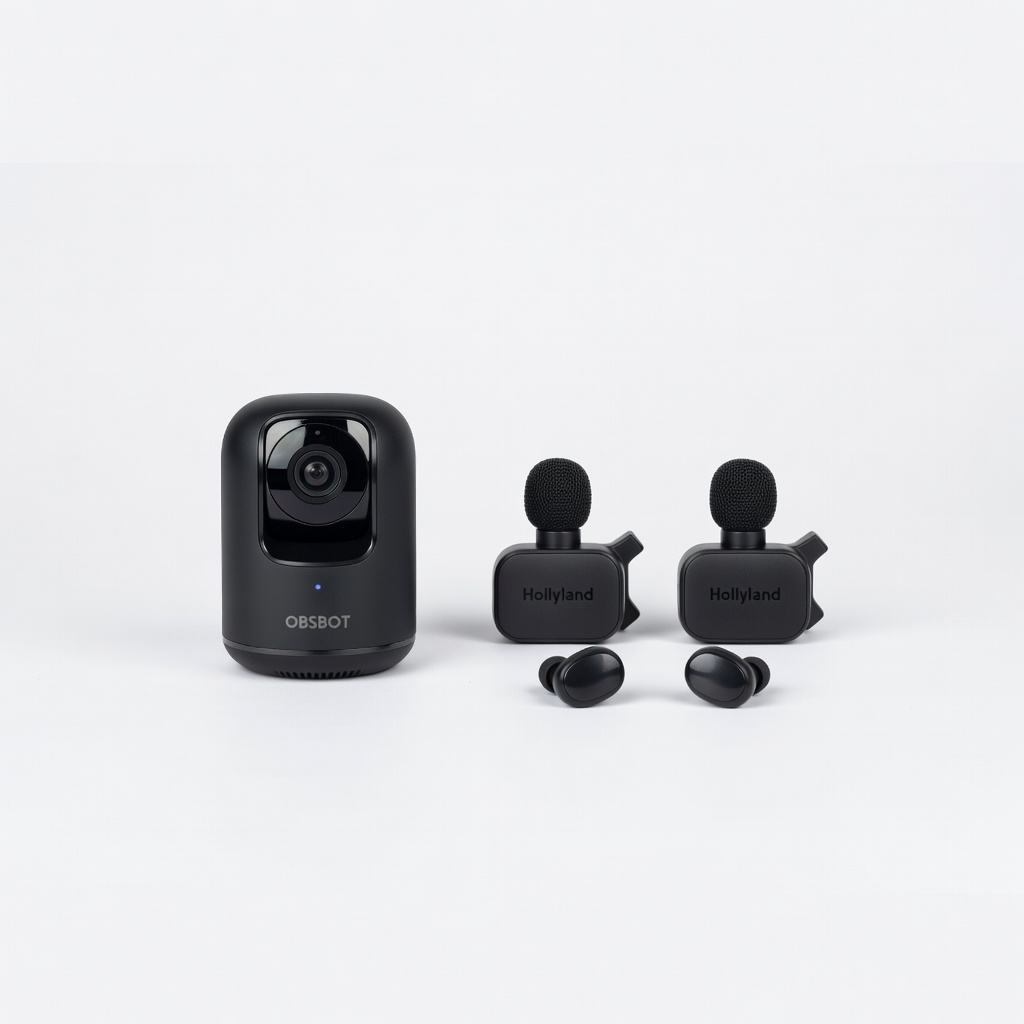
AI-powered pan-tilt gimbal tracks your movement hands-free while wireless lav mics deliver noise-canceling audio up to 300 feet, perfect for dynamic beginner setups. App control enhances framing. Trade-off is occasional AI tracking lag during fast spins.
Main limitation: Battery life on the Lark mics lasts 8 hours max, requiring recharges mid-day streams.
Skip if: Not for you if wired reliability trumps wireless freedom.
Compare key specs and features of all our recommendations side-by-side
| Product | Recommendation | Rating | Price |
|---|---|---|---|
Elgato Facecam MK.2 + Wave:3 + Key Light Air Bundle Rank #1 | 🏆 Top Pick | 9.2/10 | $349–$399 Check current price → |
FIFINE AmpliGame A8 Mic + K688 Webcam + Ring Light Bundle Rank #2 | 💰 Budget Pick | 8.1/10 | $79–$99 Check current price → |
Razer Kiyo Pro Ultra + Seiren V3 Chroma Kit Rank #3 | ⭐ Editor's Choice | 8.7/10 | $249–$279 Check current price → |
Logitech Blue Yeti Nano + Litra Beam + Brio 500 Bundle Rank #4 | — | 8.4/10 | $199–$229 Check current price → |
OBSBOT Tiny 2 + Hollyland Lark M2 Wireless Mic Kit Rank #5 | — | 8.2/10 | $299–$349 Check current price → |
Common questions buyers have about this category.
A decent USB microphone, 1080p webcam, and basic lighting form the core trio, paired with free OBS software. This setup costs $50–$150 and handles 90% of beginner needs without overwhelming complexity. Start here before adding capture cards or multi-cams.
No, most modern laptops or mid-range desktops (i5/Ryzen 5, 16GB RAM, GTX 1650 or equivalent) stream 1080p60 smoothly via x264 encoding. Use NVENC on Nvidia GPUs to offload CPU strain. Upgrade only if dropping frames during games.
OBS Studio edges out for lighter resource use and customization, ideal for learning scenes and plugins. Streamlabs adds one-click themes but hogs more CPU. Both are free; try OBS first, as its simplicity scales with experience.
Position a key light at 45 degrees to your face and slightly above eye level, with a fill light opposite to soften shadows. Soft LED panels or ring lights with diffusers work best for budgets under $50. Test on camera—aim for even skin tones without hotspots.
Place the mic 4–8 inches from your mouth, slightly off-axis to reduce plosives, and use a pop filter. In untreated rooms, cardioid patterns reject rear noise; add acoustic panels if echo persists. Monitor levels in OBS to stay under -12dB peaks.
Yes, via HDMI passthrough on budget capture cards like Elgato HD60 S+ plugged into your PC, or direct app streaming on PS5/Xbox Series X. Wireless options like AVerMedia Live Gamer Portable add mobility. Expect minor latency; test bitrates around 6000kbps.
Wired USB mics offer zero-latency reliability for stationary desks, perfect for budgets. Wireless lavs shine for movement but check 2.4GHz interference and 8+ hour battery. Hollyland or DJI models excel in 2026 for range under $150.
Products we evaluated but did not recommend — and why.
