Get the App
Better experience on mobile
Essential gear for new streamers — mics, cameras, capture cards, and lighting that deliver real value without overcomplicating your setup.
The hardest part of starting to stream isn't learning OBS or picking a game — it's deciding where to put your first dollar. With dozens of flashy microphones, 4K webcams, and capture cards on the market, it's tempting to buy the most expensive piece on a wishlist. But the truth is, audience retention is built on two things: audio quality and comfort. A $20 microphone with a clean signal often beats a $200 one that picks up every keyboard click.
That's why we've focused on components that simplify your workflow. Instead of overwhelming you with a full studio build, we've selected five pieces of gear that solve the most common problems new streamers face: muddy audio, dark/shadowed video, and messy scene transitions. Each one is a practical, proven choice for someone setting up for the first time.
We dug through spec sheets, expert roundups from major publications, and thousands of verified buyer reviews to find what actually works. Our picks span from budget-friendly to premium, so you can scale your setup as your channel grows.
From a $25 microphone that sounds shockingly good to a $200 webcam that'll make your face crisp, these are the pieces we'd recommend to a friend building their first rig.
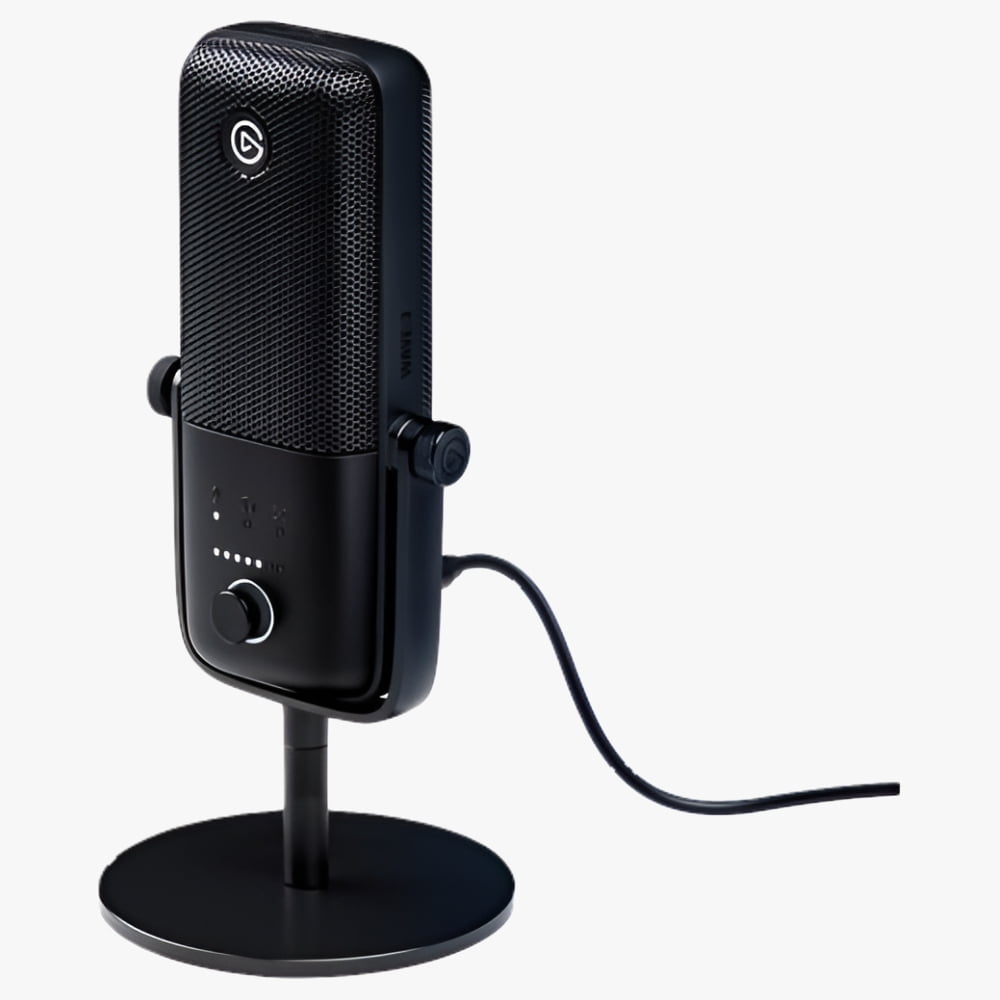
The Wave:3 is the gold standard for beginner streamers who want professional-grade audio without an interface. Its internal mixer and Wave Link software let you balance game, chat, and mic volume independently, while the broadcast-grade capsule captures clear, warm vocals. The clincher: it's incredibly easy to set up — just plug in and go. However, it's a condenser mic, so it will pick up room echo if you're not in a treated space.
Main limitation: Requires the free Wave Link software to unlock its best features, and the mic picks up background noise in untreated rooms.
Skip if: If you're streaming in a noisy, echo-filled room without any acoustic treatment, a dynamic microphone like the Shure MV6 might be better.
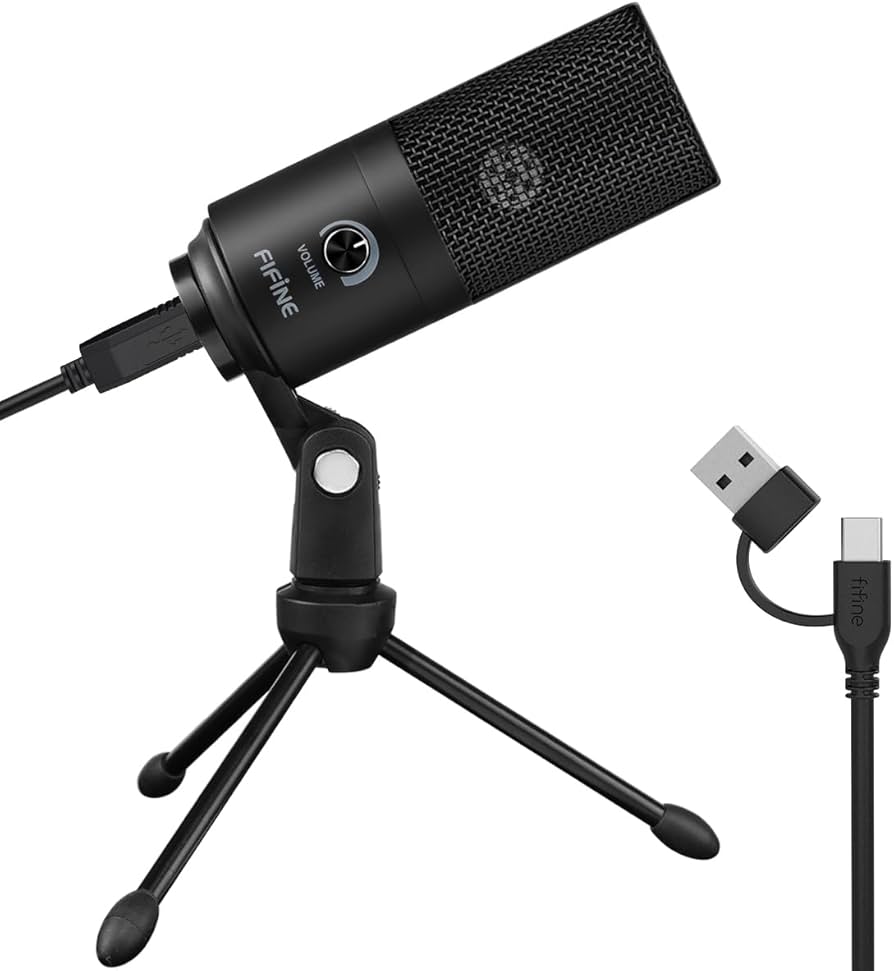
For the price of a decent game, the K669B gives you a perfectly serviceable USB microphone that's a massive upgrade over your headset's built-in mic. It's a cardioid condenser that captures your voice clearly and rejects off-axis noise, and it works with any streaming platform without drivers. The trade-off is that it sounds thin in the low end and requires a pop filter to tame plosives.
Main limitation: The metal stand is too short and picks up vibrations; you'll want a separate boom arm.
Skip if: If you expect broadcast-grade sound right out of the box, skip this — you'll need to add EQ and a pop filter to get there.
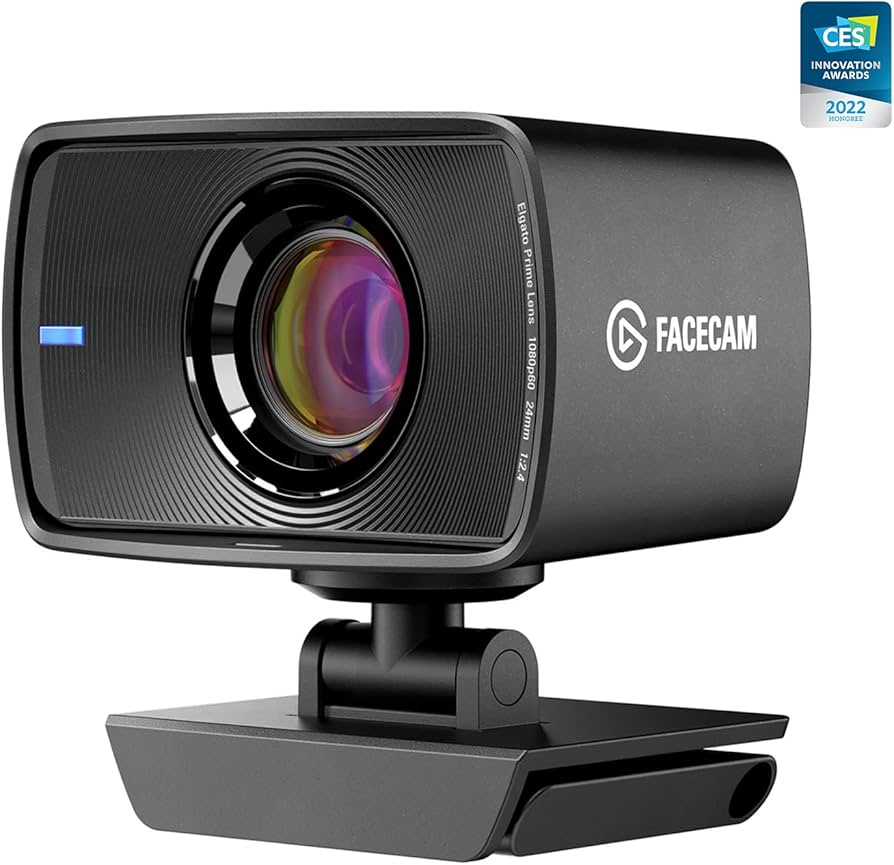
The Facecam is a purpose-built streaming webcam that produces sharp, color-accurate 1080p video at 60fps with no artificial sharpening or smoothing. It's got a reliable autofocus that stays locked on your face, and its compact design fits neatly onto a monitor. The drawback is the price — it's a significant investment that doesn't include a built-in mic (which is fine, since you'll want a dedicated microphone anyway).
Main limitation: It lacks 4K resolution, and the fixed lens means you need to adjust the camera physically for different framing.
Skip if: If you're on a tight budget or only need a webcam for occasional Zoom calls, a $50 model like the Logitech C920 will do.
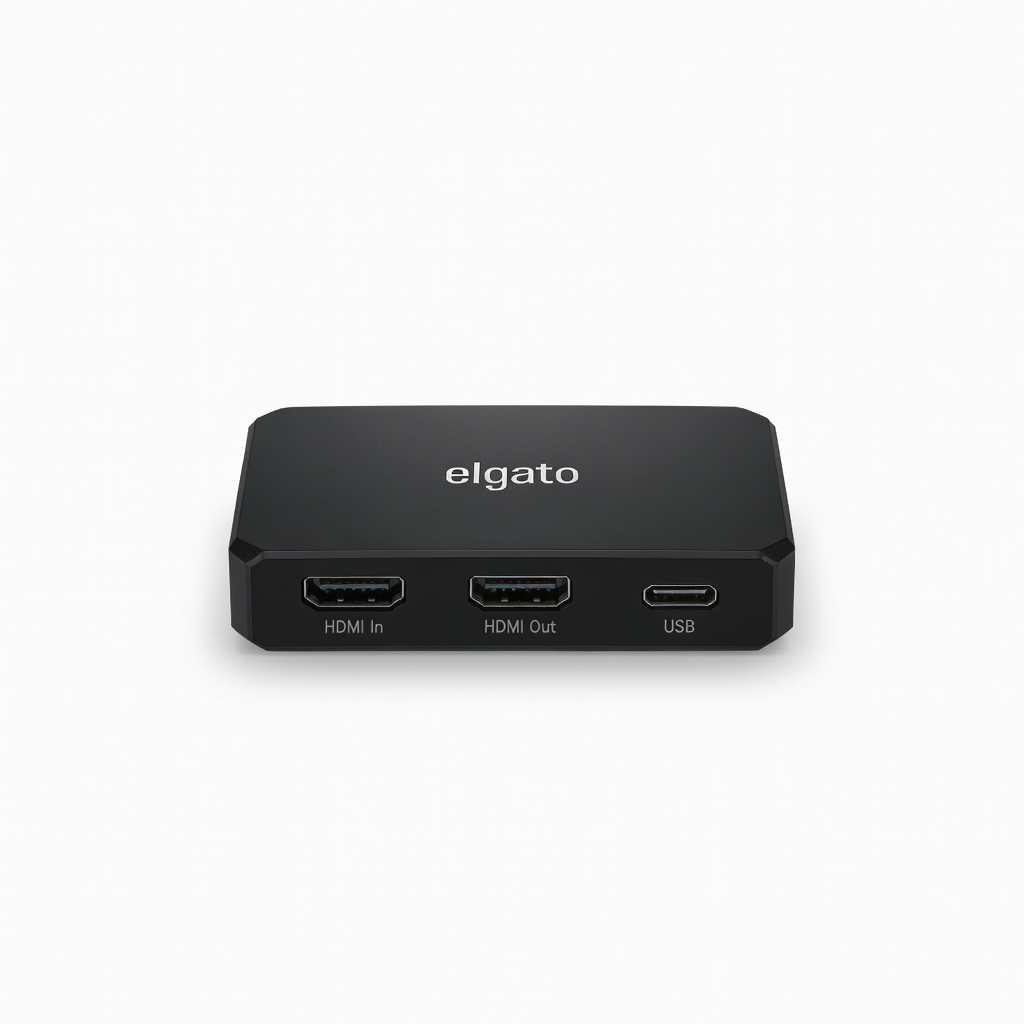
If you're streaming from a console, the HD60 X is the most reliable way to get your gameplay into OBS with flawless 1080p and 60fps. It takes an HDMI signal from your PS5 or Xbox, passes it through to your TV, and pipes it to your PC via USB with virtually zero latency. The included software handles setup, but the real power is its compatibility with OBS Studio and Streamlabs. The only caveat is that it's a bit pricey for a single-purpose device.
Main limitation: It doesn't support 4K pass-through at 120fps — you'd need the more expensive Elgato 4K60 Pro for that.
Skip if: If you're streaming purely from a PC (not a console), you don't need a capture card at all.
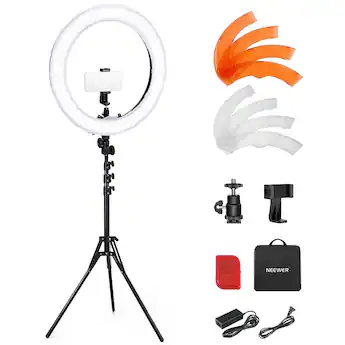
Lighting is the unsung hero of a professional-looking stream, and this ring light kit from Neewer provides soft, flattering light that makes any webcam look better. It's dimmable with a range of color temperatures, and the included tripod and phone mount let you position it exactly where you need. The catch is that it's a dedicated light — you'll need to set up and break it down each session unless you have a permanent desk space.
Main limitation: The included tripod is a bit unstable at full height, and the power cable is short.
Skip if: If you stream in a very bright room with plenty of natural light, you might not need extra lighting at all.
Compare key specs and features of all our recommendations side-by-side
| Product | Recommendation | Rating | Price |
|---|---|---|---|
Elgato Wave:3 USB Microphone Rank #1 | 🏆 Top Pick | 8.8/10 | |
Fifine K669B USB Microphone Rank #2 | 💰 Budget Pick | 7.8/10 | Around $30 Check current price → |
Elgato Facecam Rank #3 | ⭐ Editor's Choice | 8.2/10 | |
Elgato HD60 X Capture Card Rank #4 | — | 8.5/10 | |
Neewer 18-inch Ring Light Kit Rank #5 | — | 7.5/10 | Around $60 Check current price → |
Common questions buyers have about this category.
If you're streaming from a single PC, you do not need a capture card — you can use OBS Studio or Streamlabs Desktop to capture your screen and gameplay directly. Capture cards are only necessary when you're streaming from a console (like a PS5 or Xbox) and want to let a PC handle the encoding, or if you build a dual-PC setup for higher-quality streams.
Audio quality is king. A good microphone is the first upgrade you should make, as viewers will tolerate a soft or grainy image far more than they will tolerate bad sound. The second is lighting — even a basic ring light or lamp can dramatically improve your video quality and make you look more professional.
Unless you're streaming at 4K (which most platforms don't support) or plan to do high-end video production, a 1080p webcam like the Elgato Facecam is the sweet spot. 4K webcams often produce larger files and require more bandwidth, and most viewers won't notice the difference on their phones or laptops. Focus on a 1080p camera with good autofocus and color accuracy.
Yes, you can start streaming with a headset's mic, but audio quality is the most common reason people stop watching a stream. Headset mics are usually mono, have poor dynamic range, and pick up fan noise. Upgrading to a dedicated USB microphone, even a $30 model like the FIFINE K669B, will instantly make your stream sound more professional.
There are three easy fixes: choose a dynamic microphone (like the Shure MV6) instead of a condenser, enable noise suppression in OBS Studio (built-in or using the RNNoise noise gate), and move your mic closer to your mouth but farther from your keyboard. For the Elgato Wave:3, you can use Wave Link's VST plugins to apply a high-pass filter and reduce rumbles.
A Stream Deck is a convenience, not a requirement. You can easily manage scenes, mute your mic, and switch overlays using free hotkeys in OBS. That said, if you find it hard to remember hotkeys mid-game, a Stream Deck Mini is a great quality-of-life upgrade — but it shouldn't be your first purchase.
You can build a respectable starter kit for around $250 total. The Elgato HD60 X ($129) for console capture, a FIFINE K669B ($30) for audio, and the Neewer ring light ($60) cover the essentials. If you're on PC only, you can skip the capture card and get the Elgato Facecam, bringing the total to about $290. Remember, you can always add more gear later.
Products we evaluated but did not recommend — and why.
