Get the App
Better experience on mobile
Seven desks chosen for height range, stability at standing height, and warranty coverage — plus the trade-offs none of them escape.
The spec that decides whether a standing desk actually gets used isn't lift capacity or motor speed — it's the height range. A desk that can't drop to roughly 25 inches leaves shorter users typing with their shoulders shrugged up toward their ears. A desk that tops out below 48 inches forces taller users to hunch forward. Most desk listings bury this number in a spec table, and most buyers never check it until the desk is assembled in the corner of a room and clearly the wrong height.
The second thing most buyers learn the hard way is that two standing desks with identical-looking frames can feel completely different at full extension. Wobble is a function of leg stage count, frame width, foot design, and how much weight is sitting on top. It's also the single most common complaint in verified buyer reviews across every price tier — including expensive ones.
What actually separates a $250 desk from a $1,000 desk comes down to a handful of things: whether the legs are two-stage or three-stage (three-stage travels lower and higher), how the motor and control box are rated, whether the desktop is laminate or something that resists dents, and — critically — what the warranty covers. Frames are usually covered far longer than the electronics that move them, and the electronics are what fail.
This guide covers seven desks spanning roughly $200 to $1,200, from a first-apartment budget pick to a heavy-duty workhorse built for multi-monitor rigs. Each entry lists who it genuinely suits and who should walk away, because in this category the wrong desk usually isn't a bad desk — it's a good desk bought for the wrong setup.

The V2 nails the fundamentals that matter most: a roughly 24.4–50.1 inch height range that fits a wider slice of users than most competitors, a 355 lb three-stage frame that stays composed at standing height, and a 15-year warranty on the frame. The trade-off is that it's built to order, so lead times are longer than off-the-shelf desks and the price climbs fast once you upgrade the top.
Main limitation: Choosing a bamboo or hardwood top instead of laminate pushes the total well past $1,000, and build-to-order production means you may wait longer than you would for a desk shipping from a retailer's warehouse.
Skip if: Skip it if you need a desk delivered this week or you'd rather not spend an hour choosing among dozens of top materials, sizes, and accessory bundles.
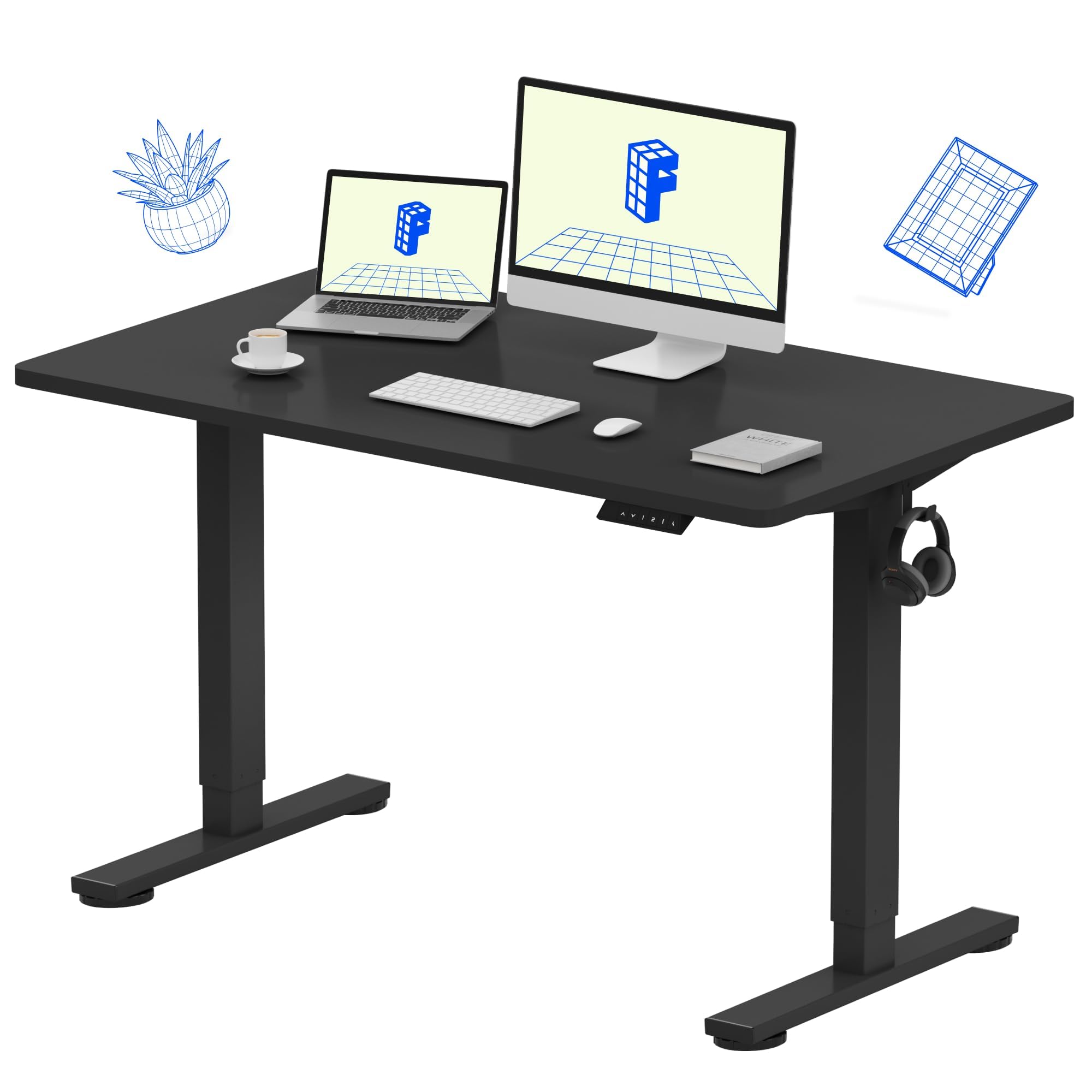
The E1 delivers the core standing-desk experience — electric height adjustment, four memory presets, an integrated cable tray — for roughly a third of what premium desks cost. The compromise is a narrower 28.3–47.6 inch range and a 154 lb capacity that rules out heavier multi-monitor rigs.
Main limitation: The two-stage legs aren't as rigid at maximum height as three-stage frames, so side-to-side sway is noticeably more pronounced when the desk is fully raised.
Skip if: Skip it if you're taller than about 6'1", plan to run a dual-monitor setup with a tower on the desktop, or want the quietest motor in the category.
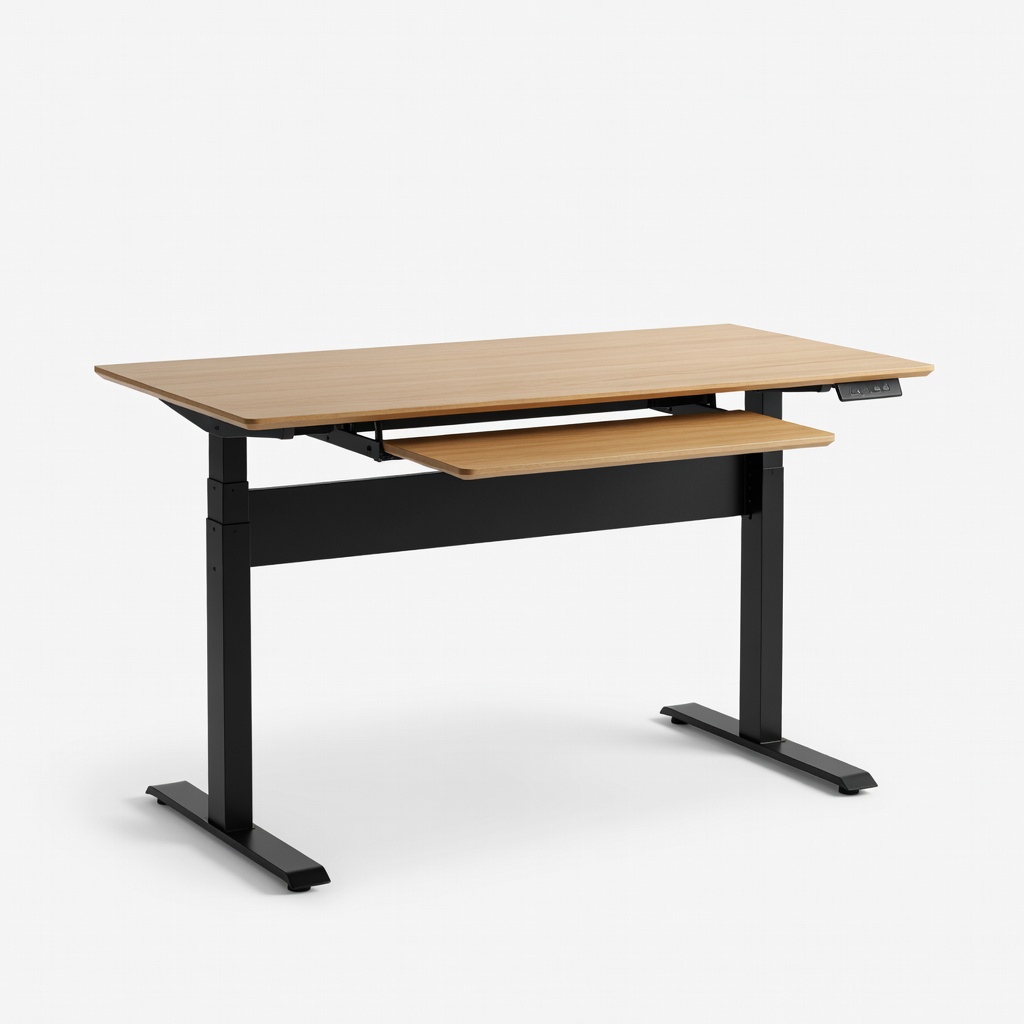
The Duo is a compact 48-by-24 inch desk built for apartments and shared rooms, with a clean integrated design, obstacle detection that stops the lift, and a straightforward setup process. The 24-inch depth is the real constraint — it's the difference between a desk that fits your room and one that comfortably fits your monitor.
Main limitation: The shallow 24-inch desktop gets cramped quickly once you add a large monitor plus a keyboard, and Branch doesn't offer a deeper or wider version of this model.
Skip if: Skip it if you use a 32-inch monitor, rely on a clamp-mounted monitor arm that needs deeper clamping space, or want to pick your own desktop material.
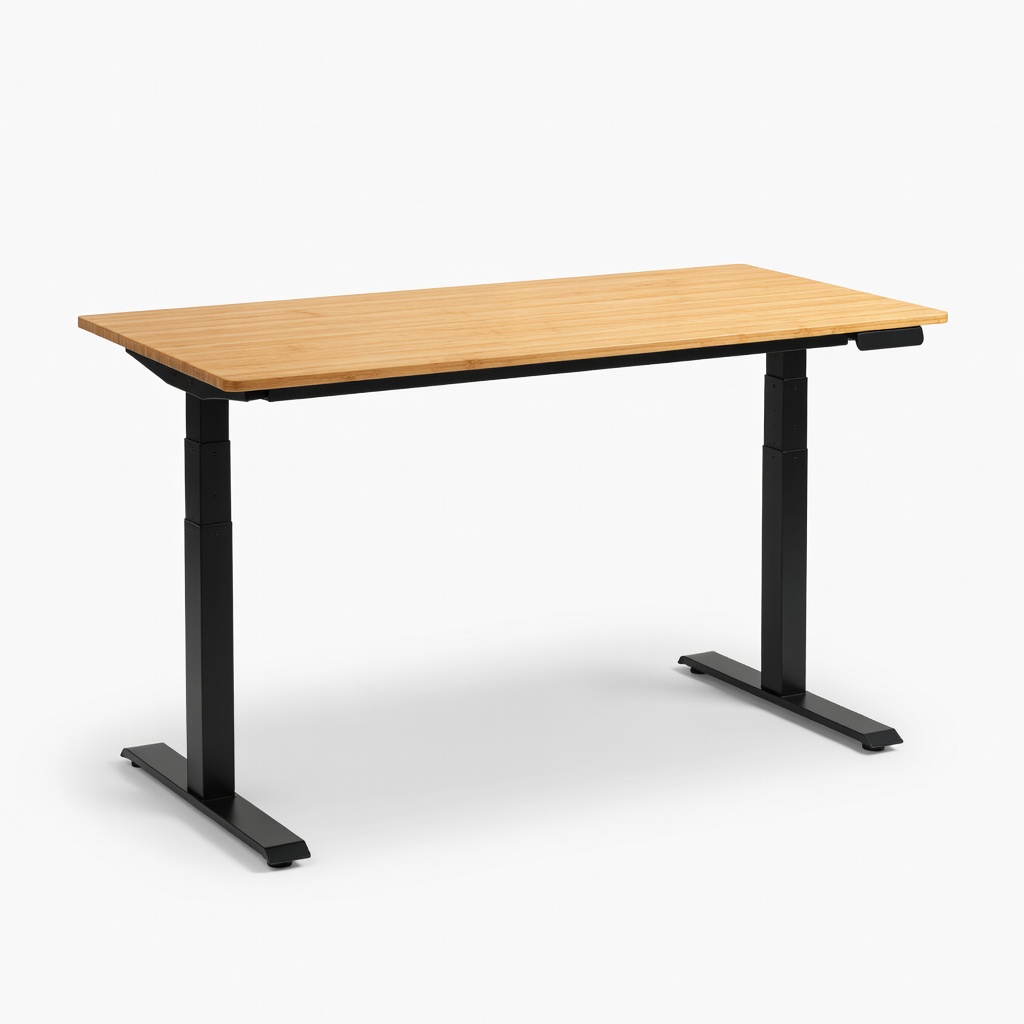
Vari ships with the legs already attached to the frame in a single box, so most people are working at the desk in under 10 minutes without a drill or a second pair of hands. You pay a premium for that convenience, and the 200 lb capacity sits mid-pack for the price.
Main limitation: The two-stage frame is slightly less planted at full height than three-stage premium desks, and Vari's fixed desktop lineup limits how much you can customize the finished product.
Skip if: Skip it if you want a specific desktop material or a size outside Vari's fixed lineup, or if you're optimizing purely for price per square inch of desk.
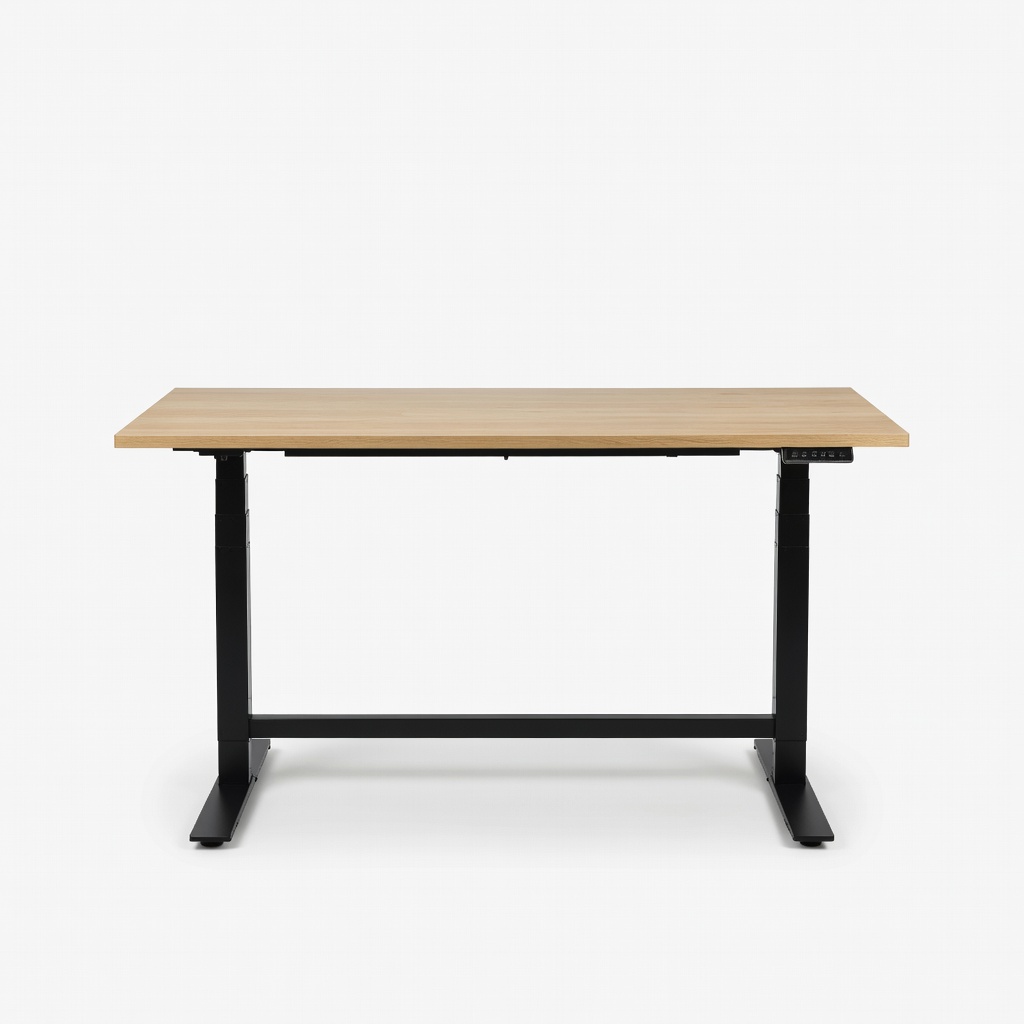
Now under Herman Miller ownership, the Jarvis pairs a 350 lb three-stage frame with bamboo, laminate, and hardwood top options and a 15-year warranty on the frame — one of the most generous in the category. It's also one of the pricier routes to a well-built desk, especially once you add a hardwood top.
Main limitation: Hardwood tops and accessory add-ons can push the total past $1,200, and the programmable handset is more basic than the app-connected controls some competitors now offer.
Skip if: Skip it if you're working with a tight budget or you specifically want smart-home integration and app-based height tracking.
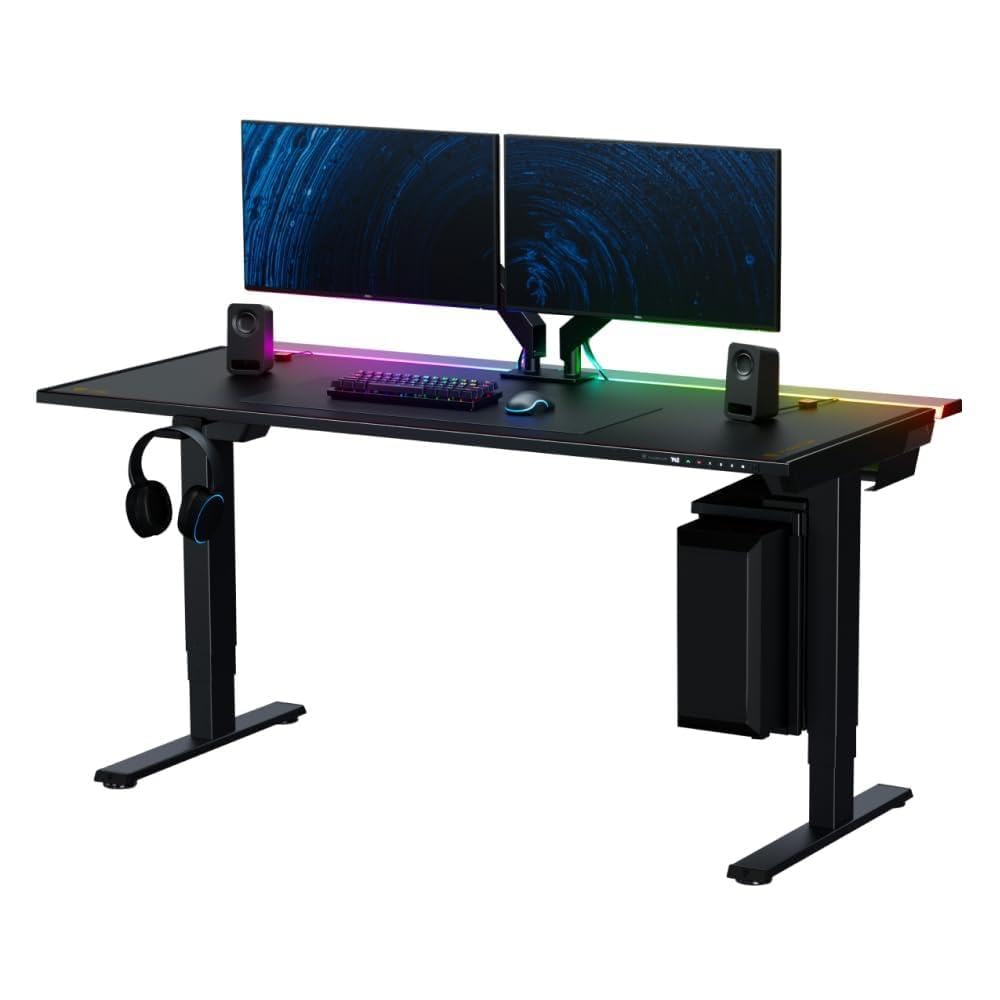
The Magnus Pro's defining feature is a full-length magnetic cable management tray combined with a built-in power supply column, which gets a multi-device setup looking clean without zip ties or under-desk baskets. It's engineered around gaming rigs, so the styling, fixed size, and proprietary accessory ecosystem won't suit every office.
Main limitation: The fixed 59.1-inch width and roughly 25.6–49.2 inch height range won't fit every room or every user, and most useful add-ons are sold through Secretlab's own magnetic accessory system.
Skip if: Skip it if you need a smaller or larger desktop, prefer traditional wood finishes, or don't want to commit to one brand's accessory ecosystem.
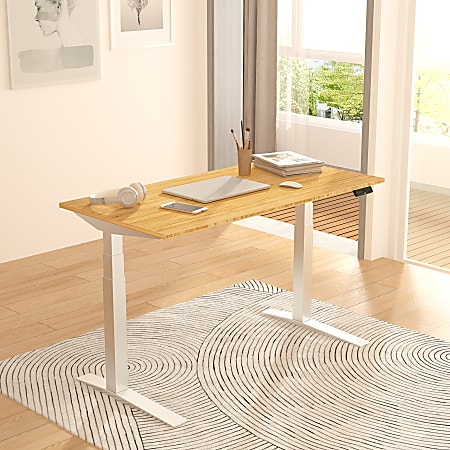
With a 440 lb lift capacity and a reinforced three-stage frame, the E7 Pro is one of the few mid-priced desks that holds multiple monitors, a desktop tower, and a heavy top without visible flex. The catch is physical: it's substantially heavier to assemble and reposition than lighter desks at the same price.
Main limitation: The E7 Pro's weight makes solo assembly awkward and turns rearranging a room into a two-person job, and its electronics coverage is shorter than its frame warranty.
Skip if: Skip it if you rearrange your space often, assemble furniture alone, or only need to support a laptop and a single monitor.
Compare key specs and features of all our recommendations side-by-side
| Product | Recommendation | Rating | Price |
|---|---|---|---|
 Uplift V2 Standing Desk Rank #1 | 🏆 Top Pick | 4.5 4.5 | $700–$1,100+ Check current price → |
FlexiSpot E1 Standing Desk (48") Rank #2 | 💰 Budget Pick | 8.2/10 | $200–$320 Check current price → |
Branch Duo Standing Desk Rank #3 | ⭐ Editor's Choice | 8.6/10 | $529–$649 Check current price → |
Vari Electric Standing Desk 60x30 Rank #4 | — | 8.7/10 | $750–$950 Check current price → |
Fully Jarvis Standing Desk Rank #5 | — | 9.0/10 | $649–$1,200 Check current price → |
Secretlab MAGNUS Pro Standing Desk Rank #6 | — | 8.5/10 | $799–$1,049 Check current price → |
FlexiSpot E7 Pro Standing Desk Rank #7 | — | 8.4/10 | $500–$750 Check current price → |
Common questions buyers have about this category.
Measure your elbow height while standing with your arms relaxed at your sides — that's the surface height you want for typing, and you should be able to reach it with the desk still having a little travel left. For the seated position, aim for a surface roughly at your bent-elbow height with feet flat on the floor. A range of about 24–25 inches at the low end and 50 inches at the high end covers most adults comfortably; two-stage desks that stop near 47–48 inches are the most common source of fit problems.
If you're shorter than about 5'4" or taller than about 6'1", a three-stage frame is usually the difference between a desk that fits and one that doesn't, so the premium is justified. Three-stage legs also tend to travel faster and hold position slightly more rigidly at full extension. For an average-height user with a light setup, a well-built two-stage desk is a perfectly reasonable way to save money.
A small amount of movement is normal in any two- or four-leg desk, especially at maximum height, and it doesn't indicate a defect. What you're screening for is motion you can feel through the keyboard while typing or that makes a monitor visibly bob. You can reduce it by using a crossbar frame, adding weight to the desktop, placing the desk against a wall, tightening the leg bolts periodically, and avoiding deep-pile carpet. If buyer reviews repeatedly describe significant sway at standing height, treat that as a real limitation of the model.
Many do, with a caveat: the motor and control box are the parts most likely to fail first, and budget desks typically carry shorter electronics coverage than premium frames. If a $250 desk gives you five solid years and replacement parts are available, that's often a reasonable value. The bigger risk with very cheap desks is a limited height range and noticeable flex, which can make the desk unpleasant to use long before anything mechanically fails.
Most desks with separate frames and tops take roughly 45 to 90 minutes to assemble with two people, and significantly longer solo because lining up the frame and flipping the desk is awkward alone. A small number of models ship with the legs pre-attached to the frame in a single box and can be set up in under 15 minutes without a drill. If assembly is a dealbreaker, check the box count and whether the frame arrives pre-assembled before you buy.
It isn't required, but most people who stand for more than about an hour at a stretch find a mat makes a meaningful difference to foot and lower-back comfort, especially on hard flooring. If you plan to alternate frequently between sitting and standing, a mat you have to move out of the way can become an obstacle, so look for a thinner, lighter design. Prioritize actually switching positions regularly over buying accessories.
Yes, but check the lift capacity with margin to spare rather than matching it exactly — capacity ratings assume even weight distribution, and real setups rarely load that way. A dual-monitor arm plus two 27-inch displays and a tower can approach 100 pounds before you add a heavy desktop top. Desks rated 250–300 pounds or more, like the three-stage models in this guide, handle those configurations with room to spare and generally feel steadier while doing it.
Products we evaluated but did not recommend — and why.
