Get the App
Better experience on mobile
We scoured specs, expert reviews, and buyer feedback to find the most dependable sit-stand desks on the market.
The best standing desk is the one you'll actually keep in motion. After digging through dozens of expert reviews, spec sheets, and years of customer feedback, it’s clear that most buyers focus on looks and desktop size, then wrestle with stability issues that turn the desk into a wobbly shelf. Our selections favor quiet, powerful lift systems, rigid frames, and reliable warranty coverage — features that matter over the life of the desk, not just the first week.
The standing-desk category has matured a lot since the first electric models hit the market. Today you can find dual-motor lifts, anti-collision sonar, and height memory presets under $400, while high-end models push beyond $1,000 with hardwood tops and industrial-strength fabrication. We’ve broken the market into the picks below to accommodate every kind of workspace, from a cramped city apartment to a heavy-duty office loaded with triple-monitor armies.
To narrow the field, we cross-checked professional testing for stability and motor noise, inspected warranty terms, and looked for red flags in buyer reviews. We did not re-test the desks ourselves, but the data shows clear patterns: stability at full height is the top differentiating factor, followed by customer service responsiveness. Those are the two things that often separate a desk that lasts five years from one that ends up on the curb in eighteen months.
Below you'll find seven recommendations, spanning a manual-crank desk that barely breaks $200 to a $1,400 heavyweight contender. Along with each pick, we’ve included the trade-offs you should know about and who should avoid it. We’ve also added a checklist and FAQ to help you ask the right questions before you buy.
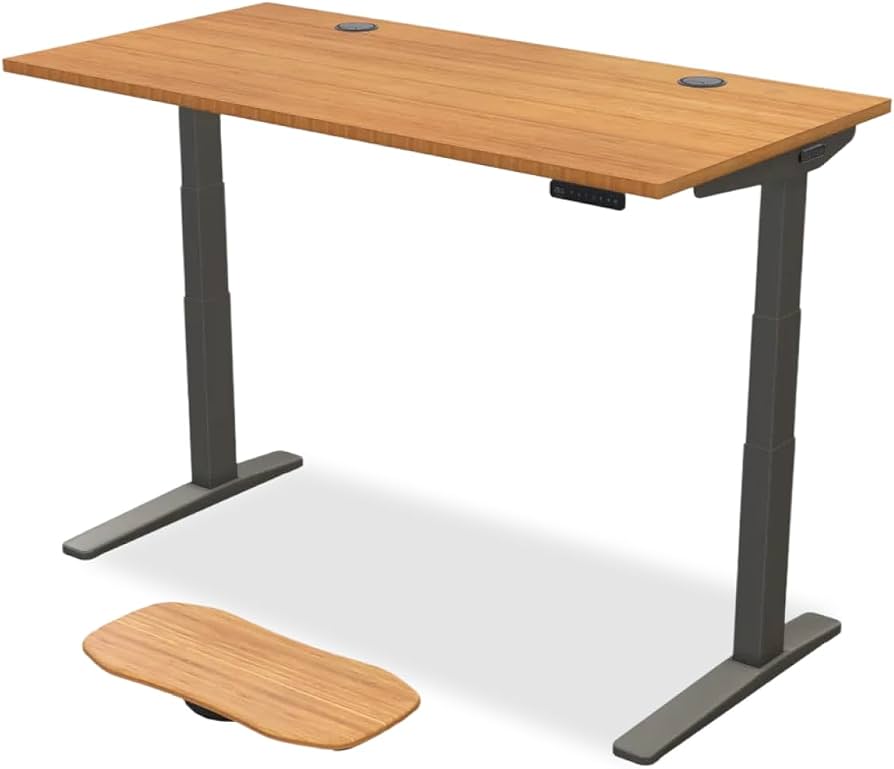
The Uplift V2 is the gold standard for sit-stand desks, with a rock-solid frame, whisper-quiet dual motors, and nearly endless desktop and accessory options. It's the most versatile, dependable choice we've found for any home office. The trade-off is the premium price, and the complexity of ordering from dozens of options.
Main limitation: The base desk is already pricey, and adding extras like a larger top, cable trays, and adjustable feet can push costs well above $1,000.
Skip if: If you rarely stand or only need an occasional position change, you can save money with a simpler, cheaper model.
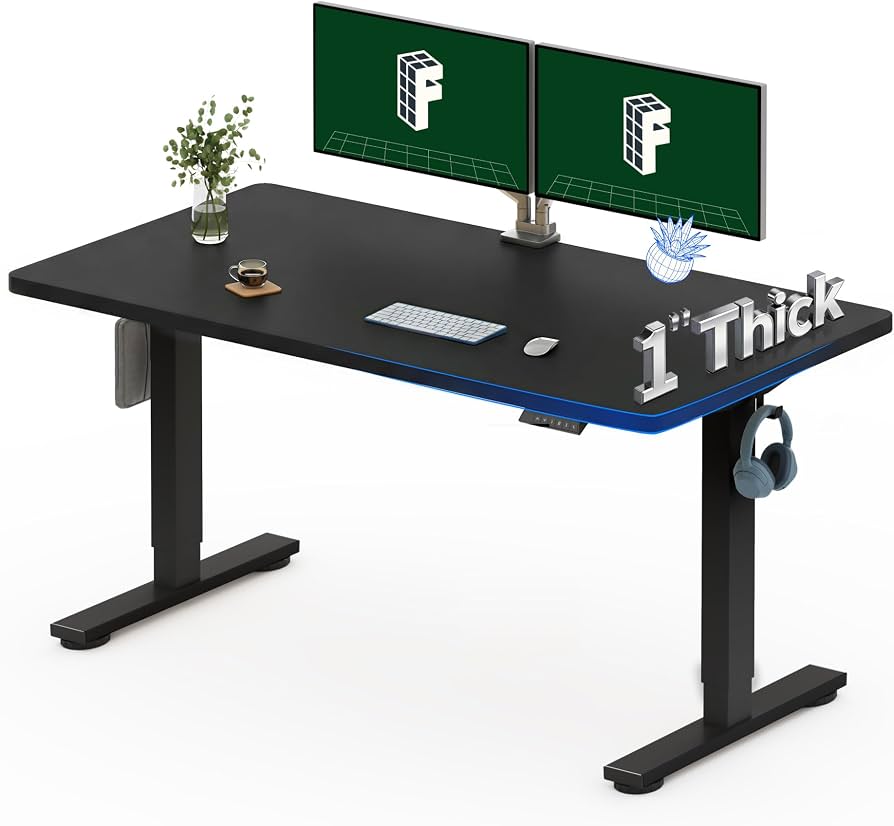
The FlexiSpot E5 delivers a smooth, adjustable electric sit-stand desk at a price that often undercuts competing models by hundreds. For the money, you get dual motors, a memory controller, and a sturdy steel frame. The main downside is a less refined desktop and a bit more bounce at max height.
Main limitation: At standing heights over 40 inches, the desk can feel less stable, particularly when leaning over the keyboard.
Skip if: If you're tall (over 6'2") and need high stability at top height, consider stepping up to a more premium frame.
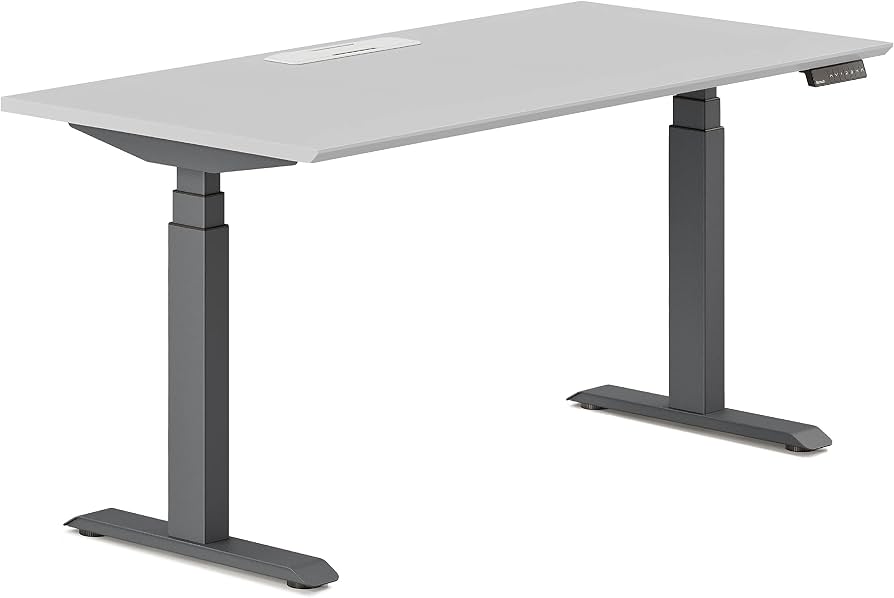
The Branch Standing Desk's smart Y-shaped legs allow you to push your chair fully under the desk, saving precious floor space in compact rooms. It also offers solid stability, a clean design, and straightforward assembly. However, you get fewer size and finish options compared to the competition.
Main limitation: The desk's minimum width is 42 inches, and the desktop shapes are relatively limited, so it's not as customizable as many rivals.
Skip if: If you need a very wide desktop (60+ inches) or prefer a bamboo/physical top, the Branch won't fit your space.
The Deskhaus Apex Pro is built like a tank, with a hockey-puck welded steel frame and a weight capacity of 450+ pounds. It's the desk you buy if you're hauling ultrawide monitors, a full computer, and a heavy desktop. The cost is high, and you'll need to give it hours of assembly time.
Main limitation: It's extremely heavy and bulky, and it ships as an industrial-grade kit that requires a significant time investment to assemble.
Skip if: If you're a renter or someone who moves frequently, the Apex Pro's weight and size make it impractical for relocation.
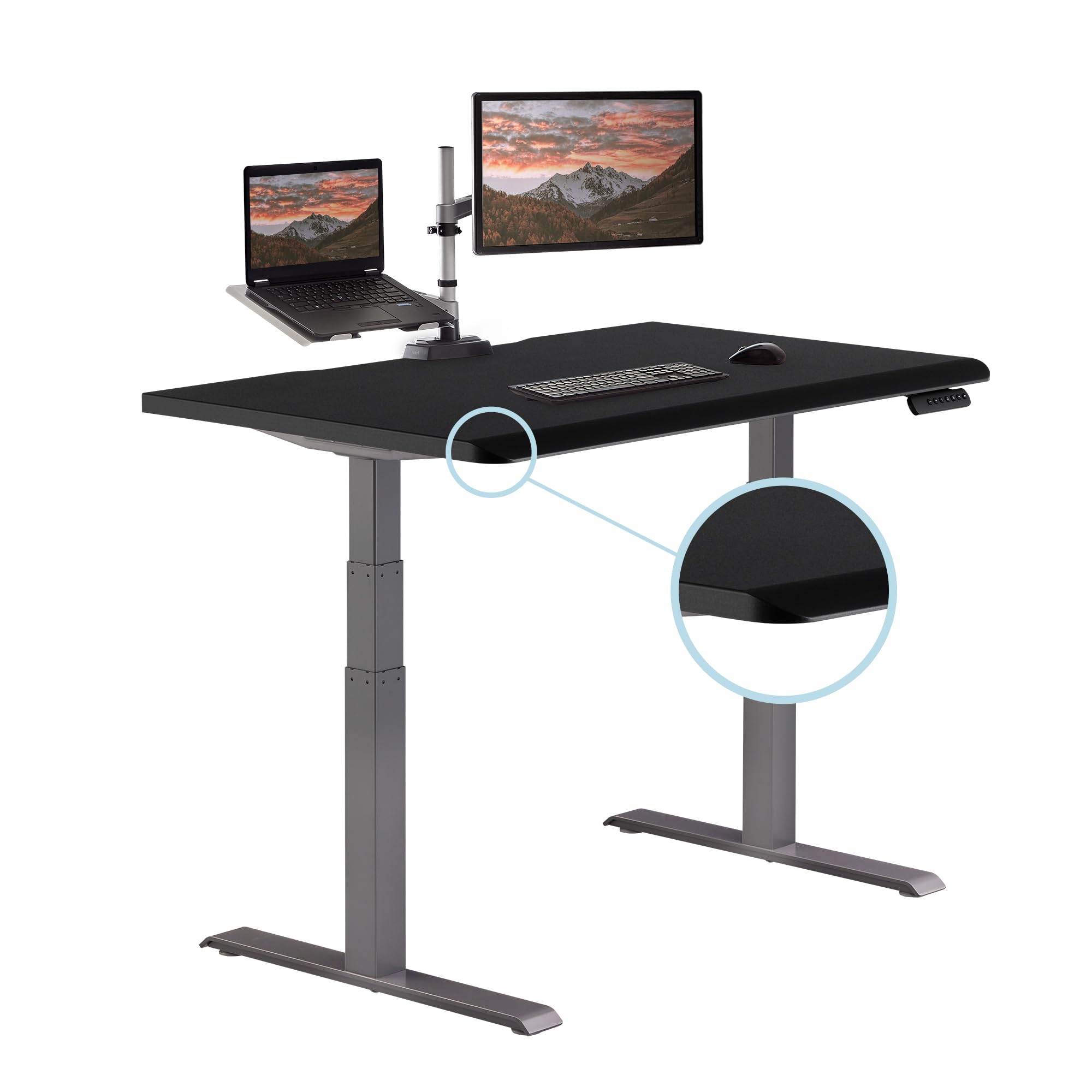
Vari's desk is a no-frills, ultra-clean standing desk that ships fully assembled — slide it out of the box and plug it in. Its slim base and integrated cable tray make it ideal for modern offices, and its 10-year warranty covers parts and labor. The trade-off is a smaller range of height positions and no memory presets.
Main limitation: The absence of a keypad means you'll have to hold the arrow button to adjust, and the height range tops out at 45 inches — not ideal for very tall users.
Skip if: If you want preset heights or a desk that extends well above 45 inches, the Vari will be limiting.
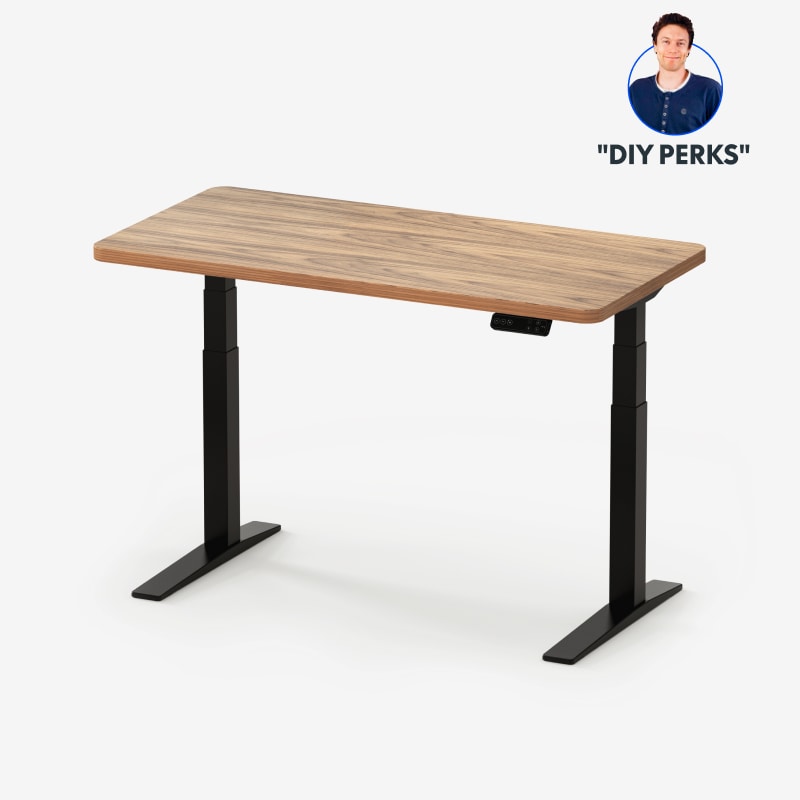
The FlexiSpot E7 Pro's height range spans from 25.4 to 50 inches — the top end is nearly 5 inches higher than many competitors — and its C-shaped frame adds stability for taller folks. It's also a good value for the feature set, though the desktop isn't as rich-looking as Uplift's.
Main limitation: At the high end of its range, the desk still has some sideways wobble, though it's less than most budget desks.
Skip if: If you're under 5'5" and rarely stand, the extra height range isn't worth the extra cost.
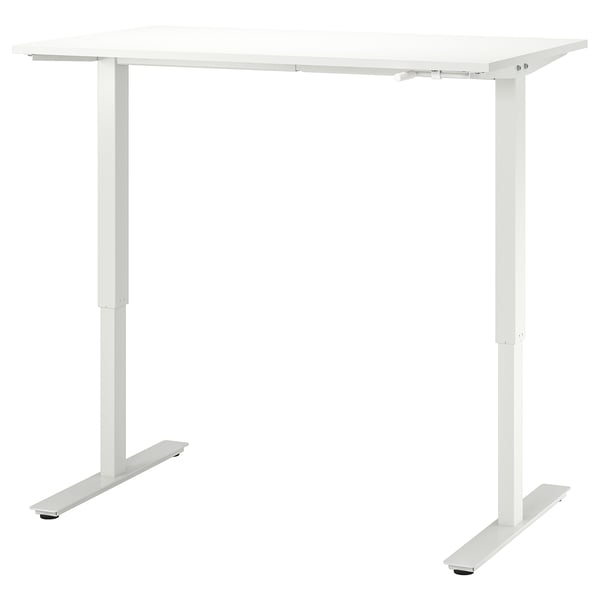
If you want an adjustable standing desk without recurring motor costs or complicated wiring, the TROTTEN from IKEA is a simple crank-operated desk that raises and lowers smoothly. It's compact, sturdy enough for everyday use, and considerably less expensive than electric models. The catch? You have to manually crank it to change height, and it's not meant for heavy, multi-monitor setups.
Main limitation: Adjusting the height is a slow, two-hand workout, and the desk cannot hold more than 110 pounds of gear plus a monitor.
Skip if: If you plan to alternate between sitting and standing more than a few times a day, the manual operation will become tedious.
Compare key specs and features of all our recommendations side-by-side
| Product | Recommendation | Rating | Price |
|---|---|---|---|
Uplift V2 Standing Desk (60" x 30") Rank #1 | 🏆 Top Pick | 9.3/10 | $799–$1,200 (depending on size and options) Check current price → |
FlexiSpot E5 Standing Desk (55" x 28") Rank #2 | 💰 Budget Pick | 8.0/10 | $299–$449 (depending on size) Check current price → |
Branch Standing Desk (48" x 30") Rank #3 | ⭐ Editor's Choice | 8.6/10 | $699–$899 (depending on top) Check current price → |
DeskHaus Apex Pro Standing Desk Rank #4 | — | 8.9/10 | $999–$1,400 (frame only, desktop purchases separately) Check current price → |
Vari Electric Standing Desk (48" x 30") Rank #5 | — | 8.3/10 | $548–$750 (depending on size) Check current price → |
FlexiSpot E7 Pro Standing Desk (60" x 30") Rank #6 | — | 8.4/10 | $549–$799 (depending on size) Check current price → |
IKEA TROTTEN Sit/Stand Desk Rank #7 | — | 7.5/10 | Around $245 Check current price → |
Common questions buyers have about this category.
You can get a serviceable electric standing desk for under $400, but expect to spend $500–$800 for a desk with a solid frame, quiet dual motors, and a decent warranty. Premium options with custom hardwood tops and extra accessories can easily exceed $1,200. Manual crank desks are the cheapest entry point, often around $250–$300.
Dual-motor desks are better for heavier loads and offer faster, smoother lifting with less strain on internal parts. Single-motor desks are cheaper and may be sufficient for a lightweight laptop setup, but they can struggle if you mount heavy monitors and a large desktop. For most people, a dual-motor system is a safer investment.
Measure the width of your monitors and be sure to include a little extra room for document trays or speakers. If you have multiple monitors, a 55–60 inch desk is usually necessary; if you’re working with a single laptop, a 42–48 inch desk may be enough. Also check your room and furniture layout—make sure the desk’s base can fit around any floor outlets or baseboard heaters.
Manual crank desks are simple, inexpensive, and don’t rely on electricity or motors, but the adjustment process is slow and can be tiring if you switch positions frequently. They’re ideal for occasional use or for people who don’t want to fuss with electronic components. If you stand and sit multiple times per day, an electric model will be much more practical.
Set the desk height so that your elbows sit at a 90-degree angle when your hands are resting on the keyboard, both while standing and when seated. Your monitor should be at eye level, about 20–30 inches from your eyes. Use a footrest when seated and an anti-fatigue mat when standing to reduce strain.
Look for a frame that uses steel with a wide supporting foot and a heavy crossbar or T-design. Stand at the desk and try to wiggle it with your hands at standing height—if you see too much motion, the desk will feel shaky during typing. The wobble is most noticeable on solid wood desktops, so thicker tops often help absorb vibration.
Experts generally recommend that you alternate between sitting and standing every 30 to 60 minutes, but standing all day is also not ideal. The idea is to change your posture regularly to avoid static loading on your joints. Use your desk as a tool to fluctuate your position, but listen to your body and take seated breaks as needed.
Products we evaluated but did not recommend — and why.
