Get the App
Better experience on mobile
From budget-friendly to premium, these 7 desks deliver real ergonomic benefits without sacrificing build quality.
The best standing desk isn't the cheapest or the flashiest — it's the one whose stability, height range, and programmability match how you actually work. Most people make the mistake of focusing on desk dimensions or motor speed, but the real differentiators are wobble at standing height, weight capacity, and how well the controller adapts to your habits. A desk that shakes when you type is a $500 mistake; one with limited height adjustment can be just as costly for tall or short users.
Since the pandemic shifted remote work into the mainstream, the standing desk market has exploded with options ranging from a modest $200 to over $1,500. Features like dual motors, anti-collision sensors, and programmable presets are now common on mid-range models, making it harder to justify top-tier prices for basic function. Yet, higher prices often bring superior build quality, better warranty, and smoother adjustments that last for years.
In this guide, we've sorted through the noise by analyzing data from independent review publications, manufacturer specs, and thousands of verified buyer reviews. We're not paying attention to marketing buzzwords like 'fitness' or 'gaming' unless they translate into real engineering benefits. Instead, we've ranked desks based on three core criteria: structural stability, motor reliability, and ergonomic range. For each model, we note the trade-offs — whether it's a shorter warranty, a wobbly top leg, or a control panel that takes time to get used to.
We also considered how each desk fits into different living situations: from a compact studio apartment where footprint matters more than weight capacity, to a home office housing a multi-monitor setup that needs extra stability at standing height. You'll find a pick for every budget, but remember that 'budget' doesn't automatically mean 'bad' — it just means you'll likely trade a bit of motor speed or warranty length for a lower price. Our top pick earns its place because it nails the most important parts across the board, while our budget pick proves that you can get a genuinely usable standing desk without emptying your wallet.
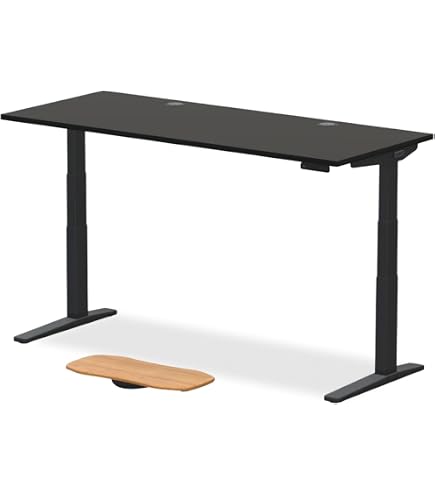
The Uplift V2 is the quintessential standing desk for most people, combining rock-solid stability with a staggering range of customization options (over 30 surfaces include bamboo, but they all share the same exceptional frame). Its dual-motor system is quiet and fast, and the controller allows four memory presets plus a timer to prompt movement. The trade-off is the premium price — you'll pay $600 or more with a top that's not on sale, and the advanced LED controller costs extra.
Main limitation: The optional crossbar adds stability but cannot be installed on the 80-inch width, leaving longer desks slightly more prone to wobble at maximum height.
Skip if: Skip the Uplift V2 if you're on a strict budget under $500 — you can get a functional desk for much less, even if it won't be as rock-solid.
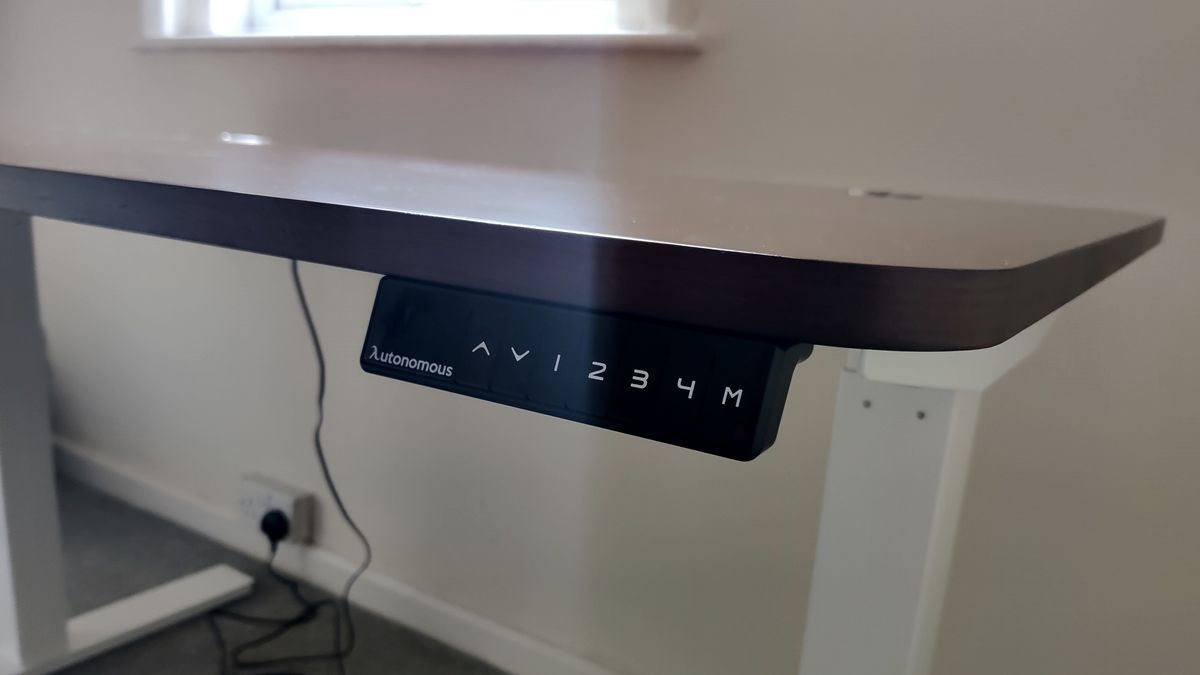
The Autonomous SmartDesk Core offers a rare combination of price and features: a dual-motor system typically found on desks twice its price, whisper-quiet operation, and a simple three-button controller. It's a favorite among remote workers because it ships quickly and is easy to assemble — most setups finish in under 20 minutes. The main sacrifices are the shorter warranty and a less refined finish; the frame feels slightly less substantial than premium rivals.
Main limitation: The desk has a noticeable wobble at the highest setting above 48 inches, especially if you're a heavy keyboard user.
Skip if: Skip the SmartDesk Core if you're over 6'2" or need a desk that can support multiple monitors at standing height without any sway.
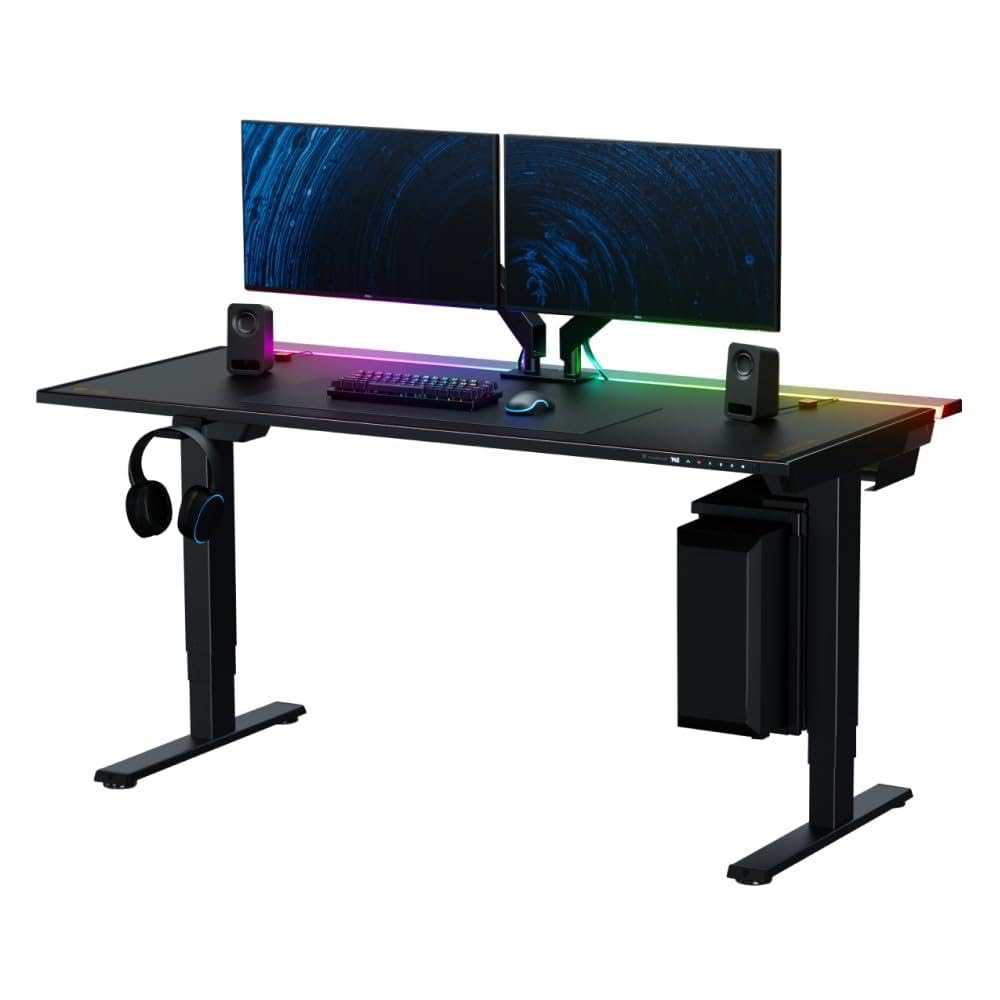
The Magnus Pro XL is a premium standing desk engineered for gamers and heavy multi-monitor users, integrating a smooth-magnetic ecosystem that lets you attach cable trays, cup holders, and monitor arms without tools. Its ultra-stable dual-motor frame and almost zero wobble at full height make it a joy for intense FPS sessions or productivity work. The catch: the desk is expensive, and the 5-foot height range may be too tall for petite users (min height is 26.7").
Main limitation: The price hits $1,300 or more, and the magnetic accessories that make it unique are sold separately, adding another $50-$150 to the total.
Skip if: Skip the Magnus Pro XL if you're under 5'5" or need a desk that fits into a tiny room — it's built for a large setup and a big budget.
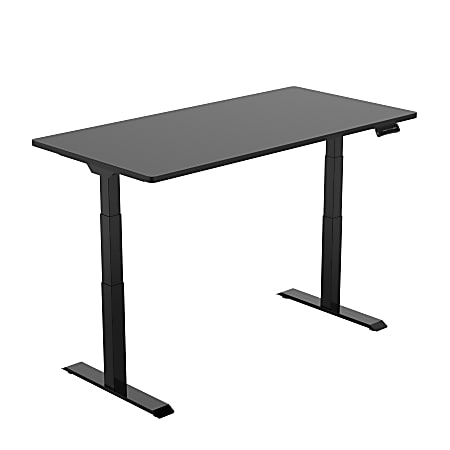
The Flexispot E7 is a budget-to-mid-range desk that doesn't compromise on build strength, featuring a heavy-gauge steel frame supported by dual motors that can lift 330 lbs — more than many desks twice its price. It includes a premium controller with four memory presets and a USB port, plus a range from 24" to 51" that suits most body types. The weak point is the desktop quality: the chipboard surface scratches easily, and the included cable tray is a bit flimsy.
Main limitation: The desktop is prone to indentations if you install a monitor arm with heavy clamps, and the included cable management tray feels less durable than the rest of the frame.
Skip if: Skip the Flexispot E7 if you want a desk with a solid hardwood surface or if you need a compact frame for small spaces — it's available in larger widths only.
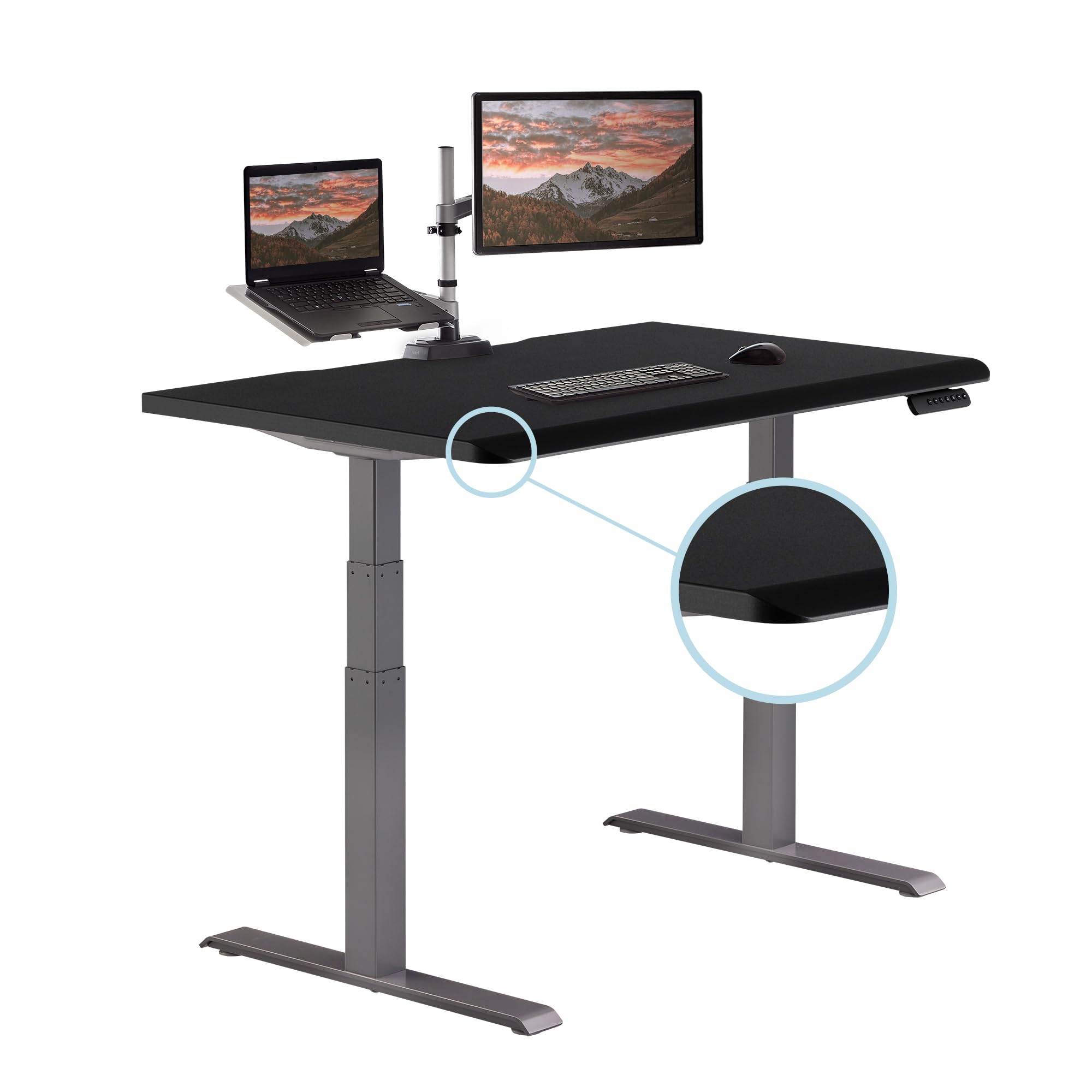
The Vari Electric Standing Desk is a favorite among corporate buyers because it combines whipsmart assembly (just four legs and a top) with a clean, professional look that fits any office aesthetic. It boasts a simple up/down paddle without memory presets, but that's a plus for some — no tech to fiddle with. The stability is acceptable for standard office work, though it's not the sturdiest at extended height.
Main limitation: The lack of memory presets makes it annoying if you switch frequently between sit and stand, and the 30.5" raised height is a bit low for very tall users.
Skip if: Skip the Vari if you're a tall user over 6' or require custom positions — its single-paddle control and lower max height will leave you wanting.
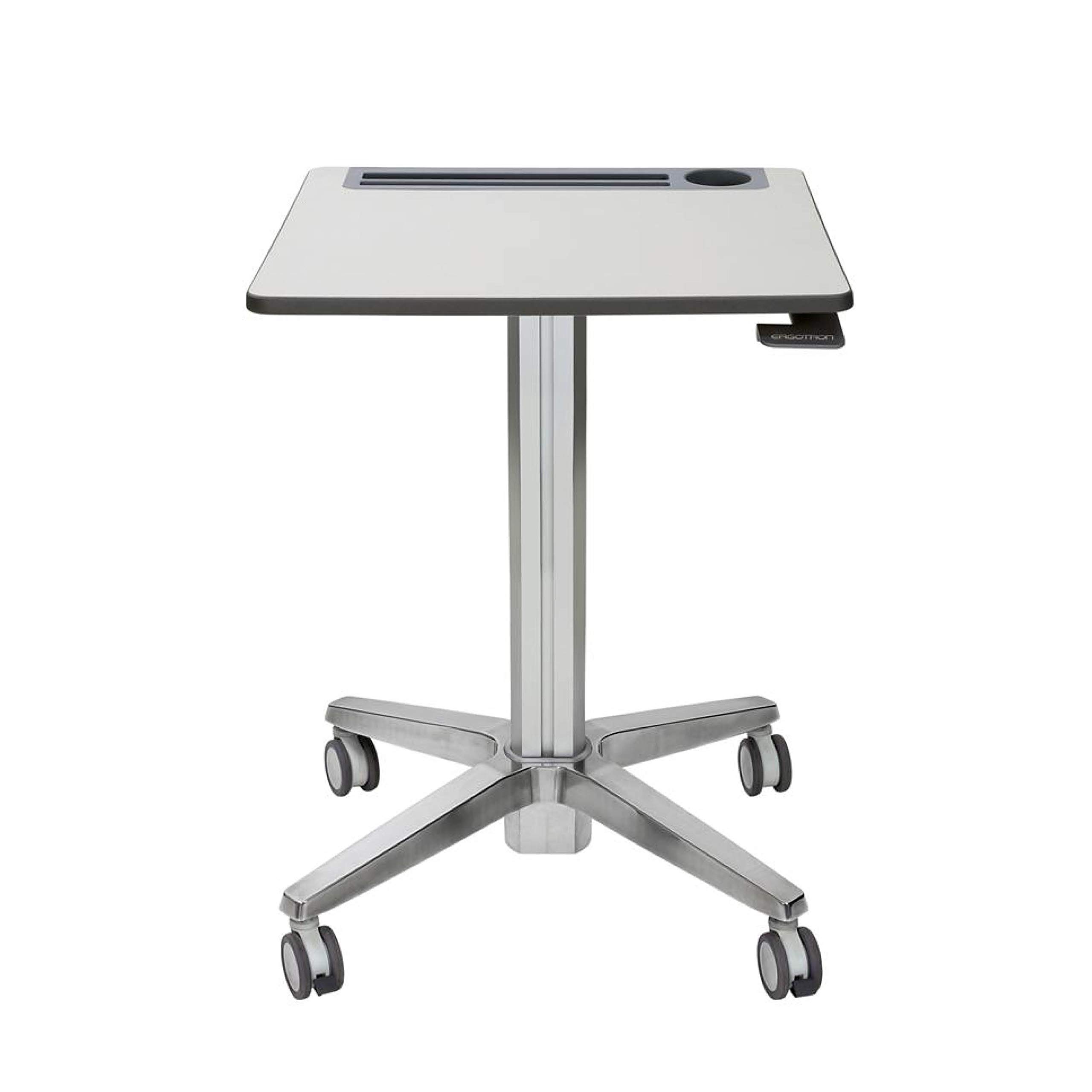
The Ergotron LearnFit is a compact, budget-friendly standing desk designed specifically for students and dorm rooms. It offers a gas-lift or electric version, but we prefer the electric for its quiet motor and less manual effort. With a narrower 23" depth and a height range of 28" to 44", it fits into corners and under lofted beds, and its weight capacity (50 lbs) is enough for a laptop and a small monitor. The trade-off is that it's not built for heavy setups or tall users.
Main limitation: The narrow depth and max weight capacity of 50 lbs mean it can't hold most large monitors with a desk lamp and books, and the tallest height of 44" is too low for someone over 6'.
Skip if: Skip the LearnFit if you need a full-size office desk or have a heavy desktop setup — this is for light, compact study stations.
The Living the Jarvis desk offers a bamboo top as a sustainable alternative to more common MDF or laminated surfaces, and its frame uses recycled aluminum components. It includes a three-stage lifting column with a whisper-quiet motor and a sophisticated side sensor that stops the desk at the first sign of an obstacle. While the 15-year warranty is impressive, the desk's price edges closer to premium, and its stability at max height is good but not class-leading.
Main limitation: The bamboo top can ding and scratch if you're heavy-handed, and the desk's wobble at maximum height is slightly more noticeable than on the Uplift V2 or Secretlab.
Skip if: Skip the Jarvis if you're a professional video editor with a heavy setup or if you demand the absolute most stable desk in this price range.
Compare key specs and features of all our recommendations side-by-side
| Product | Recommendation | Rating | Price |
|---|---|---|---|
Uplift V2 Standing Desk (42" x 30" with 2-leg frame) Rank #1 | 🏆 Top Pick | 9.2/10 | $600–$800 Check current price → |
Autonomous SmartDesk Core (48" x 30") Rank #2 | 💰 Budget Pick | 8.0/10 | $349–$449 Check current price → |
Secretlab Magnus Pro XL (55" or 70" with magnetic accessories) Rank #3 | ⭐ Editor's Choice | 8.8/10 | $1,299–$1,499 Check current price → |
Flexispot E7 Standing Desk (55" x 28") Rank #4 | — | 8.3/10 | $450–$550 Check current price → |
Vari Electric Standing Desk (48" x 30") Rank #5 | — | 7.8/10 | $650–$750 Check current price → |
Ergotron LearnFit Electric Standing Desk (23" x 36") Rank #6 | — | 7.5/10 | $400–$500 Check current price → |
Fully Jarvis (now Humanscale Jarvis) Standing Desk (52" x 27") Rank #7 | — | 8.1/10 | $600–$700 Check current price → |
Common questions buyers have about this category.
For most people, the desk should allow your elbows to rest at a 90-degree angle while typing when standing, and your feet to rest flat on the floor when sitting. Look for a desk with a range from about 24 inches to 50 inches. A taller user (over 6') needs a max height of at least 50 inches, while a short user should start below 26 inches. Always compare your height to the published minimum and maximum.
Wobble is usually caused by a weak frame or overly light base. To minimize it, choose a desk with a dual-motor system and a crossbeam connecting the legs. Install the included foot pads if they're adjustable, and anchor the desk to the wall only if it's safe to do so (though most won't need that). Also, tighten all screws after the first month of use, as movement can loosen them.
Single-motor desks can be fine for light loads like a laptop and a small monitor, and they're typically $100–$200 cheaper. However, they are usually weaker when lifting heavy loads and may not be as smooth. If you plan to mount a heavy monitor arm or want to use your desk for many years, a dual-motor will be more reliable and stable. Budget desks with single motors are okay for students or minimalists.
Most reputable brands state their motors are rated for 10,000 to 20,000 lifts, which translates to 10+ years of normal use. Uplift, Secretlab, and Flomotion claim higher ratings. If you raise and lower your desk more than 10 times a day, expect to replace internal parts sooner, but even budget desks can survive 5–7 years. Check the warranty period — a longer warranty gives you peace of mind.
Bamboo is an eco-friendly option that's actually more durable than many hardwoods, but it denser than MDF, which makes it heavier and slightly more expensive. Solid wood (like rubberwood or oak) offers a premium look and resists scratches better than bamboo in some cases, but it's often pricier. MDF with a laminate is the most affordable and easiest to wipe clean, but it dents if you drop heavy objects. Choose based on aesthetics and budget.
Memory presets are highly recommended if you switch between sitting and standing several times per hour. They let you press a button to return to your exact preferred height, saving time and ensuring consistency. Desks without presets (like the Vari) require you to adjust manually, which is inconvenient if you have more than one user. It's a feature worth paying an extra $20–$50 for.
Products we evaluated but did not recommend — and why.
