Get the App
Better experience on mobile
From budget-friendly Androids to premium iPhones, these easy-to-use phones offer accessibility features that truly matter for older users.
For many people 65 and older, a smartphone still feels like an over-engineered remote control. Yet the same phone that confuses a new owner can become a secure link to family, doctor appointments, and video calls when the interface is stripped down to its essentials. This year’s candidates range from the $149 Jitterbug with 24/7 human backup to premium iPhone and Pixel models that rely on software intelligence to make everything simpler.
We evaluated six of the most popular smartphones for seniors based on published expert tests, user feedback, and a deep reading of each device’s accessibility features. Instead of judging processing speed or camera specs, we zeroed in on four criteria: readability, hearing aid compatibility, battery stamina, and how quickly someone can learn to perform everyday tasks without outside help.
What we found is that the best smartphone for a given senior depends less on brand loyalty than on physical and technical challenges. A person with moderate tinnitus may need two amplification levels rather than flagship camera zoom; a user with arthritis may find the weight of a 7-inch phone more important than its storage. We’ve also included an Editor’s Choice for those who want the simplest Android possible, a budget pick that strikes a utilitarian balance, and a full-featured iPhone for those who are already in Apple’s ecosystem.
Remember, the most advanced accessibility features are useless if the phone is buried under an aggressive update policy or a carrier that doesn’t support the hearing aid protocols in your area. We’ve listed each recommendation with a trade-off so you can tell whether a $250 difference is worth it. Every model below is available in the U.S. in 2026 and can be purchased directly or through major carriers.
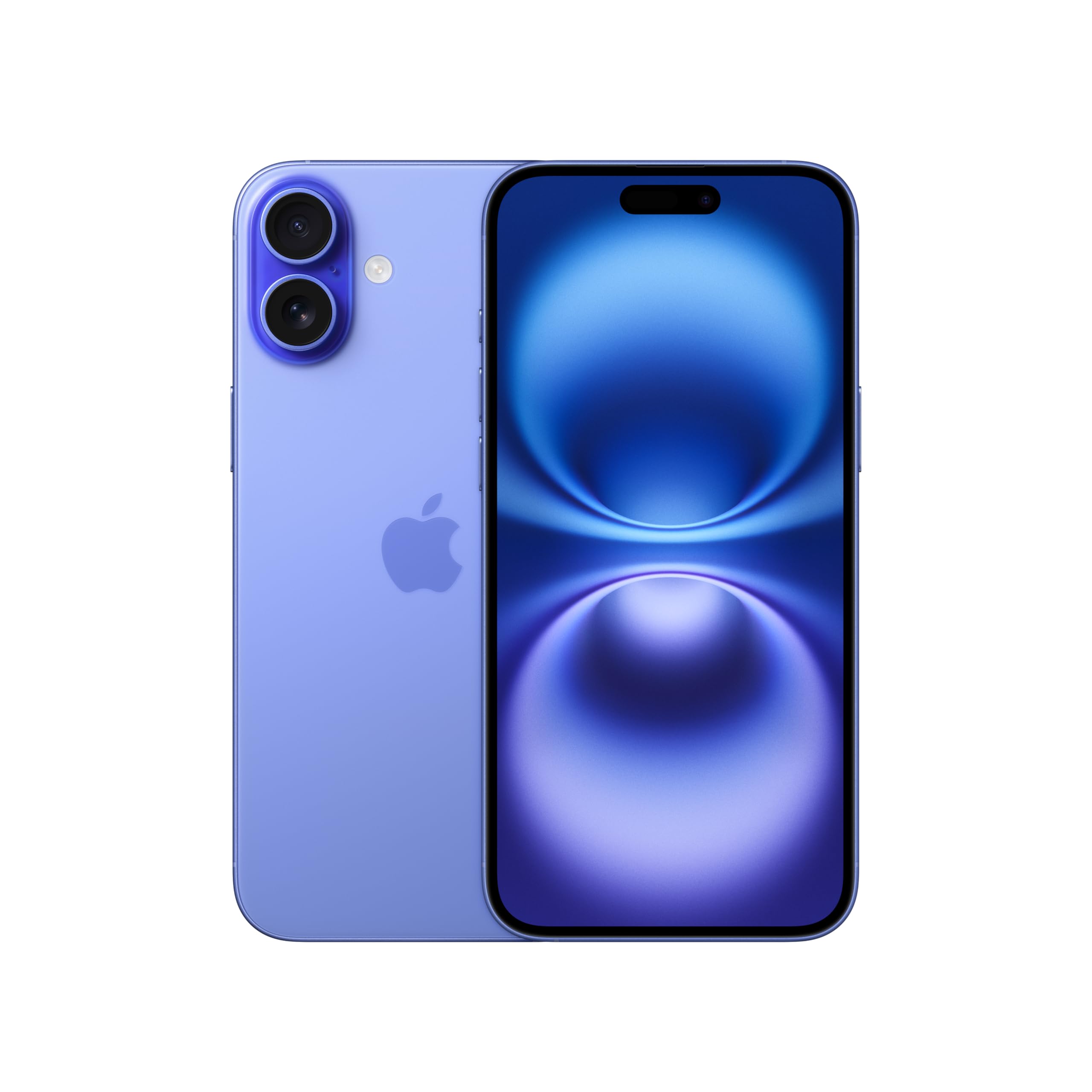
The iPhone 16 Plus is the easiest to learn smartphone for most seniors because of Apple’s comprehensive accessibility ecosystem: gigantic text, VoiceOver, Magnifier, and Live Captions. The 6.7-inch display and multi-day battery life provide comfortable reading and video calls. The trade-off is price; the iPhone 16 Plus costs more than many Android rivals, and the iOS interface can be a learning curve if you’ve never used an Apple product.
Main limitation: Face ID can be finicky with certain sunglasses or sleep apnea masks, and there is no physical home button.
Skip if: Seniors on a strict budget or those who strongly prefer a basic Android interface with more low-cost service options.
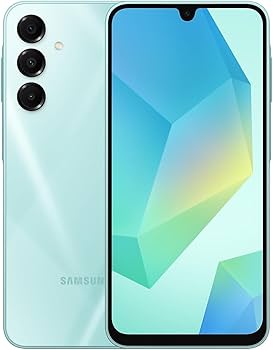
The Galaxy A16 takes a budget Android and wraps it in Samsung’s Easy Mode—huge icons, straightforward menus—plus a screen that’s almost as big as a phablet. It also has a microSD card slot and 5,000mAh battery. The trade-off is the modest chipset, so you’ll wait a beat when switching between apps and the camera isn’t the best in low light.
Main limitation: Samsung’s user interface is overloaded with duplicate apps and Samsung promotions.
Skip if: Seniors who want the smoothest performance or the cleanest possible Android without bloatware.
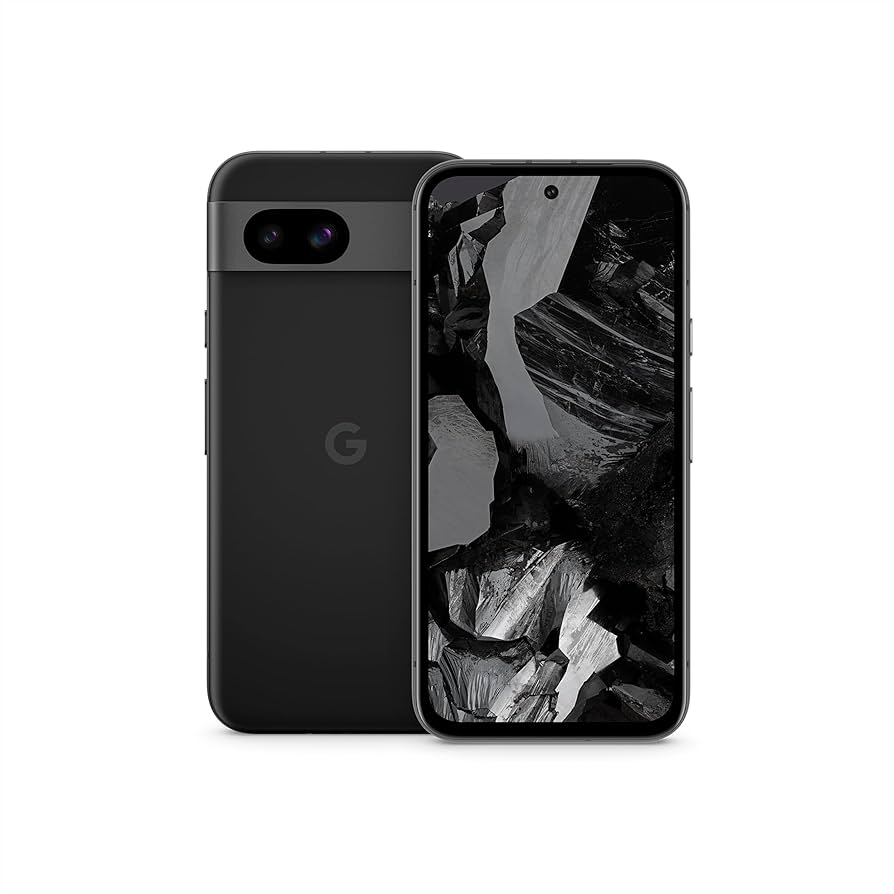
The Pixel 8a offers the least intimidating version of Android—no bloatware, no confusing setting overlays—and builds in practical tools like Call Screen and Direct My Call. It also brings seven years of software updates, which is a huge deal for a phone you’ll use for the long term. The trade-off: its display is only 6.1 inches and the battery is average, so you’ll need a charger before a long day out.
Main limitation: The in-display fingerprint reader can be finicky with dry hands.
Skip if: Seniors with significant vision loss who need the absolute largest text and display.
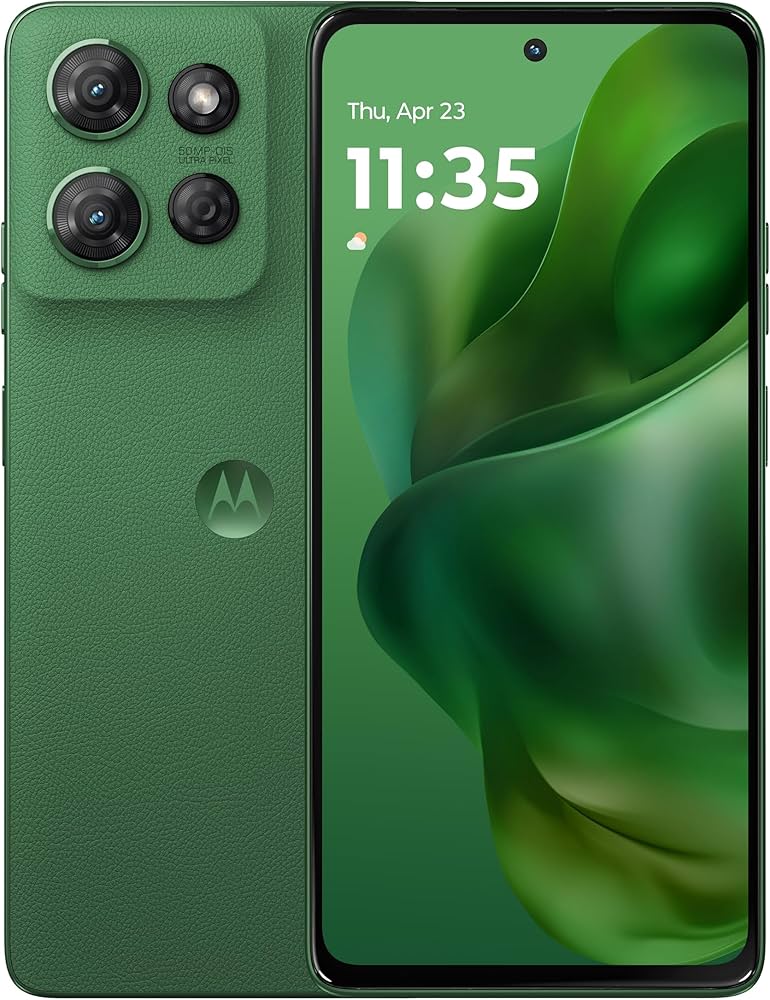
The Moto G Power is the no-nonsense phone for seniors who forget to charge. A massive 5,000mAh pack lasts close to two days on a single charge, and the software is almost stock Android, meaning there’s very little bloat to confuse beginners. The trade-off: the camera is not as sharp as mid-range competitors, and Motorola only promises two years of OS updates.
Main limitation: The screen is dim in bright daylight and the update policy is shorter than other brands.
Skip if: Seniors who want a phone that will stay up to date for more than two years or who need a bright, easily visible screen outdoors.
The iPhone 16e delivers most of the iPhone core experience in a smaller body that’s easier to grip and fits in a pocket. It supports the same accessibility features of larger iPhones—including Magnifier, live text recognition, and Hearing Aid compatibility. The trade-off: it has fewer camera lenses (no telephoto) and a smaller battery than the Plus model, yet still costs noticeably more than an Android mid-ranger.
Main limitation: The 6.1-inch screen is still smaller than senior-friendly competitors, and the single rear camera lacks macro and optical zoom.
Skip if: Seniors who need the largest possible reading area or who prefer a long video-call battery.
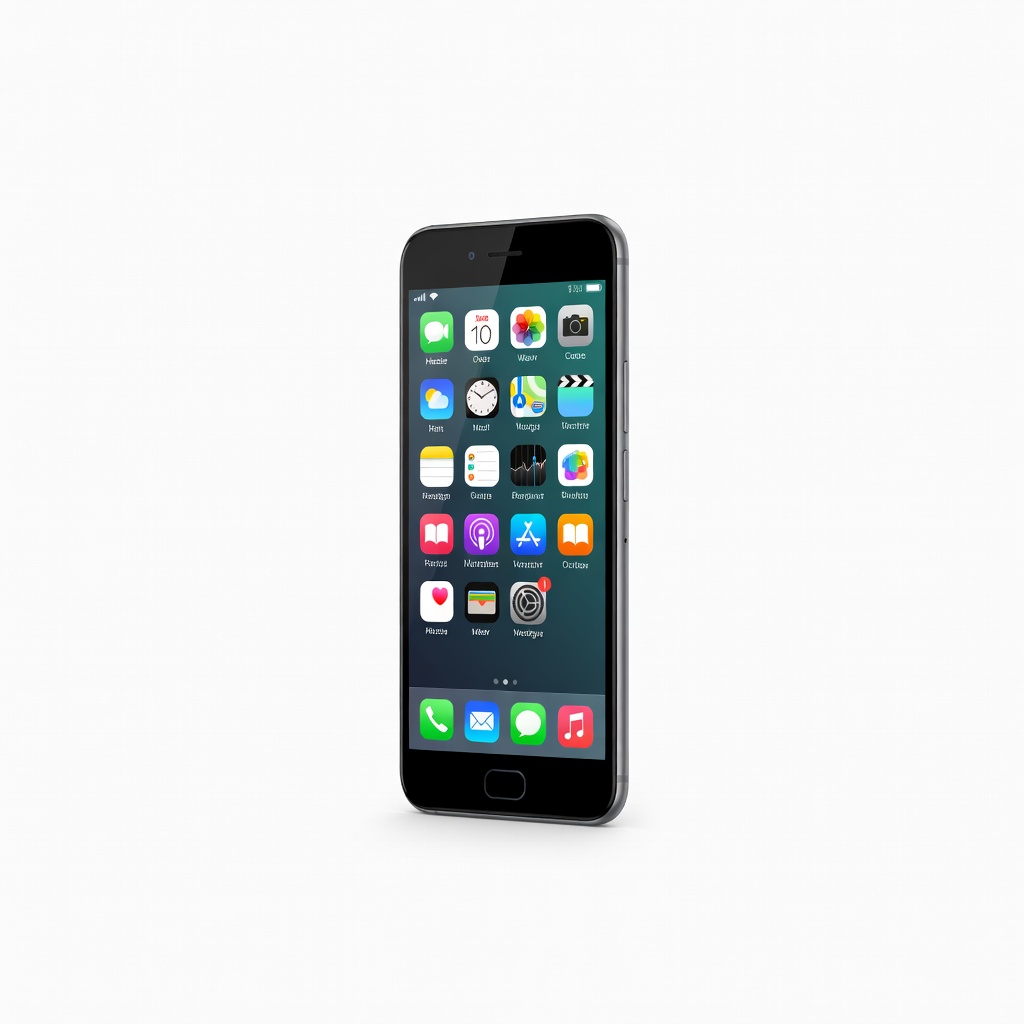
The Jitterbug Smart4 combines Android with a senior-focused simplified menu, and it’s sold with a dedicated 24/7 tech support line and health safety services. The interface uses huge icons and an easy-to-read display, and you can even speak to a human for help. The trade-off: the phone is tied to Lively’s cellular service, which can be more expensive than prepaid carriers, and hardware specs are mid-tier.
Main limitation: The Lively service is usually more expensive than typical prepaid plans, and the Android app selection is limited by the simplified overlay.
Skip if: Seniors who already have a carrier plan or who want a standard, unrestricted Android with all apps accessible.
Compare key specs and features of all our recommendations side-by-side
| Product | Recommendation | Rating | Price |
|---|---|---|---|
Apple iPhone 16 Plus (128GB) Rank #1 | 🏆 Top Pick | 9.0/10 | $899–$1,199 Check current price → |
Samsung Galaxy A16 5G (128GB) Rank #2 | 💰 Budget Pick | 8.0/10 | About $199–$249 Check current price → |
Google Pixel 8a (128GB) Rank #3 | ⭐ Editor's Choice | 8.5/10 | $349–$449 Check current price → |
Motorola Moto G Power 5G (2025) Rank #4 | — | 7.5/10 | $249–$329 Check current price → |
Apple iPhone 16e 128GB Rank #5 | — | 8.2/10 | $599–$829 Check current price → |
Jitterbug Smart4 Rank #6 | — | 7.0/10 | About $149–$349 depending on plan Check current price → |
Common questions buyers have about this category.
Both can serve well, but iPhones have the most comprehensive after-sales support and a simpler, more uniform UI. If the senior has never used an Android device, Apple’s iPhone is usually easier to grasp; if they need a huge screen for less money or want to stick with a particular budget carrier, a Samsung or Pixel with Easy Mode can work just as well.
The important ones are font scaling (largest text), adjustable contrast, a magnifier, and on-screen buttons that can be enlarged. On iPhone, go to Settings > Accessibility; on Android, look for Display > Font size and Simplification mode or Samsung's Easy Mode. For hearing aid users, verify the phone supports Made for Hearing Aid (MFi) on iPhone or Bluetooth LE Audio on Android.
No, a mid-range processor like the one in the Galaxy A16 or Moto G Power is plenty for social apps, YouTube, and WhatsApp. High-end chips rarely help with simple tasks and add hundreds in cost. However, if the phone is used for video calling plus screen sharing or Zoom, choose a model with at least 8GB RAM and a high-refresh-rate screen.
It matters if charging is frequently forgotten. Phones like the Moto G Power with 5,000mAh can last up to two days, removing the 'dead phone' emergency. For most people, a 3,000–4,000mAh battery is enough, but seniors who are homebound might benefit more from a rugged case than an extra hour of battery.
They can be, if purchased from a reputable seller offering a one-year warranty and a no-questions-return policy. The risk is that older models may no longer receive security patches, which is unsafe for banking and sharing personal data. For a senior’s first smartphone, a budget new phone is usually safer than a two-year-old flagship.
Use the transfer app built into the operating system—Apple's Move to iOS or Android's Switch. Many carriers can also automatically copy contacts via your SIM card. If the old phone is a feature phone, Samsung Smart Switch supports a transfer cable that can read even proprietary contacts from some brands.
Jitterbug phones come with a real human tech-support line and a simplified interface with larger buttons. The company's plans include premium features like Urgent Response, where a live operator can contact family or emergency services. The trade-off is that you'll pay more monthly than with an ordinary prepaid carrier.
Products we evaluated but did not recommend — and why.
