Get the App
Better experience on mobile
We evaluated the easiest-to-use smartphones for older adults, from budget-friendly Android models to iPhones with senior-friendly accessibility features.
The right smartphone for an older adult isn't about hitting benchmark scores – it's about making everyday communication feel enjoyable, not draining. Many seniors are perfectly capable of operating a touchscreen; the real hurdle is the clutter of apps, notifications, and cryptic icons that come out of the box.
In researching this year's list, we focused on phones that offer either a dedicated simplified mode or a genuinely accessible out-of-the-box experience. We looked for models with easy-to-read text, high hearing aid compatibility, and reliable battery life to reduce the 'dead phone' anxiety that plagues many families.
We also made sure to include options across price points, from sub-$300 handsets to premium phones with elite accessibility features. For each pick, we read through verified user feedback from retailers and forums, cross-checked spec sheets, and consulted expert reviews from tech publications that specialize in accessibility.
Whether you're a senior buying your first smartphone or a family member setting one up from afar, these picks take into account both the hardware and the human-factor elements that matter most. Below you'll find the six best smartphones for seniors this year, along with tips, alternatives, and answers to your burning questions.
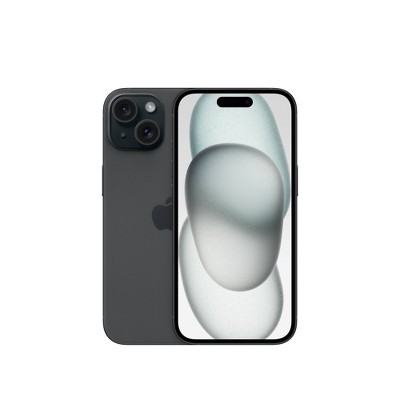
The iPhone 15 offers the most intuitive smartphone experience for seniors, with a clear interface, excellent accessibility tools like VoiceOver and Magnifier, and reliable performance. Its long-term software support means your loved one won't be left behind. The trade-off is the premium price, and the optional lock screen customization might confuse those who prefer a fixed home screen.
Main limitation: The high price is its main drawback, especially if you're on a tight budget.
Skip if: Seniors who are on a very limited budget and don't need a high-end camera or premium build should skip this one.
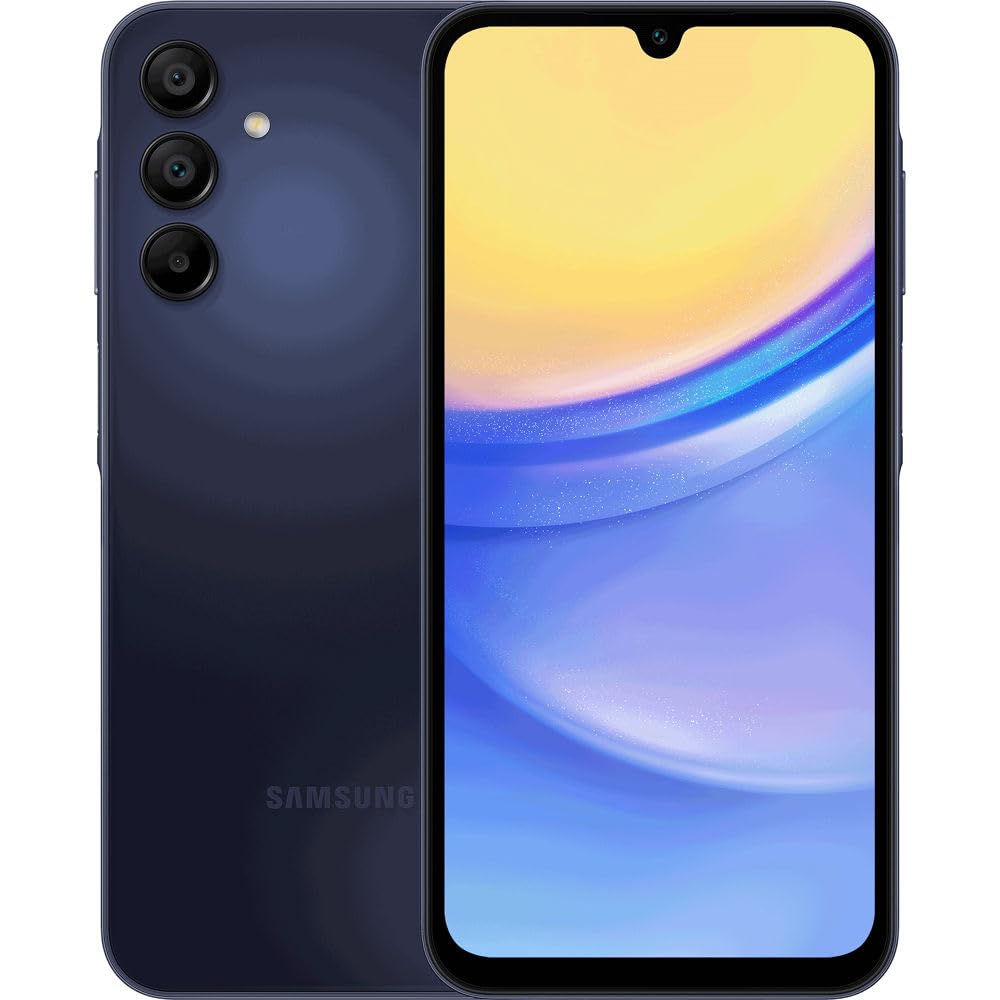
The Galaxy A15 5G gives seniors a large 6.5-inch screen, a straightforward user interface with Easy Mode, and a removable storage slot for extra flexibility at a price that won't stretch retirement savings. It's a surprisingly capable phone for the price, though the lower-resolution display and midrange processor mean some apps may load slowly.
Main limitation: Its processor can feel sluggish when running several apps at once, and the camera struggles in low light.
Skip if: Tech-savvy seniors who want a faster, more polished experience should skip this budget choice.
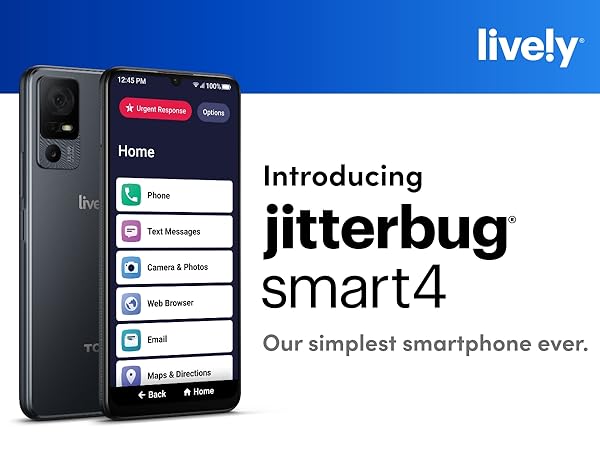
The Jitterbug Smart4 is designed with seniors in mind, featuring a simplified menu that replaces confusing app icons with plain-English buttons. It also offers optional 24/7 emergency response and health alerts, making it a great companion for aging adults. However, its older processor and limited app support mean you can't do everything you could on a mainstream phone.
Main limitation: It uses an aging processor and only supports a small selection of apps, so it's not suitable for power users.
Skip if: Seniors who need a full smartphone experience, like banking apps or social media, may find it too restrictive.
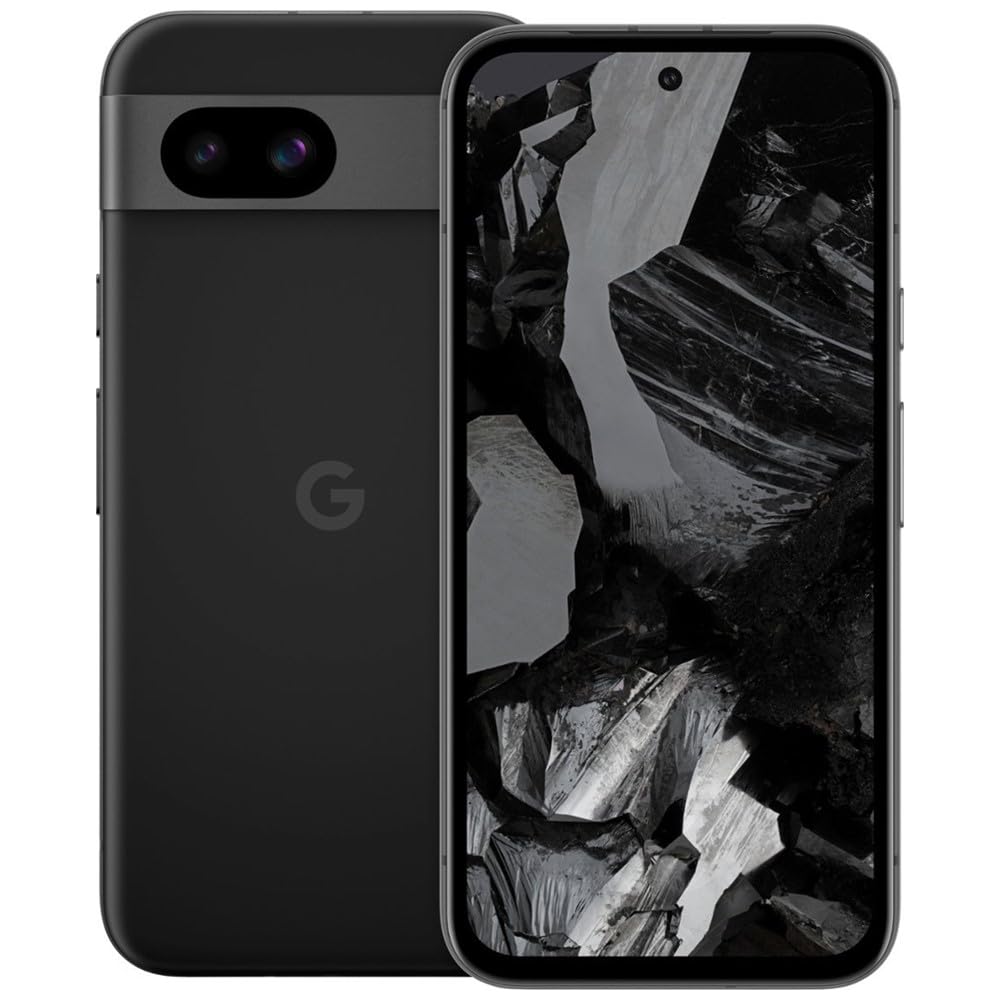
The Pixel 8a has the best text scaling of any Android we've examined – you can make fonts so large they overflow the normal display, and its high-contrast UI makes it easy for those with vision impairment. The phone also benefits from Google's clean software and seven years of updates. Its compact size and plastic back feel durable, though the camera is average for the price.
Main limitation: Battery life is shorter than some competitors, and it doesn't have a headphone jack for older hands-free headsets.
Skip if: Seniors who want a long-lasting battery for travel or hearing aids that require a wired connection.
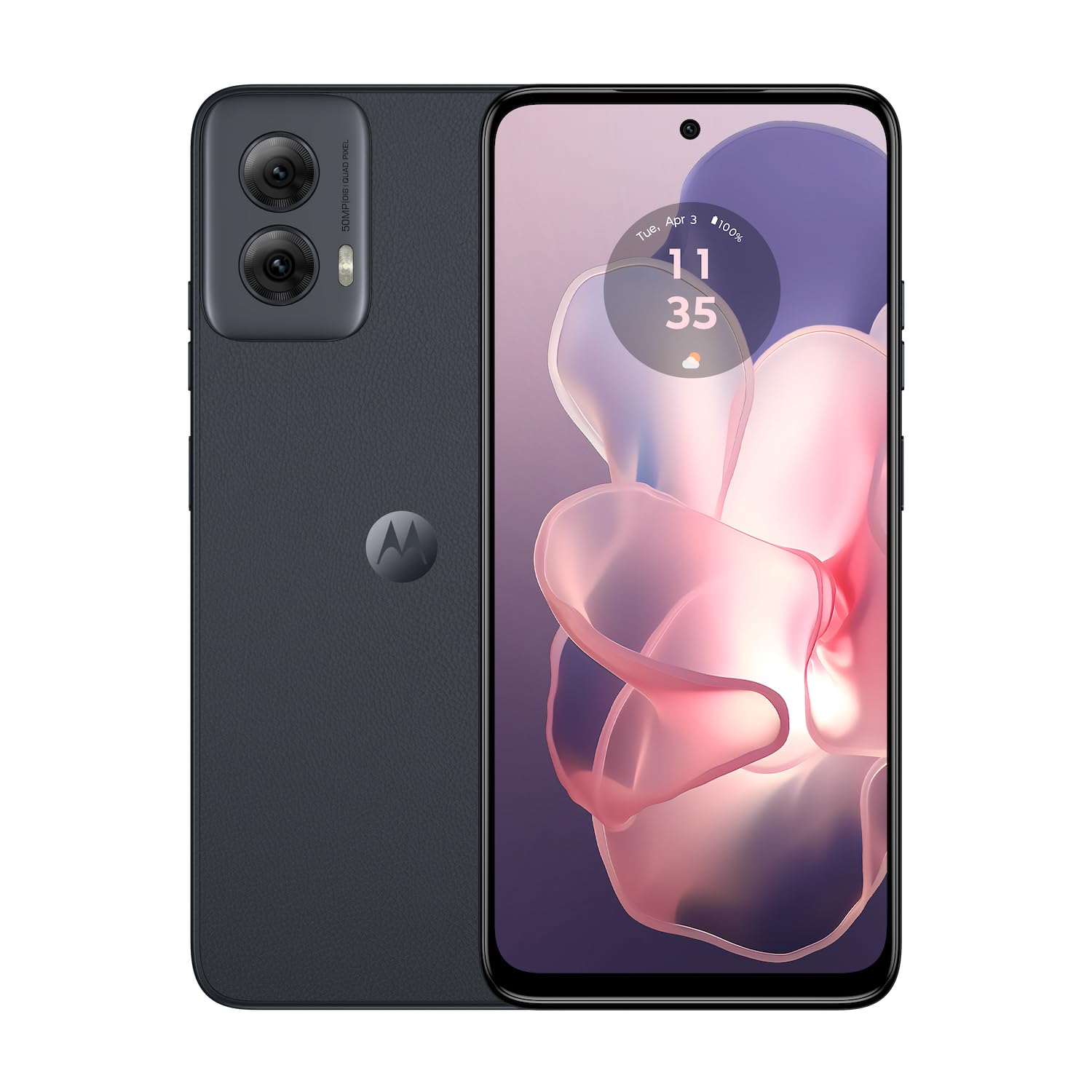
The Moto G Power 5G lives up to its name with a 5,000mAh battery that easily goes for two days on a single charge, so seniors won't have to panic about running out of power while out and about. It also has a huge, bright display and a clean, simple Android interface that keeps things intuitive. The trade-off is in its lower-end camera and modest charging speed.
Main limitation: Its camera quality is mediocre, and it'll likely only receive two years of major software updates.
Skip if: Seniors who want a top-tier camera or who care about getting the latest software features.
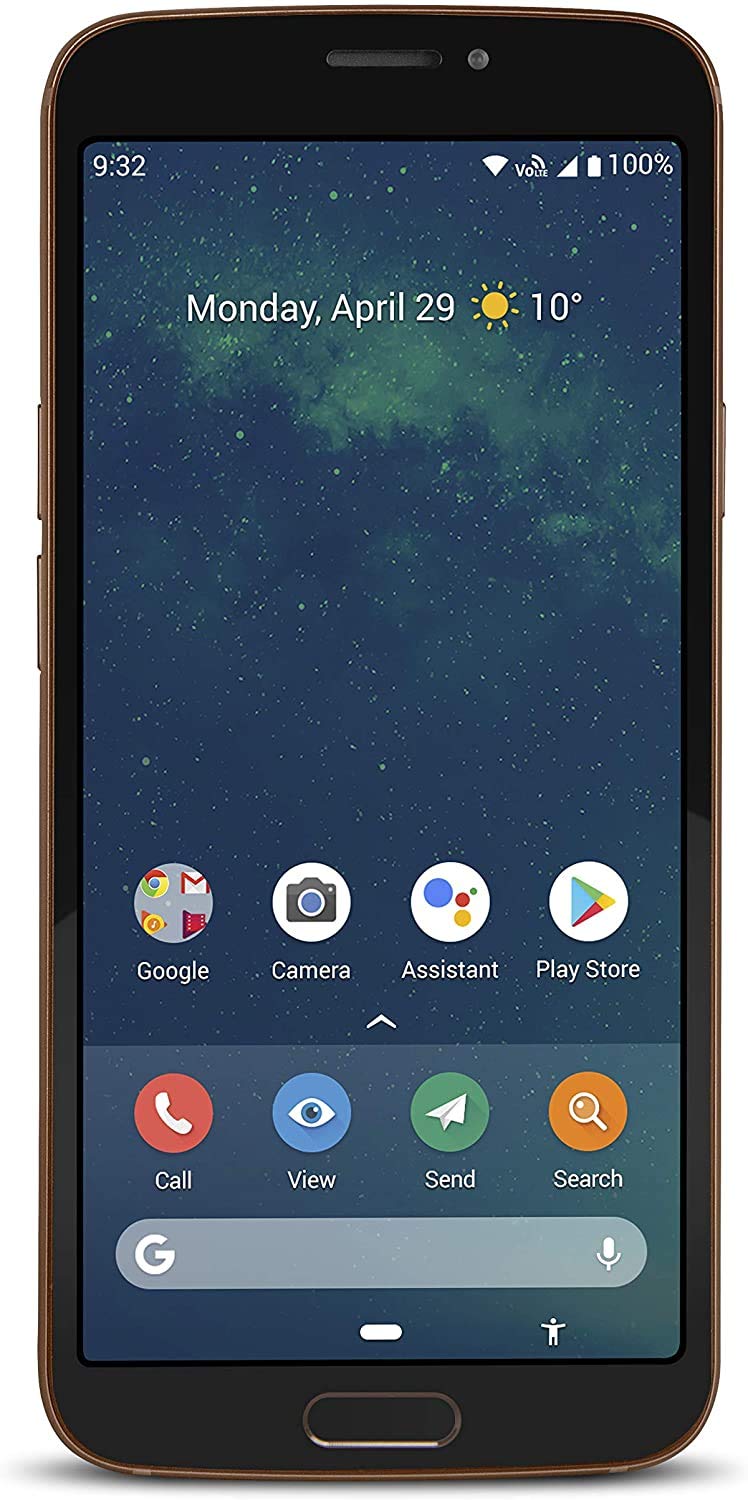
The Doro 8080 stands out for its exceptional hearing aid compatibility, rated M4/T4 for good acoustic coupling, and it supports Bluetooth for direct audio streaming to compatible aids. It also comes with Doro's tailored senior experience, including large icons and a 'LongLife' mode that simplifies the home screen. The downside is its dated internal hardware and lack of 5G support.
Main limitation: It has an older processor and no 5G, which could affect future-proofing.
Skip if: Seniors who need a blazing-fast performance or live in an area that benefits from 5G coverage.
Compare key specs and features of all our recommendations side-by-side
| Product | Recommendation | Rating | Price |
|---|---|---|---|
Apple iPhone 15 (128GB, Black) Rank #1 | 🏆 Top Pick | 9.3/10 | $799–$899 Check current price → |
Samsung Galaxy A15 5G (128GB, Blue Black) Rank #2 | 💰 Budget Pick | 8.0/10 | $250–$300 Check current price → |
Jitterbug Smart4 (32GB, Gray) Rank #3 | ⭐ Editor's Choice | 8.2/10 | $250–$300 Check current price → |
Google Pixel 8a (128GB, Obsidian) Rank #4 | — | 8.5/10 | $499–$549 Check current price → |
Motorola Moto G Power 5G (2024) Rank #5 | — | 7.8/10 | $300–$350 Check current price → |
Doro 8080 (64GB, Black) Rank #6 | — | 7.6/10 | $350–$400 Check current price → |
Common questions buyers have about this category.
Senior-friendly phones often have simplified interfaces, larger text, and built-in assistance features, but they can also have limited app support. Many regular smartphones now include accessibility modes that deliver a similar experience, so you can often save money by enabling the feature on a budget model.
Both iOS and Android offer system-wide text scaling, high-contrast modes, and simplified home screens (like Samsung's Easy Mode). You can also turn on features like 'Speak Screen' on iPhone or 'Select to Speak' on Android to read text aloud. It's a good idea to set up these features before handing the phone over.
Yes. Many modern smartphones are rated M4/T4 for hearing aid compatibility and support Bluetooth for direct streaming. Apple's iPhones generally have excellent HAC ratings, as do many Android devices. Check the HAC rating in the phone's specs before purchase.
Look for a phone with a large display (6+ inches), strong text scaling, and a high-contrast mode. The Google Pixel 8a and Apple iPhone 15 are both excellent options, as they allow text to be scaled beyond standard limits. Support for magnification gestures or screen readers is also helpful.
Yes, but you'll need a full-featured smartphone or a senior phone with a full app store. Jitterbug phones, for instance, have a limited app selection, while budget Android phones like the Samsung Galaxy A15 have access to all major messaging apps. Make sure the phone supports the app you plan to use.
Most seniors only need 32 to 64GB of storage for photos, texts, and a few apps. Since photos and videos take up space, we recommend choosing a model with at least 64GB unless it has a microSD slot for expansion.
It depends on the person. Senior-specific phones are simpler out of the box, but they often have weaker hardware and limited app support. Regular smartphones with accessibility features usually offer better performance and more options, and they're often cheaper.
Products we evaluated but did not recommend — and why.
