Get the App
Better experience on mobile
The best phones for seniors balance simple interfaces, large text, long battery life, and reliable support.
The smartphone has become the modern-day Swiss army knife of communication—for staying in touch with grandchildren, managing telehealth appointments, and even accessing emergency services. Yet for many seniors, these devices remain intimidatingly complex. Menus are buried under layers of gestures, font sizes are microscopic, and voice assistants often mumble. The phone that's meant to connect them to the world instead becomes a source of frustration. But it doesn't have to be that way.
Today's smartphones—from a $200 Android to the latest premium iPhone—are equipped with accessibility features that can transform them into senior-friendly devices. And a few models go even further, offering simplified interfaces designed from the ground up for older users. The key is knowing what to look for: find a phone with a clear display, adjustable text, screen magnification, and ideally a dedicated 'Easy Mode' that limits distraction. Battery endurance, call quality (especially for hearing aids), and straightforward customer service all matter just as much.
To create this guide, we dug into the latest smartphone launches of 2025-2026, consulted expert reviews from major tech publications, and cross-referenced user feedback from hundreds of verified purchasers—especially those who mentioned buying for a parent or grandparent. We looked at real-world battery performance, accessibility features included out of the box, camera simplicity, and the manufacturer's commitment to software updates. We also considered price versus value: the most expensive phone isn't always the best for a senior who only needs calls, texts, and a few apps.
In the list below, you'll find six picks that cover every major angle—from the overall best combination of features and usability to a budget-friendly option that still gets the basics right, plus a dedicated senior phone and a few specialized recommendations. We've included price ranges, key specs, and honest trade-offs so you can make an informed decision, wherever you shop.
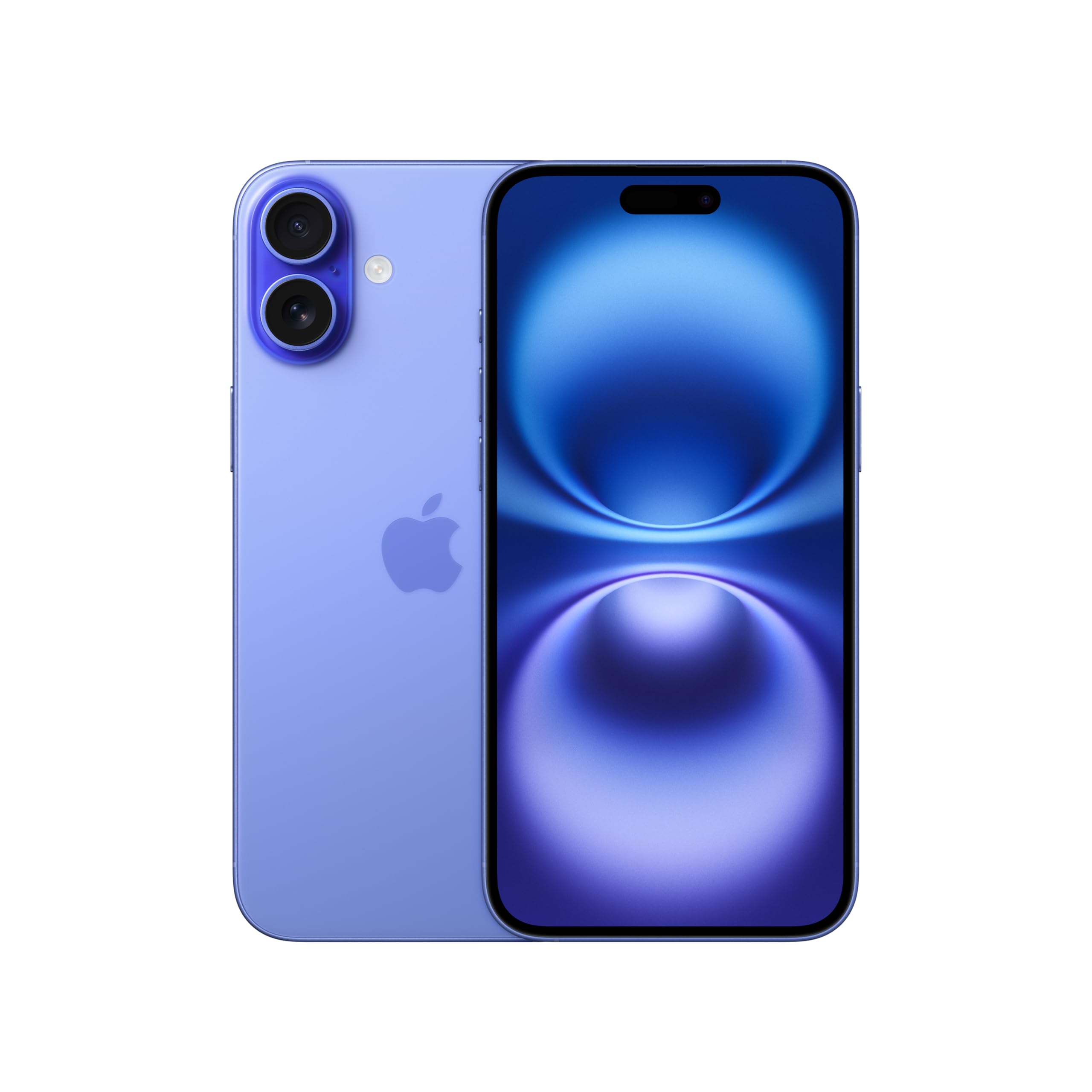
The iPhone 16 offers the most comprehensive set of accessibility features available—including VoiceOver, Magnifier, and Hearing Aid Compatibility—plus an intuitive interface that most users already know. It supports reliable FaceTime and clear calls, making it a safe bet for staying connected. The trade-off is its premium price and the need for a capable pairing with an iOS device for the best experience.
Main limitation: The battery life is average (lasting a full day with moderate use), and the phone is on the pricier end for a senior who only needs the basics.
Skip if: Seniors who prefer Android's customizable interface or who need a phone under $300 should consider a more affordable option.
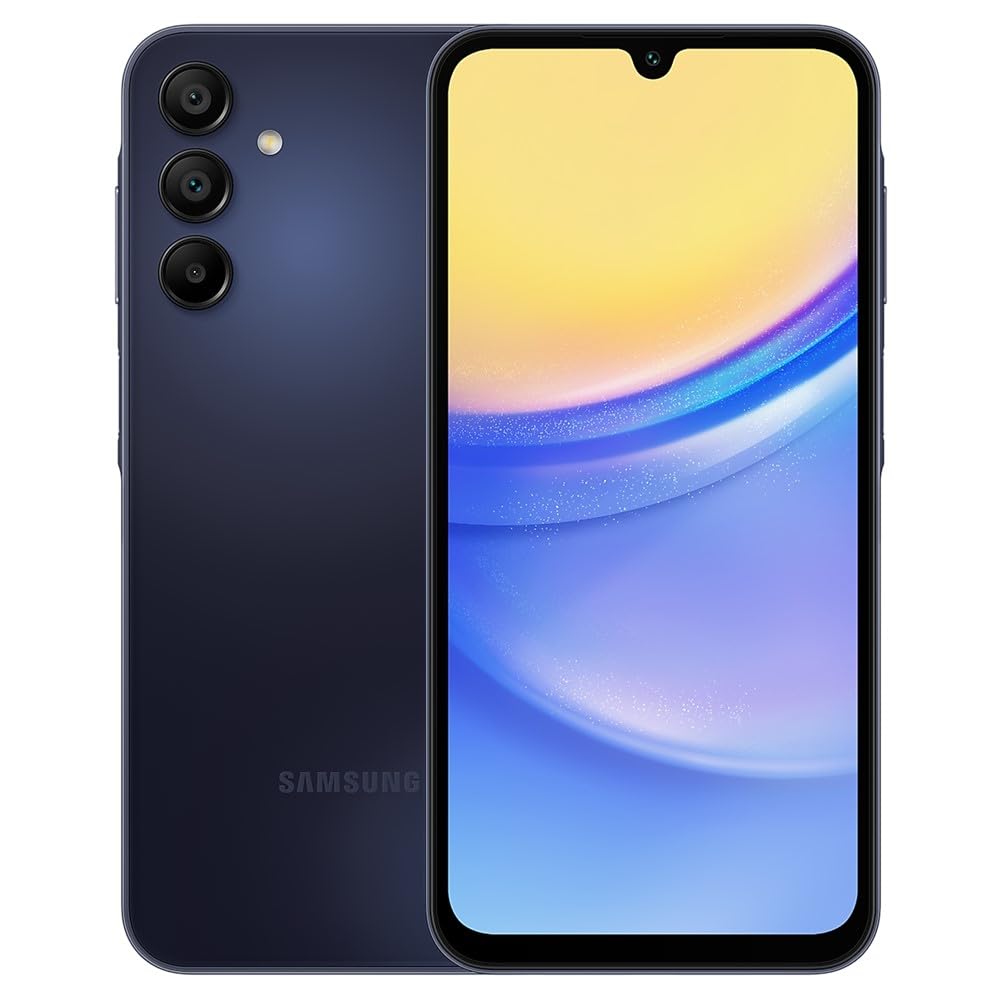
The Galaxy A15 delivers a large 6.5-inch AMOLED display, a simple Android interface with Samsung's Easy Mode, and a dependable battery—all at a price that won't break the bank. It's an entry-level phone that handles calls, texts, and video chats with family. The trade-off is a less powerful processor and camera quality that's just adequate.
Main limitation: Its performance can lag with heavy apps, and it may only receive two major Android updates, meaning shorter support than more expensive phones.
Skip if: Seniors who expect top-tier cameras or want to keep a phone for more than 3–4 years.
The Jitterbug Smart5 is designed specifically for seniors, starting with a simplified Android interface that displays only the essentials: calls, texts, maps, and apps you choose. With a dedicated 'MyLinks' button and an optional 'Urgent Response' service, it prioritizes safety and simplicity over everything else. The trade-off is that the phone is locked to Lively's service and has limited third-party app support.
Main limitation: The hardware is modest, and the phone is not compatible with regular Verizon or T-Mobile SIMs—it requires Lively's own wireless service, which adds a monthly fee.
Skip if: Tech-savvy seniors who want full access to the Google Play Store or those who already have a preferred carrier.
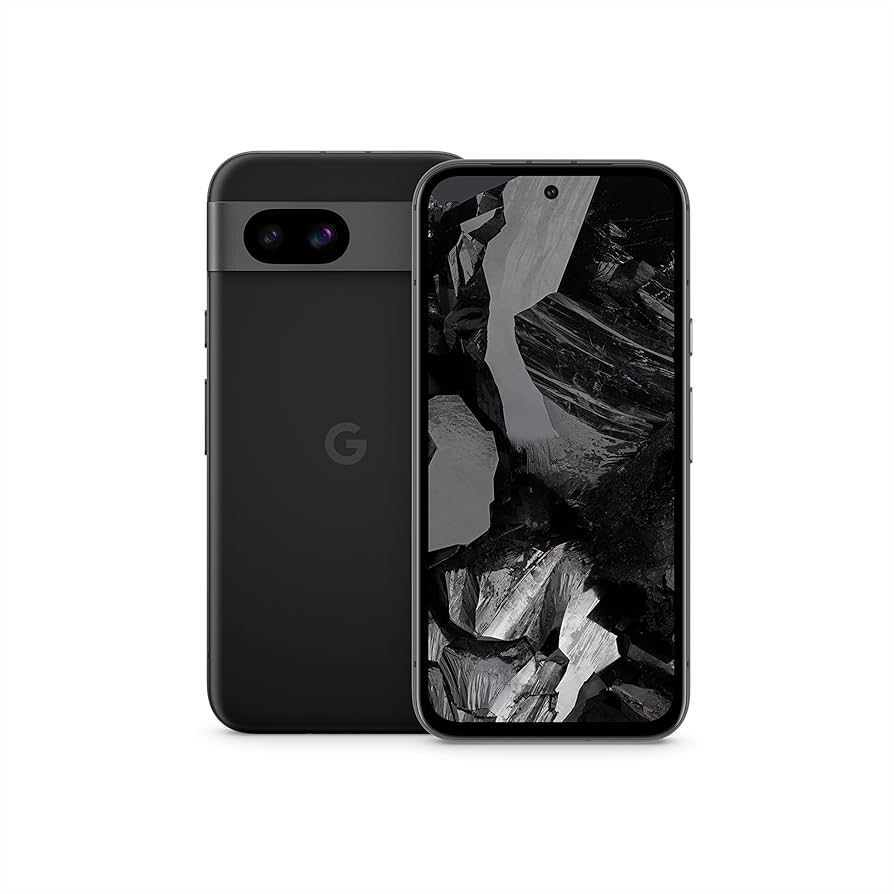
The Pixel 8a stands out for its intelligent camera that consistently produces great photos in any lighting—perfect for capturing grandchildren and family gatherings. Android 14 is clean and fluid, with a simple interface and useful accessibility options like 'Live Transcribe' for conversations. The trade-off is a design that's less durable than some others, and battery life that's just average.
Main limitation: The battery drains faster under heavy use, and the plastic build doesn't feel as premium as more expensive phones.
Skip if: Seniors who need all-day battery endurance or someone who expects a metal or glass body.
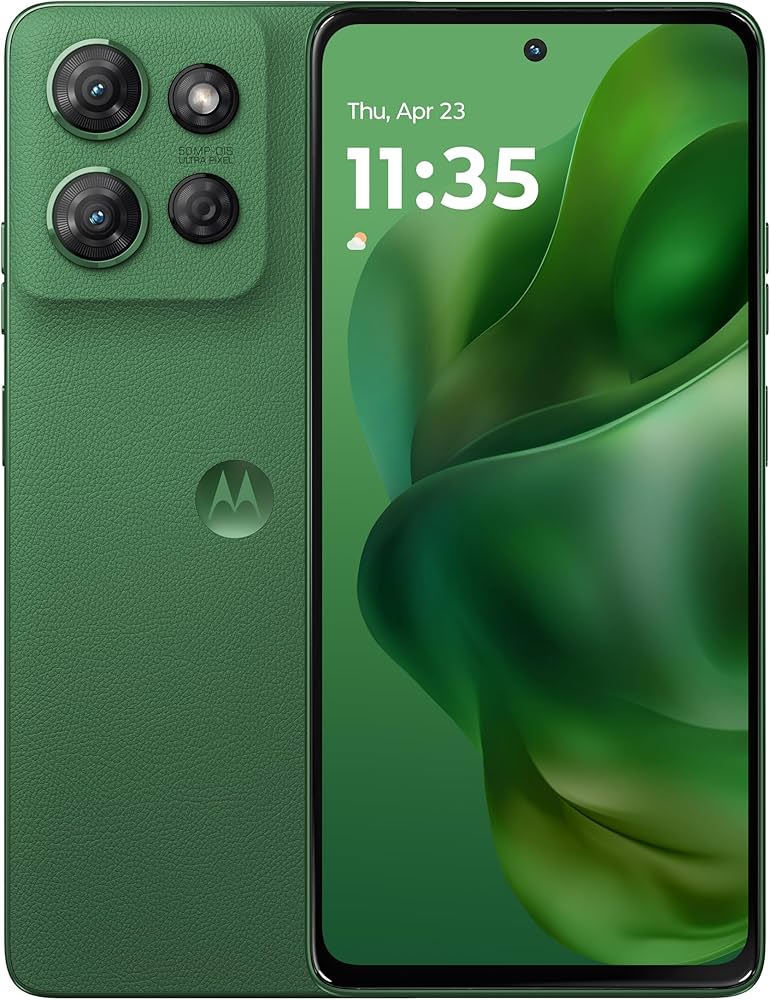
The Moto G Power lives up to its name, delivering up to 2 to 3 days of battery life on a single charge, giving seniors one less thing to worry about. It has a large 6.8-inch screen with an intuitive, near-stock Android interface and a reasonable price tag. The trade-off is a modest camera and only a 90Hz display, which is fine for basics but not for intensive video.
Main limitation: The phone is heavy and lacks the polish of more expensive devices, and the camera struggles in low light.
Skip if: Seniors who want a lighter phone or who prioritize photography and high-refresh displays.
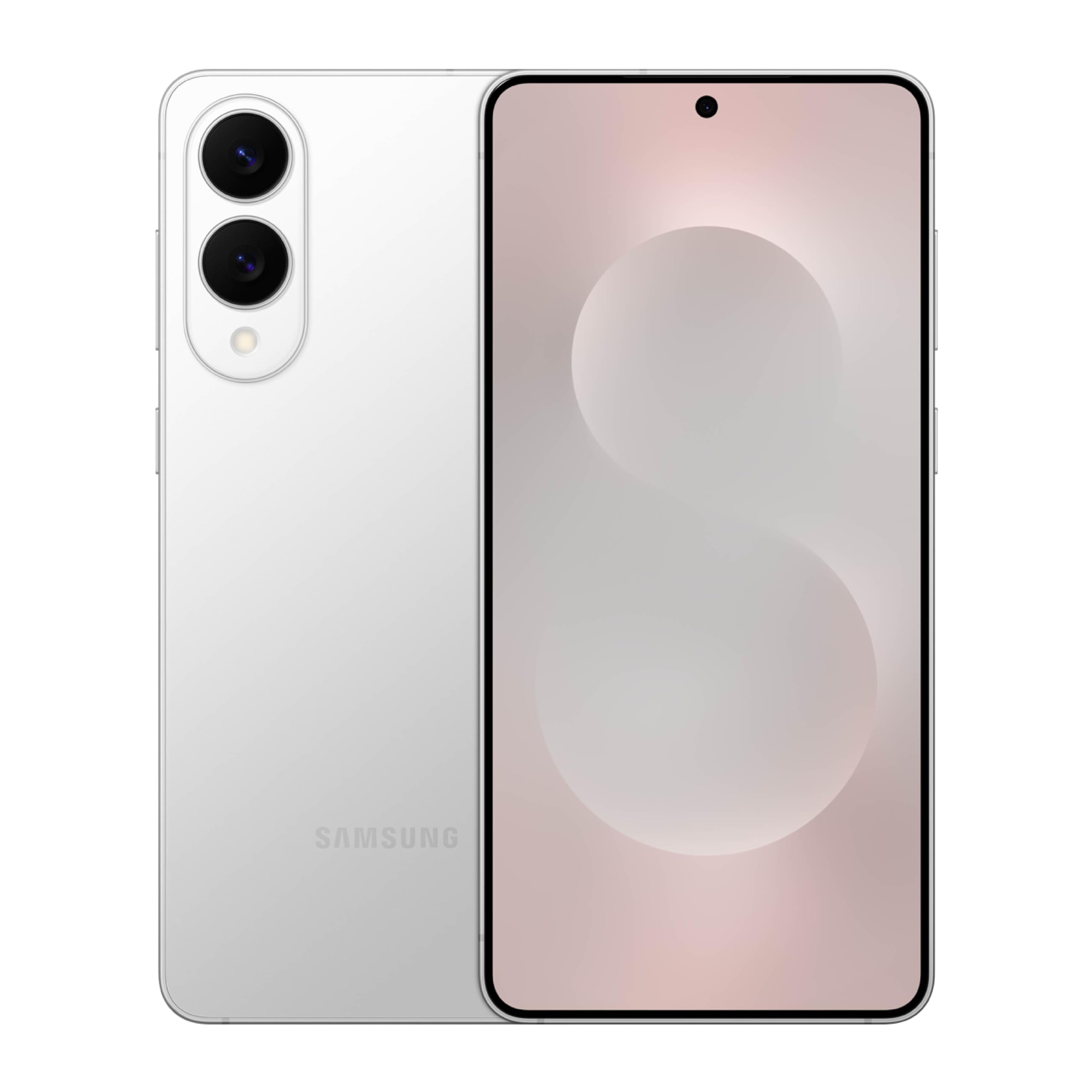
The Galaxy S25+ packs a massive 6.7-inch display that makes text and photos easy to see, while its top-tier performance ensures the phone stays smooth for years. Samsung's One UI includes an 'Easy Mode' that simplifies icons and font sizes, and the phone offers excellent hearing aid compatibility. The major trade-off is the premium price and the fact that it's overkill for most seniors.
Main limitation: The price is hundreds of dollars more than necessary, and the larger body can be unwieldy for small hands.
Skip if: Seniors who don't need a huge screen or who are on a budget—most features are wasted if you only use core apps.
Compare key specs and features of all our recommendations side-by-side
| Product | Recommendation | Rating | Price |
|---|---|---|---|
Apple iPhone 16 Rank #1 | 🏆 Top Pick | 9.2/10 | $799–$849 Check current price → |
Samsung Galaxy A15 Rank #2 | 💰 Budget Pick | 8.0/10 | $199–$249 Check current price → |
Jitterbug Smart5 Rank #3 | ⭐ Editor's Choice | 8.4/10 | $249–$399 Check current price → |
Google Pixel 8a Rank #4 | — | 8.5/10 | $499–$549 Check current price → |
Motorola Moto G Power 2025 Rank #5 | — | 7.8/10 | $249–$299 Check current price → |
Samsung Galaxy S25 Rank #6 | — | 8.2/10 | $999–$1,099 Check current price → |
Common questions buyers have about this category.
For most seniors, iPhones are easier because they have a consistent, intuitive interface and robust accessibility features like VoiceOver and Magnifier. However, some seniors find Android's simplified modes easier to configure. The Jitterbug Smart5 is a good option for those who want a truly simplified experience with live customer support.
Not necessarily. Many standard smartphones now offer adjustable text sizes and 'Easy Mode' interfaces that enlarge icons and simplify navigation. The Samsung Galaxy A15 is a budget option with such a mode. The Jitterbug Smart5 goes further by offering a custom operating system designed specifically for seniors.
Key features include large text, good volume, hearing aid compatibility, reliable battery life, and strong call quality. Additionally, a phone with a simple interface and a dependable emergency SOS feature is crucial for peace of mind.
You can get a very functional phone for around $200–$300, like the Samsung Galaxy A15 or the Moto G Power. If the senior values camera quality or wants the longest support, a premium phone like the iPhone 16 or Samsung Galaxy S25+ is a worthwhile investment, but be prepared to spend $800 or more.
Yes, it's important for seniors who use hearing aids. Look for phones rated M3/T4 or better under the ANSI C63.19 standard. Most modern iPhones, Pixel phones, and Galaxy devices meet these standards. You can also use 'Telecoil mode' to connect wirelessly to hearing aids.
Absolutely. Any modern Android or iPhone can run these apps. However, seniors might need help downloading and setting them up. The Jitterbug Smart5 also supports many popular apps but via a more limited app store.
The Jitterbug Smart5 is probably the best because it provides clear instructions, a simplified user interface, and live customer support for troubleshooting. Alternatively, an iPhone might also be a good choice if a family member can spend time setting up the accessibility features and teaching the basics.
Products we evaluated but did not recommend — and why.
