Get the App
Better experience on mobile
From budget-friendly Android models to premium iPhones and senior-specialized designs, these are the phones that actually make life easier for older adults.
The smartphone industry's obsession with ever-larger screens and powerful processors often ignores the real needs of senior users. Many seniors aren't looking for a 200MP camera or 4K video; they want a device that is simple to navigate, easy on the eyes, and safe from common pitfalls like accidental taps or missed calls. Choosing the right smartphone can dramatically improve a senior's quality of life — from staying in touch with grandchildren to accessing telehealth and medication reminders.
We curated this list by analyzing the accessibility features, display quality, battery life, and customer support of dozens of phones available in 2025 and beyond. We also researched user reviews from actual senior citizens to understand common pain points like small texts, confusing menus, and hearing aid incompatibility. Our goal is to offer honest recommendations that range from budget-friendly to premium, with an emphasis on real-world usability.
When selecting a phone, we prioritize three factors: ease of setup, long-term usability, and the availability of hearing aid compatibility (if needed). We also consider how easy it is for family members to provide remote assistance, as this often becomes a key part of a senior's digital life. The phones below were chosen because they strike the right balance between functionality and simplicity — no phone is perfect, so we highlight the trade-offs honestly.
Whether you're shopping for a parent, grandparent, or yourself, this guide will help you cut through marketing hype and focus on what truly matters for a senior-friendly smartphone: large visuals, straightforward controls, and the confidence to stay connected.
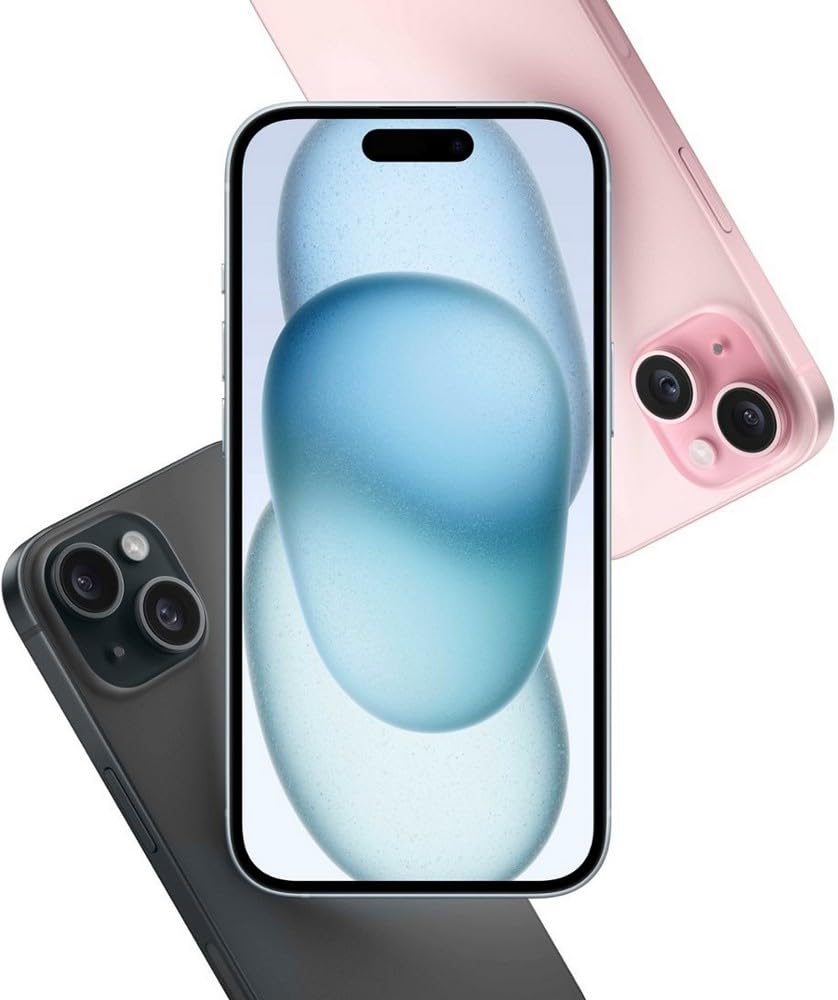
The iPhone 15 offers iOS's standout accessibility features — larger bold text, AssistiveTouch, and Hearing Aid compatibility — wrapped in a durable aluminum design that's simple to navigate. The 6.1-inch Super Retina XDR display is plenty large for reading messages, and FaceTime makes video calling with family effortless. Its main trade-off is the premium price, which may be overkill for basic calls and texts.
Main limitation: The higher cost and lack of a physical home button may confuse seniors moving from an older iPhone with a home button.
Skip if: Seniors on a tight budget who only need basic calling and texting should opt for a budget Android instead.
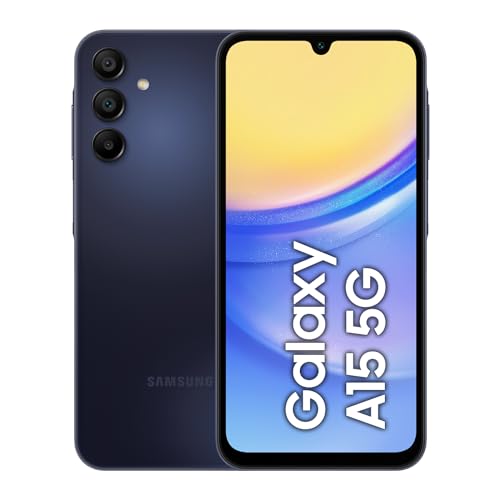
The Galaxy A15 5G delivers a large 6.5-inch display and Samsung's Easy Mode, which replaces the standard home screen with large icons and simple navigation. With a long battery life and expandable storage, it's a reliable, low-cost entry point for seniors who prefer Android. The trade-off is slower performance and a less refined interface than pricier models.
Main limitation: Its plastic build feels less premium, and the cameras are mediocre — though that rarely matters for basic use.
Skip if: Seniors who want a phone with guaranteed 24/7 customer support should look at Jitterbug.
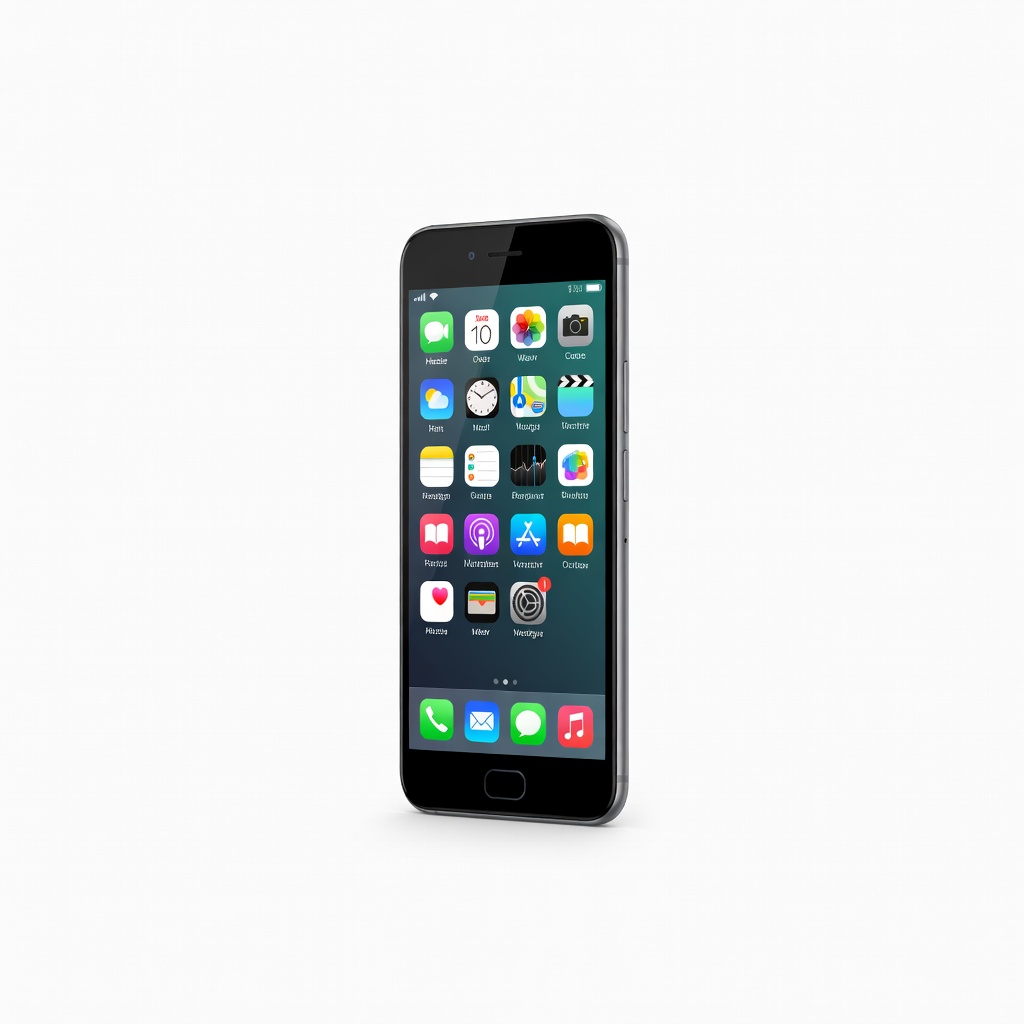
The Jitterbug Smart4 flips the script with a simplified custom interface, large text, and dedicated buttons for essential functions. It connects to Lively's 24/7 support team, allowing seniors to press a single key for help with anything from navigation to pharmacy tasks. The catch is that you must subscribe to Lively's service plan, which adds ongoing costs.
Main limitation: The hardware is modest, and the monthly plan can make it substantially more expensive over time.
Skip if: Seniors who are comfortable with standard smartphones and don't need round-the-clock live assistance.
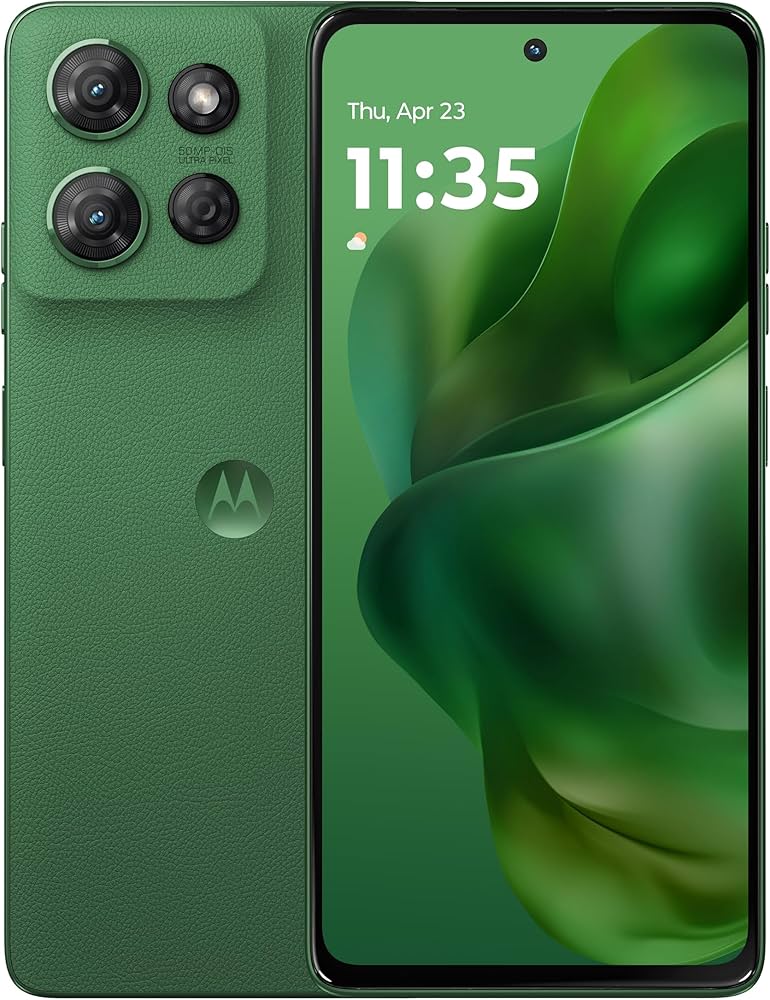
This Moto G Power provides up to two days of use on a single charge, so seniors won't have to worry about daily charging. The clean Android interface isn't overwhelming, and the large 6.7-inch screen shows crisp text. However, the phone lacks Samsung's Easy Mode, so you'll need to tweak accessibility settings yourself.
Main limitation: The camera and speaker quality are average, and software updates are less frequent than on Samsung or Apple.
Skip if: Seniors who are not comfortable adjusting settings manually might find the default interface too cluttered.
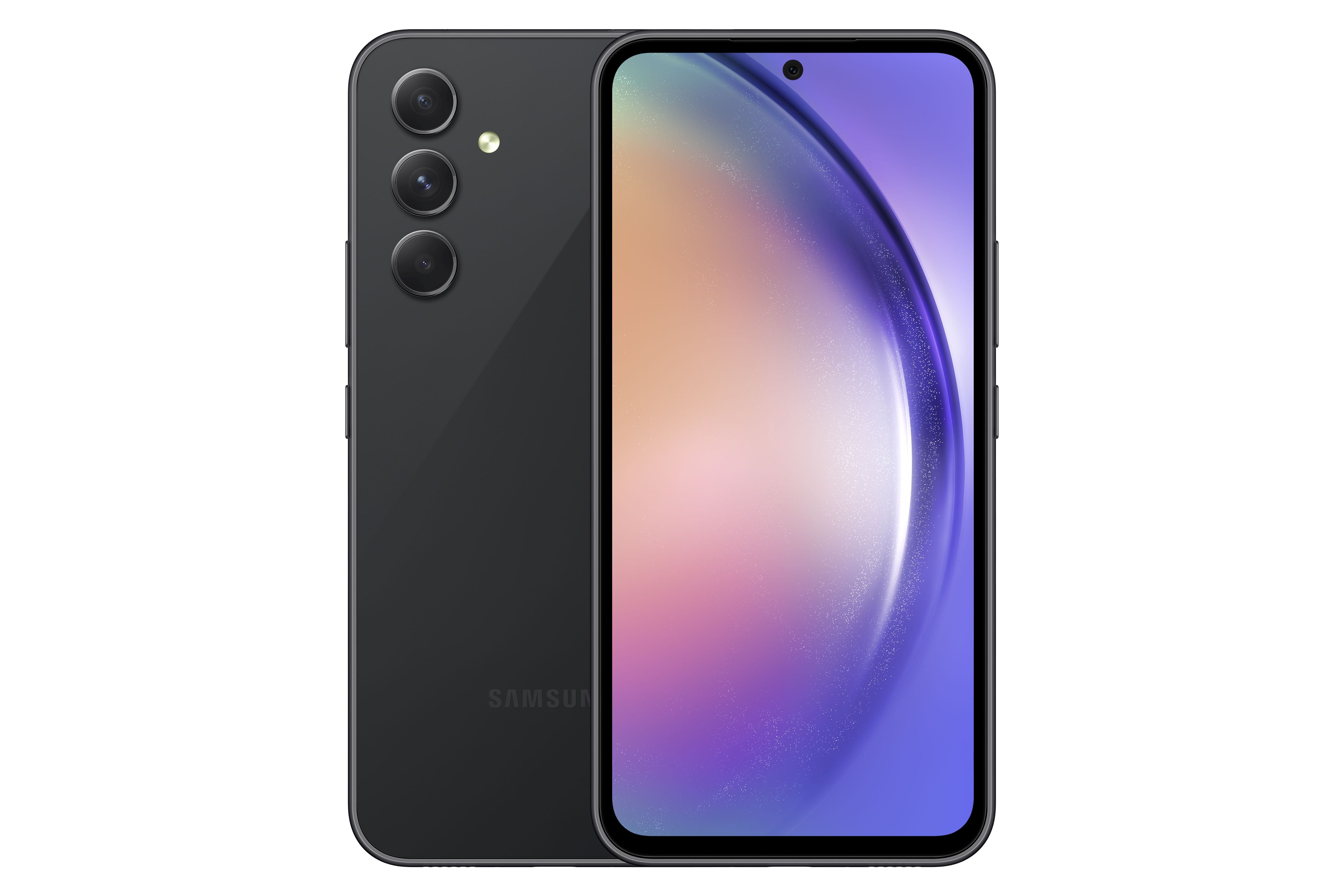
With a brilliant 6.4-inch Super AMOLED screen and Samsung's Easy Mode, the Galaxy A54 offers a comfortable viewing experience for senior eyes. It also has solid build quality, an IP67 water resistance rating, and brighter, more vivid colors than budget models. The trade-off is a higher price than the A15, but the enhanced display and performance justify it for many.
Main limitation: It may be overkill for those who only use their phone for calls and texts.
Skip if: Seniors who prioritize value and don't need a high-resolution screen can save money with the A15.
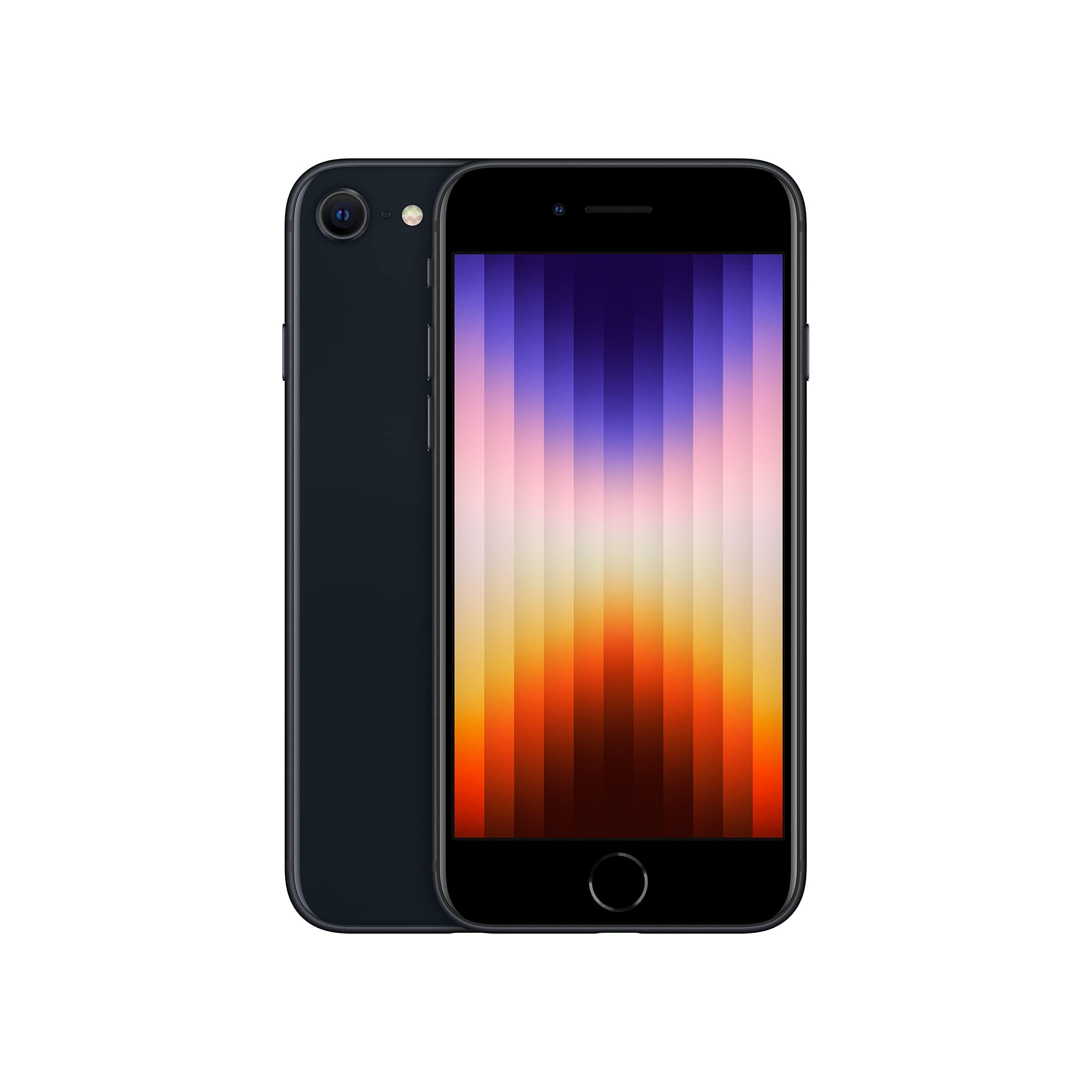
The iPhone SE is a compact iOS phone that retains the classic home button, making it a familiar choice for seniors upgrading from older iPhones. It offers fast performance, 5G, and strong accessibility features, all at a relatively low price for Apple. The key limitation is the 4.7-inch screen, which may be too small for seniors who struggle with text.
Main limitation: The small display can be challenging for people with poor eyesight, and the battery life is shorter than larger models.
Skip if: Seniors who want a large, easy-to-read screen should choose an iPhone 15 or a Samsung A-series instead.
Compare key specs and features of all our recommendations side-by-side
| Product | Recommendation | Rating | Price |
|---|---|---|---|
Apple iPhone 15 Rank #1 | 🏆 Top Pick | 9.0/10 | $699–$799 Check current price → |
Samsung Galaxy A15 5G Rank #2 | 💰 Budget Pick | 8.0/10 | Around $200 Check current price → |
Jitterbug Smart4 Rank #3 | ⭐ Editor's Choice | 8.5/10 | $99–$149 (plus service plan) Check current price → |
Motorola Moto G Power 5G (2025) Rank #4 | — | 7.8/10 | Around $250 Check current price → |
Samsung Galaxy A54 5G Rank #5 | — | 8.3/10 | Around $450 Check current price → |
Apple iPhone SE (3rd generation) Rank #6 | — | 7.5/10 | Around $300 Check current price → |
Common questions buyers have about this category.
Seniors with normal vision can manage a 6-inch display, but older adults often prefer 6.2 to 6.5 inches for reading comfortably without zooming. Larger screens also make buttons and icons easier to tap, though they add weight and bulk. We recommend visiting a store to try different sizes before buying.
Most smartphones offer built-in accessibility menus. On iOS, go to Settings > Accessibility to adjust text size, enable bold text, and turn on VoiceOver if needed. On Android, enable Samsung Easy Mode (if available) or download the Simple Home app; also set display size and add important contacts to the home screen.
Dedicated senior phones like Jitterbug provide live 24/7 support and a simplified interface out of the box, which is great for older users who are not comfortable with technology. However, they often require ongoing service contracts and have weaker hardware. A mainstream smartphone with accessibility settings can be cheaper and more powerful, but it may require family members to set it up and provide support.
Not all. Look for a phone with a M3 or M4 rating for hearing aid compatibility, or one that supports Bluetooth streaming to hearing aids. Apple iPhones and many premium Samsung models offer excellent compatibility, but budget phones vary. Check the FCC's hearing aid compatibility ratings before making a purchase.
Samsung Easy Mode replaces the home screen with large icons and a simplified menu, while Apple's Accessibility features let you adjust text size, add zoom, and activate Voice Control anywhere. Easy Mode is more instantly straightforward, but iOS's built-in settings are deeper. For seniors, Easy Mode is easier to get started, while iOS is more flexible over time.
Set up automatic app updates, enable Google Play Protect or Apple's built-in security, and avoid side-loading apps. Also, help the senior install a spam-call blocker and teach them to never click unknown links. On iPhone, use SharePlay or Family Sharing to monitor accounts if needed.
Look for prepaid or no-contract plans that offer enough data for essential apps like video calling and maps, but don't require long-term commitments. Many carriers offer discounts for 55+ customers, so check AARP or T-Mobile's senior plans. If the phone is used mostly for calls, consider a limited data plan to save money.
Products we evaluated but did not recommend — and why.
