Get the App
Better experience on mobile
Precision color accuracy and wide gamut coverage define our selections for hobbyists and pros alike.
Photo editing demands monitors where Delta E stays under 2.0 after calibration—most gaming displays drift to 4.0 or higher, washing out skin tones and landscapes. This precision separates hobbyists printing occasional shots from pros delivering client work, as even top cameras capture nuances lost on subpar screens.
Wide Adobe RGB coverage (99%+) and uniform IPS panels ensure edits translate accurately to print or web, while features like USB-C docking streamline workflows. We focused on models with verified specs from independent tests, covering resolutions from QHD to 5K2K and sizes from 27 to 40 inches.
Our picks span budgets under $400 to premium rigs over $2,000, highlighting trade-offs like size versus portability or contrast versus absolute color fidelity. Whether you're touch-retouching portraits or batch-processing RAW files, these options balance value and performance.
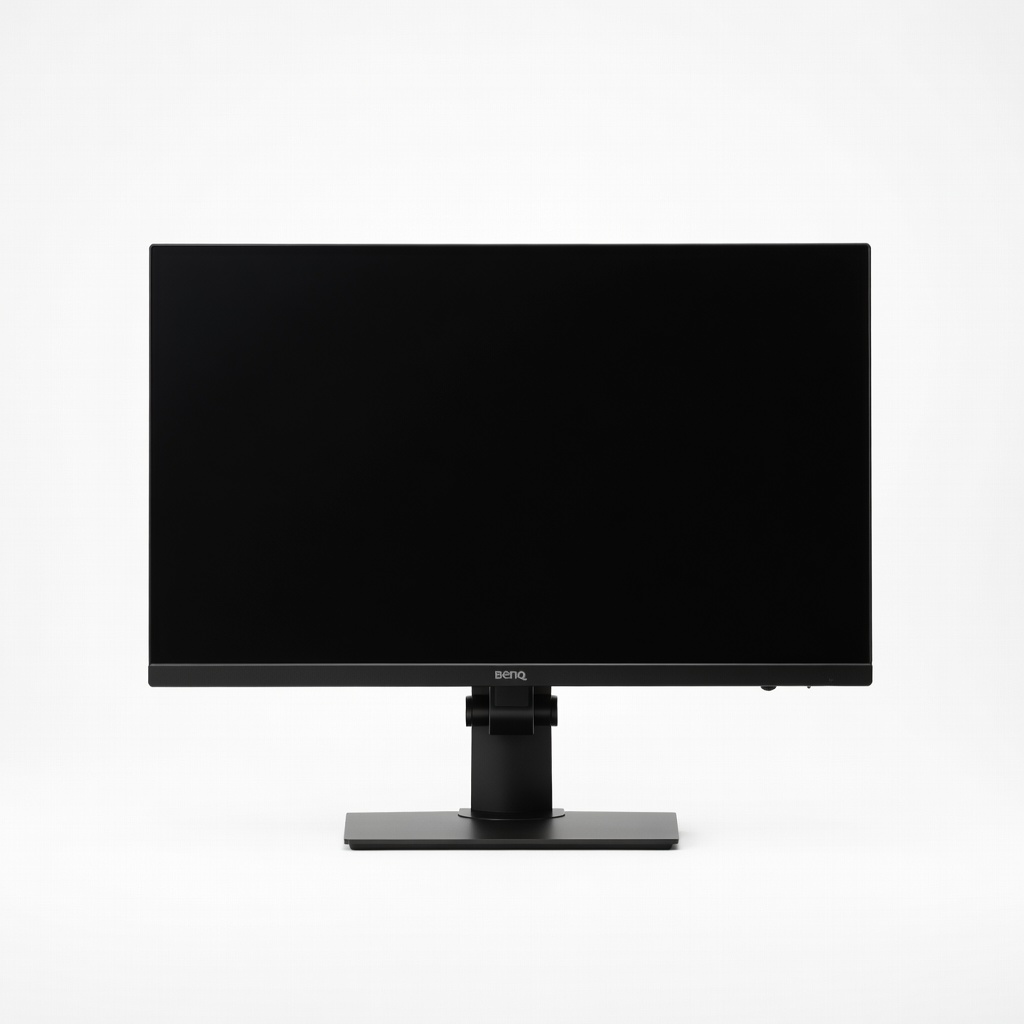
The BenQ SW321C delivers exceptional 99% Adobe RGB coverage and factory Delta E ≤2 calibration, with a 32-inch 4K IPS panel ideal for detailed photo workflows. Its Palette Master Ultimate software and shading hood minimize glare for accurate editing. The main trade-off is its hefty size, which demands ample desk space.
Main limitation: At 32 inches and 25 pounds, it requires a sturdy desk and isn't suited for multi-monitor setups without bezel gaps.
Skip if: Users with limited desk real estate or those needing a portable display should skip this bulky option.
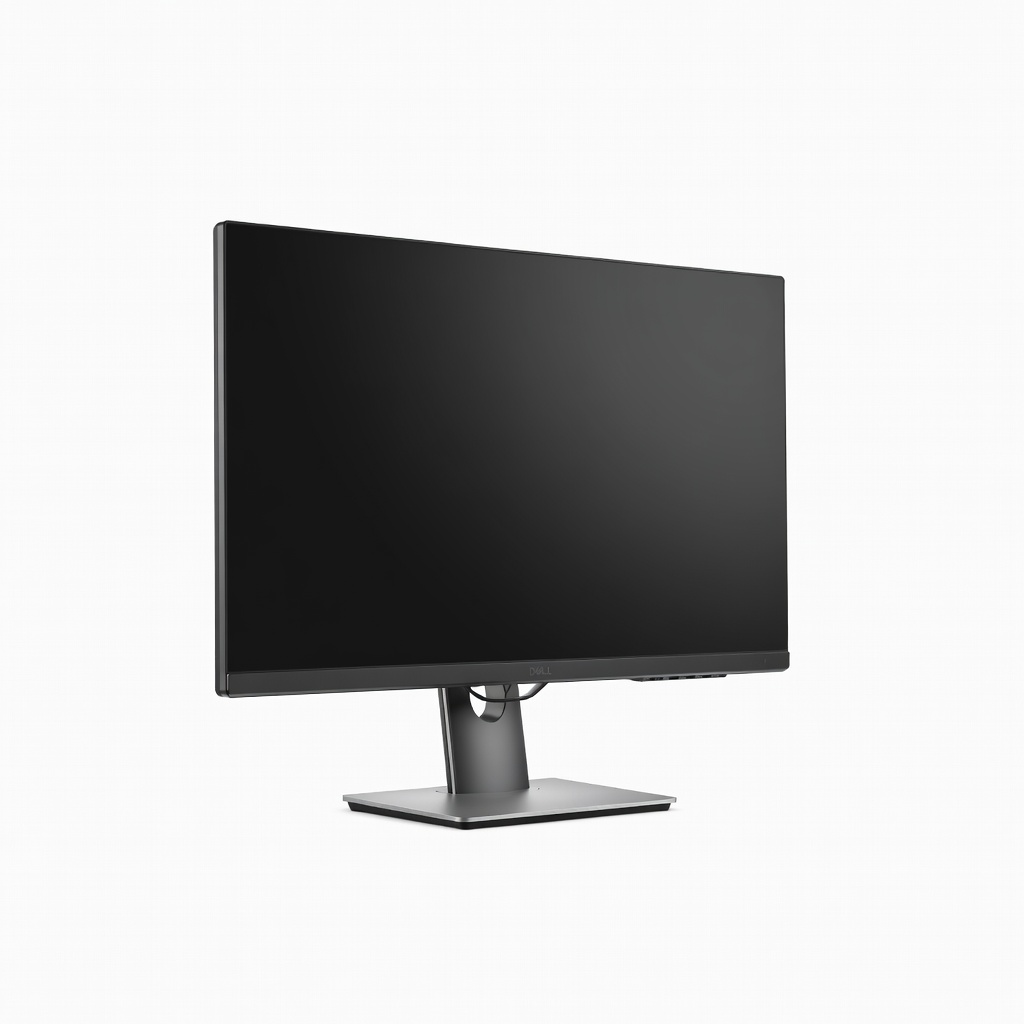
This Dell offers 98% DCI-P3 coverage and solid Delta E <2 post-calibration at a fraction of pro prices, with a 27-inch 4K IPS panel sharp enough for most photo tasks. USB-C power delivery simplifies laptop setups. Its limitation is narrower Adobe RGB at 85%, better for web than print.
Main limitation: Adobe RGB coverage tops out at 85%, making it less ideal for print workflows requiring full gamut fidelity.
Skip if: Print professionals needing 99% Adobe RGB coverage should opt for higher-end models.
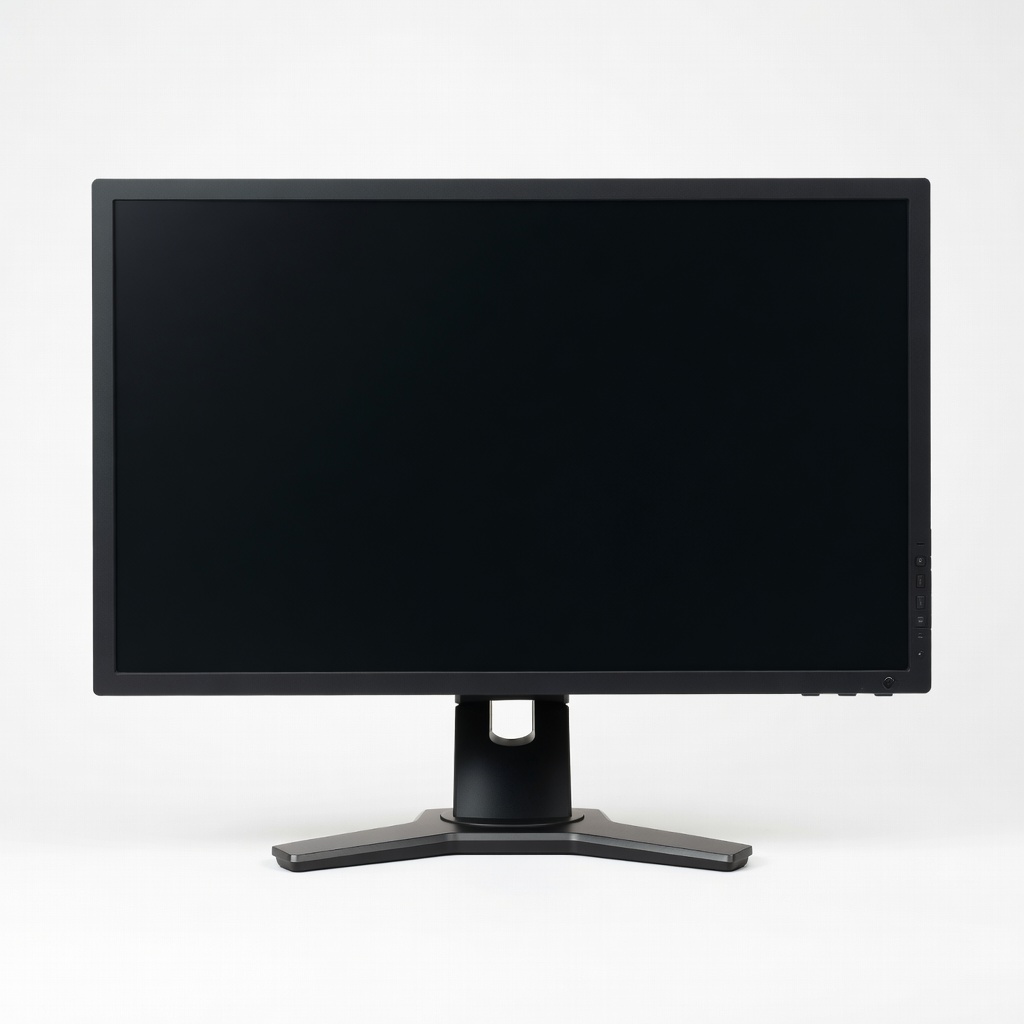
Eizo's CS2740 arrives with out-of-box Delta E <1 and 99% Adobe RGB on a 27-inch WQHD IPS panel, backed by a 5-year uniformity warranty. ColorNavigator software ensures long-term stability. The downside is no 4K resolution, limiting pixel-peeping at 100% zoom.
Main limitation: WQHD resolution feels dated for 4K-era editing software, requiring scaling on high-DPI displays.
Skip if: Editors who pixel-peep at 100% zoom on 4K files will find the resolution constraining.
ASUS ProArt PA279CRV provides 99% Adobe RGB and DCI-P3 with Calman Verified calibration on a 27-inch 4K panel, perfect for balanced editing without breaking the bank. Adaptive Sync aids hybrid photo/video work. It trades off lower contrast typical of standard IPS.
Main limitation: Native contrast ratio of 1000:1 produces deeper blacks on OLED alternatives during dim scenes.
Skip if: HDR enthusiasts seeking deep blacks for moody portraits should consider OLED panels.
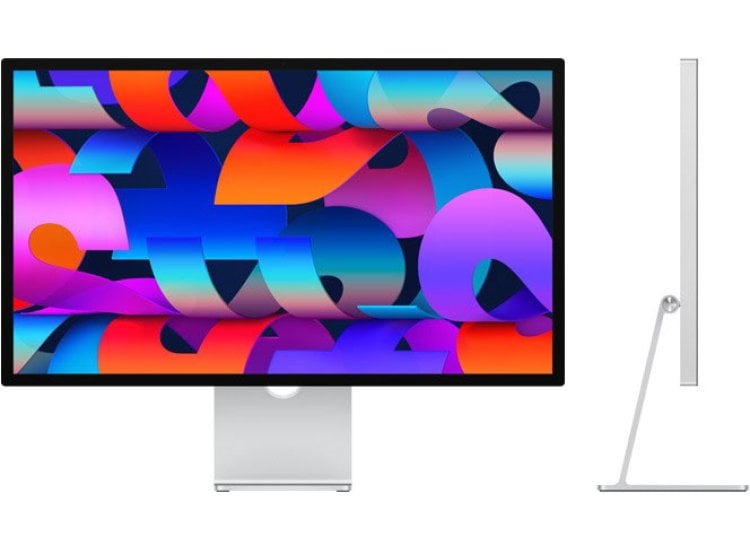
The Studio Display's 5K Retina panel delivers 100% DCI-P3 with flawless macOS integration and True Tone for natural color matching. Nano-texture glass cuts glare effectively. Its sealed design limits user calibration and third-party hub use.
Main limitation: No hardware calibration access means reliance on software profiles, less flexible for pros.
Skip if: Windows or multi-OS users will miss broader compatibility and USB expansion.
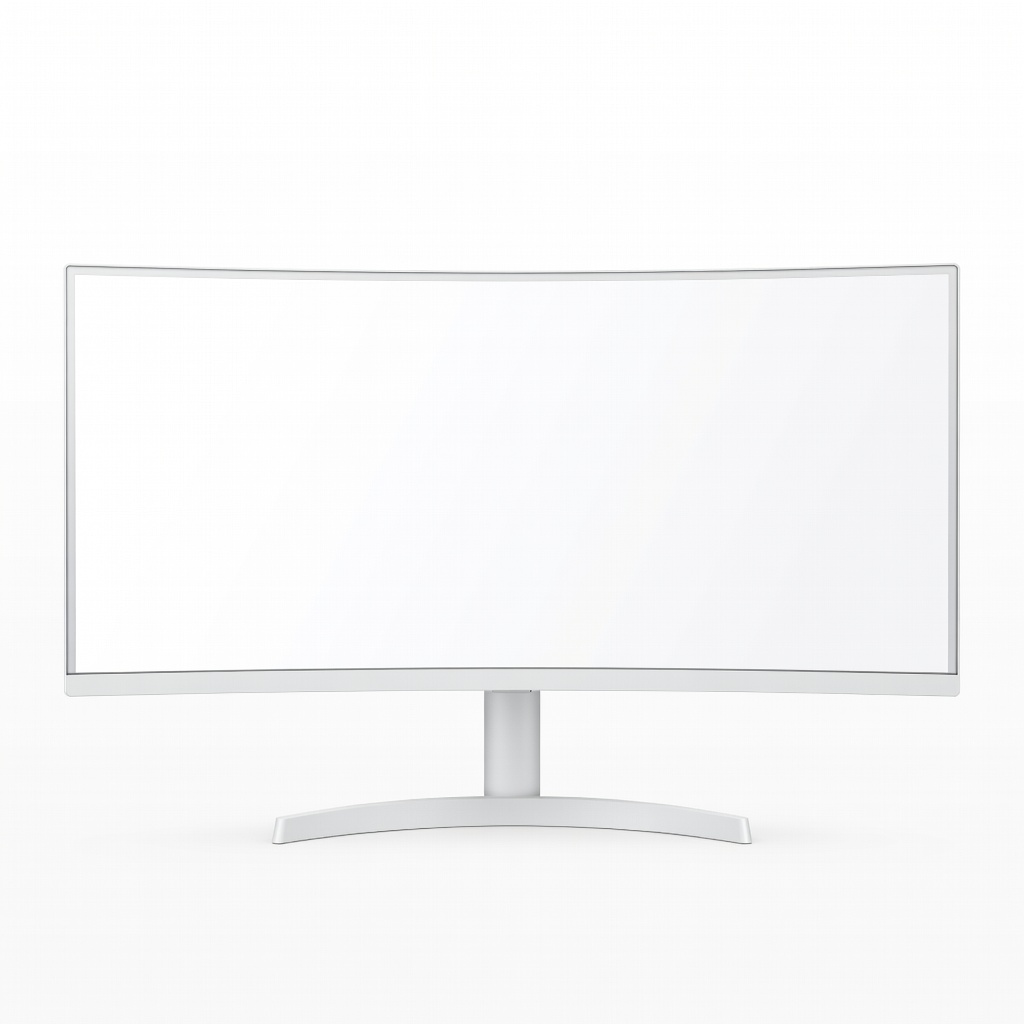
This 40-inch 5K2K (5120x2160) IPS ultrawide covers 98% DCI-P3 and offers timeline workspace for Lightroom/Photoshop multitasking. Curve enhances immersion without distortion. Brightness peaks at 300 nits, lagging in bright rooms.
Main limitation: 300-nit peak brightness struggles in well-lit studios compared to 400+ nit competitors.
Skip if: Editors in bright environments or preferring square formats will find it overwhelming.
Compare key specs and features of all our recommendations side-by-side
| Product | Recommendation | Rating | Price |
|---|---|---|---|
BenQ SW321C 32-inch 4K UHD Professional Monitor Rank #1 | 🏆 Top Pick | 9.3/10 | $1,950–$2,150 Check current price → |
Dell UltraSharp U2723QE 27-inch 4K USB-C Hub Monitor Rank #2 | 💰 Budget Pick | 8.4/10 | $450–$550 Check current price → |
Eizo ColorEdge CS2740 27-inch WQHD Monitor Rank #3 | ⭐ Editor's Choice | 9.1/10 | $1,450–$1,650 Check current price → |
ASUS ProArt PA279CRV 27-inch 4K HDR Monitor Rank #4 | — | 8.7/10 | $480–$580 Check current price → |
Apple Studio Display 27-inch 5K Retina Monitor Rank #5 | — | 8.6/10 | $1,550–$1,700 Check current price → |
LG 40WP95C-W 40-inch 5K2K Ultrawide Curved Monitor Rank #6 | — | 8.2/10 | $1,300–$1,500 Check current price → |
Common questions buyers have about this category.
4K UHD is ideal for most editors as it matches modern camera sensors for 100% pixel view without scaling, revealing fine details in RAW files. QHD works for smaller workflows or weaker GPUs, but 5K like Apple's offers Retina sharpness if you're in the ecosystem—avoid 1080p entirely for professional accuracy.
Adobe RGB is crucial for print and nature photography covering greens/blues beyond sRGB, while DCI-P3 suits web/video with cinematic reds. Most pros need 99% both; hobbyists can settle for 95% DCI-P3 if print isn't key—verify with hardware tests, not marketing claims.
Yes, especially for pros—factory Delta E <2 saves recalibration time and ensures consistency. Budget options improve with user tools like DisplayCAL, but drift faster; pair with a colorimeter for longevity regardless of starting point.
IPS rules for accuracy and uniformity across the panel, vital for batch edits—OLED excels in contrast/HDR but risks burn-in from static toolbars and uneven aging. Stick to OLED only for hybrid video if you mitigate risks with pixel shifts.
Highly recommended for single-cable laptop setups with power/ data, speeding transfers from tethered cameras. Prioritize 90W+ PD; HDMI/DP suffices for desktops but misses workflow efficiency.
Products we evaluated but did not recommend — and why.
