Get the App
Better experience on mobile
Color-accurate displays that keep your edits true from screen to print.
Choosing a monitor for photo editing is a game of trust. A display that renders a deep red or a subtle shade of blue incorrectly can undo hours of careful adjustments. While resolution and panel technology matter, the real separator is color accuracy: how well the display reproduces the colors in your files, and whether that accuracy remains stable over time. For photographers, a monitor is the single most important piece of hardware after the camera lens itself.
Recent years have brought an explosion of options, from budget-friendly 4K panels to professional-grade Eizo displays that cost as much as a used car. The key is to understand where your work demands the most precision. If you're a hobbyist editing casual photos, a well-calibrated sRGB screen is likely enough. If you're a professional printing for clients, you'll want wide-gamut coverage like Adobe RGB and hardware calibration to keep colors consistent across devices.
We evaluated six monitors that stand out in 2026, based on a combination of published expert reviews, manufacturer specs, and user feedback. Our selections cover a variety of price points and workflows, from a budget-friendly Asus ProArt to the massive, HDR-capable Asus ProArt PA32UCX-K. We also considered less obvious factors like USB-C connectivity, ergonomics, and factory calibration, since these aspects dramatically affect the photo editing experience.
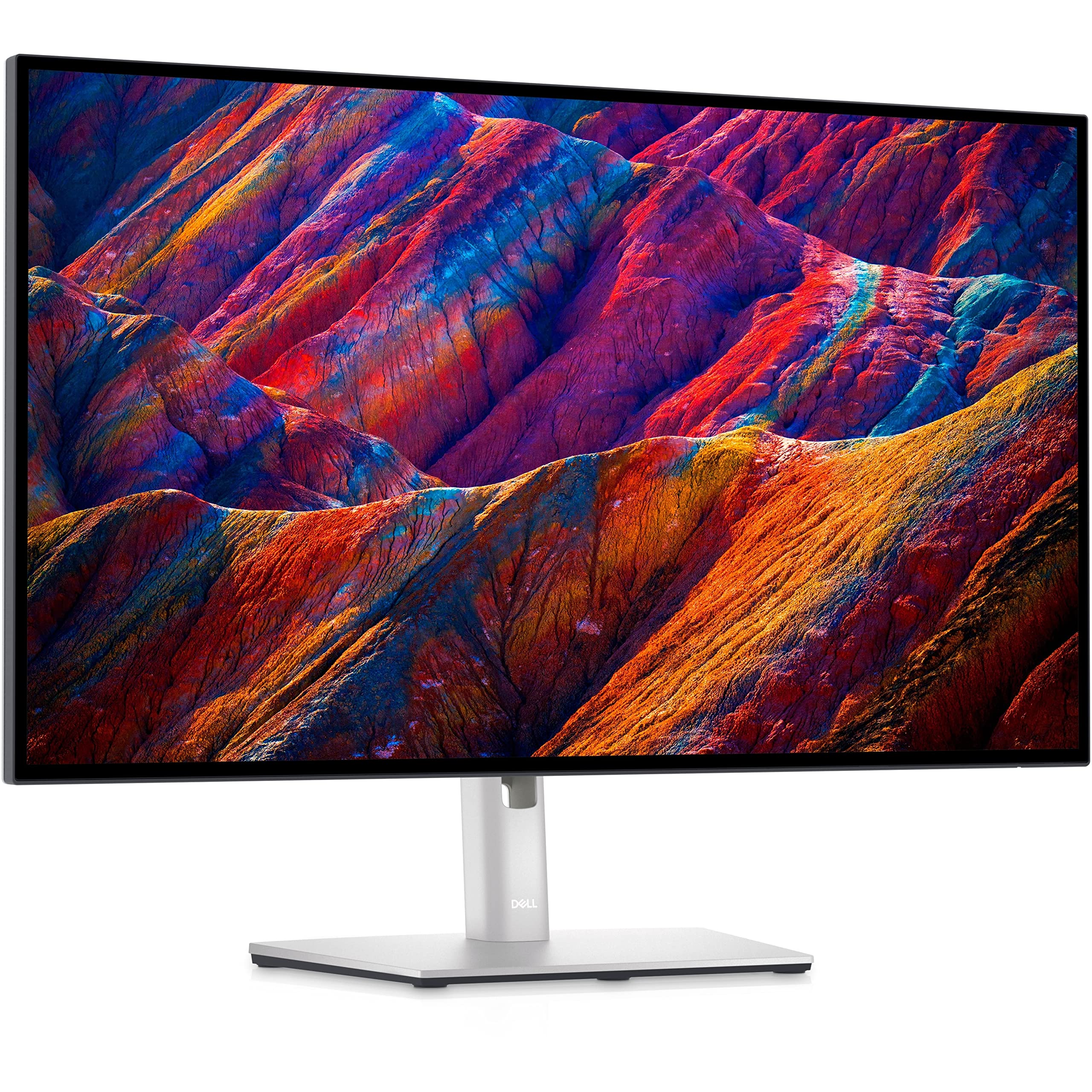
The Dell U2723QE delivers an ideal balance of color accuracy, sharp 4K resolution, and connectivity for photo editing. With IPS Black technology, it offers deep blacks and excellent contrast for a wide range of images. The main trade-off is that it lacks hardware calibration, so you'll need a separate calibrator to achieve long-term accuracy.
Main limitation: Doesn't support hardware calibration, and the default factory color profile may require manual adjustment.
Skip if: Advanced professionals who need built-in hardware calibration and Adobe RGB coverage beyond 98%.
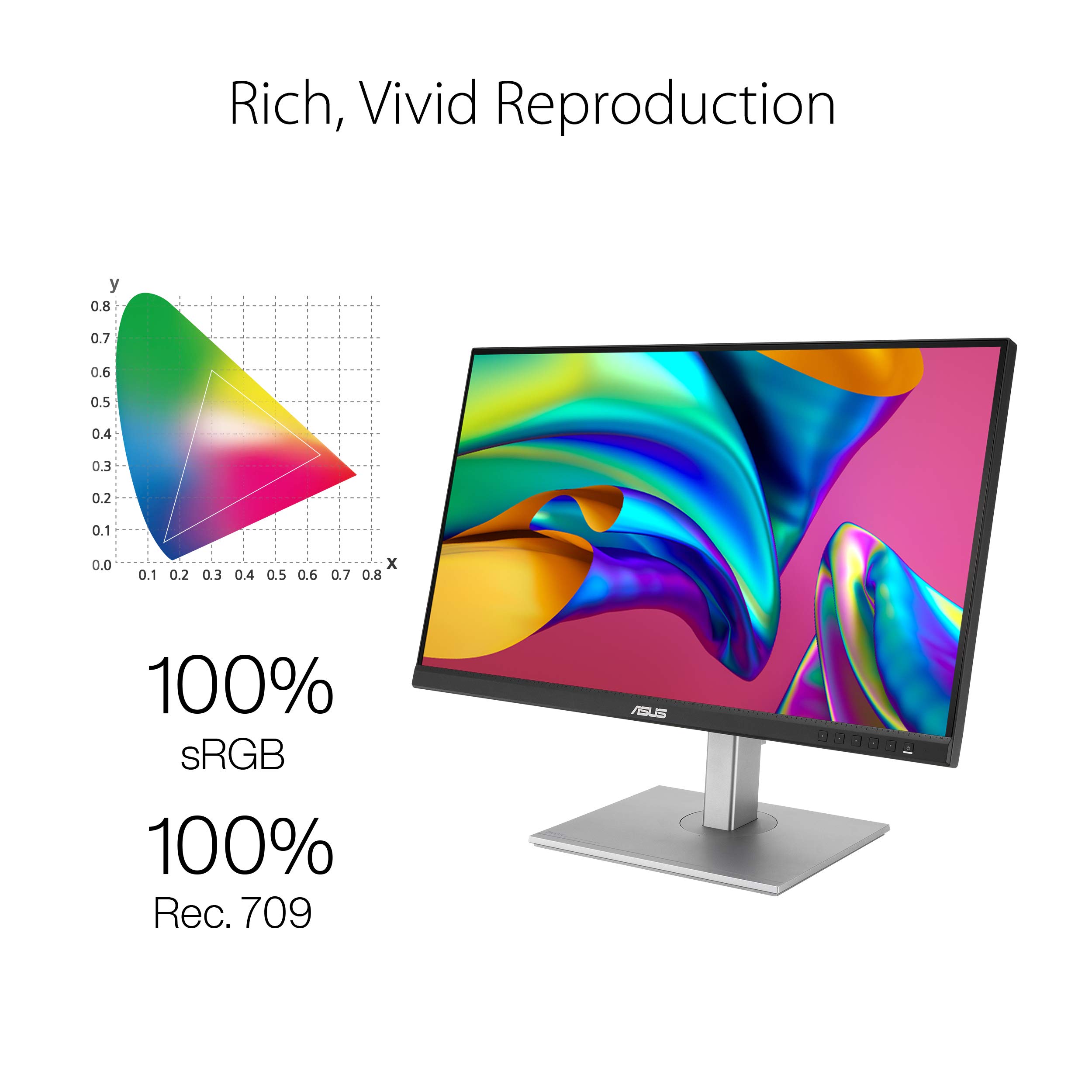
Offers remarkably accurate color for a budget display, with 100% sRGB and 99% Adobe RGB coverage that rivals monitors costing twice as much. The factory-calibrated panels ensure you're ready to edit right out of the box. The trade-off is that the stand is somewhat basic and lacks full ergonomic adjustment.
Main limitation: Plastic build and limited height adjustment range make it less adaptable for long editing sessions.
Skip if: Professionals working in print who need hardware calibration and a more stable color pipeline.
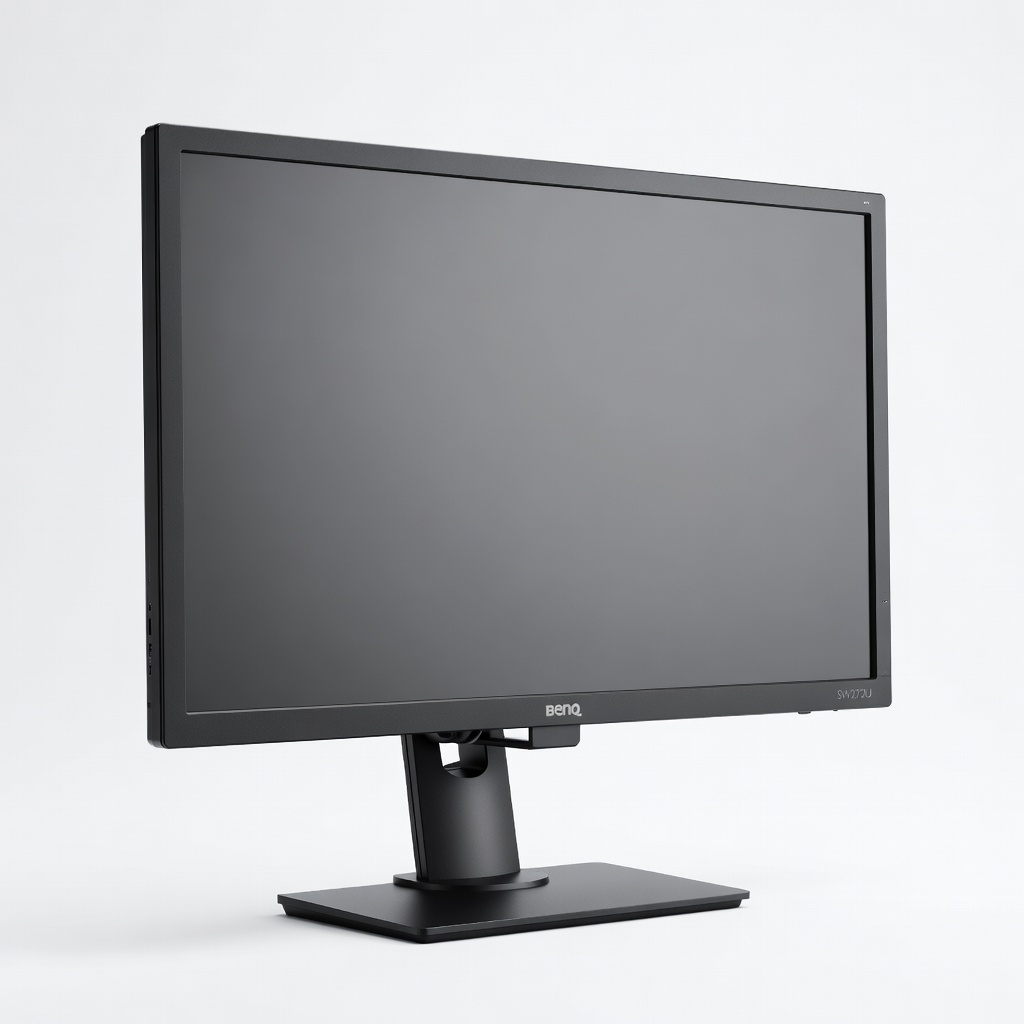
This 27-inch 4K monitor is built specifically for color-managed workflows, offering 99% Adobe RGB, a built-in shading hood, and hardware calibration support. It ships with a factory report, and the uniformity and color consistency make it a favorite among landscape and product photographers. The trade-off is a higher price than entry-level 4K displays and a panel that's only 60Hz, which is fine for stills but not gaming.
Main limitation: Limited to 60Hz refresh rate and lacks high-contrast HDR performance for video work.
Skip if: Casual editors who don't need Adobe RGB coverage or hardware calibration and would rather save money.
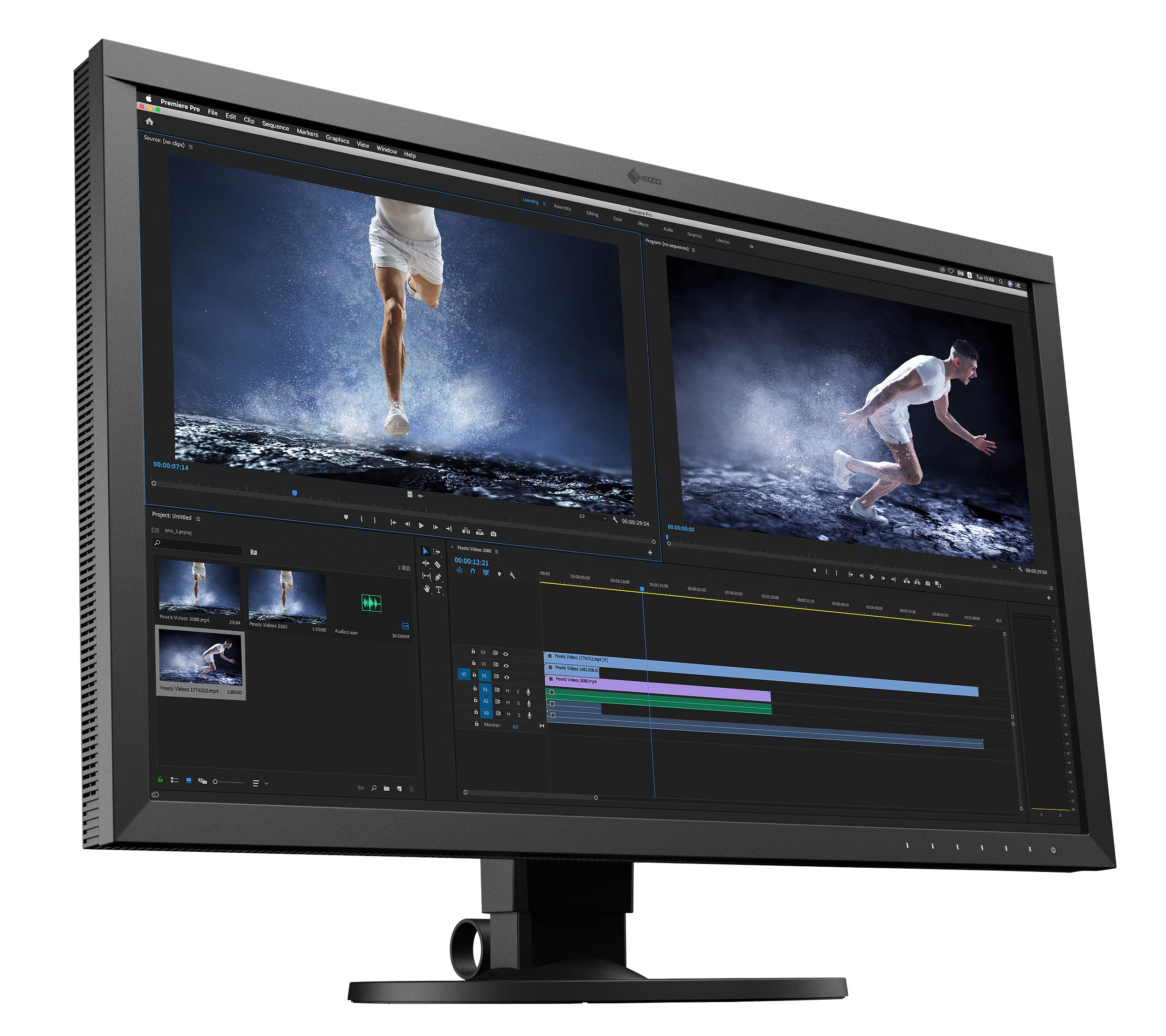
For those who make a living from print work, the CS2740 provides exceptional color consistency and a built-in calibration sensor that keeps your display accurate without extra hardware. It covers 99% Adobe RGB and offers 10-bit color depth, ensuring smooth gradients. The trade-off is a premium price and a relatively standard 60Hz panel, but that's irrelevant for photo editing.
Main limitation: Expensive, and the 1,200:1 contrast ratio isn't as deep as OLED or IPS Black alternatives.
Skip if: Budget-sensitive users who don't require hardware calibration and print accuracy at this level.
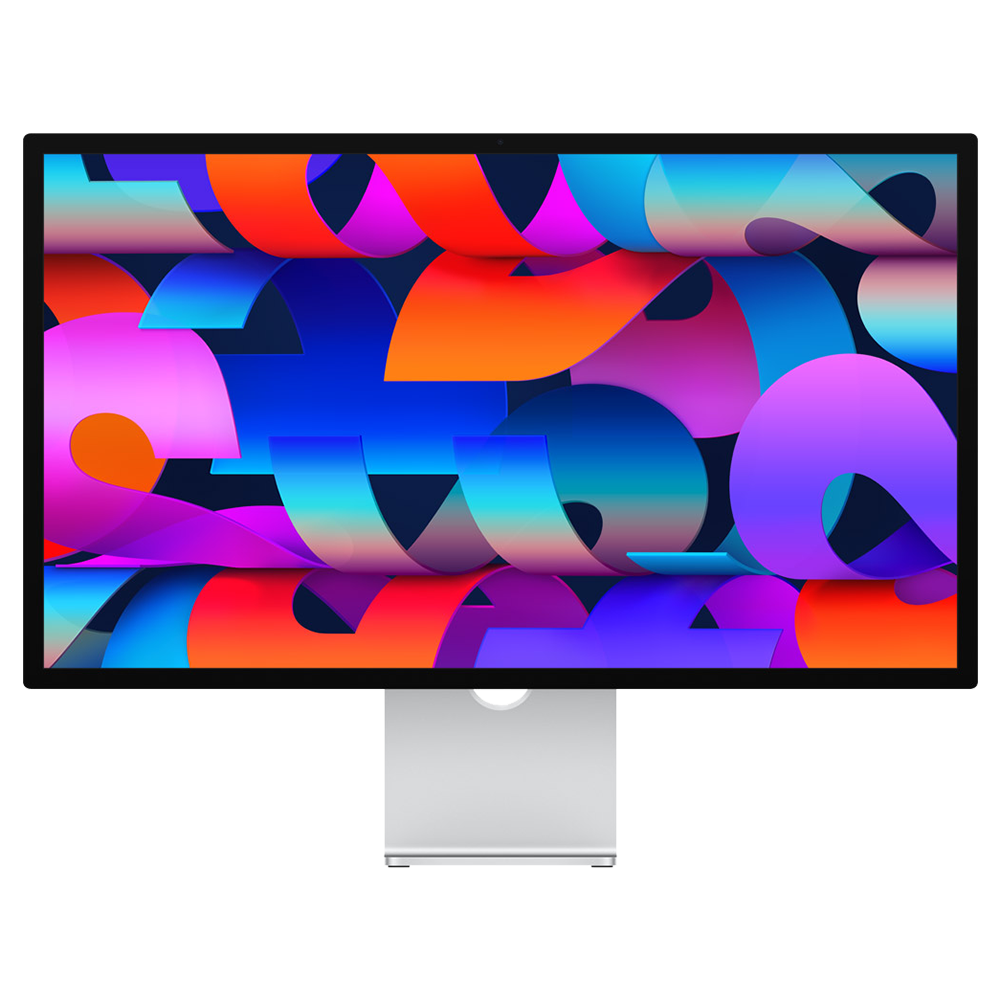
If you're fully in the Apple ecosystem, this 5K display offers a seamless plug-and-play experience with Macs, a gorgeous 27-inch panel, and 600 nits of brightness, making it ideal for editing light-filled photos. It covers the P3 wide color gamut and is slightly more color-accurate than typical consumer displays. The main trade-off is the lack of hardware calibration options and a limited set of ports—you'll need a separate hub for additional peripherals.
Main limitation: Lacks Adobe RGB coverage and hardware calibration, so print proofing requires custom profiles.
Skip if: Windows users or those who need hardware calibration and Adobe RGB for professional print work.
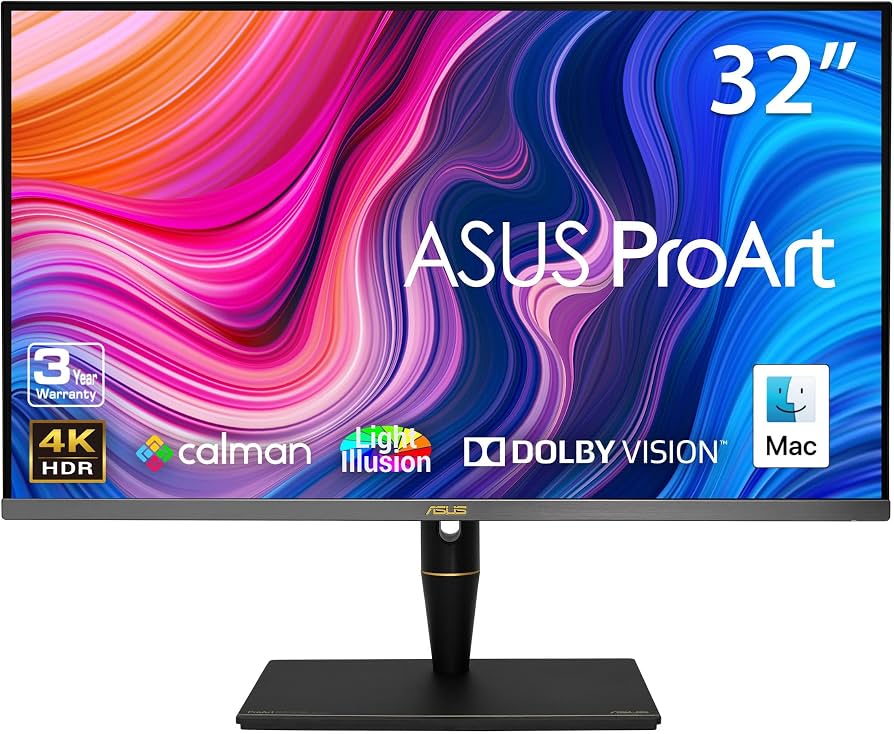
This 32-inch mini-LED display offers a 1,100-nit peak brightness and 1152 local dimming zones, making it a powerful tool for HDR photo editing and video grading. It covers 99% of DCI-P3 and 90% of Adobe RGB, offering rich, contrast-rich views. The trade-off is that it's huge, heavy, and carries a steep price tag, not to mention it's overkill for standard sRGB workflows.
Main limitation: Very expensive and requires significant desk space—plus it can cause eye strain if you don't adjust the brightness for indoor use.
Skip if: Most photographers who don't work with HDR and are better off spending less on a calmer, simpler monitor.
Compare key specs and features of all our recommendations side-by-side
| Product | Recommendation | Rating | Price |
|---|---|---|---|
Dell UltraSharp U2723QE Rank #1 | 🏆 Top Pick | 9.0/10 | $550–$650 Check current price → |
ASUS ProArt PA279CV Rank #2 | 💰 Budget Pick | 8.5/10 | Around $330 Check current price → |
BenQ SW272U Rank #3 | ⭐ Editor's Choice | 8.8/10 | $850–$950 Check current price → |
Eizo ColorEdge CS2740 Rank #4 | — | 9.2/10 | $1,300–$1,500 Check current price → |
Apple Studio Display (2026) Rank #5 | — | 8.6/10 | $1,500–$1,700 Check current price → |
Asus ProArt PA32UCX-K Rank #6 | — | 8.2/10 | $2,800–$3,200 Check current price → |
Common questions buyers have about this category.
4K resolution offers more screen real estate and lets you see fine details at 100% zoom, which is particularly useful when retouching large raw files. QHD (2560x1440) is still workable if you're on a budget, but you'll have to pan and zoom more frequently. If your workflow involves pixel-perfect retouching or you work with high-megapixel images, 4K is well worth the investment.
sRGB is the standard color space for web and casual printing, while Adobe RGB includes a wider range of greens and blues, making it essential for professional print work. DCI-P3 is a video-centric color space that's also used on modern displays; it offers a broader range of reds and greens than sRGB but is not identical to Adobe RGB. For photo editing, choose a monitor that covers at least sRGB and ideally Adobe RGB if you plan to print.
Hardware calibration adjusts the display's internal lookup table, allowing you to correct color biases without losing gradations in the signal path. Software calibration works by adjusting the graphics card's output, which can still be effective but can cause banding in gradients. For serious print work, hardware calibration is preferred because it provides more consistent and stable color.
IPS panels are generally the safest choice for photo editing because they offer wide viewing angles and good color consistency across the screen. OLED panels provide deeper blacks and higher contrast, but they can have issues with color uniformity at low brightness and potential burn-in. For most photo editing, a high-quality IPS display with good contrast and color gamut is still the standard.
You can, but it's not ideal. TVs often lack the color accuracy, sRGB gamut, and internal color management profiles found on dedicated monitors. They also have aggressive image processing that can introduce artifacts and lag. If you're serious about photo editing, a dedicated 10-bit monitor with proper calibration controls is worth the expense.
A 27-inch 4K monitor is the sweet spot for most photographers, offering enough screen space for a full photo with toolbars and palettes visible. Larger displays like 32-inch models are great for video editors or those who want to see more of the canvas, but they require more desk space. Consider your workflow: a 24-inch 5K display is also popular for its pixel density, but it's expensive and limited to Mac.
Yes, if you're a professional printing images or need long-term consistent color, a calibrator like the X-Rite i1Display Pro or SpyderX Pro is a worthwhile investment. Even a factory-calibrated monitor can drift over time, and environmental factors like brightness and color settings can change. For casual photographers, factory calibration is often enough for a couple of months, but a calibrator lets you retake control every few weeks.
Products we evaluated but did not recommend — and why.
