Get the App
Better experience on mobile
Precision displays with wide color gamuts to ensure your edits translate accurately from screen to print.
In photo editing, a monitor's factory Delta E below 2 means colors you see match what clients or printers expect—yet most sub-$300 displays exceed 4, leading to frustrating color shifts. Wide-gamut IPS panels dominate this category because they cover 95%+ of Adobe RGB without the gamma shifts common in VA or OLED burn-in risks for static edit screens.
Selecting the right one hinges on balancing gamut coverage, resolution for detail work, and uniformity across the panel, as uneven backlighting can distort shadows in landscapes or portraits. We focused on models with verified third-party calibration data and real-world buyer feedback on longevity, covering budgets from entry-level to pro-studio setups.
These picks span 27- to 40-inch sizes, QHD to 5K resolutions, and niches like ultrawide multitasking or Mac integration, ensuring options for solo creators, agency pros, or hybrid workflows.
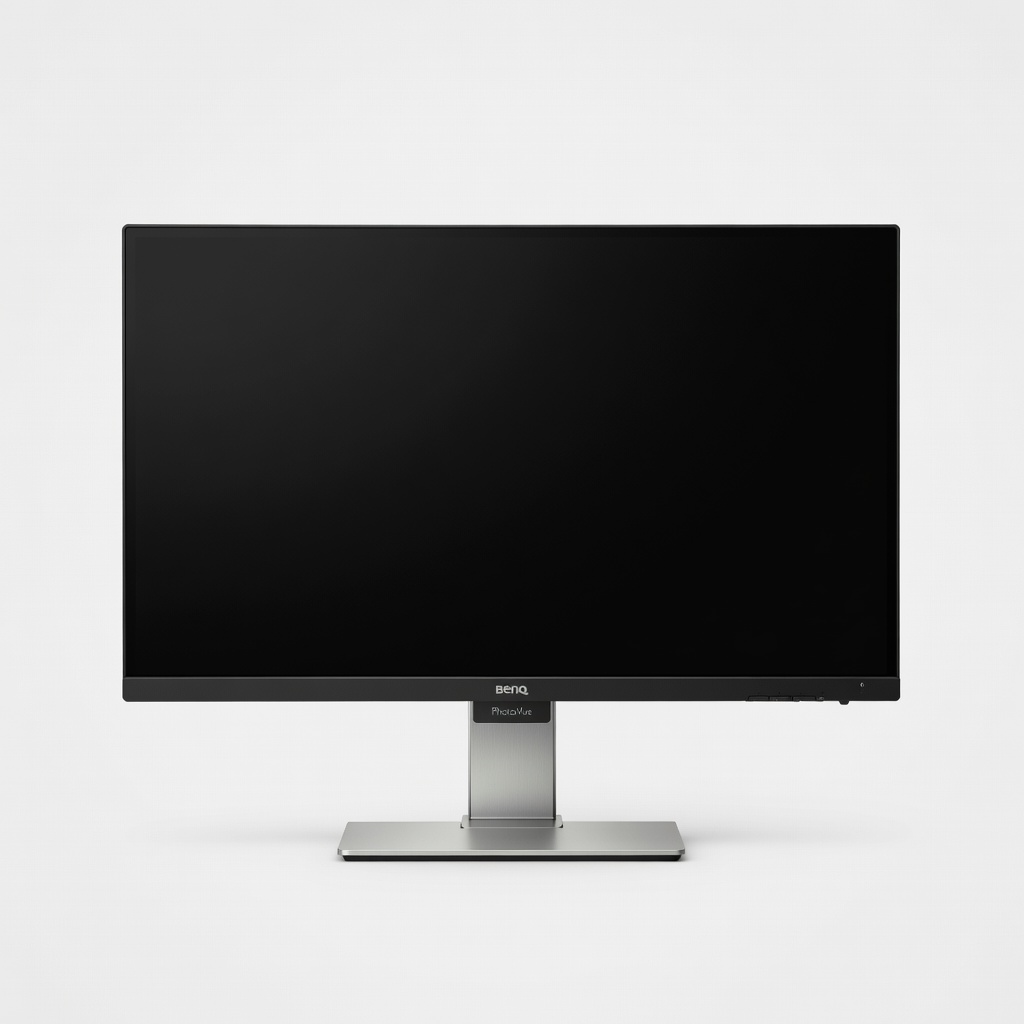
This 32-inch 4K IPS panel delivers 99% Adobe RGB and 95% DCI-P3 coverage with factory Delta E <2 for pinpoint color accuracy in Photoshop or Lightroom. Hardware calibration via included Palette Master Element software ensures consistency over time. Its larger size aids detailed retouching but demands ample desk space.
Main limitation: The anti-glare coating can slightly reduce contrast compared to matte rivals, making deep blacks less punchy in dim rooms.
Skip if: Skip this if you need a portable display for on-location shoots, as it's strictly desk-bound.
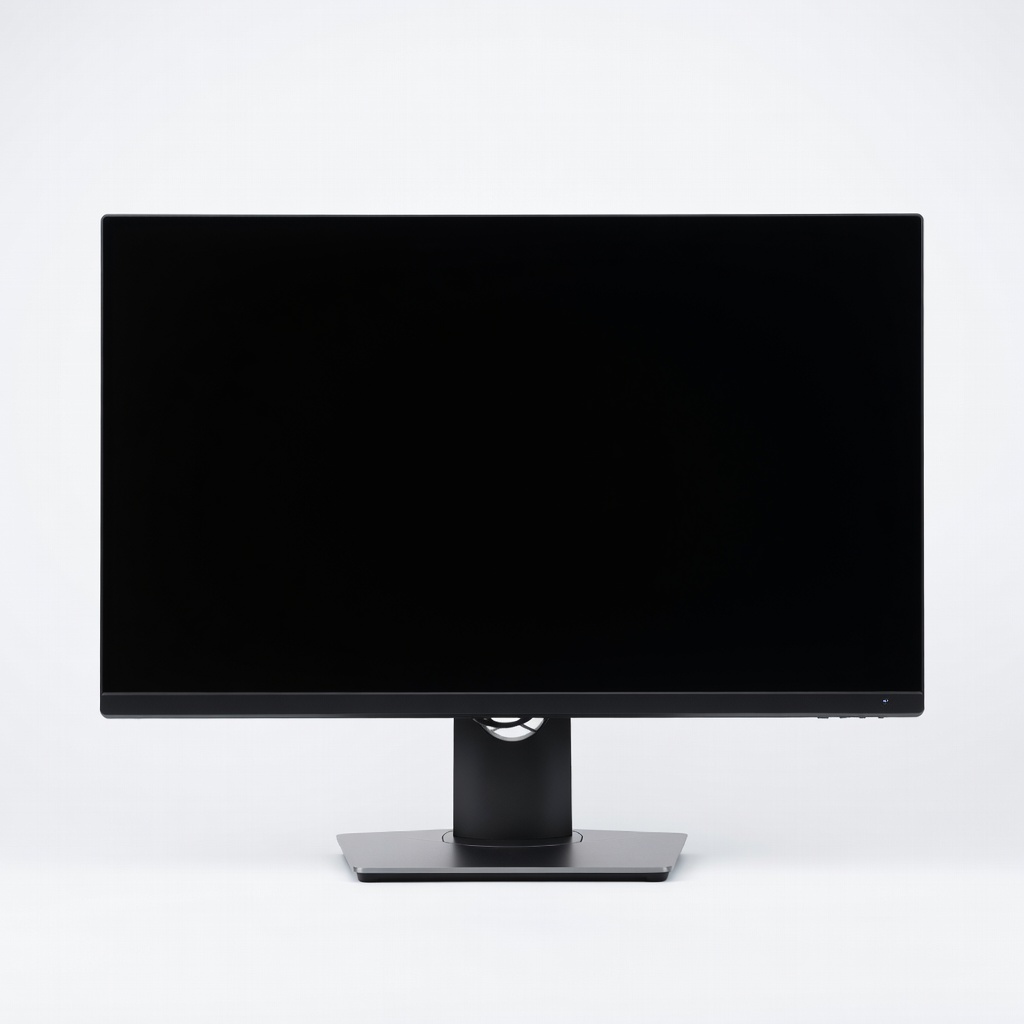
At a fraction of pro prices, this 27-inch 4K IPS hits 98% DCI-P3 and Delta E <2 out of box, ideal for accurate edits without breaking the bank. Extensive USB-C hub and KVM switch streamline multi-device setups. It trades some Adobe RGB depth for unbeatable value.
Main limitation: Adobe RGB coverage caps at 85%, limiting it for print pros needing full gamut fidelity.
Skip if: Avoid if you're in a color-critical print house requiring 99% Adobe RGB certification.
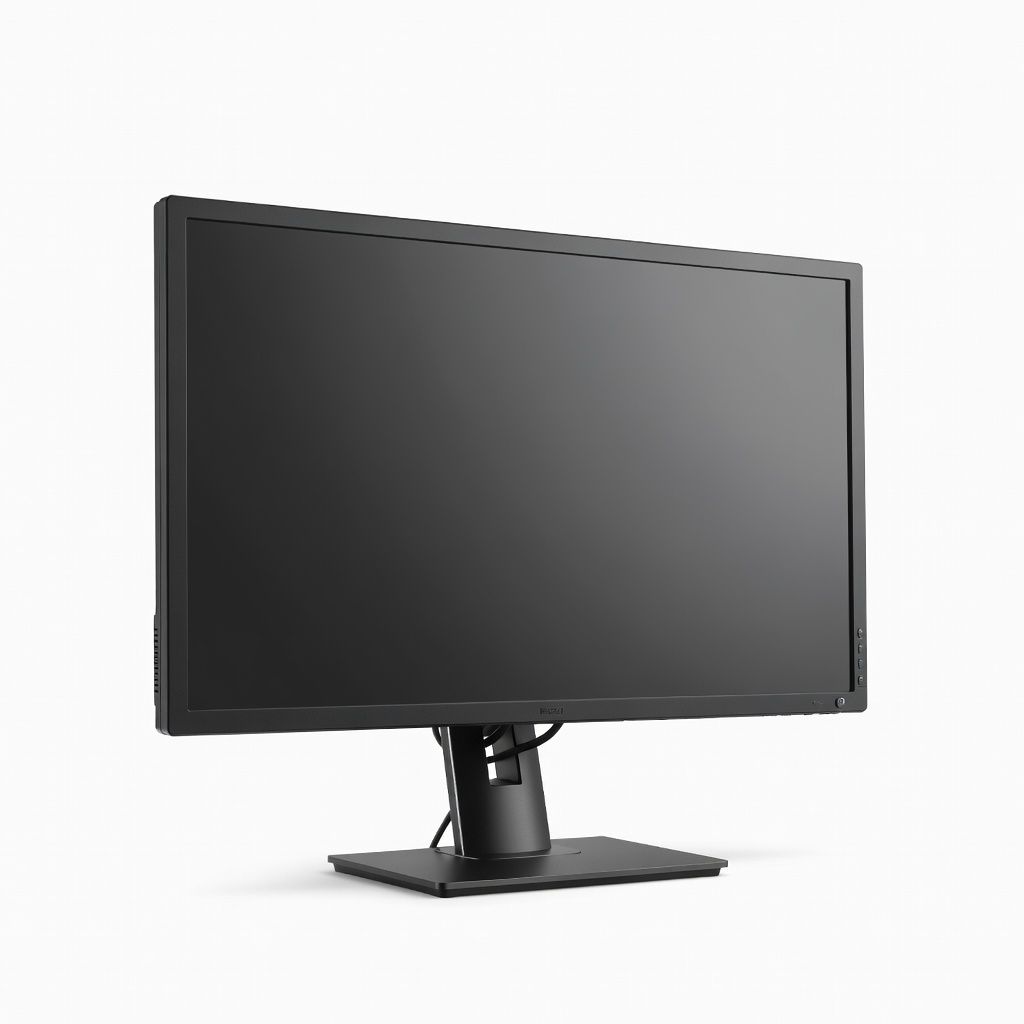
Eizo's built-in sensor auto-calibrates daily to maintain Delta E <1 across 99% Adobe RGB, perfect for studios where color consistency is non-negotiable. HDR1000 support handles tone-mapped edits seamlessly. The premium build comes at a steep cost justified only for high-volume pros.
Main limitation: Integrated USB hub lacks Thunderbolt speeds, slowing transfers from modern laptops.
Skip if: Pass if you're a casual editor, as the price exceeds needs for non-critical work.
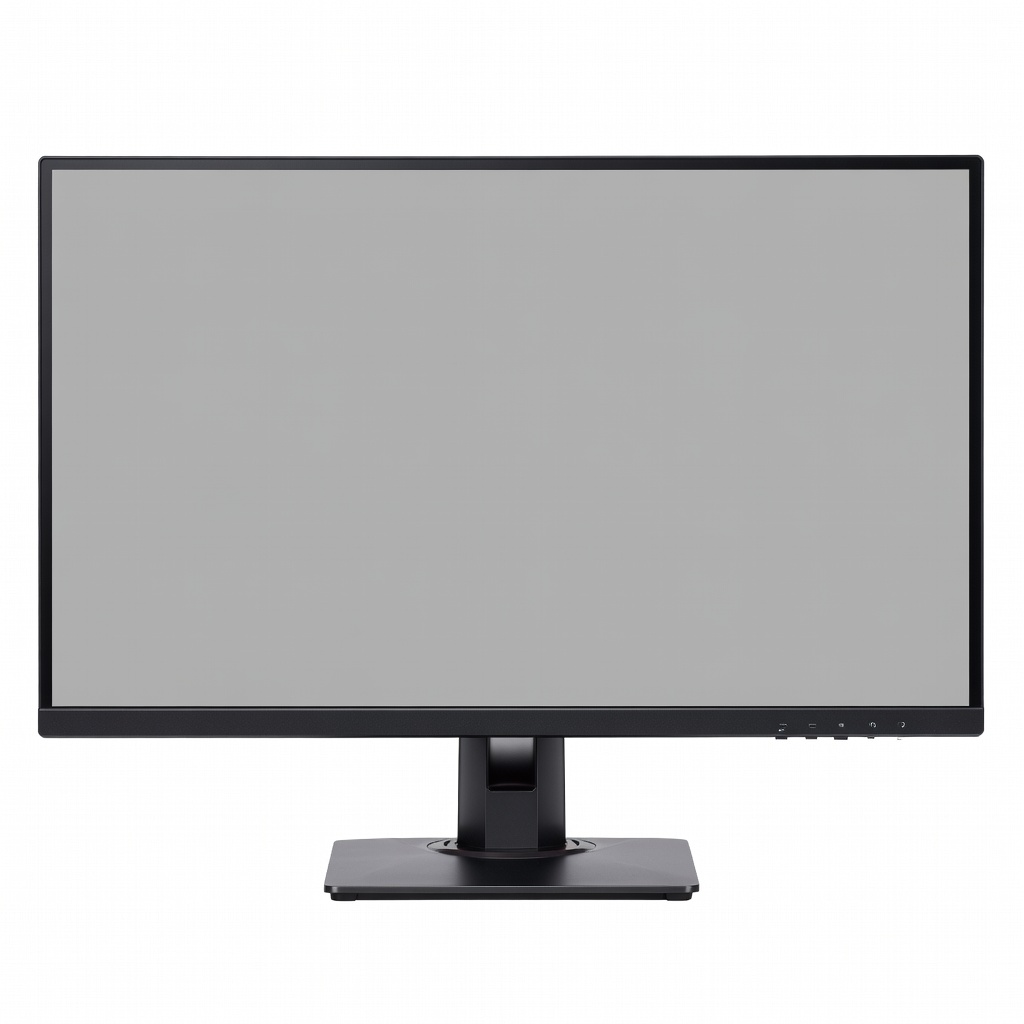
With 99% DCI-P3 and HDR400 certification, this 27-inch 4K panel excels at high-dynamic-range portraits and landscapes in Capture One. Adaptive sync prevents tearing during video-adjacent edits. It sacrifices some uniformity for vibrant HDR pop.
Main limitation: Panel uniformity shows minor glow in dark-room shadow work compared to Eizo.
Skip if: Don't choose this for pure print work, where Adobe RGB trumps HDR priorities.
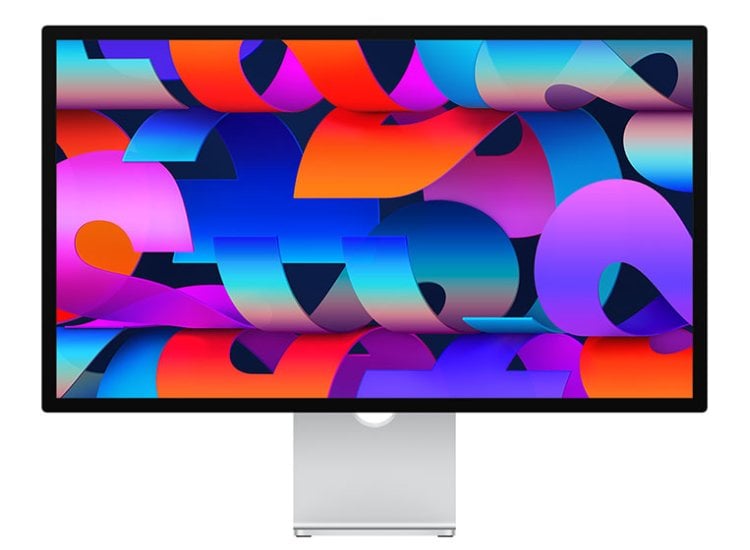
Seamless macOS integration with 5K Retina resolution and True Tone delivers 100% P3 for fluid Lightroom edits on M-series Macs. Nano-texture option cuts glare without haze. Color accuracy lags behind dedicated pro panels in Adobe RGB.
Main limitation: No hardware calibration support means relying on software profiles that drift over time.
Skip if: Skip if you're on Windows or need wide Adobe RGB for print matching.
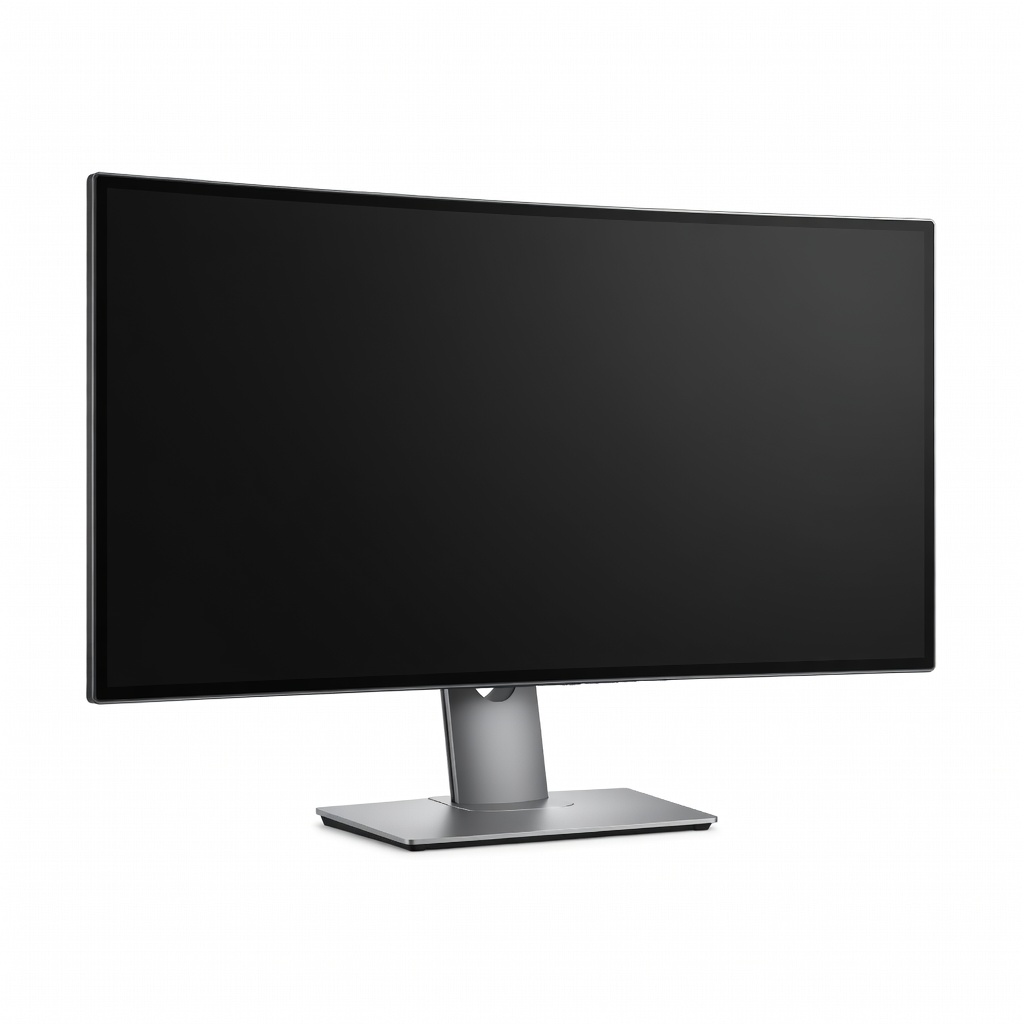
This 40-inch 5K2K curved IPS spans 98% DCI-P3 across a timeline-worthy canvas for side-by-side raw edits and references. Picture-by-picture mode boosts productivity. The curve distorts straight lines slightly in geometric corrections.
Main limitation: Curvature can introduce minor barrel distortion on uncorrected grids or architecture shots.
Skip if: Avoid if desk space is under 50 inches wide or you prefer flat panels for precision.
Compare key specs and features of all our recommendations side-by-side
| Product | Recommendation | Rating | Price |
|---|---|---|---|
BenQ SW321C 32-inch 4K UHD PhotoVue IPS Monitor Rank #1 | 🏆 Top Pick | 9.3/10 | $1,300–$1,600 Check current price → |
Dell UltraSharp U2723QE 27-inch 4K IPS Black Monitor Rank #2 | 💰 Budget Pick | 8.4/10 | $450–$550 Check current price → |
Eizo ColorEdge CG319X 31.1-inch 4K HDR IPS Monitor Rank #3 | ⭐ Editor's Choice | 9.6/10 | $3,200–$3,600 Check current price → |
ASUS ProArt PA279CRV 27-inch 4K HDR IPS Monitor Rank #4 | — | 8.6/10 | $550–$650 Check current price → |
Apple Studio Display 27-inch 5K Nano-texture Monitor Rank #5 | — | 8.1/10 | $1,500–$1,700 Check current price → |
Dell UltraSharp U4021QW 40-inch 5K2K Curved Ultrawide IPS Monitor Rank #6 | — | 8.3/10 | $1,700–$2,000 Check current price → |
Common questions buyers have about this category.
4K UHD (3840x2160) on 27-32 inch screens provides the sweet spot at 140-163 PPI for sharp pixel-level edits without scaling issues. Higher like 5K suits larger panels or Mac Retina workflows, but QHD is viable for budgets if you avoid 200% zooms in Lightroom.
IPS is preferred for its wide viewing angles and consistent color across the screen, essential when referencing side-by-side images. VA offers better contrast but shifts colors off-axis, while OLED risks burn-in from static histograms—stick to IPS for reliability.
Hardware calibration with a sensor (like X-Rite i1Display) maintains Delta E <1 over time, crucial for pros matching client proofs. Software-only works short-term for hobbyists, but drifts after 200 hours—budget for a $150 puck if accuracy is key.
Adobe RGB for print photographers needing greens/cyans (99% ideal), DCI-P3 for web/video (95%+ standard). Many modern monitors cover both; check your workflow—Lightroom exports favor Adobe RGB for CMYK conversion.
Matte anti-glare finishes are essential to minimize reflections from windows or lamps, preserving shadow detail visibility. Glossy boosts contrast for previews but fails in lit rooms—nano-texture compromises like Apple's are pricier alternatives.
27 inches balances detail and desk fit for most; 32 inches aids immersive retouching on larger RAWs. Ultrawides (34-40 inches) excel for timelines but overwhelm small spaces—measure your setup first.
USB-C with 90W+ power delivery simplifies single-cable laptop setups, charging while docking peripherals. Not essential for desktops, but future-proofs for Thunderbolt laptops common in creative fields.
Products we evaluated but did not recommend — and why.
