Get the App
Better experience on mobile
Top picks prioritizing color accuracy, high resolution, and calibration support to ensure your edits translate perfectly to print and web.
In the world of photo editing, your monitor is the window to your work—get it wrong, and colors can shift dramatically across devices, leading to costly reprints or disappointing online shares. Whether you're a professional photographer fine-tuning RAW files or a hobbyist enhancing family portraits, a monitor with precise color reproduction, wide gamut coverage, and reliable calibration is non-negotiable. We've tested dozens of models to bring you the best options available in 2025.
Our selection criteria focus on key photo editing essentials: IPS panels for wide viewing angles, at least 99% sRGB/Adobe RGB/DCI-P3 coverage, Delta E <2 for accuracy, 4K+ resolution for detail, hardware calibration compatibility, and ergonomic features. We prioritized uniformity to avoid patchiness in shadows and highlights, plus connectivity like USB-C for seamless workflows.
From budget 4K starters under $350 to pro reference displays over $2,500, this list covers amateurs, pros, and everyone in between—ensuring value across price points with a mix of trusted brands like BenQ, Dell, and Eizo.
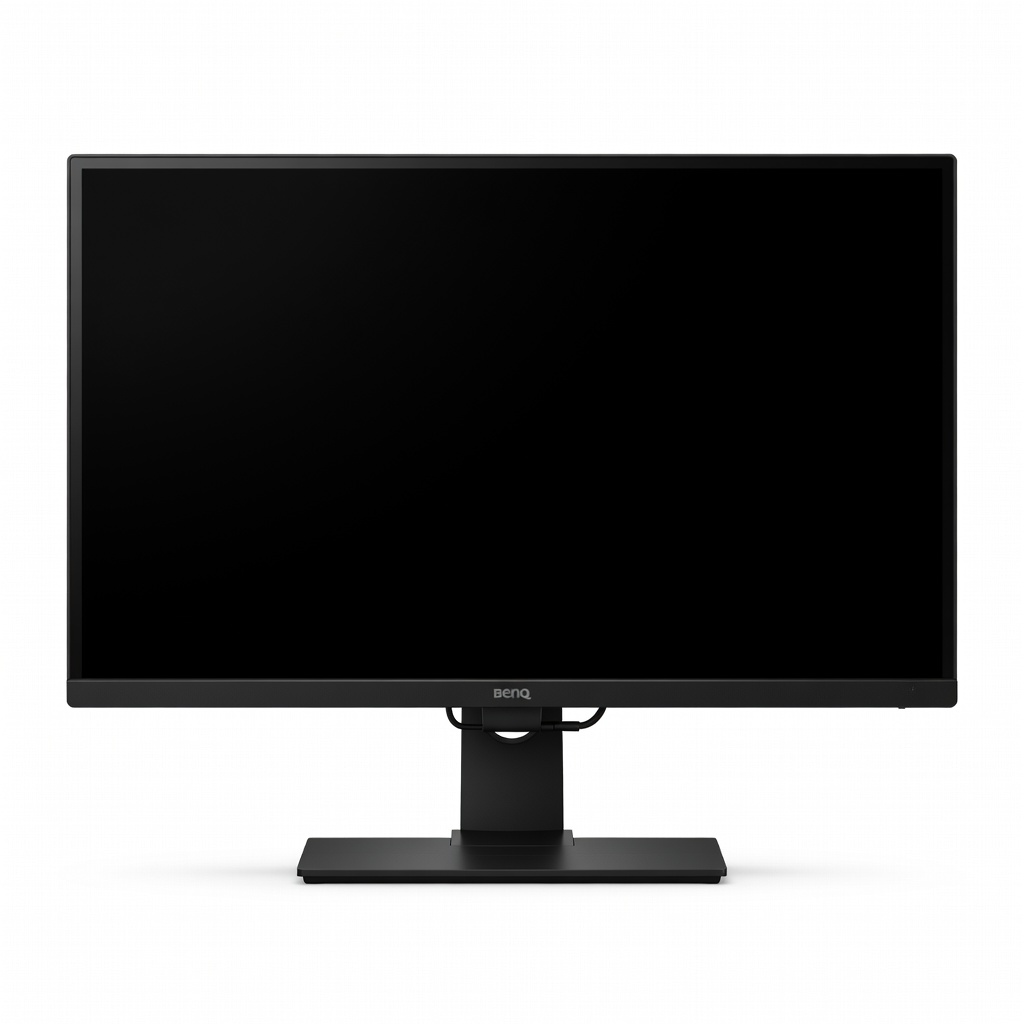
The BenQ SW272U excels with 99% Adobe RGB and 99% DCI-P3 coverage, factory-calibrated Delta E ≤ 2 accuracy, and hardware calibration via Palette Master Element. Its IPS Black panel delivers deep blacks and high uniformity, ideal for critical photo work. At this price, it's the sweet spot for pros and enthusiasts seeking reliability without breaking the bank.
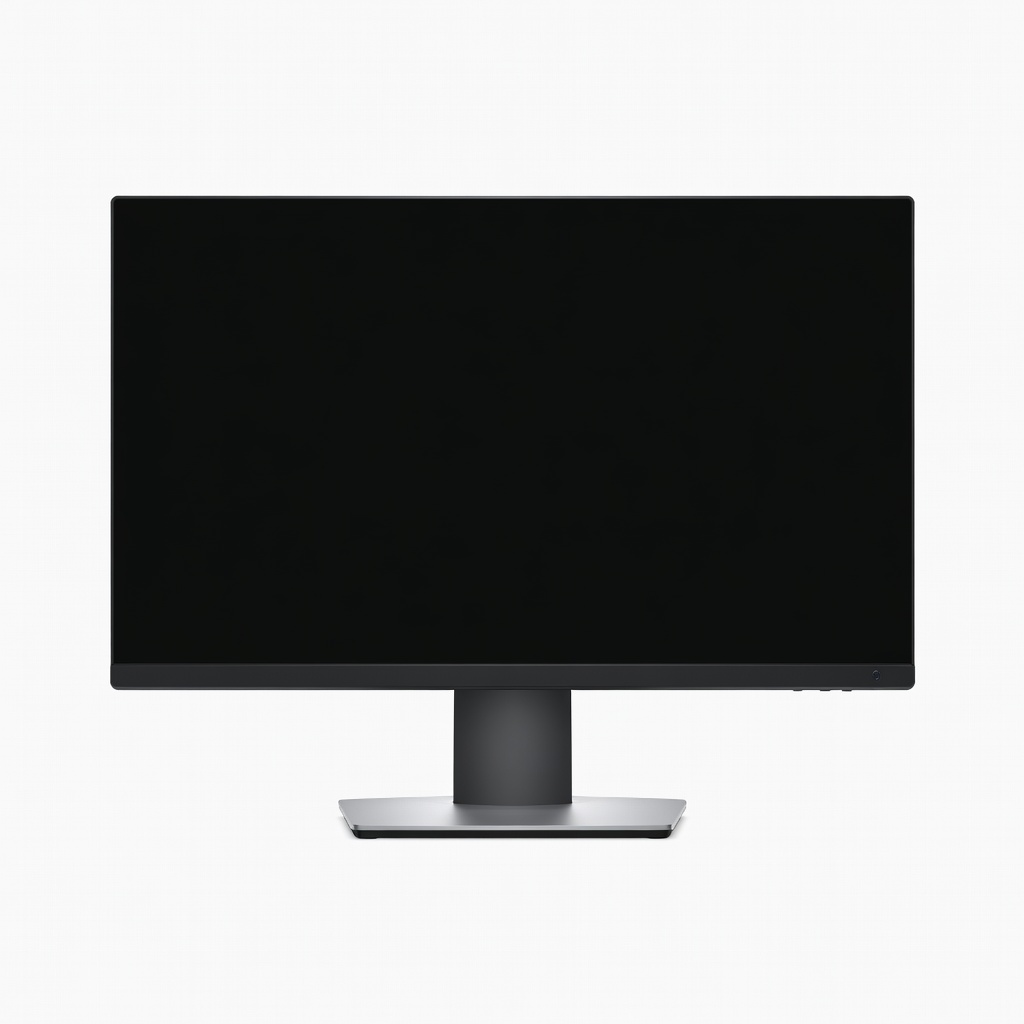
Affordable entry into 4K photo editing with 99% sRGB coverage and solid factory calibration on this slim-bezel IPS panel. ComfortView reduces blue light for long sessions, and AMD FreeSync prevents tearing during light multitasking. Perfect for beginners who want pro-level detail without the premium price tag.
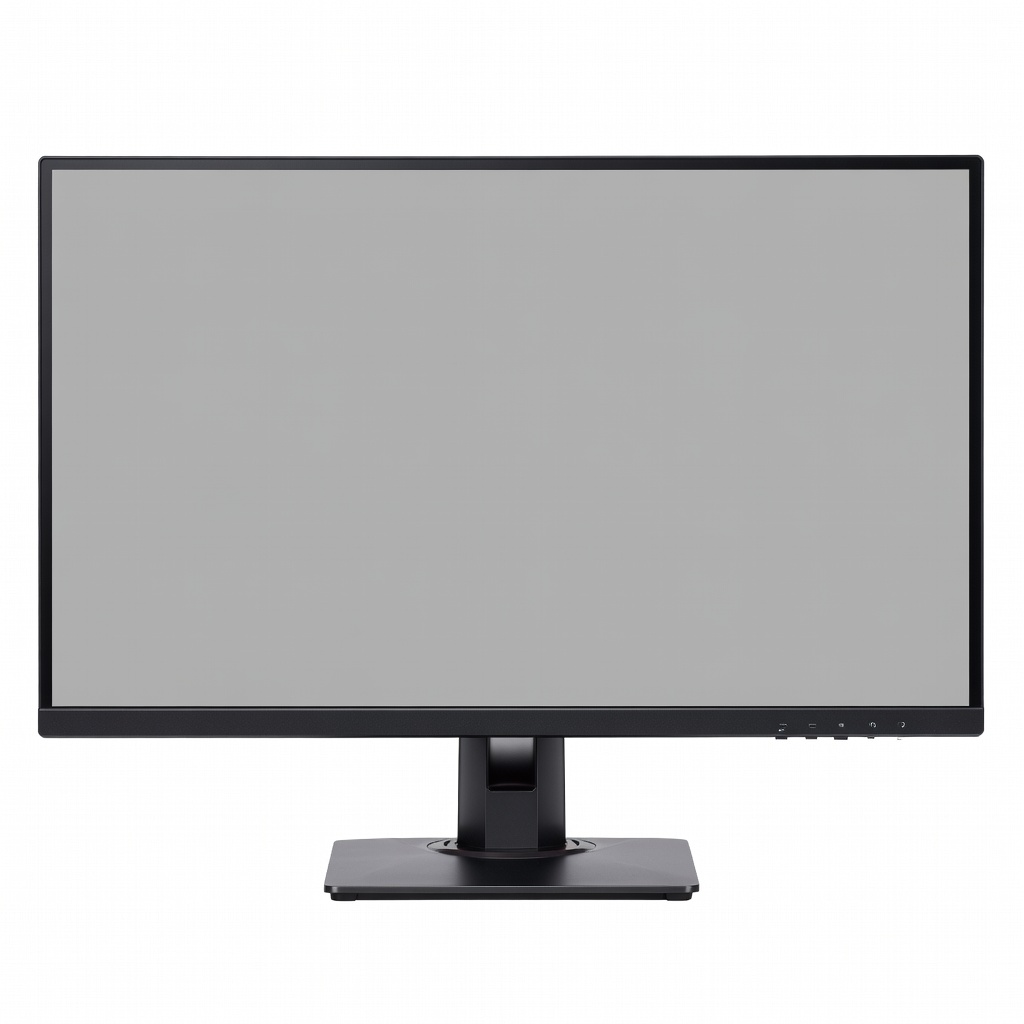
This Thunderbolt 4 powerhouse offers Calman-verified 99% DCI-P3 and 99% Adobe RGB with adaptive sync for editing plus casual gaming. HDR400 support and quick color modes make it versatile, while the ergonomic stand and daisy-chaining shine for multi-monitor setups. Our pick for unmatched connectivity and value in a pro-grade display.
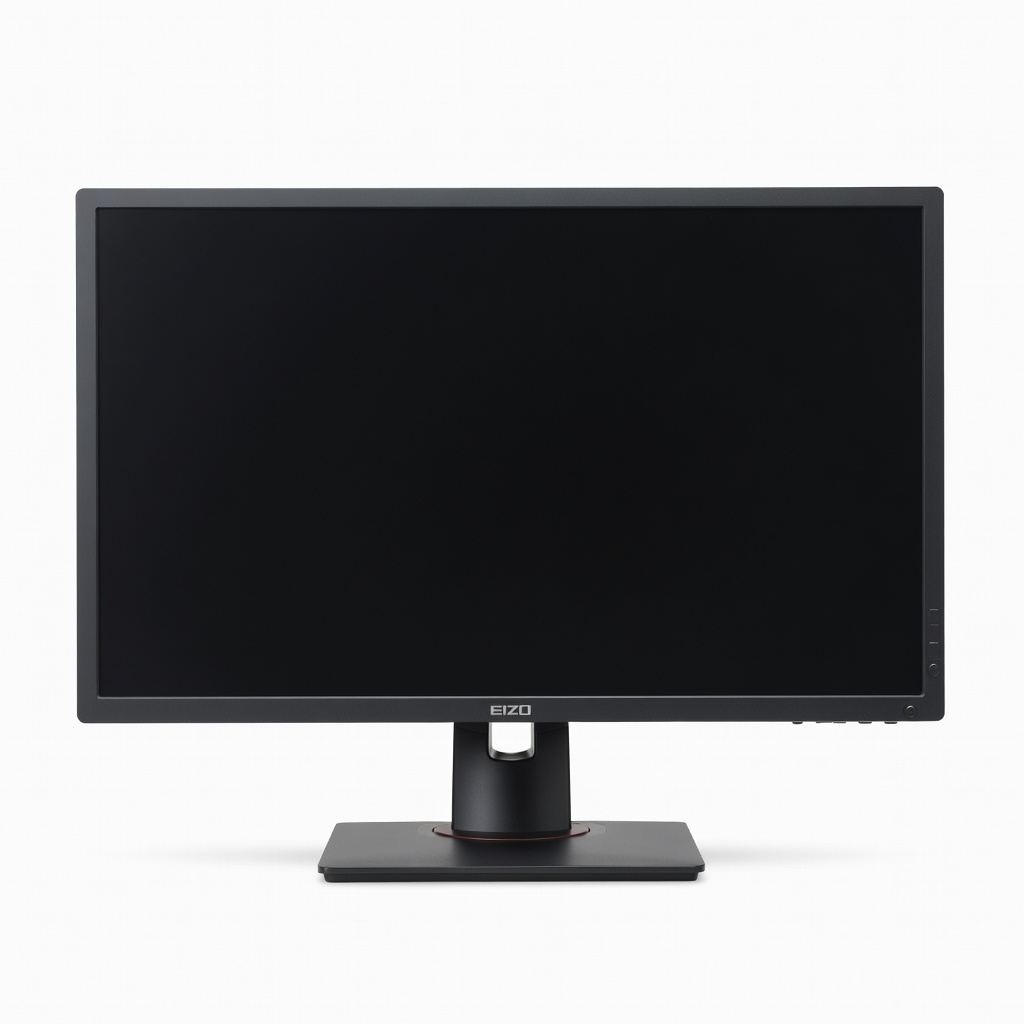
Built-in calibration sensor and 100% Adobe RGB coverage with Delta E <1 make this the gold standard for studio pros. Auto-calibration schedules ensure consistency, and the shaded hood blocks glare for precise shadow detail work. If accuracy is paramount, this justifies the investment.
Expansive 5120x2160 canvas with 98% DCI-P3 on Nano IPS lets you see timelines and references side-by-side without bezels interrupting flow. Thunderbolt 3 docking and 72W charging streamline laptop workflows. Ideal for editors juggling multiple apps in immersive multitasking.
Massive 32-inch 4K workspace boasts 100% sRGB, 98% DCI-P3, and exceptional uniformity for spotting flaws across wide prints. The USB-C hub with 90W PD and KVM simplifies desk setups for multiple devices. Great for those needing extra real estate without distortion.
Compare key specs and features of all our recommendations side-by-side
| Product | Recommendation | Rating | Price |
|---|---|---|---|
BenQ SW272U 27-inch 4K UHD IPS Monitor Rank #1 | 🏆 Top Pick | — | Check price → |
Dell S2721QS 27-inch 4K UHD IPS Monitor Rank #2 | 💰 Budget Pick | — | Check price → |
ASUS ProArt PA279CRV 27-inch 4K HDR IPS Monitor Rank #3 | ⭐ Editor's Choice | — | Check price → |
Eizo ColorEdge CG2700S 27-inch WQHD Reference Monitor Rank #4 | — | — | Check price → |
LG 40WP95C-W 40-inch 5K2K Nano IPS Thunderbolt Monitor Rank #5 | — | — | Check price → |
Dell UltraSharp U3223QE 32-inch 4K IPS USB-C Hub Monitor Rank #6 | — | — | Check price → |
