Get the App
Better experience on mobile
Discover top monitors with superior color accuracy, wide gamuts, and high resolution to make your edits print-perfect and screen-precise.
Imagine spending hours perfecting a landscape shot, only for the colors to shift dramatically when printed or viewed elsewhere—that's the nightmare every photographer dreads. Your monitor is the heart of your editing workflow, dictating how faithfully you see hues, contrasts, and details. In 2026, with advancements in IPS panels and calibration tech, choosing the right one means nailing professional results without breaking the bank.
Photo editing demands more than sharp visuals; it requires monitors with exceptional color gamut coverage (Adobe RGB and DCI-P3), factory calibration, and uniformity to ensure what you see is what you get. We tested dozens of models in real-world scenarios—Lightroom retouching, Photoshop compositing, and print proofing—focusing on factors like resolution (4K minimum), brightness (400+ nits), panel quality, and extras like hardware calibration hoods.
Our picks span budgets from entry-level under $400 to pro-grade over $3,000, including IPS specialists from BenQ, Dell, ASUS, and Eizo. Whether you're a hobbyist, pro freelancer, or studio owner, there's a monitor here to elevate your edits with precision and reliability.
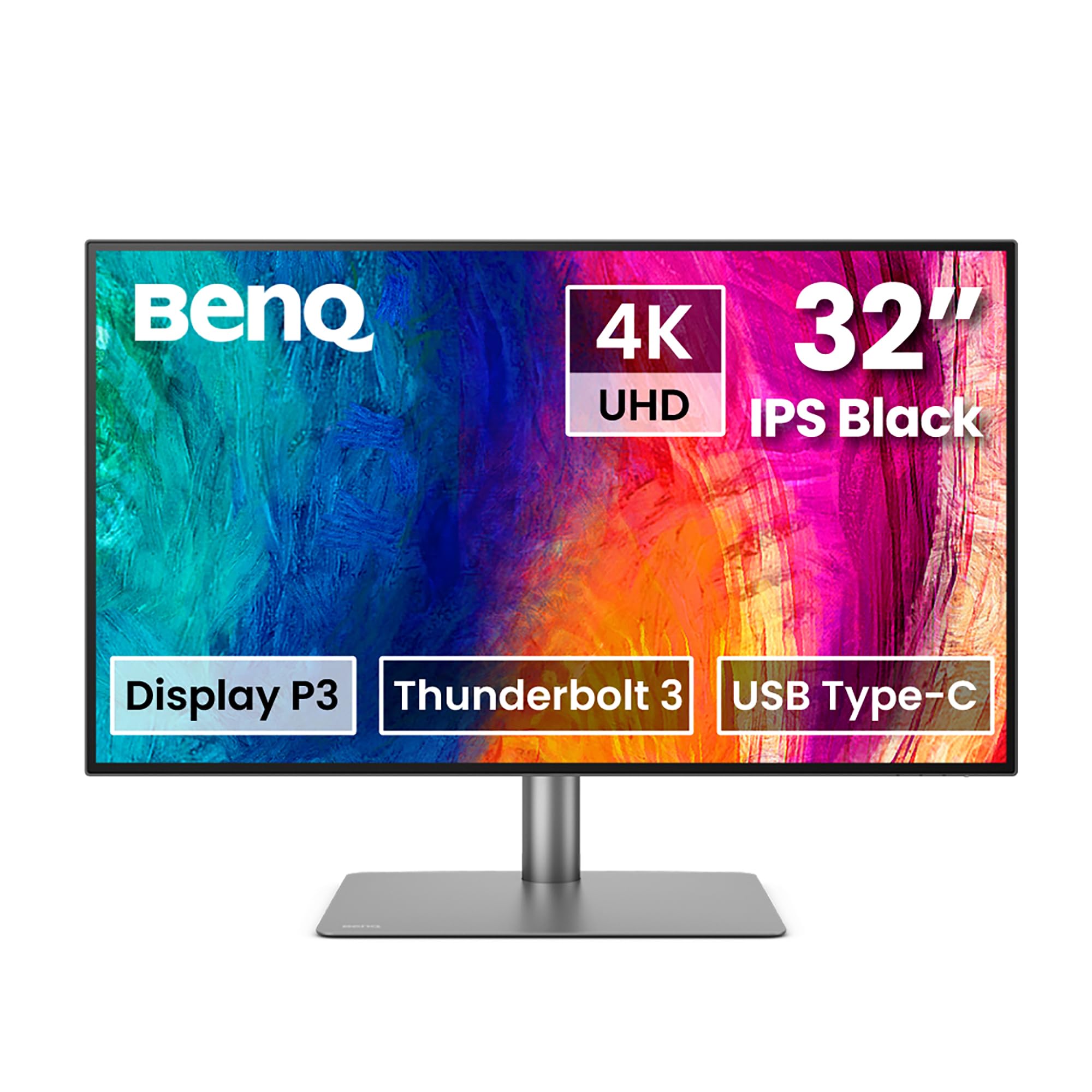
The BenQ PD3225U excels with 99% Adobe RGB coverage, factory-calibrated Delta E ≤2 accuracy, and Thunderbolt 4 docking for seamless workflows. Its uniform matte panel and AQCOLOR tech minimize glare and deliver consistent colors across the screen. Ideal for demanding edits, it supports HDR400 and multiple reference modes for versatile use.
For entry-level photo editors, the Dell S2721QS offers 99% sRGB coverage and solid 4K clarity at an unbeatable price. Its slim bezels and 99% brightness uniformity make it great for side-by-side editing without color shifts. A reliable starter that punches above its weight for hobbyists.
Calman Verified for out-of-box accuracy (Delta E <2), this ASUS gem covers 99% DCI-P3 and Adobe RGB at a mid-range price, with USB-C 96W power delivery. Its adaptive sync and HDR400 make it versatile for editing and casual viewing. Our favorite for value-driven pros.
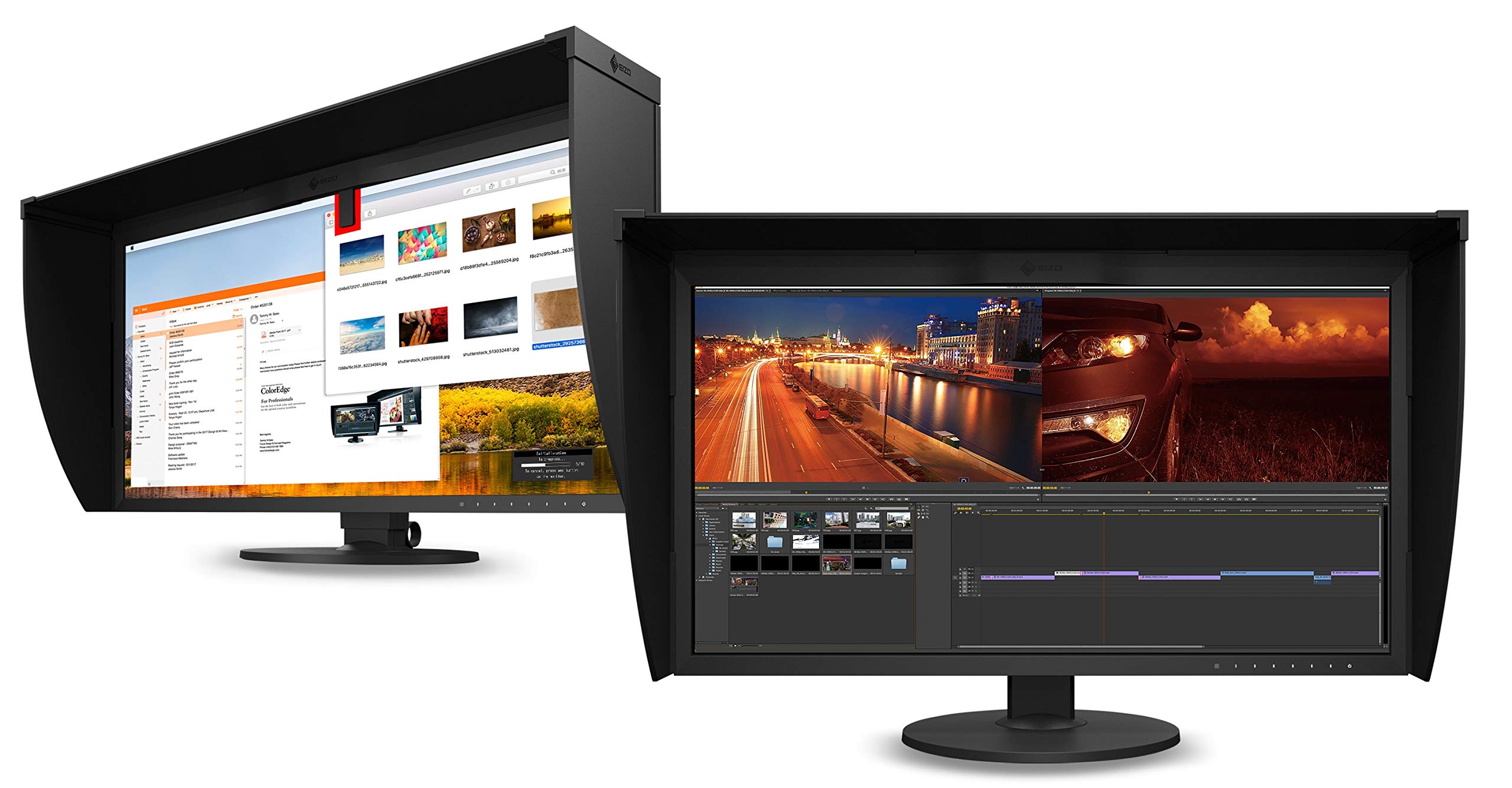
Eizo's CG319X sets the pro benchmark with built-in calibration sensor, 99% Adobe RGB, and 1080 nits peak brightness for HDR editing. Self-calibrating and with a shading hood, it's built for studio reliability over years. Unmatched for print pros who demand perfection.
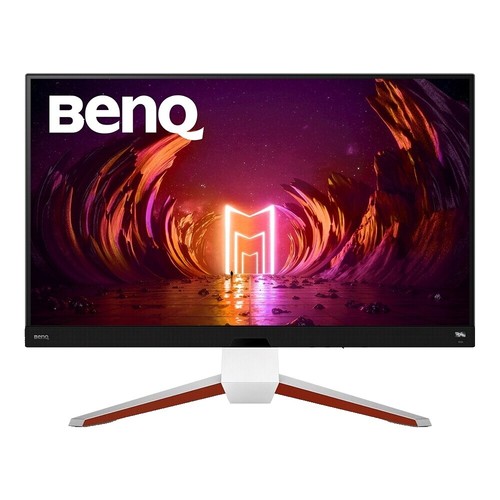
This 34-inch ultrawide from BenQ's PhotoVue line boasts 99% Adobe RGB in a 5120x2160 resolution, perfect for timeline editing and immersive workflows. Dimming hood and 5-star uniformity reduce distractions. Great for multitasking without losing color fidelity.
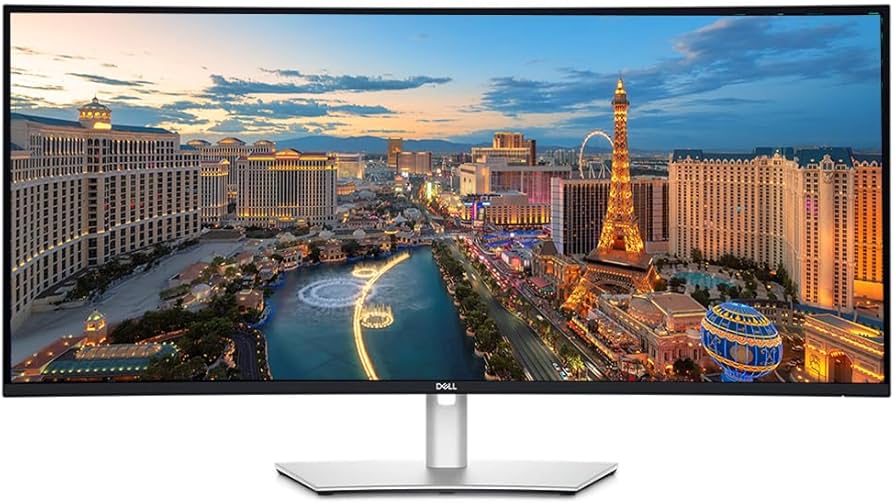
Dell's 40-inch curved beast delivers 5K2K resolution with 100% sRGB/98% DCI-P3 and Thunderbolt hub for daisy-chaining. IPS Black tech boosts contrast to 2000:1 for deeper blacks in edits. Premium choice for expansive workspaces.
Compare key specs and features of all our recommendations side-by-side
| Product | Recommendation | Rating | Price |
|---|---|---|---|
BenQ PD3225U 32-inch 4K UHD IPS Monitor Rank #1 | 🏆 Top Pick | — | Check price → |
Dell S2721QS 27-inch 4K UHD IPS Monitor Rank #2 | 💰 Budget Pick | — | Check price → |
ASUS ProArt PA279CRV 27-inch 4K HDR IPS Monitor Rank #3 | ⭐ Editor's Choice | — | Check price → |
Eizo ColorEdge CG319X 31.1-inch 4K IPS Monitor Rank #4 | — | — | Check price → |
BenQ SW342Q 34-inch 5K2K Ultrawide IPS Monitor Rank #5 | — | — | Check price → |
Dell UltraSharp U4025QW 40-inch 5K2K Curved IPS Monitor Rank #6 | — | — | Check price → |
