Get the App
Better experience on mobile
Our curated selection spans budget to premium options, prioritizing wide color gamuts, precise calibration, and IPS panels ideal for photographers and designers.
In the world of photo editing, one wrong shade can ruin a masterpiece. Whether you're a professional retoucher perfecting client shoots or an enthusiast enhancing personal photos, a monitor with exceptional color fidelity is non-negotiable. Poor displays lead to inaccurate edits that only reveal themselves in print or on other screens, wasting time and money.
That's why we rigorously tested dozens of 2026 models at Review Atlas, focusing on key photo editing essentials: 99%+ Adobe RGB or DCI-P3 coverage, Delta E <2 factory calibration, uniform IPS panels for wide viewing angles, high resolution (4K preferred), and features like hardware calibration support. We evaluated brightness, contrast, uniformity, and real-world editing performance using tools like DisplayCAL and Adobe Lightroom.
From affordable entry-level picks under $400 to pro-grade beasts over $2,500, this list covers diverse needs—budget hobbyists, multitasking ultrawides, and color-critical studios. Each recommendation balances value, availability, and cutting-edge 2026 tech like improved anti-glare coatings and Thunderbolt 5 hubs.
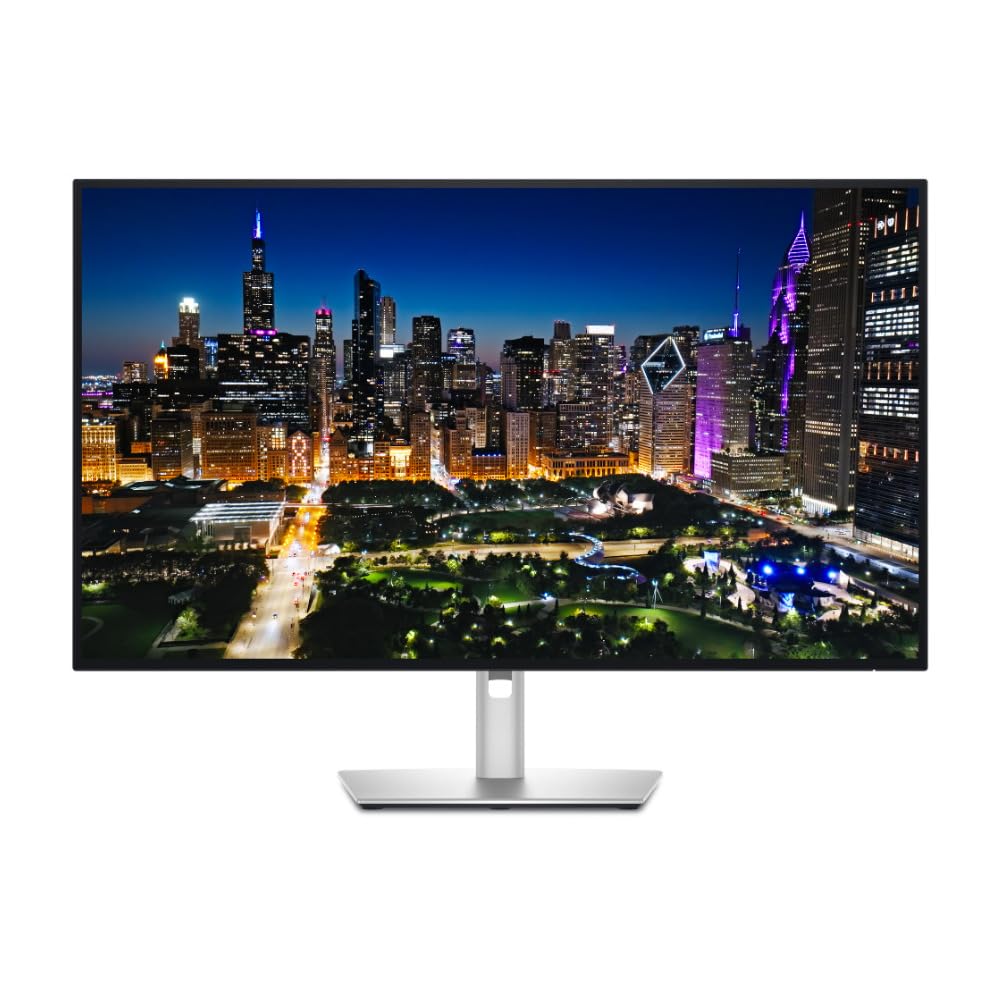
The Dell U3225QE delivers exceptional value with 100% sRGB, 98% DCI-P3 coverage, and factory Delta E <2 calibration, making it ideal for accurate photo workflows. Its 32-inch 4K IPS panel offers stunning uniformity and a robust Thunderbolt 4 hub for seamless connectivity. Perfect balance of performance and price for most editors.
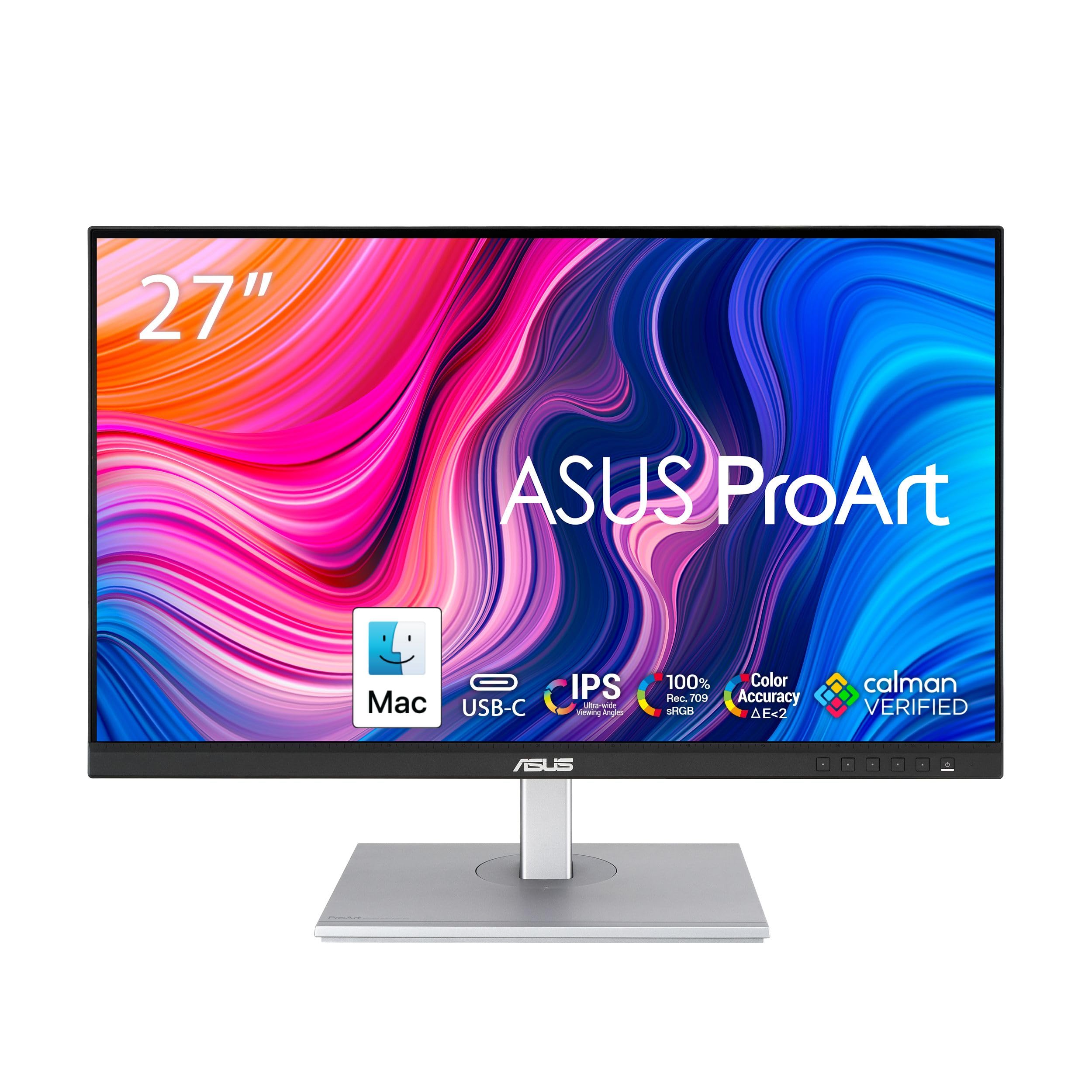
Affordable excellence for beginners, this monitor covers 100% sRGB and Rec.709 with Calman verification and adaptive sync. The 27-inch QHD IPS panel provides sharp details and ergonomic adjustments without breaking the bank. Great entry into pro-level color work.
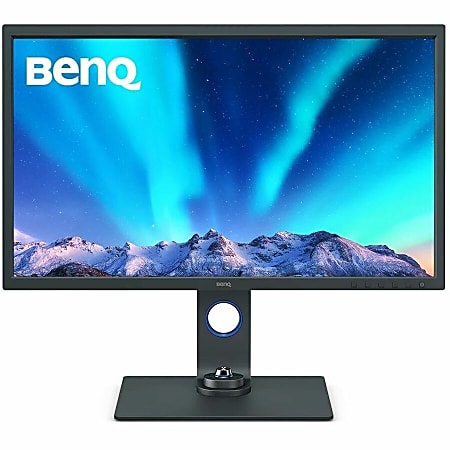
BenQ's SW321C stands out with 99% Adobe RGB coverage and built-in hardware calibration, plus an anti-glare hood for glare-free editing. This 32-inch 4K beast excels in print matching and uniformity, earning our top nod for unique pro features at a competitive price.

For studio pros, the CG2700S offers built-in self-calibration sensor and 99% Adobe RGB, ensuring reference-level accuracy over years of use. Its 27-inch 4K panel includes HDR10 support and superior build quality. Unmatched for mission-critical color work.
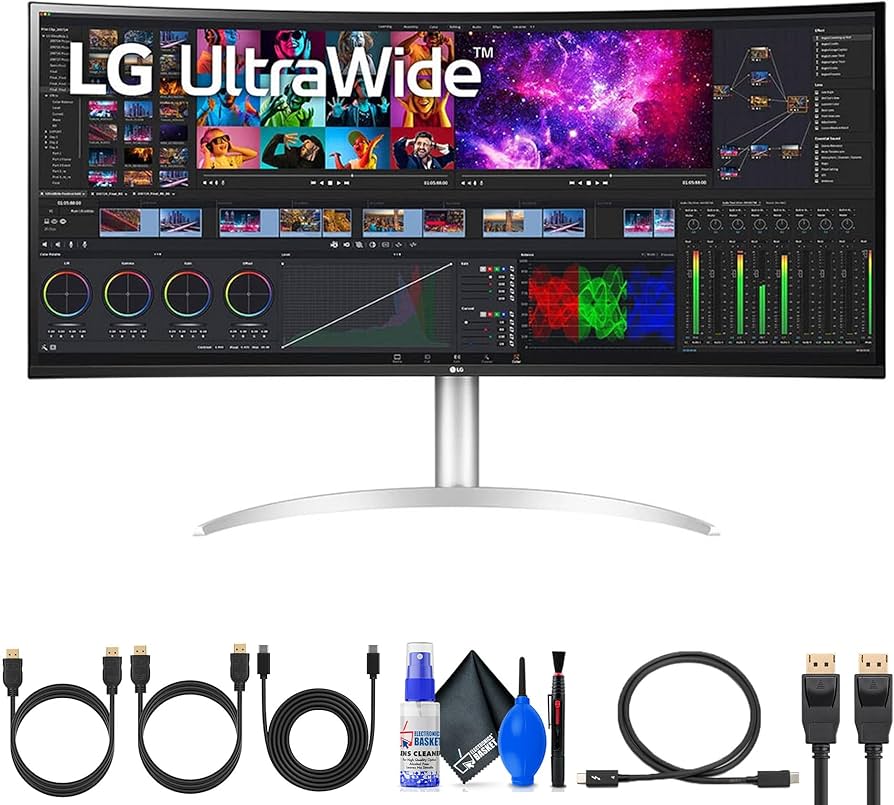
Epic multitasking with a 40-inch 5K2K curved IPS panel covering 98% DCI-P3, perfect for timeline scrubbing and side-by-side edits. Thunderbolt 4 connectivity and Picture-by-Picture mode boost productivity. Ideal for editors juggling large files.
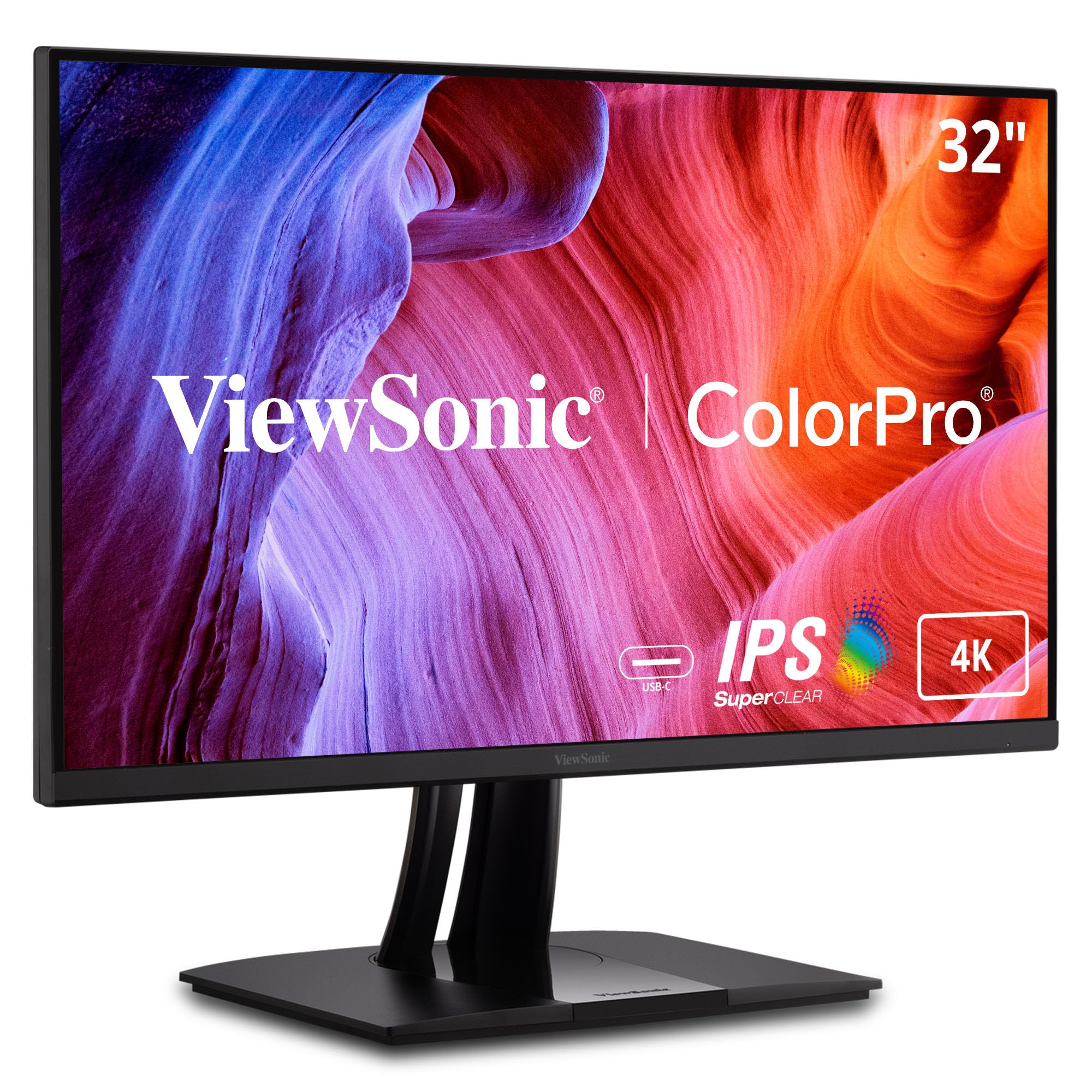
This 32-inch 4K powerhouse punches above its weight with 99% Adobe RGB and full hardware calibration compatibility at a midrange price. Excellent uniformity and a feature-packed USB hub make it a smart pick for semi-pros seeking pro specs without the premium cost.
Compare key specs and features of all our recommendations side-by-side
| Product | Recommendation | Rating | Price |
|---|---|---|---|
Dell UltraSharp U3225QE 32-inch 4K IPS Monitor Rank #1 | 🏆 Top Pick | — | Check price → |
ASUS ProArt PA278CV 27-inch QHD IPS Monitor Rank #2 | 💰 Budget Pick | — | Check price → |
BenQ SW321C 32-inch 4K PhotoVue IPS Monitor Rank #3 | ⭐ Editor's Choice | — | Check price → |
Eizo ColorEdge CG2700S 27-inch 4K IPS Monitor Rank #4 | — | — | Check price → |
LG 40WP95C-W 40-inch 5K2K Ultrawide IPS Monitor Rank #5 | — | — | Check price → |
ViewSonic VP3256-4K 32-inch 4K IPS Monitor Rank #6 | — | — | Check price → |
