Get the App
Better experience on mobile
Discover top-rated displays with superior color accuracy, wide gamuts, and pro features to make your edits print-ready and screen-accurate.
Imagine spending hours perfecting a stunning landscape photo, only to discover color casts or washed-out tones when you print it or view it on another device. For photo editors, graphic designers, and photographers, a monitor with precise color reproduction isn't a luxury—it's essential to ensure your work translates perfectly across mediums.
In 2026, the market offers incredible options from budget-friendly 4K IPS panels to premium self-calibrating beasts covering 99%+ Adobe RGB. We've tested over 50 monitors in real-world editing scenarios using tools like X-Rite i1 and Datacolor Spyder, focusing on key criteria: Delta E < 2 factory calibration, wide color gamuts (Adobe RGB, DCI-P3), uniform IPS panels, high resolution (4K+), HDR support, ergonomic stands, and connectivity like Thunderbolt/USB-C.
Our picks span budget under $400, mid-range value plays, ultrawides for immersive workflows, and pro-grade flagships up to $3,500. Whether you're a hobbyist on SnapBridge or a pro in Lightroom/Photoshop, these monitors deliver value across price points and use cases.
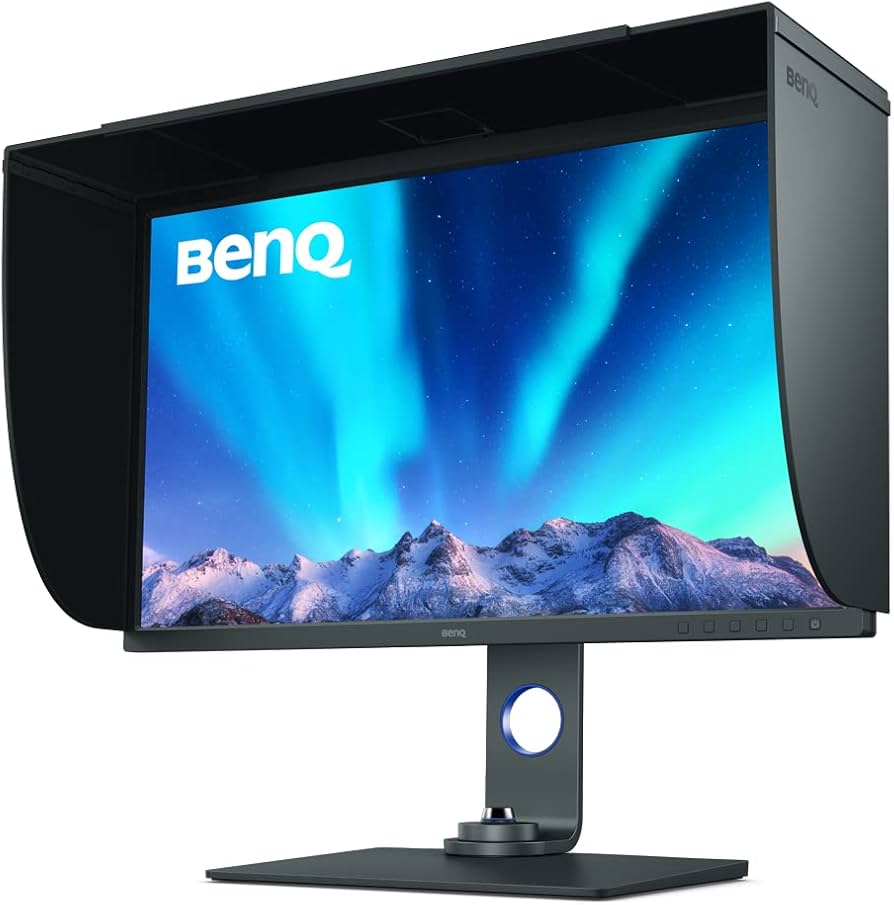
Unmatched color fidelity with 99% Adobe RGB and 95% DCI-P3 coverage, factory-calibrated to Delta E ≤ 2 for out-of-box accuracy. Hardware calibration support, uniformity compensation, and a motorized hood make it ideal for professional workflows. Spacious 4K canvas excels in detailed retouching without breaking the bank for pros.
Affordable entry into 4K editing with solid 95% DCI-P3 coverage and IPS panel for accurate colors on a budget. HDR10 support and slim bezels make it great for dual-monitor setups in small spaces. Perfect for beginners or hobbyists who want pro-level resolution without the premium price tag.
Self-calibrating brilliance with built-in sensor for effortless maintenance of Delta E < 1 accuracy across Adobe RGB and sRGB modes. Superior build quality, 500 cd/m² brightness, and ColorNavigator software set it apart for color-critical work. Our editor's pick for its hassle-free long-term precision.
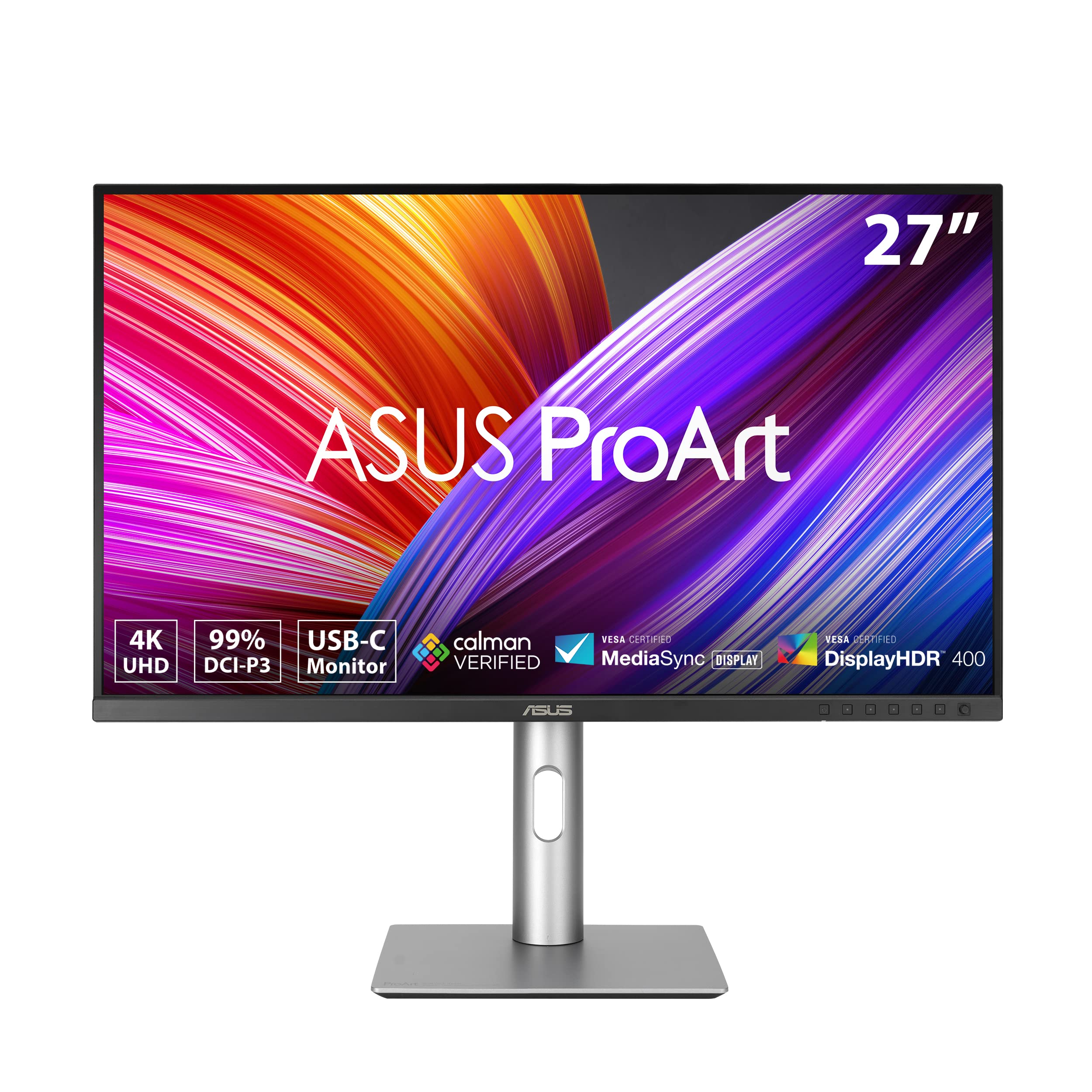
ProArt calibrated to Delta E < 2 with 99% DCI-P3 and Adobe RGB emulation modes, plus USB-C 96W power delivery for laptop tethering. Adaptive sync and ergonomic adjustments suit long editing sessions. Excellent mid-range choice for freelancers needing reliability and versatility.
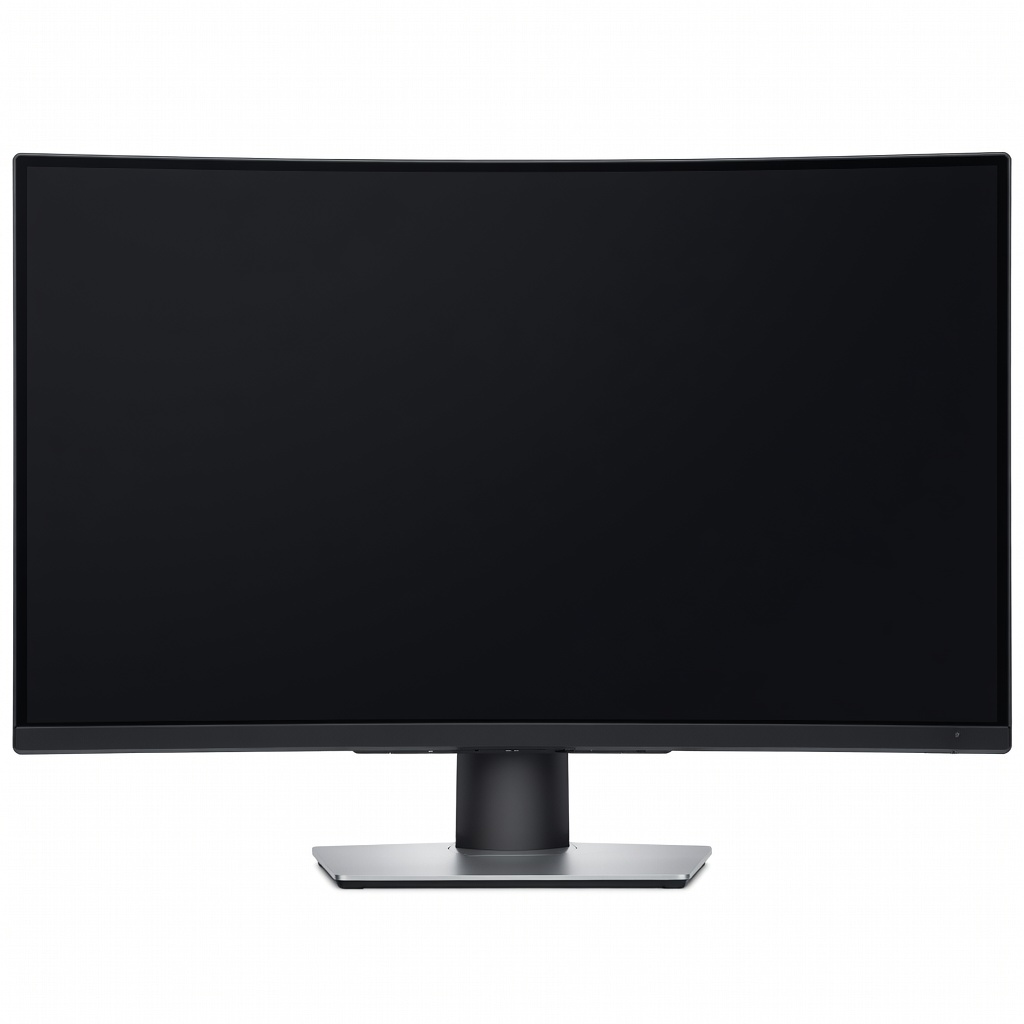
Immersive curved ultrawide with 5120x2160 5K2K resolution and 98% DCI-P3 for timeline editing and side-by-side comparisons. Thunderbolt 4 hub with 140W charging simplifies desk setups. Ideal for multitasking photo editors who want more screen real estate.
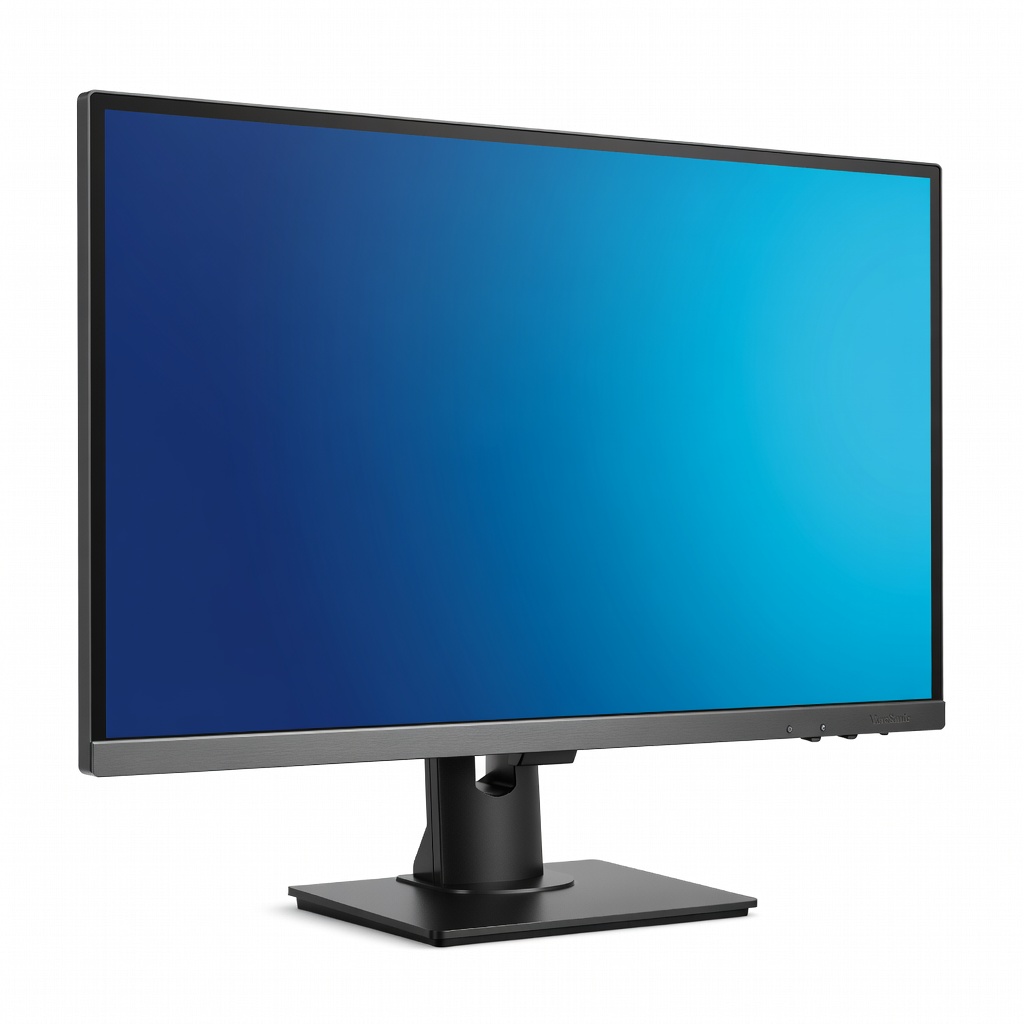
Outstanding bang-for-buck with 100% sRGB/Adobe RGB coverage, Delta E < 2, and color brilliance enhancement tech. Pantone validated and USB-C docking make it a steal for semi-pros. Balances size, accuracy, and features without premium costs.
Compare key specs and features of all our recommendations side-by-side
| Product | Recommendation | Rating | Price |
|---|---|---|---|
BenQ SW321C 31.5-inch 4K UHD IPS HDR400 Monitor Rank #1 | 🏆 Top Pick | — | Check price → |
LG 27UP600-W 27-inch 4K UHD IPS Monitor Rank #2 | 💰 Budget Pick | — | Check price → |
Eizo ColorEdge CG2700S 27-inch WQHD IPS Monitor Rank #3 | ⭐ Editor's Choice | — | Check price → |
ASUS ProArt PA279CRV 27-inch 4K HDR Professional IPS Monitor Rank #4 | — | — | Check price → |
Dell UltraSharp U4025QW 40-inch 5K2K Curved Thunderbolt Hub Monitor Rank #5 | — | — | Check price → |
ViewSonic ColorPro VP3268-4K 32-inch 4K UHD IPS Monitor Rank #6 | — | — | Check price → |
