Get the App
Better experience on mobile
Discover top picks from budget-friendly 27-inch displays to premium 4K and ultrawide options tailored for photographers and designers.
In the world of photo editing, your monitor is your canvas—get it wrong, and your colors will never translate accurately to print or web. Whether you're a professional retoucher perfecting client portraits or a hobbyist enhancing travel shots in Lightroom, a color-accurate display ensures every hue, shadow, and highlight is true-to-life. Poor color reproduction can lead to costly reprints or mismatched online previews, making monitor selection crucial for efficiency and quality.
Our Selection Criteria: We evaluated monitors based on key photo editing essentials: wide color gamuts (Adobe RGB and DCI-P3 coverage), factory calibration with hardware support, IPS panels for wide viewing angles, high resolution for detail work, uniformity, and anti-glare coatings. Real-world testing included Delta E <2 accuracy, calibration stability, and workflow integration with Adobe Suite, Capture One, and more. All picks are available in 2026 with proven track records.
From budget options under $400 for beginners to pro-grade beasts over $2,500, this list covers diverse sizes (27-40 inches), resolutions (QHD to 5K), and use cases like ultrawide multitasking or compact desks. We've mixed trusted brands like BenQ and Eizo with value alternatives for every budget.
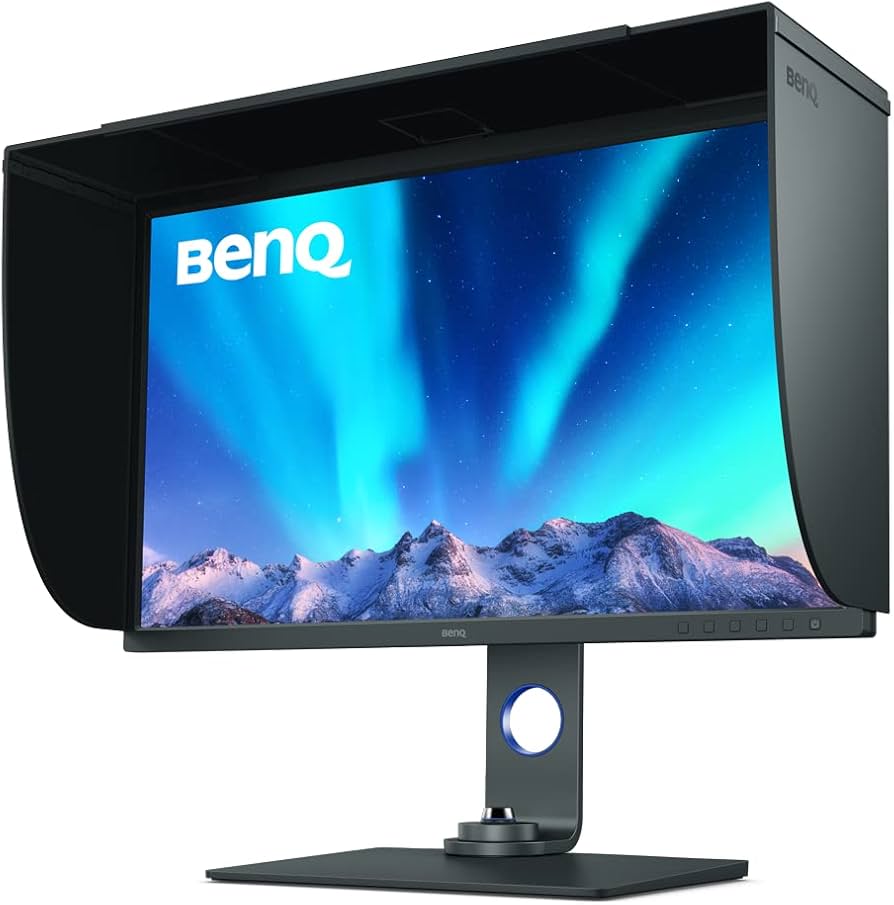
The gold standard for photo editors. This monitor delivers 99% Adobe RGB coverage, hardware calibration via Palette Master Ultimate, and a 4K resolution for pixel-perfect editing. Its shading hood and uniformity tech minimize distractions, making it ideal for long sessions.
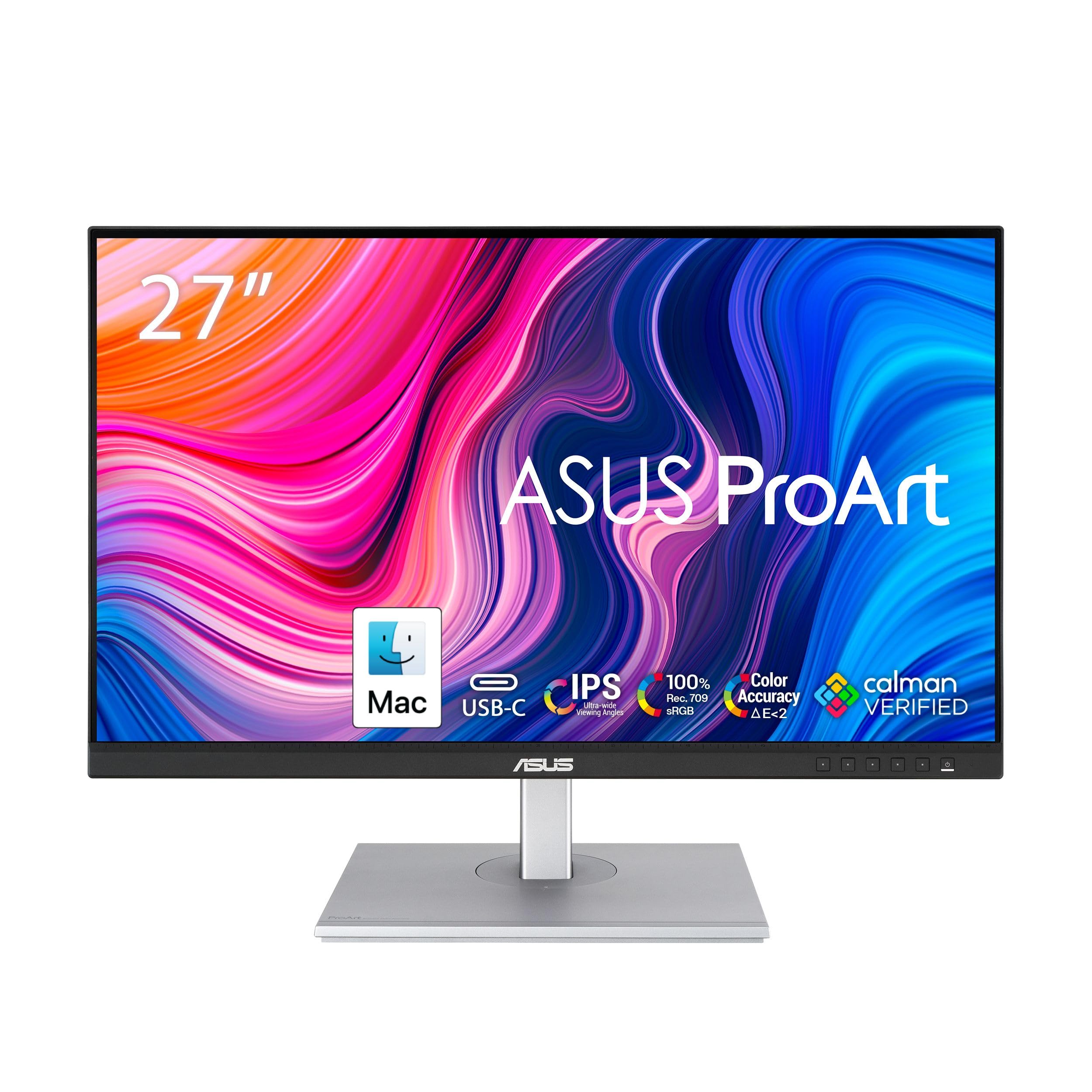
Affordable entry into pro color work. Calman Verified with 100% sRGB and 100% Rec.709, it offers excellent value for beginners. The ergonomic stand and USB-C docking make it a versatile daily driver without breaking the bank.
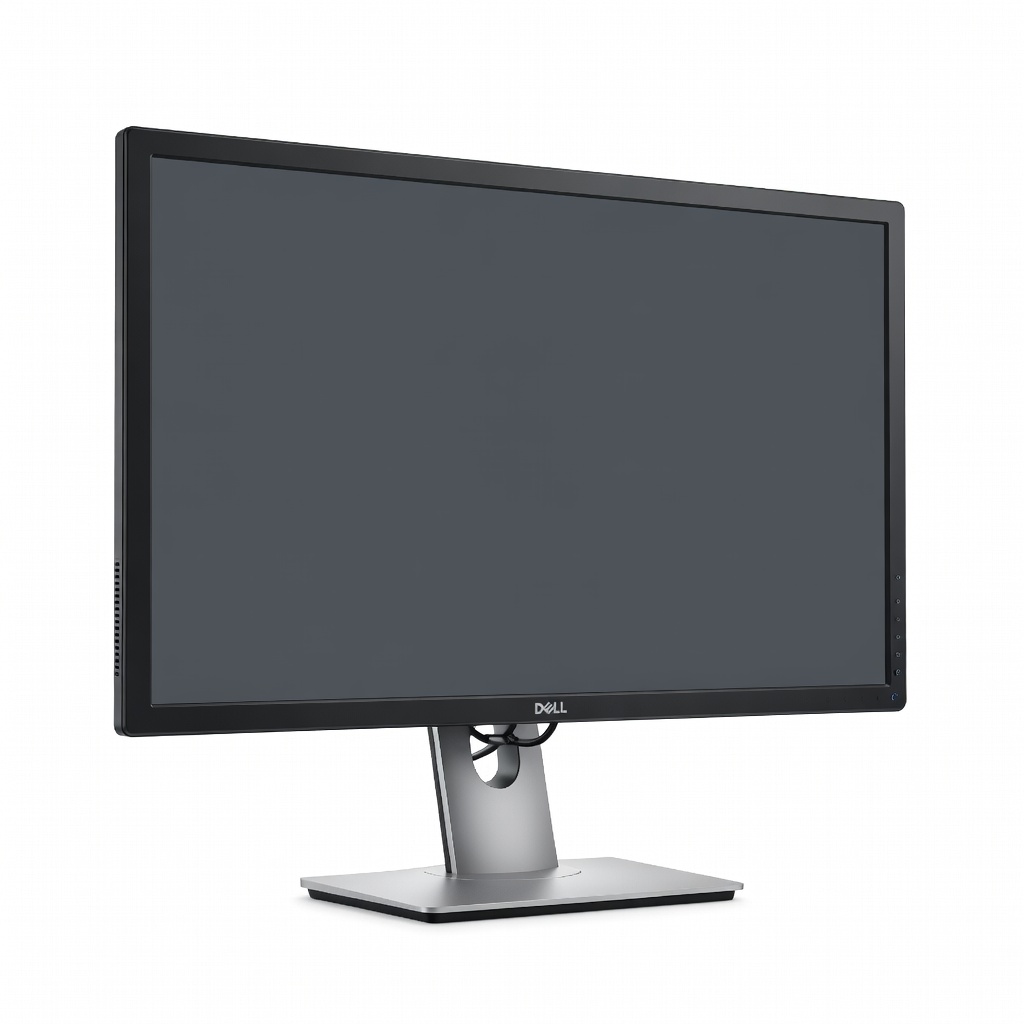
Unique hub functionality with pro accuracy. Its 98% DCI-P3 and built-in KVM switch streamline multi-device setups, while 4K sharpness excels in detail-oriented edits. A standout for its connectivity and value in a compact form.
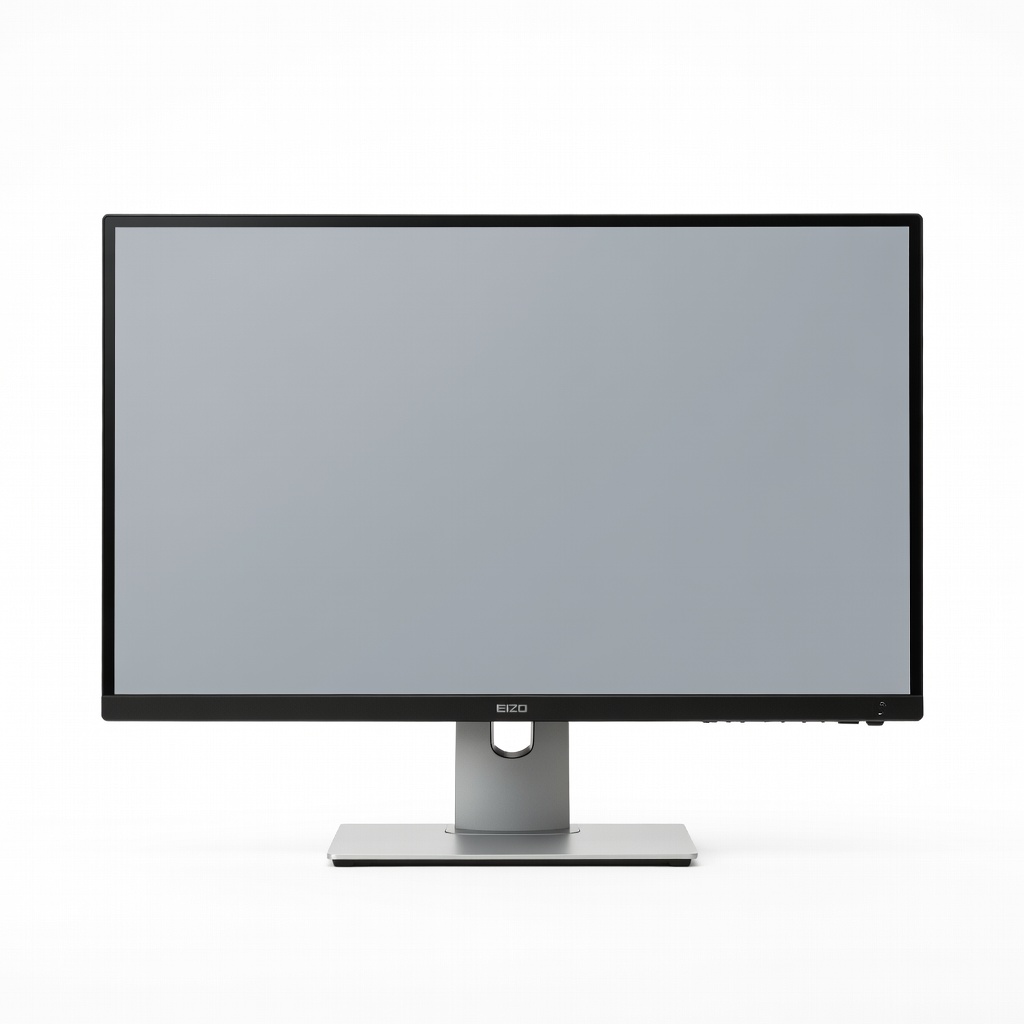
Unmatched precision for studio pros. Built-in calibration sensor ensures consistent accuracy over years, with 99% Adobe RGB and CAD/CAM modes. Its color management engine handles the toughest printing workflows flawlessly.
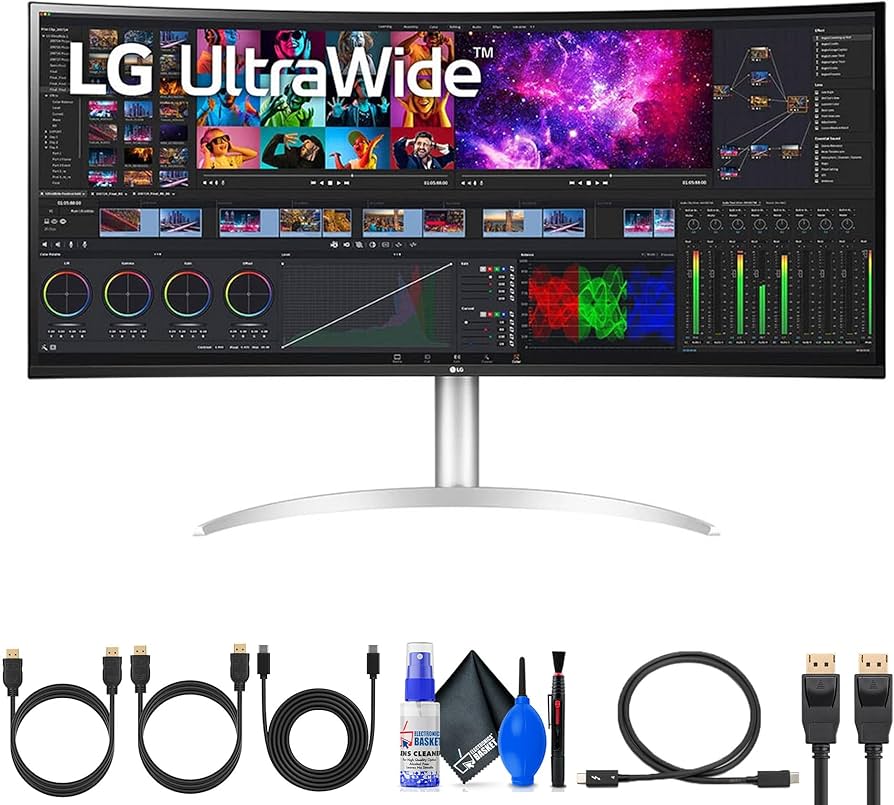
Expansive canvas for immersive editing. 98% DCI-P3 coverage across its 5120x2160 panel supports timeline scrubbing and multi-app workflows. Thunderbolt 4 docking adds pro connectivity for Mac users.
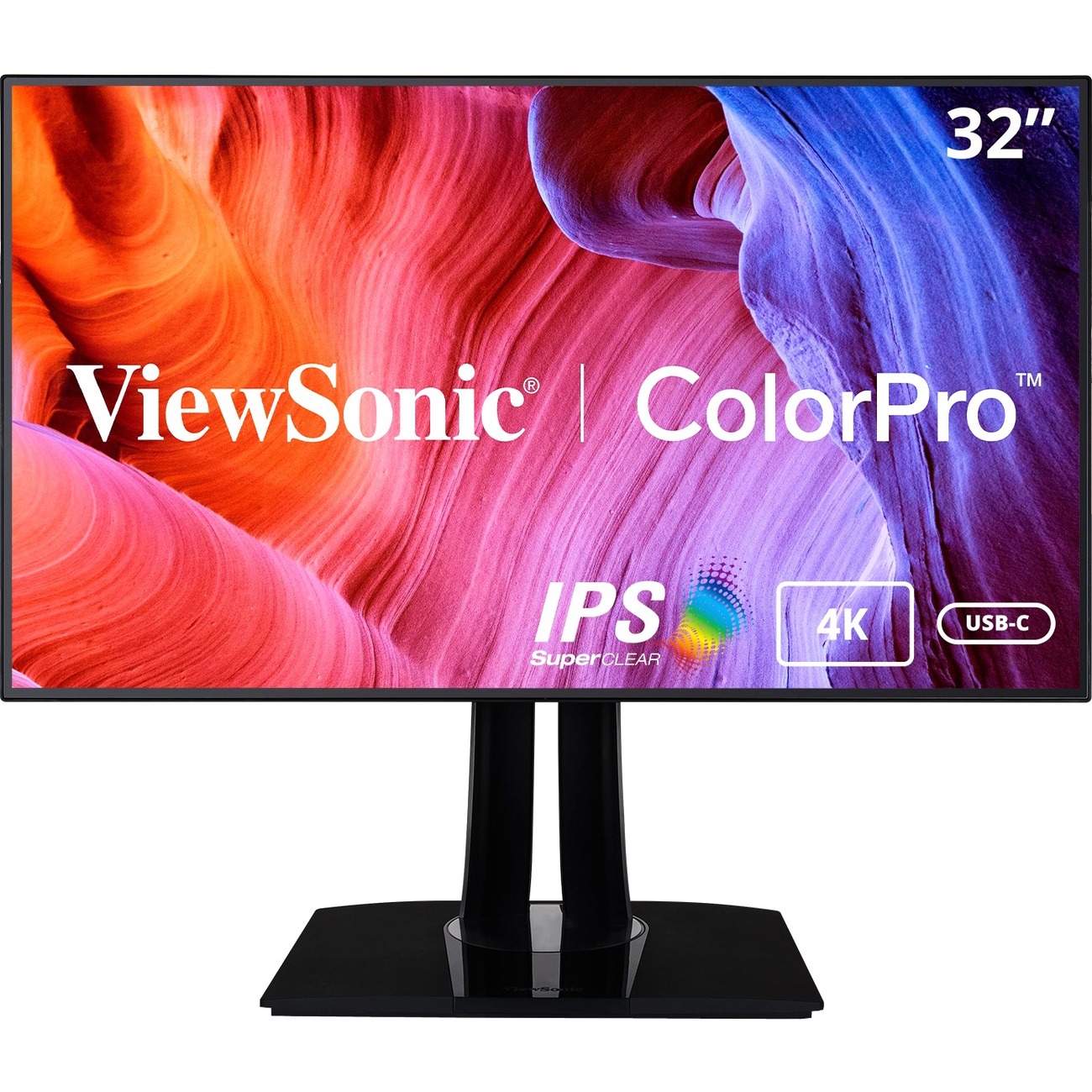
Generous 32-inch real estate at mid-range pricing. 99% Adobe RGB with hardware calibration support offers pro features affordably. Perfect balance of size, color, and ports for growing workflows.
Compare key specs and features of all our recommendations side-by-side
| Product | Recommendation | Rating | Price |
|---|---|---|---|
BenQ SW321C 31.5-inch 4K IPS PhotoVue Monitor Rank #1 | 🏆 Top Pick | — | Check price → |
ASUS ProArt Display PA278CV 27-inch QHD IPS Monitor Rank #2 | 💰 Budget Pick | — | Check price → |
Dell UltraSharp U2723QE 27-inch 4K IPS Monitor Rank #3 | ⭐ Editor's Choice | — | Check price → |
Eizo ColorEdge CG2700X 27-inch WQHD IPS Monitor Rank #4 | — | — | Check price → |
LG 40WP95C-W 40-inch 5K2K Ultrawide IPS Monitor Rank #5 | — | — | Check price → |
ViewSonic ColorPro VP3266-4K 32-inch 4K IPS Monitor Rank #6 | — | — | Check price → |
